- Age rating4+
- CategoryUtilities
- Developervalo.media
- LanguagesEnglish
- Size3.7 MB
Links to the official App Store page
Download.org hosts no file of Neo Keyboard. The button opens its official App Store page, published by valo.media. Listing last checked on Nov 17, 2026.
Screenshots
About
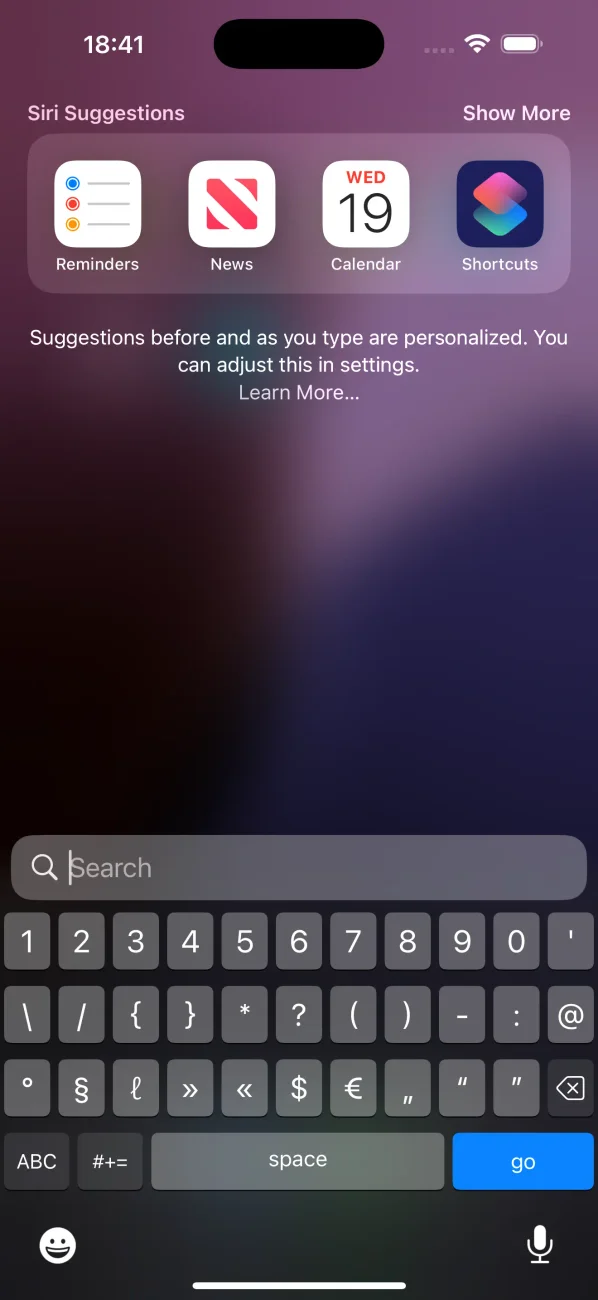
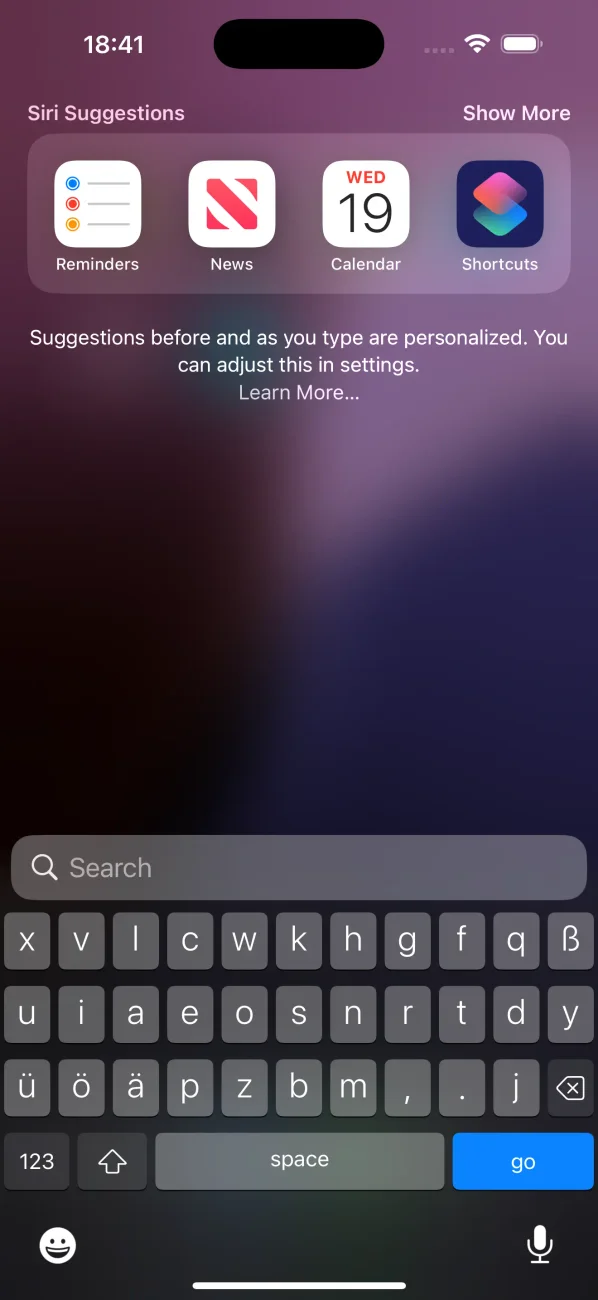
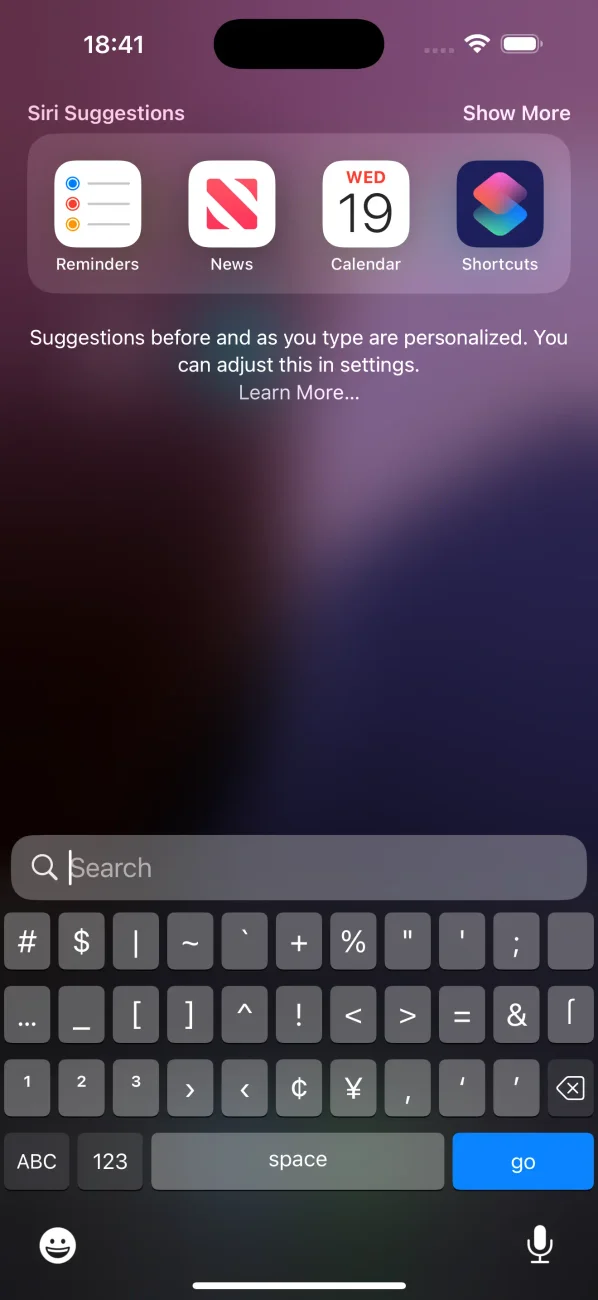
This is an implementation of the Neo keyboard layout for iOS. Since Neo wasn't designed to be used on small touch screens, a direct port of the desktop layout wouldn't be very useful. Instead, this port adapts the layout, taking cues from Apple's implementation of the QWERTY-layout (see screenshots for the exact layout).
This project is in an early stage. It is fully functional and ready to be used, but it doesn't yet implement any equivalent of layers 5 and 6 of the Neo layout. There also isn't any autocompletion, or autocorrection. These things might be released in future updates, but there is no timeline.
The project is open source, so if there is something you'd like to see, feel free to add it yourself. If you add something useful, you can also open a Pull Request for your changes to be merged into the App Store version.
What’s new
Version 1.0.7 · Oct 17, 2025
* Update KeyboardKit to v9.8.0
App privacy
What valo.media declares on the App Store about how this app handles data.
-
Data not collected
The developer does not collect any data from this app.
Privacy practices may vary, for example with the features you use or your age.
Information
- Seller
- valo.media GmbH
- Category
- Utilities
- Version
- 1.0.7
- Updated
- Oct 17, 2025
- Released
- Mar 26, 2025
- Size
- 3.7 MB
- Requires
- iOS 15.2 or later
- Age rating
- 4+
- Price
- Free
- Languages
- English
- Copyright
- © 2023-2025 Jean-Pierre Höhmann
You might also like
-
 TypeFlow: Smart KeyboardSmart Typing & Urdu - English
-
 SweetKeyboard ProUtilities
-
 ARC Type KeyboardUltimate Productivity Tool
-
 TMK KeyboardShan, Myanmar & Tai Keyboard
-
 Keyboard Lab: CanvasUtilities
-
 VersaKey: Custom iOS KeyboardFlick for numbers and symbols
-
 EFKey – Swipe & AI KeyboardTranslate, dictate, gestures
-
 xKeyboard - Custom KeyboardCustom Layout & Key
-
 Clink: Custom KeyboardsThemes, fonts & swipe typing
-
 LED Keyboard - Fonts & ThemesRGB & Neon - Custom Keyboard