- Age rating4+
- CategoryUtilities
- DeveloperMalook Shah
- LanguagesEnglish
- Size3.6 MB
Links to the official App Store page
Download.org hosts no file of TypeFlow: Smart Keyboard. The button opens its official App Store page, published by Malook Shah. Listing last checked on Nov 14, 2026.
Screenshots


About
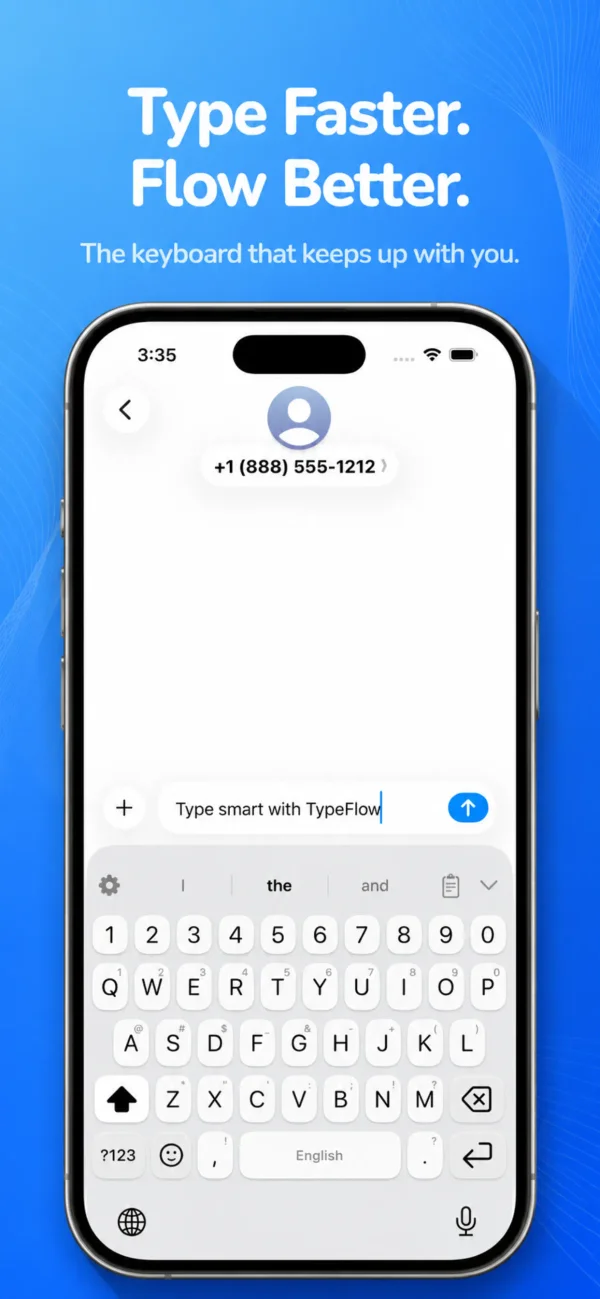
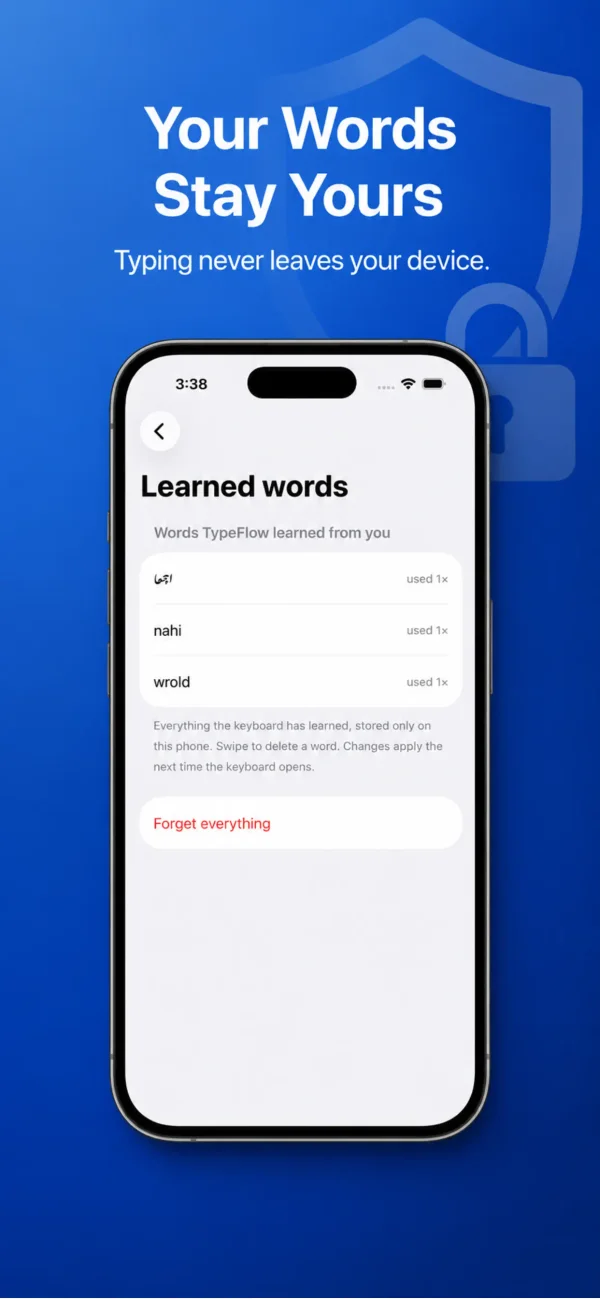
ypeFlow is the keyboard that keeps up with you. Swipe through letters to type entire words, tap with satisfying precision, and make your keyboard truly yours — all while your data stays on your device.
WHY TYPEFLOW
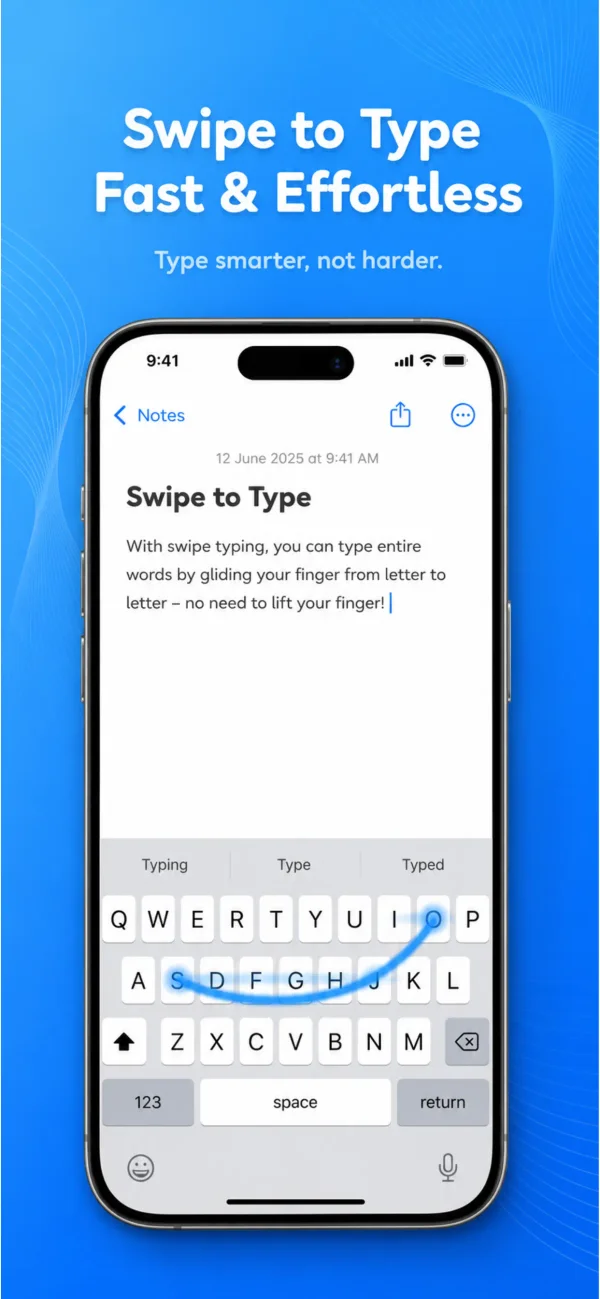
• Swipe to type — glide your finger through the letters and TypeFlow does the rest
• Fast and responsive — built to feel instant, with zero lag
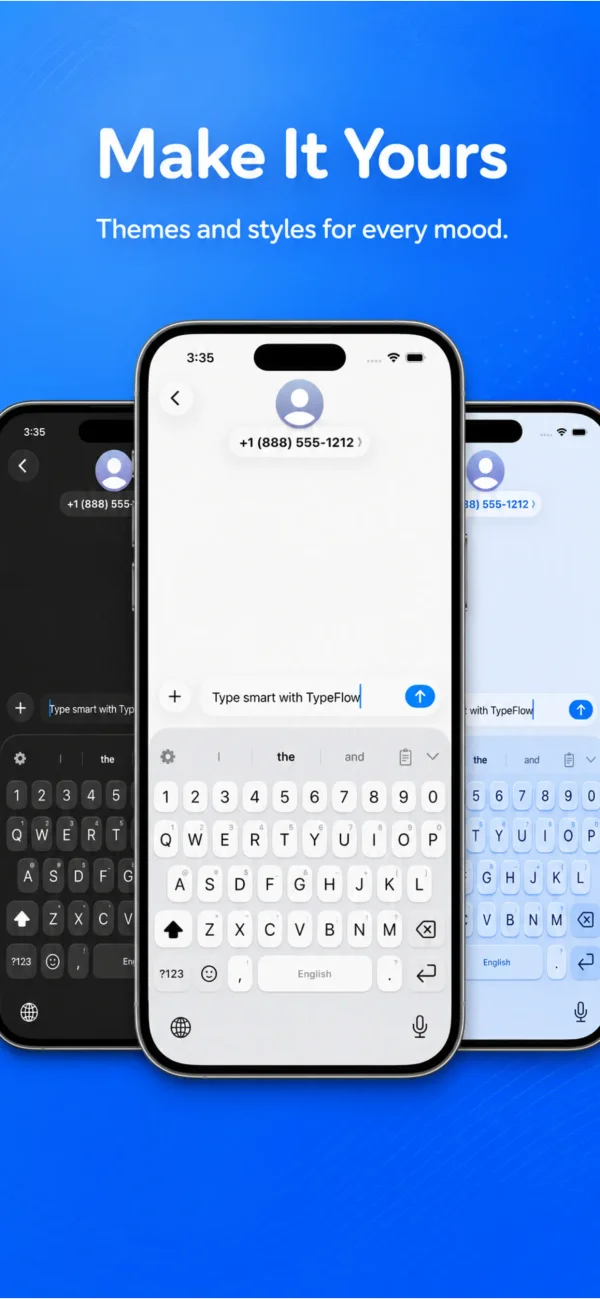
• Themes and styles — match your keyboard to your mood
• Fine-tune everything — haptics, sounds, auto-correct, and more
• Works everywhere — Messages, Notes, Mail, and every app you type in
PRIVATE BY DESIGN
Your words belong to you. TypeFlow processes everything on your device — no keystrokes are ever collected, stored, or sent anywhere.
EASY SETUP
Open TypeFlow and follow the setup guide
Enable TypeFlow in Settings → General → Keyboard
Switch to TypeFlow and start typing
Questions or feedback? We'd love to hear from you support.codebage@gmail.com
App privacy
What Malook Shah declares on the App Store about how this app handles data.
-
Data not collected
The developer does not collect any data from this app.
Privacy practices may vary, for example with the features you use or your age.
Information
- Seller
- Malook Shah
- Category
- Utilities
- Version
- 1.0.0
- Updated
- Jul 21, 2026
- Released
- Jul 20, 2026
- Size
- 3.6 MB
- Requires
- iOS 17.0 or later
- Age rating
- 4+
- Price
- Free
- Languages
- English
- Copyright
- © @ 2026 codeBage
You might also like
-
 ARC Type KeyboardUltimate Productivity Tool
-
 SweetKeyboard ProUtilities
-
 VersaKey: Custom iOS KeyboardFlick for numbers and symbols
-
 Skeyboard - Custom KeyboardFully customizable keyboard
-
 AltKeys AI keyboardKeyboard
-
 KeyFX: Keyboard for MagiciansThe mentalist's keyboard
-
 EFKey – Swipe & AI KeyboardTranslate, dictate, gestures
-
 Swipeys KeyboardOne thumb, no row hunting.
-
 Professionally Writer KeyboardAI Writing, Translation, Tone
-
 Quick Kibo: Custom KeyboardFast Typing, Clipboard, Themes