- Age rating4+
- CategoryProductivity
- DeveloperNeoLAB Convergence Inc
- LanguagesFrench+ 6 more
- Size884.5 MB
Links to the official App Store page
Download.org hosts no file of Neo Studio 2. The button opens its official App Store page, published by NeoLAB Convergence Inc. Listing last checked on Nov 12, 2026.
Screenshots

About
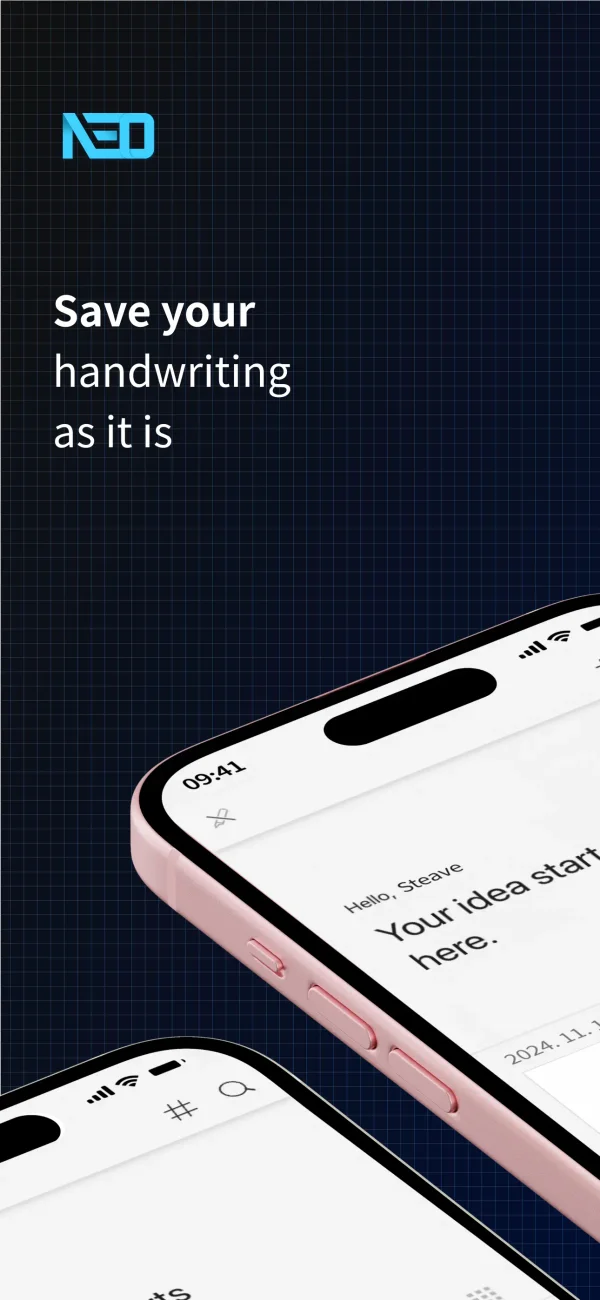
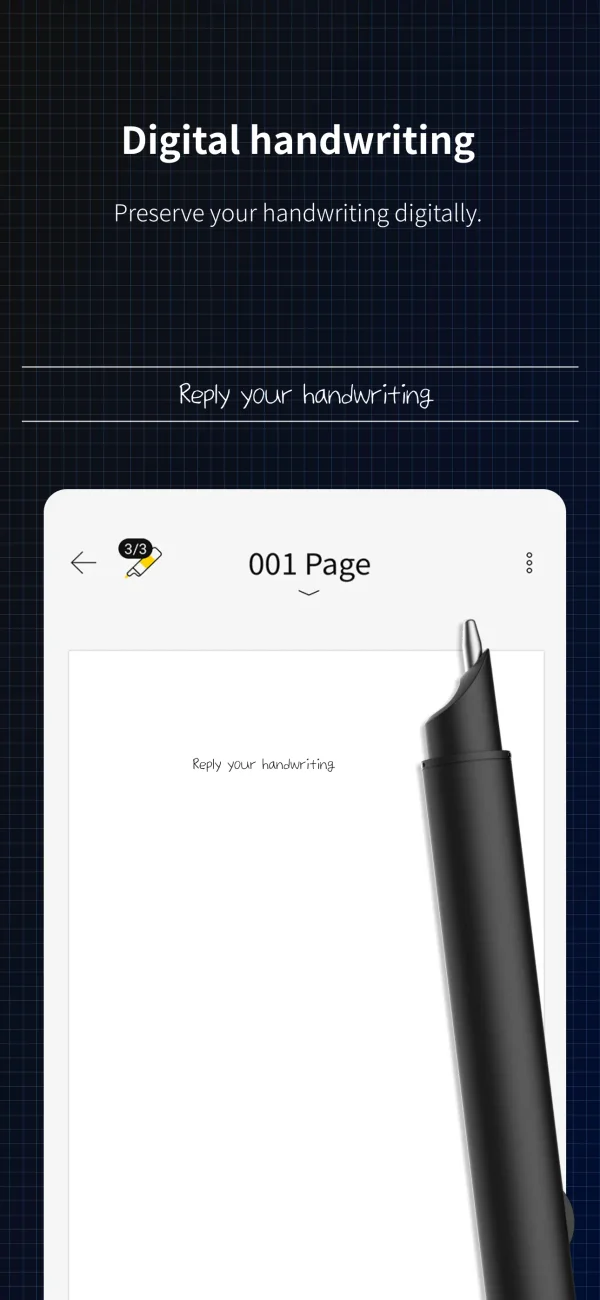
A note-taking app that digitizes handwriting on paper.
Reborn as the dedicated application for Neo Smartpen: Neo Studio 2!
Experience the improved Neo Studio 2 with a more convenient and streamlined note-taking environment, expanding the handwriting paradigm.
#Introduction of Main Features
[Page View]
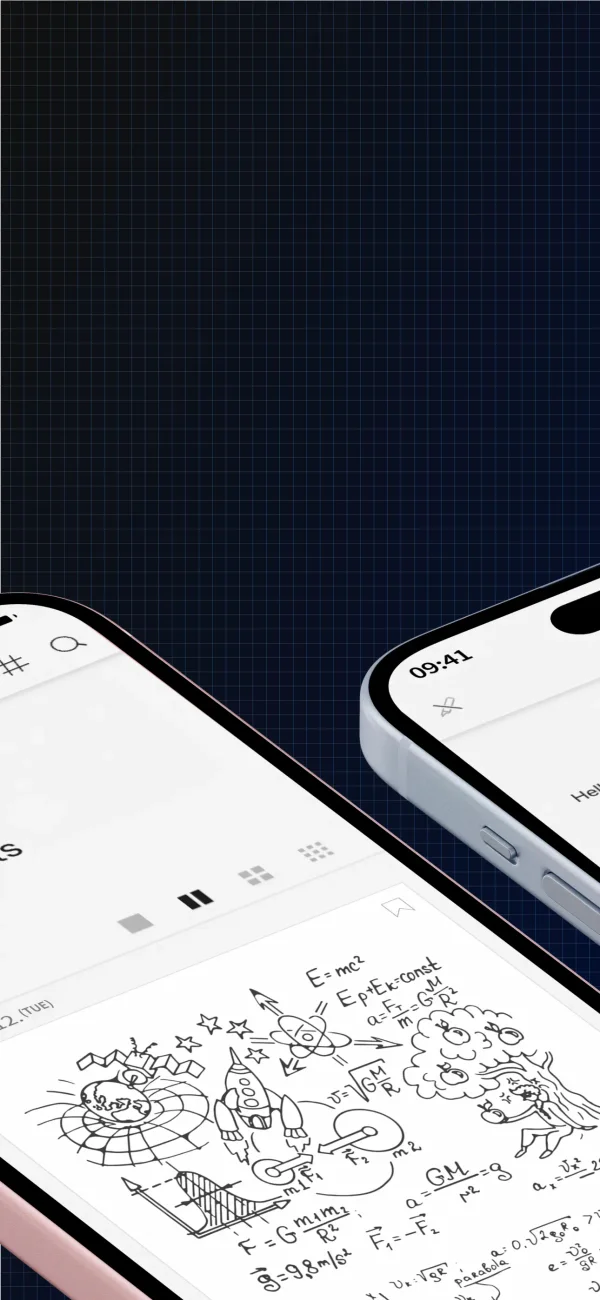
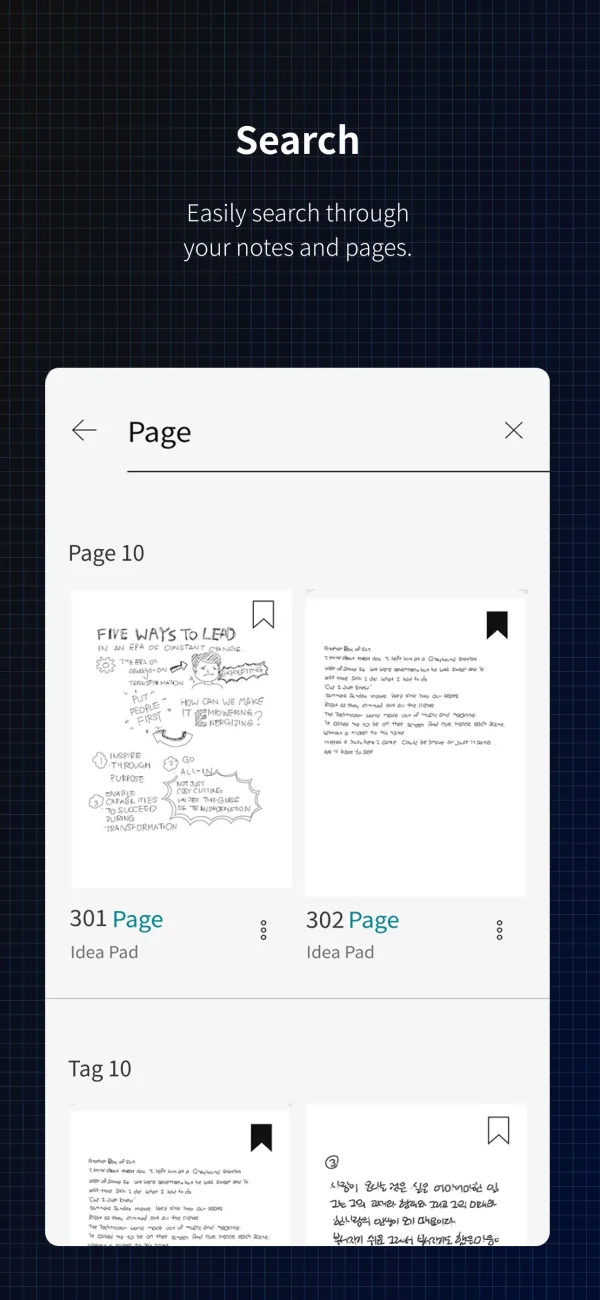
Now you can scroll through the timeline with a single page view. You can easily check your handwritten notes without entering a detailed page.
[Text Extraction]
The previous 'Handwriting Recognition' function has been renamed to 'Text Extraction.' It has also been changed to a button at the bottom right of the handwriting detail page, allowing you to instantly convert your handwritten content into text.
[Lasso Tool]
In the handwriting detail page, you can select specific areas with the Lasso Tool for text extraction or to share only the selected area.
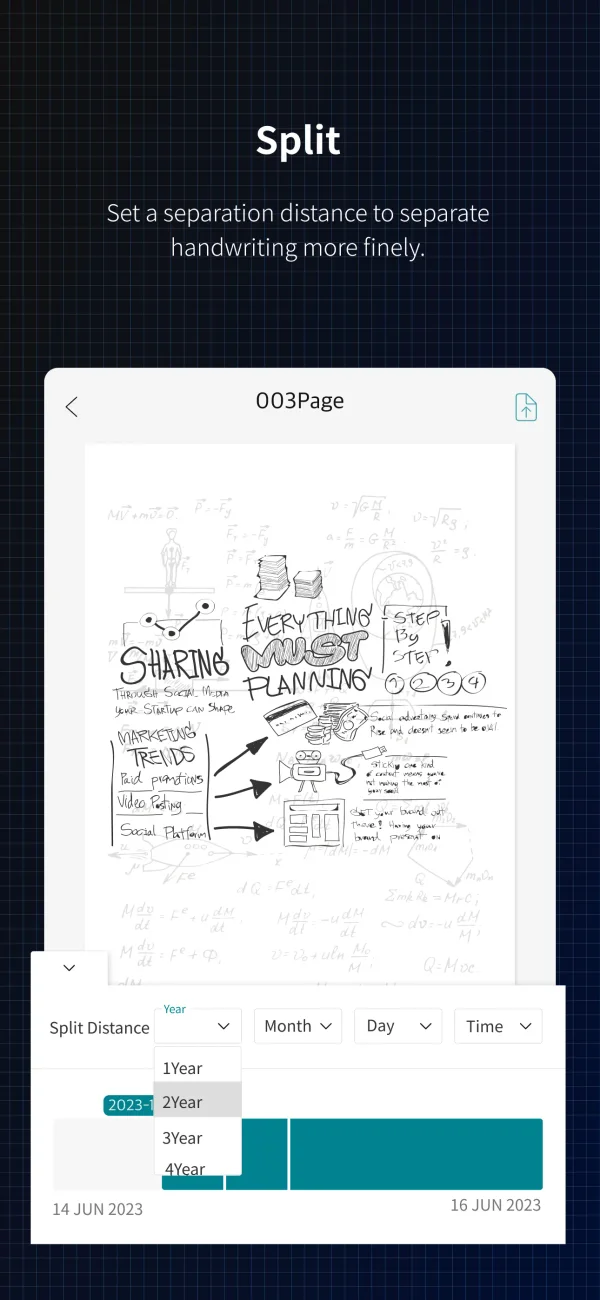
[Split]
Now overlapping handwriting is automatically separated. This addresses the issue of choosing the right time of overlapping notes, allowing you to isolate them and then automatically separate into the same notebook as the first writing.
[Connect Only This Pen]
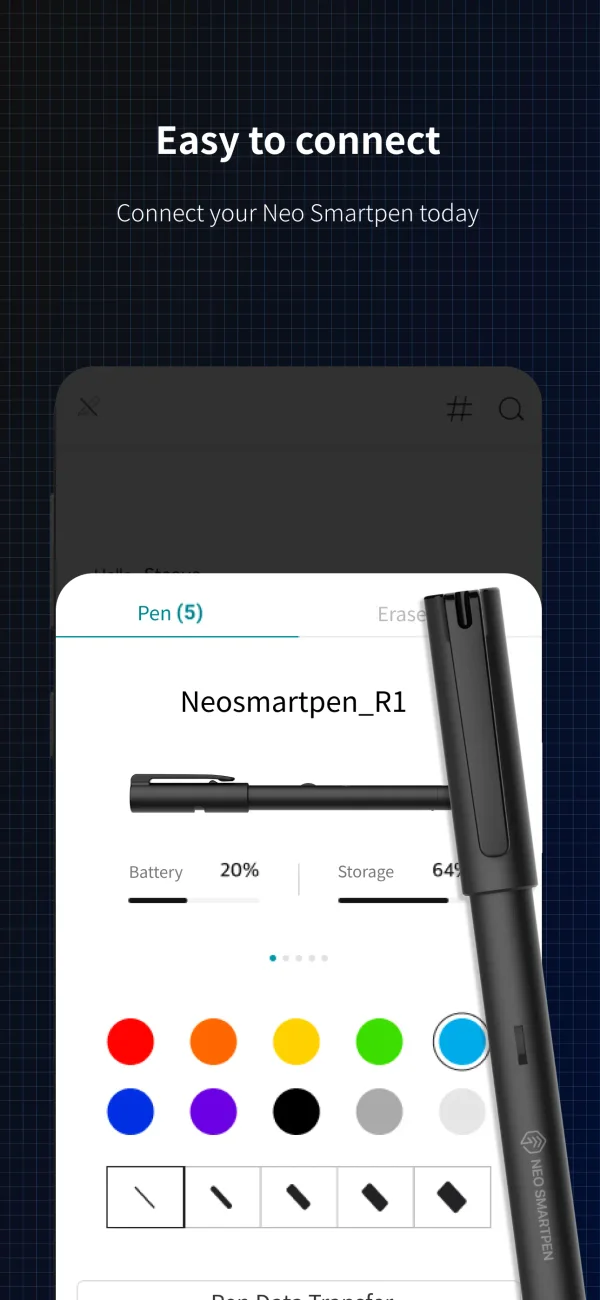
If other smart pens are on, they may automatically connect to the app, but now you can focus on one pen, adding this feature to boost concentration.
[Synchronization]
Synchronization is now done in real-time without manual intervention, so you can log in with your existing account on any device, and your handwritten data will be reflected automatically.
[Compatible Smartpens for Neo Studio]
Neo Smartpen A1 (NWP-F151), Neo Smartpen R1 (NWP-F40), Neo Smartpen R1(NWP-F45-NC), Neo Smartpen M1 (NWP-F50), Neo Smartpen M1+ (NWP-F51), Neo Smartpen N2 (NWP-F121C), Neo Smartpen dimo (NWP-F30), LAMY Sadari all black ncode (NWP-F80)
[Service Access Permission Information]
- Bluetooth: Used to connect smart pens and devices through Bluetooth.
- Photo permission: Used to set notebook covers with personal photos or save shared files to the device.
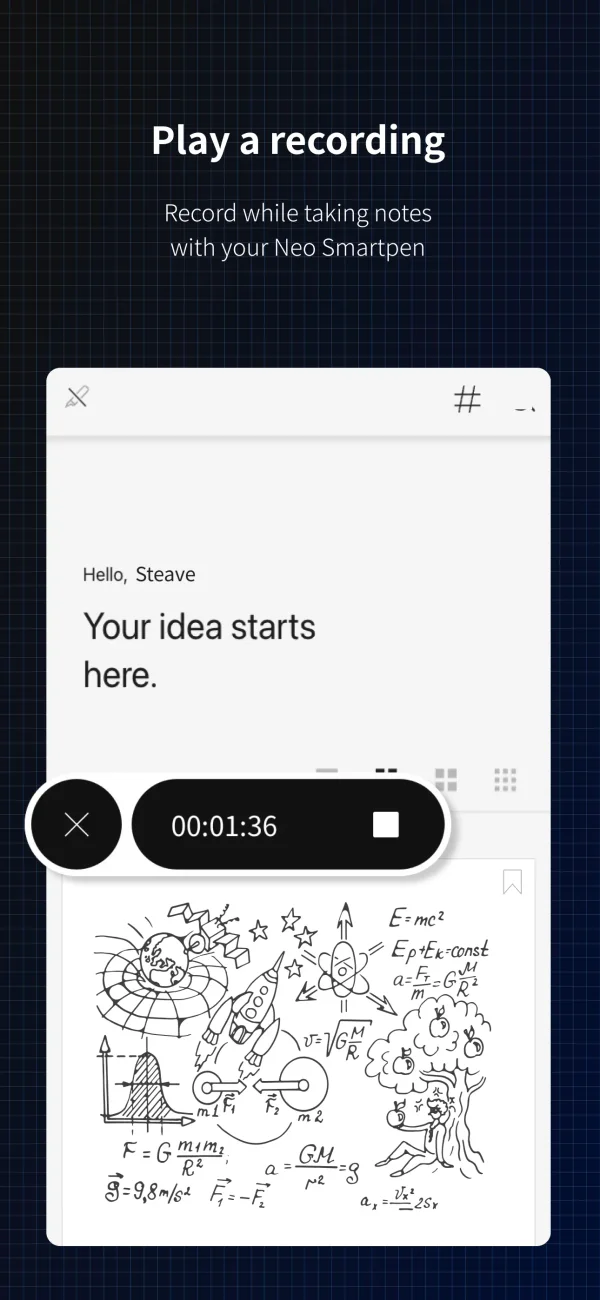
- Audio recording and microphone: Used for voice recording in Neo Studio 2.
* If you don't agree to these permissions, some features of the service might not function properly.
* The Neo Studio 2 app's access permissions are compatible with iOS 16 or later versions.
[Service Access Permissions Guide]
Bluetooth: Used to connect the smartpen and device
Photo access: Used to set personal photos as notebook covers or to save shared files to the device
Audio recording & microphone: Used for the voice recording feature of Neo Studio 2
Some features may not function properly if permissions are not granted.
Neo Studio 2 requires iOS 16 or later.
What’s new
Version 1.1.7 · Nov 4, 2026
1. Fixed handwriting recognition issues for Hindi
2. Fixed issues with background recording
3. Other app optimizations
App privacy
What NeoLAB Convergence Inc declares on the App Store about how this app handles data.
-
Data not collected
The developer does not collect any data from this app.
Privacy practices may vary, for example with the features you use or your age.
Information
- Seller
- NeoLAB Convergence
- Category
- Productivity
- Version
- 1.1.7
- Updated
- Nov 4, 2026
- Released
- Mar 8, 2024
- Size
- 884.5 MB
- Requires
- iOS 16.0 or later
- Age rating
- 4+
- Price
- Free
- Languages
- French, German, Japanese, Korean, Simplified Chinese, Spanish, Traditional Chinese
- Copyright
- © NeoLAB Convergence Inc.
You might also like
-
 inqReal ink on paper, digitized
-
 Moleskine NotebooksNotes from Paper to Digital
-
 XNote AIIncrease Your Productivity
-
 NEWYESProductivity
-
 Flowtica: AI Note TakerConversations to Next Steps
-
 Ophaya Pro+Productivity
-
 Nuwa+Productivity
-
 DEVONthink To Go 4Document & Information Manager
-
 HiNotes by HiDockProductivity
-
 Limitless AI Voice RecorderTranscribe Meetings & Notes