XNote AI
Increase Your Productivity
Designed for iPhone, iPad
Free · In-app purchases
- Age rating4+
- CategoryProductivity
- DeveloperXNote, Inc.
- LanguagesEnglish+ 28 more
- Size134.1 MB
Links to the official App Store page
Download.org hosts no file of XNote AI. The button opens its official App Store page, published by XNote, Inc. Listing last checked on Nov 14, 2026.
Screenshots


About
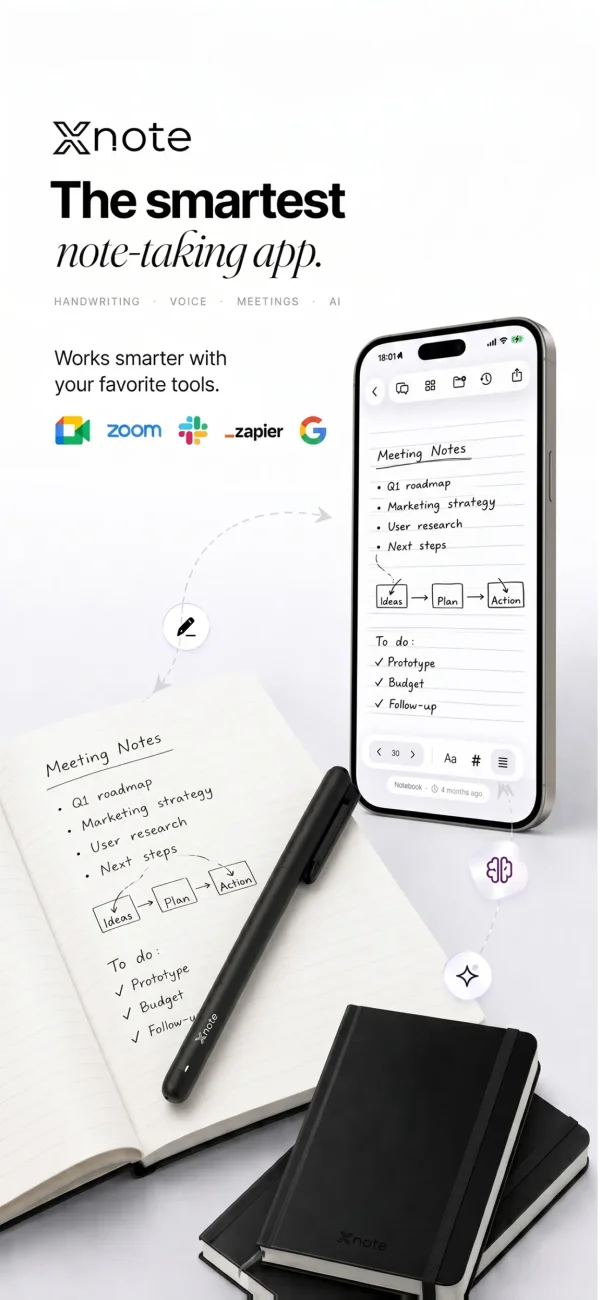
Write on paper, keep it digital. The XNote app works with the XNote smart pen and XNote paper: what you write by hand appears in the app as you write, ready to search, summarize and share.
What you can do
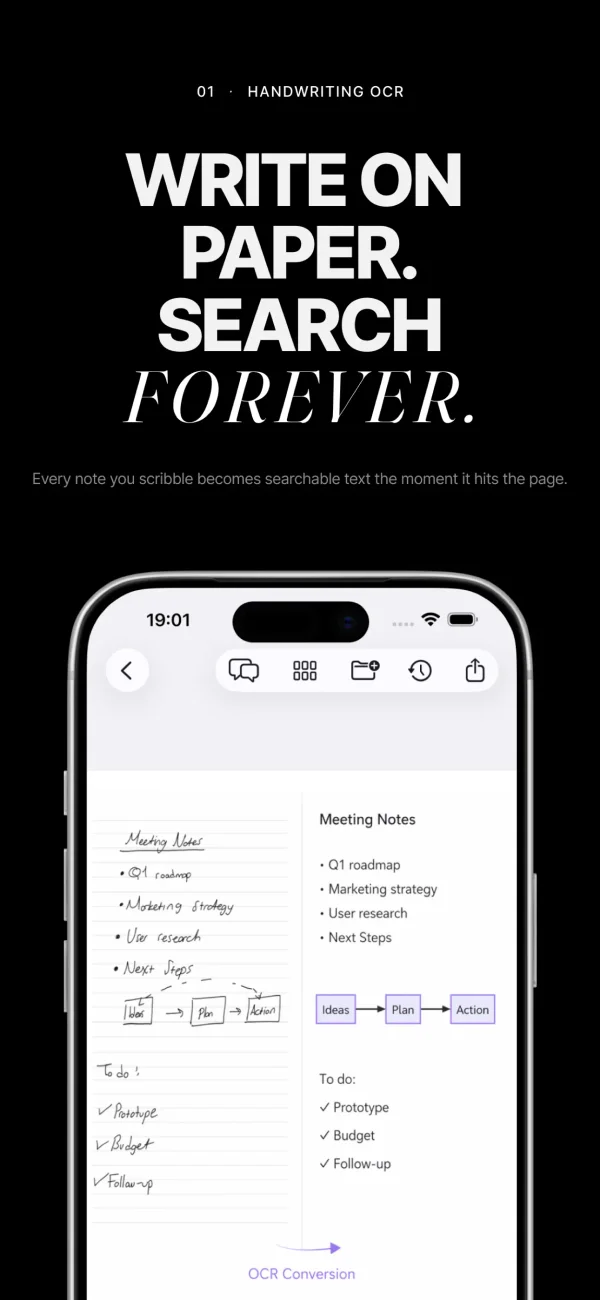
• Handwriting-to-text: Turn your handwritten pages into text you can search, copy and edit, including tables and diagrams.
• Write without your phone: The pen keeps the pages you write and sends them to the app the next time it connects.
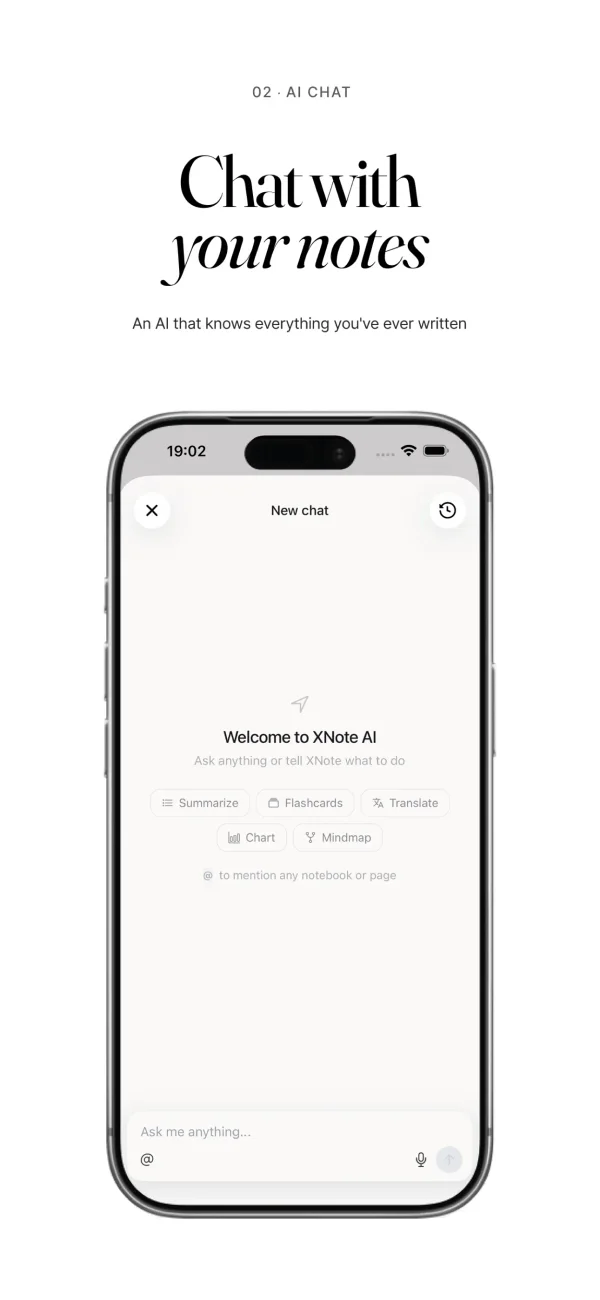
• AI summaries and chat: Get a summary of a page, ask questions about your notes and turn them into tasks. AI chat is included, with usage limits.
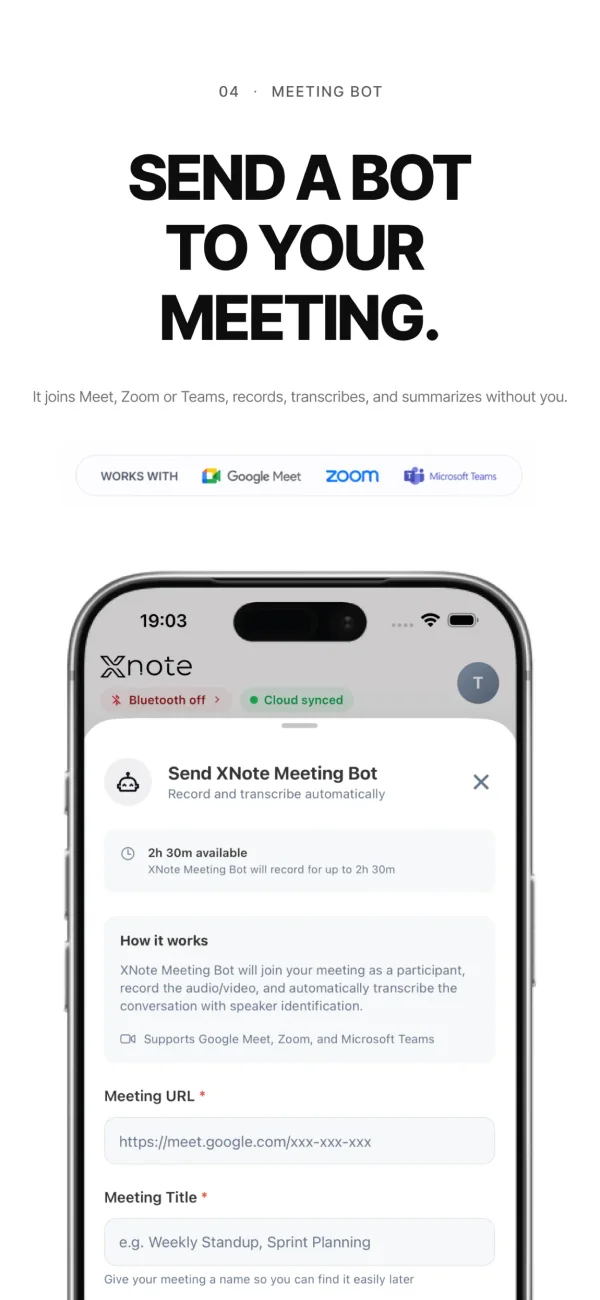
• Meetings and recordings: XNote can join your Google Meet, Zoom and Microsoft Teams meetings to record, transcribe and summarize them (paid plans). Or tap record in the app to capture a lecture or a voice note on your phone, and link recordings to your notebook pages.
• Organize and find: Notebooks, tags and search keep every page easy to find.
• Printable pages: Print free pages from the app's template catalog, such as planners and meeting notes, on a laser printer (US Letter or A4).
• Share and export: Share a page with a link, share a recording with its summary, or export pages as PDF, Word, Excel, Markdown, text or images.
• Send notes where you work: Automations send your notes and summaries to Notion, Slack, Todoist and Zapier.
• Sketch to image: Turn a quick sketch into a finished image.
• Phone and web: Your notes sync to your account, so you can open them on your phone and on the web.
Good to know
• The pen captures handwriting only on XNote paper: XNote notebooks, or pages you print from the app.
• The XNote smart pen and notebooks are sold separately at xnote.ai.
• The pen has no microphone. Recordings come from your phone or the meeting bot.
• The Free plan includes 150 audio minutes a month.
What’s new
Version 2.9.0 · Nov 10, 2026
• The Dotted Notebook is now in XNote.
• Share your recording summaries as PDFs.
• Create visuals from notes that run across several pages.
• Choose the start date and page number when you print paper.
• Offline notes move from your pen to your phone more reliably.
• Bug fixes and small improvements.
App privacy
What XNote, Inc. declares on the App Store about how this app handles data.
-
Data linked to you
May be collected and linked to your identity.
- Contact info
- User content
- Identifiers
-
Data not linked to you
May be collected but is not linked to your identity.
- Usage data
- Diagnostics
Privacy practices may vary, for example with the features you use or your age.
Information
- Seller
- XNote, Inc.
- Category
- Productivity
- Version
- 2.9.0
- Updated
- Nov 10, 2026
- Released
- Jun 10, 2024
- Size
- 134.1 MB
- Requires
- iOS 16.4 or later
- Age rating
- 4+
- Price
- Free
- In-app purchases
- Yes
- Languages
- English, Arabic, Bulgarian, Czech, Danish, Dutch, Finnish, French, German, Greek, Hebrew, Hindi + 17 more
- Copyright
- © 2026 XNote, Inc.
You might also like
-
 inqReal ink on paper, digitized
-
 Neo Studio 2Digitize Your Handwriting
-
 Limitless AI Voice RecorderTranscribe Meetings & Notes
-
 NEWYESProductivity
-
 Flowtica: AI Note TakerConversations to Next Steps
-
 Nuwa+Productivity
-
 SpeakON: AI Voice KeyboardDictation, Translation & Notes
-
 Astari: AI Note TakerTranscribe & Record Meetings
-
 Vibe OneCompanion App for Vibe Board
-
 HiNotes by HiDockProductivity