
Nested Folder Notes - Folino
Voice Memos, Outline & Journal
Designed for iPhone, iPad
Free · In-app purchases
- Age rating4+
- CategoryProductivity
- DeveloperTobias Schiek
- LanguagesEnglish+ 27 more
- Size58.6 MB
Links to the official App Store page
Download.org hosts no file of Nested Folder Notes - Folino. The button opens its official App Store page, published by Tobias Schiek. Listing last checked on Nov 24, 2026.
Screenshots



About
Folino brings order to your notes: folders and subfolders as deep as you like, plus checklists and voice notes. No ads, no account, made in Germany.
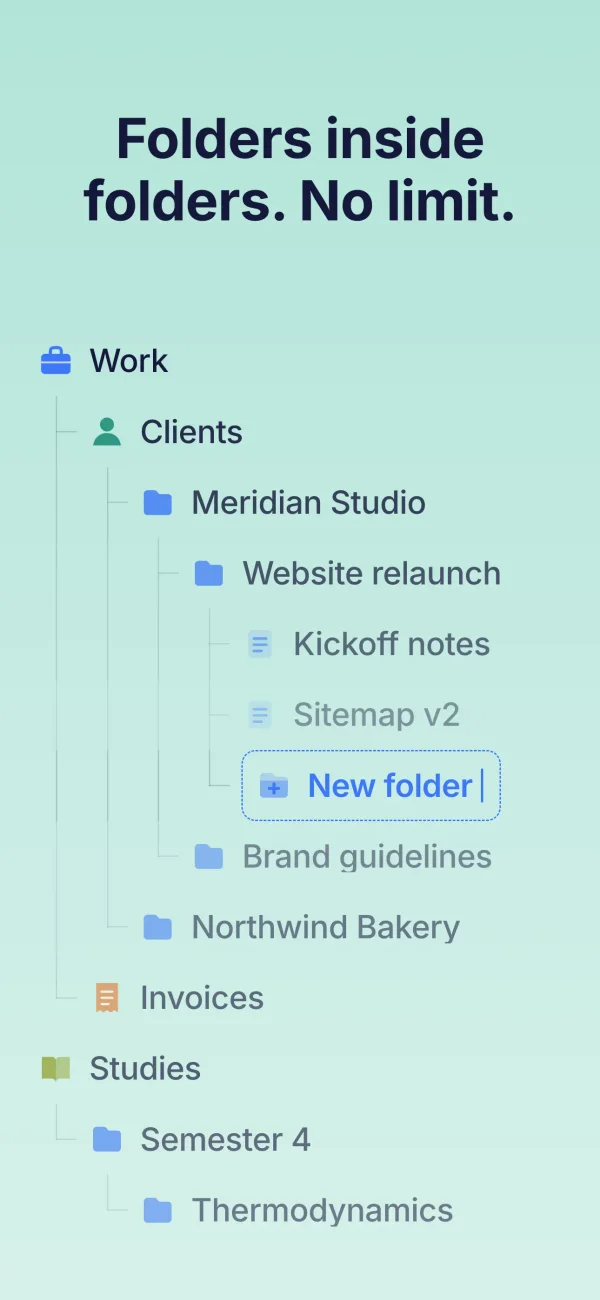
Notebook, journal, to-do list or shopping list: in Folino, every topic gets its own folder and every folder as many subfolders as you need. So you can find everything again, even years later.
UNLIMITED FOLDERS
• As many folders and subfolders as you like, nested as deep as you like
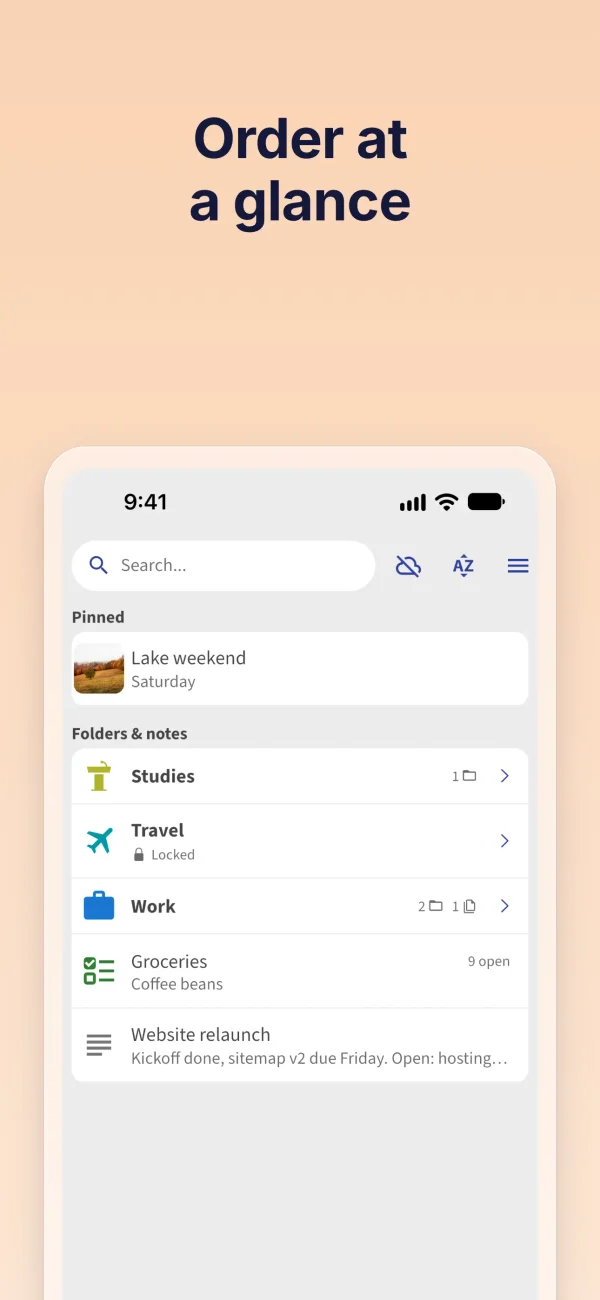
• Pinning, favorites and “Recent notes” for quick access
• Sort each folder by title, date modified, date created or by hand
• List or tile view
• Copy, move and duplicate, including entire folders with their contents
NOTES, CHECKLISTS, VOICE NOTES
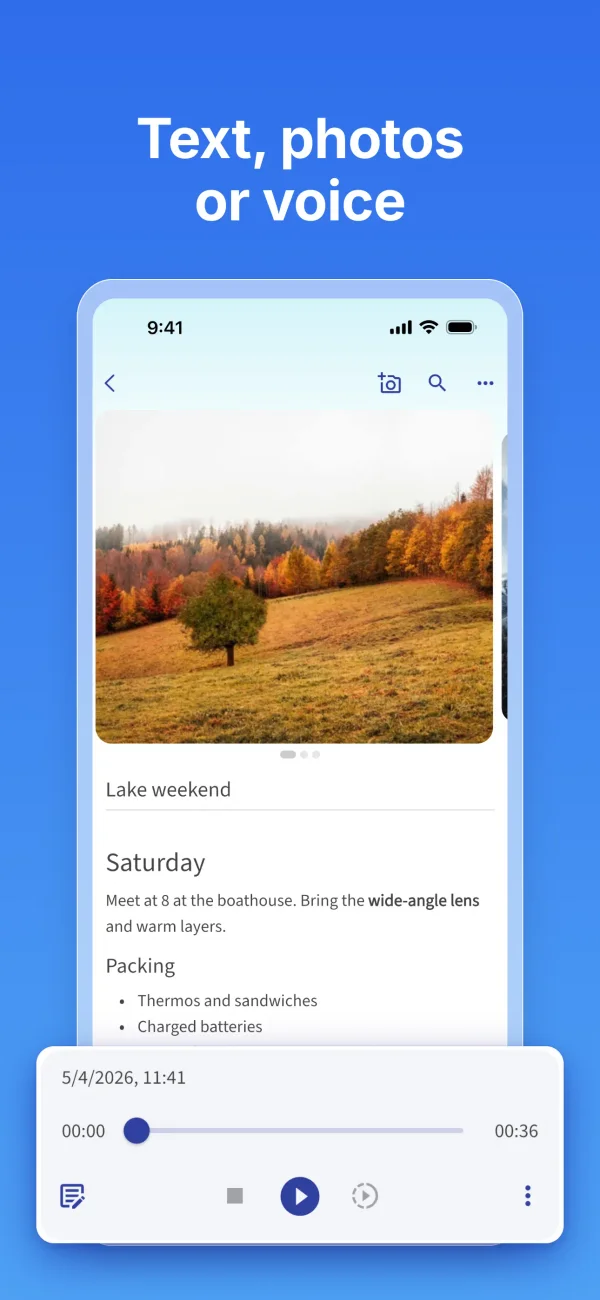
• Formatting: bold, italic, headings, bullet lists, quotes, colors
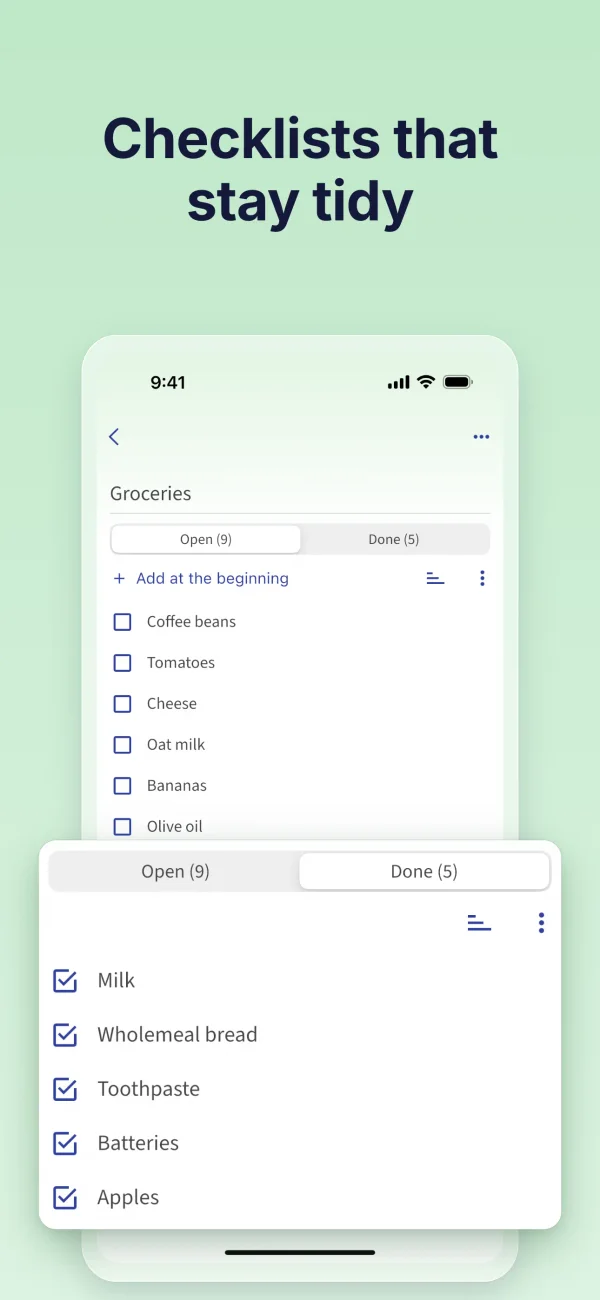
• Checklists to tick off, turn a note into a checklist and back
• Record voice notes
• Section overview for long notes
• Reading view, so nothing gets changed by accident
• Insert date and time with one tap, handy for journaling
FIND IT FAST
• Full-text search across titles and content, best matches first
• Recycle bin: restore what you deleted
PRIVATE AND SECURE
• Lock the whole app or individual notes and folders, with PIN, Face ID or Touch ID
• No account needed, no ads
• Your notes stay on your device and work offline
• Backup as a file, export as text, print and share
SWITCHING MADE EASY
• Import from Google Keep, including checklists, images, colors and voice notes. Labels become folders
• Import TXT, Markdown and CSV files
MADE FOR YOU
• Themes: Light, Dark, Black and more
• 7 text sizes, red-green color blindness mode, VoiceOver
• For iPhone and iPad, in 28 languages
FOLINO PREMIUM
Buy once, no subscription. Try it free for 7 days.
• Sync via your Google Drive between iPhone, iPad and Android
• Images in notes, placed freely and resizable
• Voice recordings with no time limit
• Links between notes and folders, like a personal wiki
• Shortcuts: one note in several folders
• Icons and colors for folders, colors for notes
• Export as PDF
Questions or ideas for Folino? I’d love to hear from you by email.
What’s new
Version 1.73.1 · Nov 21, 2026
Please update all your devices: sync has been rebuilt.
What’s new:
• If two devices change the same note, both changes are merged.
• Synchronization honestly shows what’s missing, for example when Google storage is full.
• The app stays usable while syncing.
• “Sort manually” applies on all devices.
• Checklist: Enter splits an entry at the cursor.
• Copied notes keep images that weren’t downloaded yet.
• Many bugs fixed.
App privacy
What Tobias Schiek declares on the App Store about how this app handles data.
-
Data not collected
The developer does not collect any data from this app.
Privacy practices may vary, for example with the features you use or your age.
Information
- Seller
- Tobias Schiek
- Category
- Productivity
- Version
- 1.73.1
- Updated
- Nov 21, 2026
- Released
- Jan 29, 2022
- Size
- 58.6 MB
- Requires
- iOS 18.0 or later
- Age rating
- 4+
- Price
- Free
- In-app purchases
- Yes
- Languages
- English, Bengali, Czech, Danish, Dutch, Finnish, French, German, Greek, Hindi, Hungarian, Indonesian + 16 more
- Copyright
- © 2026 Tobias Schiek
You might also like
-
 Note-ify: Notes, Lists & TasksCreate, manage & organize
-
 Tree NotebookTree-like notes organizer
-
 Nested Folder Notes: CrumbNoteOrganize notes your way
-
 Note Fold: Structured NotesNested Folders & Rich Notes
-
 RelanoteA note-taking tool
-
 Notes Todo's Lists: NoteFolioWriting & Journal Organizer
-
 Notes and Folders - NotepadFolder Notes, Photos & Lock
-
 Notepad-Simple,FaceID,FoldersProductivity
-
 Nested NotesOrganize Ideas
-
 BundleNote - Binder memo padSwipe to move and add pages