Notes and Folders - Notepad
Folder Notes, Photos & Lock
Designed for iPhone, iPad
Free · In-app purchases
- Age rating17+
- CategoryProductivity
- DeveloperKinkumaDesign
- LanguagesEnglish+ 2 more
- Size17.0 MB
Links to the official App Store page
Download.org hosts no file of Notes and Folders - Notepad. The button opens its official App Store page, published by KinkumaDesign. Listing last checked on Nov 22, 2026.
Screenshots
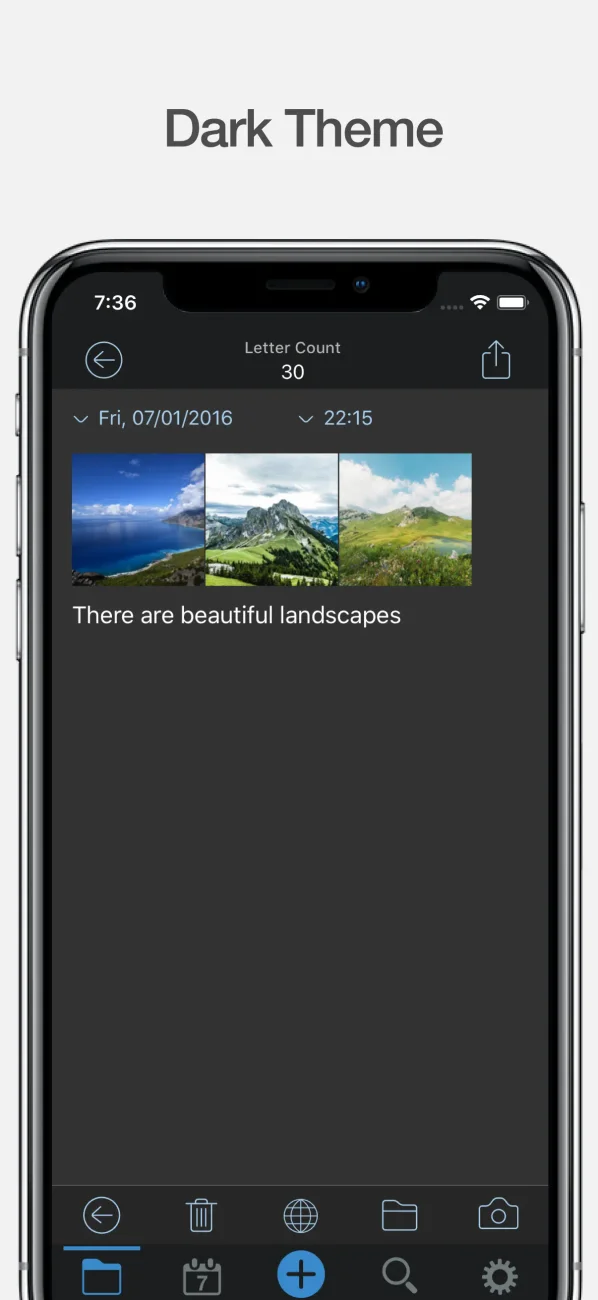
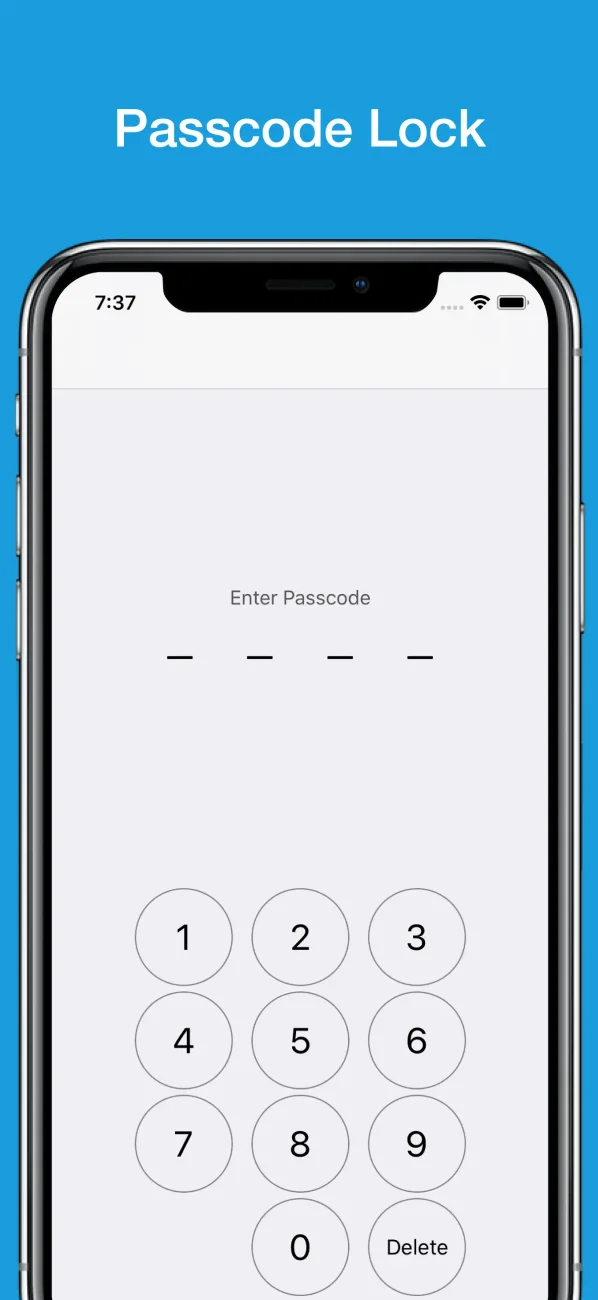
About
Over 240,000 downloads worldwide!
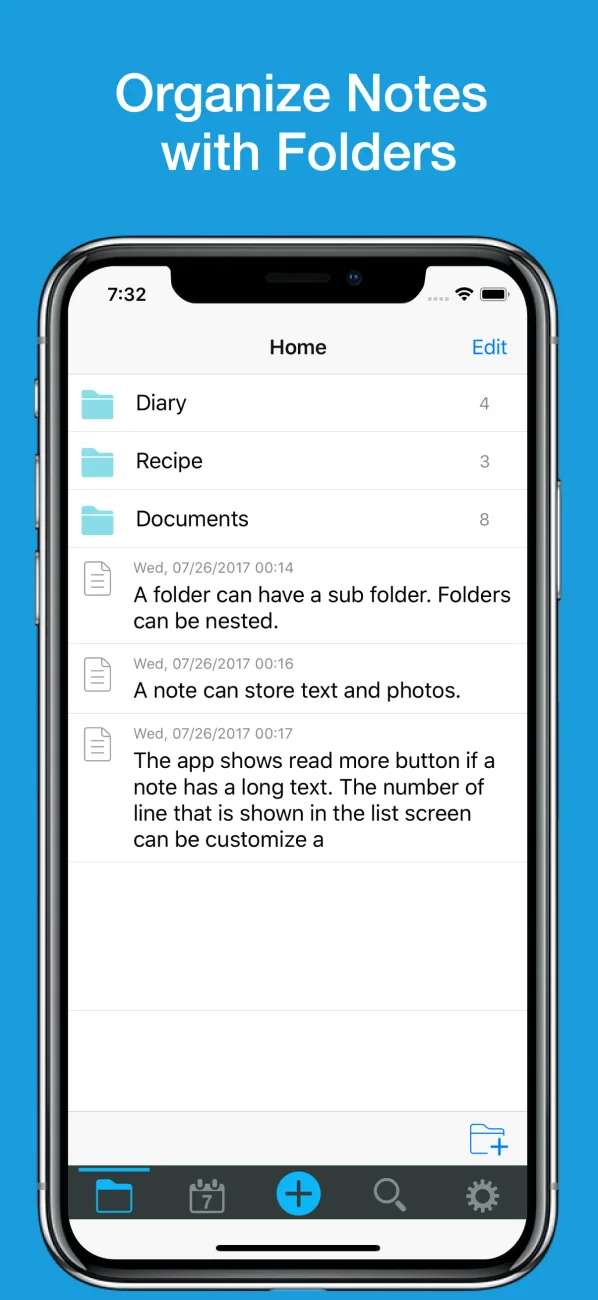
Notes and Folders is a simple notepad that lets you organize notes and photos with folders. You can also lock your notes with a passcode.
FOLDERS
- Organize your notes with folders
- Create folders inside folders
NOTES
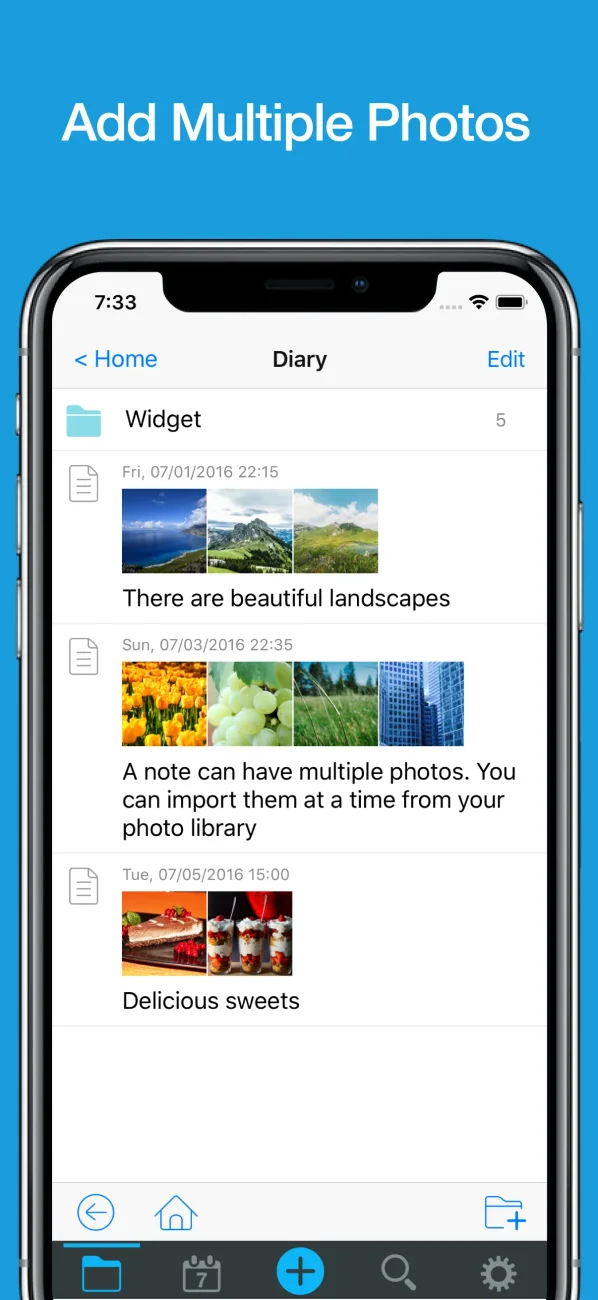
- Attach multiple photos to a note
- Character count
- Auto-save while editing
- Editing buttons: copy & paste, undo, select, and arrow keys
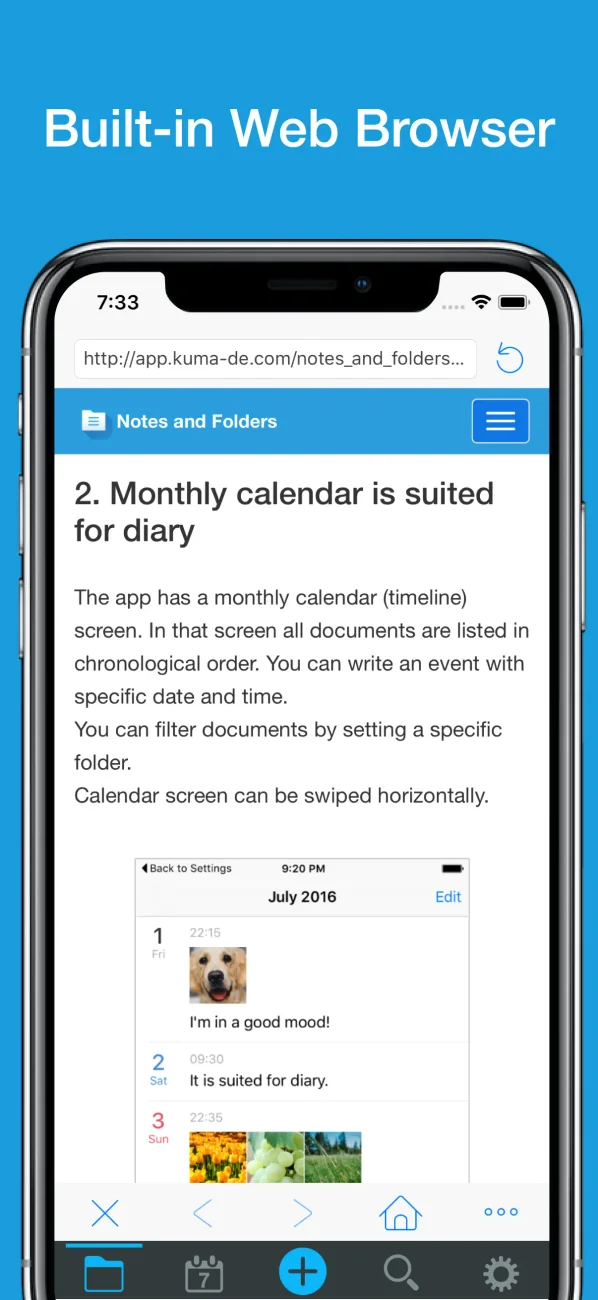
- Built-in web browser to add text and screenshots of web pages to your notes
DIARY
- Write a diary entry for any date
- Read a whole month of entries at once
OTHERS
- Widget
- Passcode lock (Face ID and Touch ID supported)
- Search notes
- Share notes to other apps
- Save text and images from other apps (Share Extension)
- Theme colors
- Adjustable text size
- iPad support
- Backup with Dropbox
- Backup with a computer
URL SCHEME
notesandfolders://
BACKUP
You can back up your notes with Dropbox, or with a computer (Finder on Mac, or the Apple Devices app or iTunes on Windows). For details, see FAQ > "About Backup" in the app's settings.
ADS
This app shows banner ads, and a full-screen ad only once a day (every 24 hours). Ads are not shown after purchasing ad removal.
What’s new
Version 8.9.0 · Nov 4, 2026
New Features
- You can now choose how notes and folders are sorted.
Tap the sort button in the folder toolbar to sort by Manual, Name, Date Modified, or Date Created, and switch between Newest First and Oldest First, or A to Z and Z to A. You can also turn on Folders on Top. The sort order also applies to the Trash, the folder picker, and the widget.
- The widget now shows note titles.
Improvements
- Lists now load faster when you have many notes.
Bug Fixes
- Fixed an issue where large photos shared from the Photos app were sometimes not imported.
- Fixed an issue where a note's modified date changed just by opening the note and tapping the text.
- Fixed an issue where an image moved to the top-left corner after the first pinch-to-zoom in the image viewer. Swiping up or down to close the viewer is also easier now.
- Fixed an issue where the banner ad did not disappear right after purchasing or restoring Remove Ads.
- Fixed an issue on iOS 26 and later where the folder back button was shortened to "...".
- Fixed an issue where the navigation bar color did not update right away when changing the theme.
- Fixed an issue where the date and title of a note in the Trash were hidden behind the ad when opened from Search.
App privacy
What KinkumaDesign declares on the App Store about how this app handles data.
-
Data used to track you
May be used to track you across apps and websites owned by other companies.
- Identifiers
- Usage data
-
Data not linked to you
May be collected but is not linked to your identity.
- Identifiers
- Usage data
- Diagnostics
Privacy practices may vary, for example with the features you use or your age.
Information
- Seller
- Tasuku Maeda
- Category
- Productivity
- Version
- 8.9.0
- Updated
- Nov 4, 2026
- Released
- Jul 11, 2016
- Size
- 17.0 MB
- Requires
- iOS 18.0 or later
- Age rating
- 17+
- Price
- Free
- In-app purchases
- Yes
- Languages
- English, Japanese, Simplified Chinese
- Copyright
- © 2018 KinkumaDesign
You might also like
-
 Nested Folder Notes: CrumbNoteOrganize notes your way
-
 Simple Notes - Notepad ManagerOrganize notes with folders
-
 Simple Notepad -BestNote-Notes with password and photos
-
 Simple Notes.Simple & easy note taking app.
-
 Nested Folder Notes - FolinoVoice Memos, Outline & Journal
-
 Note!The ultimate simple notes app!
-
 NOTE'dTake note of everything.
-
 Simple Notepad・Simple and CoolProductivity
-
 국민 메모장 솜노트 - SomNoteProductivity
-
 Secure Notes - Secret & LockPrivate Diary & Password Vault