
Neural Reader: Text to Speech
PDF to Audio & MP3 Voiceovers
Designed for iPhone, iPad
Free · In-app purchases
- Age rating4+
- CategoryProductivity
- DeveloperPrompt Functions Inc.
- LanguagesEnglish
- Size46.1 MB
Links to the official App Store page
Download.org hosts no file of Neural Reader: Text to Speech. The button opens its official App Store page, published by Prompt Functions Inc. Listing last checked on Nov 26, 2026.
Screenshots
About
Listen to PDFs, web articles, and ebooks in natural voices, or turn your own scripts into MP3 voiceovers. Catch up on a research paper during your commute, hear an article while you cook, or narrate your next video.
READ ALOUD FROM FILES AND THE WEB
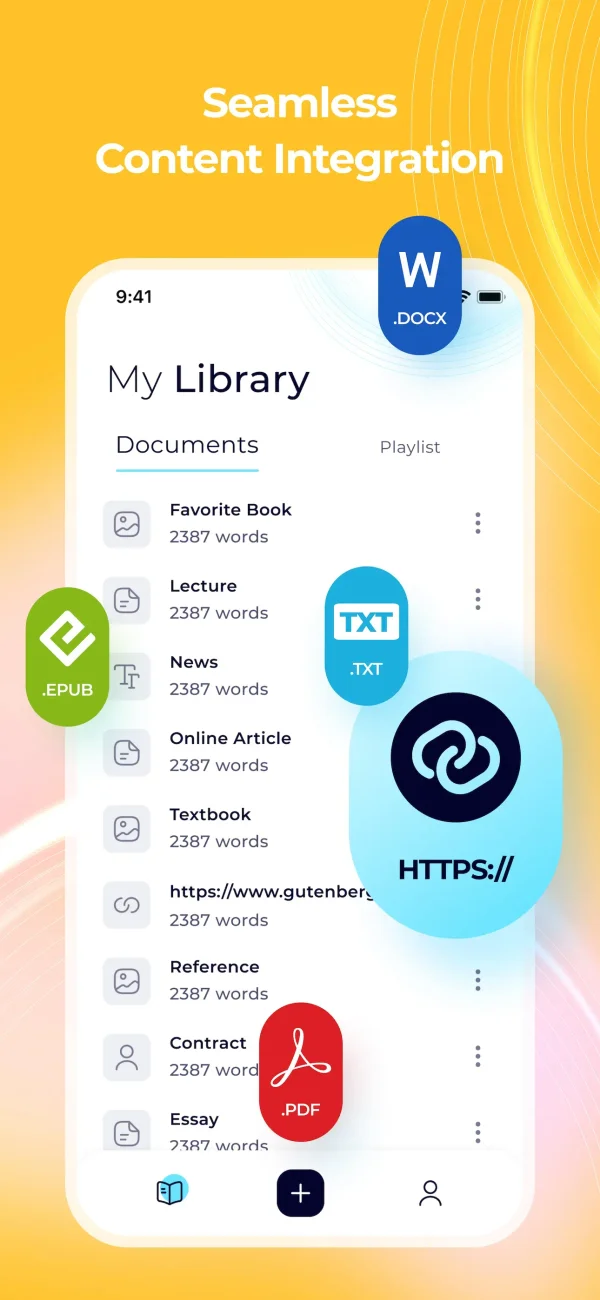
• Use your device’s share menu to send a link, document, or photo to Neural Reader. You can also import a file or paste text.
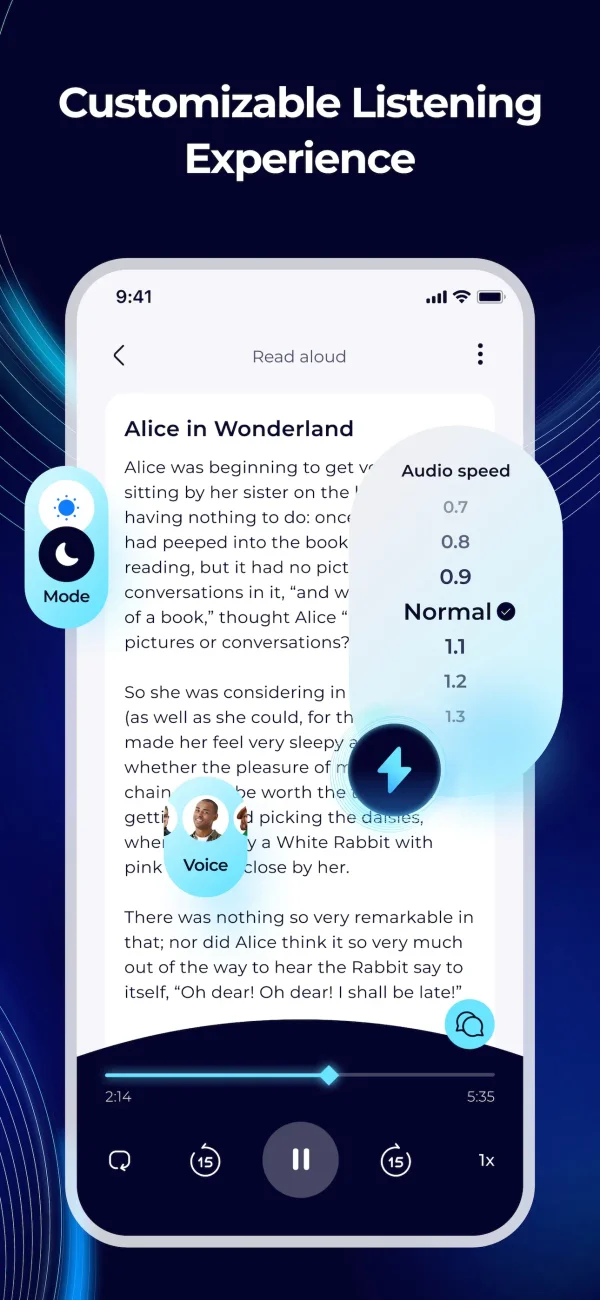
• Read PDFs, EPUB ebooks, web articles, Word documents, PowerPoint slides, and plain text aloud. Select the pages you want to hear in a long PDF.
• Photograph a page from a printed book or open a scanned PDF without selectable text. Text recognition (OCR) extracts the words so you can review them before listening.
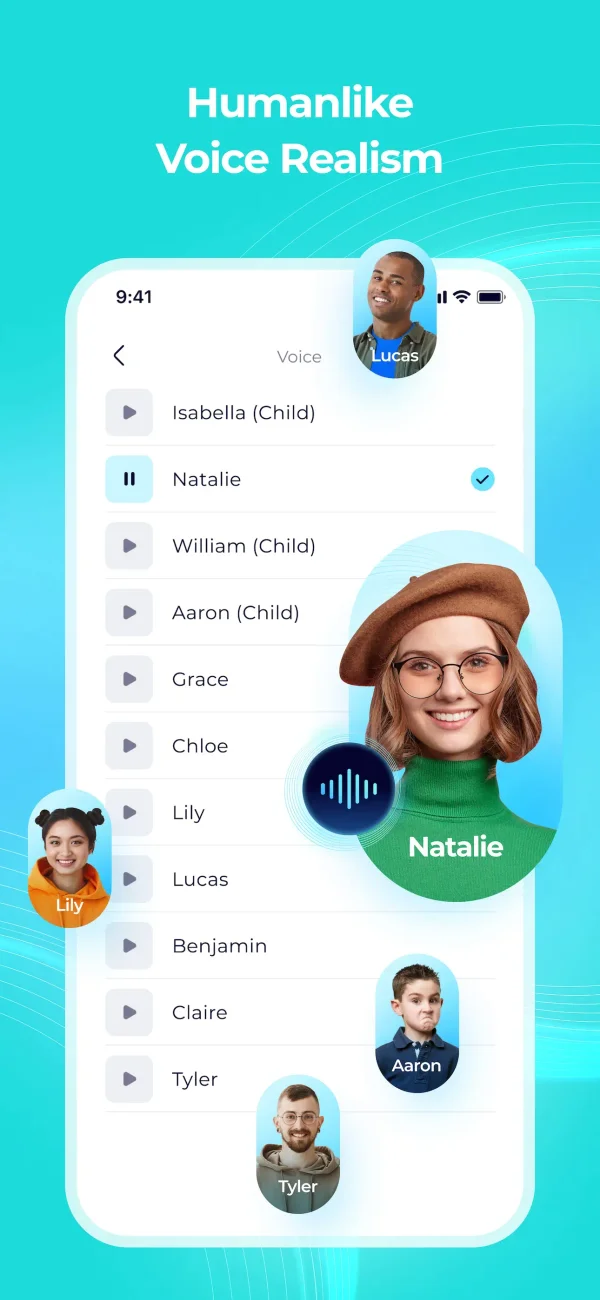
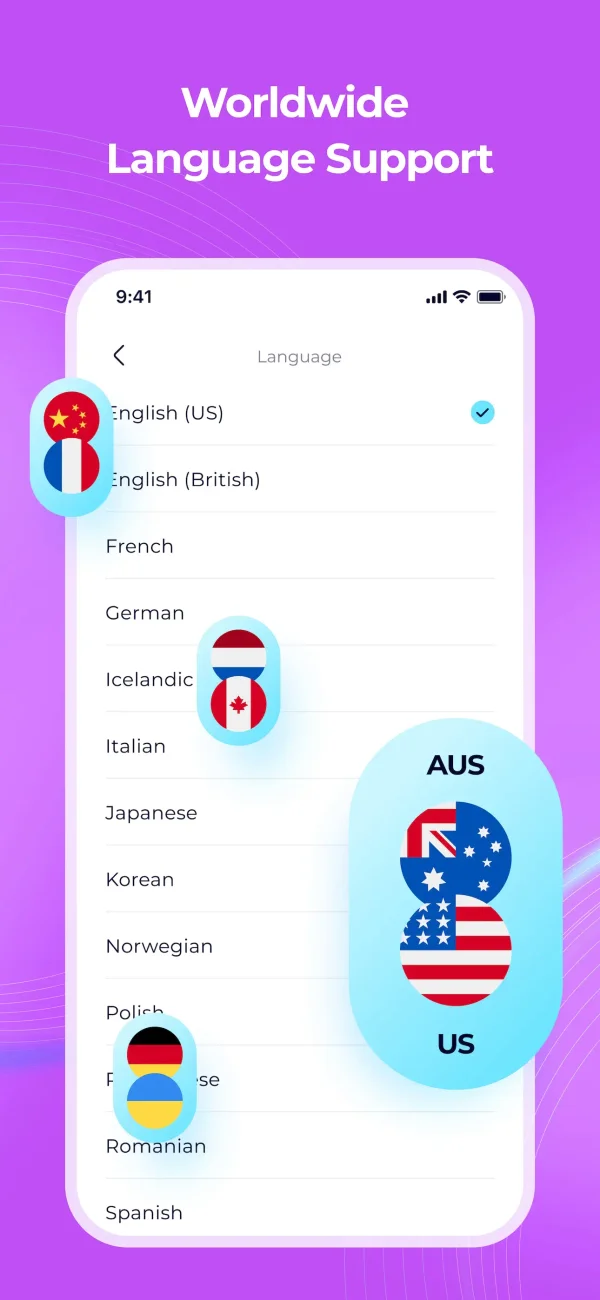
• Choose from voices in many languages and accents. Slow playback to 0.5× for a dense passage or speed it up to 2× for review. Save recordings to your library or export an MP3 for offline listening.
CREATE MP3 VOICEOVERS
Paste your script, choose a voice, and export the narration as an MP3 for your video or audio editor. Make a voiceover for a YouTube video, narrate a podcast intro, or prepare an audiobook chapter by chapter.
ASK QUESTIONS ABOUT YOUR DOCUMENTS
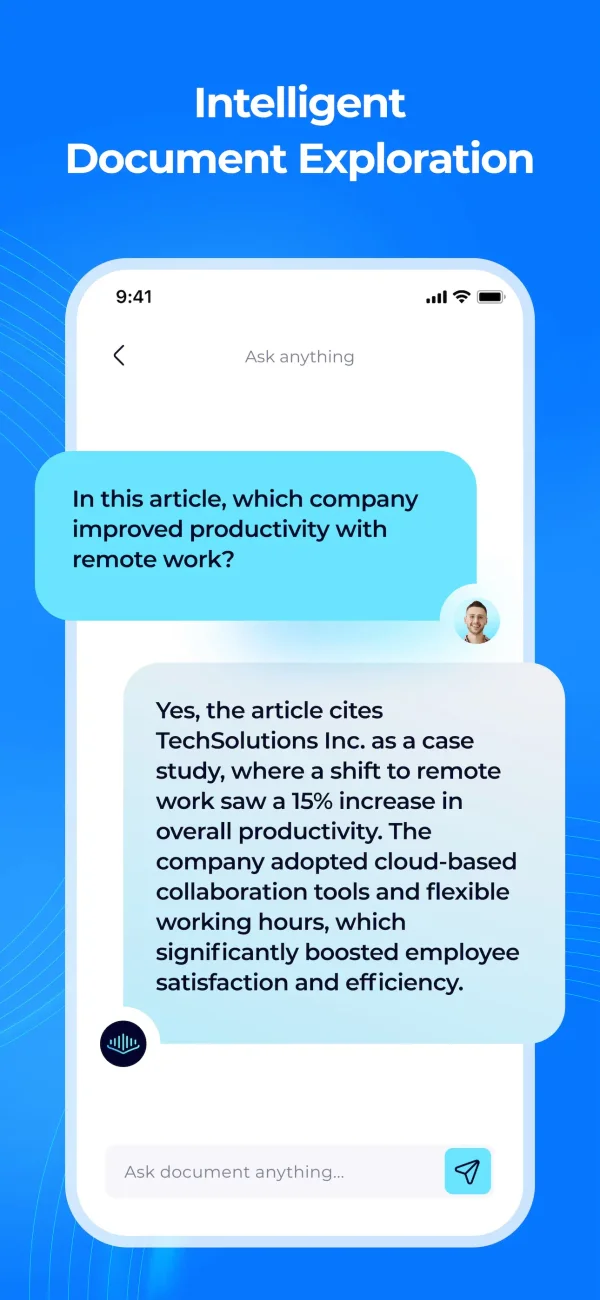
Get a summary of a PDF before you read it, ask for key points from class slides, or clarify an unfamiliar term in a report. Ask follow-up questions as you work through the material.
TRANSCRIBE SPEECH IN REAL TIME
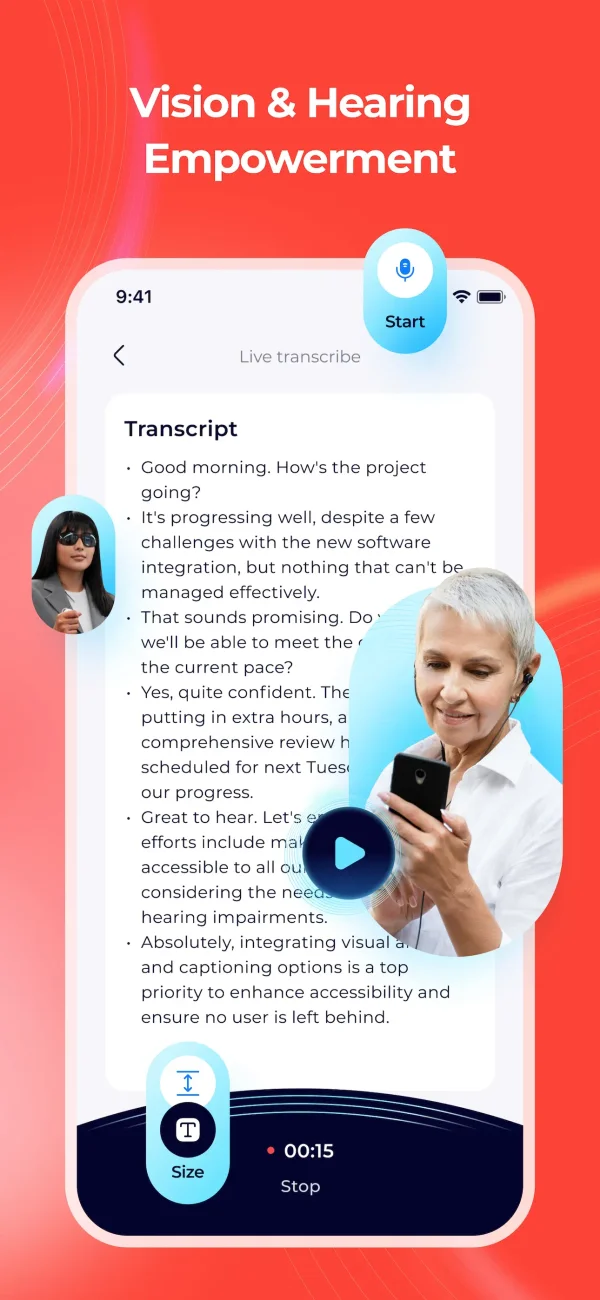
Use Live Transcribe to turn a meeting, lecture, or conversation into text as people speak. Save the transcript to review later or export it to share.
SUBSCRIPTIONS
Monthly and annual subscriptions are available. Pricing and plan details are shown before you subscribe. Payment is charged to your Apple Account at confirmation. Subscriptions renew automatically unless cancelled at least 24 hours before the current period ends. Manage or cancel anytime in your Apple Account subscription settings.
Terms of Use
https://neuralreader.com/terms_of_use
Privacy Policy
https://neuralreader.com/privacy_policy
What’s new
Version 2.4.25 · Nov 25, 2026
• Added 30+ new SOTA level natural voices
• Polished UI with smoother navigation & performance tweaks
App privacy
What Prompt Functions Inc. declares on the App Store about how this app handles data.
-
Data used to track you
May be used to track you across apps and websites owned by other companies.
- Usage data
-
Data linked to you
May be collected and linked to your identity.
- Contact info
-
Data not linked to you
May be collected but is not linked to your identity.
- Usage data
Privacy practices may vary, for example with the features you use or your age.
Information
- Seller
- Prompt Functions Inc.
- Category
- Productivity
- Version
- 2.4.25
- Updated
- Nov 25, 2026
- Released
- Feb 10, 2020
- Size
- 46.1 MB
- Requires
- iOS 16.0 or later
- Age rating
- 4+
- Price
- Free
- In-app purchases
- Yes
- Languages
- English
- Copyright
- © 2026 Prompt Functions Inc.
You might also like
-
 Text To Speech : Audio BooksDocs², PDF, Photo Reader
-
 Speech Air - Text to AudioPDF Docs Natural Voice Reader
-
 Text to Speech Reader: ReadBitRead Aloud PDF, Book, Web, Doc
-
 Text to Speech PDF ReaderListen to PDF Books, Documents
-
 Read Out Loud Reader: SpeechyAI Text to Speech, PDF & Docs
-
 Text to Speech - SpeakyRead aloud Web, PDF & Docs
-
 Speech Central – Voice ReaderPDF, ePub, Web Text to Speech
-
 Lextra: PDF Text to SpeechNatural Voice Document Reader
-
 Audify read aloud web browserePub PDF text to speech TTS
-
 Listen - Text to AudioRead to me