
- Age rating4+
- CategoryProductivity
- DeveloperNEXT-BIM
- LanguagesEnglish
- Size177.9 MB
Links to the official App Store page
Download.org hosts no file of NEXT-BIM Explorer. The button opens its official App Store page, published by NEXT-BIM. Listing last checked on Nov 15, 2026.
Screenshots

About
NEXT-BIM is a professional augmented reality solution designed to visualize BIM models on-site or off-site with unmatched precision and no drift.
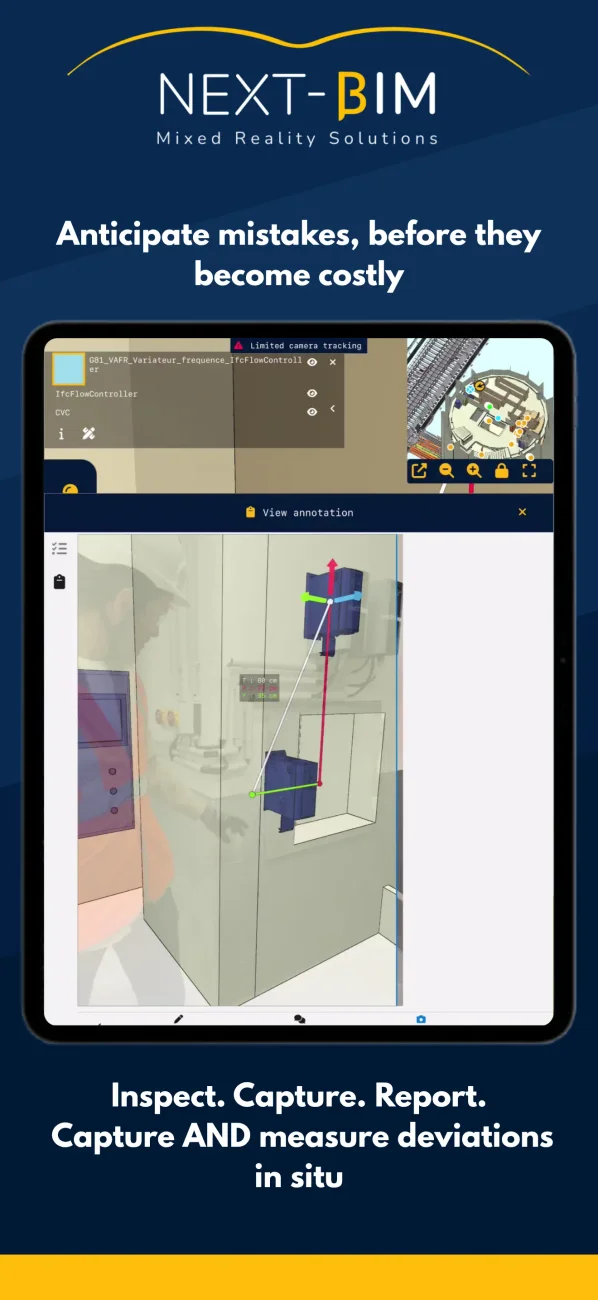
NEXT-BIM Explorer is the augmented reality application designed for construction, engineering, and project management professionals. View your 3D models at a 1:1 scale on site, check work in progress, quickly identify discrepancies, and make decisions faster, directly in the field.
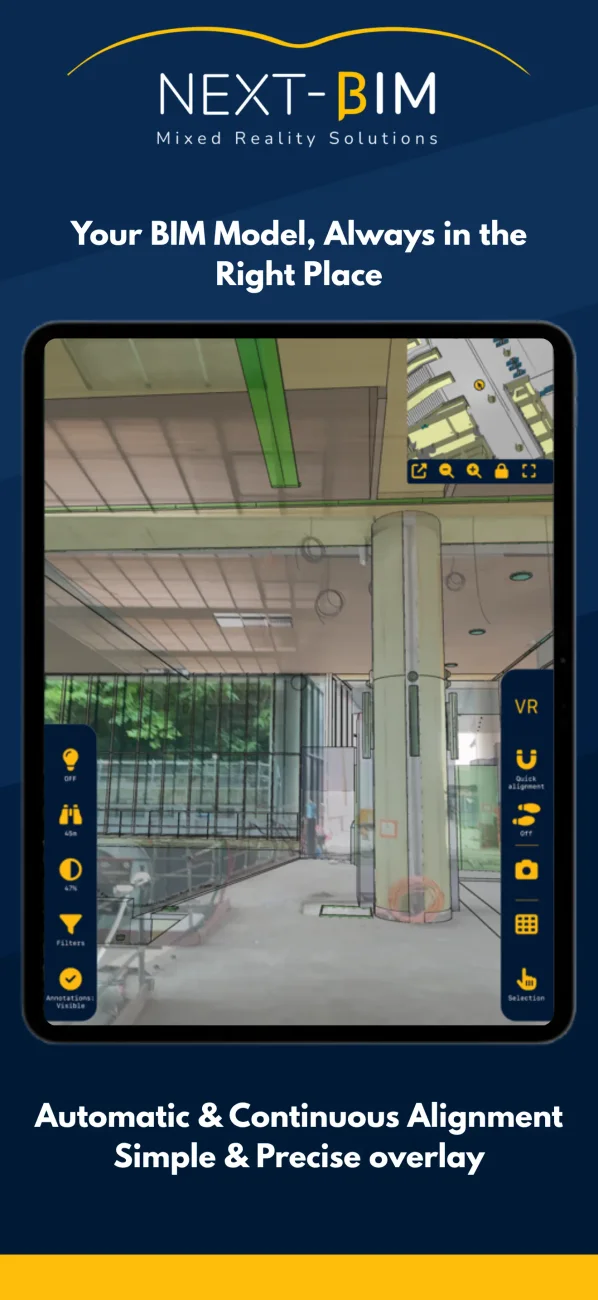
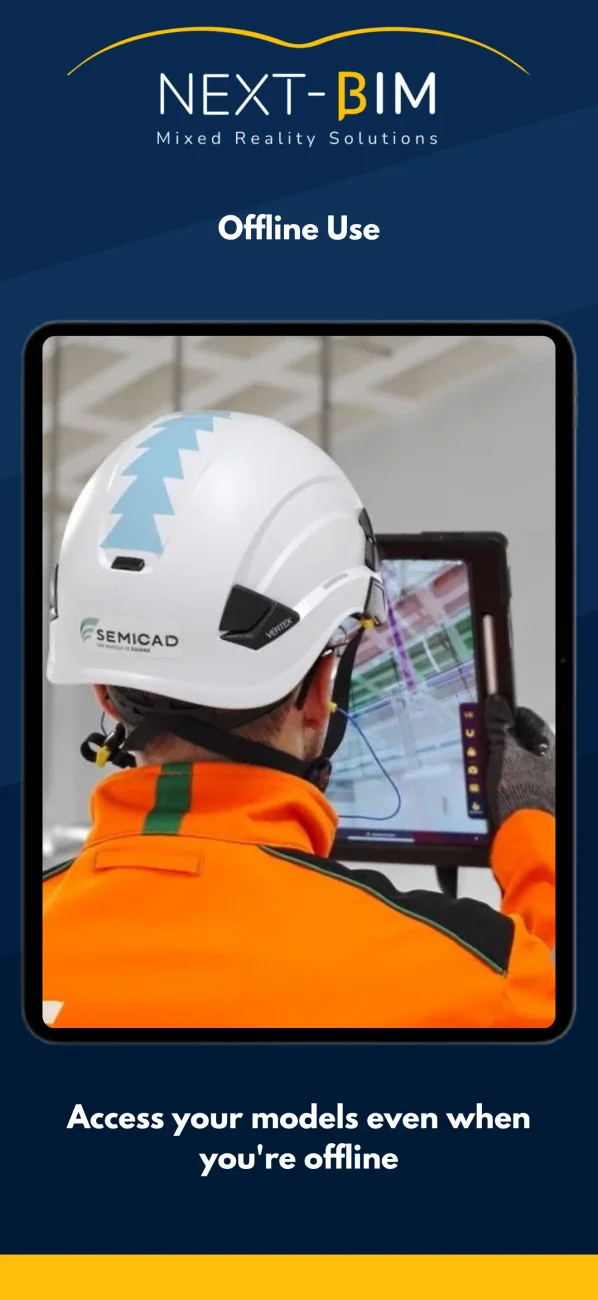
Thanks to automatic and continous alignement and offline operation, NEXT-BIM Explorer can be used anywhere—even in areas without a network connection. The model becomes a real control, audit, and monitoring tool, accessible to everyone, even without technical skills.
Compatible with iPad Pro.
Main Features:
Automatic and continuous alignment of 3D models to the physical environment
Smooth navigation in both AR and VR modes, even with complex models
Support for large 3D files (several GBs – IFC
Compatible BIM Files ( IFC, Navisworks Plugin…)
Offline usage for disconnected job sites
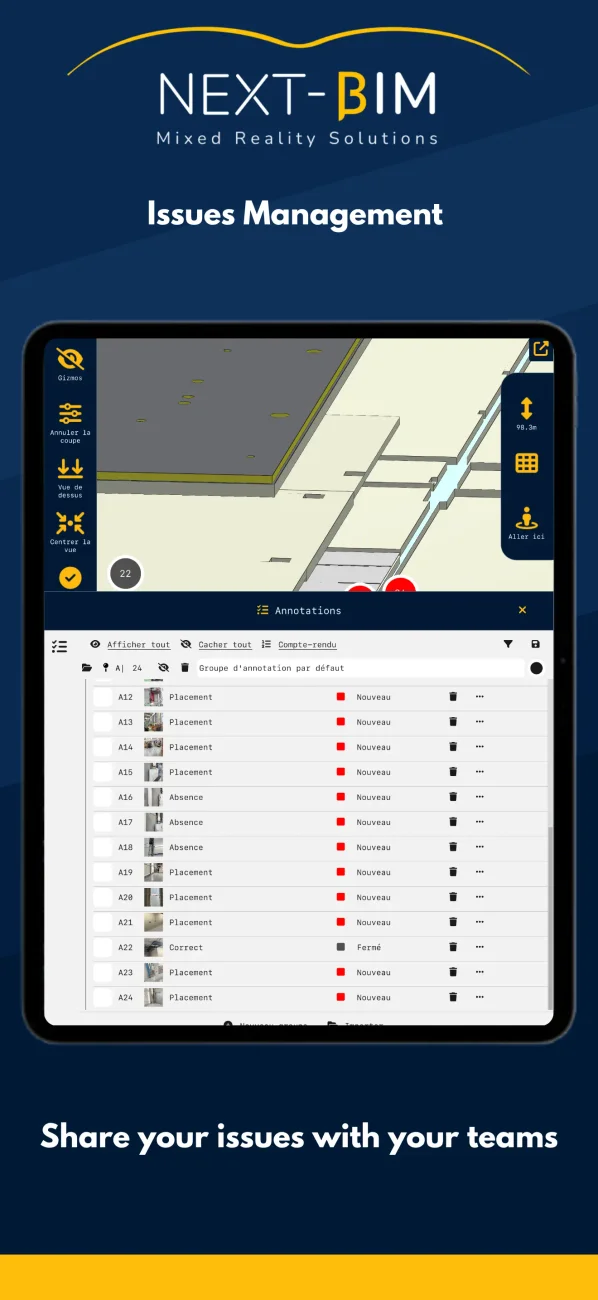
Annotations, photos, measures and reports exportable in BCF, PDF or Excel
Multilingual interface and intuitive user experience
By offering an immersive mixed reality experience and a drift-free AR engine, NEXT-BIM empowers field teams with better decision-making, improved coordination, and reduced execution errors.
What’s new
Version 2026.2.1 · Nov 12, 2026
NEXT-BIM Explorer 2026.2.1
New features
2D Storey Plans
View Configurator-generated plans in the plan view, minimap and storey selector.
Display PDF/SVG underlays and export vector plans in HTML reports.
LiDAR Model Comparison
LiDAR occlusion hides virtual geometry behind real surfaces.
Distance visualization (beta): green on surfaces, blue in front, red behind.
Available on LiDAR-compatible devices.
Documents & Links
Access BIM object documents directly in the app and URLs in the browser.
LIBAL Integration
Two-way annotation synchronization via BCF API 3.0, including viewpoints, photos and comments.
Review changes and conflicts before synchronization.
HTML Reports
Open reports directly in the app.
Generate complete project reports in one tap.
Independent Visibility
Separate visibility settings for AR, Tabletop and minimap.
New Zones tab for managing object visibility.
Display Settings
Ambient occlusion (0–100%), gradient backgrounds and optional back-face culling.
Support
Submit bug reports with screenshots, optional screen recordings and project files.
Improvements
Annotations
Redesigned pins without blocking object selection.
Status indicators for distant annotations and other sets.
Off-screen annotation indicators.
Pins move aside when taking photos.
OCR
Live text recognition preview.
Freeze images and rotate the reading area.
Storey Navigation
Interactive cut-height gauge with automatic storey snapping.
Object Offset Measurement
Compare original and adjusted object positions.
Display signed measurements and isolate measured objects.
Scan Alignment
Initial alignment using floor and two walls.
Orange highlights for nearly parallel walls.
Performance
Smoother large models and annotation-heavy projects.
No freezing when adding large model files.
Faster rendering and progressive model loading.
Other Improvements
Smooth transitions between AR, Tabletop and minimap.
Redesigned cut-box and selection handles.
Focus on zones by tapping their labels.
Individually deselect objects from multiple selections.
Fixed overlapping transparent objects.
VR portrait field of view set to 70°.
Bug fixes
Fixed freezes when opening large checklists.
App privacy
What NEXT-BIM declares on the App Store about how this app handles data.
-
Data not collected
The developer does not collect any data from this app.
Privacy practices may vary, for example with the features you use or your age.
Information
- Seller
- NEXT-BIM
- Category
- Productivity
- Version
- 2026.2.1
- Updated
- Nov 12, 2026
- Released
- Sep 1, 2025
- Size
- 177.9 MB
- Requires
- iOS 17.0 or later
- Age rating
- 4+
- Languages
- English
- Copyright
- © 2026 NEXT-BIM
You might also like
-
 FieldARPrecision AR for Construction
-
 Argyle BuildAR BIM for the job site
-
 FunBIMConstruction app
-
 Teleworker ARYour field AR companion
-
 ViewCAD:2D/3D CAD Model ViewerView CAD Models Anywhere
-
 OmniStepProductivity
-
 Dimensions - AR for BIMOverlay BIM Information Onsite
-
 BatipadProductivity
-
 AMC MagasinProductivity
-
 ReadMyDoc: OCR Reader ScannerAI Photo to Text to Speech