Next2Play: Game Backlog
What to Play Next & AI Picker
Designed for iPhone
Free · In-app purchases
- Age rating4+
- CategoryEntertainment
- DeveloperLiam David Hughes
- LanguagesEnglish
- Size49.6 MB
Links to the official App Store page
Download.org hosts no file of Next2Play: Game Backlog. The button opens its official App Store page, published by Liam David Hughes. Listing last checked on Nov 23, 2026.
Screenshots
About
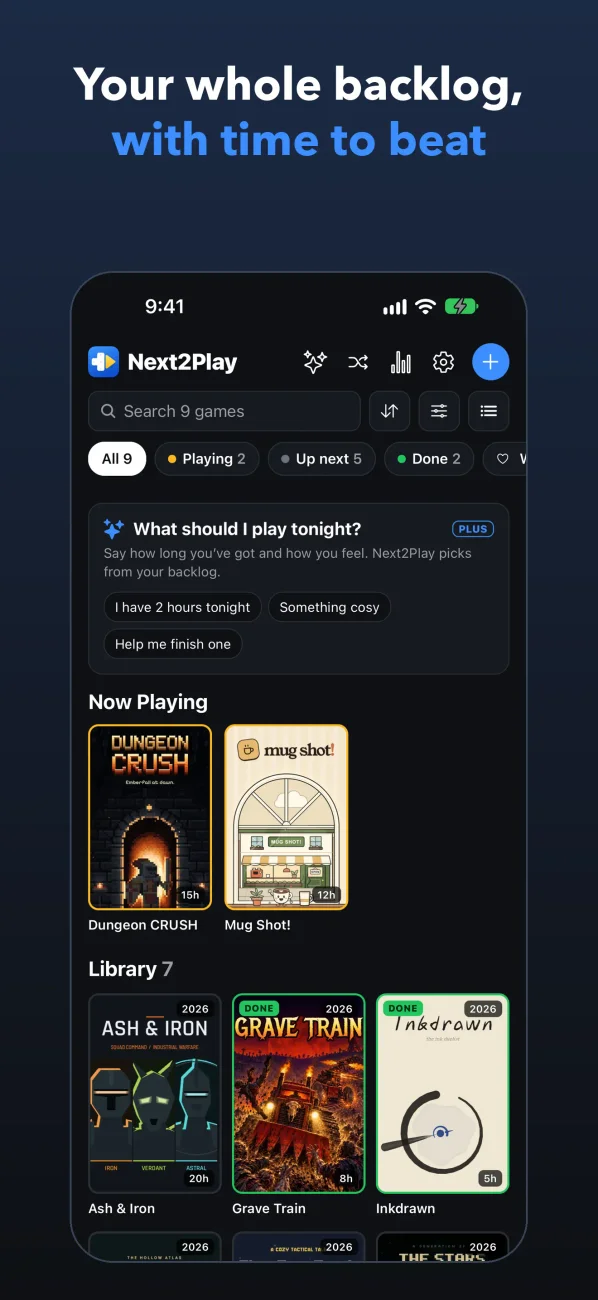
Too many games, not enough time? Next2Play keeps your backlog in one place and tells you what to play next.
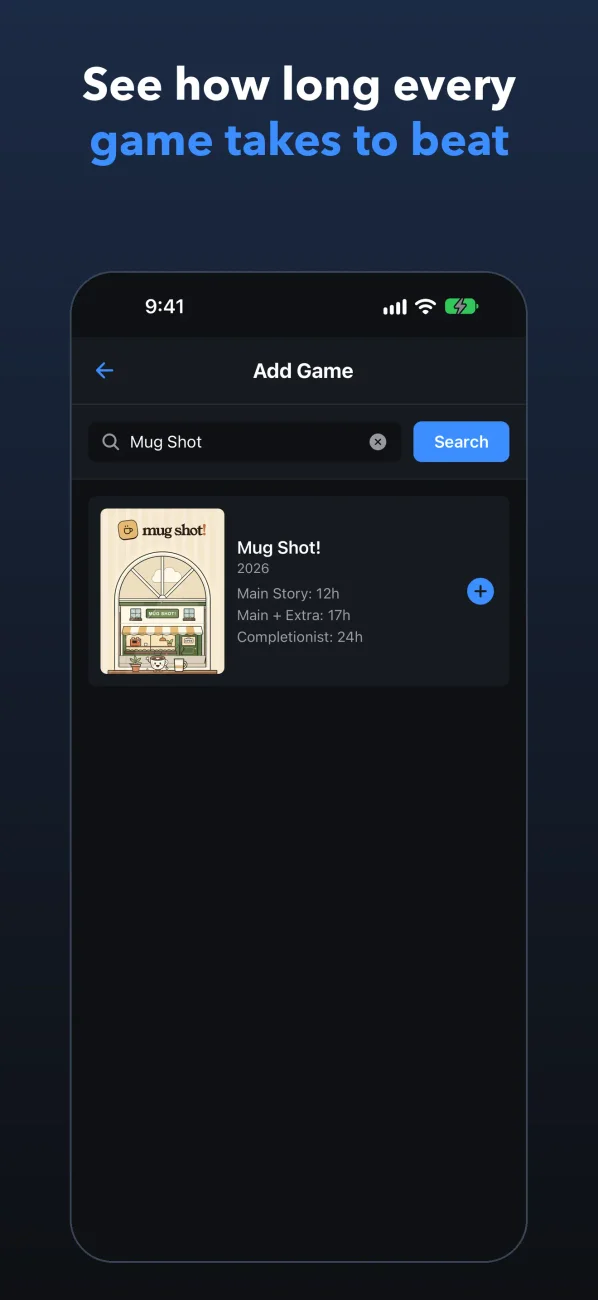
Search for any game and add it in a tap. Next2Play shows how long it takes to beat, using times from HowLongToBeat, so you can fit the right game to the time you have.
FREE, FOREVER
• Track every game as Not Started, In Progress, Complete or Tabled
• Rate what you finish and keep notes
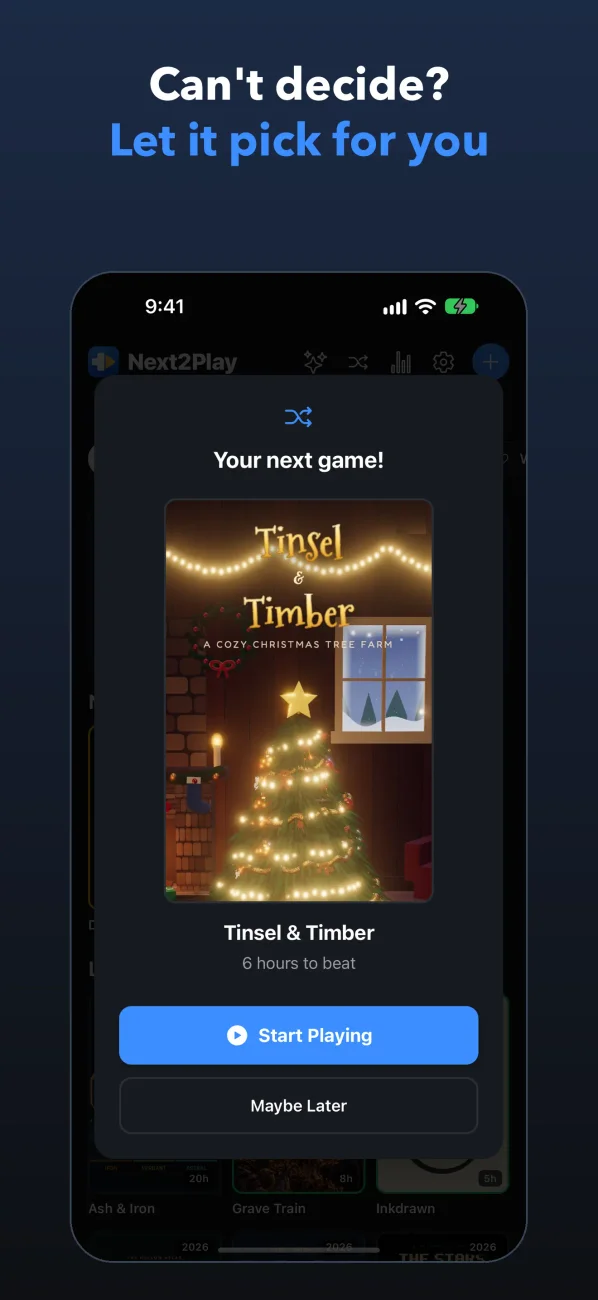
• Can't choose? The random picker shuffles your backlog and picks one for you
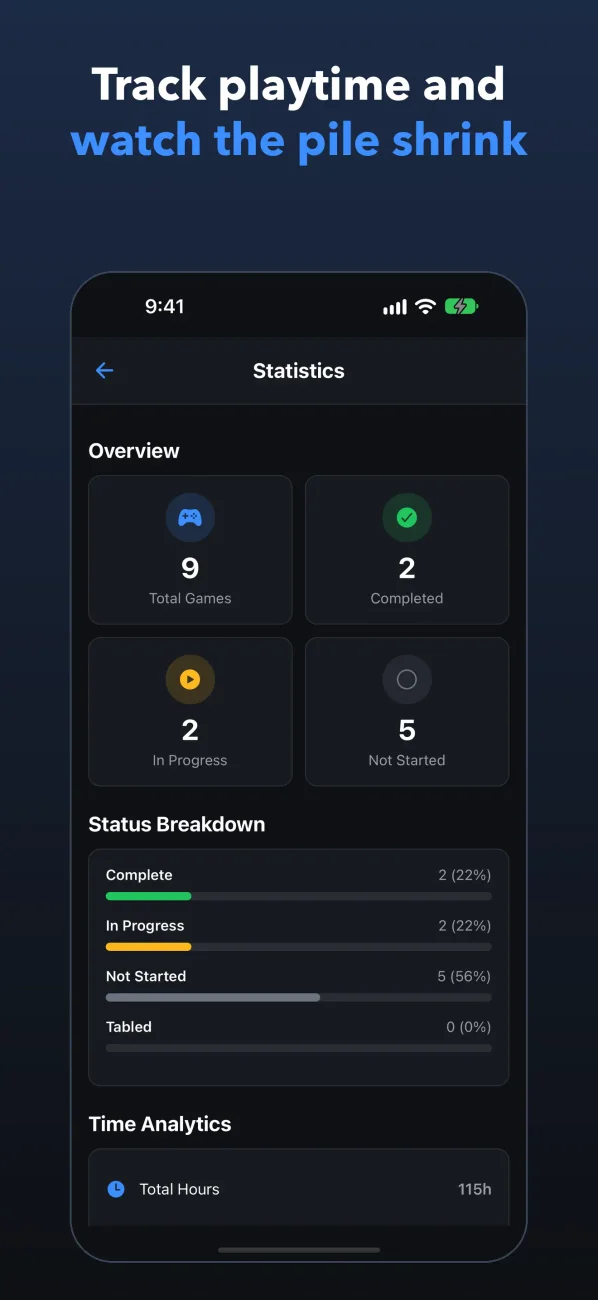
• Stats show how much you've finished and how many hours are left
• Bring your library over from Grouvee or Backloggd with a CSV import
• Keep a wishlist of games you don't own yet, including upcoming ones
• Optional account: sign in with Apple or your email to back up and sync your library
• No ads, no tracking
NEXT2PLAY PLUS
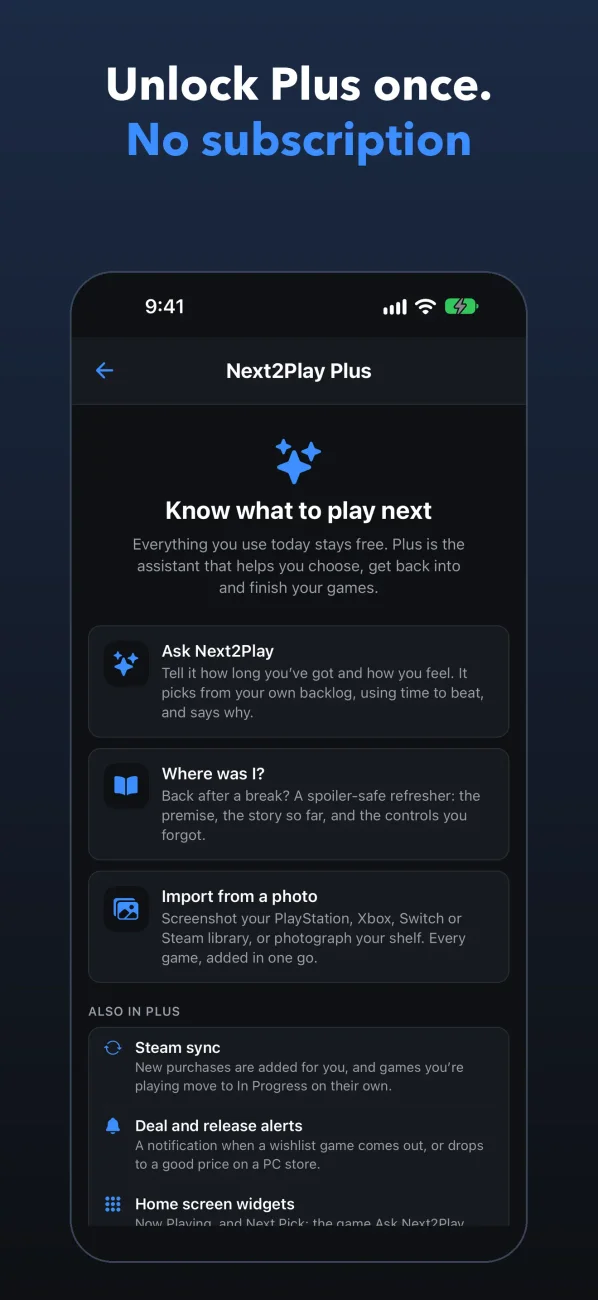
Plus is an assistant for your backlog.
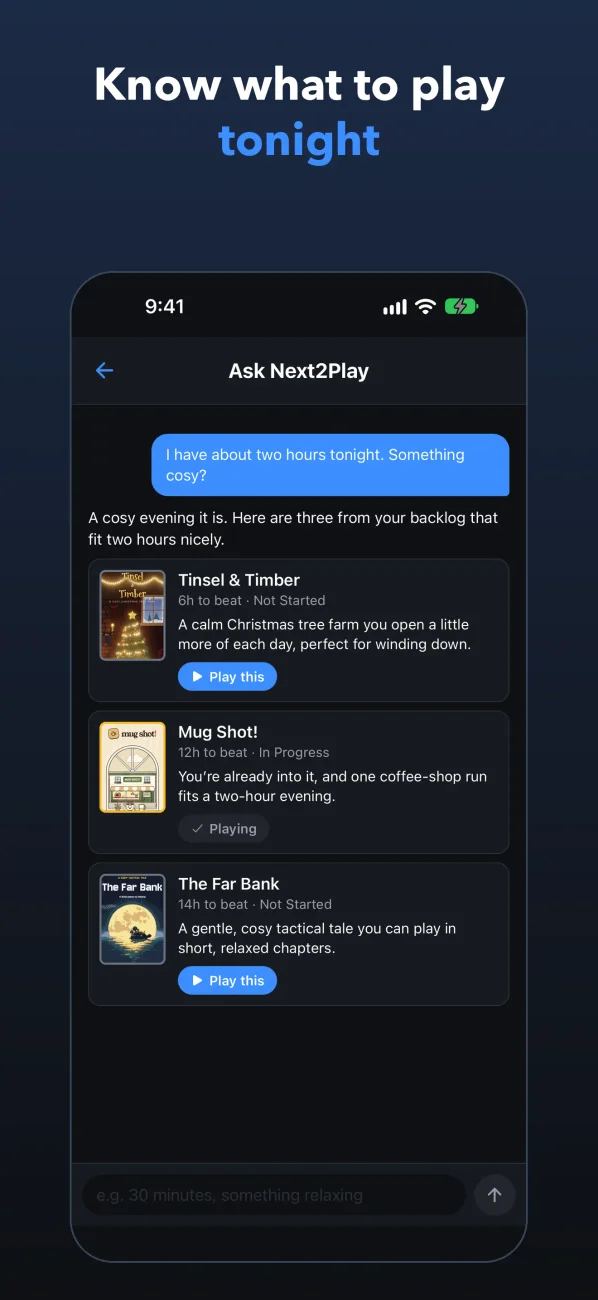
• Ask Next2Play: tell it "two hours, something cosy" and it picks from your own games, using time to beat, and says why
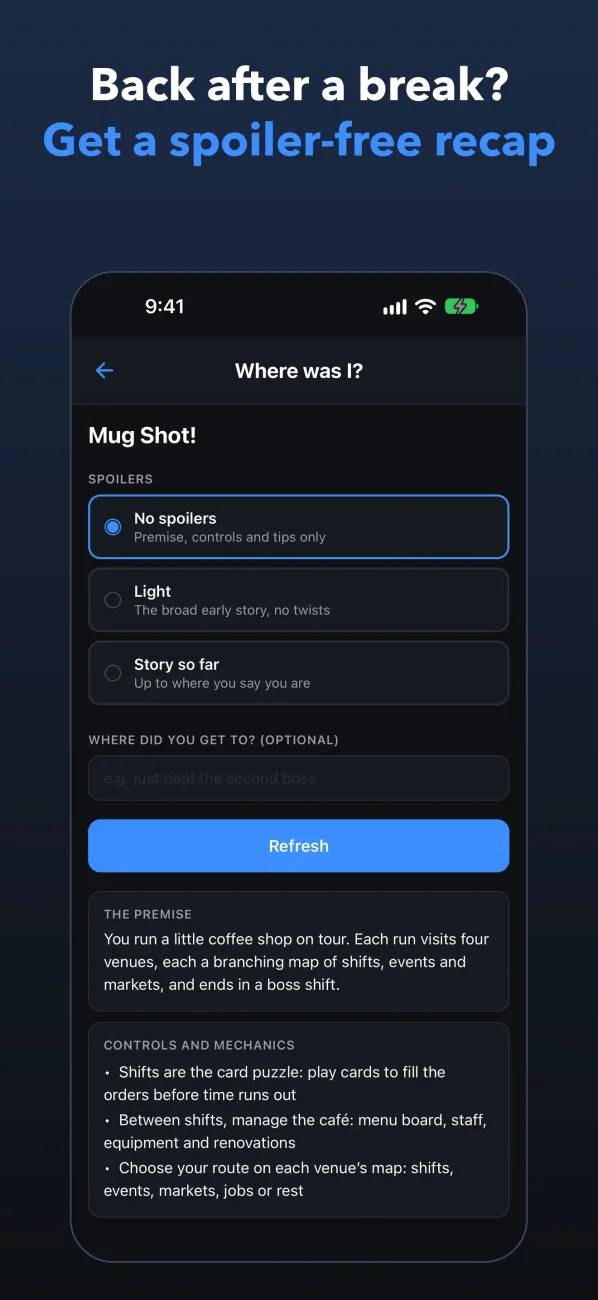
• Where was I?: back after a break? Get a spoiler-safe refresher: the premise, the story so far and the controls you forgot
• Import from a photo: screenshot your PlayStation, Xbox, Switch or Steam library, or photograph your shelf, and add every game at once
• Steam sync: new purchases are added for you, and the games you're playing move to In Progress
• Wishlist alerts: a notification when a game comes out or drops to a good price on a PC store
• Home screen widgets: Now Playing, and today's pick
• Your pace: games finished each month, and when you'll clear your backlog
• Genre and platform filters
Plus is a one-time purchase of $9.99. No subscription: unlock it once and keep it. Plus uses a free Next2Play account, so it works on all your devices.
An account is optional for the free features, and you can delete it from Settings at any time. Game times come from howlongtobeat.com and game details from IGDB. Next2Play is not affiliated with HowLongToBeat, IGDB or Valve.
What’s new
Version 1.1.0 · Nov 20, 2026
Introducing Next2Play Plus, a one-time unlock:
• Ask Next2Play: tell it how long you've got and how you feel, and it picks from your backlog
• Where was I?: a spoiler-safe refresher for games you put down
• Import from a photo: snap your console library or shelf and add every game at once
• Plus Steam sync, wishlist deal and release alerts, home screen widgets, your pace and genre filters
Everything you used before is still free, and the wishlist is free too.
App privacy
What Liam David Hughes declares on the App Store about how this app handles data.
-
Data linked to you
May be collected and linked to your identity.
- Purchases
- Contact info
- User content
- Identifiers
- Usage data
Privacy practices may vary, for example with the features you use or your age.
Information
- Seller
- Liam David Hughes
- Category
- Entertainment
- Version
- 1.1.0
- Updated
- Nov 20, 2026
- Released
- Oct 21, 2026
- Size
- 49.6 MB
- Requires
- iOS 16.4 or later
- Age rating
- 4+
- Price
- Free
- In-app purchases
- Yes
- Languages
- English
- Copyright
- © 2026 Pipmoth Games