- Age rating4+
- CategoryHealth & Fitness
- DeveloperMario Kernich
- LanguagesGerman+ 1 more
- Size2.6 MB
Links to the official App Store page
Download.org hosts no file of NextSet - Simple Rest Timer. The button opens its official App Store page, published by Mario Kernich. Listing last checked on Nov 12, 2026.
Screenshots
About
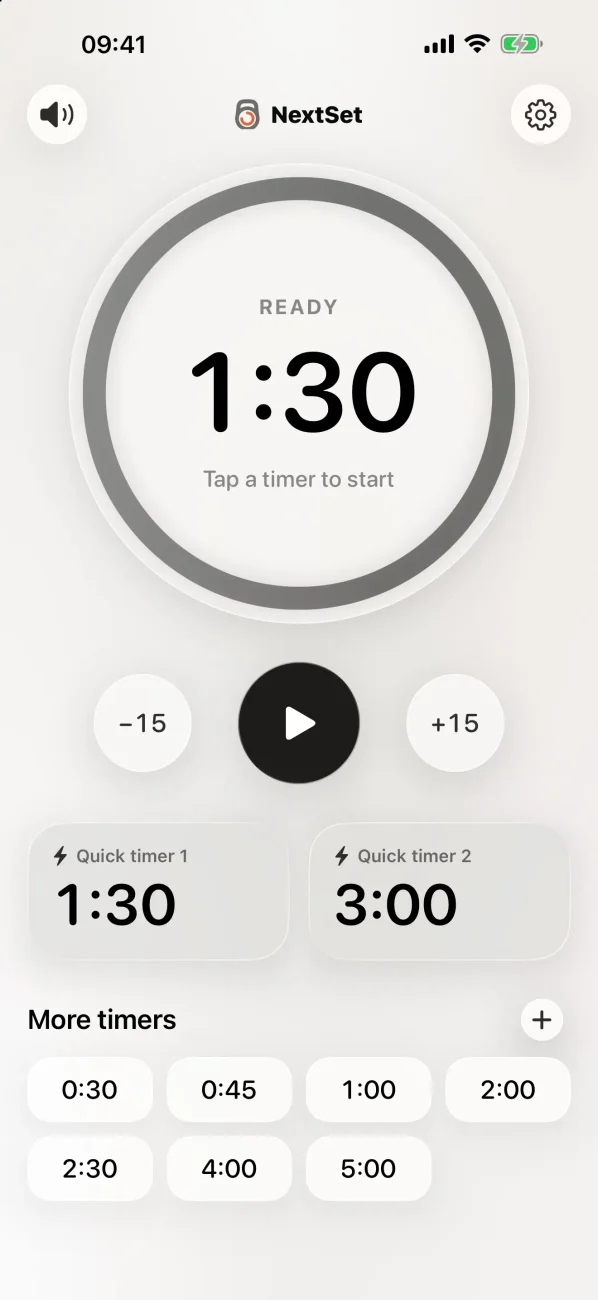
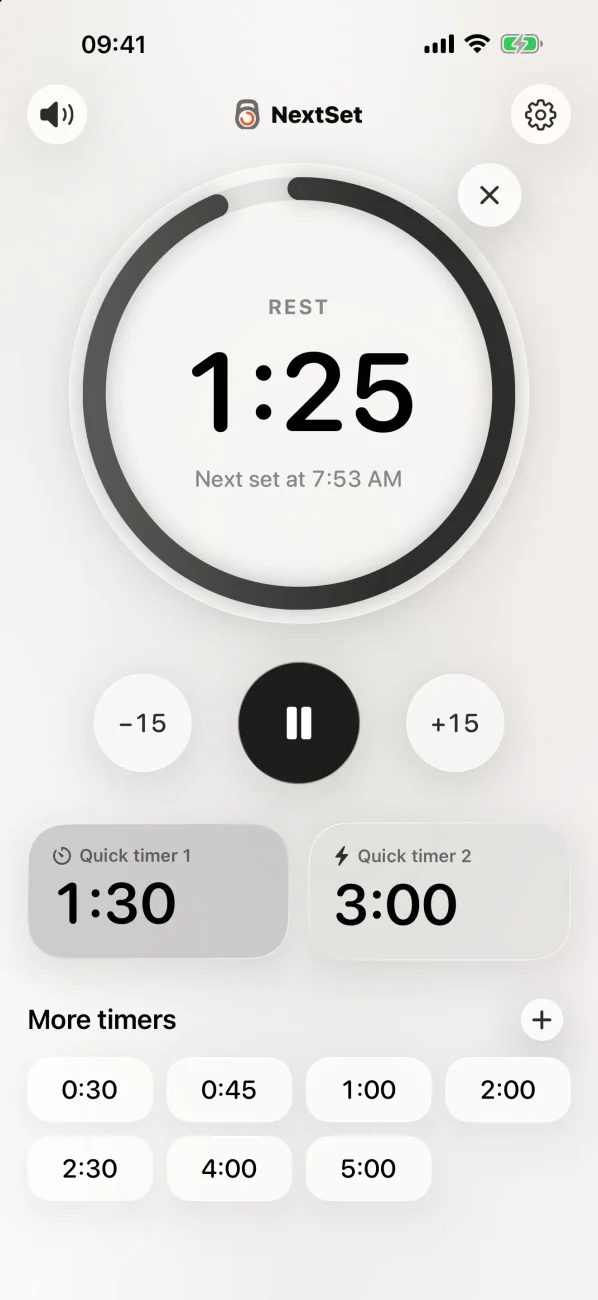
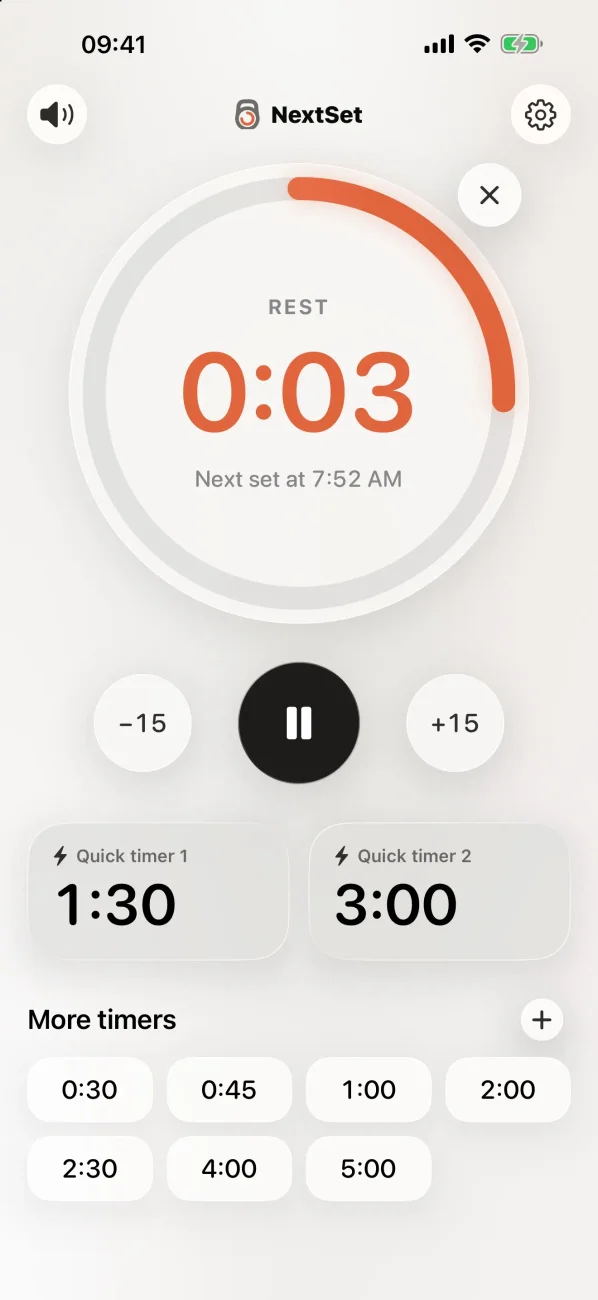
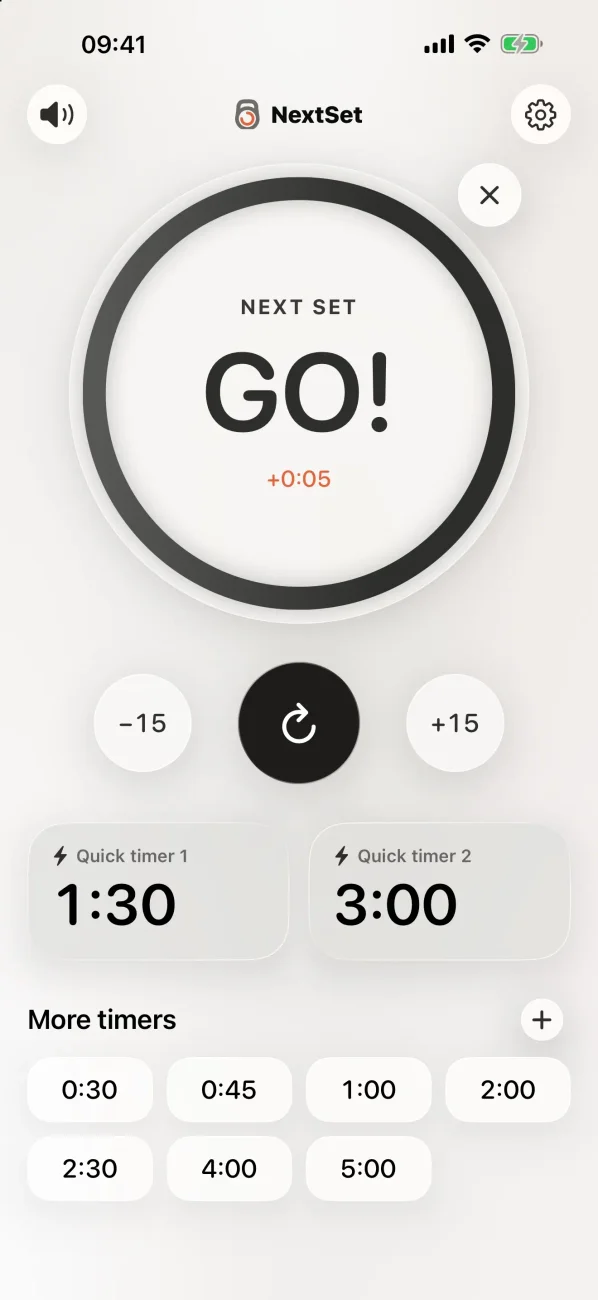
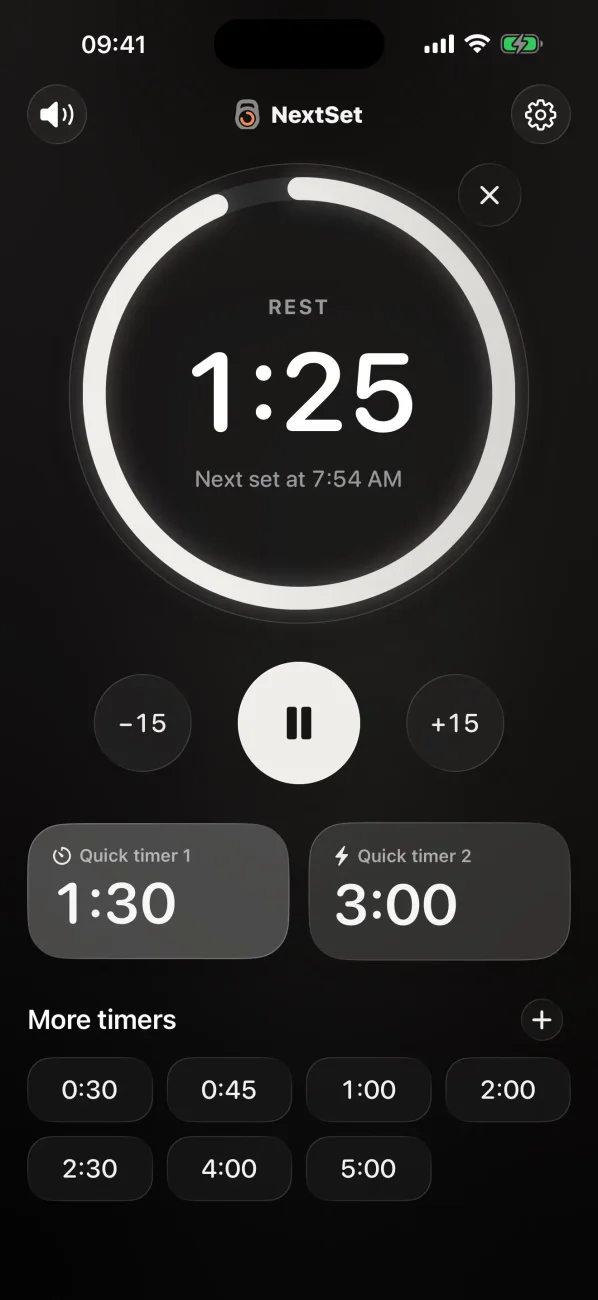
NextSet is a simple rest timer for your sets. Tap one of your quick timers and your rest starts. You feel and hear the last seconds on your wrist or iPhone – then it’s time for your next set.
ONE TAP TO REST
• One or two big quick timers on the start screen (1:30 and 3:00 to begin with)
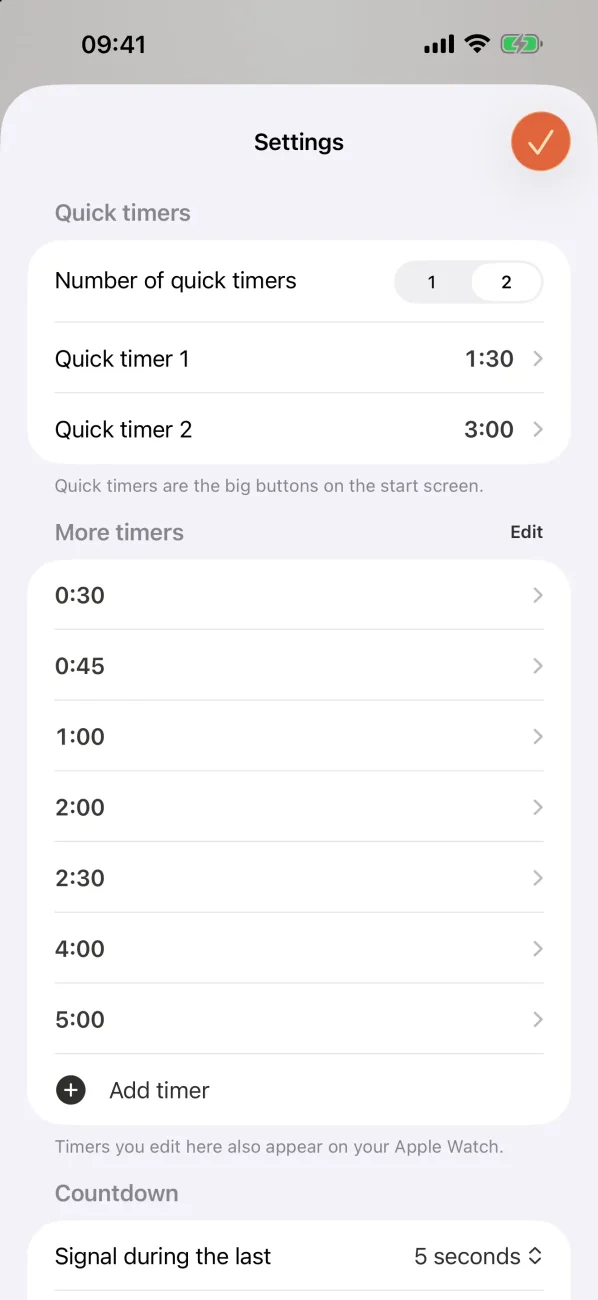
• Up to 12 more timers below, each started with a single tap
• Tap another timer during a rest to switch straight to it
• ±15 seconds, pause and resume, or end your rest early
• When the rest is over, “GO!” counts the time you’ve gone over, and “Repeat rest” starts the same rest again
A COUNTDOWN YOU CAN FEEL
• Signal in the last 3, 5 or 10 seconds – or turn it off
• Strong haptics on iPhone, the Taptic Engine on Apple Watch
• Three sounds: Beep, Chime and Digital. On iPhone they play over your music, which is briefly lowered, and even in silent mode
• Mute the sounds right from the start screen
MADE FOR APPLE WATCH
• Big quick timers right on the start screen, more timers below
• Full-screen ring with countdown, ±15 s, pause and “Repeat rest”, also on the Always On display
• Keeps running with your arm down, so the countdown taps and the end signal reliably reach your wrist
• Timers sync with your iPhone and can be edited on both devices
ALWAYS IN VIEW
• Live Activity on the Lock Screen, in the Dynamic Island and in the Smart Stack on Apple Watch
• A notification when your rest is over while the app is in the background
• The display stays on during a rest (optional)
SIRI, SHORTCUTS & ACTION BUTTON
• “Start Quick Timer”, “Start Rest Timer” with any number of seconds, and “End Rest”
• Start a rest hands-free with Siri or the Action button
YOUR TIMERS, YOUR WAY
• Rename timers, for example “Squats”
• Reorder or delete them – long-press a timer for more options
• Light and dark mode, large rounded digits, Liquid Glass design
PRIVATE BY DESIGN
No account, no ads, no tracking. Your timers and settings stay on your devices.
What’s new
Version 1.0.1 · Oct 9, 2026
• Now free
• iPhone and Apple Watch stay in sync: start, pause or end a rest on one and the other follows
• The end of a rest now reliably reaches your wrist, even after long rests
• End-of-rest notifications break through Focus modes
• New app icon
• The countdown signals the last 3 seconds by default
• Smaller fixes and improvements
App privacy
What Mario Kernich declares on the App Store about how this app handles data.
-
Data not collected
The developer does not collect any data from this app.
Privacy practices may vary, for example with the features you use or your age.
Information
- Seller
- Mario Kernich
- Category
- Health & Fitness
- Version
- 1.0.1
- Updated
- Oct 9, 2026
- Released
- Oct 5, 2026
- Size
- 2.6 MB
- Requires
- iOS 26.0 or later
- Age rating
- 4+
- Languages
- German, English
- Copyright
- © 2026 Mario Kernich
You might also like
-
 StepVaultYour Complete Step History
-
 Morph - Weight Tracker & BMILog, Chart & Reach Your Goal
-
 Ironsyl - Workout Beat TimerHIIT, Tabata & Custom Plans
-
 Find Peace BreathingCustom breathing at your pace
-
 TEMPO - Mood JournalMood detected from your tone
-
 Ironwrist: Workout TrackerStrength Training Plan & Log
-
 GRX: Offline Workout TrackerNo Subscription, yours Forever
-
 DoseMate ProGLP-1 Shot & Weight Tracker
-
 HerBatteryUnderstand the rhythm better.
-
 Stride: Step Counter & BattlesPedometer & Walking Challenge