NextSet - Simple Rest Timer
Gym sets on iPhone & Watch
Được thiết kế cho iPhone
Miễn phí
- Độ tuổi4+
- Danh mụcSức Khỏe & Thể Dục
- Nhà phát triểnMario Kernich
- Ngôn ngữTiếng Đức+ 1 ngôn ngữ khác
- Kích thước2,6 MB
Liên kết đến trang App Store chính thức
Download.org không lưu trữ tệp nào của NextSet - Simple Rest Timer. Nút này mở trang ứng dụng trên App Store, nơi Mario Kernich phát hành ứng dụng. Trang được kiểm tra lần cuối: 12/11/2026.
Ảnh chụp màn hình
Giới thiệu
Nhà phát triển chưa cung cấp nội dung này bằng ngôn ngữ của bạn.
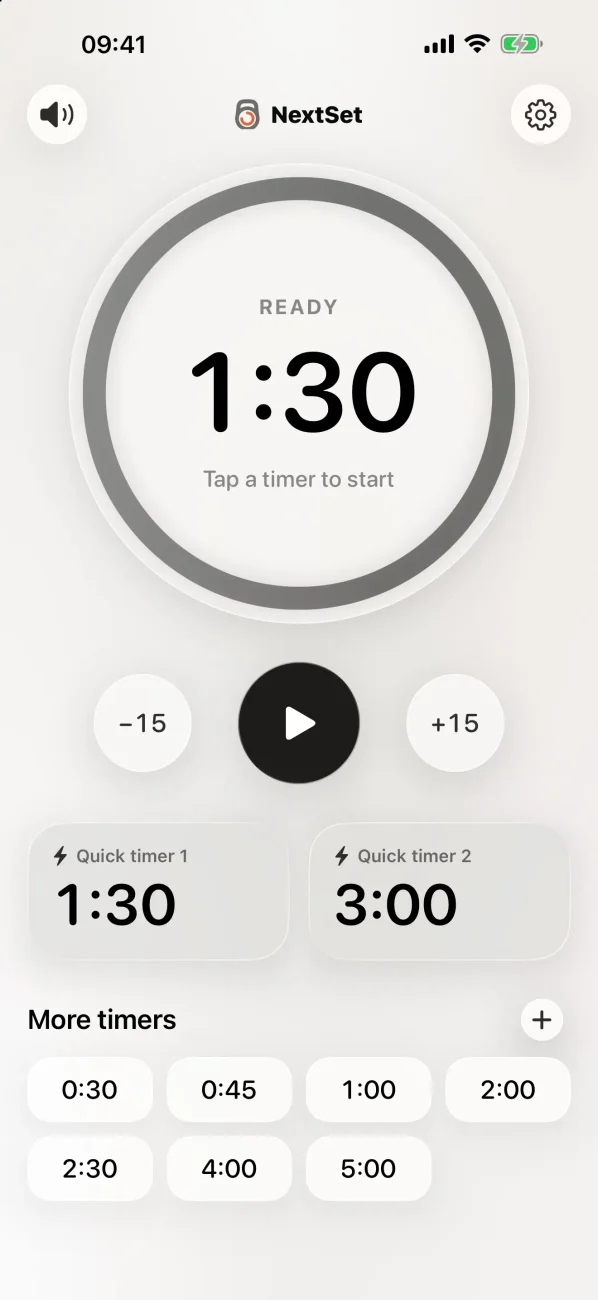
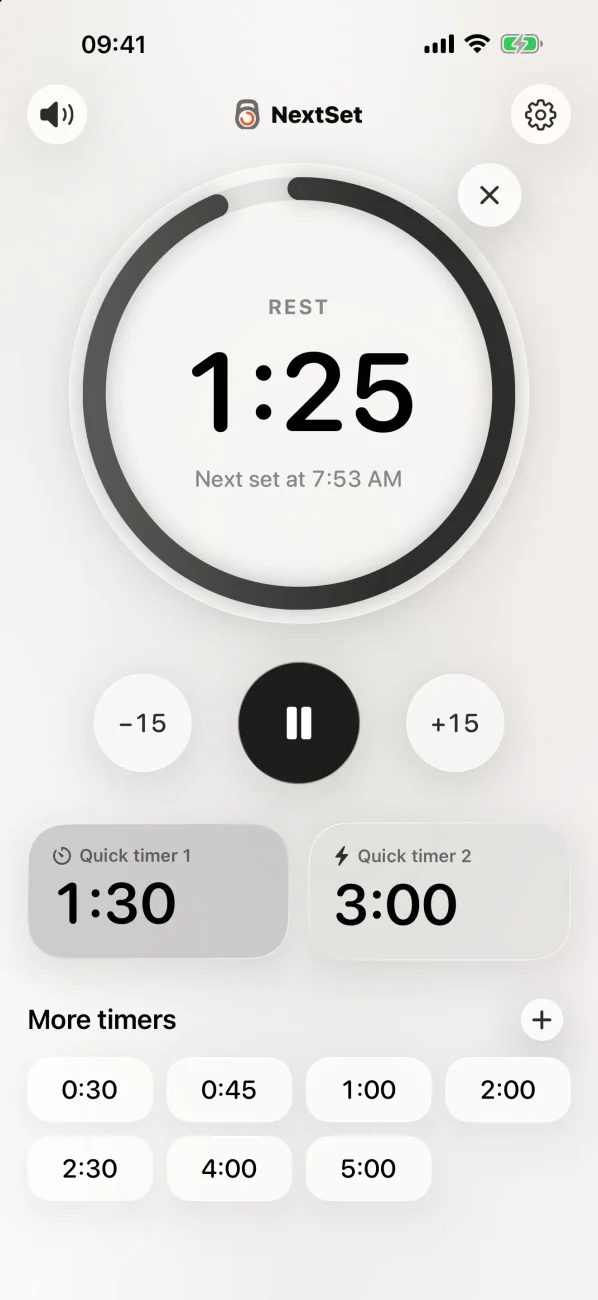
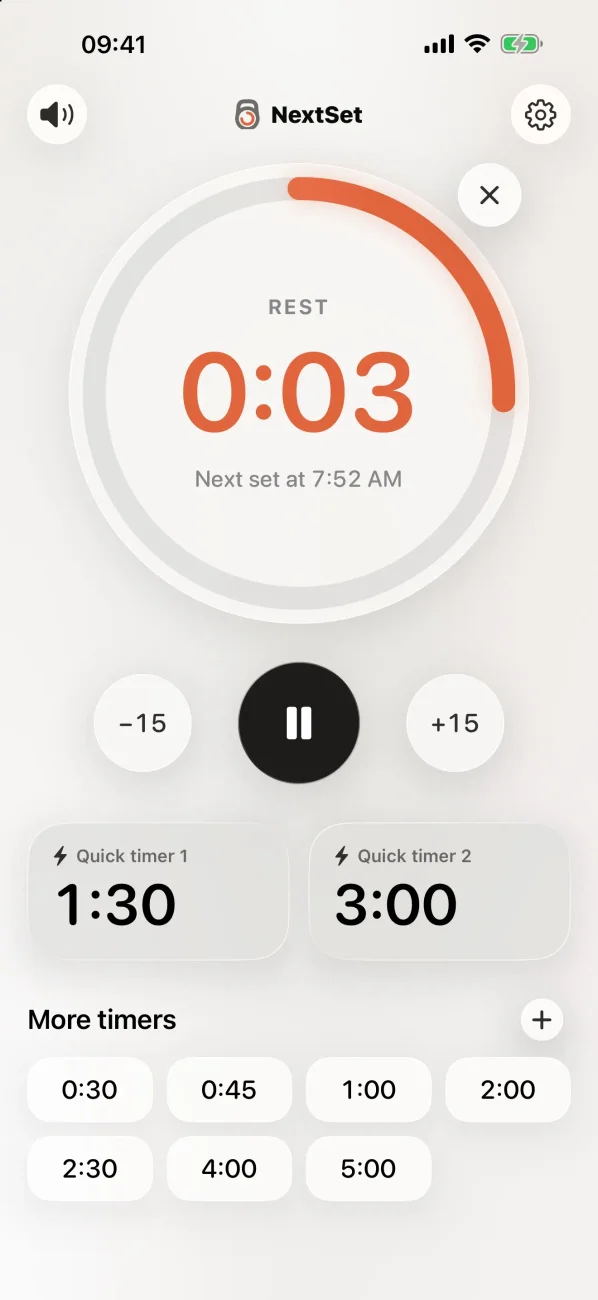
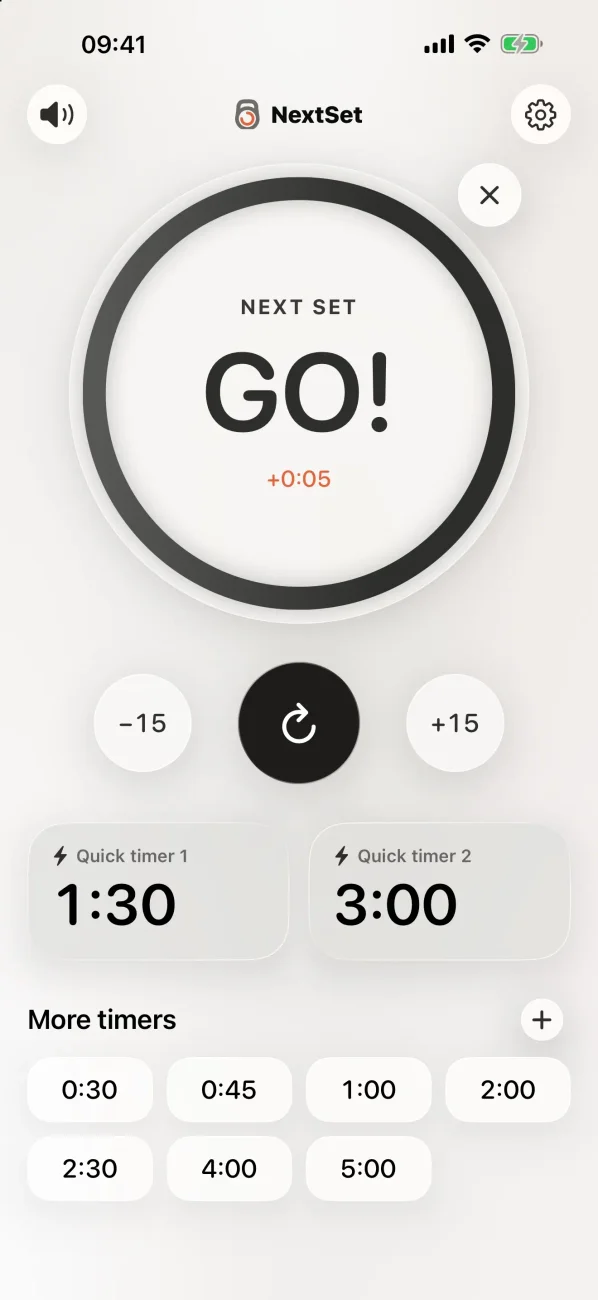
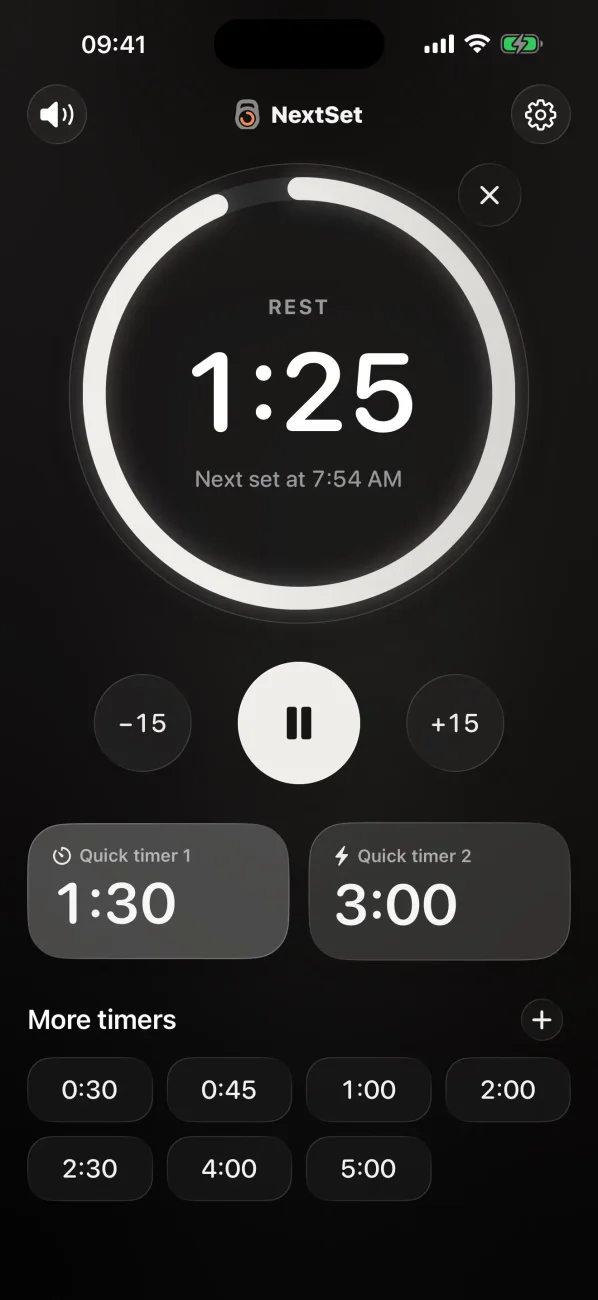
NextSet is a simple rest timer for your sets. Tap one of your quick timers and your rest starts. You feel and hear the last seconds on your wrist or iPhone – then it’s time for your next set.
ONE TAP TO REST
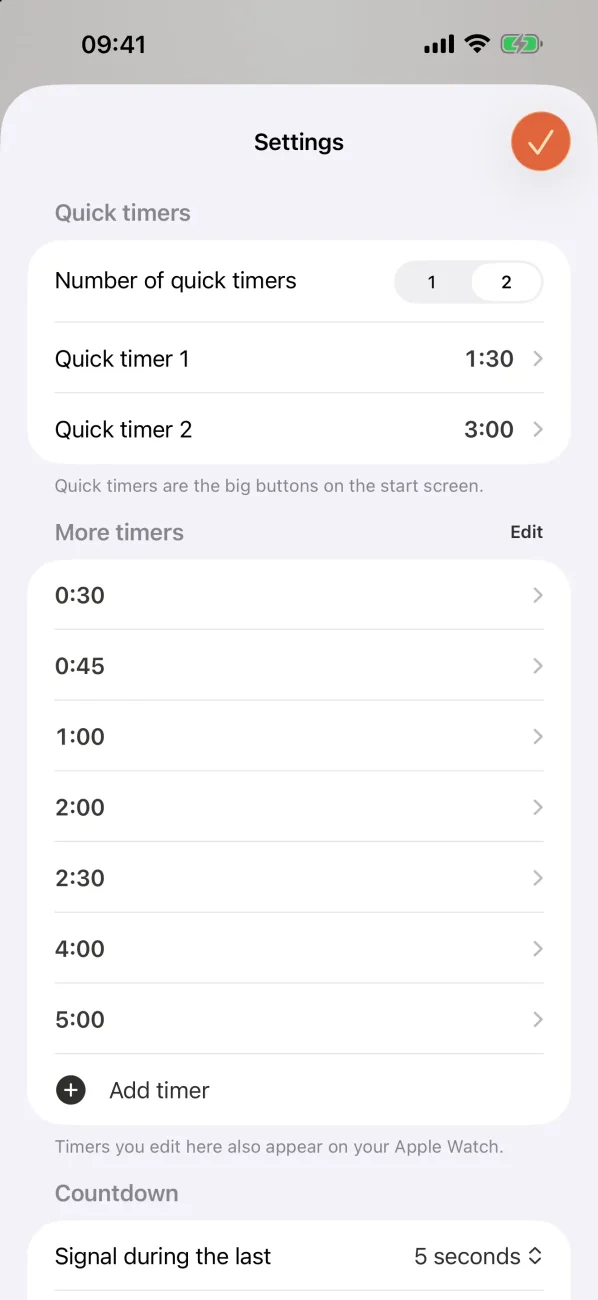
• One or two big quick timers on the start screen (1:30 and 3:00 to begin with)
• Up to 12 more timers below, each started with a single tap
• Tap another timer during a rest to switch straight to it
• ±15 seconds, pause and resume, or end your rest early
• When the rest is over, “GO!” counts the time you’ve gone over, and “Repeat rest” starts the same rest again
A COUNTDOWN YOU CAN FEEL
• Signal in the last 3, 5 or 10 seconds – or turn it off
• Strong haptics on iPhone, the Taptic Engine on Apple Watch
• Three sounds: Beep, Chime and Digital. On iPhone they play over your music, which is briefly lowered, and even in silent mode
• Mute the sounds right from the start screen
MADE FOR APPLE WATCH
• Big quick timers right on the start screen, more timers below
• Full-screen ring with countdown, ±15 s, pause and “Repeat rest”, also on the Always On display
• Keeps running with your arm down, so the countdown taps and the end signal reliably reach your wrist
• Timers sync with your iPhone and can be edited on both devices
ALWAYS IN VIEW
• Live Activity on the Lock Screen, in the Dynamic Island and in the Smart Stack on Apple Watch
• A notification when your rest is over while the app is in the background
• The display stays on during a rest (optional)
SIRI, SHORTCUTS & ACTION BUTTON
• “Start Quick Timer”, “Start Rest Timer” with any number of seconds, and “End Rest”
• Start a rest hands-free with Siri or the Action button
YOUR TIMERS, YOUR WAY
• Rename timers, for example “Squats”
• Reorder or delete them – long-press a timer for more options
• Light and dark mode, large rounded digits, Liquid Glass design
PRIVATE BY DESIGN
No account, no ads, no tracking. Your timers and settings stay on your devices.
Có gì mới
Phiên bản 1.0.1 · 09/10/2026
• Now free
• iPhone and Apple Watch stay in sync: start, pause or end a rest on one and the other follows
• The end of a rest now reliably reaches your wrist, even after long rests
• End-of-rest notifications break through Focus modes
• New app icon
• The countdown signals the last 3 seconds by default
• Smaller fixes and improvements
Quyền riêng tư của ứng dụng
Những gì Mario Kernich khai báo trên App Store về cách ứng dụng này xử lý dữ liệu.
-
Dữ liệu không được thu thập
Nhà phát triển không thu thập bất kỳ dữ liệu nào từ ứng dụng này.
Phương thức đảm bảo quyền riêng tư có thể khác nhau, chẳng hạn như tuỳ theo các tính năng bạn sử dụng hoặc độ tuổi của bạn.
Thông tin
- Người bán
- Mario Kernich
- Danh mục
- Sức Khỏe & Thể Dục
- Phiên bản
- 1.0.1
- Cập nhật
- 09/10/2026
- Phát hành
- 05/10/2026
- Kích thước
- 2,6 MB
- Yêu cầu
- iOS 26.0 trở lên
- Độ tuổi
- 4+
- Giá
- Miễn phí
- Ngôn ngữ
- Tiếng Đức, Tiếng Anh
- Bản quyền
- © 2026 Mario Kernich
Có thể bạn cũng thích
-
 StepVaultSức Khỏe & Thể Dục
-
 Morph - Weight Tracker & BMISức Khỏe & Thể Dục
-
 Ironsyl - Workout Beat TimerSức Khỏe & Thể Dục
-
 Find Peace BreathingSức Khỏe & Thể Dục
-
 TEMPO - Mood JournalSức Khỏe & Thể Dục
-
 Ironwrist: Workout TrackerSức Khỏe & Thể Dục
-
 GRX: Offline Workout TrackerSức Khỏe & Thể Dục
-
 DoseMate ProSức Khỏe & Thể Dục
-
 HerBatterySức Khỏe & Thể Dục
-
 Stride: Step Counter & BattlesSức Khỏe & Thể Dục