
NextTrain – MBTA Times
MBTA Live Subway times/alerts
Designed for iPhone, iPod touch
Free
- Age rating4+
- CategoryNavigation
- DeveloperLong Le
- LanguagesEnglish
- Size2.5 MB
Links to the official App Store page
Download.org hosts no file of NextTrain – MBTA Times. The button opens its official App Store page, published by Long Le. Listing last checked on Nov 18, 2026.
Screenshots
About
NextTrain shows live times for Boston's MBTA subway, built for the trip you take every day.
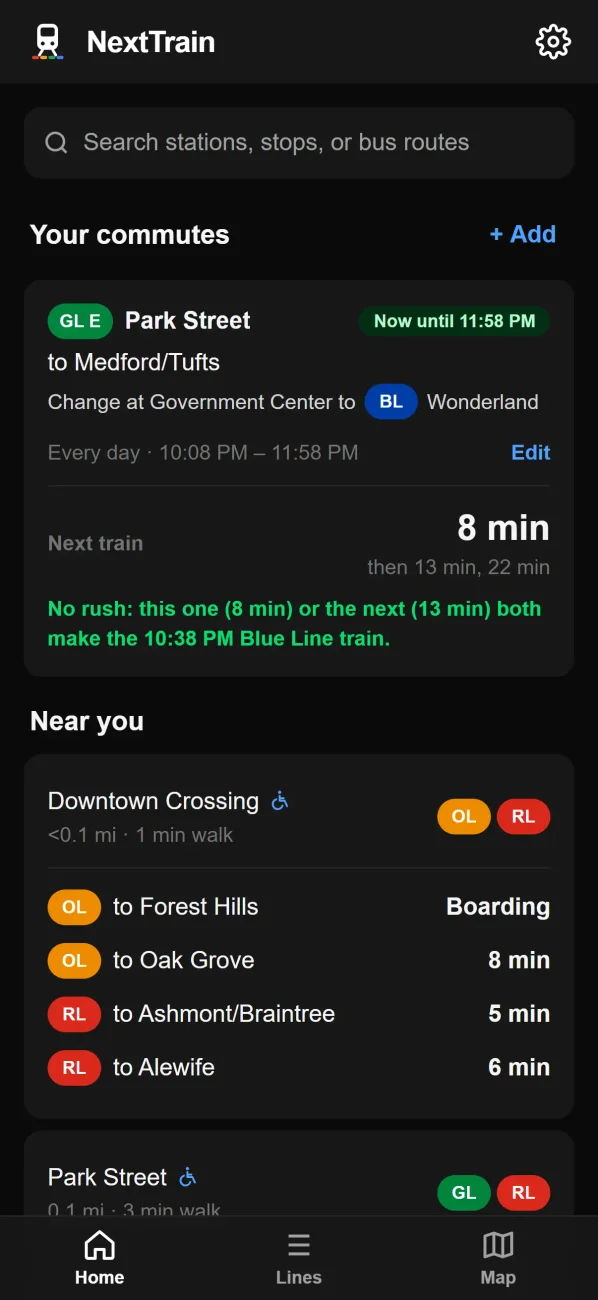
YOUR COMMUTE, AT A GLANCE
Save the trips you take: your station, line, direction, and the time you usually leave. When it's time to go, the next train is waiting on the home screen, with any delay or suspension that affects it.
LIVE DEPARTURES
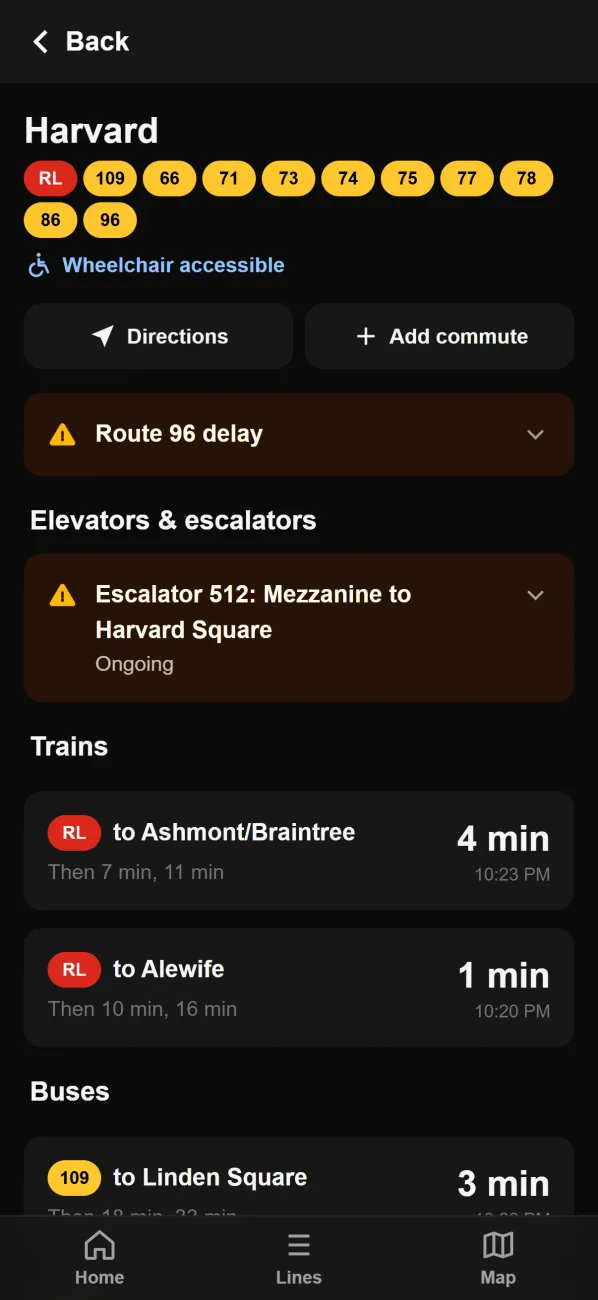
Every station shows its next trains for each line and direction, counting down in real time and refreshing every 10 seconds.
NEAR YOU
See the closest stations, how far a walk they are, and the next trains at the nearest one. Your location never leaves your phone.
SERVICE ALERTS
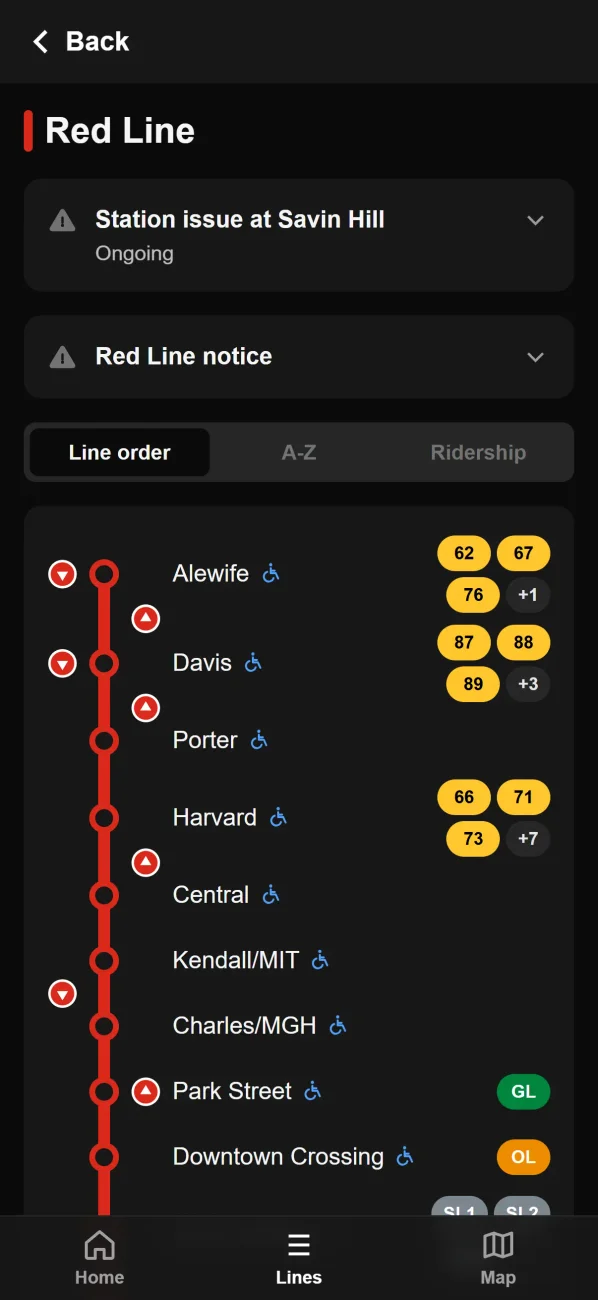
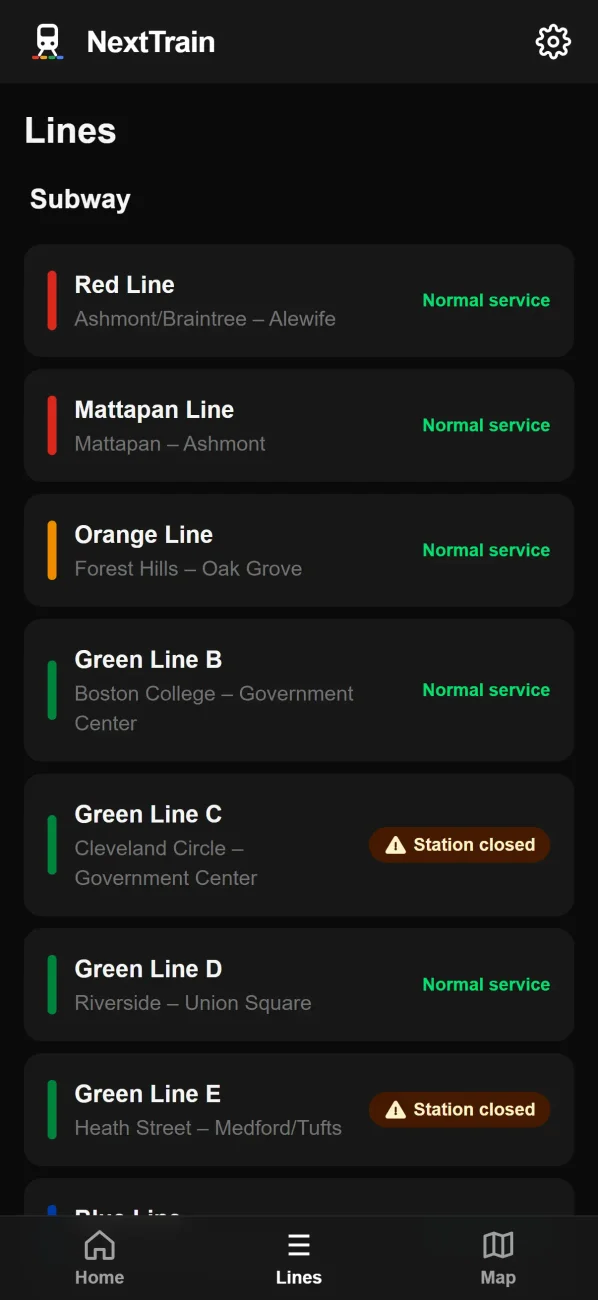
Delays, shuttle buses, suspensions, and station closures appear on the lines, stations, and commutes they affect.
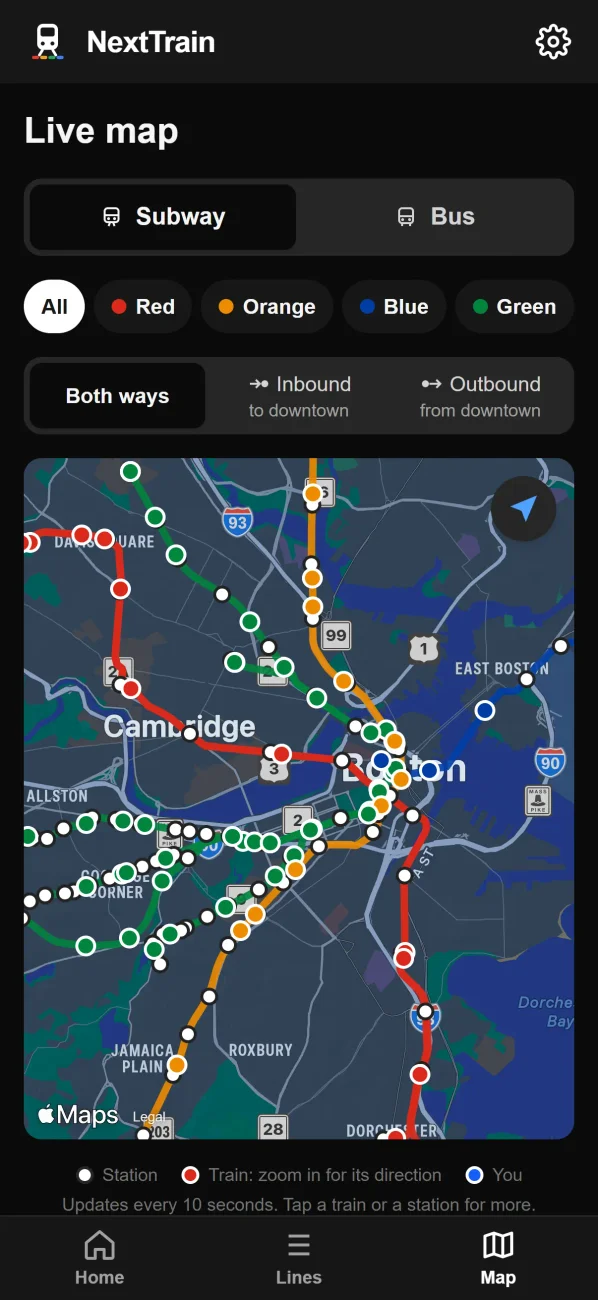
LIVE LINE DIAGRAMS AND MAP
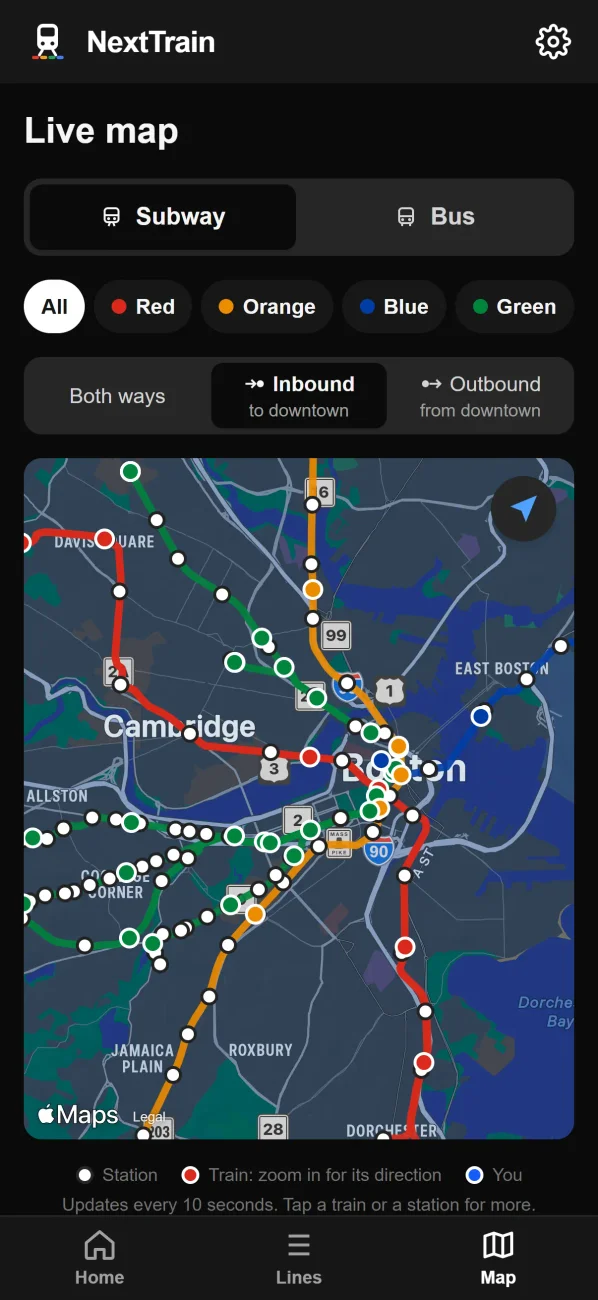
Watch every train move along its line, or across the whole system on the map, with arrows showing which way each one is heading. Zoom in to see station names, or filter to a single line or Green Line branch.
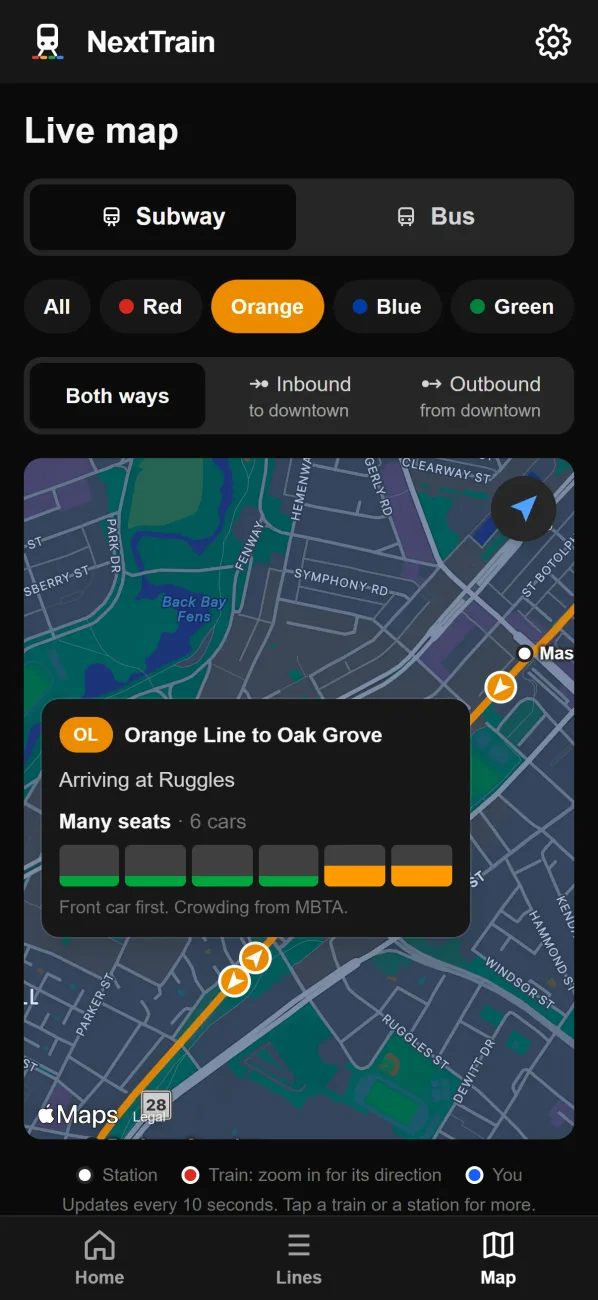
HOW FULL IS IT?
Tap a train on the map to see where it's headed and, where the MBTA reports it, how crowded each car is.
SEARCH THAT GETS YOU
"harvard sq", "park st", "gov ctr": type it the way you say it.
PRIVATE BY DESIGN
No account, no ads, no tracking. Your commutes are saved under a random ID, and Settings → Delete my data erases everything.
Live data comes from the MBTA. NextTrain is an independent app and isn't affiliated with or endorsed by the MBTA.
What’s new
Version 1.4 · Oct 18, 2026
Plan trips, find your stop, and never miss a connection.
- Trip planner: search any address or place from Home and get the best train or bus there, with at most one change, plus whether to hurry or relax.
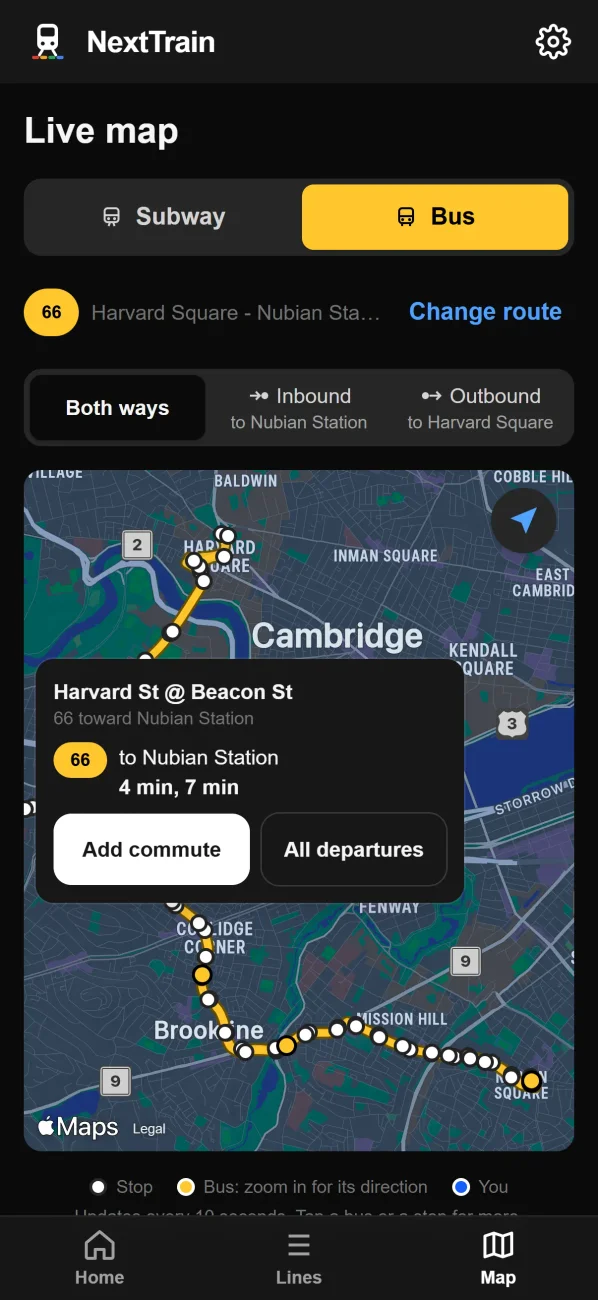
- Bus stops now show a nearby landmark, like "(near Taco Bell)", so you know which side of the street to wait on.
- Street view: open a bus stop to see it in Apple's Look Around before you go.
- Easier commute changes: pick the bus or line you change to, including stops a short walk away, like the 66 to the 22.
- Lock Screen countdown: it moves on to the next train by itself, even with the app closed, and the Dynamic Island now shows the NextTrain logo and line color.
- One search for stations, buses, and addresses.
- Location is asked only once.
App privacy
What Long Le declares on the App Store about how this app handles data.
-
Data linked to you
May be collected and linked to your identity.
- User content
- Identifiers
Privacy practices may vary, for example with the features you use or your age.
Information
- Seller
- Long Le
- Category
- Navigation
- Version
- 1.4
- Updated
- Oct 18, 2026
- Released
- Oct 12, 2026
- Size
- 2.5 MB
- Requires
- iOS 15.0 or later
- Age rating
- 4+
- Price
- Free
- Languages
- English
- Copyright
- © 2026 longledev
You might also like
-
 MBTA Commuter WidgetsBoston MBTA Departures
-
 Boston Transit CompanionLive Boston Transit Arrivals
-
 BusTracc MBTA Bus TrackerCatch real buses, not ghosts
-
 MBTA ScheduleNavigation
-
 City Transport Map BostonMetro, tram and bus routes
-
 MBTA WidgetsMBTA arrivals on your screen
-
 MBTA Train & Bus TrackerFast, Simple MBTA Tracker
-
 Live MBTAReal-Time Train Departures
-
 BusWatchNavigation
-
 Boston Subway GuideMBTA Subway Travel Guide