- Age rating4+
- CategoryUtilities
- DeveloperAhmet Bohur
- LanguagesEnglish+ 1 more
- Size62.5 MB
Links to the official App Store page
Download.org hosts no file of NFC QR Master. The button opens its official App Store page, published by Ahmet Bohur. Listing last checked on Nov 13, 2026.
Screenshots
About
QR & NFC Master – QR Code & NFC Tag Tool
Create, scan, and manage QR codes and NFC tags in one powerful app.
No cloud required. No account needed. Everything works offline.
How to Use
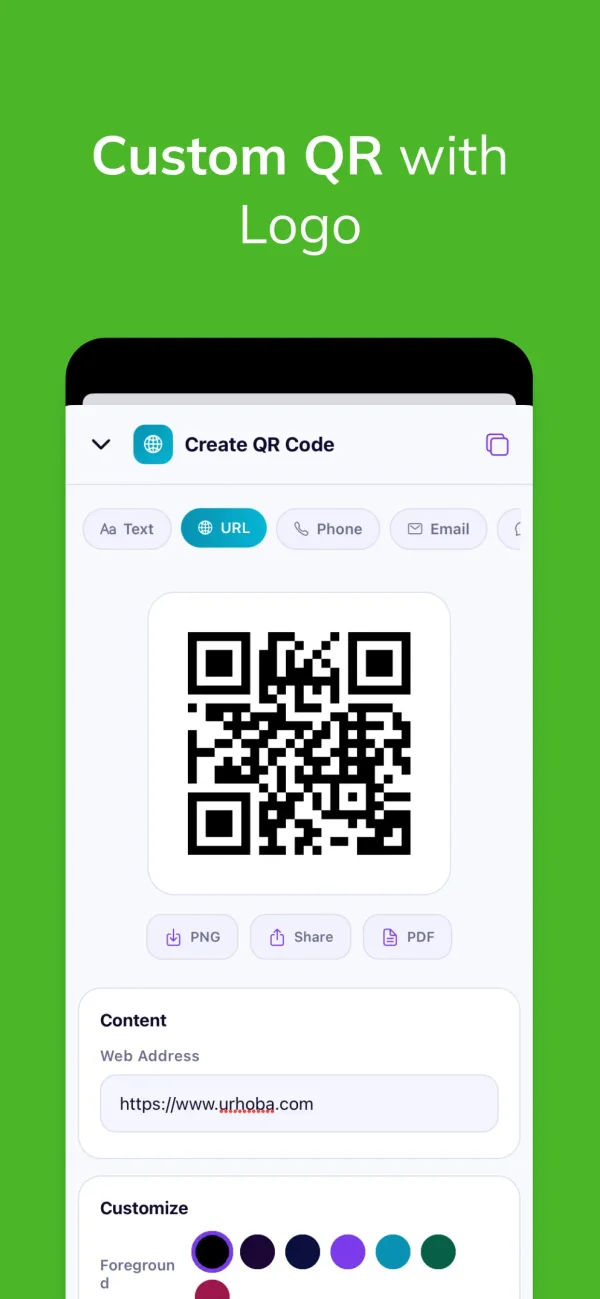
Generate a QR code by selecting a type, filling in your details, and saving or sharing instantly.
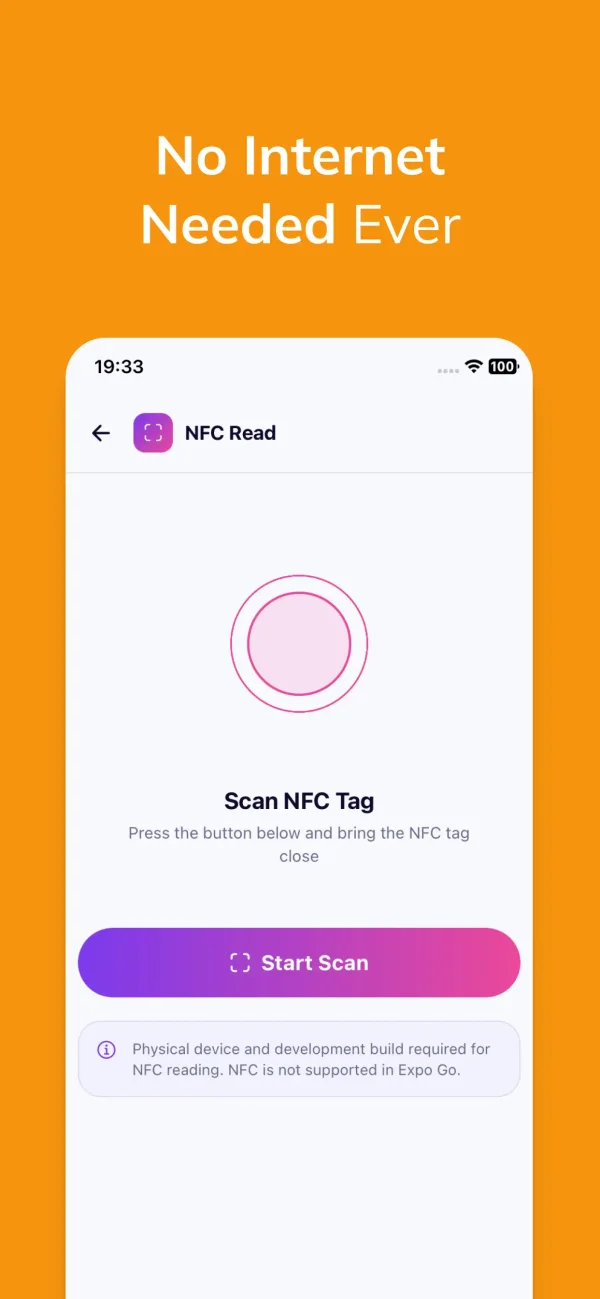
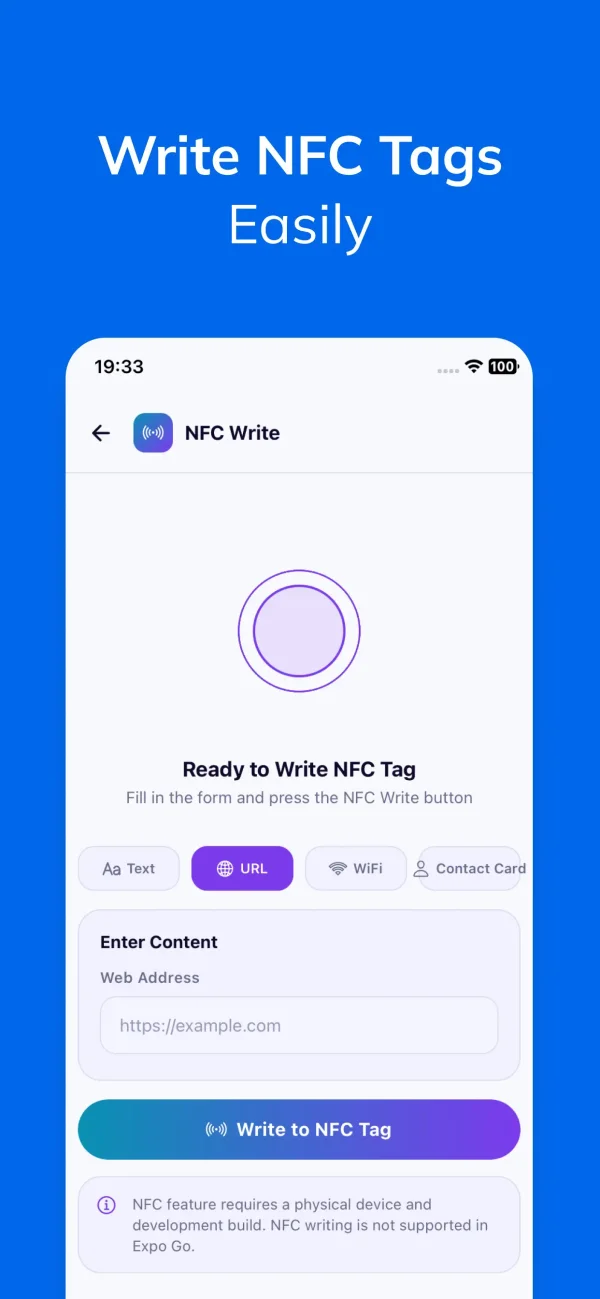
To write an NFC tag, tap NFC Write, enter your data, and hold your phone to a writable tag.
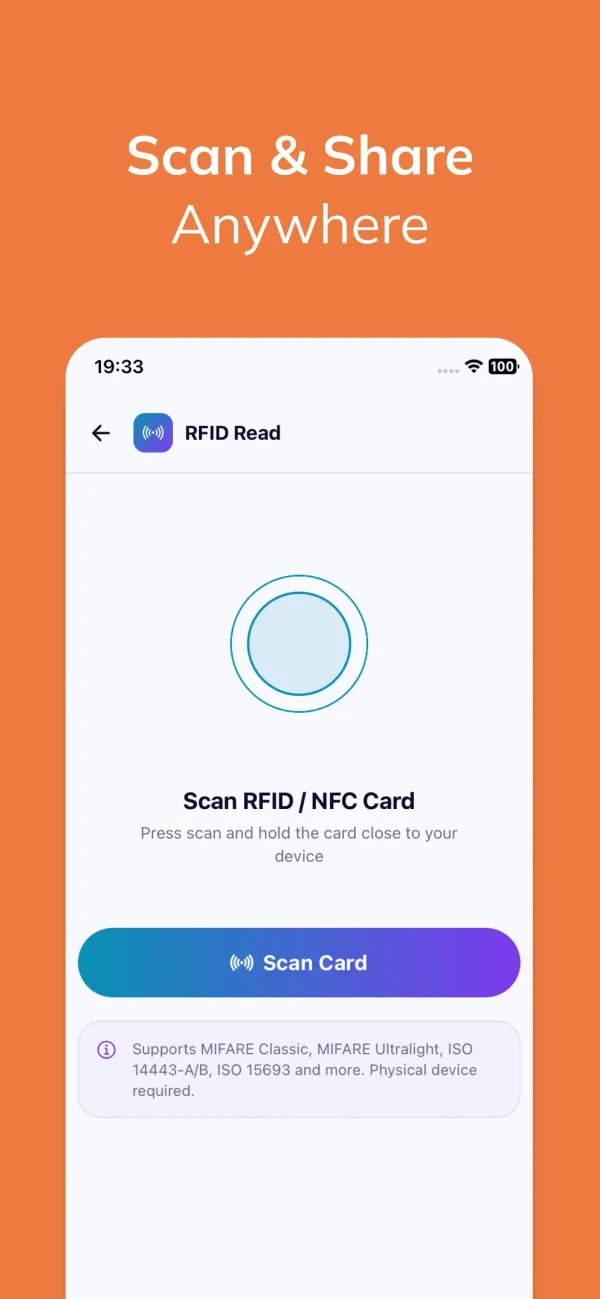
To read an NFC tag or scan a QR code, tap the matching button and point your device.
QR Code Types
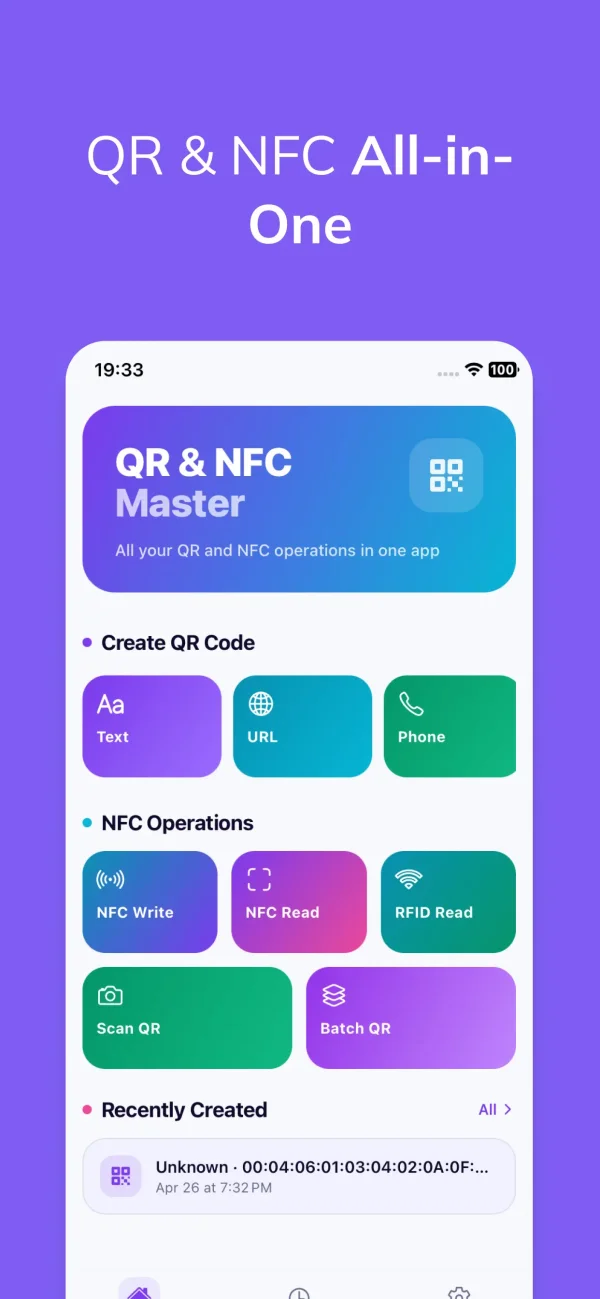
• Text: Save any note or message as a QR code.
• URL: Share links quickly without typing.
• Phone: Dial a number with a single scan.
• Email: Open a pre-filled email compose window.
• SMS: Launch a text message ready to send.
• Wi-Fi: Share network credentials so guests can connect instantly.
• vCard: Share your contact details as a scannable business card.
NFC Features
• NFC Write: Encode text, URL, Wi-Fi, or vCard data onto any writable NFC tag.
• NFC Read: Scan any NFC tag and instantly view, copy, or act on the content.
QR Customization
• Choose foreground and background colors to match your brand or style.
• Add a logo to the center of any QR code.
• Pick from multiple dot and corner shapes.
• Export as PNG and share or save to your gallery.
Batch Generation
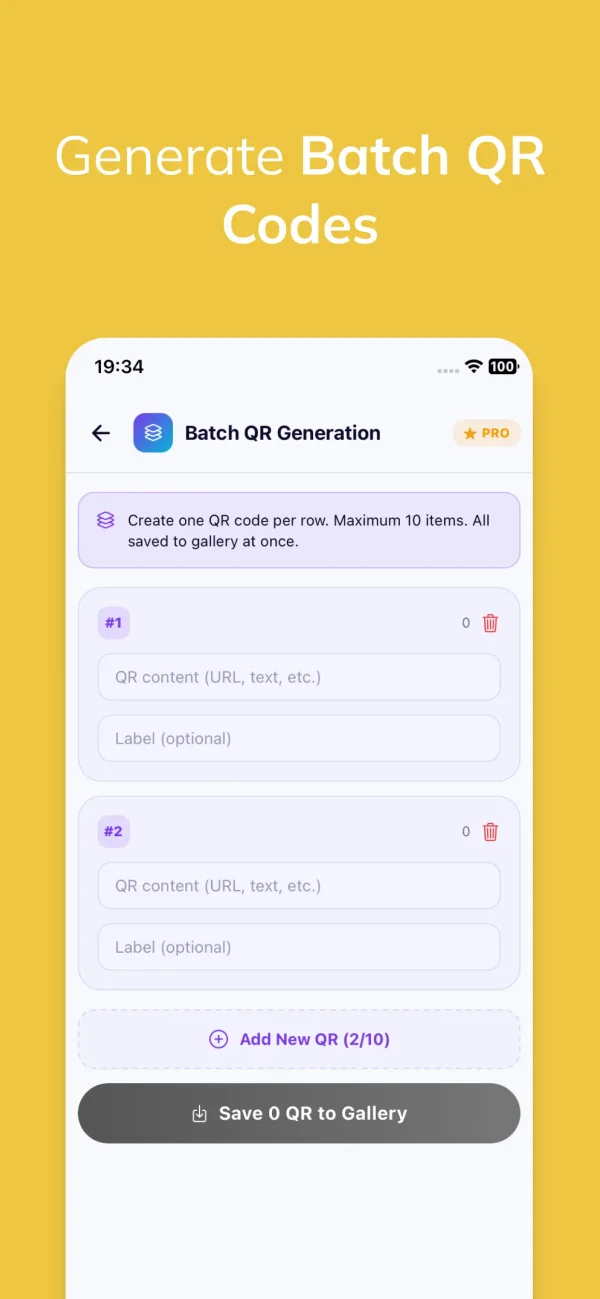
• Create multiple QR codes at once from a list of values.
• Ideal for product labels, event tickets, or class handouts.
History & Favorites
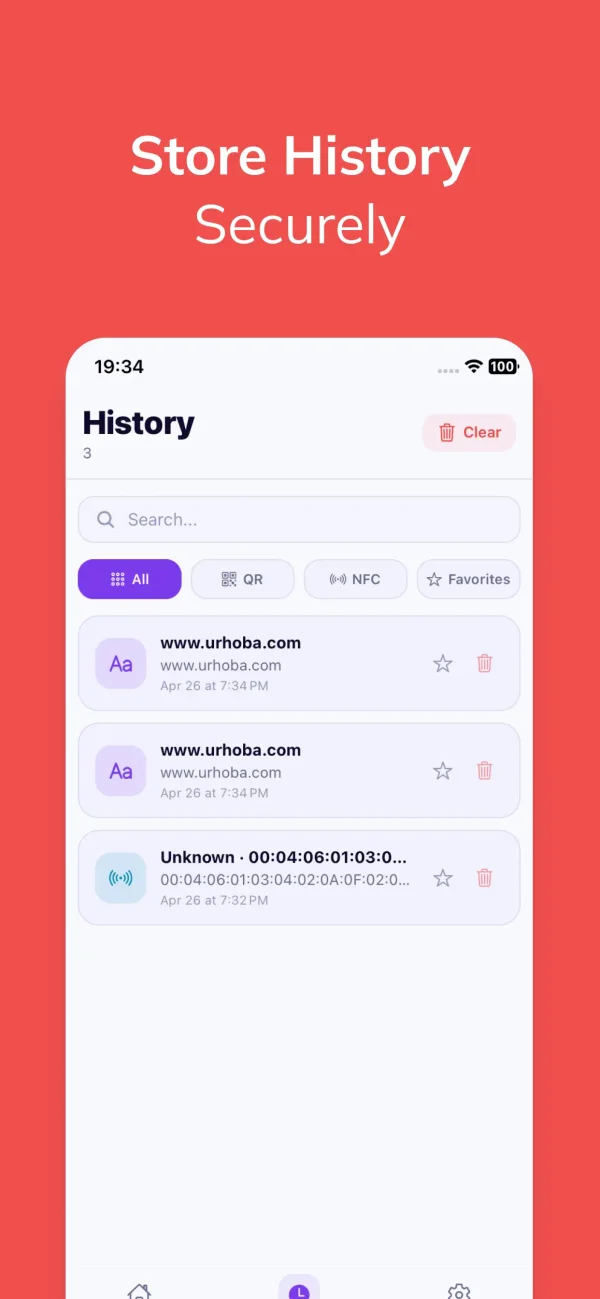
• Every QR code and NFC scan is saved automatically.
• Mark items as favorites for quick access.
• Regenerate any past entry in one tap.
• Bulk delete to keep your history clean.
Design
Full light and dark mode support with a clean, distraction-free interface designed for fast, comfortable use.
10 Languages Supported
English, Turkish, Spanish, French, German, Portuguese, Russian, Japanese, Chinese, and Arabic.
Completely Offline
No internet connection needed. Create, scan, and manage everything on your device.
Privacy Policy: https://www.urhoba.com/pages/privacy-policy-for-nfc-qr-master
Terms of Use: https://www.urhoba.com/pages/terms-of-use-for-nfc-qr-master
What’s new
Version 1.0.14 · Sep 11, 2026
• Performance improvements for a smoother, faster experience
• Fixed several bugs reported by users
• General stability and reliability improvements
Thanks for using NFC QR Master! If you run into any issues, please reach out — your feedback shapes every update.
App privacy
What Ahmet Bohur declares on the App Store about how this app handles data.
-
Data used to track you
May be used to track you across apps and websites owned by other companies.
- Usage data
-
Data linked to you
May be collected and linked to your identity.
- Usage data
Privacy practices may vary, for example with the features you use or your age.
Information
- Seller
- Ahmet Bohur
- Category
- Utilities
- Version
- 1.0.14
- Updated
- Sep 11, 2026
- Released
- May 8, 2026
- Size
- 62.5 MB
- Requires
- iOS 16.4 or later
- Age rating
- 4+
- In-app purchases
- Yes
- Languages
- English, Turkish
- Copyright
- © 2026 Urhoba
You might also like
-
 QR/NFC Pro Tools & CodesWrite NFC Tags & Create QR
-
 FlicklyClean Your Gallery Fast
-
 TagtoryOrganize Things with NFC Tags
-
 NFC FlowRead, write, and clone NFC tag
-
 SpoolSense - NFC Filament TagsRead, write & track filament
-
 Spoolman GOMobile Spoolman Manager
-
 RecognAIzer: Identify AnythingArt, Wine & Plant Identifier
-
 Smart NFC: Read & Write TagsNFC Scanner, Wi-Fi & vCard
-
 Printer Tools AppControl your 3D printer
-
 Kabe:Block Spam Call/SMSSpam call range + scam SMS