NibbleCalc: Dev Calculator
Programmer, color & dev tools
Designed for iPhone, iPad
Free · In-app purchases
- Age rating4+
- CategoryUtilities
- DeveloperLiChuan Lin
- LanguagesEnglish+ 16 more
- Size3.6 MB
Links to the official App Store page
Download.org hosts no file of NibbleCalc: Dev Calculator. The button opens its official App Store page, published by LiChuan Lin. Listing last checked on Nov 16, 2026.
Screenshots
About
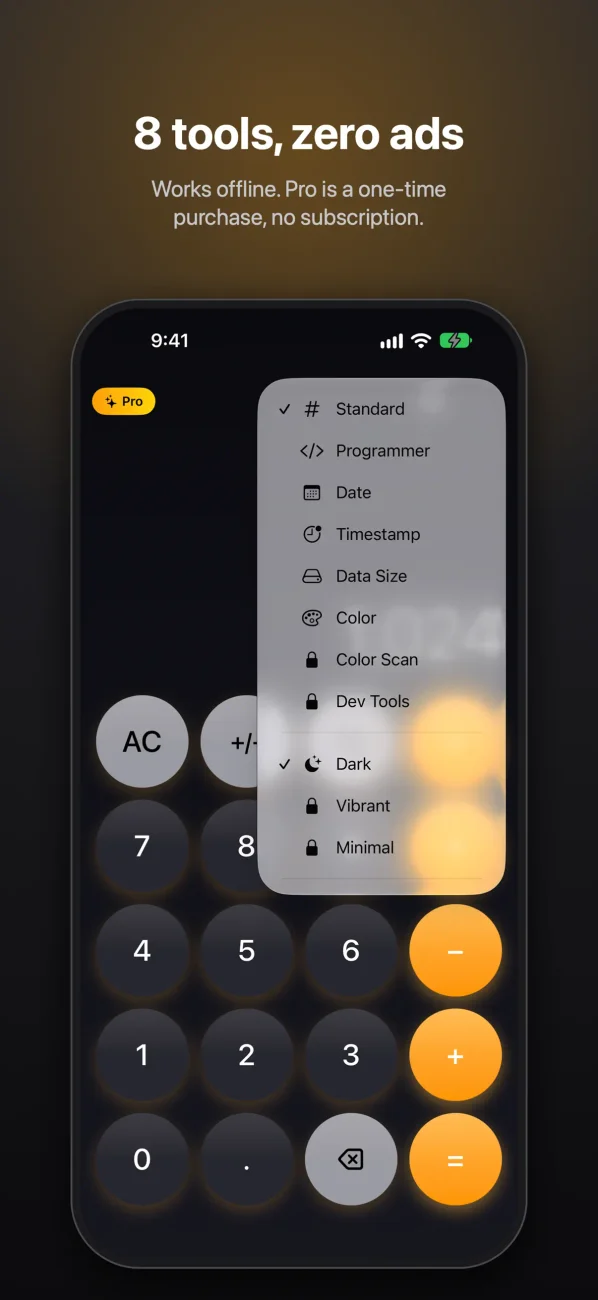
NibbleCalc is the all-in-one calculator for developers, designers, and power users — a clean, fast calculator plus a full toolbox, all offline.
FOUR-FUNCTION & SCIENTIFIC
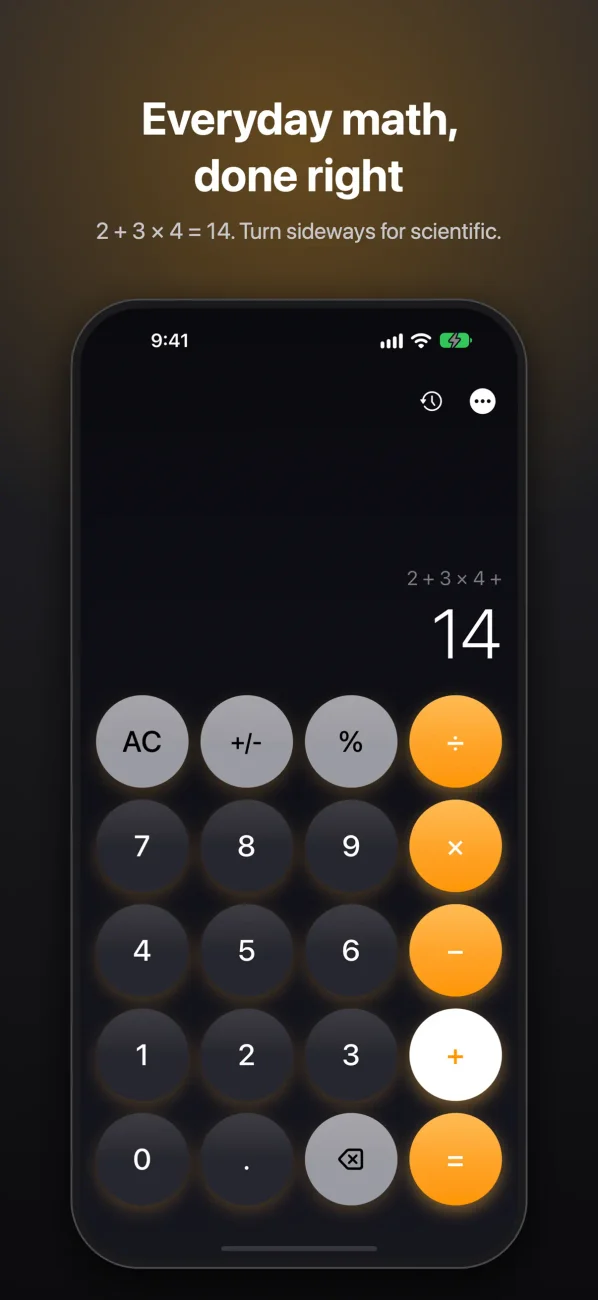
• Beautiful standard calculator with calculation history
• Full scientific panel in landscape (trig, logs, powers, roots, factorial)
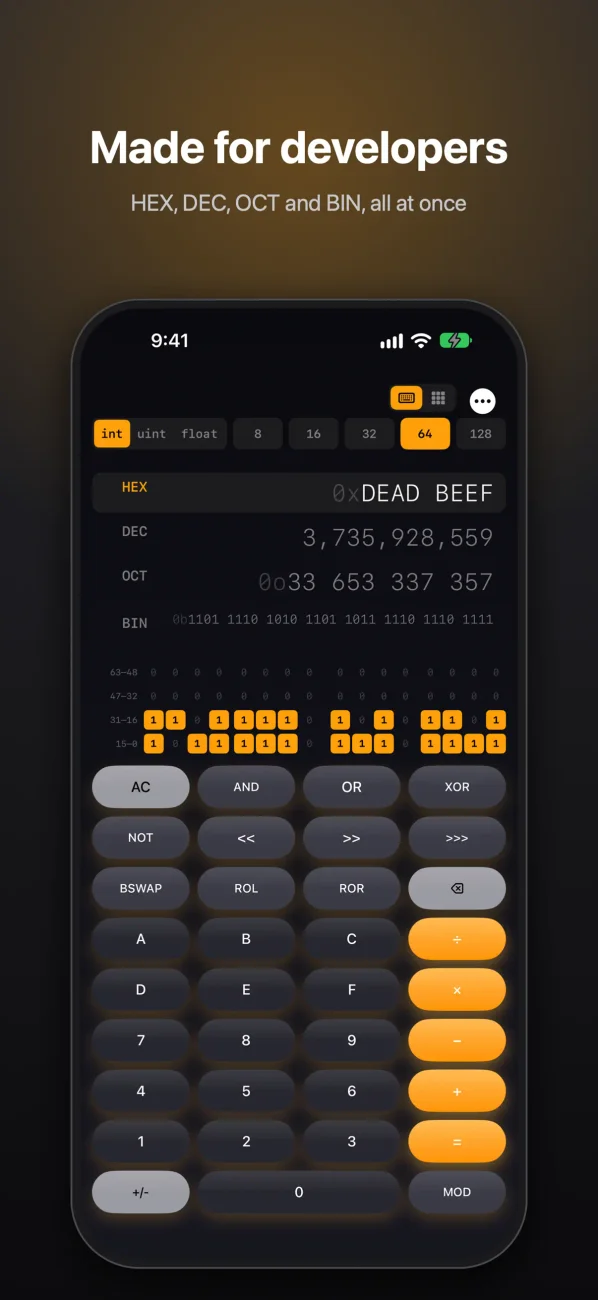
PROGRAMMER
• HEX / DEC / OCT / BIN, live side by side
• Bit widths from 8-bit up to 127-bit
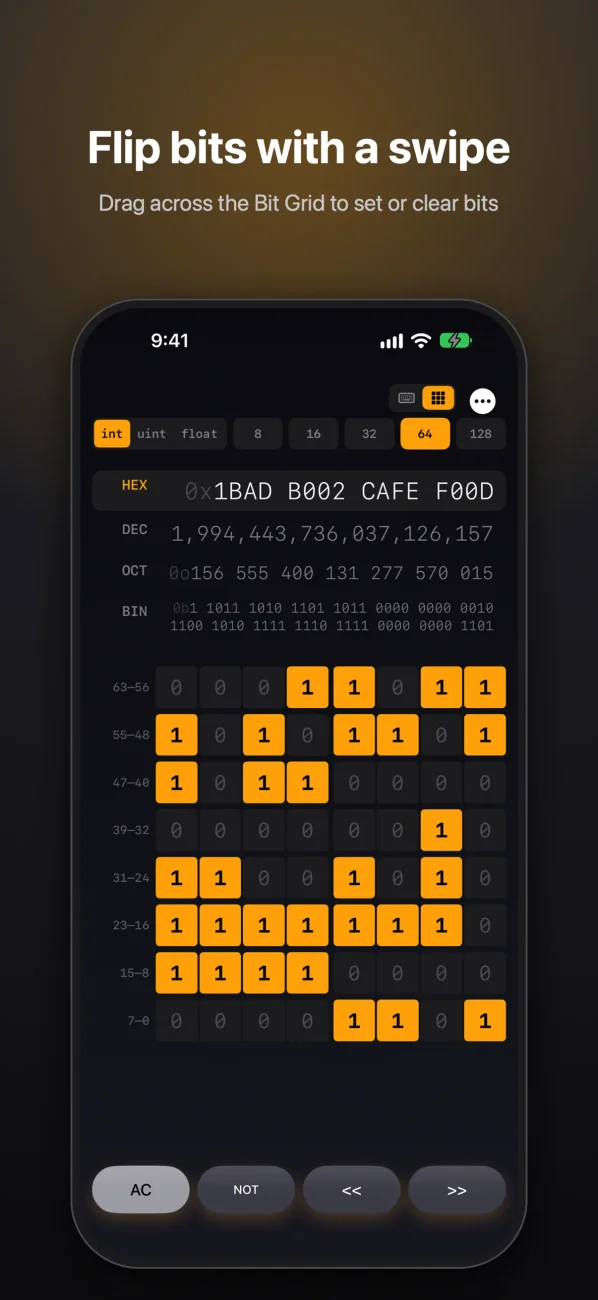
• Flip individual bits in an interactive bit grid
• AND, OR, XOR, NOT and shifts
COLOR TOOLS
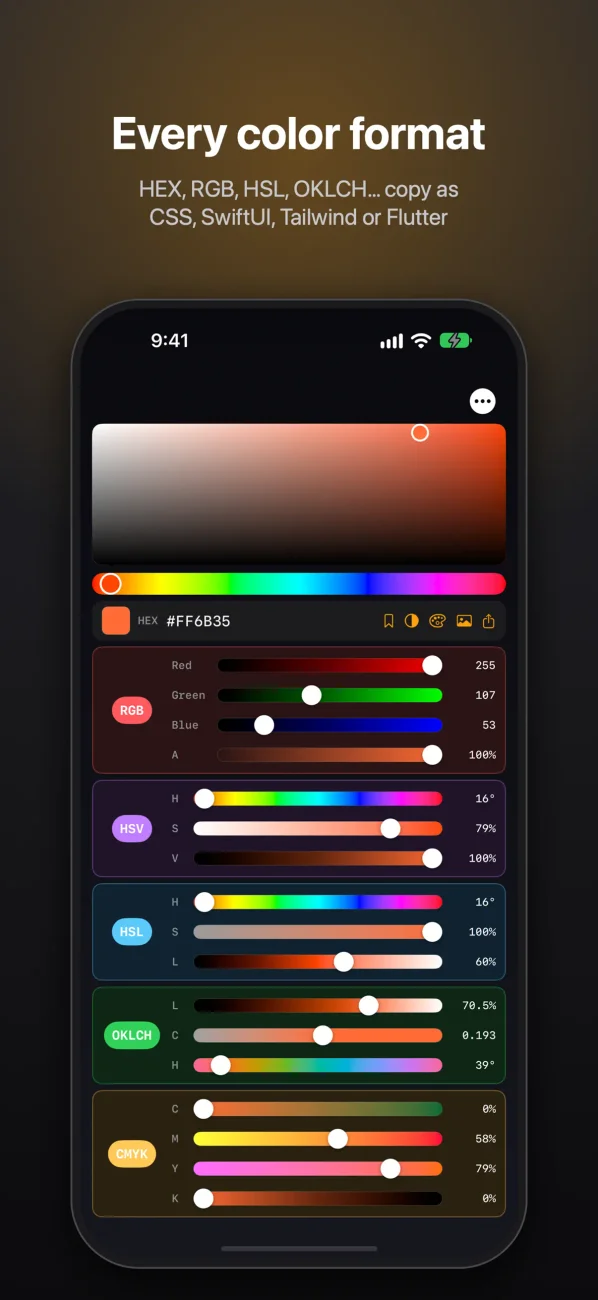
• Convert HEX, RGB, HSV, HSL and CMYK
• Copy ready-to-use CSS, SwiftUI and UIKit code
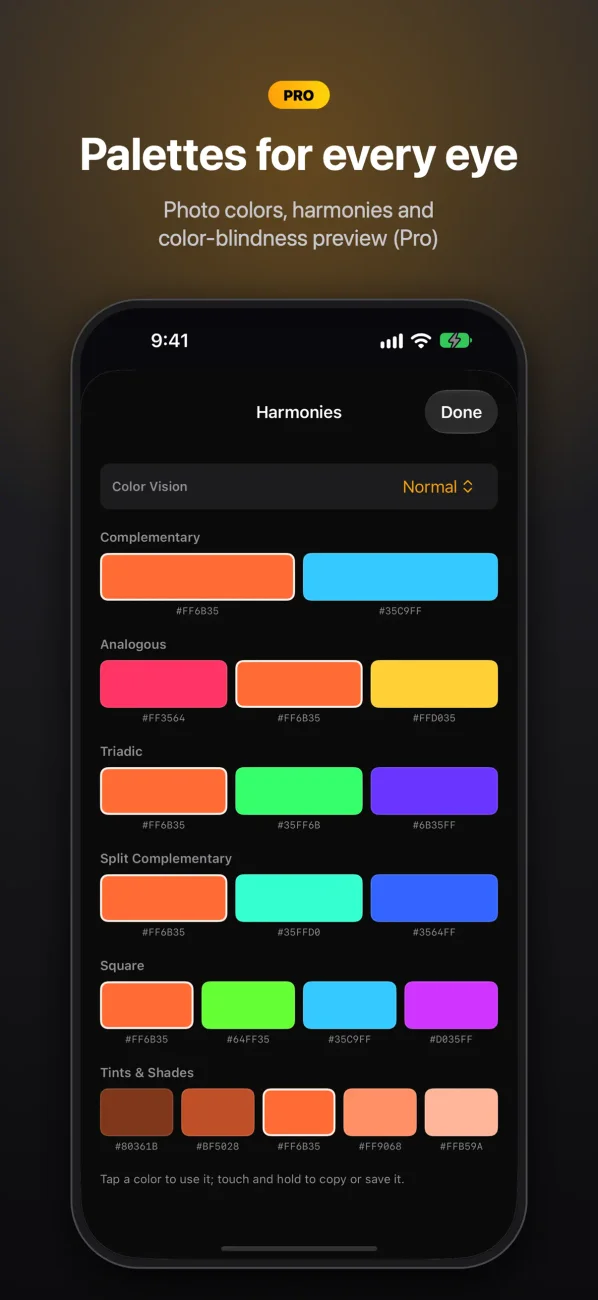
• Color Scan: pick real-world colors with your camera
• WCAG contrast-ratio checker
DEVELOPER TOOLS
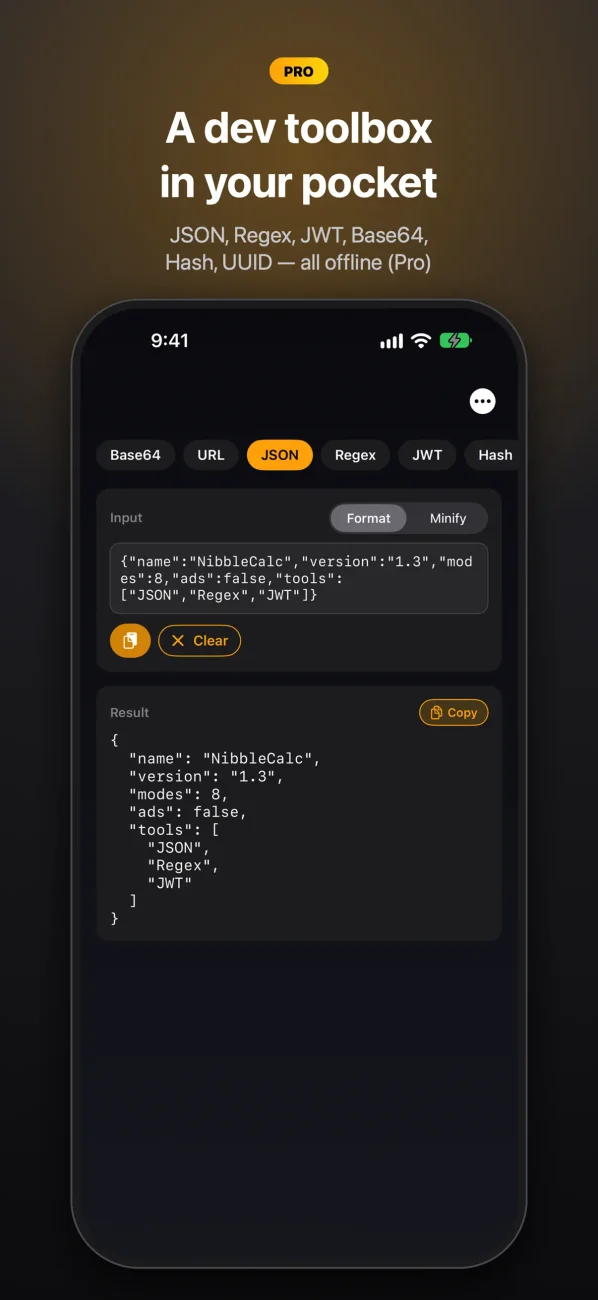
• JWT decoder — header, payload and claims, fully offline
• MD5, SHA-1, SHA-256, SHA-384 and SHA-512 hashes
• UUID v4 generator
• Base64 encode / decode (URL-safe too)
DATE & TIME
• Date calculator — add, subtract, days between
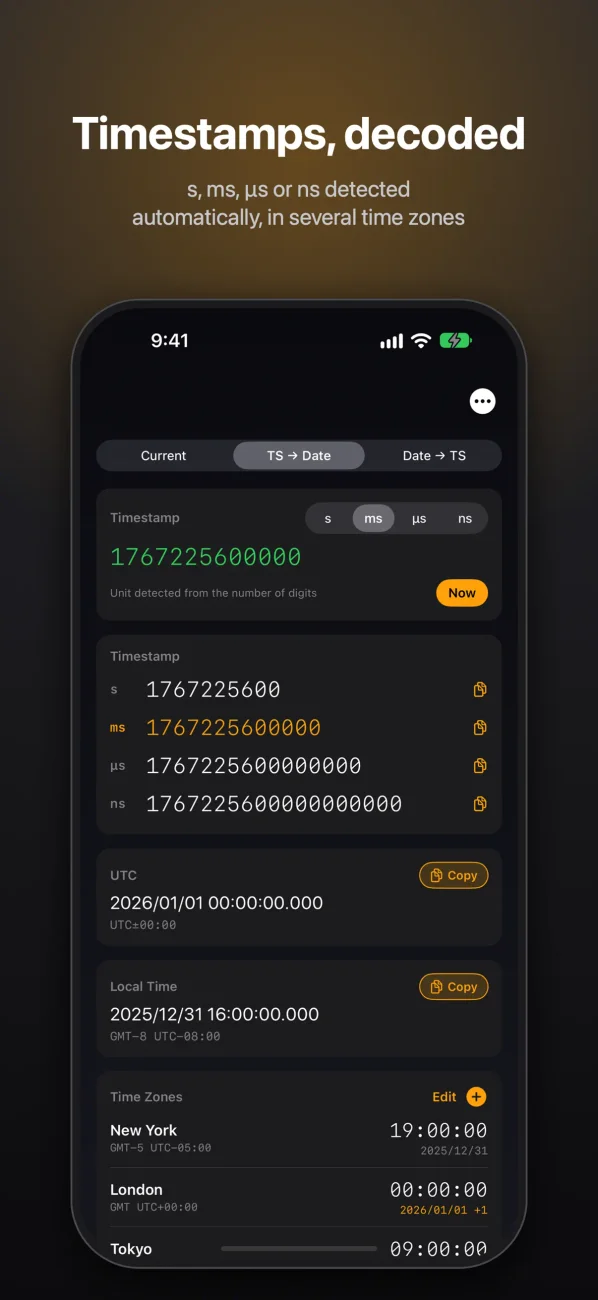
• Unix timestamp converter — ISO 8601, RFC 2822, UTC and local
MADE TO ENJOY
• Three themes: Dark, Vibrant, Minimal
• iPhone & iPad, portrait and landscape
• 17 languages
• Works entirely offline — your data never leaves your device
NibbleCalc Pro (one-time purchase)
• Remove ads
• Unlock Dev Tools, Color Scan, 127-bit width and premium themes
Download NibbleCalc and carry a whole developer toolbox in one calculator.
What’s new
Version 1.4 · Oct 29, 2026
What's new in 1.4
• iPhone Duo support: NibbleCalc fits both the large inner display and the outer display when folded. When folded, the bit-width buttons in Programmer mode (such as 128) no longer wrap onto two lines.
FIXES
• Opening the ⋯ menu in Standard or Programmer mode no longer brings up the on-screen keyboard.
• Programmer: when the Bit Grid has to scroll, the keys below it keep their margin from the bottom of the screen again.
Thanks for using NibbleCalc! We'd love to hear your feedback.
App privacy
What LiChuan Lin declares on the App Store about how this app handles data.
-
Data not collected
The developer does not collect any data from this app.
Privacy practices may vary, for example with the features you use or your age.
Information
- Seller
- LiChuan Lin
- Category
- Utilities
- Version
- 1.4
- Updated
- Oct 29, 2026
- Released
- May 7, 2026
- Size
- 3.6 MB
- Requires
- iOS 18.0 or later
- Age rating
- 4+
- Price
- Free
- In-app purchases
- Yes
- Languages
- English, Dutch, French, German, Indonesian, Italian, Japanese, Korean, Polish, Portuguese, Russian, Simplified Chinese + 5 more
- Copyright
- © LiChuan Lin
You might also like
-
 高機能な電卓Utilities
-
 CalcPro: Finance & ScientificUtilities
-
 Voice, Photo & Geometry CalcSpeak, Scan & Solve Geometry
-
 Gen's CalculatorIt's Pretty Advanced!
-
 Gradation CalculatorScientific & Fluid Simulation
-
 Aurora CalculatorUtilities
-
 Summa – Precision Made SimpleNumbers, refined for you
-
 Fast Online CalculatorAll-in-One Calculators
-
 LumiCalcCalculator & Custom Keyboard
-
 CalculatorPro: Modes & WidgetsTax, Tip & Smart Widgets