Nightlock: Bedtime App Blocker
Screen Time Limit & Sleep Lock
Designed for iPhone
Free · In-app purchases
- Age rating4+
- CategoryProductivity
- DeveloperMikita Chyrkun
- LanguagesEnglish+ 6 more
- Size13.8 MB
Links to the official App Store page
Download.org hosts no file of Nightlock: Bedtime App Blocker. The button opens its official App Store page, published by Mikita Chyrkun. Listing last checked on Nov 24, 2026.
Screenshots




About
Scrolling in bed again? Nightlock puts your apps to bed on schedule.
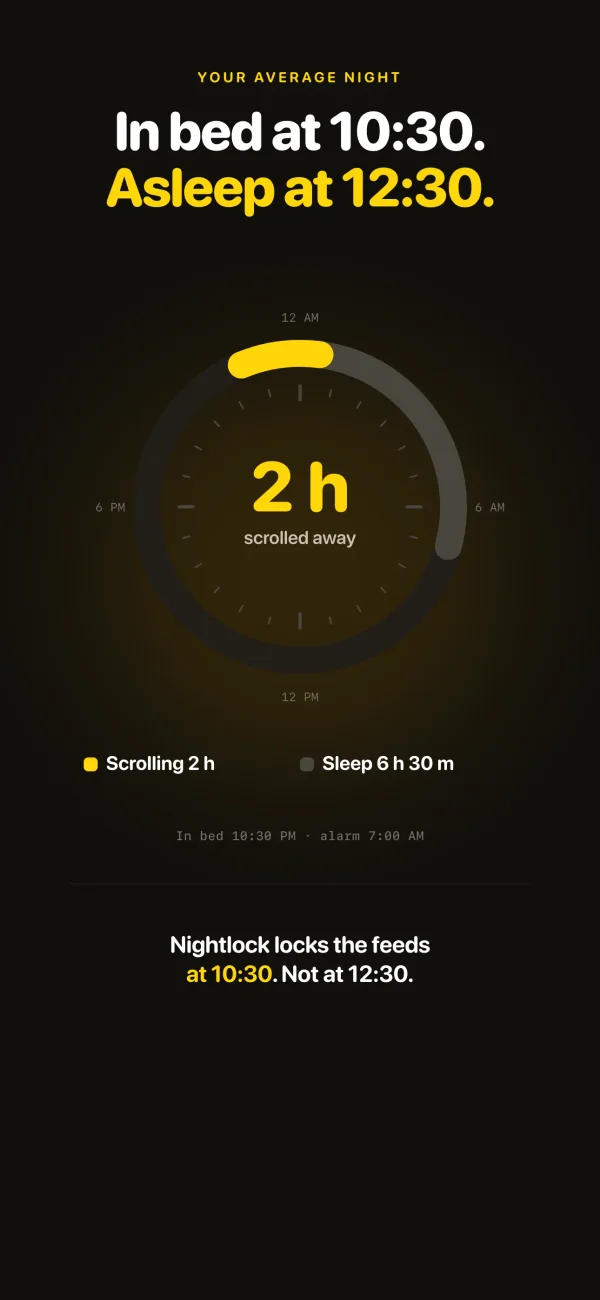
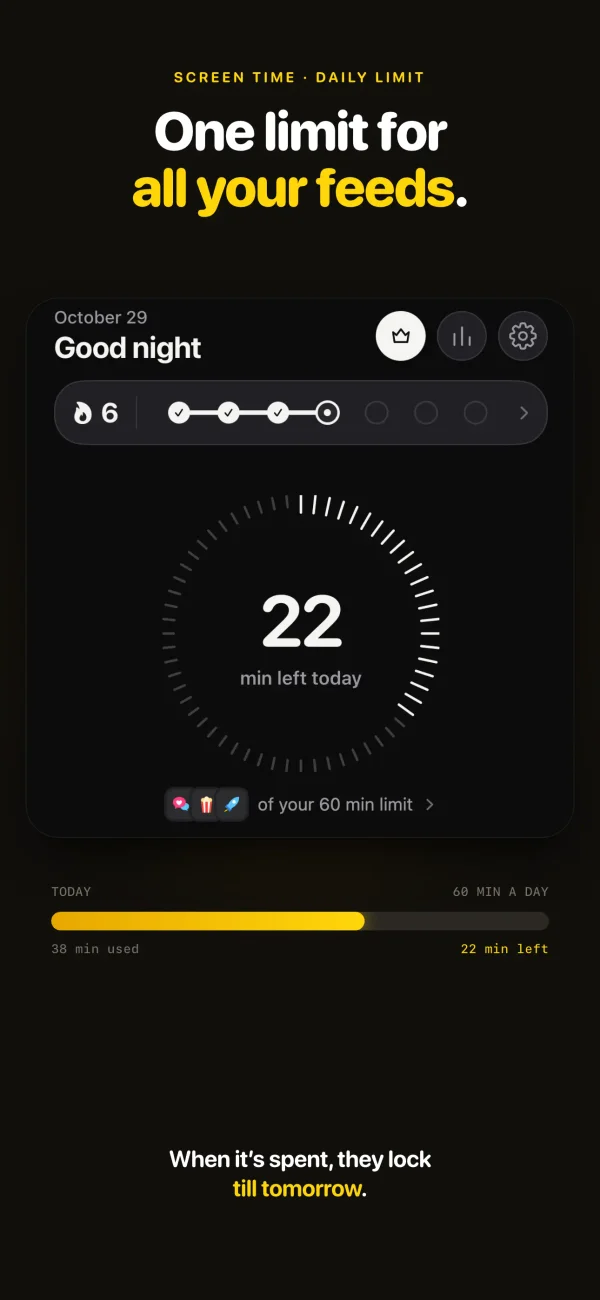
Pick the apps that keep you up and set a bedtime. They lock at night and open again in the morning. Add a daily limit for the rest of the day. No willpower required — just enough friction to stop you.
HOW IT WORKS
• Pick the apps, sites or categories that pull you in
• Set a bedtime — they lock at night and unlock in the morning
• Add a daily limit — when it runs out, they lock until tomorrow
MORE THAN A TIMER
• Lock now — shut everything for 25 minutes, an hour, two hours or until midnight
• Schedules — bedtime, study time or any window you choose
• Per-app limits — give one app a tighter budget of its own
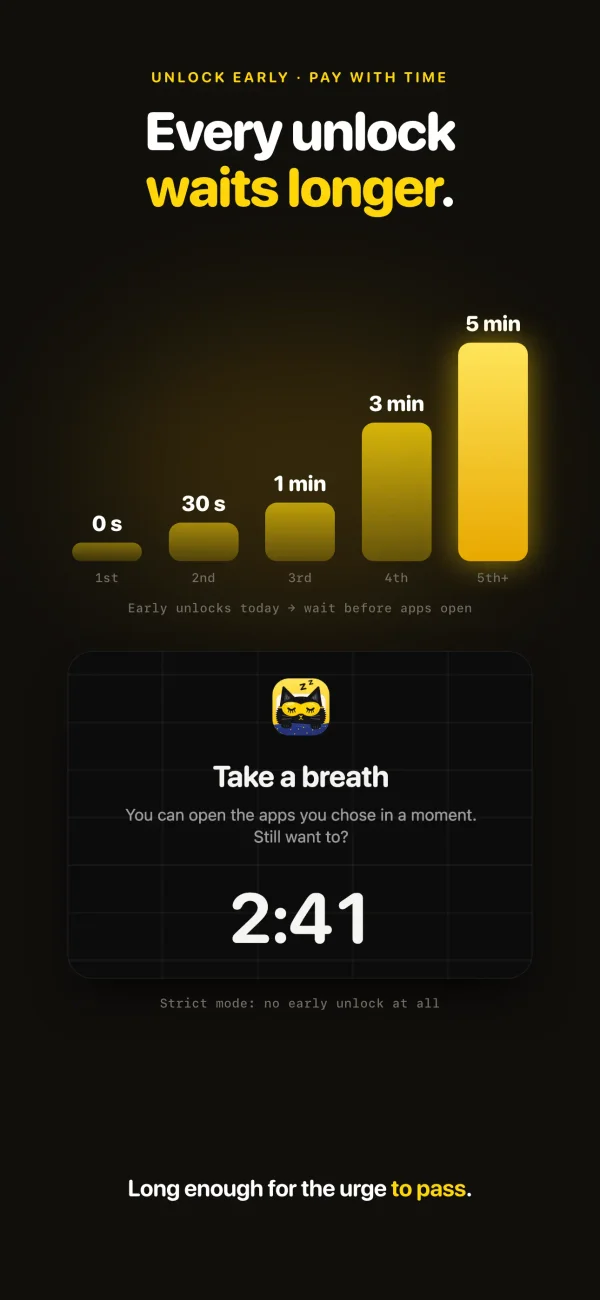
• Early unlocks cost time — each one today waits a little longer, up to 5 minutes
• Strict mode (Premium) — a lock that can't be broken early at all
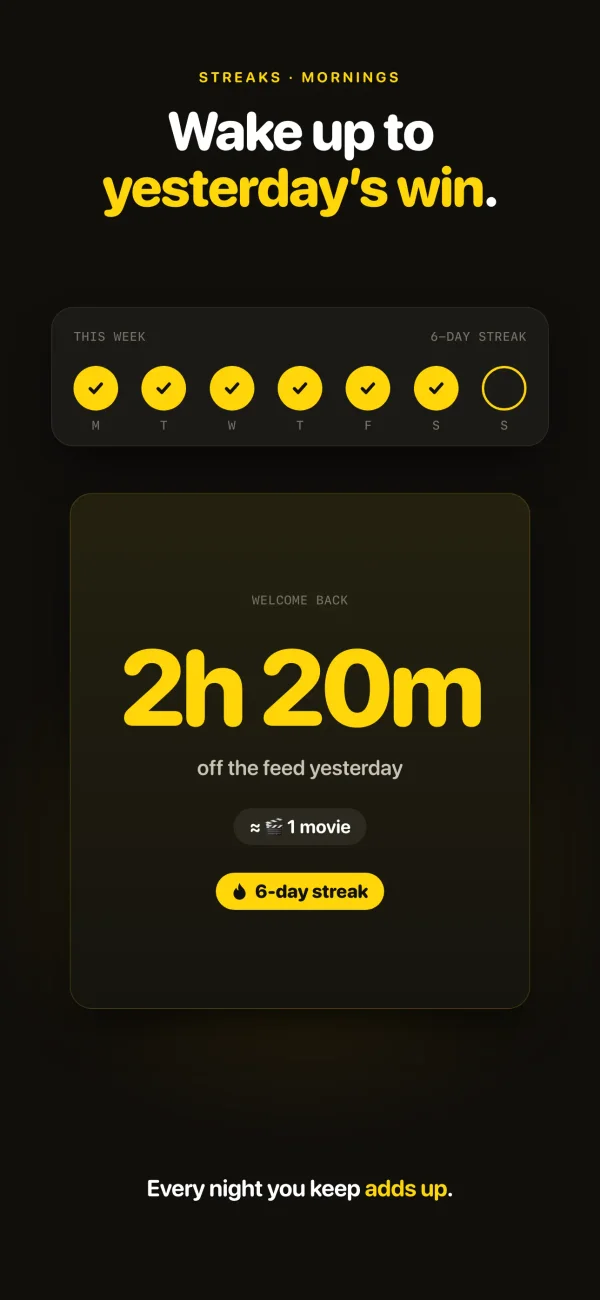
• Streaks and stats — watch the scroll-free days add up
• Calls, texts and alarms always get through
PRIVATE BY DESIGN
No account. No tracking. Your apps, limits and stats stay on your iPhone, on top of Apple's Screen Time.
PLANS
Free: up to 3 apps, sites or categories under one daily limit, one schedule and one per-app limit. It doesn't expire.
Premium: unlimited apps, a limit for every app, as many schedules as you like, Strict mode, no unlock wait and your full stats history. Weekly or yearly subscription (7 days free on the yearly plan), or a one-time lifetime purchase. Cancel anytime.
Payment is charged to your Apple Account at confirmation of purchase. A subscription renews automatically unless it is cancelled at least 24 hours before the end of the current period. Manage or cancel it in Settings › Apple Account › Subscriptions.
Terms of Use (EULA): https://www.apple.com/legal/internet-services/itunes/dev/stdeula/
Privacy Policy: https://mikitach.github.io/timesup-legal/privacy.html
What’s new
Version 1.4 · Nov 23, 2026
Bug fixes and improvements.
App privacy
What Mikita Chyrkun declares on the App Store about how this app handles data.
-
Data not collected
The developer does not collect any data from this app.
Privacy practices may vary, for example with the features you use or your age.
Information
- Seller
- Mikita Chyrkun
- Category
- Productivity
- Version
- 1.4
- Updated
- Nov 23, 2026
- Released
- Sep 10, 2026
- Size
- 13.8 MB
- Requires
- iOS 17.0 or later
- Age rating
- 4+
- Price
- Free
- In-app purchases
- Yes
- Languages
- English, French, German, Japanese, Portuguese, Russian, Spanish
- Copyright
- © 2026 Mikita
You might also like
-
 MomWasRight: Earn Screen TimeScreen Time Control & Habits
-
 Screen Time Limit: FocusStop Doomscrolling App Blocker
-
 ZenPomo: Pomodoro TimerStrict App Blocker & Timer
-
 DTox: Strict App Blocker LockStop Doomscrolling Study Time
-
 Simple Studio ClockClassic Studio Clock
-
 Brink — Stop DoomscrollingDoomscroll Timer, Block Reels
-
 Nomato: Screen Time BlockerApp blocker & focus timer
-
 AnyHabit: App Blocker & FocusManage Screen Time with Habits
-
 Nurkurz – App Blocker & FocusLess phone, more life
-
 Vowlock: Strict App BlockerDopamine detox, stay focused