- Age rating4+
- CategoryUtilities
- DeveloperNoriho Tanaka
- LanguagesJapanese
- Size4.5 MB
Links to the official App Store page
Download.org hosts no file of Nimbus Fetch. The button opens its official App Store page, published by Noriho Tanaka. Listing last checked on Nov 12, 2026.
Screenshots

About
Nimbus Fetch is a dedicated app that lets you instantly download and view text files stored in your Google Drive on your iPhone or iPad.
Just open the app to access the latest version of your files - no need to launch the Google Drive app or Google Docs app just to check a memo or a shared document anymore.
Whether you frequently use Google Drive for work, receive files from others, or rely on GAS (Google Apps Script) to generate daily reports, this app provides the fastest and most seamless way to reach the information that matters to you.
Key Features
● Seamless File Retrieval via Google API and Secure Access as Privacy-oriented Design
By integrating with the official Google API, the app ensures secure and efficient file access.
After signing in once, your Google authentication status is preserved, letting you fetch files without logging in every time.
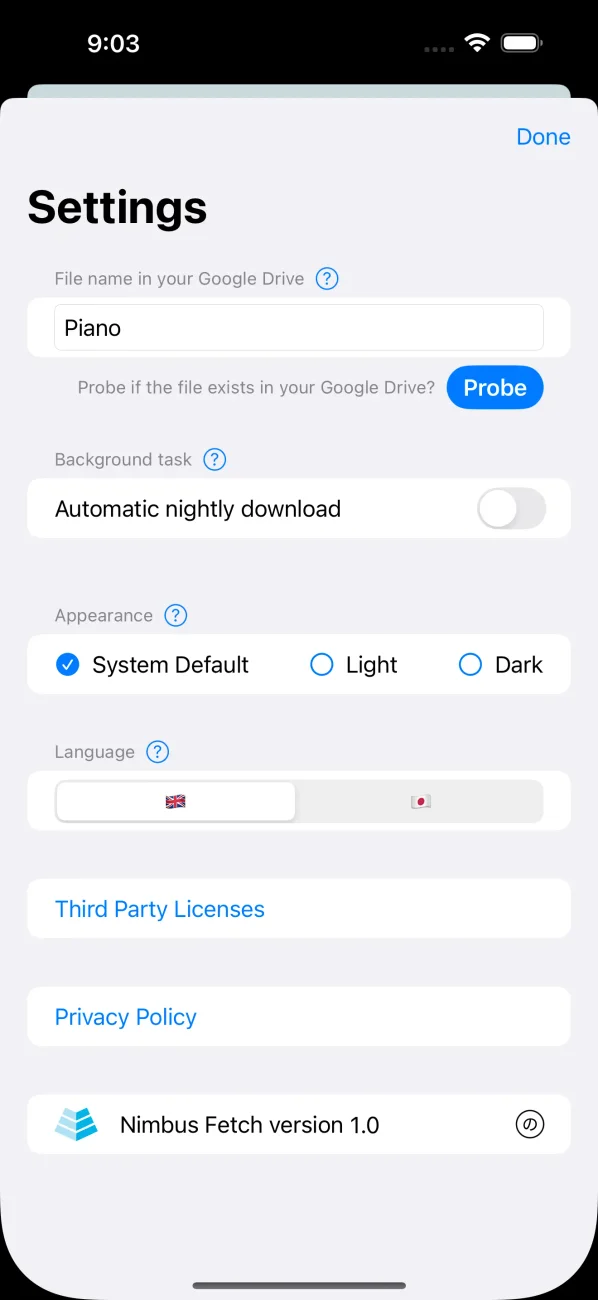
You can freely specify the filename to download, allowing you to tailor the app to your personal workflow.
The app only reads Google Drive files created by the app itself. It does not access other files, protecting your privacy.
● Automatic Nightly Downloads
Enable the nightly auto-download option to automatically retrieve your file every day at 2:00 AM or later.
Perfect for those who use Google Apps Script to automatically store calculation results or monitor website updates - wake up to the latest data already downloaded to your device.
Automate your routine and start your day with fresh information at hand.
● Lock Screen Widget Support
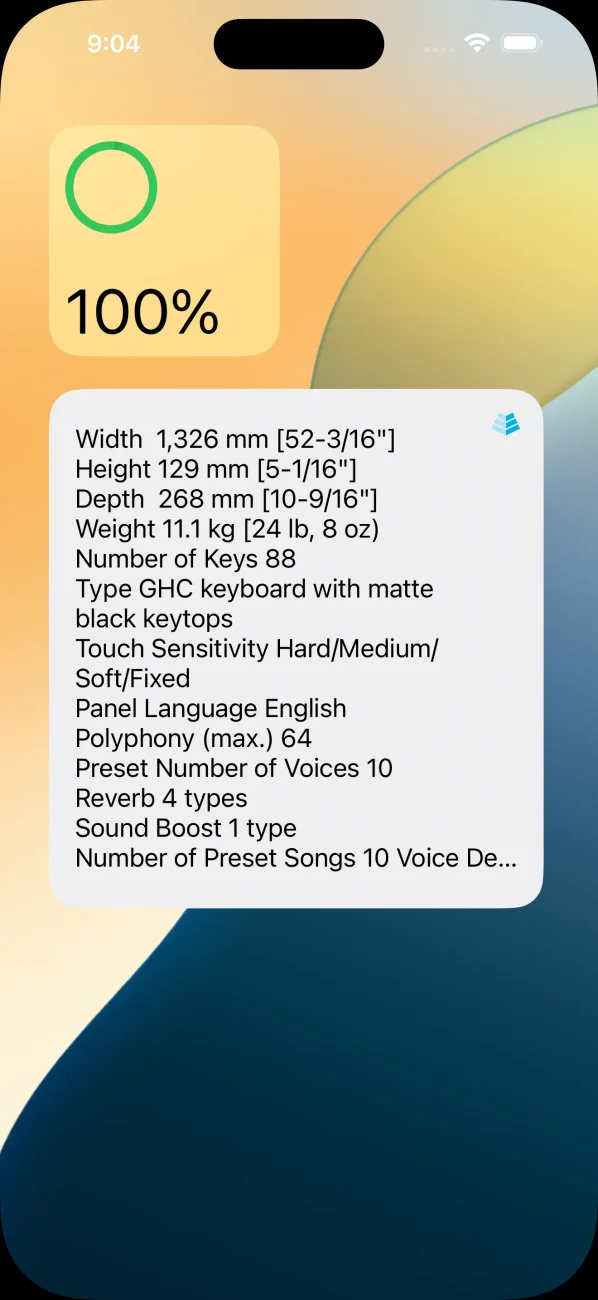
With full widget compatibility, you can check the content of your downloaded file directly from your lock screen.
No need to open the app or switch screens - your important information becomes visible at a glance.
● Customizable Appearance, Language, and Layout
Choose from Light Mode, Dark Mode, or follow your iOS system settings.
You can also select the display language within the app.
The layout automatically switches between portrait and landscape depending on your device’s orientation, providing an optimized viewing experience at all times.
Enjoy effortless access to your most important information
If Google Drive is part of your daily routine, this is an app you’ll want to try.
Experience how much smoother your everyday "file-checking" can become.
App privacy
What Noriho Tanaka declares on the App Store about how this app handles data.
-
Data not collected
The developer does not collect any data from this app.
Privacy practices may vary, for example with the features you use or your age.
Information
- Seller
- Noriho Tanaka
- Category
- Utilities
- Version
- 1.0
- Updated
- Jan 23, 2026
- Released
- Jan 23, 2026
- Size
- 4.5 MB
- Requires
- iOS 18.0 or later
- Age rating
- 4+
- Languages
- Japanese
- Copyright
- © 2026 Noriho Tanaka
You might also like
-
 Kloudy AnalyticsUtilities
-
 Pocket Alert push notificationUptime, webhook & API alerts
-
 CodeInsightsource code reading tool
-
 Date Range Search Filter ToolFor Google. Custom interval.
-
 BactiSeeUtilities
-
 Magnifying Glass – Zoom LensLoupe Flashlight & Camera Tool
-
 Car-Play Connect: CarTV SyncCarlink, Cast, GPS Speedometer
-
 LoudPhone: Increase VolumeVolume Booster & Amplifier
-
 Ear Spy - Super HearingHear Clear From Distance
-
 Remote for Google & Android TVChromecast streaming via wifi