Remote for Google & Android TV
Chromecast streaming via wifi
Designed for iPhone, iPad
Free · In-app purchases
- Age rating4+
- CategoryUtilities
- DeveloperAgile Works
- LanguagesEnglish+ 1 more
- Size17.3 MB
Links to the official App Store page
Download.org hosts no file of Remote for Google & Android TV. The button opens its official App Store page, published by Agile Works. Listing last checked on Nov 15, 2026.
Screenshots
About
Turn your iPhone into a Wi‑Fi remote for Google TV, Android TV, and Chromecast with Google TV — including TCL, Hisense, Sony, NVIDIA Shield, and Onn.
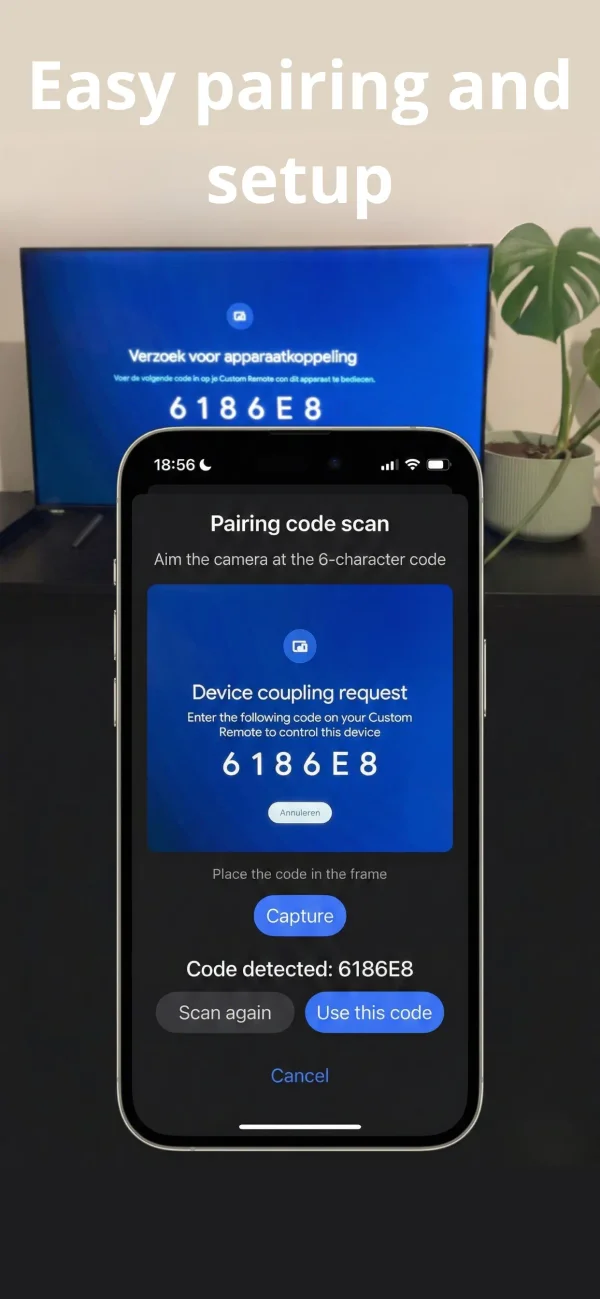
Pair with the code on your TV (or scan it), then control navigation, volume, power, and apps. Build a custom remote layout and run automations with one tap.
COMPATIBILITY
Works with: Google TV, Android TV, Chromecast with Google TV.
Does not work with: Fire TV, Apple TV, Roku, Samsung Tizen, LG webOS, or older Cast-only Chromecast (without Google TV).
iPhone and TV must be on the same Wi‑Fi. No account required.
WHAT YOU GET
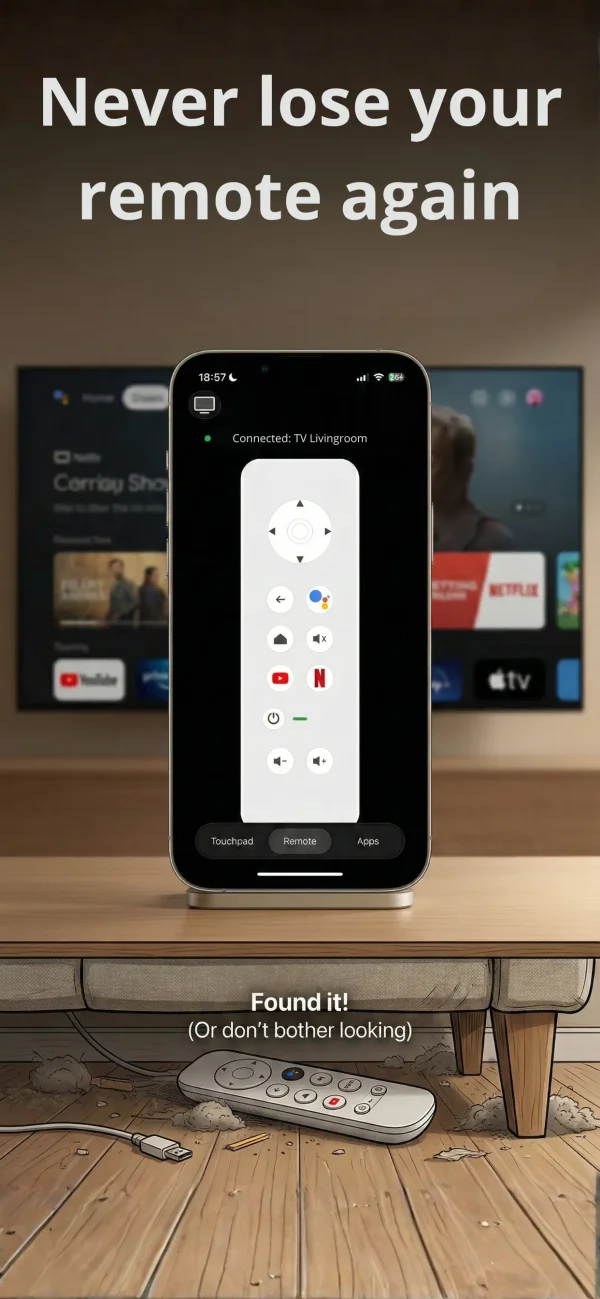
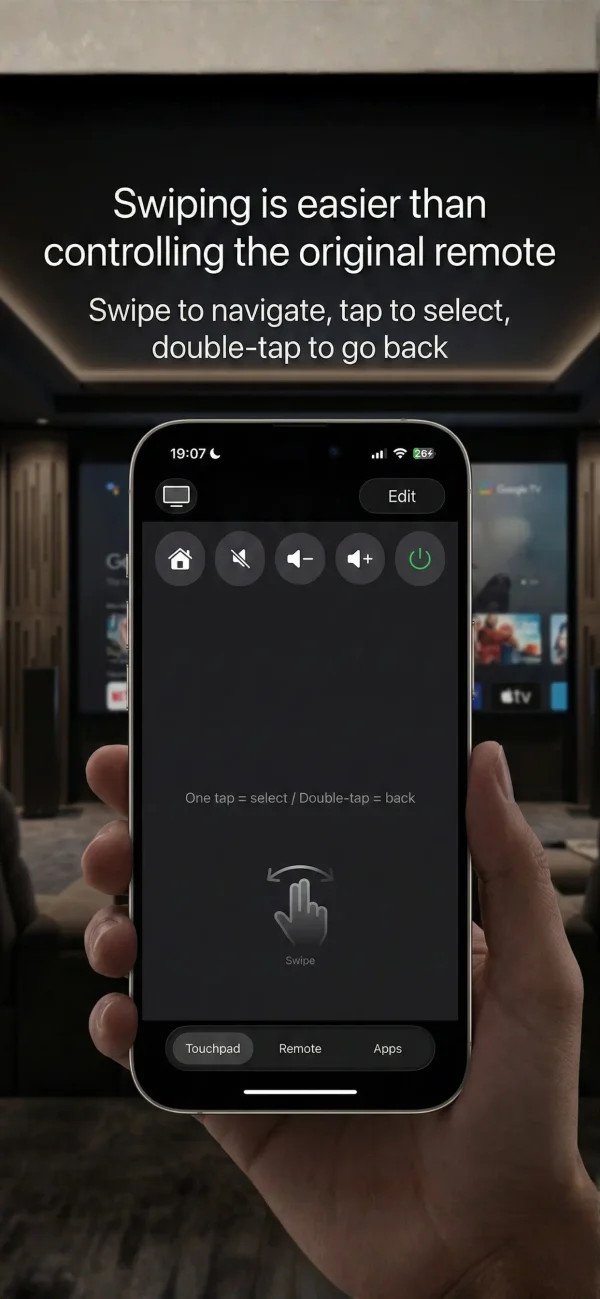
• Touchpad and D-pad — swipe to move; one tap Home, two taps Back
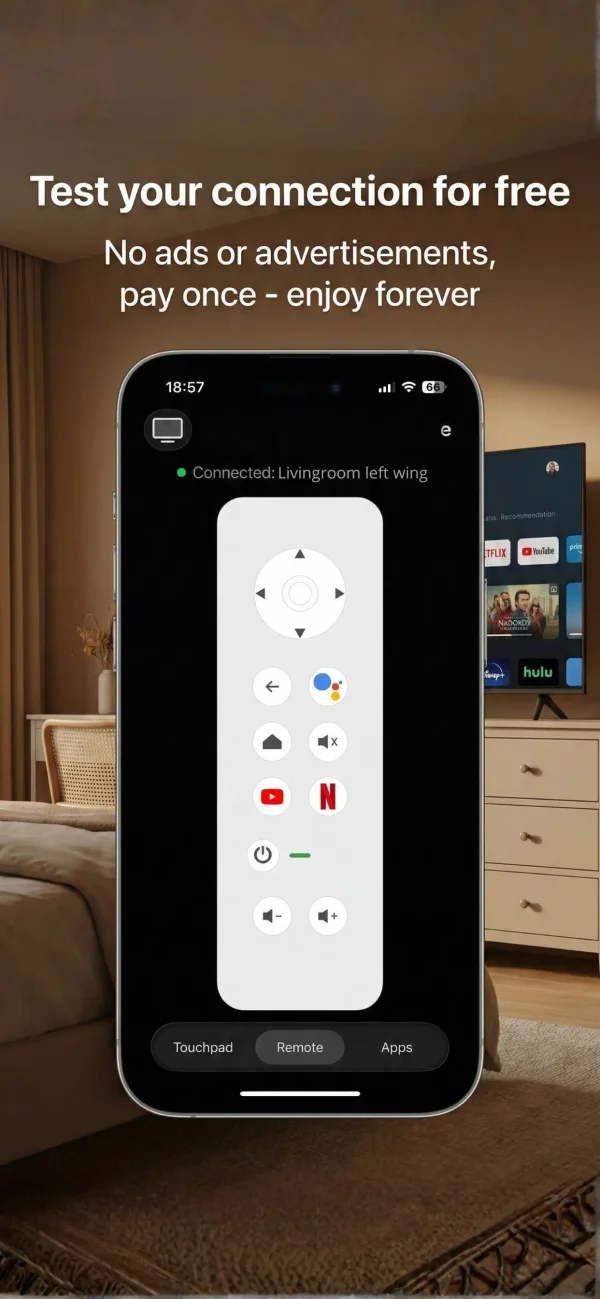
• Full remote — volume, power, voice, and playback
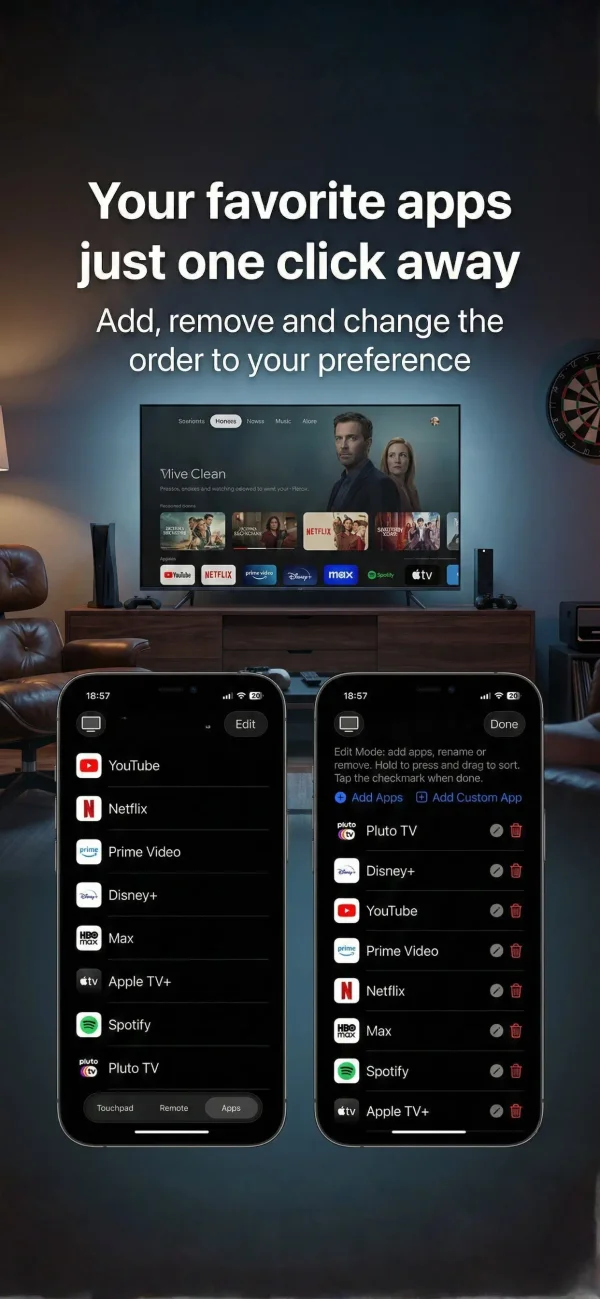
• One-tap apps — Netflix, YouTube, Disney+, or any installed app
• Custom remote builder — place buttons, set colors, save templates
• Automations — record or build routines (bedtime, movie night)
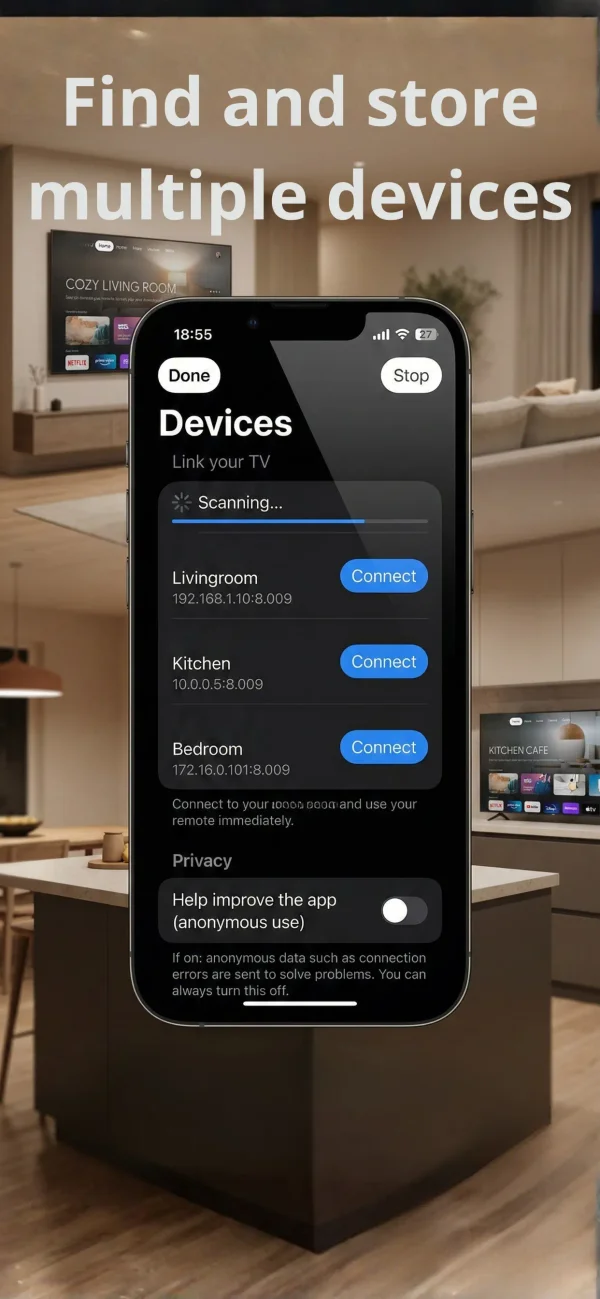
• Multiple TVs — save living room and bedroom, auto-connect
• Keep the screen on while you watch
FREE TO START
Unlimited remote for 3 days. Then 20 commands per day. Unlock Pro with a one-time purchase — no subscription.
HOW IT WORKS
1. Connect iPhone and TV to the same Wi‑Fi
2. Open the app and select your TV (or enter the pairing code)
3. Control from Remote, swipe pad, Apps, or your custom layout
TROUBLESHOOTING
• TV not found? Same Wi‑Fi, TV on, turn off VPN or guest network
• Pairing failed? Use Repair pairing or re-enter the code
SUPPORT
support@agileworks.app
DISCLAIMER
This app is not an official Google product and is not affiliated with, endorsed by, or connected to Google in any way. Android TV, Chromecast, and related marks are trademarks of Google LLC.
What’s new
Version 1.2 · Aug 30, 2026
What's new in 1.2
• Custom remote builder — design layouts, colors, and buttons
• Automations and recordings — one tap for routines like movie night
• Keep the screen on while you watch
• Theme, default tab, and privacy in Settings
• Overlap warnings in the builder, and a checkmark on the bound action
App privacy
What Agile Works declares on the App Store about how this app handles data.
-
Data not linked to you
May be collected but is not linked to your identity.
- Usage data
- Diagnostics
Privacy practices may vary, for example with the features you use or your age.
Information
- Seller
- Agile Works B.V.
- Category
- Utilities
- Version
- 1.2
- Updated
- Aug 30, 2026
- Released
- Mar 18, 2026
- Size
- 17.3 MB
- Requires
- iOS 16.0 or later
- Age rating
- 4+
- Price
- Free
- In-app purchases
- Yes
- Languages
- English, Dutch
- Copyright
- © 2026 Agile Works B.V.
You might also like
-
 TV Remote Control PlusRemote Control for All TVs
-
 Wifi Remote for Android TVFor Android and Google TV
-
 TV Remote. Universal Control.Remote Control for TV
-
 TVRemoteX: Universal TV RemoteNo Ads, Widgets & Apple Watch
-
 TV Remote · Universal CastControl Samsung LG Sony Roku
-
 Smart Remote for Google TVAndroid TV Remote via Wi-Fi
-
 Remote for Android / Google TVTV Remote Control
-
 Remote - Smart TVRemote for Android TV
-
 Smart Remote: TV RemoteRemote Control for TV
-
 TV Remote for Android & TV BoxSmart WiFi Control App for TV