
- Age rating4+
- CategoryUtilities
- DeveloperChristopher Benjamin
- LanguagesEnglish
- Size48.8 MB
Links to the official App Store page
Download.org hosts no file of Screenseer. The button opens its official App Store page, published by Christopher Benjamin. Listing last checked on Nov 15, 2026.
Screenshots
About
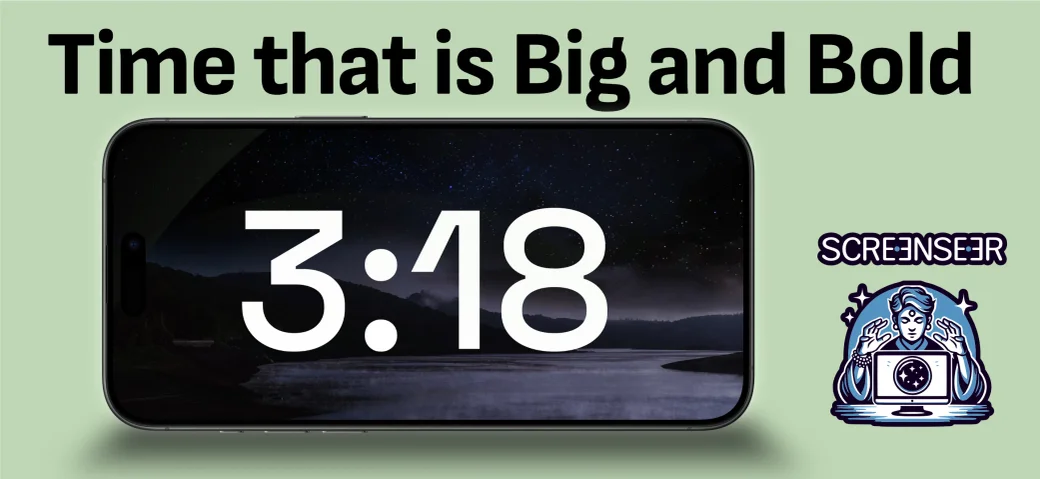
Do you have a modern phone or tablet that lies idle when you're at home or work? Or perhaps you have an old device gathering dust in a drawer? Give them a new purpose with Screenseer—the endlessly-on, fully-customizable clock app you never knew you needed (but now won’t live without).
What it does:
Turns any screen into a stylish clock—because time waits for no one, but your screen definitely can.
Runs 24/7 so your device finally has something productive to do (unlike you during meetings).
Works well on modern devices and lots of "vintage" models.
Why it’s awesome:
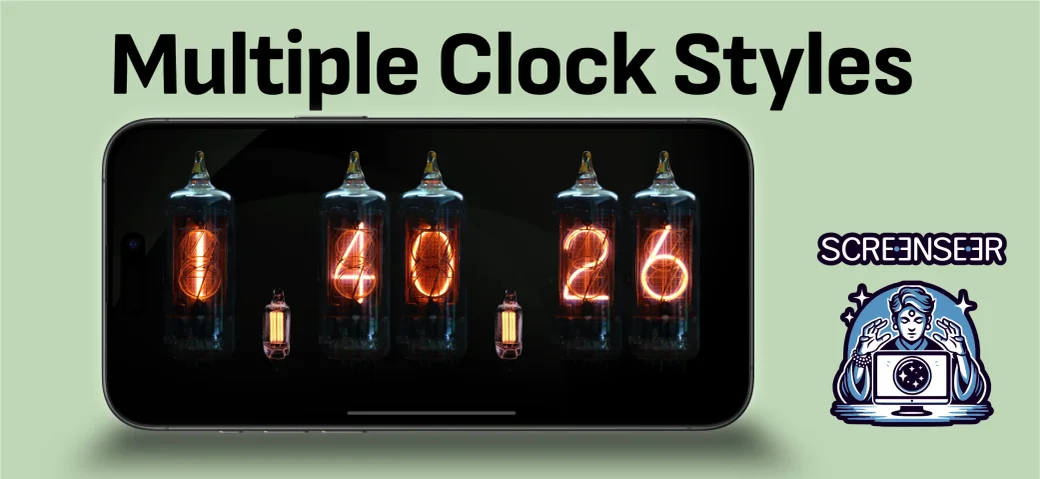
Comes with multiple clock faces—analog, digital, maybe even existential (we’re working on it).
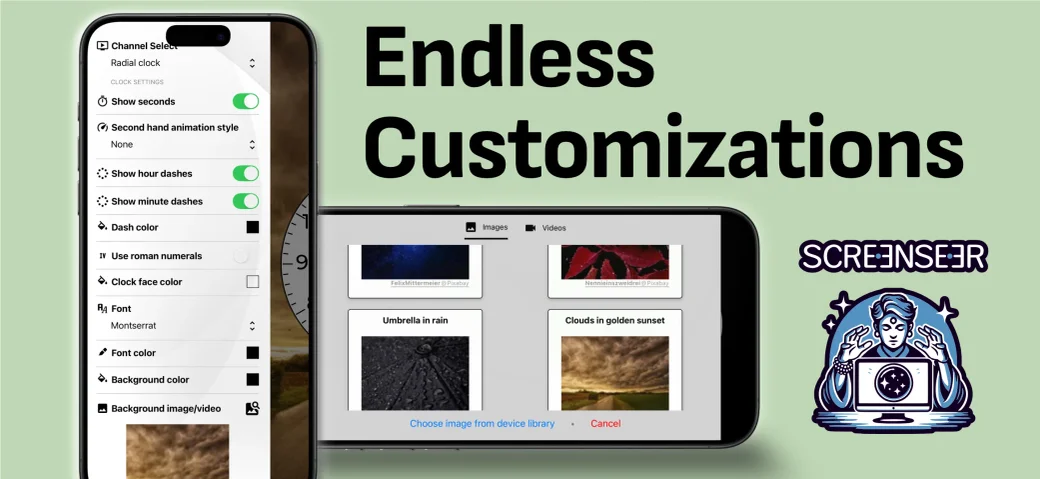
Customize colors, fonts, and backgrounds like a true design diva.
Use solid colors, your favorite static image, or even a moody video background.
Use Screenseer to:
Add flair to your desk, nightstand, kitchen counter, or shrine of obsolete gadgets.
Give new life to your old hardware instead of tossing it into the eternal drawer of tech shame.
So go ahead, install Screenseer. It’s free, it’s fabulous, and it makes your screen look like it actually belongs in 2025. It's meant to be run on a device that it permanently powered and it's a perfect use for an older phone or tablet!
Current clock channels:
Basic clock - It's anything but basic! Maximize the screen with the time and a ton of customizable options
Countdown - Countdown a number of minutes or to a specific date and time in style
Dementia clock - A simplified clock meant for senior citizens
Flip clock - An animated clock in the style of retro flip clock (also known as a split flap).
Meeting schedule - Countdown to upcoming meetings and events from your calendar
Nixie clock - Show the time using glowing nixie (cold cathode display) tubes
Pomodoro timer - A customizable pomodoro timer to keep you productive in a visually appealing way
Radial clock - A classic and customizable round clock
Slot wheel clock - An animated display that mimics the look of rotating vertical dials
We also have a new slide show channel that can combine your photos and cloud photos together in an endless display of images.
What’s new
Version 1.4.1 · Dec 30, 2025
Fixes for screen rotation and content fitting in pomodoro and countdown timers.
App privacy
What Christopher Benjamin declares on the App Store about how this app handles data.
-
Data not collected
The developer does not collect any data from this app.
Privacy practices may vary, for example with the features you use or your age.
Information
- Seller
- Christopher Benjamin
- Category
- Utilities
- Version
- 1.4.1
- Updated
- Dec 30, 2025
- Released
- Apr 26, 2025
- Size
- 48.8 MB
- Requires
- iOS 15.1 or later
- Age rating
- 4+
- Price
- Free
- Languages
- English
- Copyright
- © 2025 Christopher Benjamin
You might also like
-
 Agilezip ClockUtilities
-
 Amaze ClockWonder Clock
-
 World-Digital-ClockWorld Digital Clock Anytime
-
 My Table ClockYour phone is a desk clock
-
 NiteTime ClockNight Clock, Perfectly Styled
-
 Digital Clock - Advance TimeWidget, Customize Your Time
-
 A Flip ClockDigital Clocks for Big Screen
-
 Big Time Digital ClockLarge clock with many styles!
-
 Digital Clock UltraUtilities
-
 Screen Clock DigitalA huge Screen Digital Clock