- Age rating4+
- CategoryUtilities
- DeveloperRohan Tandon
- LanguagesEnglish
- Size9.0 MB
Links to the official App Store page
Download.org hosts no file of No Cap: Text Editor. The button opens its official App Store page, published by Rohan Tandon. Listing last checked on Nov 12, 2026.
Screenshots
About
Meme lords, content creators, anyone working with text content: this one’s for you. No Cap gives you super easy tools to customize your text. Whether you’re making a meme, typing a message or posting the perfect caption, No Cap helps your words hit just right.
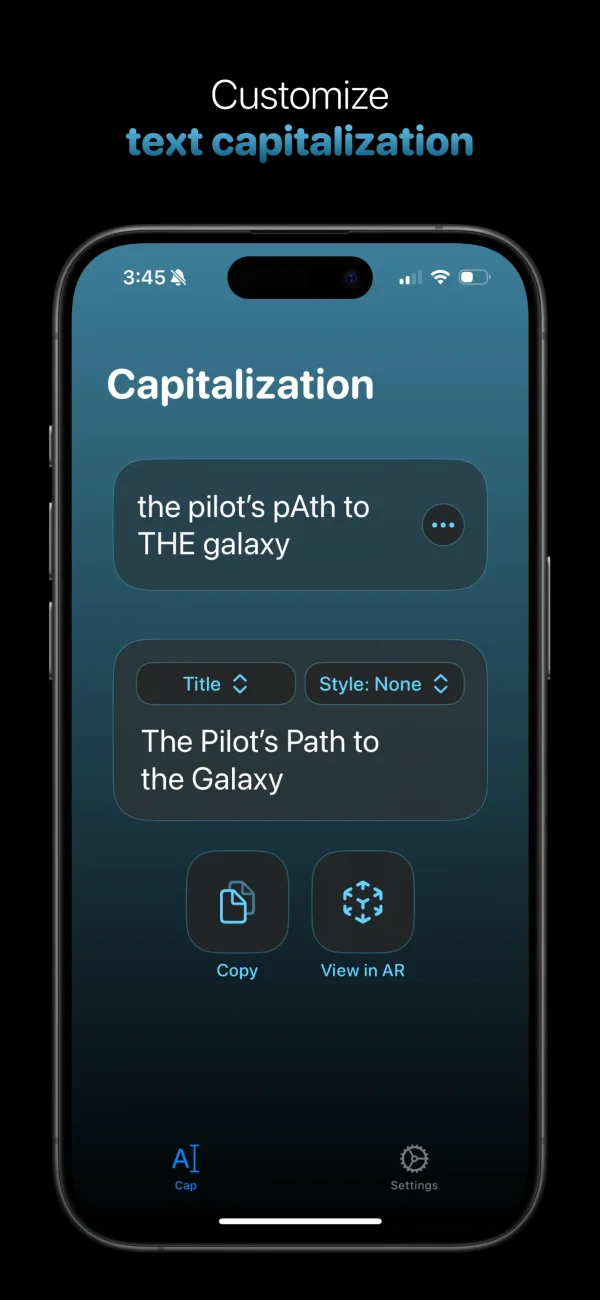
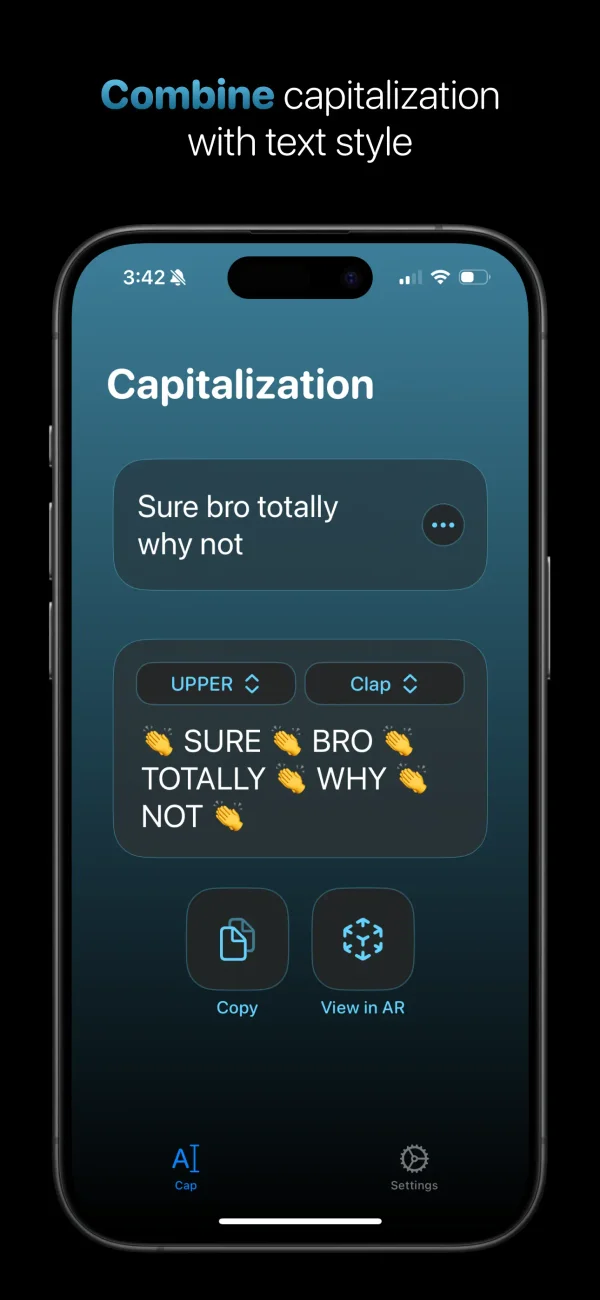
Paste your existing text → Customize text → Copy updated text or view in AR
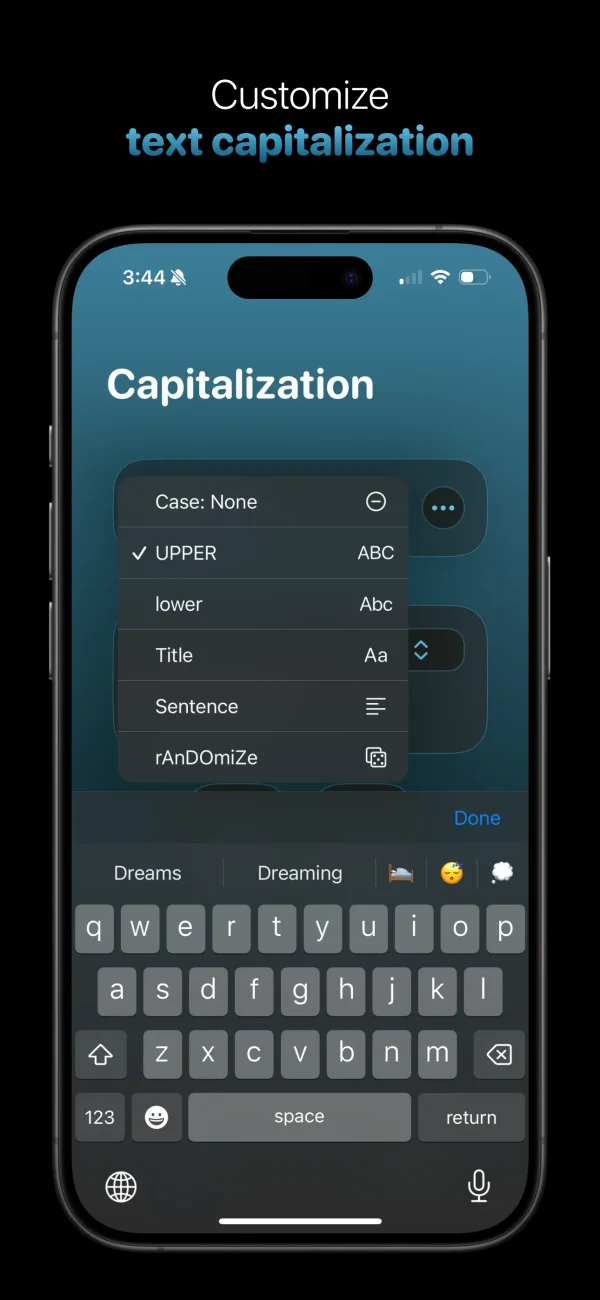
Capitalization Customization
• UPPERCASE – For when you’re yelling (on purpose).
• lowercase – because chill vibes.
• Title Case – It's smart enough to get “iPhone,” not “Iphone.”
• Sentence Case – Actually knows grammar. Like, for real.
• rAnDOmiZe – Make it uNiQuE (and slightly unhinged).
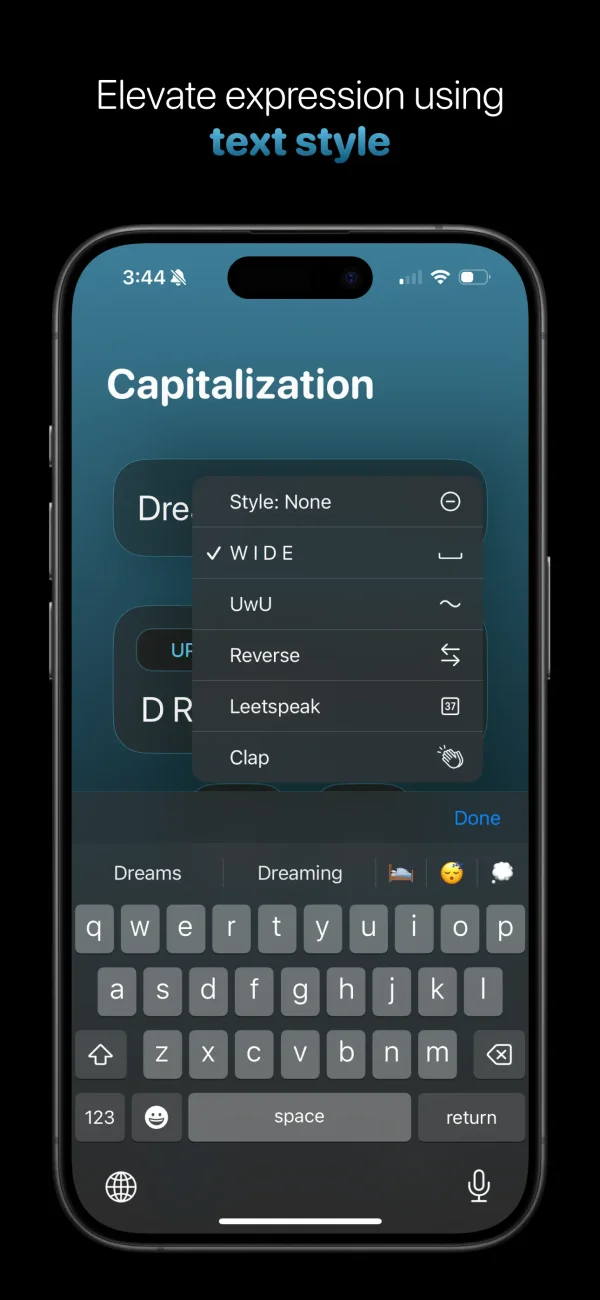
Text Effects
• W I D E – Stretch it out.
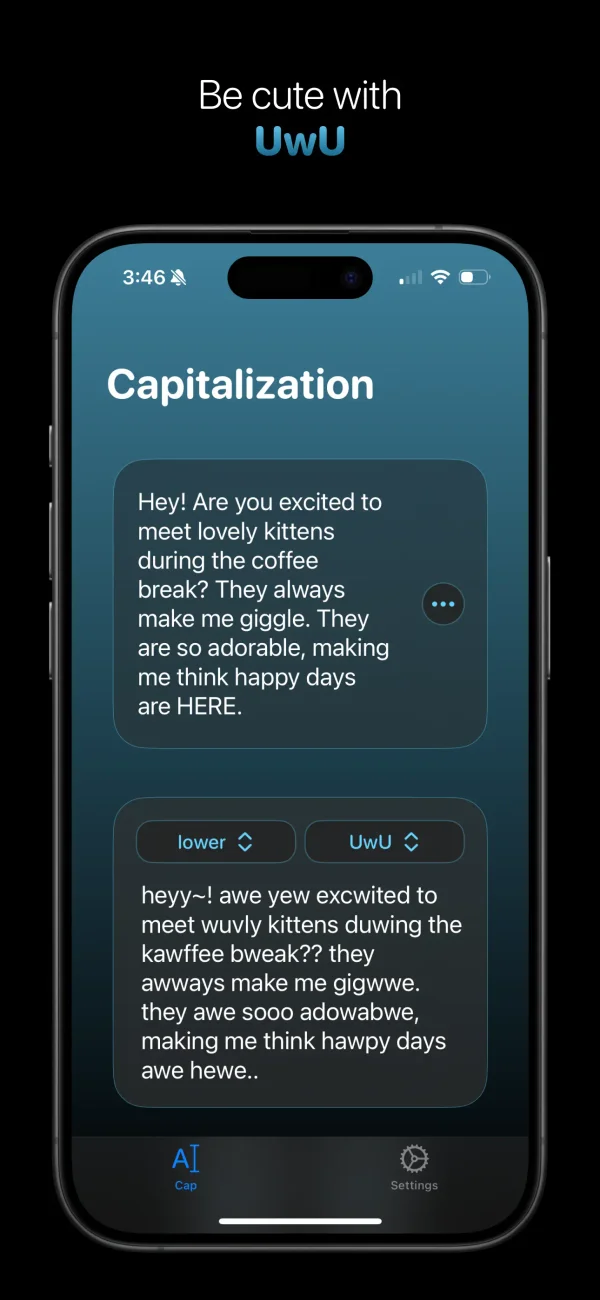
• UwU – Soft. Cute. Adorbs. UwU fr.
• Reverse Text – txeT esreveR
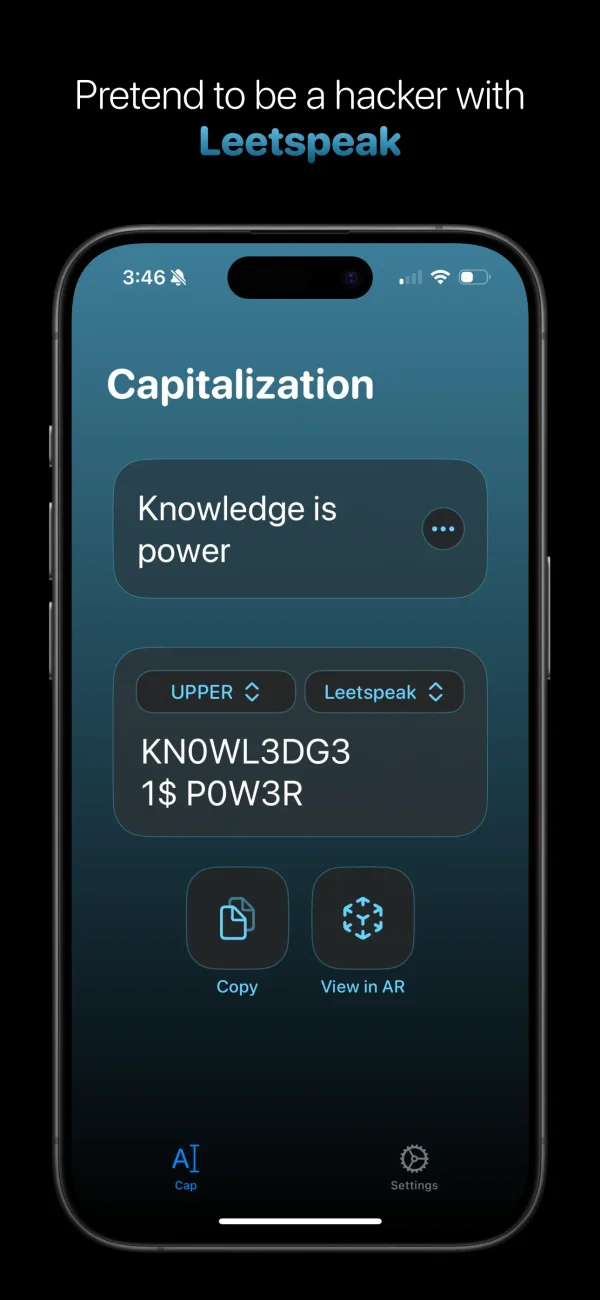
• Leetspeak – h4ck th3 m41nfr4m3.
• Clap – Maximum emphasis. Minimum chill.
View in AR
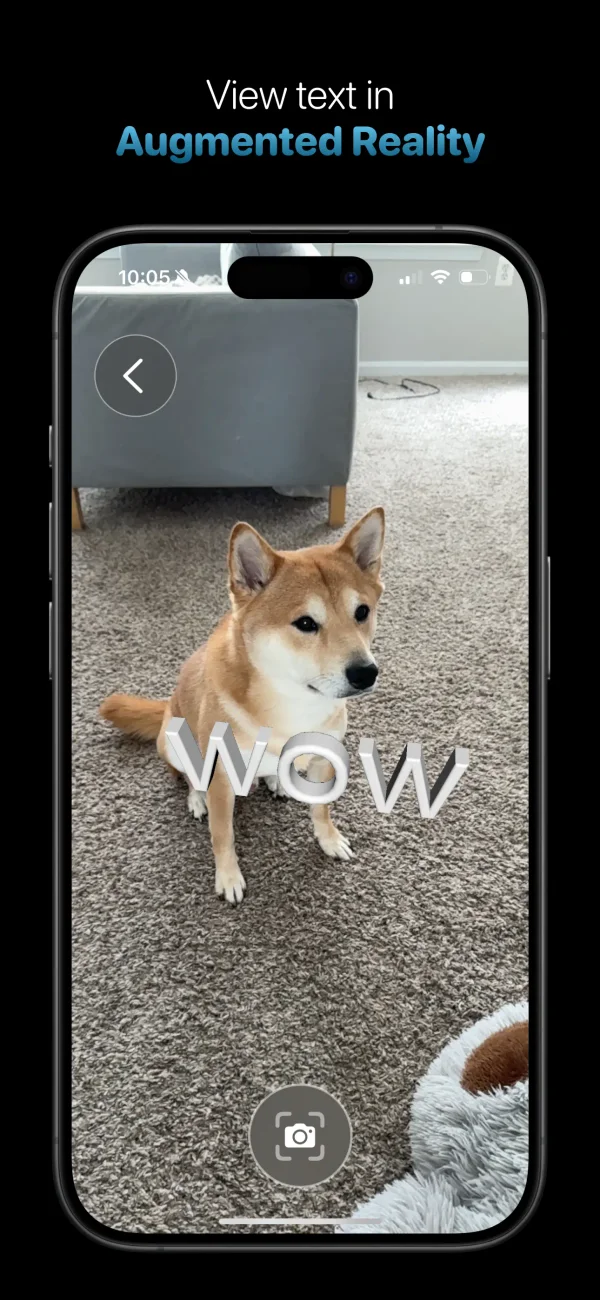
• See 3D text in your space using Augmented Reality.
• Capture and take a photo of your text IRL!
Private. Offline.
No Cap runs 100% on your device. No uploads, no tracking. Just pure text power in a beautiful, native iOS app with haptics and sweet animations. Available for iPhone, iPad, Mac, Vision.
What’s new
Version 2.0 · Jun 9, 2025
This is a major update that reimagines the app experience and brings support for iPadOS and visionOS, with an assortment of new features and improvements, including:
Experience
• To support the latest platform advancements, No Cap now requires iOS 18, iPadOS 18, or visionOS 2.
• Introducing a new iPad experience with support for Split View, Slide Over, and Stage Manager.
• Introducing a spatial experience designed for Apple Vision Pro.
• Refreshed typography and spacing throughout the entire app.
• Text now adapts to device’s Dynamic Type settings for preferred reading size and accessibility.
• Improved haptic feedback across various actions.
Interface
• No Cap has been completely redesigned and reimagined. New fluid animations and transitions create a more seamless experience. The text box now morphs into the editor, creating a continuous flow.
• Augmented Reality is now presented as a full-screen experience.
• The Settings section features a cleaner, more intuitive layout, with a consistent icon style that enhances visual harmony.
• An all-new app icon, which adapts to light, dark, and tint appearances. The icon blends nostalgia with a modern twist. Its circular shape was inspired by vintage typewriter keys, giving it a tactile feel. It features an aluminum texture, which suggests depth from its edges towards the center, creating the illusion of a capacitive touch. There's a subtle green light in the top left corner, a homage to the caps lock indicator light found on Magic Keyboard. At the heart of the icon, there’s a visual pun: a slash through the caps lock symbol, embodying the app's name, 'No Cap', in a literal and figurative manner.
Thank you for using No Cap. Enjoy the update!
App privacy
What Rohan Tandon declares on the App Store about how this app handles data.
-
Data not collected
The developer does not collect any data from this app.
Privacy practices may vary, for example with the features you use or your age.
Information
- Seller
- Rohan Tandon
- Category
- Utilities
- Version
- 2.0
- Updated
- Jun 9, 2025
- Released
- Oct 25, 2023
- Size
- 9.0 MB
- Requires
- iOS 18.0 or later
- Age rating
- 4+
- Price
- Free
- Languages
- English
- Copyright
- © 2025 Rohan Tandon
You might also like
-
 Text Cleaner: Case ConverterFix Paste, Remove Formatting
-
 Case Converter MobileUtilities
-
 TidySpace: Links, Photos, DocsSave, Find Easily, Use, Share
-
 Keyboard Extension - SnipKeyThe best keyboard extension
-
 YABA: Yet Another Bookmark AppBookmarking Oversimplified
-
 ActiveDay‒Your Day at a GlanceFull-sized lock screen widgets
-
 ChatMCPEmpower AI with local tools
-
 Universal Remote TV Samsung +Smart View, Remote & Cast
-
 Clipboard Manager - OneTapCopy Paste History & Shortcuts
-
 Liquid ApolloFast, private, and reliable AI