- 対象年齢4+
- カテゴリユーティリティ
- 開発元Rohan Tandon
- 言語英語
- サイズ9.0 MB
App Storeの公式ページにリンクしています
Download.orgはNo Cap: Text Editorのファイルを一切ホストしていません。ボタンを押すと、Rohan Tandonが公開しているApp Storeのアプリページが開きます。ページの最終確認:2026/11/12。
スクリーンショット
概要
開発元はこのテキストをお使いの言語で提供していません。
Meme lords, content creators, anyone working with text content: this one’s for you. No Cap gives you super easy tools to customize your text. Whether you’re making a meme, typing a message or posting the perfect caption, No Cap helps your words hit just right.
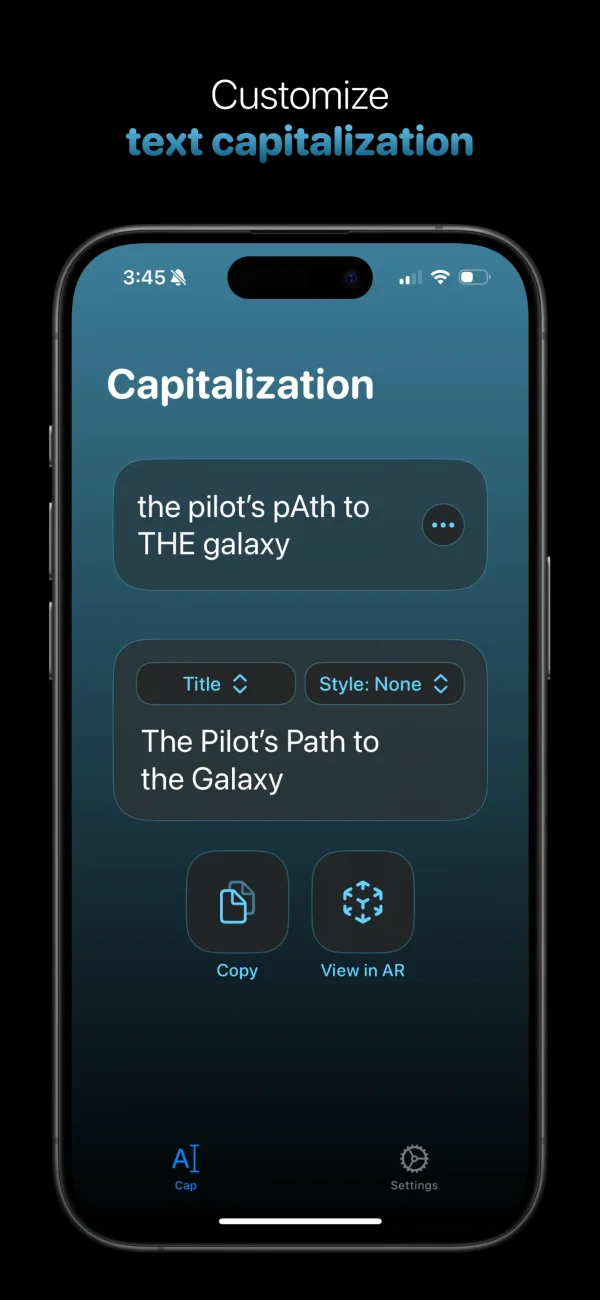
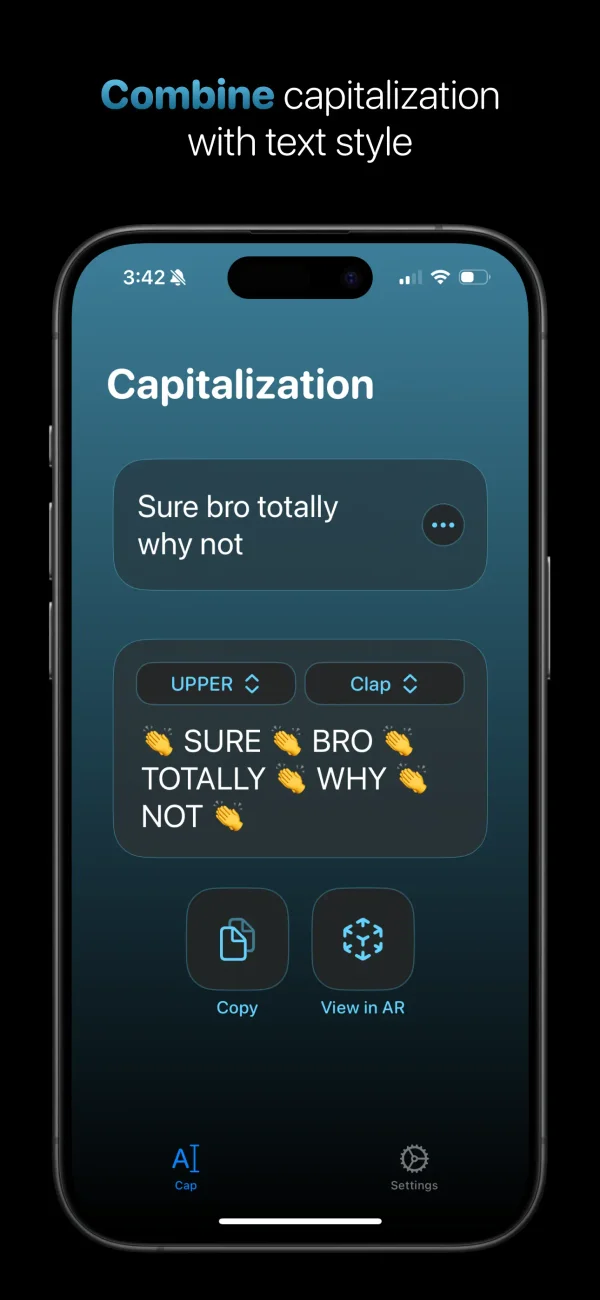
Paste your existing text → Customize text → Copy updated text or view in AR
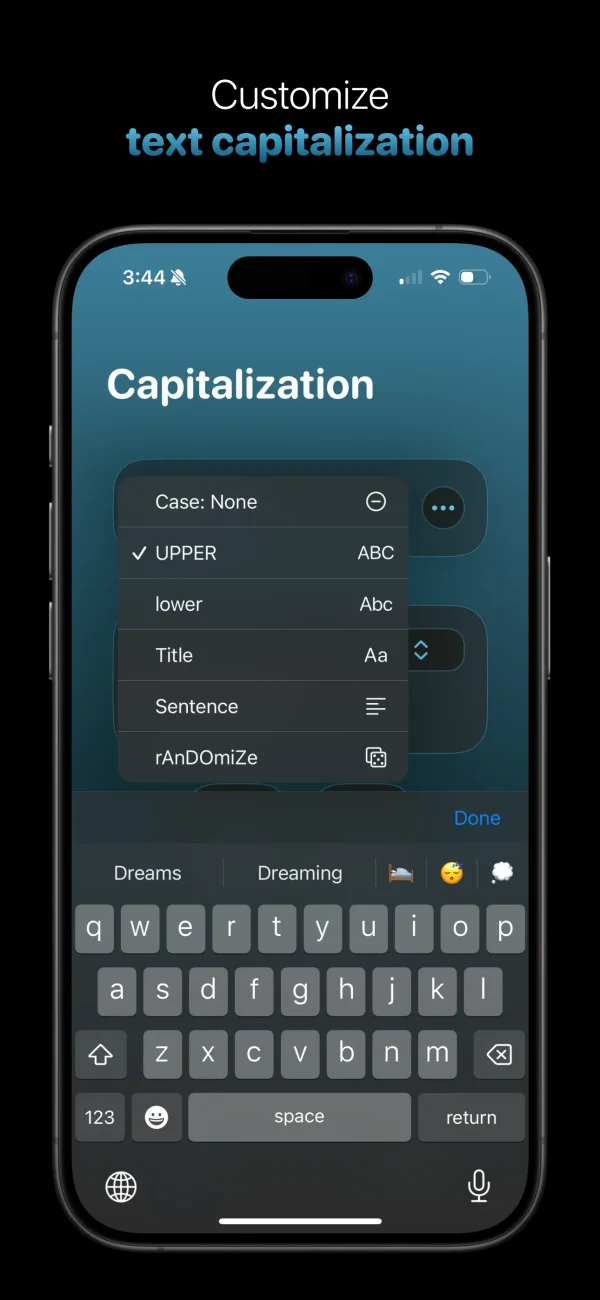
Capitalization Customization
• UPPERCASE – For when you’re yelling (on purpose).
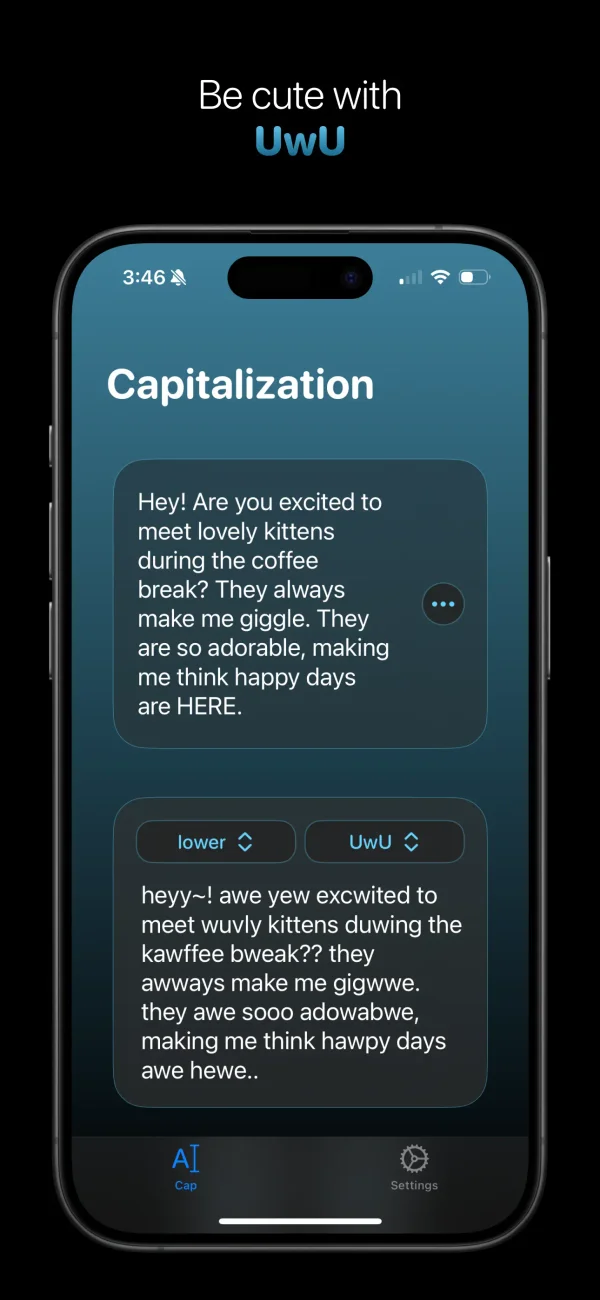
• lowercase – because chill vibes.
• Title Case – It's smart enough to get “iPhone,” not “Iphone.”
• Sentence Case – Actually knows grammar. Like, for real.
• rAnDOmiZe – Make it uNiQuE (and slightly unhinged).
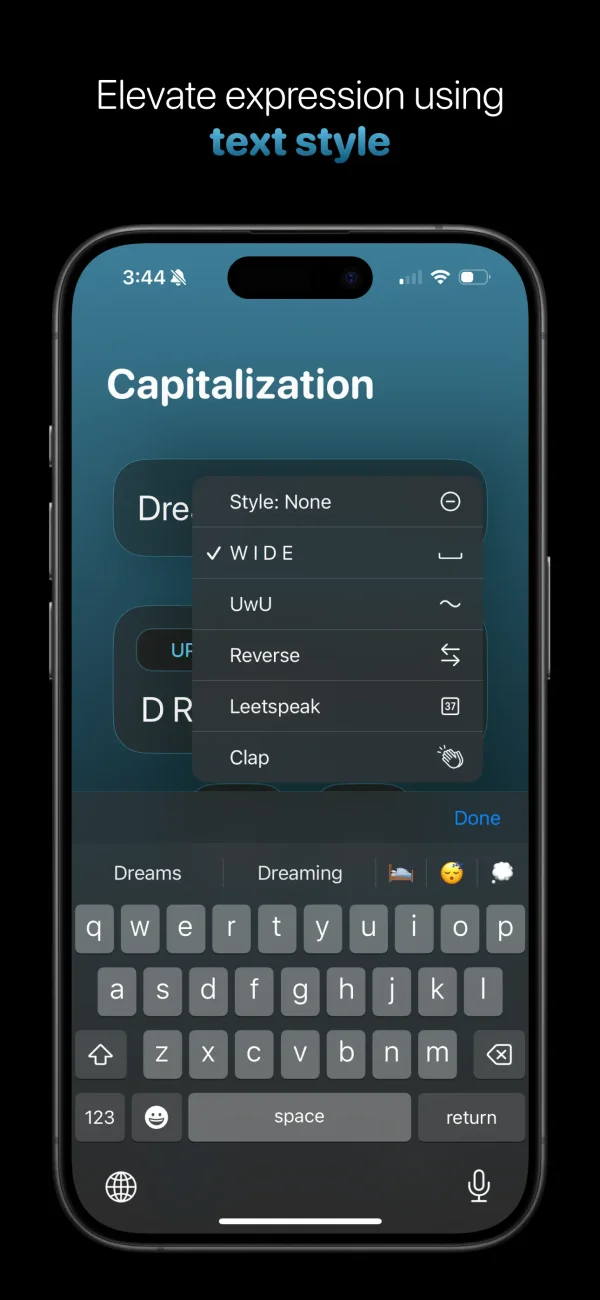
Text Effects
• W I D E – Stretch it out.
• UwU – Soft. Cute. Adorbs. UwU fr.
• Reverse Text – txeT esreveR
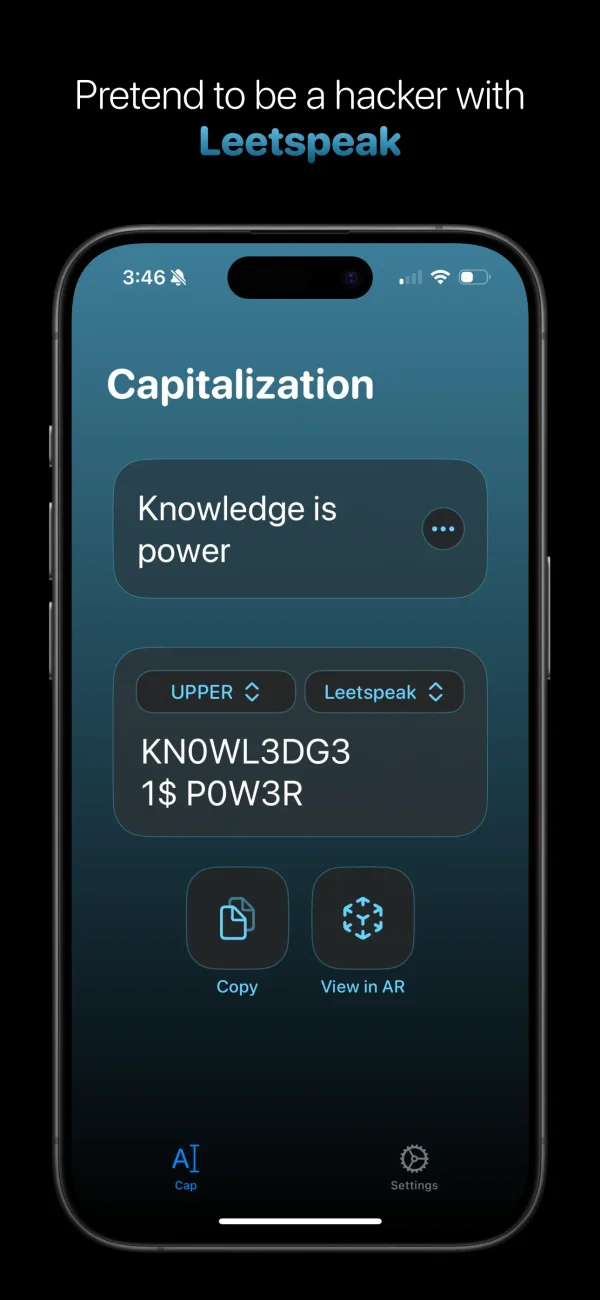
• Leetspeak – h4ck th3 m41nfr4m3.
• Clap – Maximum emphasis. Minimum chill.
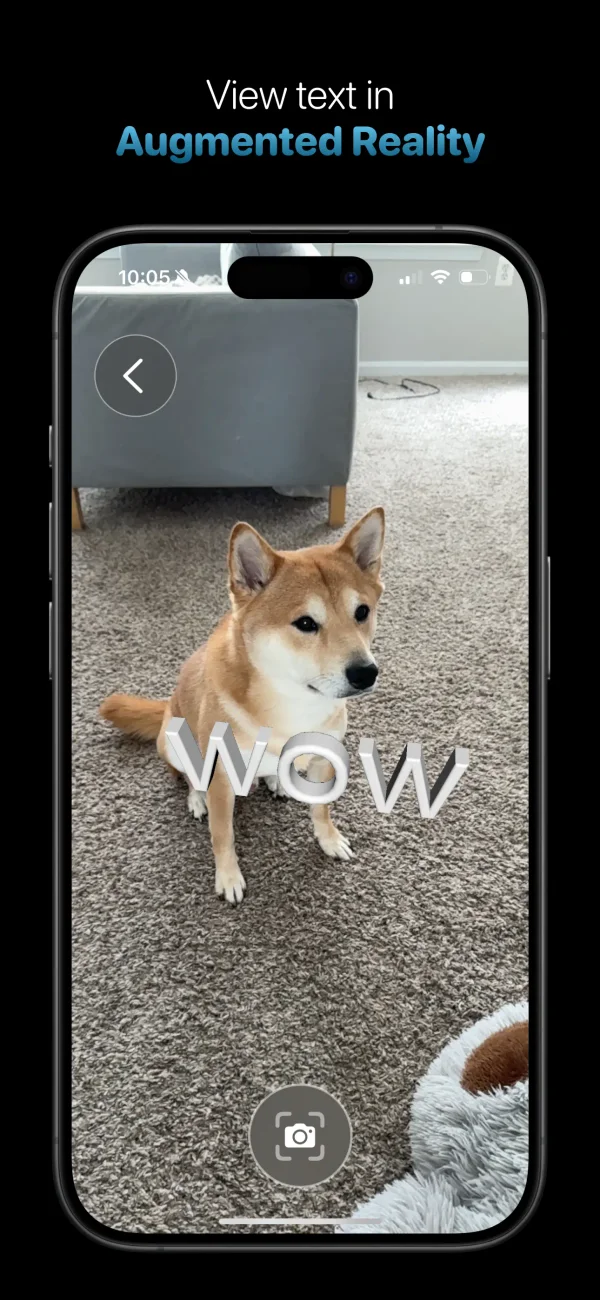
View in AR
• See 3D text in your space using Augmented Reality.
• Capture and take a photo of your text IRL!
Private. Offline.
No Cap runs 100% on your device. No uploads, no tracking. Just pure text power in a beautiful, native iOS app with haptics and sweet animations. Available for iPhone, iPad, Mac, Vision.
新機能
バージョン 2.0 · 2025/6/9
This is a major update that reimagines the app experience and brings support for iPadOS and visionOS, with an assortment of new features and improvements, including:
Experience
• To support the latest platform advancements, No Cap now requires iOS 18, iPadOS 18, or visionOS 2.
• Introducing a new iPad experience with support for Split View, Slide Over, and Stage Manager.
• Introducing a spatial experience designed for Apple Vision Pro.
• Refreshed typography and spacing throughout the entire app.
• Text now adapts to device’s Dynamic Type settings for preferred reading size and accessibility.
• Improved haptic feedback across various actions.
Interface
• No Cap has been completely redesigned and reimagined. New fluid animations and transitions create a more seamless experience. The text box now morphs into the editor, creating a continuous flow.
• Augmented Reality is now presented as a full-screen experience.
• The Settings section features a cleaner, more intuitive layout, with a consistent icon style that enhances visual harmony.
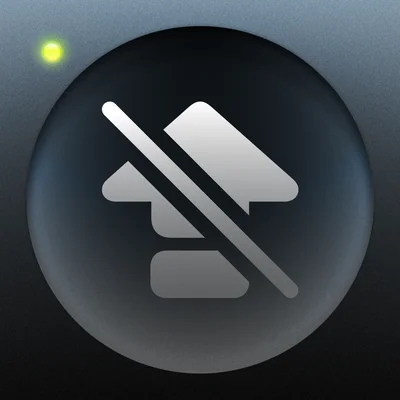
• An all-new app icon, which adapts to light, dark, and tint appearances. The icon blends nostalgia with a modern twist. Its circular shape was inspired by vintage typewriter keys, giving it a tactile feel. It features an aluminum texture, which suggests depth from its edges towards the center, creating the illusion of a capacitive touch. There's a subtle green light in the top left corner, a homage to the caps lock indicator light found on Magic Keyboard. At the heart of the icon, there’s a visual pun: a slash through the caps lock symbol, embodying the app's name, 'No Cap', in a literal and figurative manner.
Thank you for using No Cap. Enjoy the update!
アプリのプライバシー
このアプリのデータの取り扱いについて、Rohan TandonがApp Storeで申告している内容です。
-
データの収集なし
開発元はこのアプリからデータを収集しません。
プライバシーの取り扱いは、ご利用の機能やお客様の年齢などに応じて異なる場合があります。
情報
- 販売元
- Rohan Tandon
- カテゴリ
- ユーティリティ
- バージョン
- 2.0
- 更新日
- 2025/6/9
- リリース
- 2023/10/25
- サイズ
- 9.0 MB
- 必要条件
- iOS 18.0以降
- 対象年齢
- 4+
- 価格
- 無料
- 言語
- 英語
- 著作権
- © 2025 Rohan Tandon
こちらもおすすめ
-
 文字数カウント&テキスト整形 メモコピペしたテキストを整えて大文字小文字を変換
-
 Case Converter Mobileユーティリティ
-
 TidySpace: Links, Photos, Docsユーティリティ
-
 Keyboard Extension - SnipKeyユーティリティ
-
 YABA: Yet Another Bookmark Appユーティリティ
-
 ActiveDay‒Your Day at a Glanceユーティリティ
-
 ChatMCPユーティリティ
-
 Universal Remote TV Samsung +ユーティリティ
-
 Clipboard Manager - OneTapユーティリティ
-
 Liquid Apolloユーティリティ