
- Age rating17+
- CategoryProductivity
- DeveloperNORO GmbH
- LanguagesEnglish
- Size51.8 MB
Links to the official App Store page
Download.org hosts no file of NORO. The button opens its official App Store page, published by NORO GmbH. Listing last checked on Nov 10, 2026.
Screenshots



About
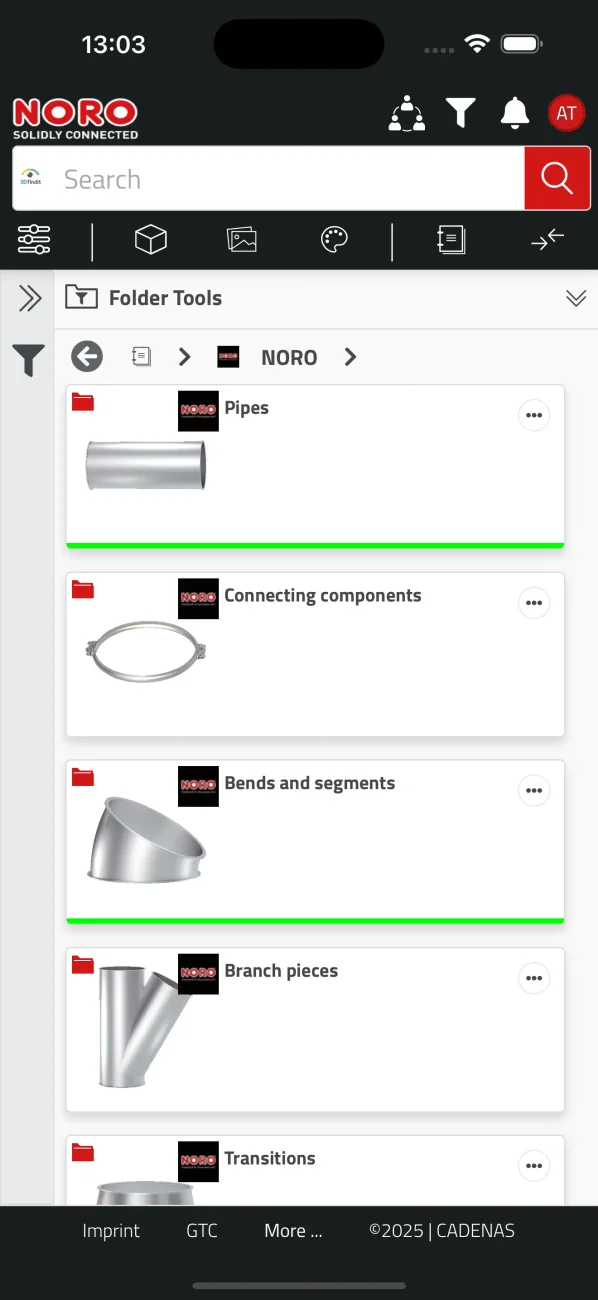
The NORO app is a free download service for 3D CAD data of the standard product range of NORO Germany and provides engineers and project managers with direct access via mobile devices.
Our product range includes pipes, mouldings and distribution systems with diameters of 80 to 600 mm made from steel (powder coated or galvanised) and chromium-nickel steel as well as associated pipe connection elements.
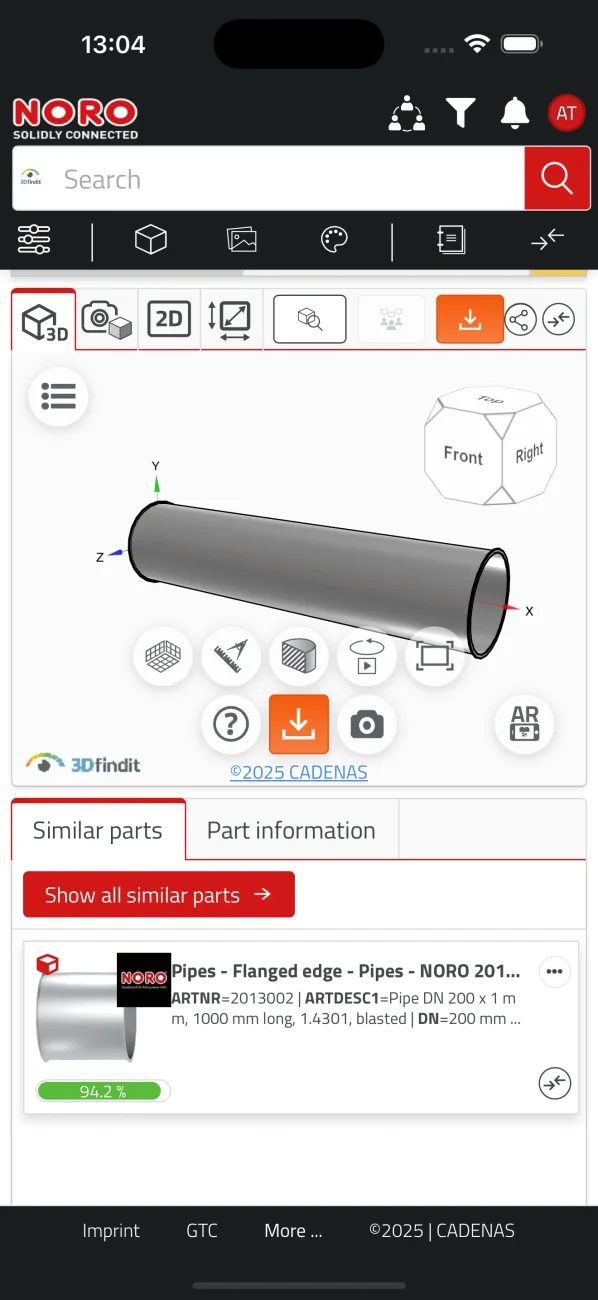
The 3D CAD models are compliant with major world standards and are suitable for use in current CAD systems, such as CATIA®, Autodesk® Inventor®, SolidWorks®, Creo™ Parametric, NX™, AutoCAD®, Solid Edge®, etc.
What’s new
Version 12.9.2 · Jul 10, 2025
The app is updated to a new major version.
This includes:
- New user interface
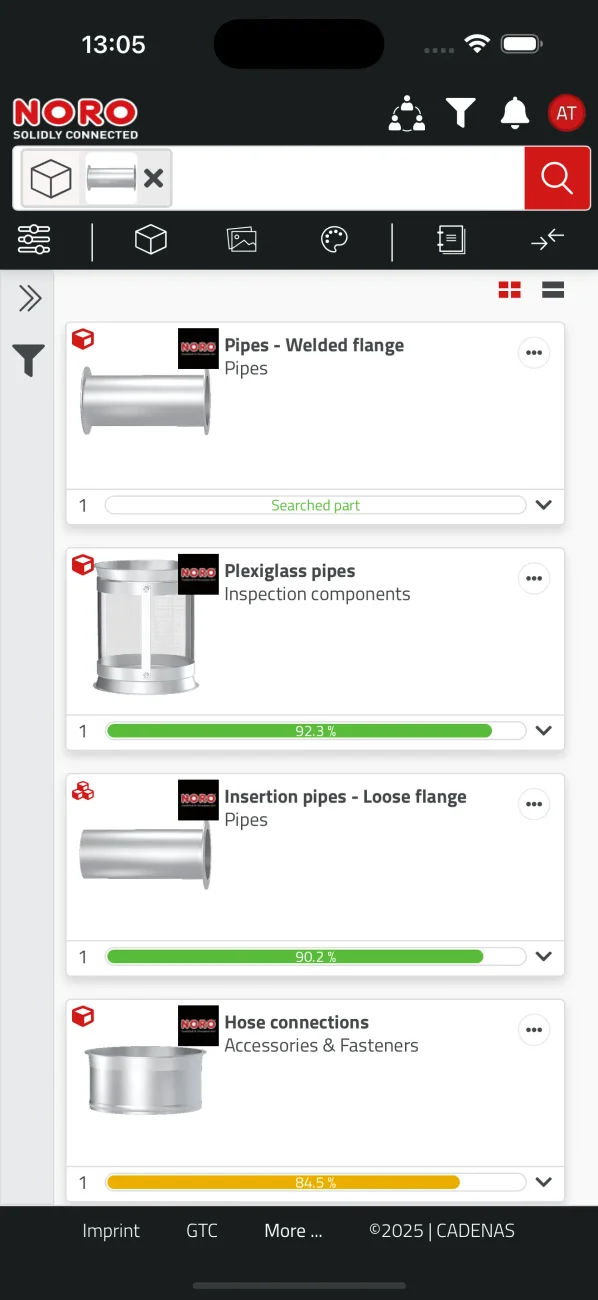
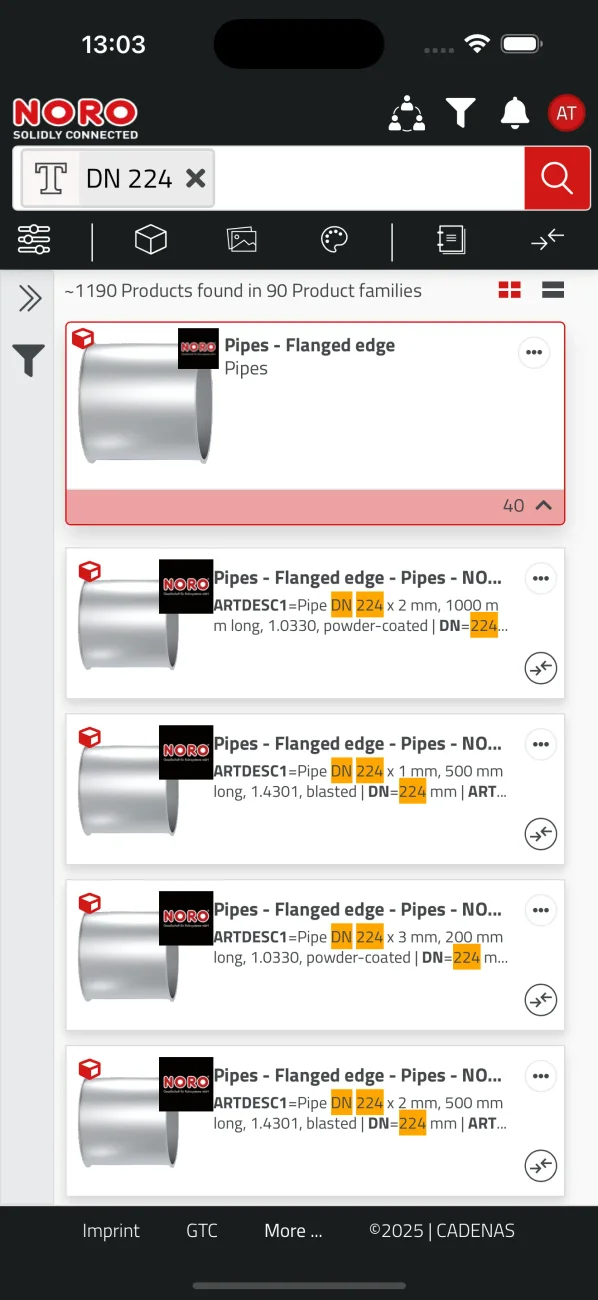
- Improved and new search methods (Including text search, 3D search, 2D search, color search)
- Keyword navigation / filter
- Improved table view (vertically and horizontally)
- AR-Preview of 3D models
- Download cad models in a variety of 3D and 2D formats
App privacy
What NORO GmbH declares on the App Store about how this app handles data.
-
Data linked to you
May be collected and linked to your identity.
- Location
- Contact info
- Search history
- Identifiers
- Usage data
Privacy practices may vary, for example with the features you use or your age.
Information
- Seller
- NORO-Gesellschaft f�r Rohrsysteme mbH
- Category
- Productivity
- Version
- 12.9.2
- Updated
- Jul 10, 2025
- Released
- Sep 27, 2014
- Size
- 51.8 MB
- Requires
- iOS 13.0 or later
- Age rating
- 17+
- Price
- Free
- Languages
- English
- Copyright
- © 2025 NORO GmbH
You might also like
-
 SolidInsightView CAD without format worry
-
 Exxar HuddleProductivity
-
 CADrawCAD Drawing tools
-
 Autodesk Vault MobileProductivity
-
 Convert PDF to AutoCadConvert PDF to AutoCad PDF2DWG
-
 ARES Touch: DWG Viewer & CADRead, Modify & Annotate in DWG
-
 Onshape 3D CADSpeed Up Your Product Design
-
 Sketch Viewer UP-model browserSketch UP Skp model browser
-
 Pipe FittingPipefitter Calculator & Offset
-
 Autodesk FusionProductivity