
CADraw
CAD Drawing tools
Designed for iPhone, iPad, iPod touch
Free · In-app purchases
- Age rating4+
- CategoryProductivity
- Developer诚 张
- LanguagesEnglish+ 4 more
- Size175.5 MB
Links to the official App Store page
Download.org hosts no file of CADraw. The button opens its official App Store page, published by 诚 张. Listing last checked on Nov 16, 2026.
Screenshots

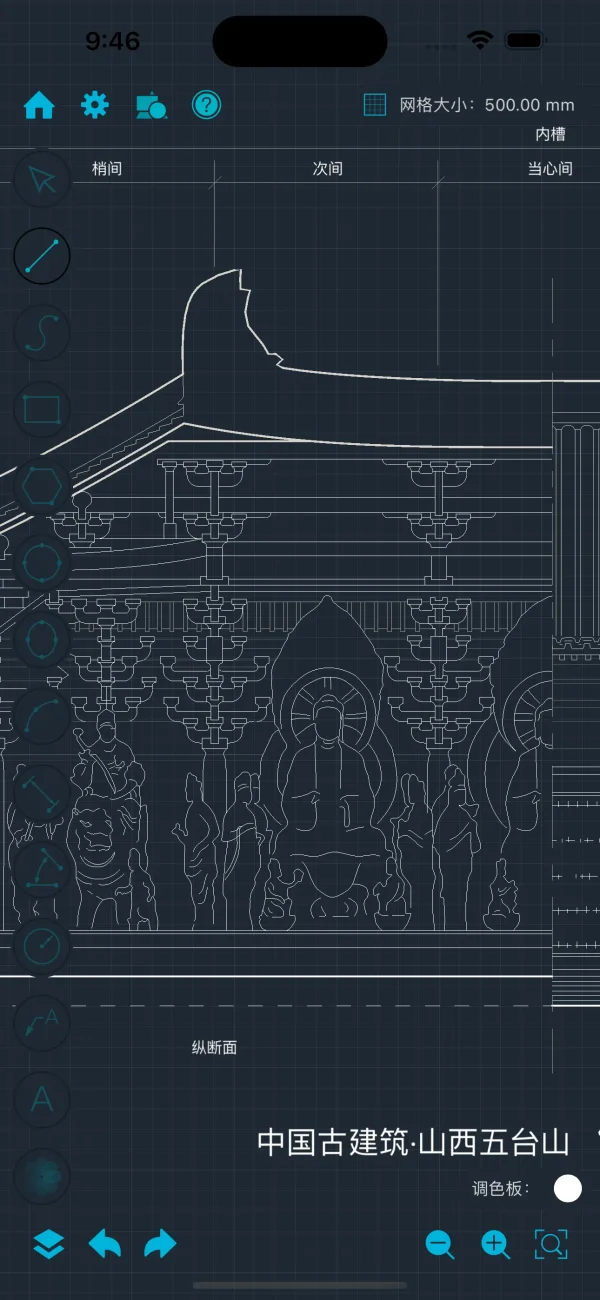

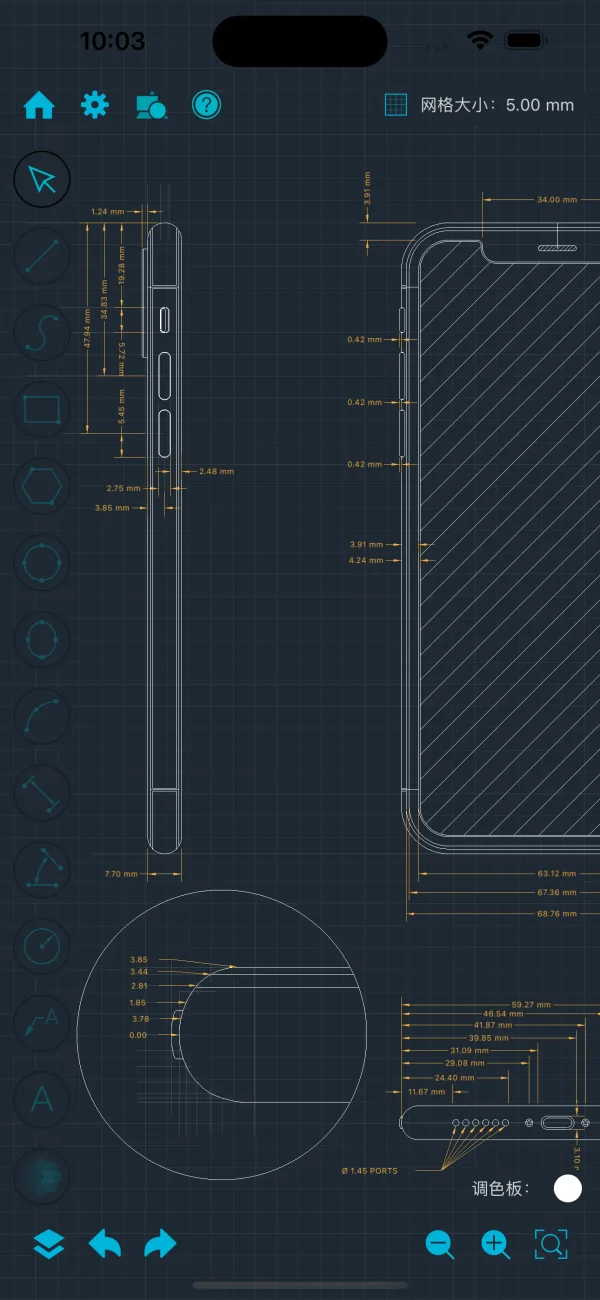
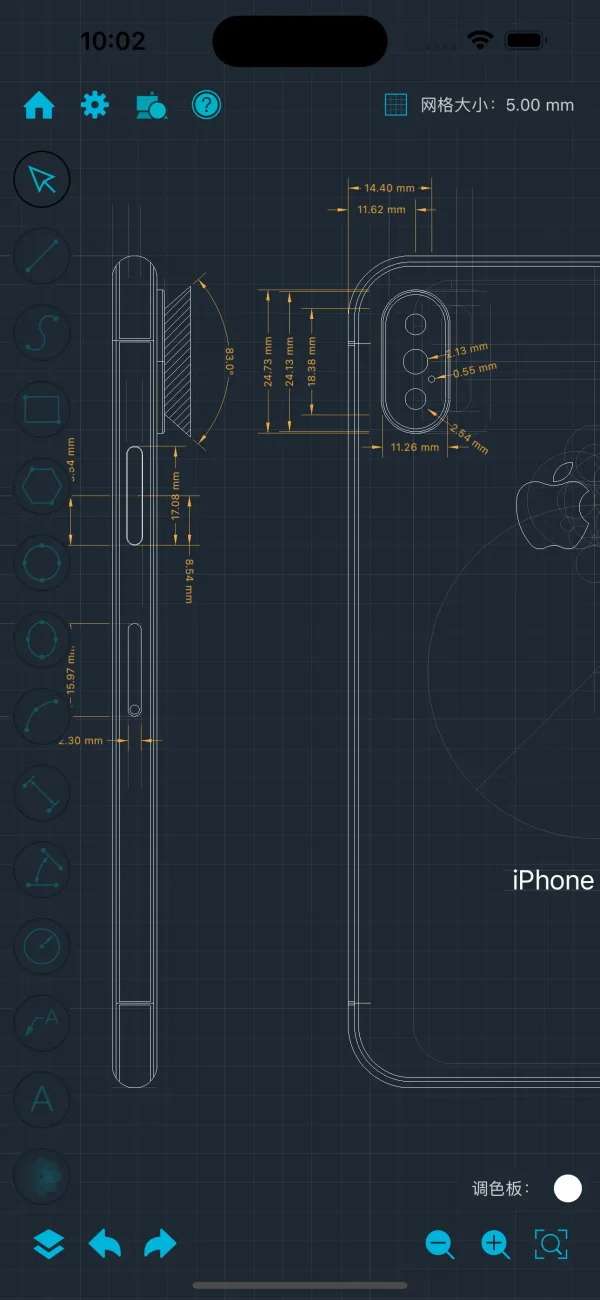
About
Easily draw shapes such as lines, circles, and arcs, and easily edit and modify shapes with just a touch of the shape.
Angle constraints can specify commonly used angles of 5 º -90 º.
Snap endpoints, midpoints, vertical points, tangents, and intersections, allowing you to draw accurately. There are also dynamic auxiliary points that provide you with dynamic assistance when drawing each line.
The numeric keypad can accurately specify distances during drawing or modification.
Drag the dimension edit point to convert it to horizontal or vertical dimensions.
Angle annotations, radius annotations, and arc annotations can all rival the excellent performance of desktop applications in creation or editing.
Layer management, displaying or hiding layers, and locking layers.
Annotation management can add annotation styles, modify annotation styles, colors, line widths, and other annotation shapes.
The drawn drawings can be exported as PDF files or DXF data exchange files, and can be shared on the computer and opened using AutoCAD.
Thank you very much to Graziano from Italy for providing Italian language translation and Сергей Ломонос Provide Russian translation.
What’s new
Version 3.2.10 · Feb 8, 2026
• Fixed several known issues.
App privacy
What 诚 张 declares on the App Store about how this app handles data.
-
Data not collected
The developer does not collect any data from this app.
Privacy practices may vary, for example with the features you use or your age.
Information
- Seller
- 诚 张
- Category
- Productivity
- Version
- 3.2.10
- Updated
- Feb 8, 2026
- Released
- Aug 11, 2020
- Size
- 175.5 MB
- Requires
- iOS 13.0 or later
- Age rating
- 4+
- Price
- Free
- In-app purchases
- Yes
- Languages
- English, Italian, Russian, Simplified Chinese, Traditional Chinese
- Copyright
- © 2020 Zhang cheng Inc
You might also like
-
 ZWCAD Mobile - Mobile CADDWG viewer and editor
-
 DWG View - CAD Viewer & EditorDWG, DXF, DWF, DGN- View, Edit
-
 iDesignProductivity
-
 Convert PDF to AutoCadConvert PDF to AutoCad PDF2DWG
-
 iPocket Draw LiteProductivity
-
 ARES Touch: DWG Viewer & CADRead, Modify & Annotate in DWG
-
 CAD迷你看图 - 经典的CAD手机快速看图工具Productivity
-
 CAD Reader-View & Measure DWGDWG & PDF viewer
-
 OrthoGraph – Floor PlanFloor Plan Creation, Easily.
-
 CAD快速看图-dwg手机快速看图,设计图纸工程建筑Productivity