Note Flow Pro
Notes, Reminders & Planner
Designed for iPhone, iPad, iPod touch
Free · In-app purchases
- Age rating4+
- CategoryProductivity
- DeveloperGiovanni Emanuele Spina
- LanguagesEnglish
- Size16.6 MB
Links to the official App Store page
Download.org hosts no file of Note Flow Pro. The button opens its official App Store page, published by Giovanni Emanuele Spina. Listing last checked on Nov 17, 2026.
Screenshots



About
Note Flow — Your Ideas, Always Within Reach
Note Flow is the all-in-one note-taking and personal productivity app designed for users who want speed, privacy, and complete control. No account required. No cloud dependency. Everything stays securely on your device, so your thoughts, plans, and memories remain private and instantly accessible.
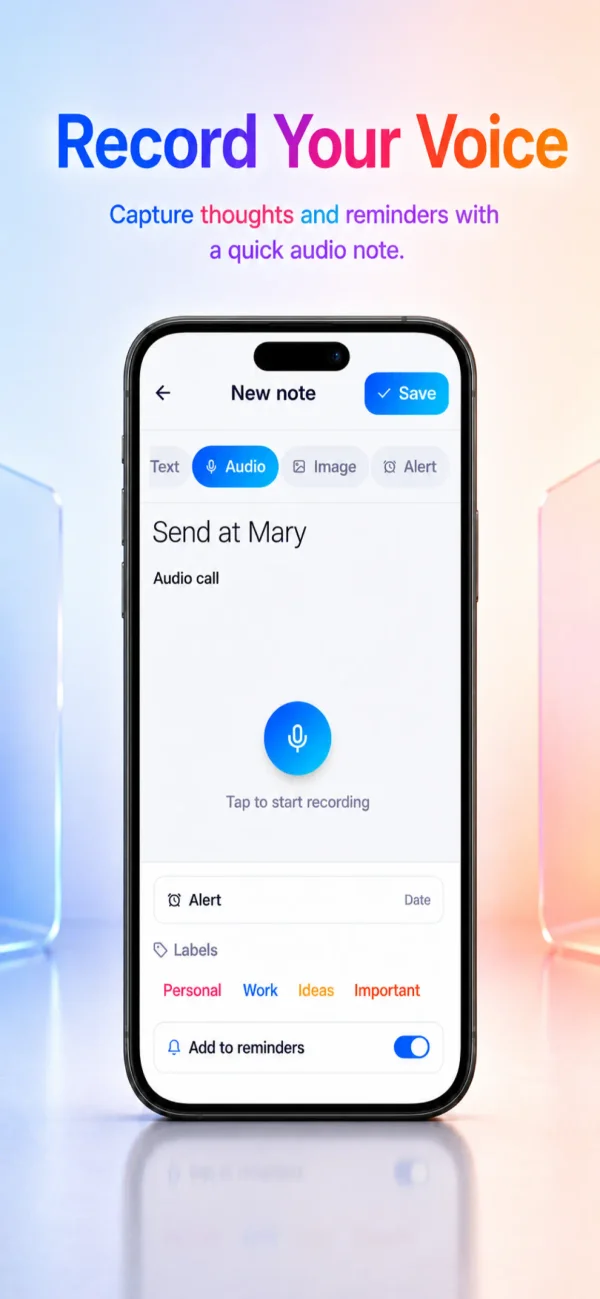
Capture ideas the way they come to you. Write rich text notes, attach photos, or record voice memos directly inside any note. Whether it is a quick thought, a detailed journal entry, a meeting summary, or a shopping list, Note Flow adapts to your workflow.
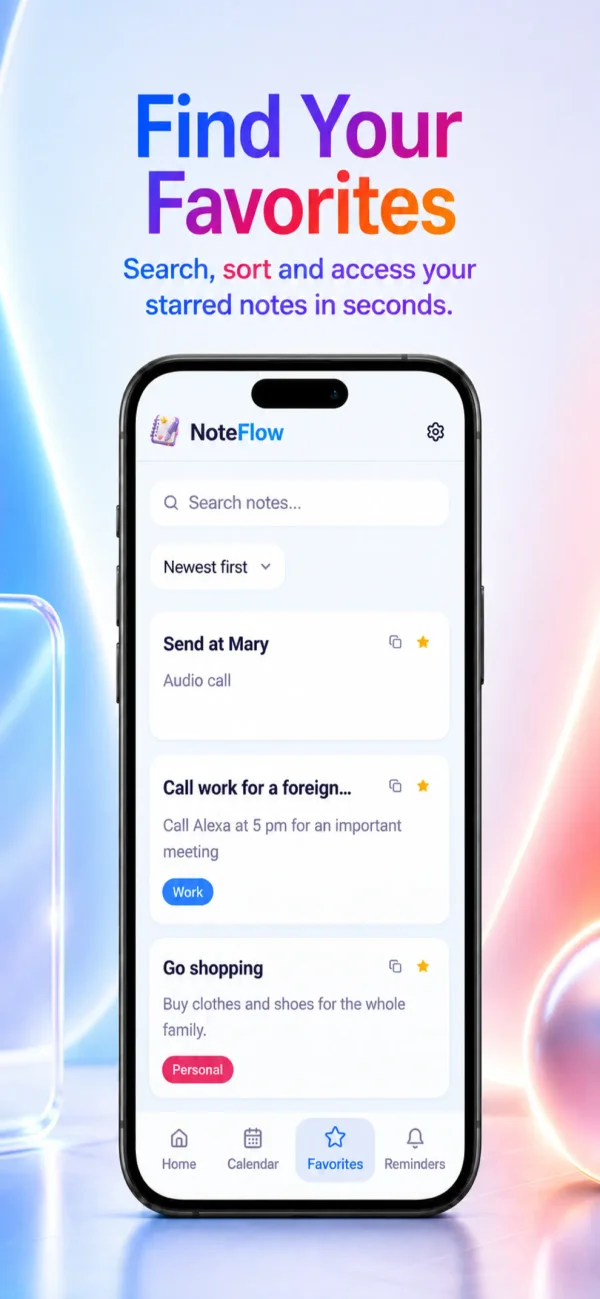
Stay organized with color-coded labels and a clean, intuitive layout. Create categories like Personal, Work, Ideas, and Important, or build your own custom labels. Find anything in seconds with the built-in search and smart filters.
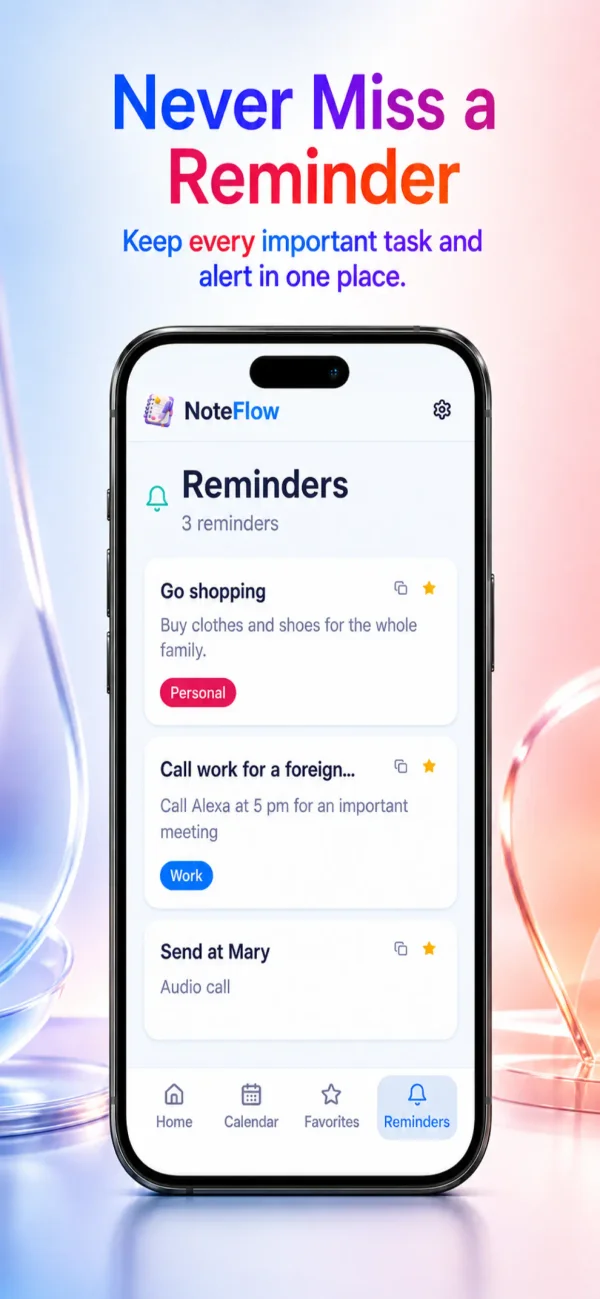
Never miss what matters. Set time-based alerts and reminders for individual notes. Choose from a collection of alarm sounds, pick the exact date and time, and let Note Flow notify you when it is time to act. Perfect for deadlines, appointments, birthdays, medication reminders, and daily tasks.
Plan your life with the integrated calendar view. See all your scheduled notes at a glance, navigate days and months easily, and connect your notes directly to your calendar events. It is a simple yet powerful way to turn notes into a daily planner.
Customize the experience to match your style. Select from multiple accent colors and themes, switch between light and dark mode, and enable haptic feedback for a more responsive feel. The app supports multiple languages, making it comfortable for users around the world.
Note Flow is built to be lightweight, fast, and reliable. It works offline, launches quickly, and respects your battery and storage.
Key features:
Local-first notes with full offline support
Text, photo, and voice memo notes
Time-based alerts with custom alarm sounds
Integrated calendar and event linking
Labels, search, filters, and sorting
Light and dark mode with multiple color themes
Multilingual interface
Haptic feedback support
Ad removal via one-time purchase
Fast, lightweight, and privacy-focused
Download Note Flow today and turn every idea into action.
App privacy
What Giovanni Emanuele Spina declares on the App Store about how this app handles data.
-
Data used to track you
May be used to track you across apps and websites owned by other companies.
- Location
- Identifiers
- Usage data
- Diagnostics
-
Data linked to you
May be collected and linked to your identity.
- Identifiers
- Usage data
- Diagnostics
-
Data not linked to you
May be collected but is not linked to your identity.
- Location
- Diagnostics
Privacy practices may vary, for example with the features you use or your age.
Information
- Seller
- Giovanni Emanuele Spina
- Category
- Productivity
- Version
- 1.0
- Updated
- Sep 8, 2026
- Released
- Sep 8, 2026
- Size
- 16.6 MB
- Requires
- iOS 15.0 or later
- Age rating
- 4+
- Price
- Free
- In-app purchases
- Yes
- Languages
- English
- Copyright
- © Giovanni Emanuele Spina
You might also like
-
 The Simple ReminderUsing AI to help u live better
-
 Buckets: Time Blocking PlannerProtect your work life balance
-
 Culmina: Project PlannerStages, tasks, budgets & goals
-
 WikiobraProductivity
-
 MaiiWrite your day. Maii reads it.
-
 Myhnd: Recipe & Place SaverSaves become shopping lists
-
 Tadah: Paperwork, HandledProductivity
-
 Slotmark: Reminder & To DoTasks manager & calendar
-
 Snagbox: Bookmark & Link SaverRead Later, Private Organizer
-
 Inbox To Audio: Text To SpeechTurn emails into episodes