
- Age rating4+
- CategoryProductivity
- DeveloperSaleh Kayyali
- LanguagesEnglish+ 4 more
- Size12.9 MB
Links to the official App Store page
Download.org hosts no file of Note to Self Memos. The button opens its official App Store page, published by Saleh Kayyali. Listing last checked on Nov 15, 2026.
Screenshots

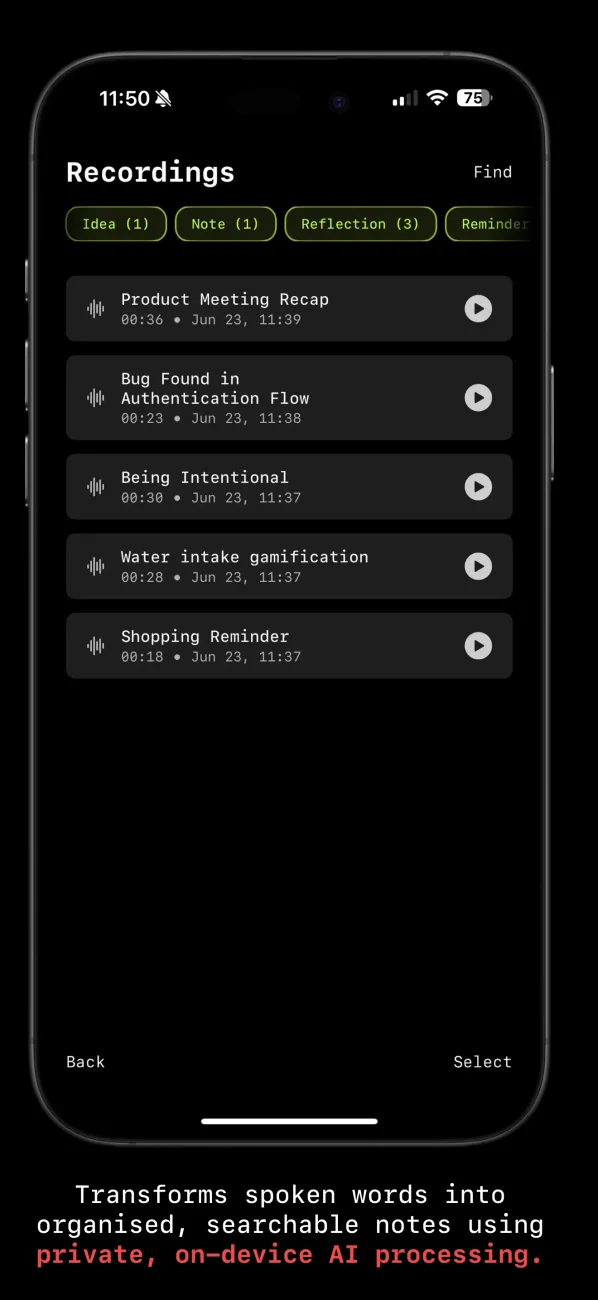
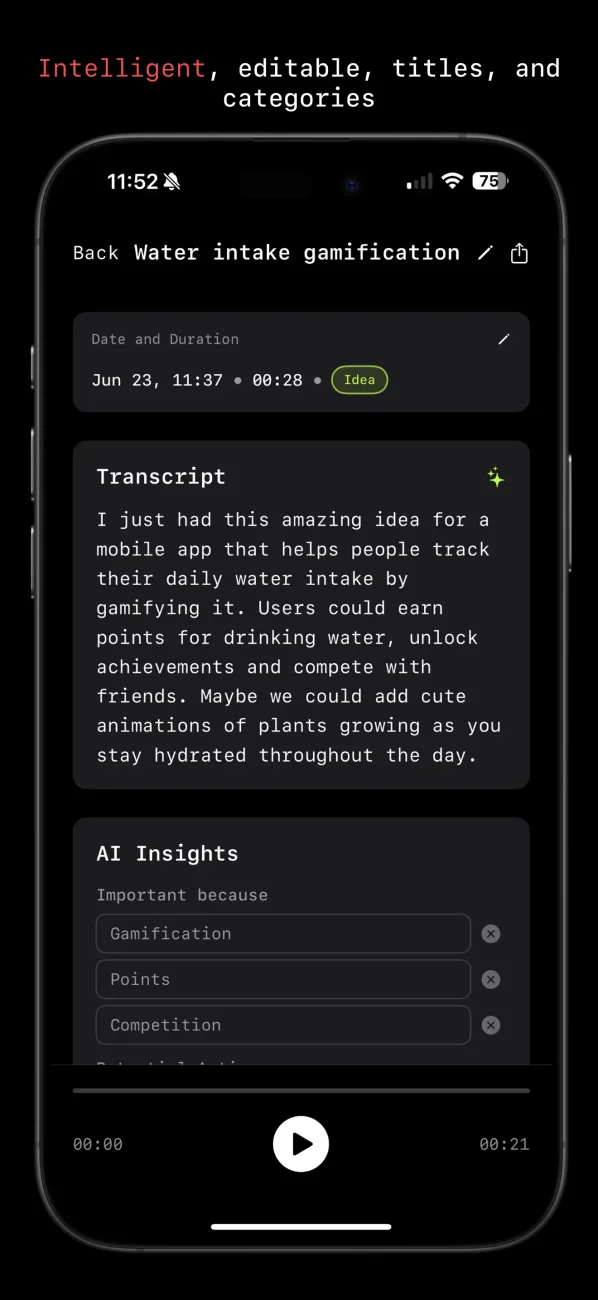
About
Note to Self is a private chat with yourself. Write a note or say it, into channels you make for each part of your life, and carry a thought on in a thread when it keeps going.
WRITE OR SAY IT
Type a note, or hold the red button and talk. Voice notes are written down on your phone, and the transcript lights up word by word as it plays back. Recordings stay linked to the conversation they came from.
CHANNELS AND THREADS
Give each subject its own channel: ideas, work, reading, errands. Continue any note in a thread, and move a note, a whole thread or a handful of notes to another channel when they belong elsewhere.
TITLES AND TAGS
With Apple Intelligence, voice notes get a title, and every note a tag for what it’s for: a task, an idea, a question, a link, a plan, a reference, a reflection. Change either at any time, or make tags of your own.
FIND IT AGAIN
Search by the words you used or by what you meant, in any language you write in. Or ask a question, such as “What did I decide about the garden?”, and get an answer drawn from your own notes, with links back to them.
REMINDERS AND LATER
Have any note come back to you at a time you choose. Reminders and pinned notes wait together in Later.
SEND TO SELF
Keep things from other apps: share a link, a web page, selected text or a recording from Voice Memos to Send to Self, add a line of your own, and pick the channel.
SUMMARIES
Catch up on a long thread or channel in a few lines, posted back into it.
YOURS
Your notes stay on your phone. No account, no analytics, no tracking.
Transcription and Apple Intelligence run on your phone. Long summaries can use Private Cloud Compute, Apple’s own model on Apple’s servers, only if you switch it on.
Five palettes, in light and dark.
In English, Arabic, French, Spanish and Chinese (Simplified), with full right-to-left layout in Arabic. Each note keeps its own direction.
Export everything to a single file you keep, with a readable copy of every channel.
Titles, tags, summaries and answers need an iPhone that supports Apple Intelligence, with Apple Intelligence turned on. Notes, voice notes, transcription, search and reminders work without it.
What’s new
Version 2.1 · Nov 12, 2026
iCloud sync
Your notes, channels and voice recordings can now stay in step across your iPhone, iPad and Mac. Sync is optional and off unless you turn it on, in Settings or when you first open the app. It uses your own private iCloud storage; nothing goes through anyone else’s servers.
iPad and Mac
A full iPad layout, also on Mac: your channels in a sidebar beside the conversation, and a larger writing area. Fold the sidebar to a row of icons when you want more room (⌃⌘S). Keyboard shortcuts: ⌘N new channel, ⌘F find, ⌘1–3 to switch views, ⌘Return to send.
Improvements
• Tap to record: an option in Settings to start and stop a recording with a tap instead of holding.
• Recording starts the instant you press, including with AirPods.
• A recording interrupted by a call is now saved instead of lost.
• Select several messages to delete them together.
App privacy
What Saleh Kayyali declares on the App Store about how this app handles data.
-
Data not collected
The developer does not collect any data from this app.
Privacy practices may vary, for example with the features you use or your age.
Information
- Seller
- Saleh Kayyali
- Category
- Productivity
- Version
- 2.1
- Updated
- Nov 12, 2026
- Released
- Jun 25, 2025
- Size
- 12.9 MB
- Requires
- iOS 27.0 or later
- Age rating
- 4+
- Price
- Free
- Languages
- English, Arabic, French, Simplified Chinese, Spanish
- Copyright
- © Saleh Kayyali
You might also like
-
 OculaPrivate AI on Your Device
-
 TagTags – Your Day, TaggedHabits and Goals, Simplified
-
 Minute AIOn Device, Local AI
-
 Takt - Time TrackingKeep your time - work timer
-
 Offlink: Bookmark & Read LaterSave Links, Read Offline
-
 RawTextSimple text editor
-
 JustSummarize - AI SummarizerTLDR: Article & PDF Summary
-
 Remarkable AIAI Keyboard • 38+ Languages
-
 Textify: AI Reply KeyboardGrammar Check, Tone & Rewrite
-
 Calendarly Lockscreen CalendarWidgets & Live Activities