
NoteBoard: markdown and kanban
Tasks, notes & a calmer day
Designed for iPhone, iPad, Mac
Free
- Age rating4+
- CategoryProductivity
- DeveloperPeter Durlacher
- LanguagesEnglish
- Size10.2 MB
Links to the official App Store page
Download.org hosts no file of NoteBoard: markdown and kanban. The button opens its official App Store page, published by Peter Durlacher. Listing last checked on Nov 28, 2026.
Screenshots
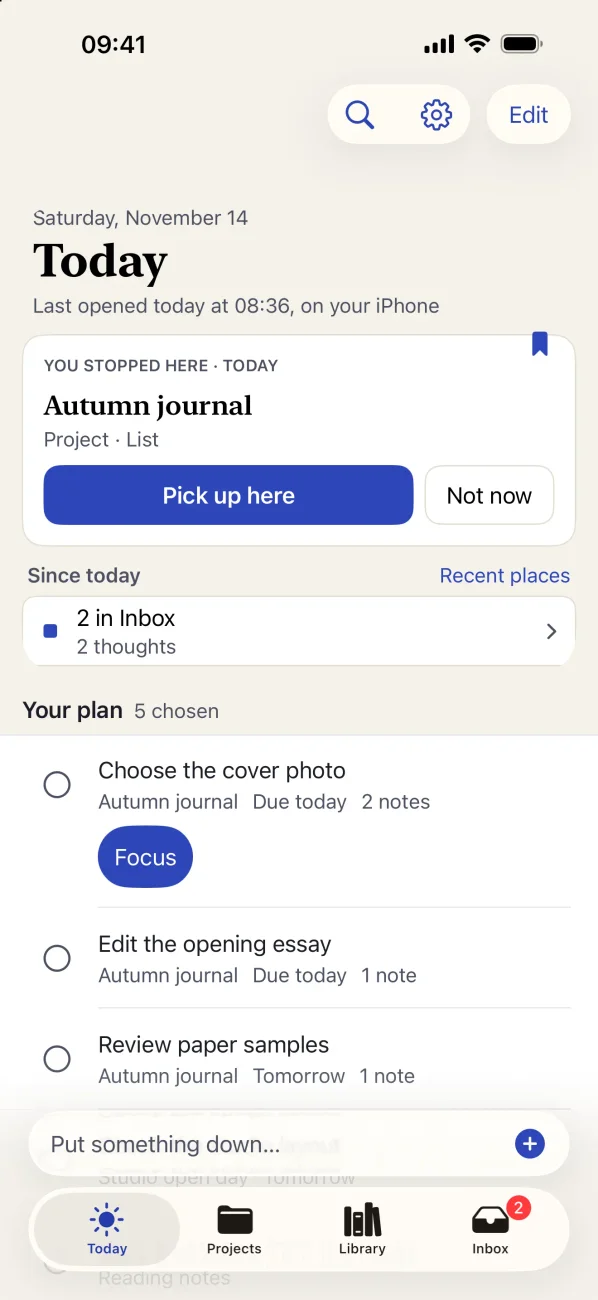
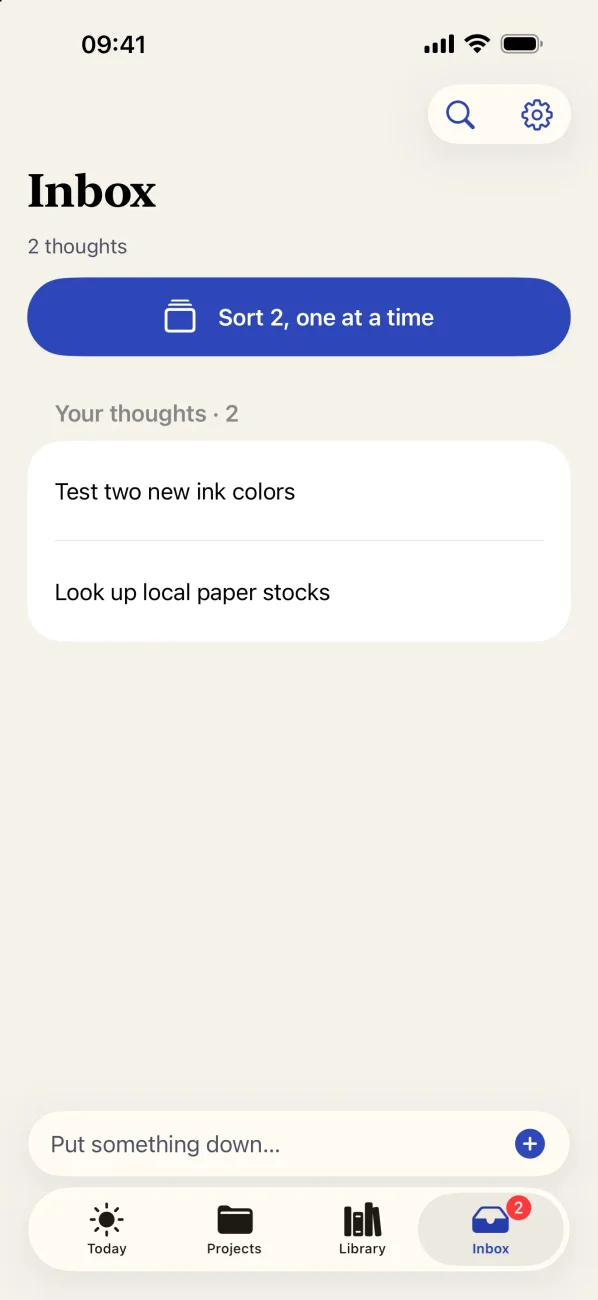
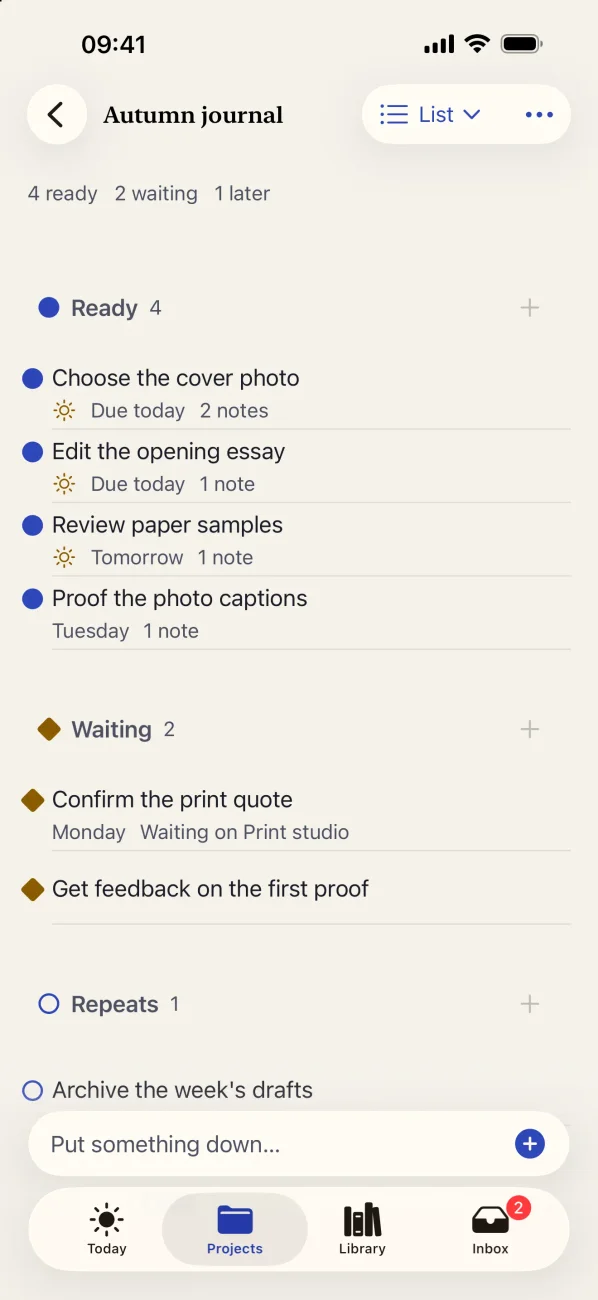
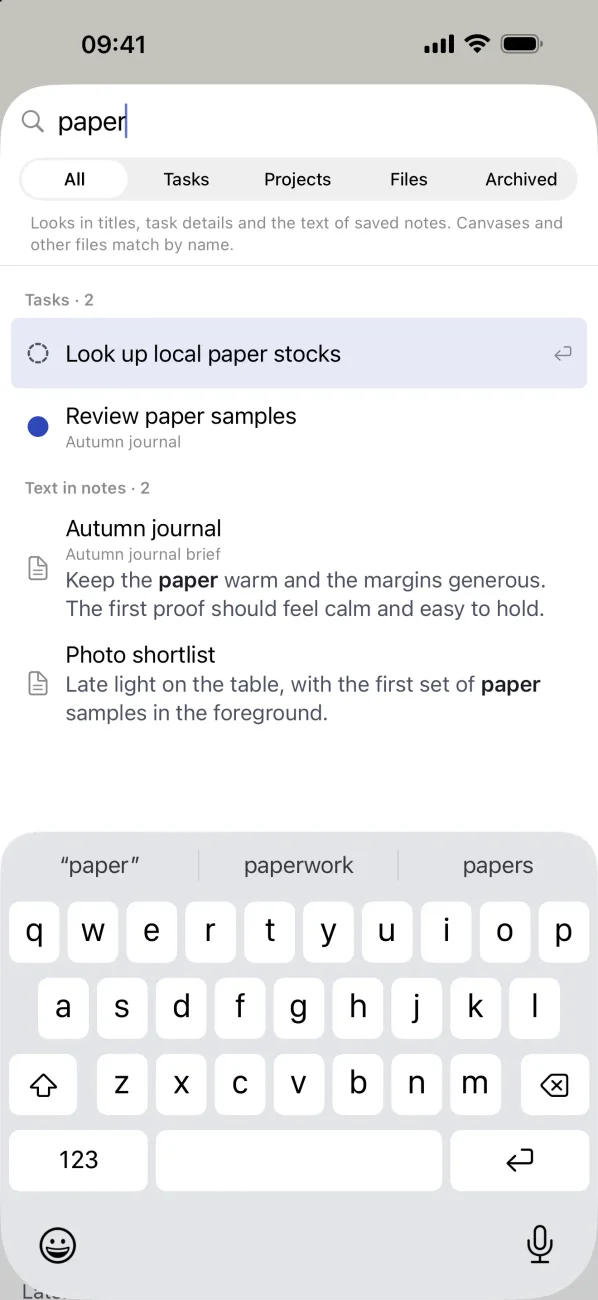
About
NoteBoard brings tasks, projects and Markdown notes into a calm daily workspace for iPhone and iPad.
Capture a thought while it is fresh, keep supporting notes with its project, and choose what deserves your attention today.
• Capture thoughts into Inbox and sort them one at a time.
• Plan Today and move work to Later when it can wait.
• Organize projects with lists, boards, calendars, mind maps and a spatial Corral.
• Write Markdown notes with links and tables, and arrange notes and tasks on a canvas.
• Search saved note text and task details, with matching excerpts.
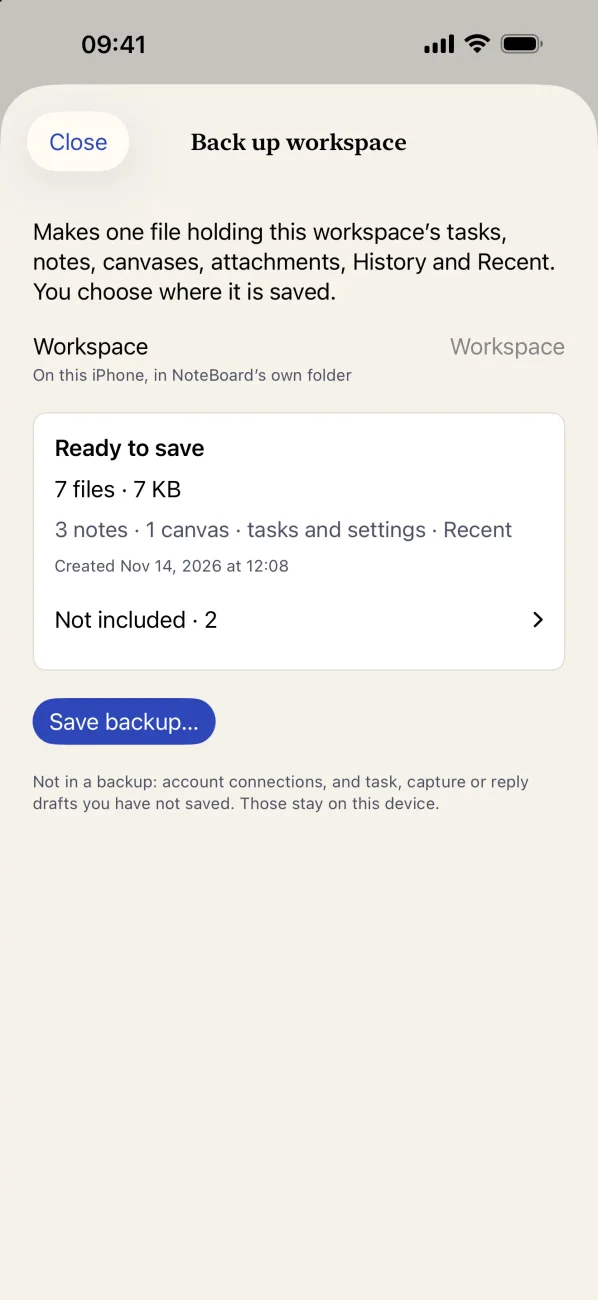
• Back up a complete workspace and restore it into a new folder.
• Preview and restore earlier versions of a note while keeping the text you replace.
• Send text and links through the Capture in NoteBoard action in Shortcuts, including a shortcut configured for Safari’s Share Sheet.
Start with a private workspace on your device, or open a compatible NoteBoard folder you choose. Tasks are stored in JSON and notes in files. Open the same shared workspace folder on your devices to find recent work and continue a note. Synchronization and offline availability depend on the folder’s provider; NoteBoard does not provide its own sync service.
Core tasks and notes do not require a NoteBoard account. New Gmail connections are not offered in this version. Existing Gmail connections can continue to work.
On supported devices with Apple Intelligence available, review suggested task titles, summaries and Today picks generated on your device. AI features require a compatible device and Apple Intelligence availability.
What’s new
Version 1.10 · Nov 26, 2026
Make NoteBoard yours. In Settings, Appearance now has backgrounds as well as accent colours: Paper, Sage and Slate join the original look, and each one works with every accent. Or pick any colour you like for either. NoteBoard keeps your colour's hue and makes it lighter or darker where needed so text stays easy to read, and a small preview shows the result. Your widgets follow along.
The card at the top of Today now has the same rounded corners top and bottom.
Swiping to archive in Inbox now takes the item away in one smooth motion, instead of it briefly coming back first.
App privacy
What Peter Durlacher declares on the App Store about how this app handles data.
-
Data not collected
The developer does not collect any data from this app.
Privacy practices may vary, for example with the features you use or your age.
Information
- Seller
- Peter Durlacher
- Category
- Productivity
- Version
- 1.10
- Updated
- Nov 26, 2026
- Released
- Oct 29, 2026
- Size
- 10.2 MB
- Requires
- iOS 26.0 or later
- Age rating
- 4+
- Price
- Free
- Languages
- English
- Copyright
- © 2026 Peter Durlacher
You might also like
-
 PelQiAssistant for home and work
-
 PDF Creator – Auto ScanSmart Document Scaner
-
 Labyrinth: Tasks & NotesTo-do list, notes & calendar
-
 Daily Glow RemindersDaily Reminders & Routines
-
 AiRC Transcriber: Voice NotesPrivate audio to text
-
 Sassy Parrot - Stop ScrollingScreen Time & App Blocker
-
 Remind Me - Quickly ReminderQuickly Reminder
-
 Scripty: Script SupervisorContinuity, Take Log & Lining
-
 ColorCalendar - Color PlannerMore than your Calendar
-
 Gesmote: Presentation RemotePresenter Gesture Controller