Tornleaf: Junk Journal
Scrapbook diary with stickers
Designed for iPhone, iPad
Free · In-app purchases
- Age rating4+
- CategoryProductivity
- DeveloperJerry Munyoka Nkongolo
- LanguagesEnglish+ 13 more
- Size143.2 MB
Links to the official App Store page
Download.org hosts no file of Tornleaf: Junk Journal. The button opens its official App Store page, published by Jerry Munyoka Nkongolo. Listing last checked on Nov 23, 2026.
Screenshots
About
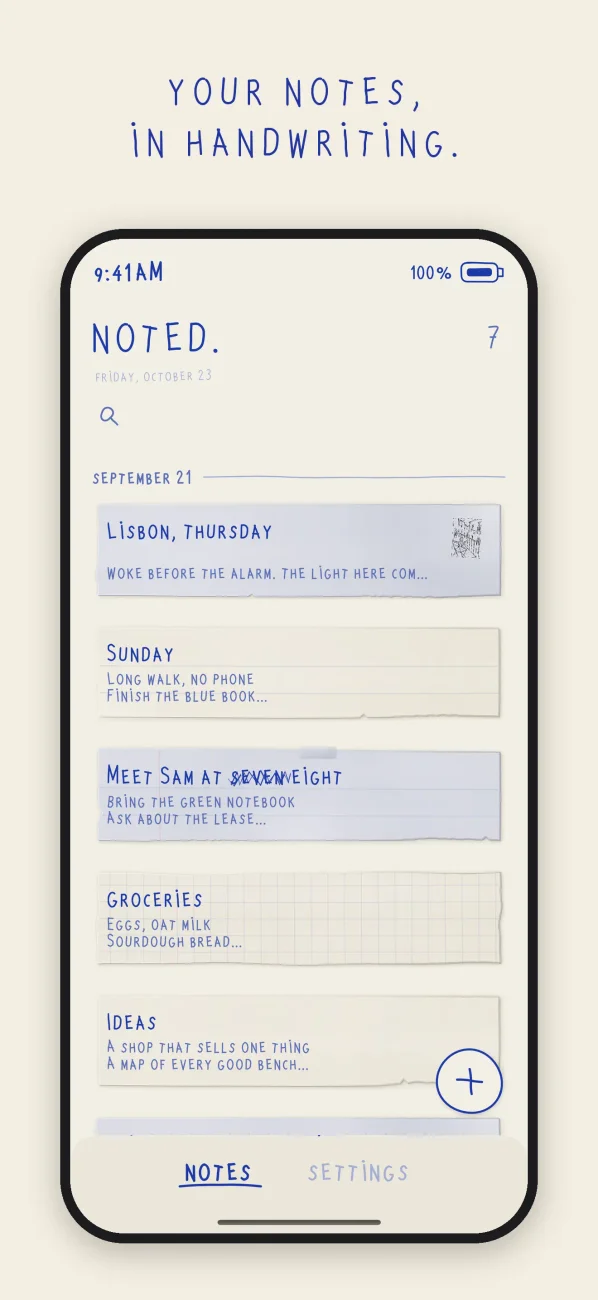
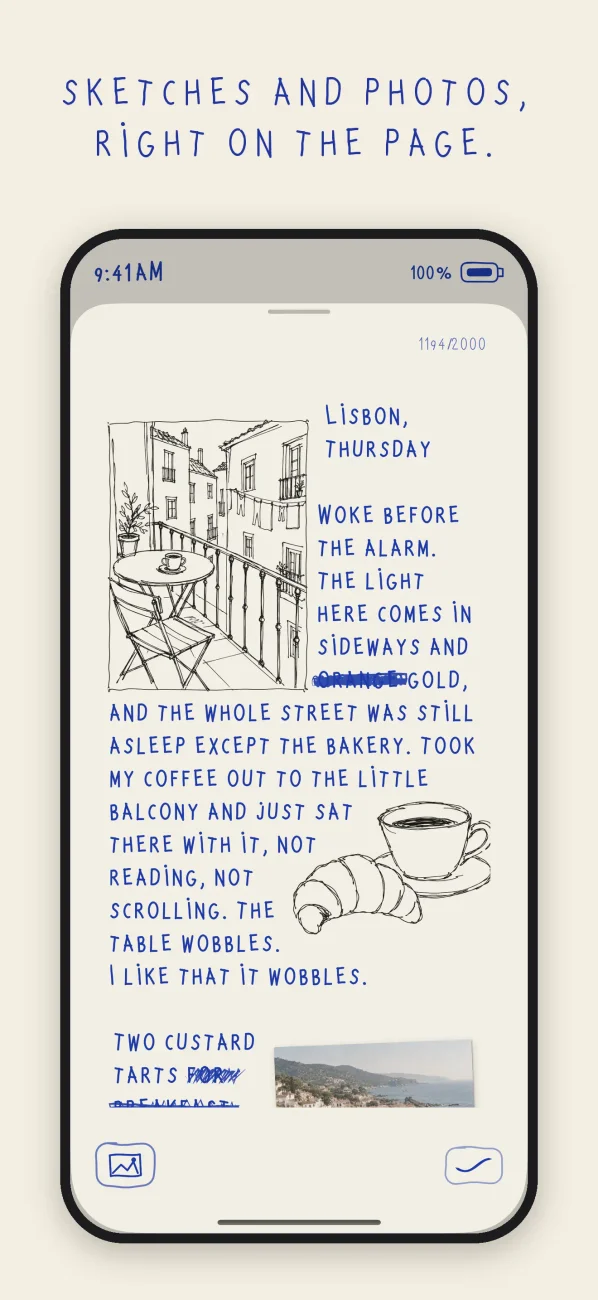
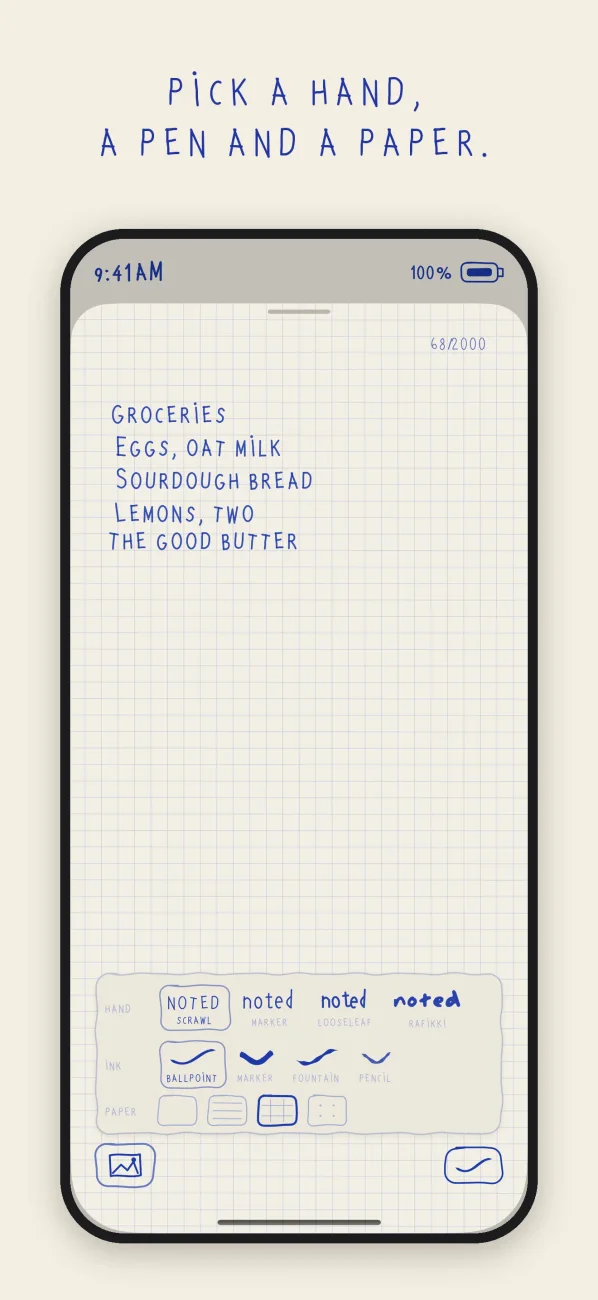
Tornleaf is a paper notebook you fill like a junk journal, on iPhone and iPad. Type, and your words appear in handwriting on paper with real grain. Stick in photos, prints, receipts and stamps, then decorate the cover and stand the book on your shelf.
WRITING
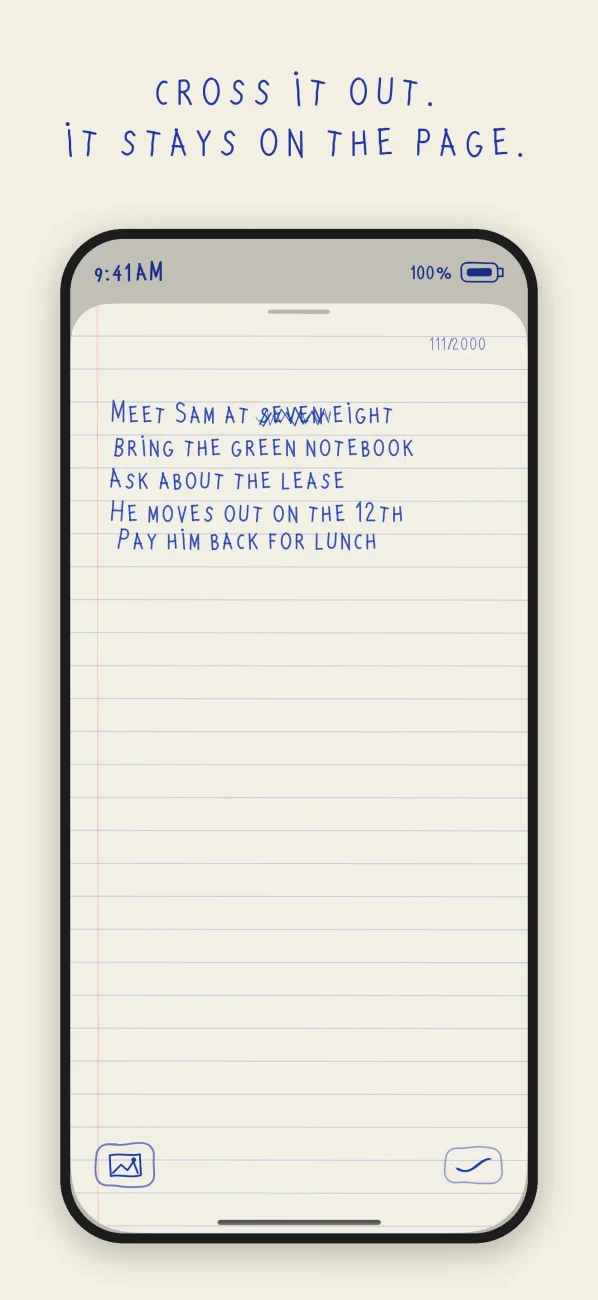
• Type, and the house hand inks itself: each letter pencilled in, then inked over
• 22 handwriting styles, for a whole note or just what you type next
• Write and draw with Apple Pencil or a finger: ballpoint, four-colour pen, fountain pen, mechanical pencil, soft 2B, brush pen, marker
• Scribble over words to cross them out
• Nine text sizes, three margins
• A hand-set date stamp: press today onto the page, or roll it to another day
PAPER AND PAGES
• Plain, lined, squared or dotted paper for each notebook
• Pages turn like paper
• Page numbers pressed into the paper
PHOTOS, PRINTS AND KEEPSAKES
• A camera in the notebook: a white-bordered print, a cut-out, a black-and-white instant print (one, four small or one tall), a photo strip of 2, 3 or 4, a stamp of whatever you point at, or a receipt printed again on till paper
• Photos as a print or a cut-out, or held by a binder clip or paper clip
• Move, turn and resize anything
• The Studio: scissors for cutting paper into any shape, and a stamp maker
THE NOTEBOOK
• Your first notebook comes in a parcel: tear the strip and open the box
• Make more: choose a cover and paper, set the pages on a ruler, write the title, and the 3D book turns to show each change
• A shelf of 3D books, and a Library of every page, sorted and searchable (stamped dates too)
• 18 covers: plain boards, kraft, croc, embroidered linens, torn cardboard and two embossed reliefs
• Decorate each notebook: stickers (tickets, labels, carton marks, or your own photos cut out), a print or photo strip, a charm, earbuds, a pen in the elastic
• Write on the cardboard cover with a felt marker
ON IPHONE DUO
• Closed, the outside screen is the cover, with windows cut through to your latest page; hold it to decorate
• Open, it's a two-page spread: turn the pages and write right on them
• Write on the front page while folded, too
ON IPAD
• The notebook lies on a felt desk, closed or open across the screen
• Write with Apple Pencil; turn pages with your finger
• The window light falls across the desk, the book and its cover
SOUND, TOUCH, DAY AND NIGHT
• Soft paper sounds and gentle haptics
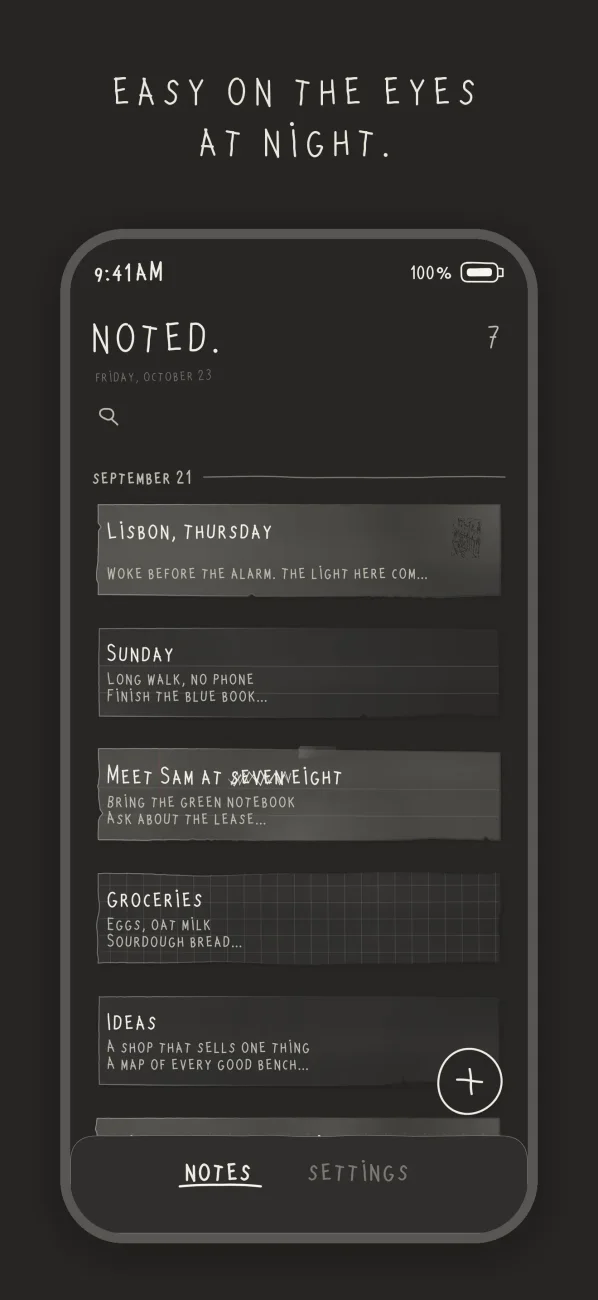
• A torn-paper dial for day and night
• Window light: sun and leaf shadows on the page through the day (it reads only your time zone, never your location)
• At night, pull the reading lamp's cord
In 14 languages. The self-inking hand writes the Latin alphabet; Cyrillic, Japanese, Korean and Chinese have handwriting faces of their own.
iCloud sync is free, on your own iCloud.
FREE, AND THE WHOLE DRAWER
Free, with no time limit: one notebook with no page limit, six plain covers, the house hand and ballpoint, cream paper, every ruling, 5 photos or other attachments, and iCloud sync.
One optional purchase, the whole drawer, adds:
• every cover, charm, earbuds and cover pen
• every hand, pen and pencil, and the brush
• stickers and the Studio: every sticker set, the sticker maker, paper scraps, scissors, the stamp maker
• night paper, five more paper colours, the window light and the reading lamp
• more notebooks; unlimited photos, receipts and attachments
One payment, kept forever, on iPhone and iPad. No subscription. Restore it any time from the purchase page.
Notes stay on your device or in your own iCloud. Apple handles purchases; RevenueCat receives receipts and app/device IDs for validation and purchase statistics. No advertising tracking or data sales.
Privacy Policy: https://walnut-burst-160.notion.site/Noted-Note-Privacy-Policy-3a93971e7add8199a7e4d91c688d6069
Terms of Use: https://walnut-burst-160.notion.site/Noted-Note-Terms-of-Use-3a93971e7add80428a0fdaad90470a72
Apple Standard EULA: https://www.apple.com/legal/internet-services/itunes/dev/stdeula/
What’s new
Version 1.8 · Nov 21, 2026
Tornleaf is now on iPad. Your notebook lies on a felt desk: open it across the screen, write with Apple Pencil, turn the pages with your finger, and watch the window light cross the desk. Your purchase works on iPad too.
Also new:
• Clips: hold a photo or a scrap on the page with a paper clip or a binder clip
• Steadier handwriting, an unbroken ballpoint line and a truer fountain-pen nib
• On iPhone, the page, Settings and the Studio now work as on iPhone Duo
• Quicker typing on long pages
App privacy
What Jerry Munyoka Nkongolo declares on the App Store about how this app handles data.
-
Data linked to you
May be collected and linked to your identity.
- Purchases
- Identifiers
Privacy practices may vary, for example with the features you use or your age.
Information
- Seller
- Jerry Munyoka Nkongolo
- Category
- Productivity
- Version
- 1.8
- Updated
- Nov 21, 2026
- Released
- Aug 19, 2026
- Size
- 143.2 MB
- Requires
- iOS 26.5 or later
- Age rating
- 4+
- Price
- Free
- In-app purchases
- Yes
- Languages
- English, Danish, French, German, Italian, Japanese, Korean, Portuguese, Russian, Simplified Chinese, Spanish, Swedish + 2 more
- Copyright
- © 2026 Jerry Munyoka Nkongolo
You might also like
-
 TypeDrawYour new Notebook
-
 Halo - Personal AIPrivacy-First AI Assistant
-
 Typewright - TypewriterA vintage writing machine
-
 Type Notes: Classic PaperRetro Typewriter & Notebook
-
 TypePress: Typewriter WritingA typewriter for your words
-
 Pelican: AI Chat AssistantAsk anything. Get it done.
-
 Moji: Your Life, OrganizedAI that works around the clock
-
 Laytr: Save & Read LaterBookmarks that come back
-
 Stash: Fast Add to ClipboardSnippets, links, photos, files
-
 Note & WidgetSingle page notepad