
- Age rating4+
- CategoryProductivity
- Developer特 何
- LanguagesEnglish+ 2 more
- Size10.9 MB
Links to the official App Store page
Download.org hosts no file of Notee - Markdown Notes. The button opens its official App Store page, published by 特 何. Listing last checked on Nov 12, 2026.
Screenshots

About
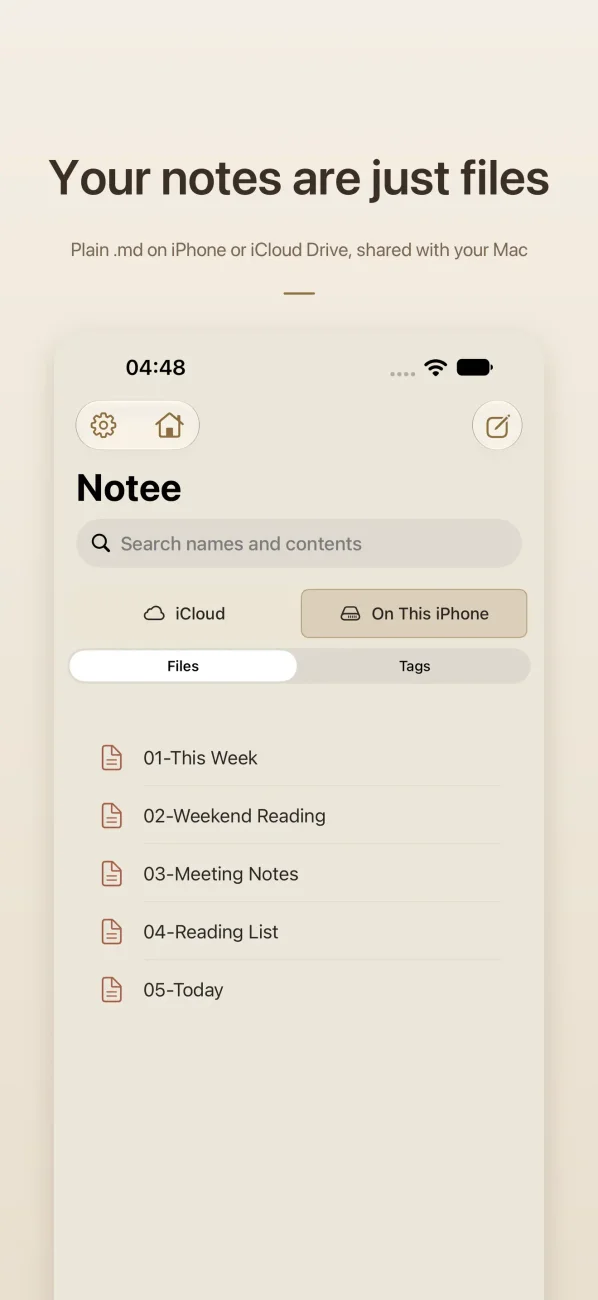
Notee is a native Markdown notes app for iPhone and iPad. Everything you write stays a .md file in a folder you own: on the device, or in your own iCloud Drive where Notee for Mac reads the same library.
Written the way it looks
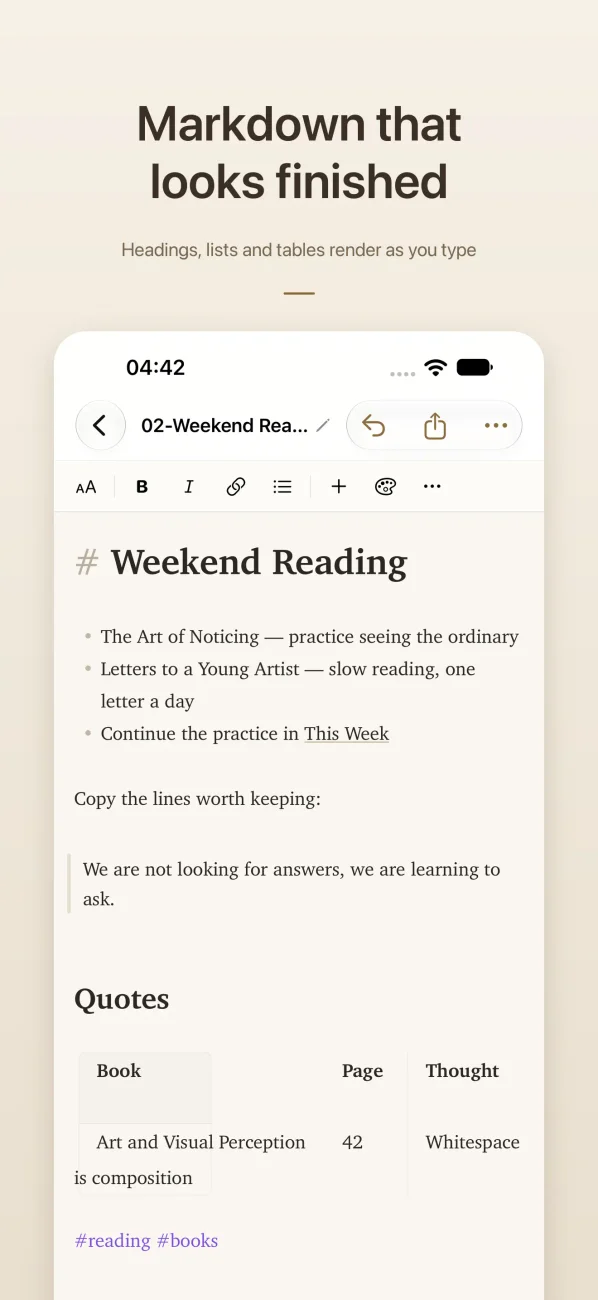
Type and see it. Headings, lists, task lists, tables, footnotes and code blocks are laid out as you go, with syntax highlighting for 26 languages and native LaTeX math. No switching between source and preview.
Notes that meet each other
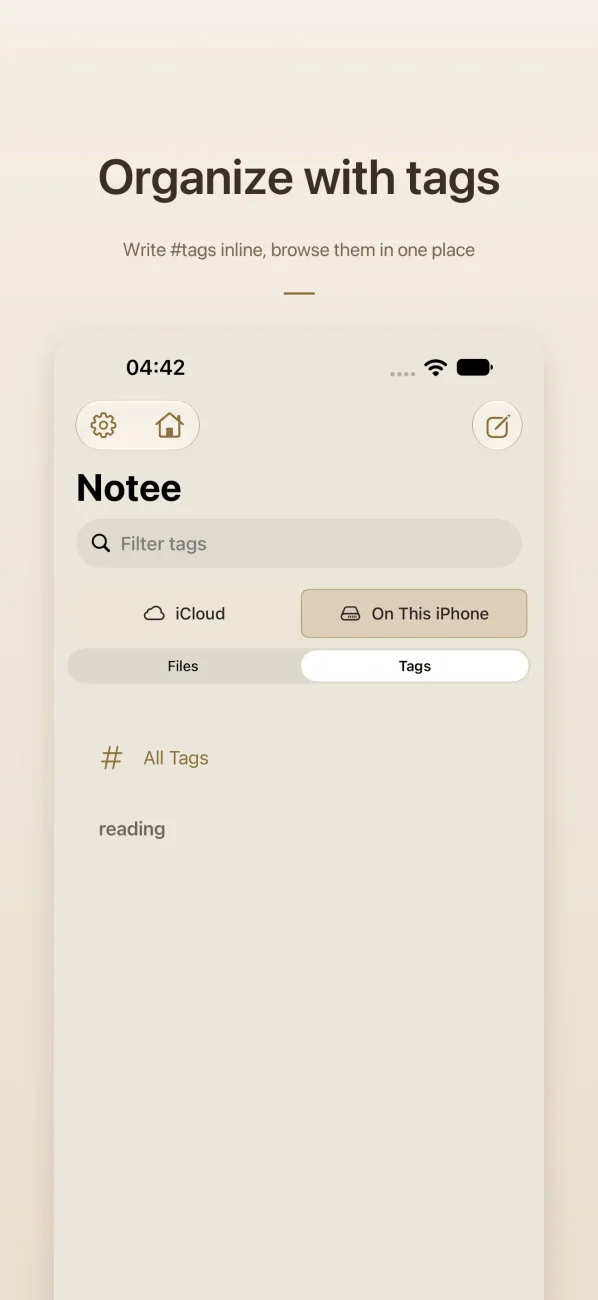
Connect ideas with [[wiki links]] and see who mentions a note in its backlinks. An outline keeps long pieces readable; #tags collect themselves.
A page every day
Open today's daily note in one tap. Templates support {{date}}, {{time}} and {{title}}, so recurring structure is never retyped.
Small details, less effort
Several built-in themes, text size from 12 to 28 pt, comfortable in light and dark. Chinese input methods compose without breaking the layout, and undo, redo and autosave are always there.
The files are yours
Notes are .md files, and the first line is the file name. Find them, open them, export them and back them up in the Files app or in Finder; move the folder to another device and it all comes along.
No account, no tracking, no third-party dependencies, no data collected.
What’s new
Version 1.0.2 · Nov 5, 2026
· Fixed: with WeChat Keyboard and other third-party keyboards, tapping predicted words in a row could leave the keys unresponsive.
· Typing and moving the cursor no longer rewrite styling that hasn't changed, so writing Chinese is smoother.
App privacy
What 特 何 declares on the App Store about how this app handles data.
-
Data not collected
The developer does not collect any data from this app.
Privacy practices may vary, for example with the features you use or your age.
Information
- Seller
- 特 何
- Category
- Productivity
- Version
- 1.0.2
- Updated
- Nov 5, 2026
- Released
- Oct 22, 2026
- Size
- 10.9 MB
- Requires
- iOS 17.0 or later
- Age rating
- 4+
- Price
- Free
- Languages
- English, Japanese, Simplified Chinese
- Copyright
- © 2026 te he
You might also like
-
 锤锻 - 多平台剪藏与稍后阅读Productivity
-
 NoeHub NotesProductivity
-
 Linkfisher: Bookmark CatcherUltimate cure for link chaos
-
 Zen: Habits & AccountabilitySimple tracking. Real context.
-
 Kizami 刻みPromise yourself. It stays.
-
 Remi - AI Reminders & To-DosSpeak. AI organizes your tasks
-
 ZenNotes: Markdown NotesProductivity
-
 ViiTor Memo:AI Voice MemoryMeeting Notes & AI Summaries
-
 Textrans – AI Text to ImageAI Text, Markdown & Mind Maps
-
 LifeGrid - Smart Life TrackerEveryday Focus & Goal Tracker