- Age rating4+
- CategoryProductivity
- DeveloperLumary Labs LLC
- LanguagesEnglish
- Size93.8 MB
Links to the official App Store page
Download.org hosts no file of ZenNotes: Markdown Notes. The button opens its official App Store page, published by Lumary Labs LLC. Listing last checked on Nov 24, 2026.
Screenshots

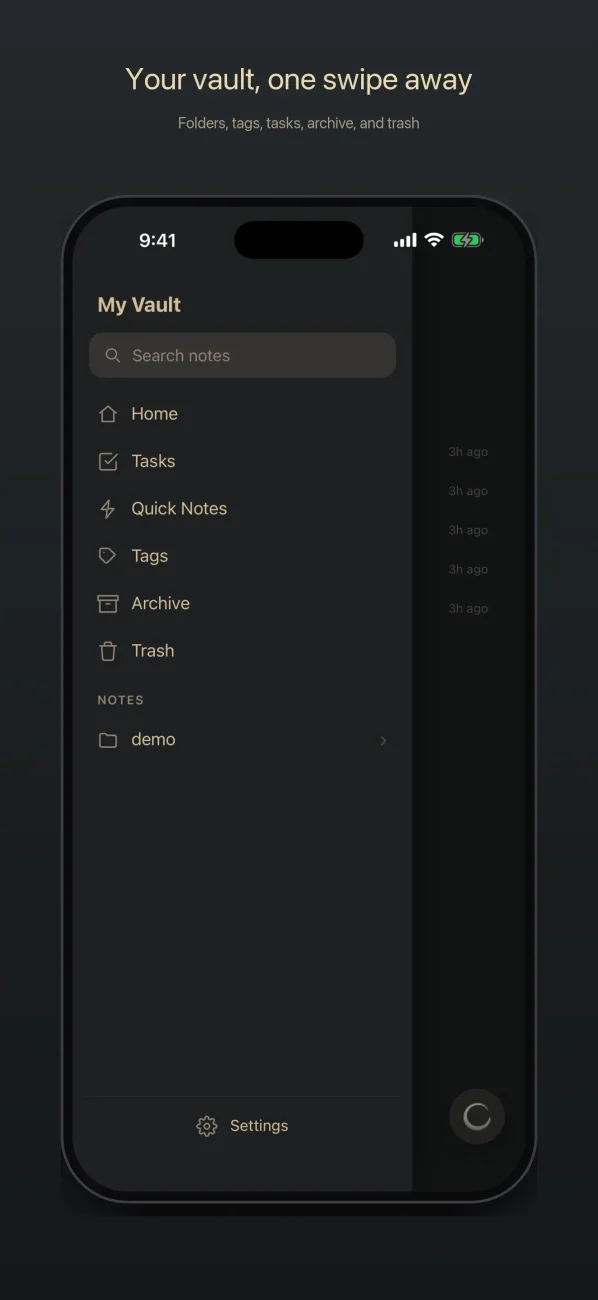
About
ZenNotes is a local-first markdown notes app for writing, organizing, and connecting ideas without giving up ownership of your files.
YOUR NOTES, YOUR FILES
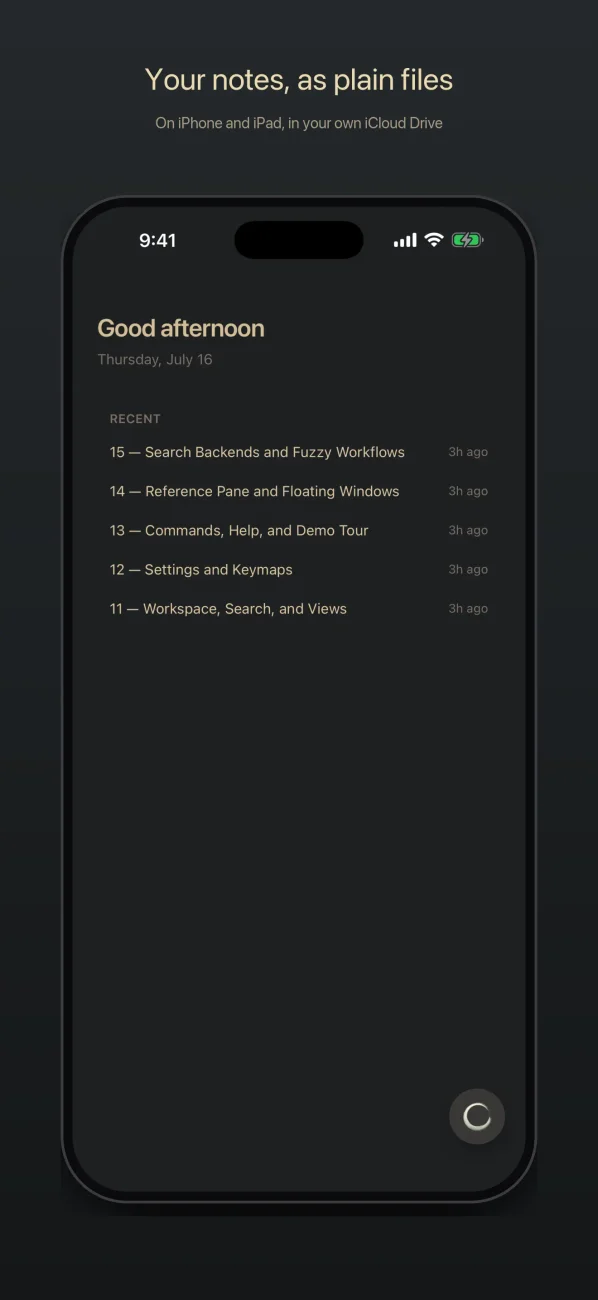
Every note is a plain .md file in a vault you control. Start with storage on your iPhone or iPad, use iCloud Drive, or open a folder through the system document picker. Local and iCloud vaults work without an account.
ZENNOTES CLOUD
Connect an optional ZenNotes Cloud plan to:
• Sync a vault across ZenNotes desktop and mobile
• Sync notes and attachments
• Create manual and automatic daily backups
• Restore a full vault or a single note from a backup
• Publish notes to the web and manage their public links
Cloud never replaces the free local-first workflow. Use it only when you want hosted sync, backup, or publishing.
WRITE IN MARKDOWN
Use a focused editor with headings, lists, tasks, tables, code, links, wikilinks, tags, callouts, footnotes, and frontmatter. A mobile formatting bar keeps common actions close to the keyboard, and a pinch resizes the text to your eyes.
RICH, OFFLINE PREVIEW
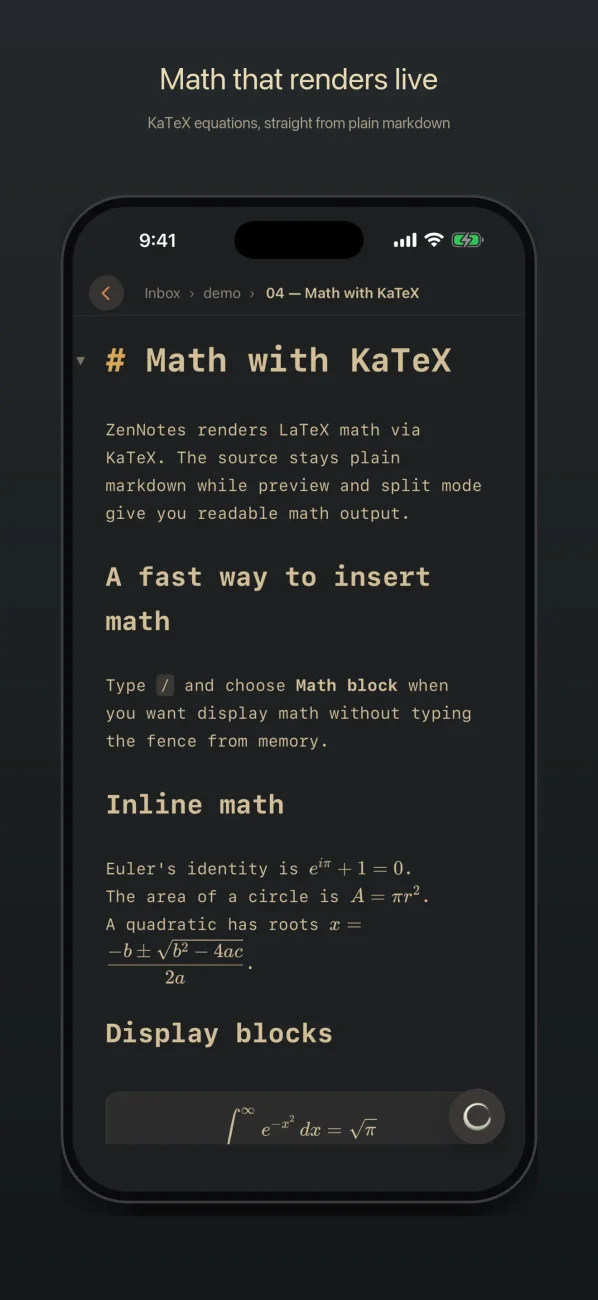
Render KaTeX math, Mermaid diagrams, JSXGraph, function plots, tables, callouts, and more directly on your device.
ORGANIZE YOUR WAY
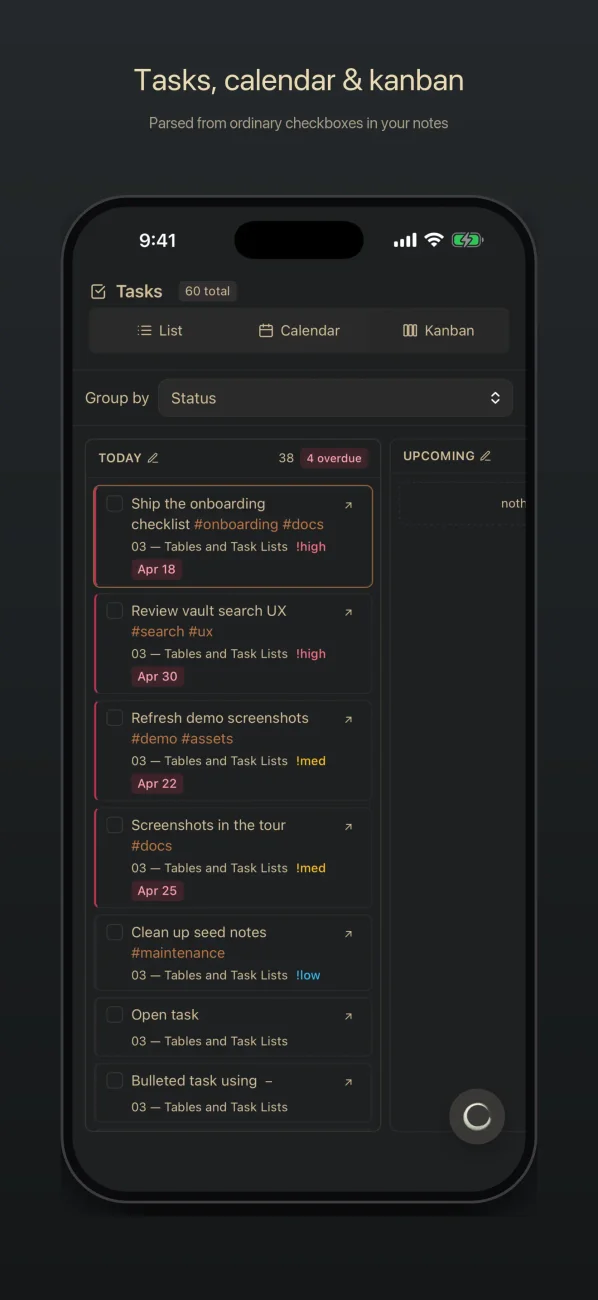
Pin your go-to notes and folders to the top, swipe rows to act on them, create and rename nested folders, browse tags, search the full vault, manage tasks, create periodic notes, and work with table databases stored as CSV.
CAPTURE QUICKLY
Create a quick note from the app or send text and links to ZenNotes from the iOS share sheet.
HOME SCREEN WIDGETS
Start a note, open a recent one, or check today's tasks without opening the app. New Note also lives on the Lock Screen, and the widgets wear your theme.
PRIVACY BY DEFAULT
ZenNotes has no advertising or tracking. Local and iCloud notes stay in the storage you choose. When you enable ZenNotes Cloud, the account identity, connected-device information, and vault content needed for the Cloud features you use are sent to the ZenNotes service. Payment details are handled by Stripe.
ZenNotes is open source. Your vault remains useful outside the app because it is made of ordinary files.
What’s new
Version 1.43.0 · Nov 21, 2026
This update keeps the app in step with ZenNotes 2.90.0 on the desktop.
• Math in your notes renders with an updated typesetter (KaTeX 0.19.1), with a security fix. Formulas look the same.
Your notes stay ordinary Markdown files, and local and iCloud vaults work without an account.
App privacy
What Lumary Labs LLC declares on the App Store about how this app handles data.
-
Data linked to you
May be collected and linked to your identity.
- Contact info
- User content
- Identifiers
Privacy practices may vary, for example with the features you use or your age.
Information
- Seller
- Lumary Labs LLC
- Category
- Productivity
- Version
- 1.43.0
- Updated
- Nov 21, 2026
- Released
- Jul 23, 2026
- Size
- 93.8 MB
- Requires
- iOS 15.0 or later
- Age rating
- 4+
- Price
- Free
- Languages
- English
- Copyright
- © 2026 Lumary Labs LLC
You might also like
-
 Vanta — Markdown NotesLocal-first notes & GTD
-
 Glass Notes: Private NotepadTo-Do, Widgets & Reminders
-
 Nestwell: All-in-One OrganizerPlan, Write, Scan & Secure.
-
 Handwritten Quick Notes: JotSketch, Drawing, Whiteboard
-
 Sebastian AssistantDay Planner, Notes & Alarms
-
 Papyrus: Research LibraryNative research workspace
-
 Notelane - Markdown EditorYour notes, your own storage
-
 The BitBinderStand-Up Comedy Joke Notebook
-
 Marked — Markdown EditorRead and edit .md, calmly
-
 Libreta: A NoteBook AppYour notes, as real books