NotePulse: MIDI Visualizer
See, hear, explore your music.
Designed for iPhone, iPad
$0.99
- Age rating4+
- CategoryMusic
- DeveloperNoorcon Inc.
- LanguagesEnglish
- Size5.0 MB
Links to the official App Store page
Download.org hosts no file of NotePulse: MIDI Visualizer. The button opens its official App Store page, published by Noorcon Inc. Listing last checked on Nov 18, 2026.
Screenshots
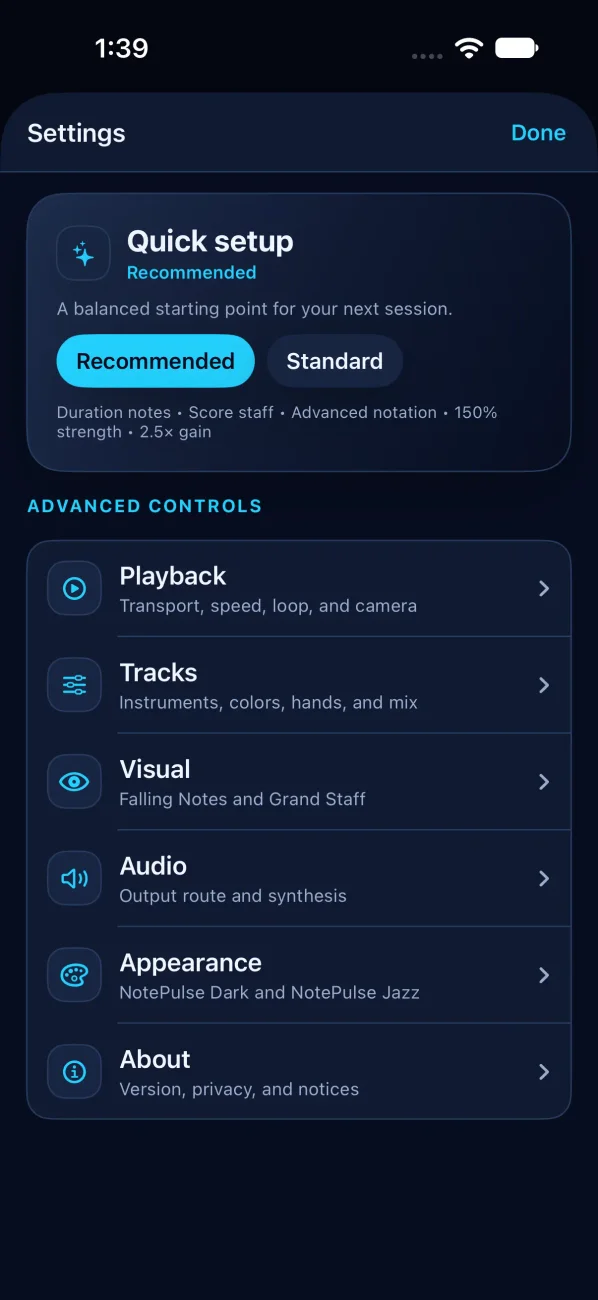
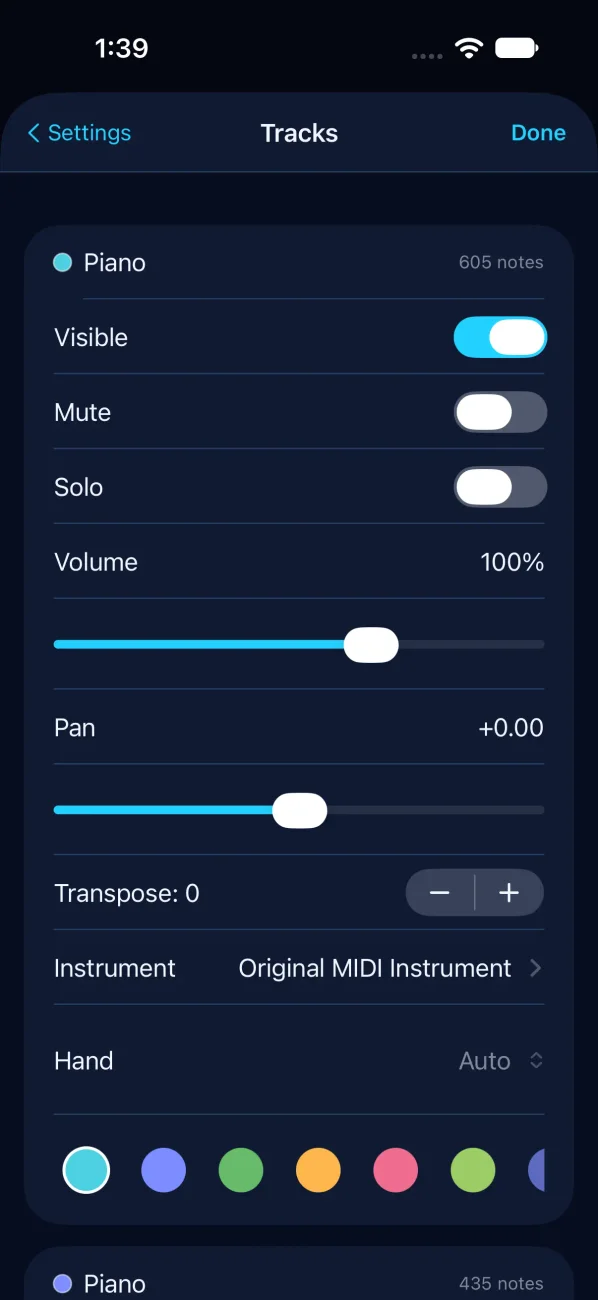
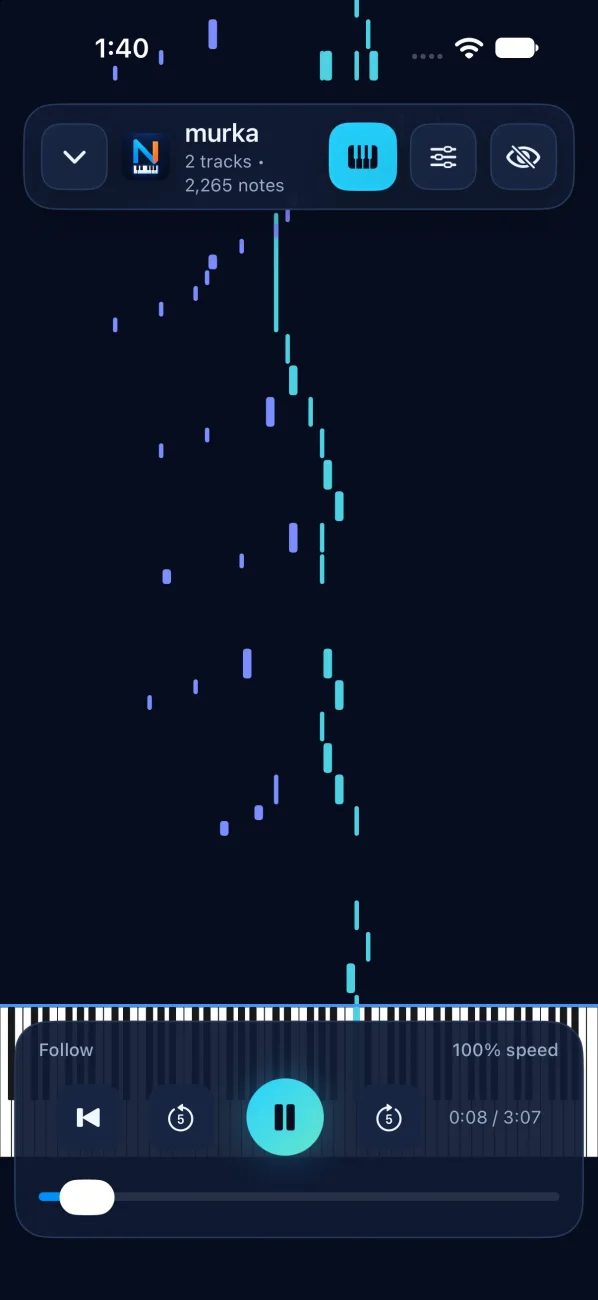
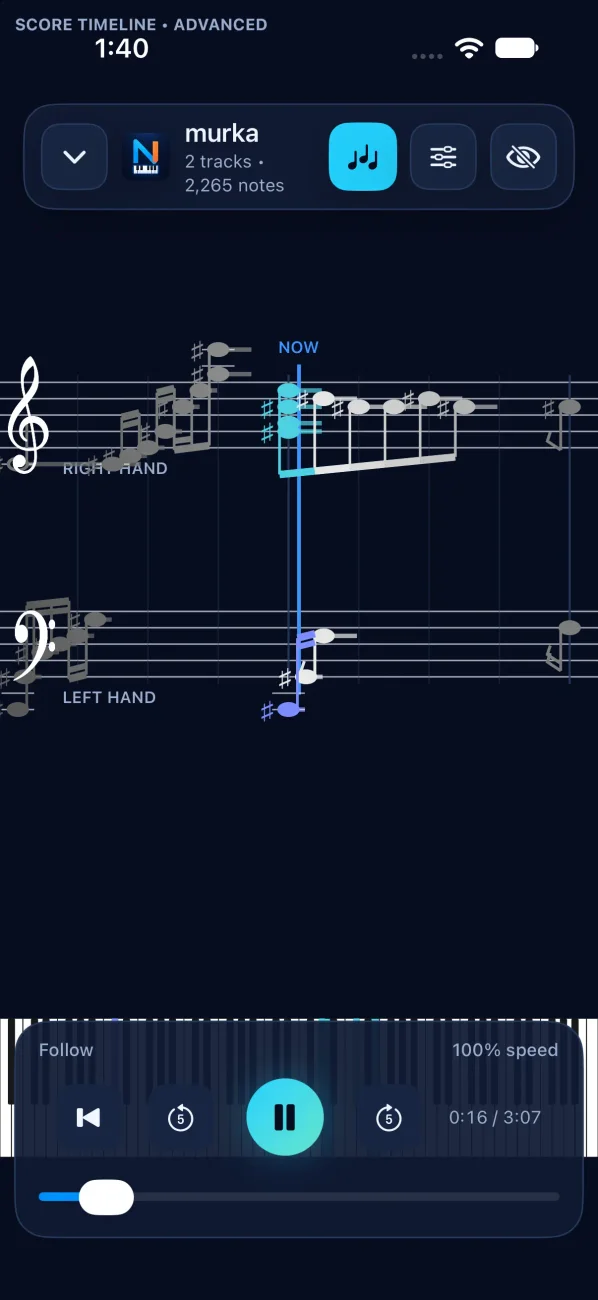
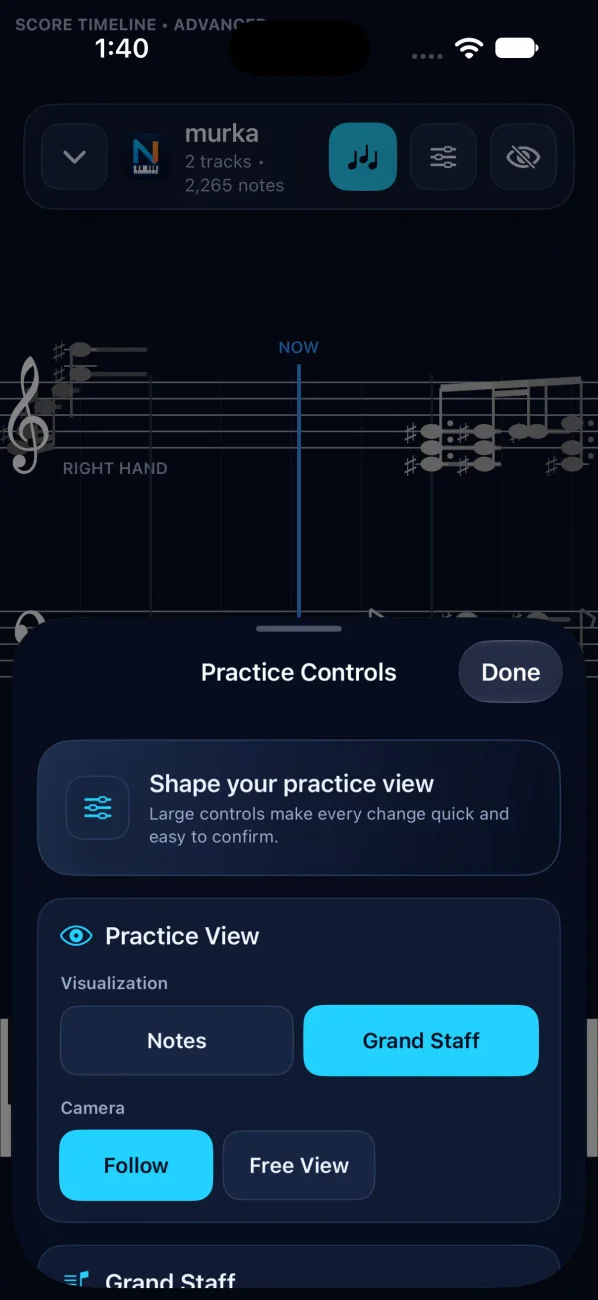
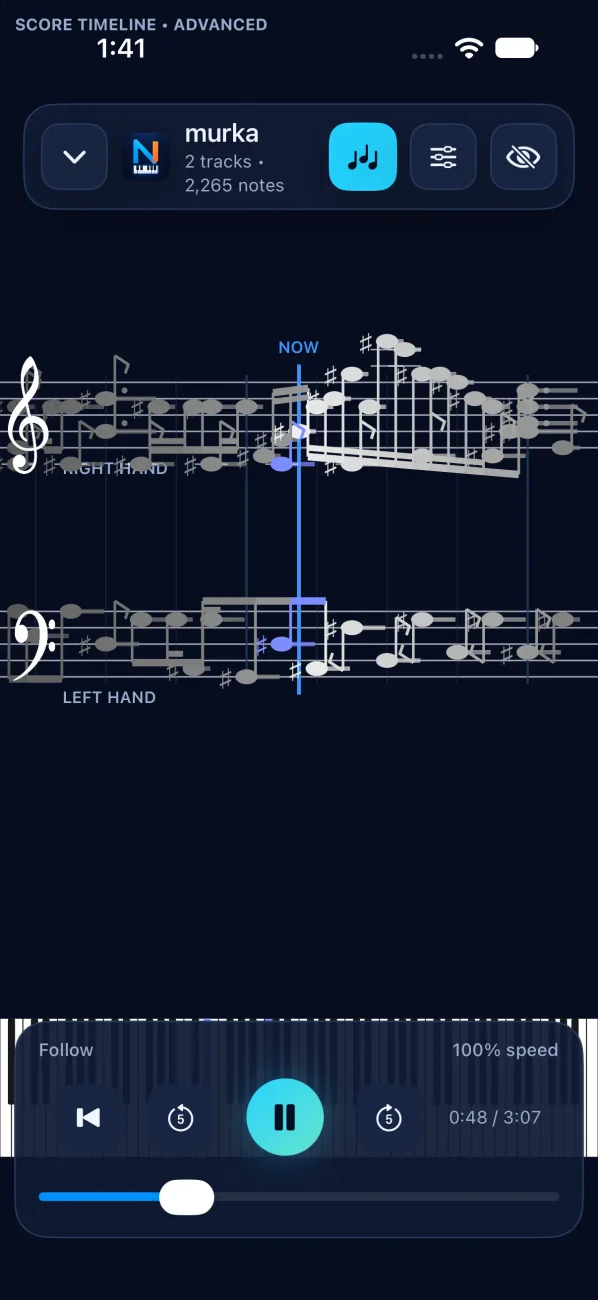
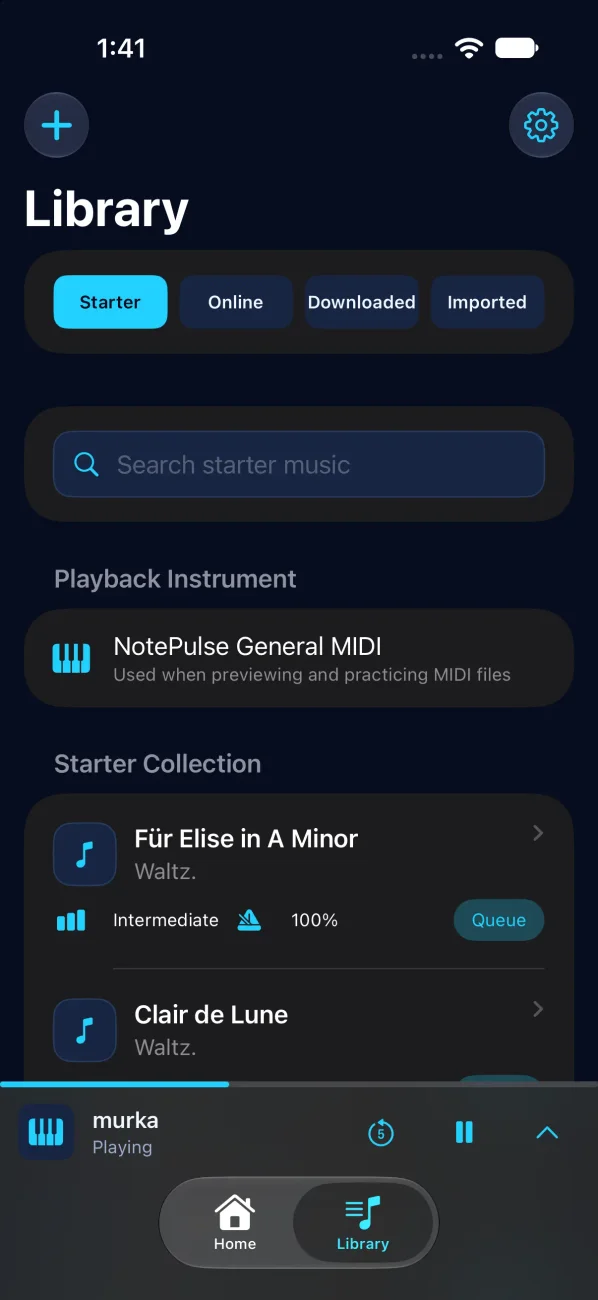
About
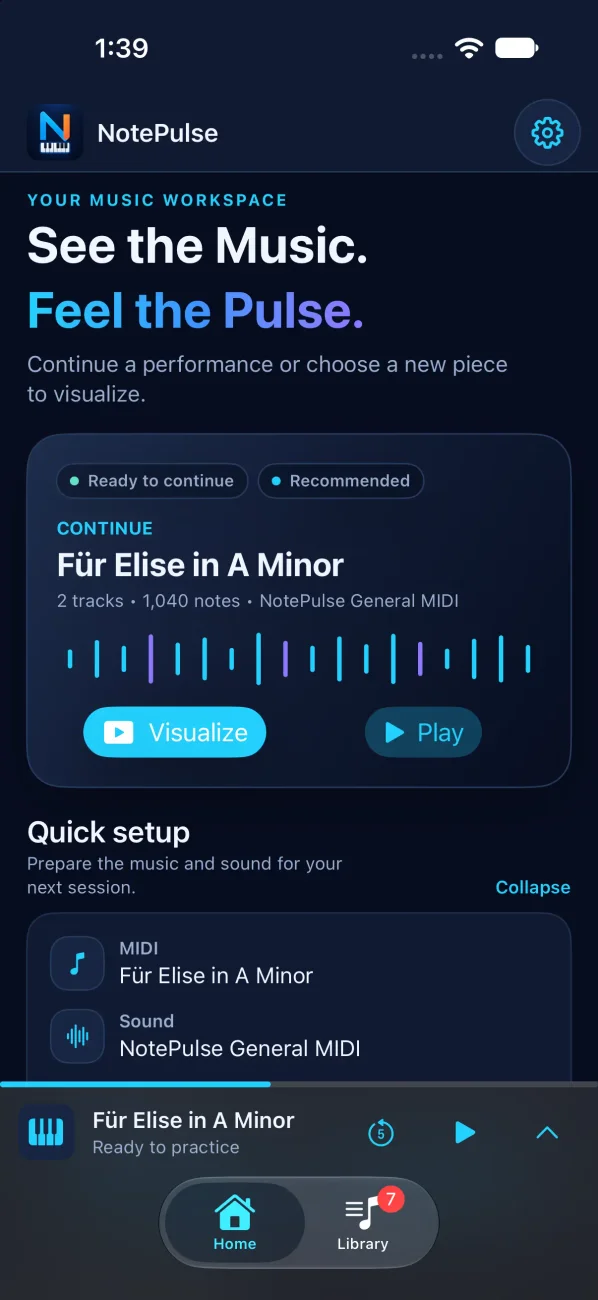
NotePulse transforms MIDI files into an interactive visual learning experience, helping you connect the music you hear with piano keys and traditional musical notation.
Watch notes approach a full 88-key piano keyboard in the synchronized Notes view, or switch to the Live Grand Staff to follow the performance as written music. Keyboard and Score modes help you understand where each note belongs on both the staff and the instrument.
Features include:
• Synchronized MIDI playback, animated notes, piano keyboard, and grand staff
• Live Grand Staff with Keyboard and Score viewing modes
• Multi-track playback using SoundFont instruments
• General MIDI instrument playback and per-track instrument selection
• Adjustable playback speed for focused practice
• A–B looping for repeating difficult sections
• Track controls for mute, solo, volume, pan, transpose, color, and instrument selection
• Left- and right-hand guidance
• Score quantization and adjustable staff presentation
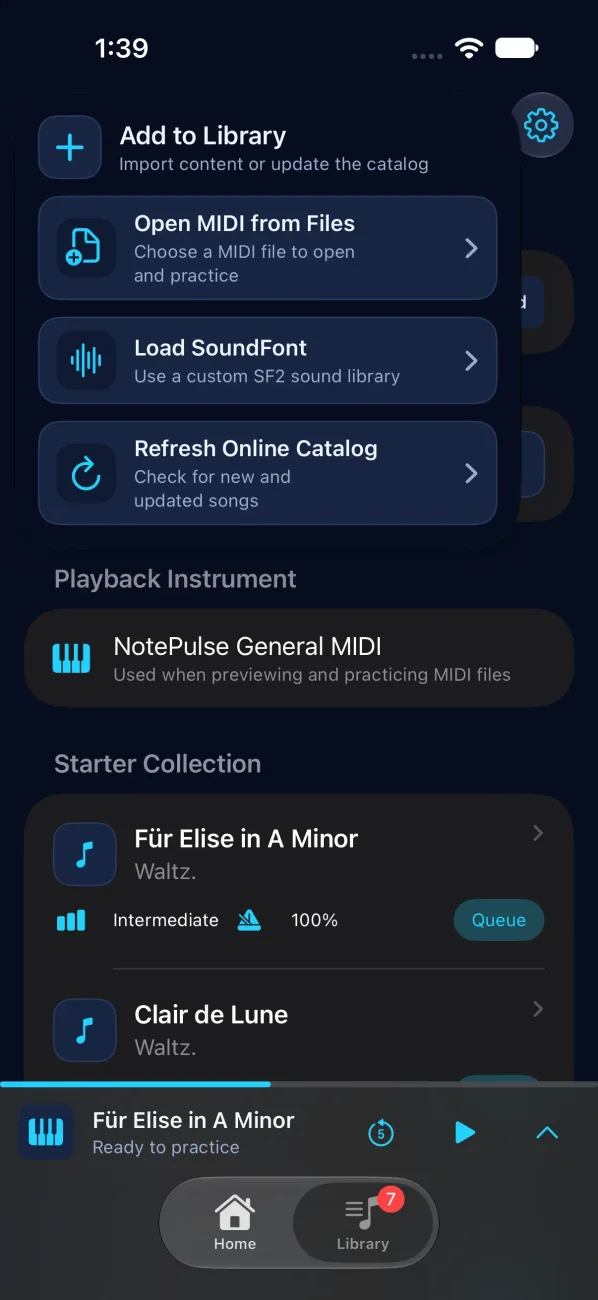
• Support for user-selected MIDI and compatible SoundFont files
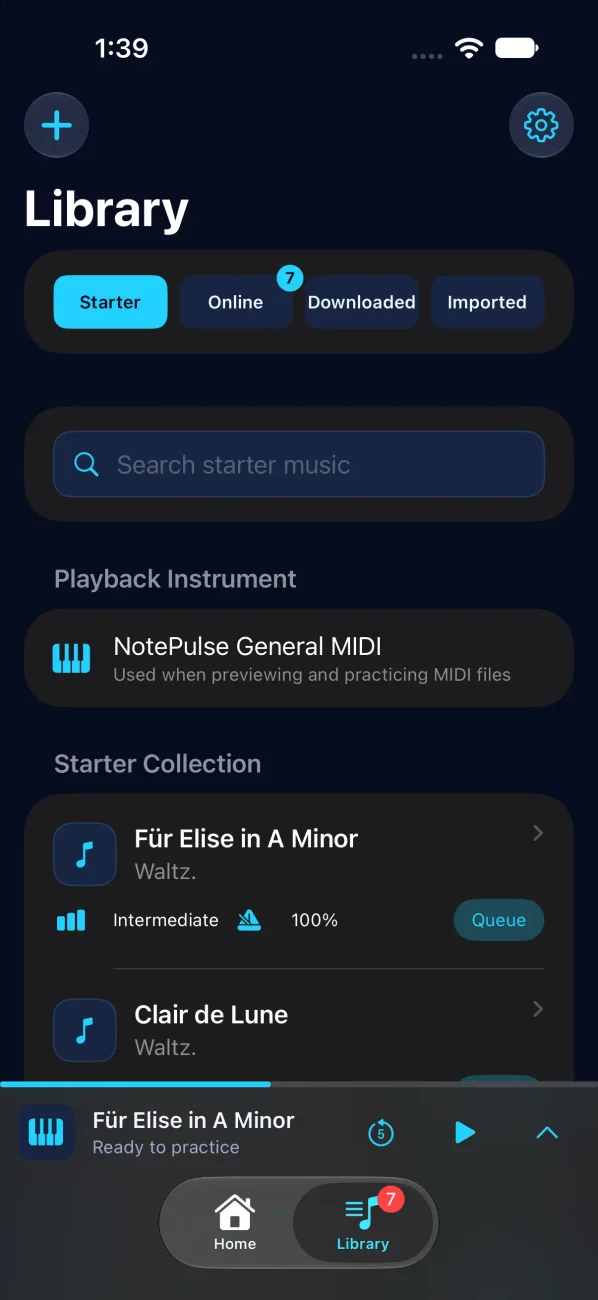
• Online MIDI catalog with downloadable songs for offline use
• Downloadable NotePulse Sound Library
• Session import and export
• Adaptive layouts for iPhone and iPad
• Built-in starter music for getting started immediately
NotePulse is designed for musicians, students, educators, and anyone interested in exploring how MIDI performances translate into piano movement and traditional musical notation.
Import your own MIDI files through the Files app, explore downloadable music from the NotePulse catalog, or use the included starter collection. NotePulse remembers your practice settings, track configuration, visualization preferences, instrument selections, loops, and playback position for individual MIDI files.
Your imported MIDI, SoundFont, and session files are processed locally on your device. Online catalog content and the NotePulse Sound Library are downloaded only when needed. No account is required.
See the Music. Feel the Pulse.
What’s new
Version 1.3 · Nov 4, 2026
Version 1.3 introduces a more polished and approachable NotePulse experience.
• Refreshed Home, Library, Settings, and Visualizer interfaces
• Larger, clearer controls for playback, camera, visual, and practice settings
• Improved Practice Controls with consistent NotePulse styling
• Streamlined Experience Presets with a clearer Recommended option
• Updated Library import menu and consistent toolbar controls
• Improved Falling Notes and Grand Staff configuration controls
• Improved Settings navigation, spacing, and scrolling
• Additional usability, accessibility, and visual refinements
App privacy
What Noorcon Inc. declares on the App Store about how this app handles data.
-
Data not collected
The developer does not collect any data from this app.
Privacy practices may vary, for example with the features you use or your age.
Information
- Seller
- Noorcon Inc.
- Category
- Music
- Version
- 1.3
- Updated
- Nov 4, 2026
- Released
- Sep 16, 2026
- Size
- 5.0 MB
- Requires
- iOS 17.0 or later
- Age rating
- 4+
- Price
- $0.99
- Languages
- English
- Copyright
- © Noorcon Inc.
You might also like
-
 GigBox - Live PerformanceLive Player for MIDI and MP3
-
 Audio USB BridgeWired Audio transfer · AUv3
-
 PianoviaMusic
-
 MIDIHuman DrumsHumanize & vary drum MIDI
-
 AR MIDI PatchboxVirtual MIDI patchbay
-
 HarmonyKeenHarmonize your melodies
-
 ChoirXMLScan & play choir sheet music
-
 PlayStems: Audio Stem PlayerIsolate Vocals, Practice & Mix
-
 MidiFlow PianoMIDI & sheet music practice
-
 Scale Navi - Piano ScalesHanon 39 Scale Practice Tool