Notes Lists & Task Organizer
Plan, Track & Get Things Done
Designed for iPhone, iPad
Free · In-app purchases
- Age rating4+
- CategoryProductivity
- DeveloperMobisoft Labs
- LanguagesEnglish
- Size20.8 MB
Links to the official App Store page
Download.org hosts no file of Notes Lists & Task Organizer. The button opens its official App Store page, published by Mobisoft Labs. Listing last checked on Nov 23, 2026.
Screenshots
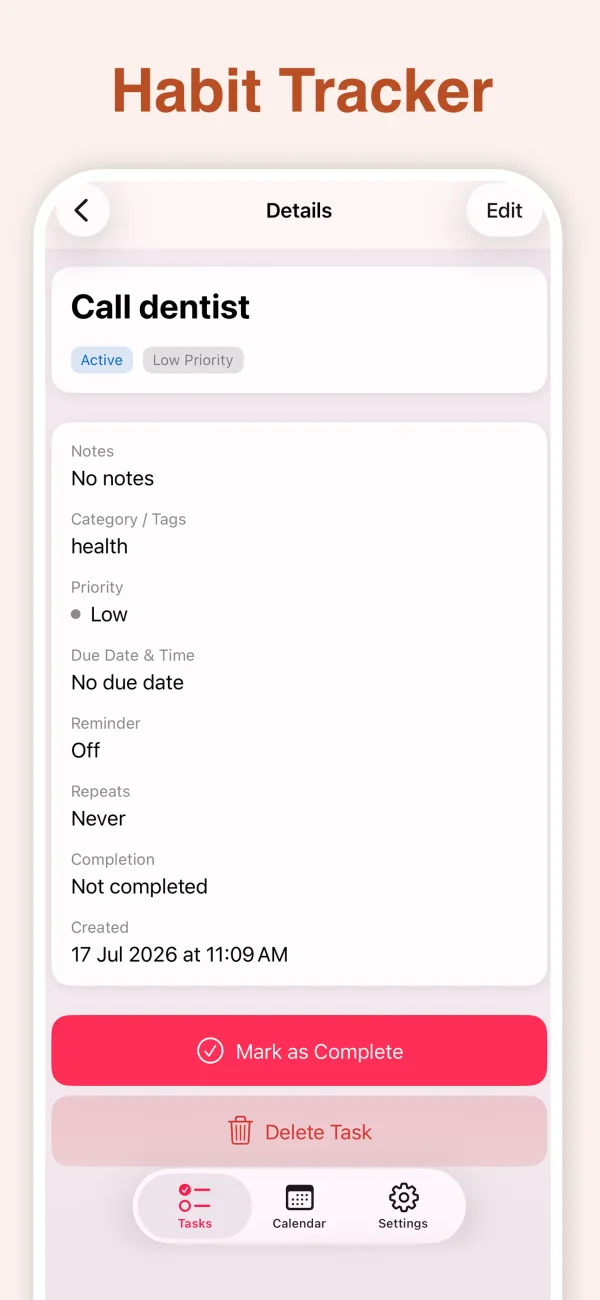
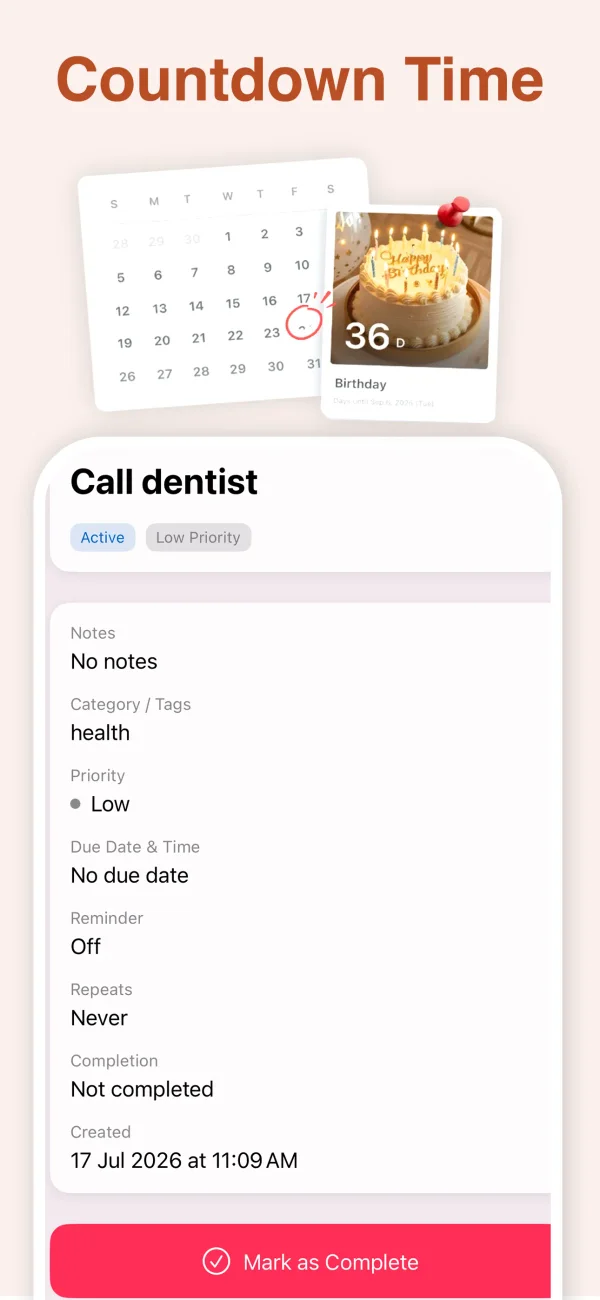
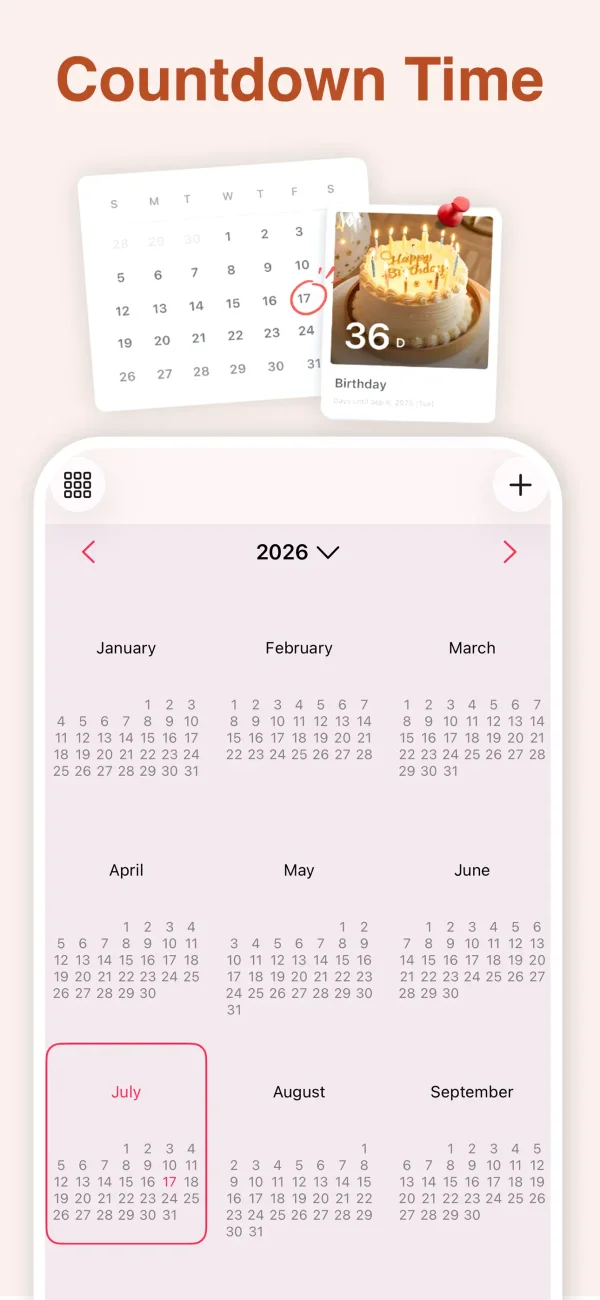
About
**Stay organized, capture ideas instantly, and manage your daily life with Notes Lists & Task Organizer.**
Whether you're creating personal notes, planning your day, tracking projects, or organizing shopping lists, Notes Lists & Task Organizer helps you keep everything in one convenient place.
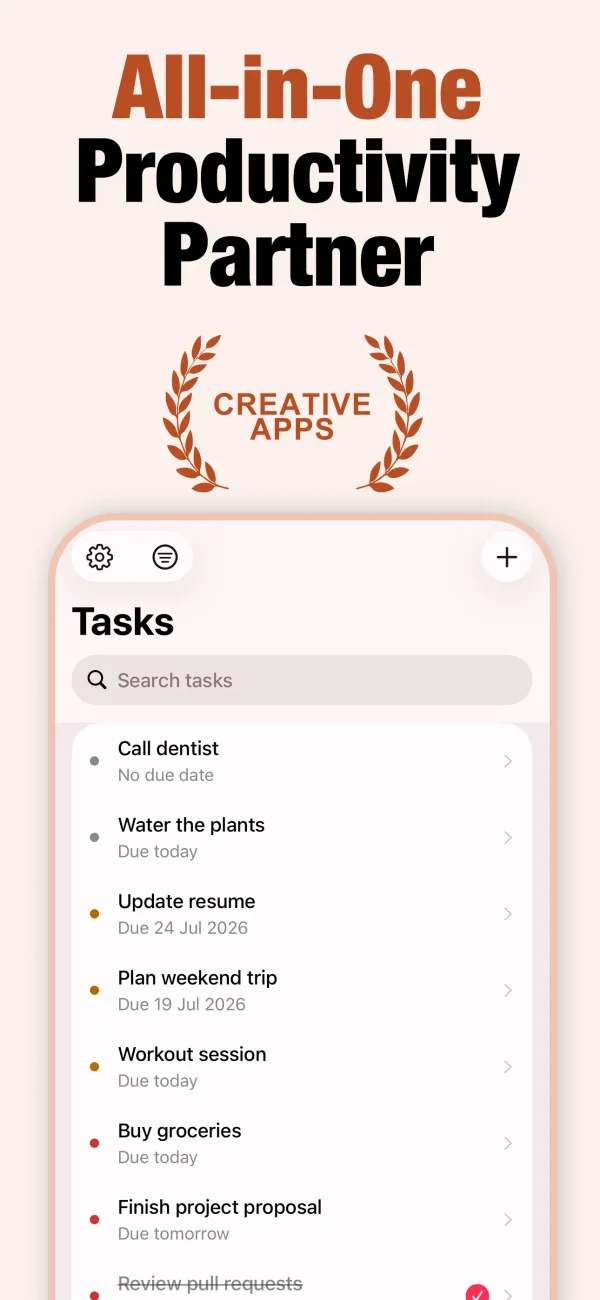
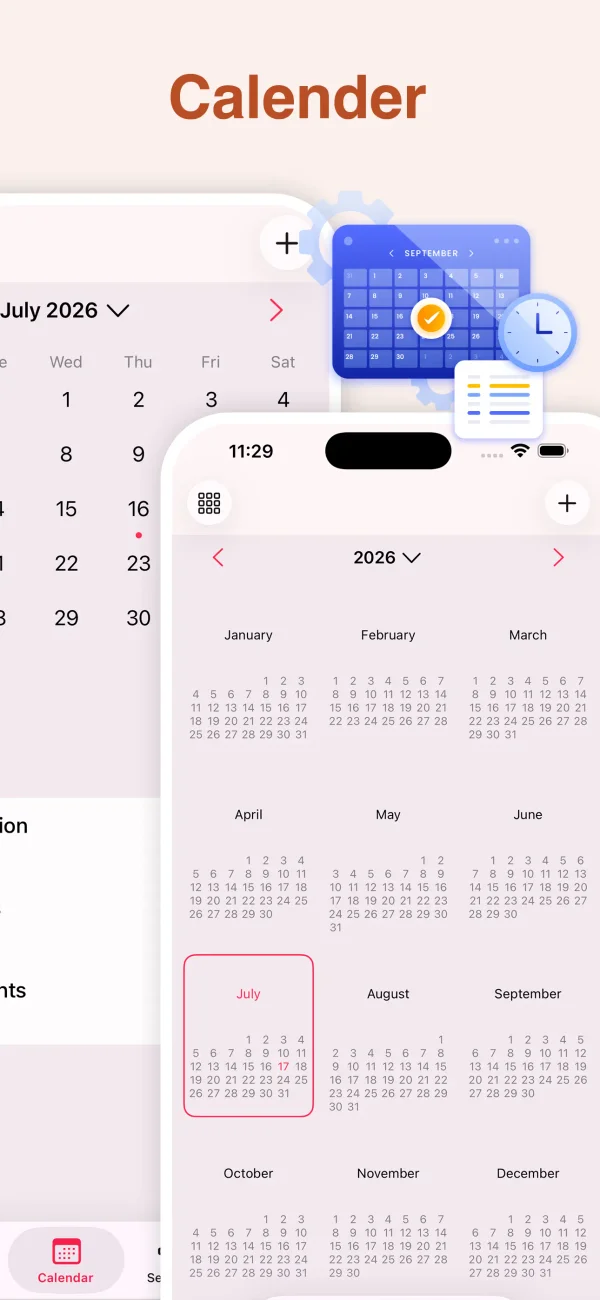
Designed with a clean and modern interface, the app makes it easy to create notes, build to-do lists, manage reminders, and view tasks in calendar mode. Sign in with your email to access your personal workspace and keep your notes and tasks synchronized across your devices.
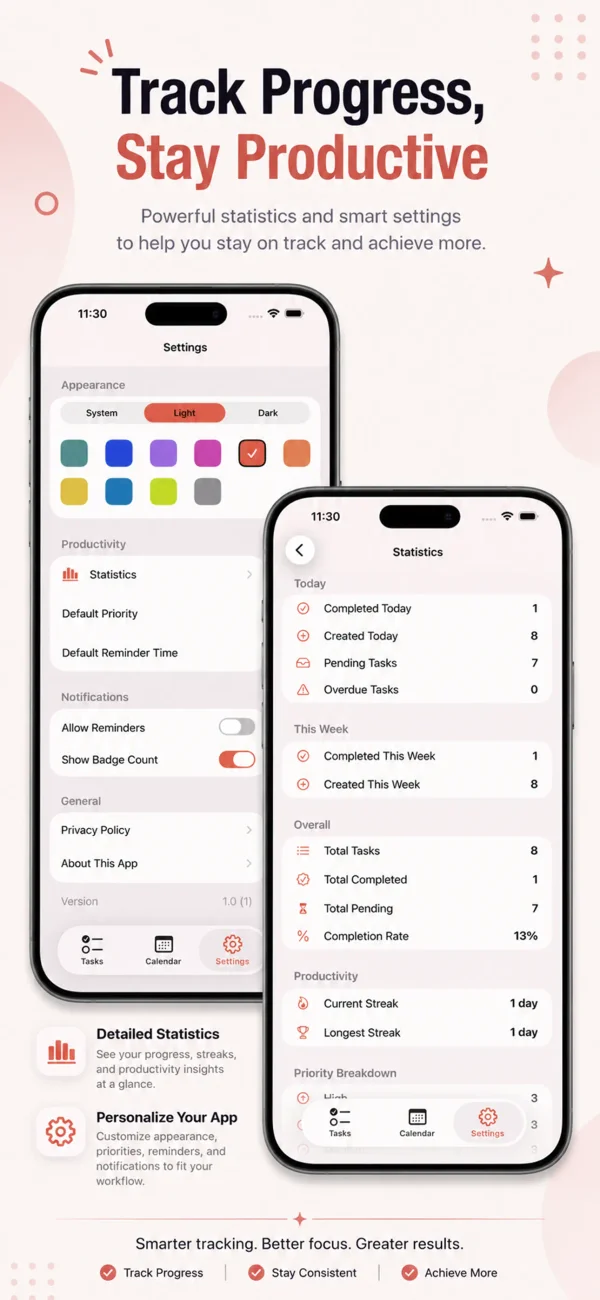
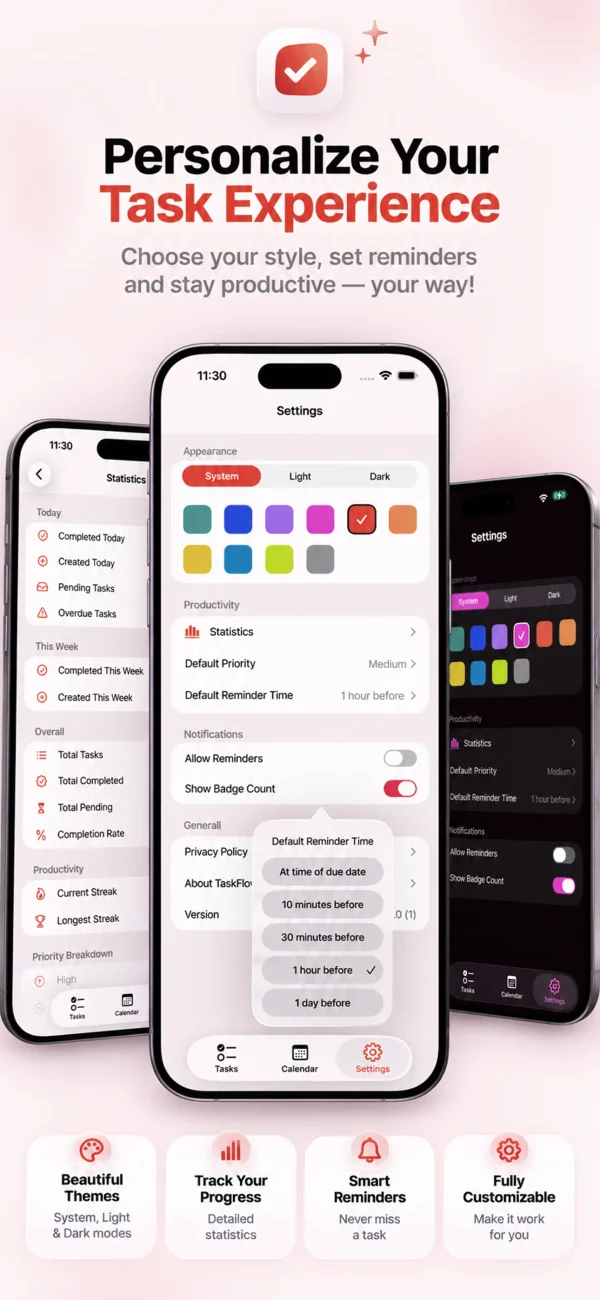
Personalize your experience with multiple color themes, Light Mode, Dark Mode, and customizable settings to match your style. From quick reminders to detailed planning, Notes Lists & Task Organizer helps you stay organized every day.
## Features
### Create Notes with Ease
* Write and edit notes quickly
* Organize important information
* Keep ideas, plans, and checklists in one place
* Enjoy a clean, distraction-free writing experience
### Smart Task Management
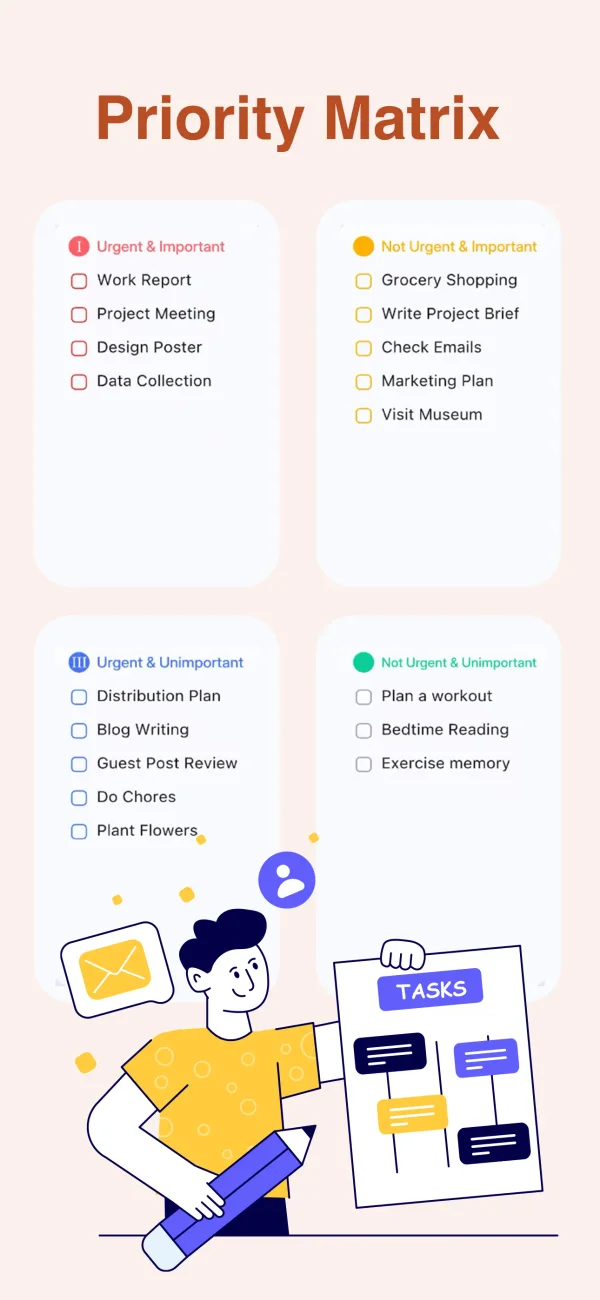
* Create daily to-do lists
* Set task priorities
* Mark tasks as completed
* Organize pending and completed tasks
### Calendar Planning
* View tasks by day, month, and year
* Track upcoming events
* Stay on top of important deadlines
* Manage your schedule with an interactive calendar
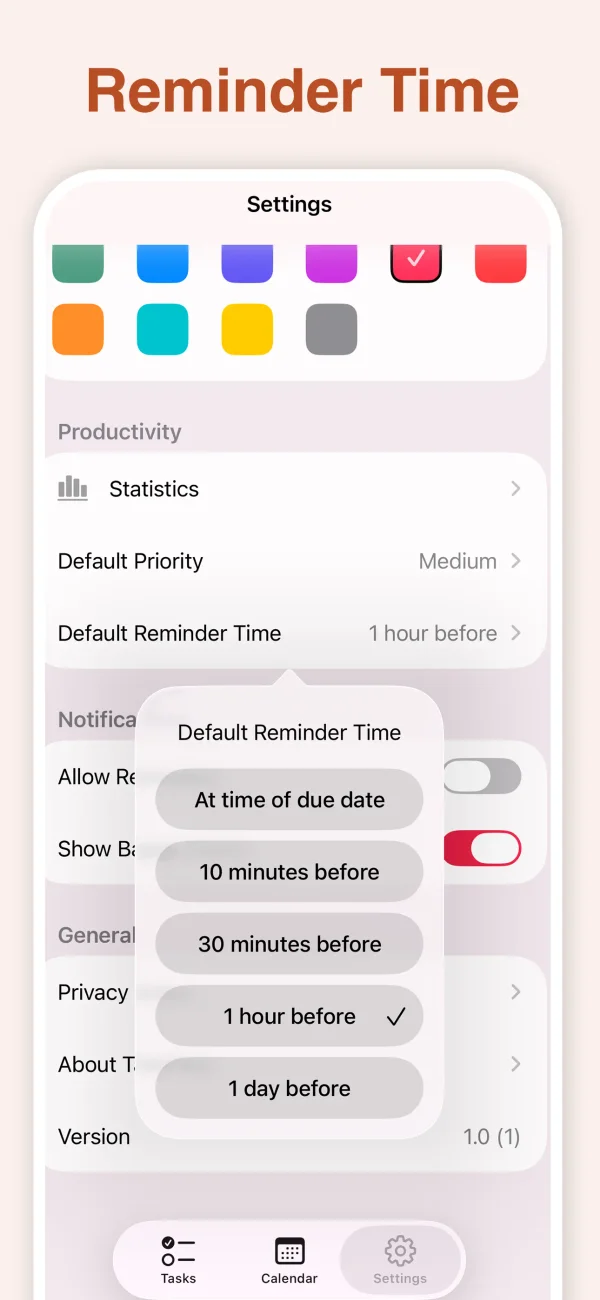
### Reminders That Keep You on Track
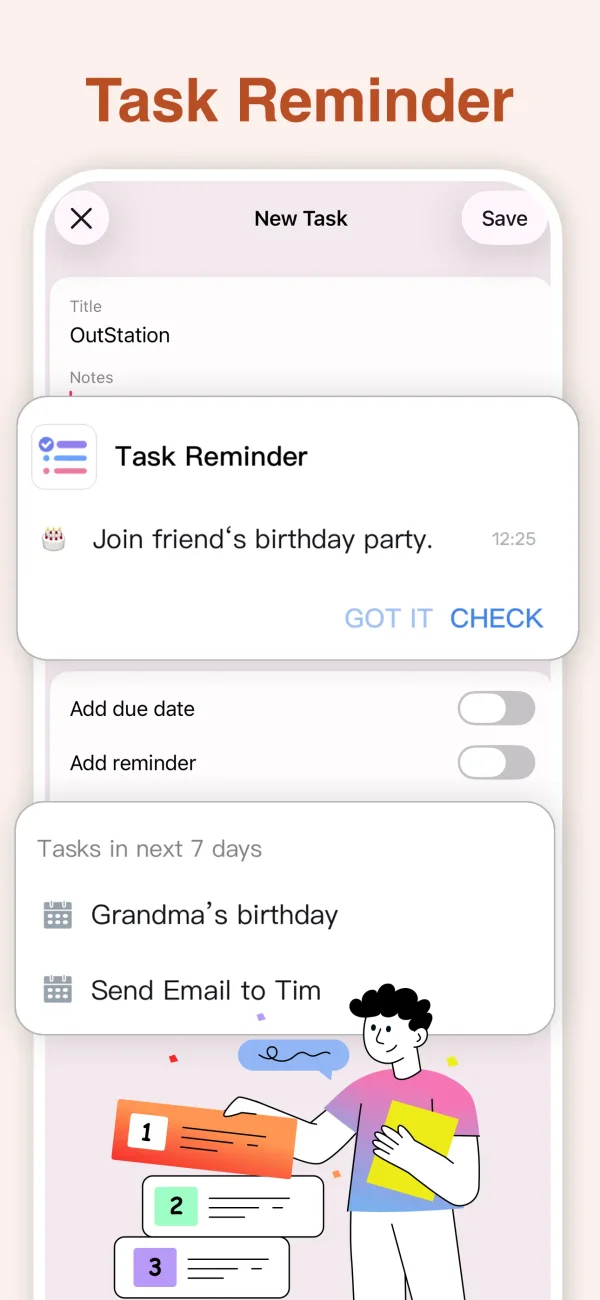
* Set reminder notifications
* Choose reminder times before due dates
* Stay on top of important tasks
* Create repeating reminders for recurring activities
### Email Sign-In
* Sign in with your email account
* Access your personal workspace
* Keep your notes and tasks available across your devices
* Enjoy a reliable and private experience
### Personalize Your Experience
* Choose from multiple color themes
* Light Mode
* Dark Mode
* System Appearance support
* Customize accent colors
* Personalize buttons, icons, and interface colors
### Productivity Statistics
* View completed tasks
* Track pending tasks
* Monitor overdue items
* Check your completion rate
* Build productivity streaks
* Stay motivated with progress tracking
### Easy Organization
* Add categories
* Organize with tags
* Search notes and tasks instantly
* Sort information the way you prefer
### Simple and Modern Design
* Clean interface
* Easy navigation
* Fast performance
* Designed for everyday productivity
## Perfect For
* Daily planning
* Personal notes
* Study notes
* Meeting notes
* Shopping lists
* Grocery lists
* Office work
* School projects
* Travel planning
* Goal tracking
* Habit organization
## Why You'll Love Notes Lists & Task Organizer
Whether you're managing work, school, or personal life, Notes Lists & Task Organizer helps you stay organized without unnecessary complexity. Capture ideas, manage tasks, schedule reminders, and keep everything in one place. With customizable themes, calendar planning, productivity statistics, and an intuitive design, it's an easy way to stay focused and productive every day.
SUBSCRIPTION:
You can subscribe to premium features, choosing from the following plans:
– 1 Month
– 1 Week
The subscription automatically renews unless auto-renewal is turned off at least 24 hours before the end of the current period.
Payment will be charged to your iTunes account at confirmation of purchase.
Account will be charged for renewal within 24 hours of the end of the current period, and the cost of the renewal will be provided.
Subscriptions may be managed by the user. Auto-renewal may be turned off by going to the user’s Account Settings after purchase.
No cancellation of the current subscription is allowed during active subscription period.
Any unused portion of a free trial period, if offered, will be forfeited when the user purchases a subscription to that publication.
TERMS OF USE: https://mobisoftlabsprivacypolicy.wordpress.com/2019/12/16/terms-of-use/
PRIVACY POLICY: https://mobisoftlabsprivacypolicy.wordpress.com/2018/11/14/privacy-policy/
What’s new
Version 1.2 · Nov 19, 2026
- Now made for iPhone Duo and landscape!
- Notes Lists fills both iPhone Duo screens, rotates on iPhone and iPad, and shows your calendar beside your tasks on wide screens.
- Also includes a refreshed launch screen, an improved Pro screen, and a fix for a crash when rotating.
App privacy
What Mobisoft Labs declares on the App Store about how this app handles data.
-
Data used to track you
May be used to track you across apps and websites owned by other companies.
- Identifiers
- Usage data
-
Data linked to you
May be collected and linked to your identity.
- Contact info
- User content
- Identifiers
-
Data not linked to you
May be collected but is not linked to your identity.
- Identifiers
- Usage data
Privacy practices may vary, for example with the features you use or your age.
Information
- Seller
- Mobisoft Labs
- Category
- Productivity
- Version
- 1.2
- Updated
- Nov 19, 2026
- Released
- Aug 4, 2026
- Size
- 20.8 MB
- Requires
- iOS 18.6 or later
- Age rating
- 4+
- Price
- Free
- In-app purchases
- Yes
- Languages
- English
- Copyright
- © Mobisoft Labs
You might also like
-
 Paranoid: Before You GoHome checklists & reminders
-
 unzip + zip & sendZip, Unzip, Manage, Visualize.
-
 Prose Daily PlannerShared Calendar & AI Planner
-
 DoTree - Task OrganizerOutline tasks, projects, plans
-
 DayFinder - Date CalculatorCalculate Dates & Days
-
 Quillo: Voice to TasksVoice Notes to Tasks & Events
-
 Pomodoro Timer: Study & FocusGrow Trees, ADHD & App Blocker
-
 Tastik: Customizable ListsLists without deadlines
-
 My Nest : Daily Planner AppAesthetic Planner & Journal
-
 Talk Task AppYour Personal AI Task Manager