Notes Lists & Task Organizer
Plan, Track & Get Things Done
iPhone, iPad向けに設計
無料 · アプリ内課金
- 対象年齢4+
- カテゴリ仕事効率化
- 開発元Mobisoft Labs
- 言語英語
- サイズ20.8 MB
App Storeの公式ページにリンクしています
Download.orgはNotes Lists & Task Organizerのファイルを一切ホストしていません。ボタンを押すと、Mobisoft Labsが公開しているApp Storeのアプリページが開きます。ページの最終確認:2026/11/23。
スクリーンショット
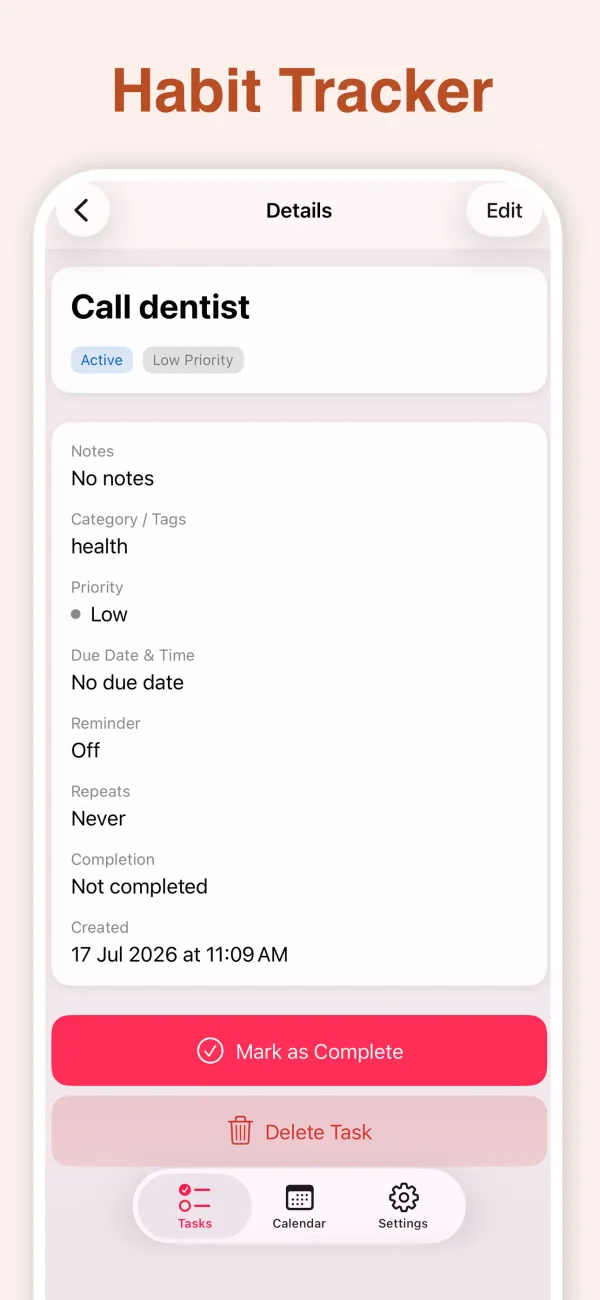
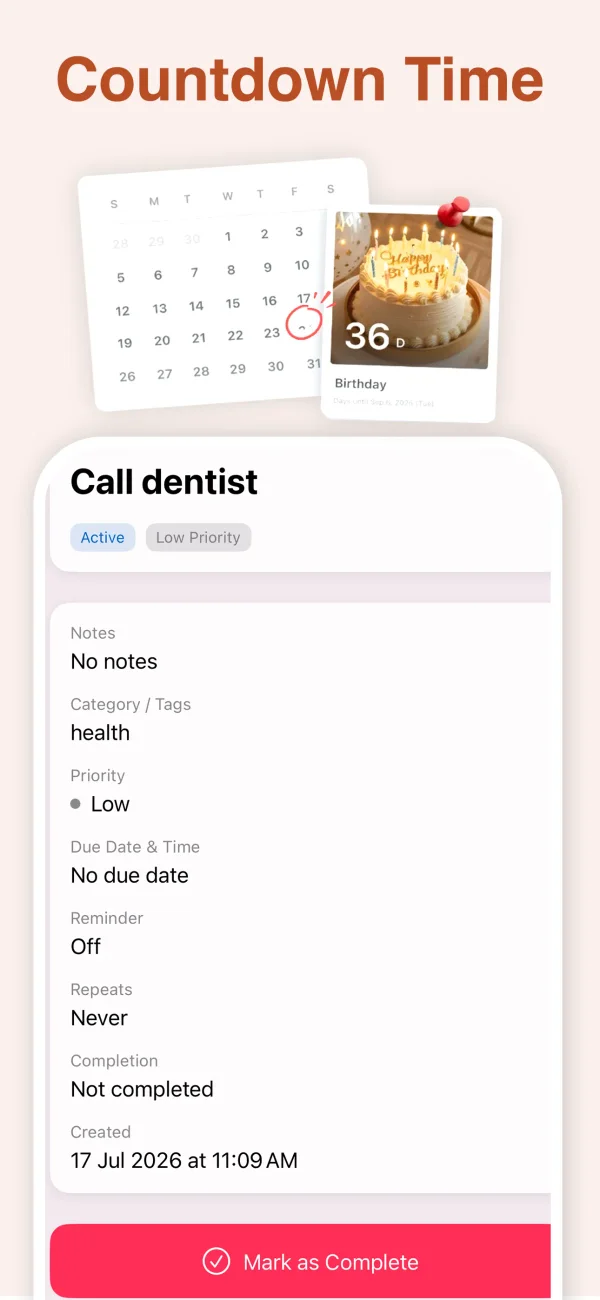
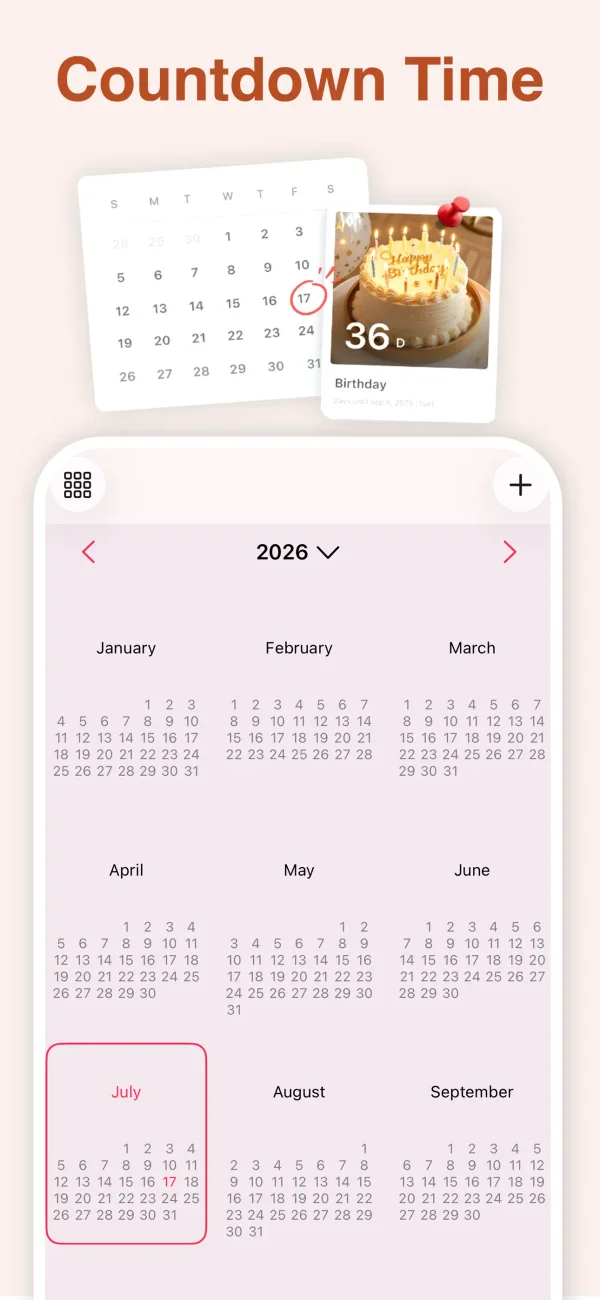
概要
開発元はこのテキストをお使いの言語で提供していません。
**Stay organized, capture ideas instantly, and manage your daily life with Notes Lists & Task Organizer.**
Whether you're creating personal notes, planning your day, tracking projects, or organizing shopping lists, Notes Lists & Task Organizer helps you keep everything in one convenient place.
Designed with a clean and modern interface, the app makes it easy to create notes, build to-do lists, manage reminders, and view tasks in calendar mode. Sign in with your email to access your personal workspace and keep your notes and tasks synchronized across your devices.
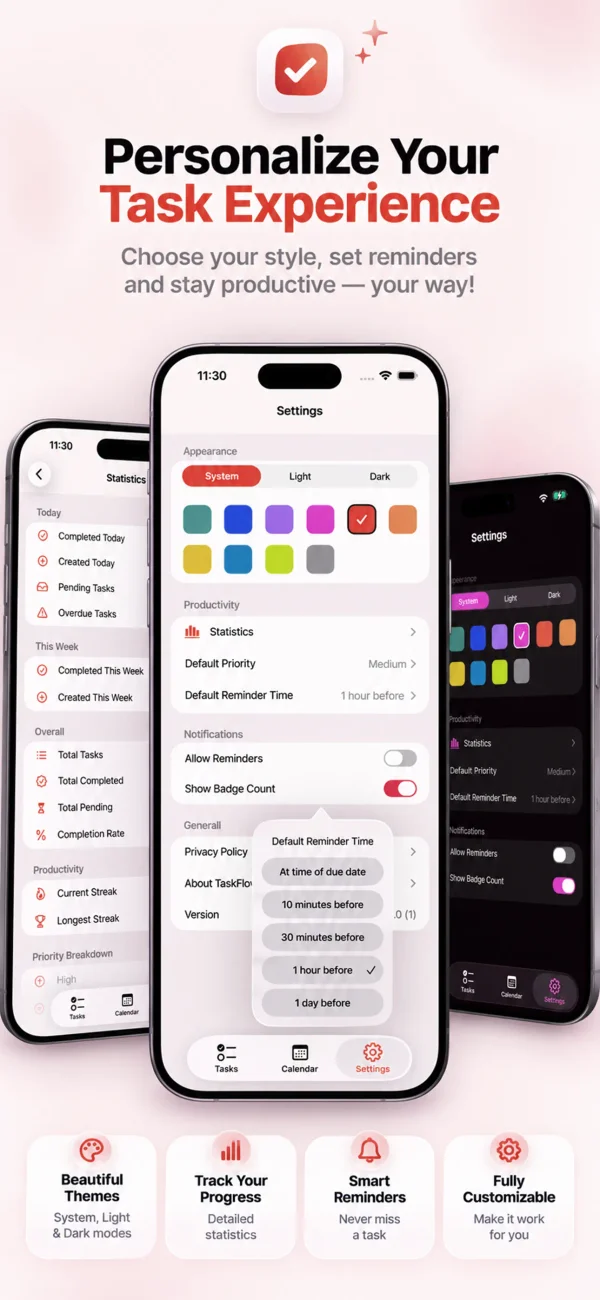
Personalize your experience with multiple color themes, Light Mode, Dark Mode, and customizable settings to match your style. From quick reminders to detailed planning, Notes Lists & Task Organizer helps you stay organized every day.
## Features
### Create Notes with Ease
* Write and edit notes quickly
* Organize important information
* Keep ideas, plans, and checklists in one place
* Enjoy a clean, distraction-free writing experience
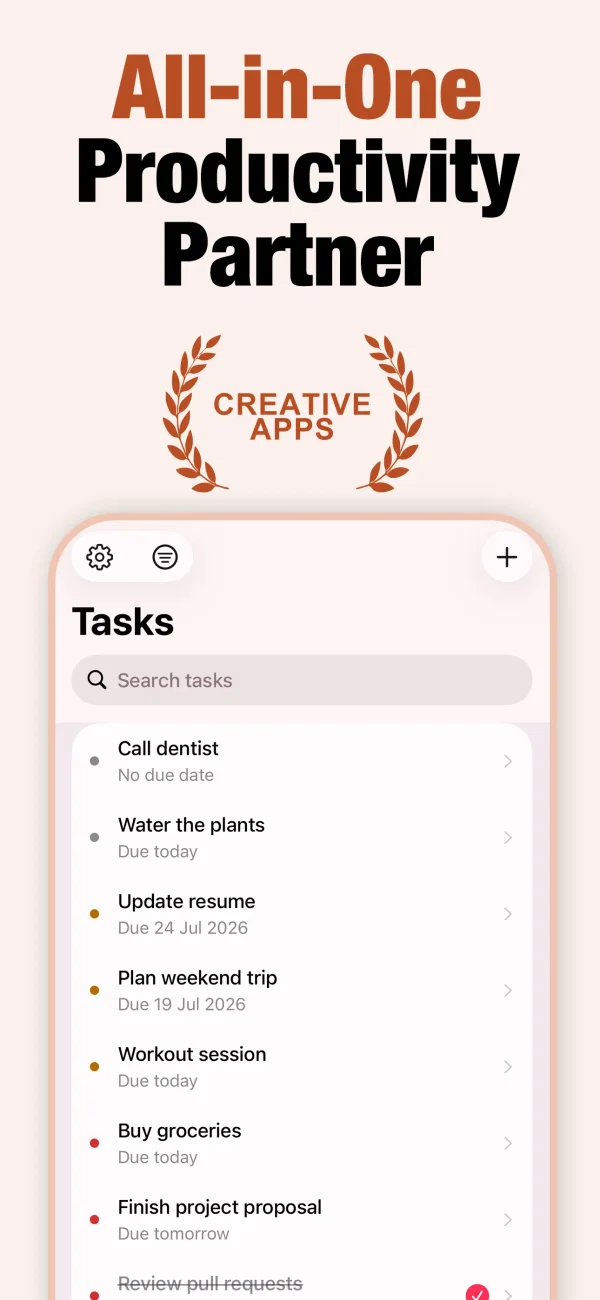
### Smart Task Management
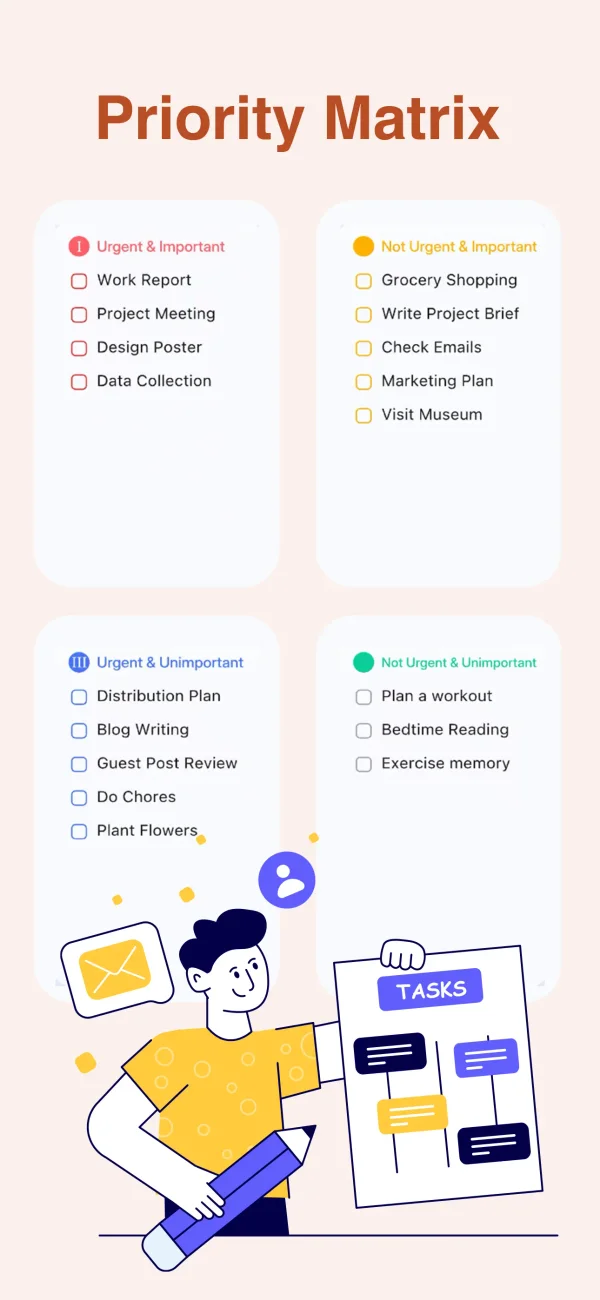
* Create daily to-do lists
* Set task priorities
* Mark tasks as completed
* Organize pending and completed tasks
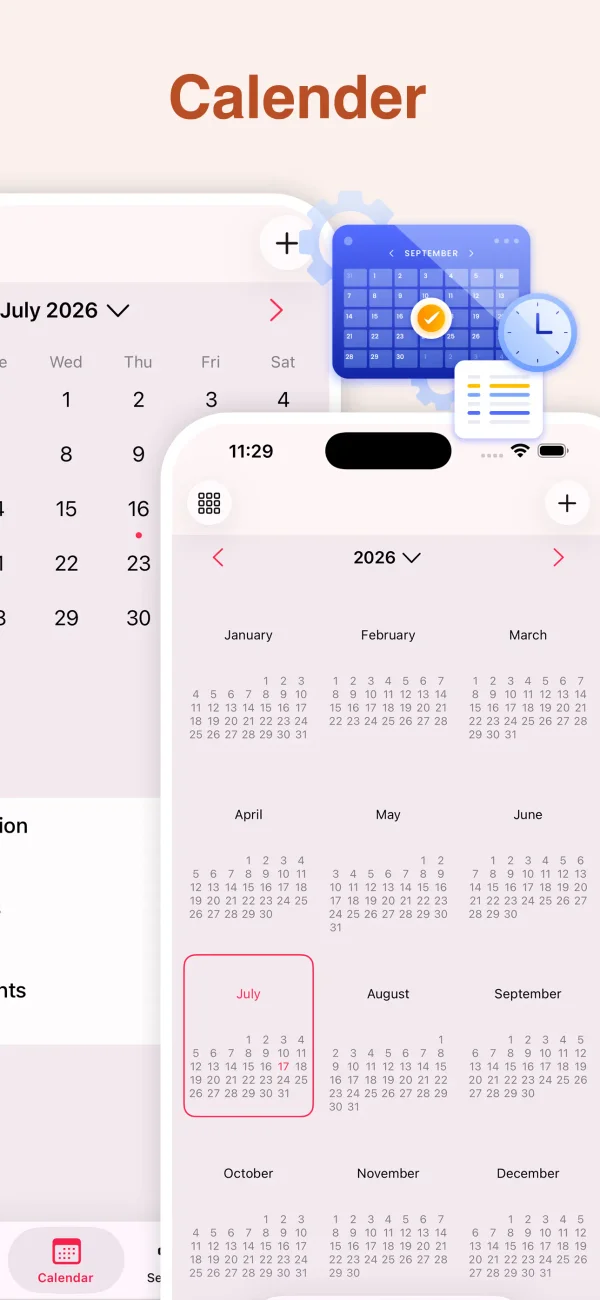
### Calendar Planning
* View tasks by day, month, and year
* Track upcoming events
* Stay on top of important deadlines
* Manage your schedule with an interactive calendar
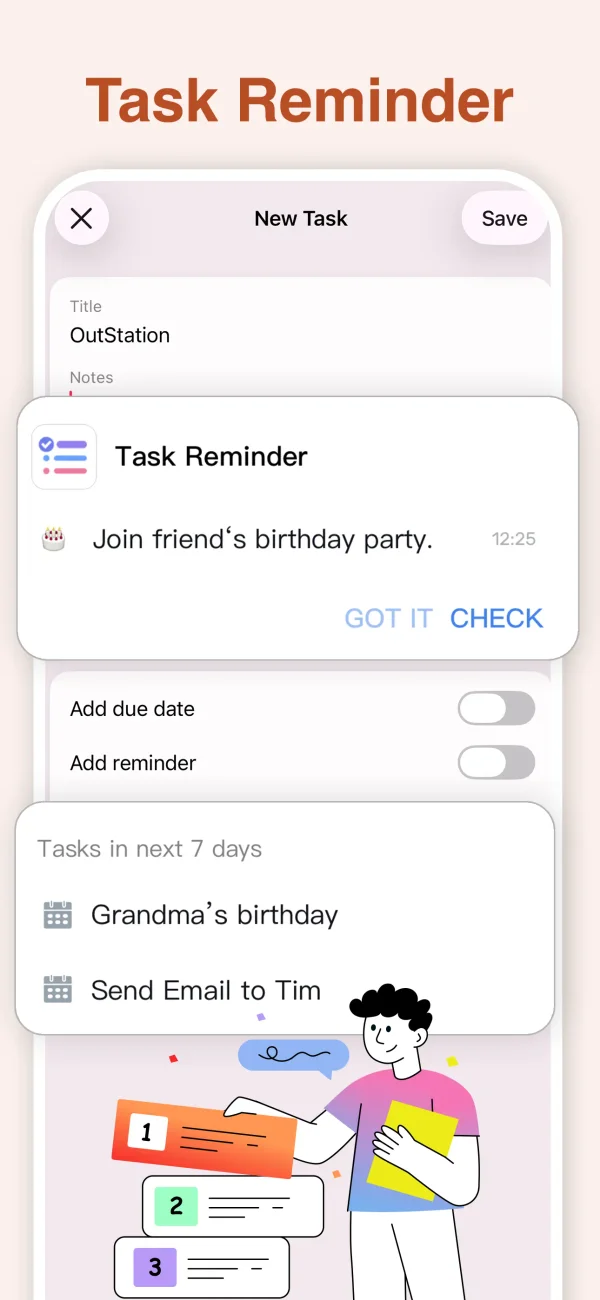
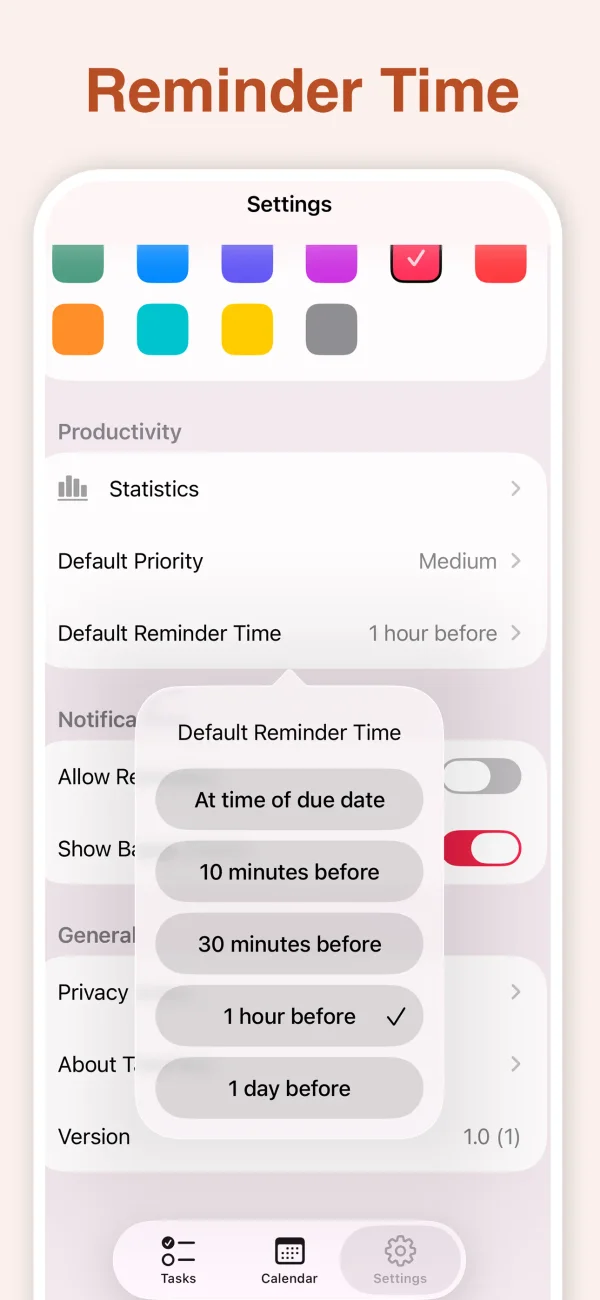
### Reminders That Keep You on Track
* Set reminder notifications
* Choose reminder times before due dates
* Stay on top of important tasks
* Create repeating reminders for recurring activities
### Email Sign-In
* Sign in with your email account
* Access your personal workspace
* Keep your notes and tasks available across your devices
* Enjoy a reliable and private experience
### Personalize Your Experience
* Choose from multiple color themes
* Light Mode
* Dark Mode
* System Appearance support
* Customize accent colors
* Personalize buttons, icons, and interface colors
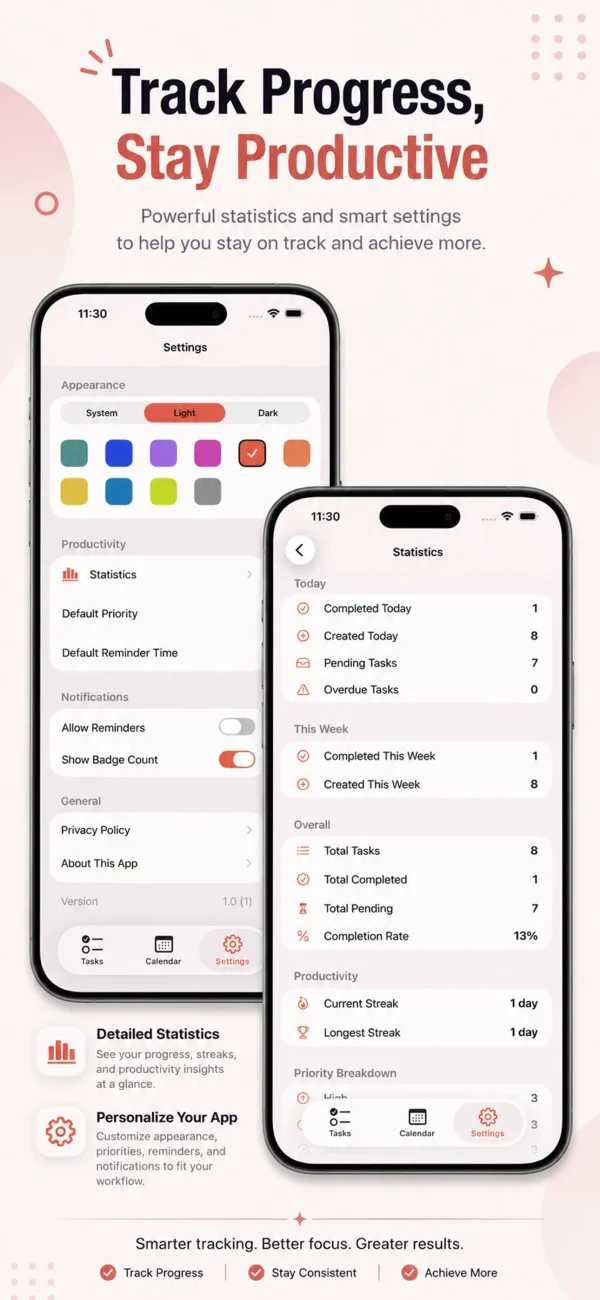
### Productivity Statistics
* View completed tasks
* Track pending tasks
* Monitor overdue items
* Check your completion rate
* Build productivity streaks
* Stay motivated with progress tracking
### Easy Organization
* Add categories
* Organize with tags
* Search notes and tasks instantly
* Sort information the way you prefer
### Simple and Modern Design
* Clean interface
* Easy navigation
* Fast performance
* Designed for everyday productivity
## Perfect For
* Daily planning
* Personal notes
* Study notes
* Meeting notes
* Shopping lists
* Grocery lists
* Office work
* School projects
* Travel planning
* Goal tracking
* Habit organization
## Why You'll Love Notes Lists & Task Organizer
Whether you're managing work, school, or personal life, Notes Lists & Task Organizer helps you stay organized without unnecessary complexity. Capture ideas, manage tasks, schedule reminders, and keep everything in one place. With customizable themes, calendar planning, productivity statistics, and an intuitive design, it's an easy way to stay focused and productive every day.
SUBSCRIPTION:
You can subscribe to premium features, choosing from the following plans:
– 1 Month
– 1 Week
The subscription automatically renews unless auto-renewal is turned off at least 24 hours before the end of the current period.
Payment will be charged to your iTunes account at confirmation of purchase.
Account will be charged for renewal within 24 hours of the end of the current period, and the cost of the renewal will be provided.
Subscriptions may be managed by the user. Auto-renewal may be turned off by going to the user’s Account Settings after purchase.
No cancellation of the current subscription is allowed during active subscription period.
Any unused portion of a free trial period, if offered, will be forfeited when the user purchases a subscription to that publication.
TERMS OF USE: https://mobisoftlabsprivacypolicy.wordpress.com/2019/12/16/terms-of-use/
PRIVACY POLICY: https://mobisoftlabsprivacypolicy.wordpress.com/2018/11/14/privacy-policy/
新機能
バージョン 1.2 · 2026/11/19
- Now made for iPhone Duo and landscape!
- Notes Lists fills both iPhone Duo screens, rotates on iPhone and iPad, and shows your calendar beside your tasks on wide screens.
- Also includes a refreshed launch screen, an improved Pro screen, and a fix for a crash when rotating.
アプリのプライバシー
このアプリのデータの取り扱いについて、Mobisoft LabsがApp Storeで申告している内容です。
-
ユーザーのトラッキングに使用されるデータ
他社のアプリやウェブサイトを横断してユーザーをトラッキングする目的で使用される場合があります。
- ID
- 使用状況データ
-
ユーザーに関連付けられたデータ
収集され、ユーザーの識別情報に関連付けられる場合があります。
- 連絡先情報
- ユーザーコンテンツ
- ID
-
ユーザーに関連付けられないデータ
収集される場合がありますが、ユーザーの識別情報には関連付けられません。
- ID
- 使用状況データ
プライバシーの取り扱いは、ご利用の機能やお客様の年齢などに応じて異なる場合があります。
情報
- 販売元
- Mobisoft Labs
- カテゴリ
- 仕事効率化
- バージョン
- 1.2
- 更新日
- 2026/11/19
- リリース
- 2026/8/4
- サイズ
- 20.8 MB
- 必要条件
- iOS 18.6以降
- 対象年齢
- 4+
- 価格
- 無料
- アプリ内課金
- あり
- 言語
- 英語
- 著作権
- © Mobisoft Labs
こちらもおすすめ
-
 Paranoid: Before You Go仕事効率化
-
 unzip + zip & send仕事効率化
-
 Prose Daily Planner仕事効率化
-
 DoTree - Task Organizer仕事効率化
-
 DayFinder - Date Calculator仕事効率化
-
 Quillo: Voice to Tasks仕事効率化
-
 ポモドーロタイマー:集中・勉強記録・スマホ制限ADHD・スクリーンタイム制限・ドット絵の森を育成
-
 Tastik: Customizable Lists仕事効率化
-
 My Nest : Daily Planner App仕事効率化
-
 Talk Task App仕事効率化