- Age rating4+
- CategoryProductivity
- DeveloperDTLF
- LanguagesJapanese+ 1 more
- Size8.0 MB
Links to the official App Store page
Download.org hosts no file of NoteTuck. The button opens its official App Store page, published by DTLF. Listing last checked on Nov 17, 2026.
Screenshots

About
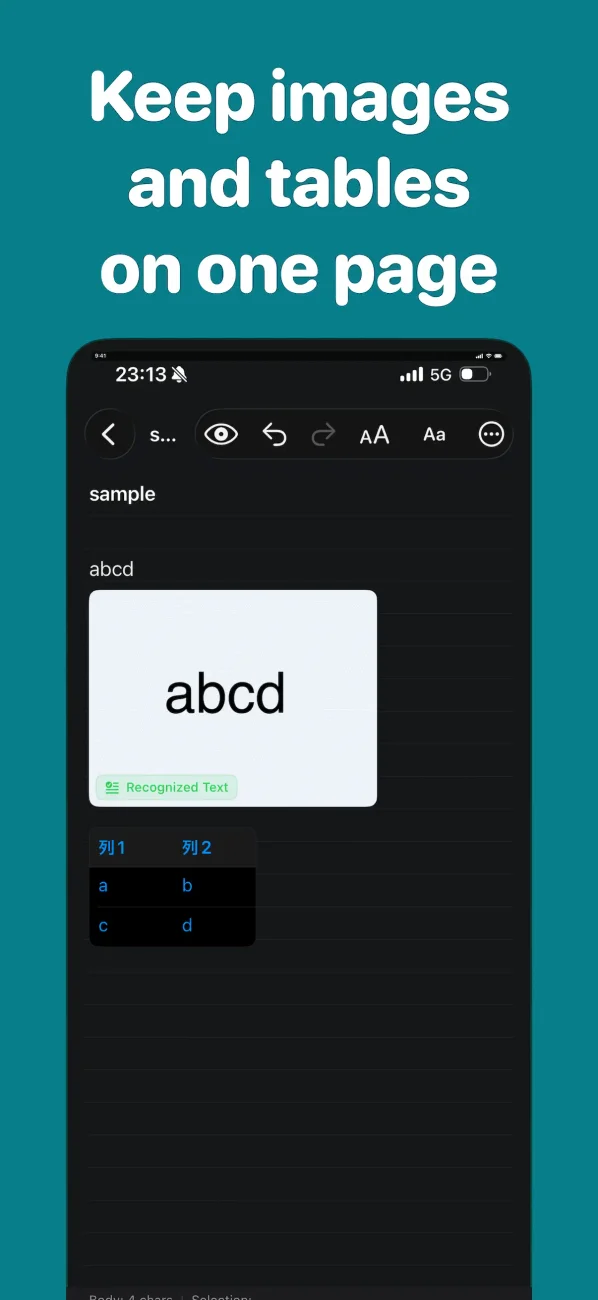
NoteTuck is a notebook app for organizing text, images, tables, and sticky notes in one place.
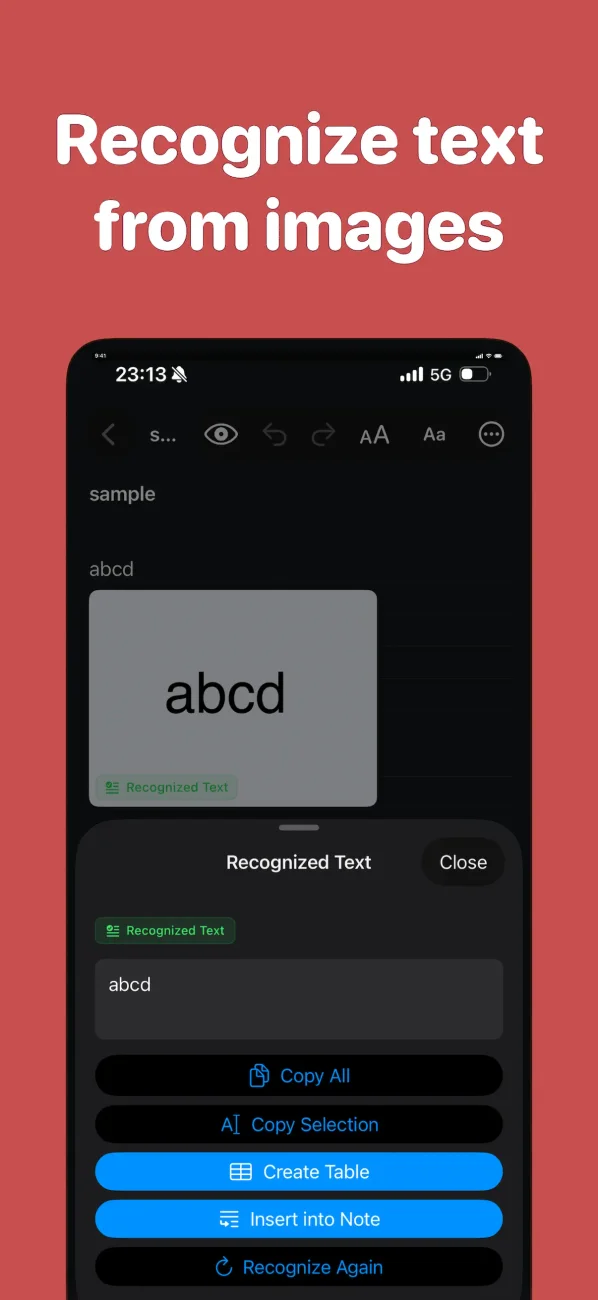
It is more than a simple memo app. NoteTuck helps you capture ideas, recognize text from photos with OCR, create tables, highlight important text, add sticky notes, move pages, and back up your notes so you can review them later.
Main features:
• Create notebooks and pages
• Add text, images, tables, and sticky notes
• Recognize text in images with OCR
• Search body text, sticky notes, and highlights
• Count characters
• Find and replace text
• Manage highlights and labels
• Back up and restore your data
Pro is available as a one-time purchase and unlocks advanced search, edit history, multiple table filters, multi-key sorting, bookshelf view for notebooks, and more.
Your data is stored on your device. No account is required, and your notes are not sent to an external server.
What’s new
Version 1.3 · Oct 21, 2026
・Improved data protection and restore reliability.
・Fixed an issue where the “Create First Page” button could appear without a label in notes with no pages.
App privacy
What DTLF declares on the App Store about how this app handles data.
-
Data not collected
The developer does not collect any data from this app.
Privacy practices may vary, for example with the features you use or your age.
Information
- Seller
- DTLF
- Category
- Productivity
- Version
- 1.3
- Updated
- Oct 21, 2026
- Released
- Jun 23, 2026
- Size
- 8.0 MB
- Requires
- iOS 17.0 or later
- Age rating
- 4+
- In-app purchases
- Yes
- Languages
- Japanese, English
- Copyright
- © DTLF 2026
You might also like
-
 Image to Data: OCR & AI ParserExtract tables & data & json!
-
 Scanjule - プリントやチラシをカレンダーに自動登録Productivity
-
 Simple Duty RosterProductivity
-
 Shift Scheduler: Smart RosterAutomate your staff roster
-
 Image to Excel Converter-XLSXConvert Images to Spreadsheet
-
 Seclog - Private Feed JournalSocial Style Diary & Memo Note
-
 ToDo List - Daily Task PlannerSimple Tasks with Lock Widget
-
 Smile Todo - Time Managementlovely habit of concentration