
NotiDrop
Android alerts on your iPhone
Designed for iPhone, iPad, iPod touch
Free · In-app purchases
- Age rating4+
- CategoryUtilities
- DeveloperMINSEO CHOI
- LanguagesEnglish
- Size36.3 MB
Links to the official App Store page
Download.org hosts no file of NotiDrop. The button opens its official App Store page, published by MINSEO CHOI. Listing last checked on Nov 18, 2026.
Screenshots


About
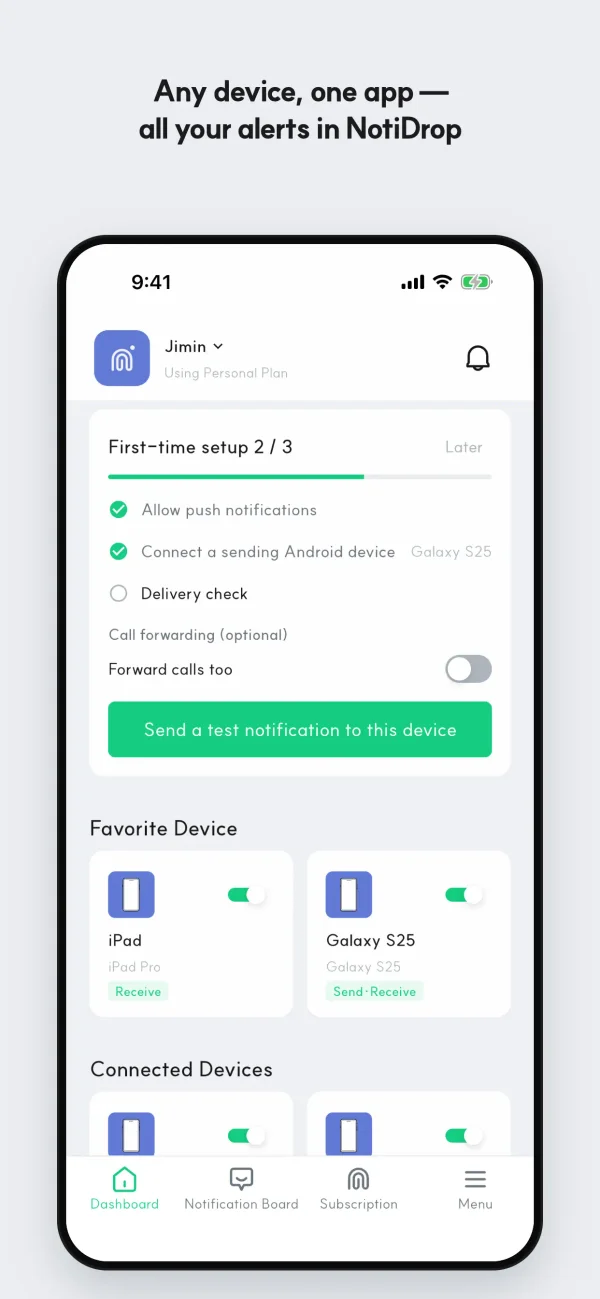
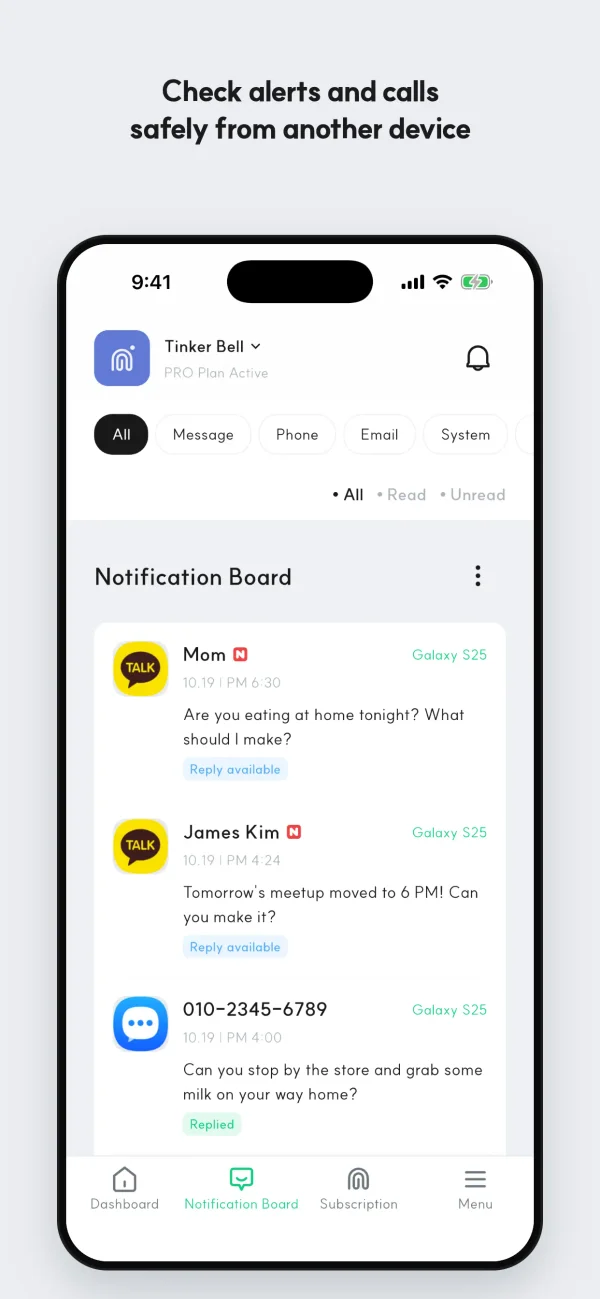
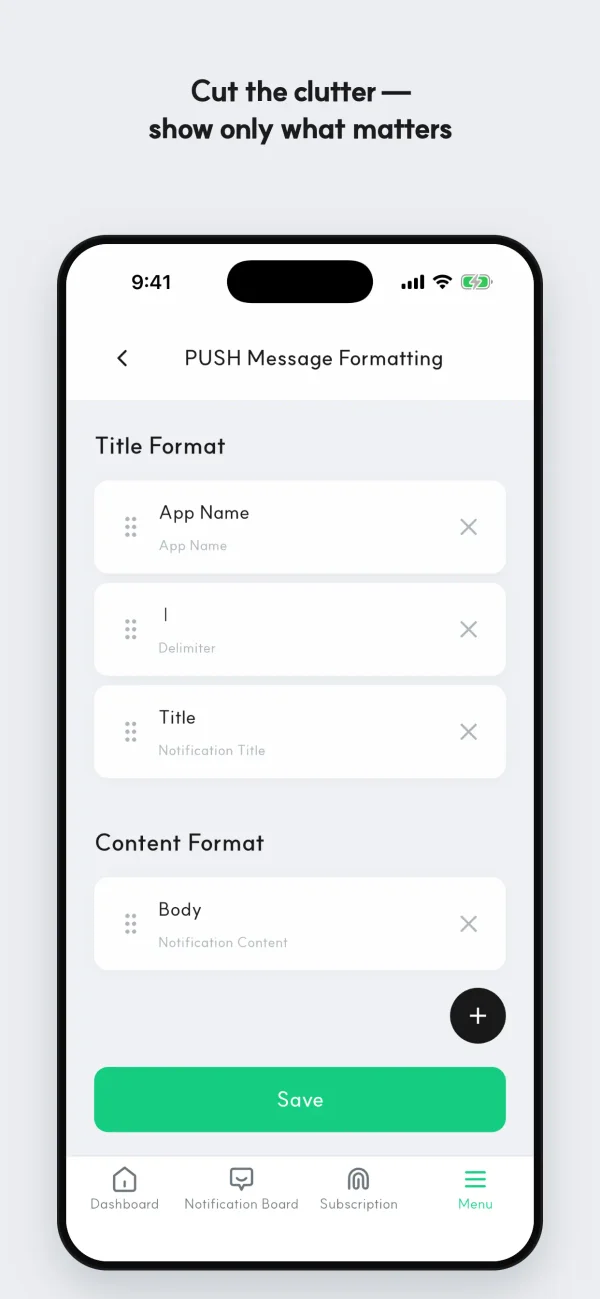
NotiDrop forwards notifications received on your Android device to your linked Apple devices. Now you can even reply to KakaoTalk and SMS alerts from another device! Never miss an important notification and use both devices more efficiently.
[Key Features]
• Real-time notification forwarding
Get Android notifications on your Apple device instantly.
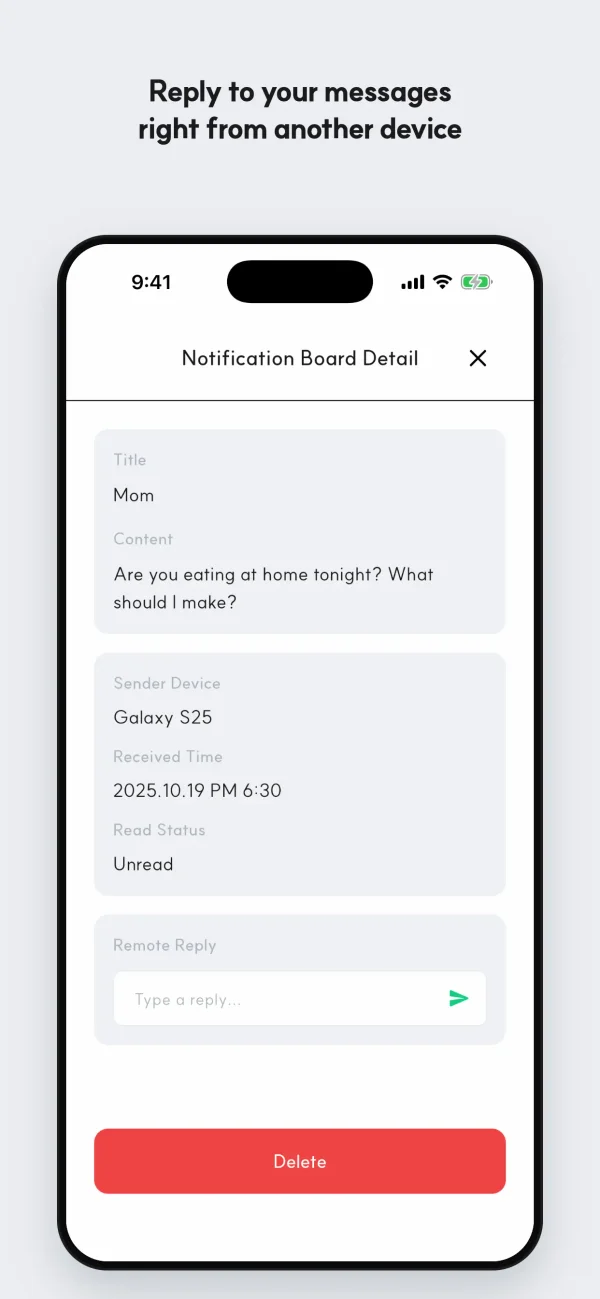
• Reply to KakaoTalk & SMS (PRO)
Reply to message alerts straight from another device. End-to-end encrypted and sent securely through your linked Android device.
• Incoming call alerts
Get notified of calls and missed calls from your Android device.
• Check without read receipts
The original app is never opened, so no read receipt is sent.
[PRO Features]
• Reply to messages from another device
• Remove ads
• Do Not Disturb schedule
• Extended usage (storage period, reception count, registered devices)
* PRO features are available via subscription.
[Recommended for]
• People using a work Android and a personal Apple device together
• People who want to manage notifications from multiple devices in one place
• People who want to reply to KakaoTalk/SMS from another device
[How to use]
1. Install NotiDrop on your Android device
2. Install this app on your Apple device and sign in with the same account
3. Allow notification access on Android
4. All set!
Contact: help@notidrop.com
Terms: https://api.notidrop.com/terms/terms-of-service
Privacy: https://api.notidrop.com/terms/privacy-policy
What’s new
Version 1.2.7 · Nov 17, 2026
• Opening a notification in the board now also clears it from the status bar (Notification Center on iPhone).
• "Mark all as read" now clears any remaining NotiDrop notifications from the status bar / Notification Center. Notifications saved in the board are kept.
• Stability improvements.
App privacy
What MINSEO CHOI declares on the App Store about how this app handles data.
-
Data used to track you
May be used to track you across apps and websites owned by other companies.
- Usage data
-
Data linked to you
May be collected and linked to your identity.
- Purchases
- Contact info
- Identifiers
- Usage data
-
Data not linked to you
May be collected but is not linked to your identity.
- Usage data
Privacy practices may vary, for example with the features you use or your age.
Information
- Seller
- MINSEO CHOI
- Category
- Utilities
- Version
- 1.2.7
- Updated
- Nov 17, 2026
- Released
- Jun 1, 2026
- Size
- 36.3 MB
- Requires
- iOS 15.0 or later
- Age rating
- 4+
- Price
- Free
- In-app purchases
- Yes
- Languages
- English
- Copyright
- © 2025 We'reBridge
You might also like
-
 Blue Post CrossAndroid Notification Sharing
-
 NotiSyncPrivate notification sync
-
 PushDelivery - AOS Push ReplyAndroid Push Sync Remote Reply
-
 NotinaChat between my smartphones
-
 Naru: Work Phone AlertsGet alerts. Leave the phone.
-
 알림센터 - 투폰 서브폰 문자 카톡 알림 전달Utilities
-
 SMS Forwarder - 2nd PhoneYour other phone's texts, here
-
 Pingoo: SMS SyncYour Android SMS, on iPhone
-
 EttoneUtilities
-
 내손안에로또Utilities