Notion: Music Notation & Tab
Compose anywhere
Designed for iPhone, iPad, Mac, iPod touch
Free · In-app purchases
- Age rating4+
- CategoryMusic
- DeveloperFender Digital
- LanguagesEnglish+ 8 more
- Size146.5 MB
Links to the official App Store page
Download.org hosts no file of Notion: Music Notation & Tab. The button opens its official App Store page, published by Fender Digital. Listing last checked on Nov 27, 2026.
Screenshots

About
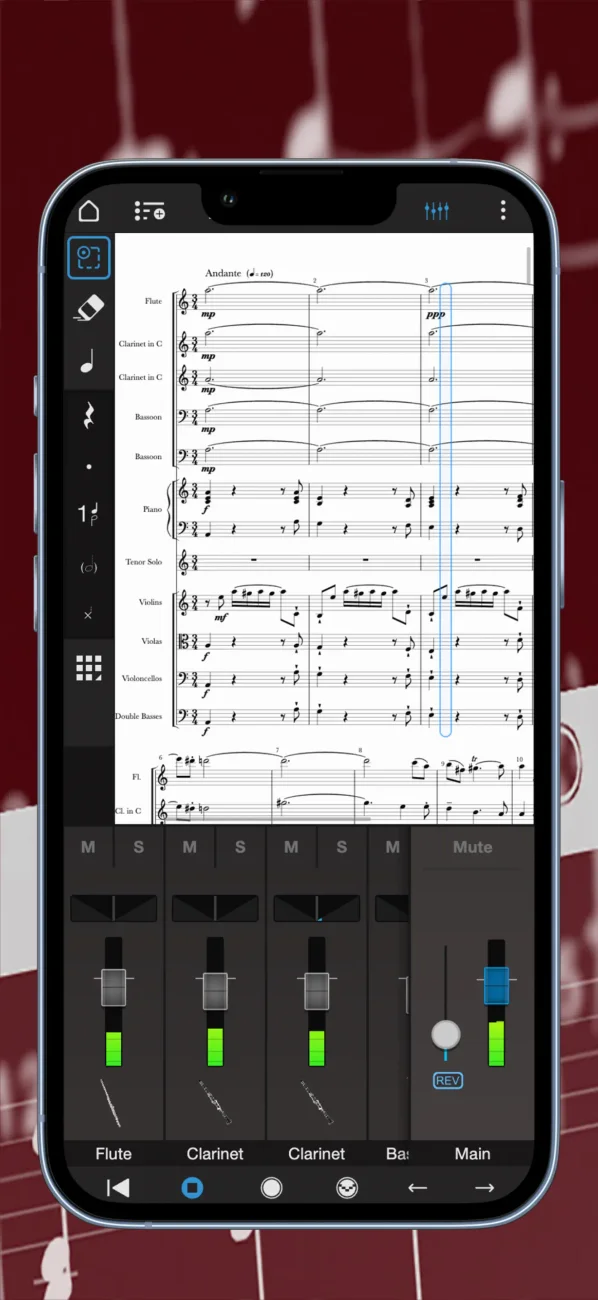
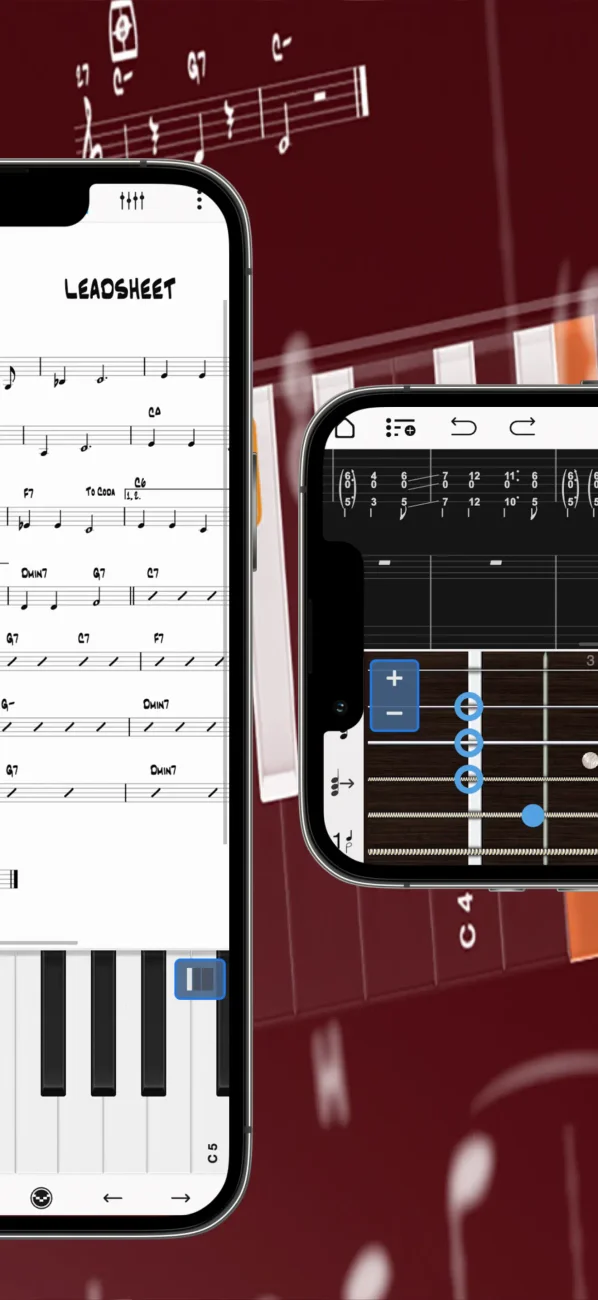
With over 15 years in the App Store, Notion is a free, award-winning music composition tool for iOS, iPadOS, macOS and more! You’ll effortlessly create dynamic compositions in traditional musical notation or guitar tablature with its intuitive touch-based interface and incredibly broad editing capabilities.
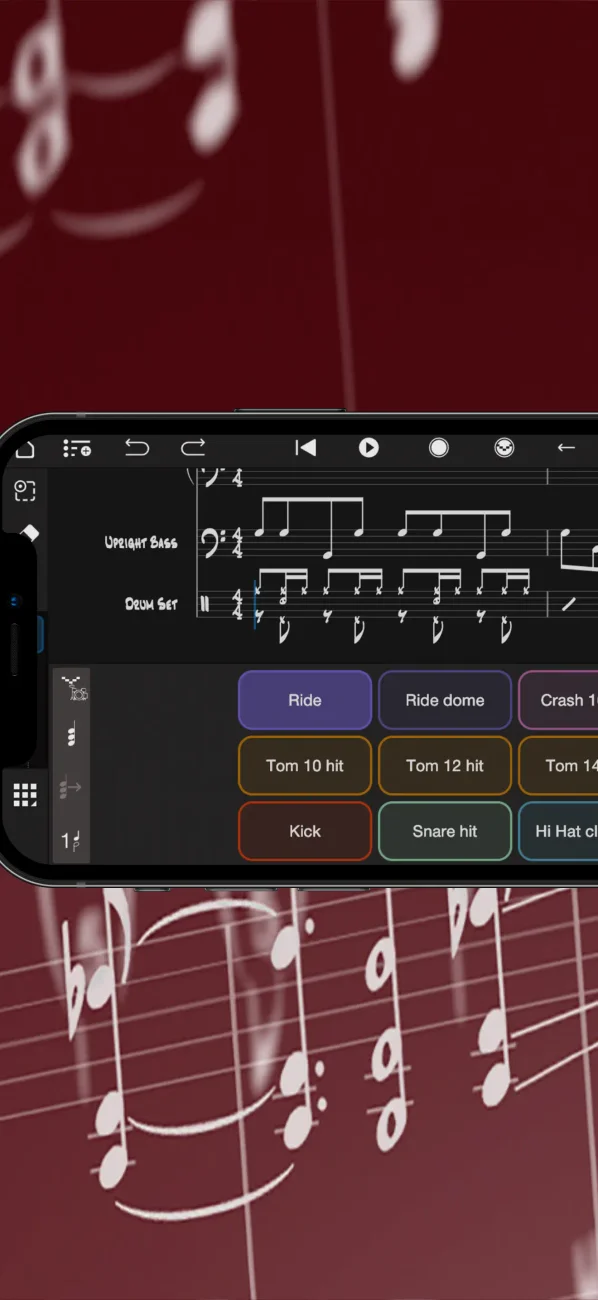
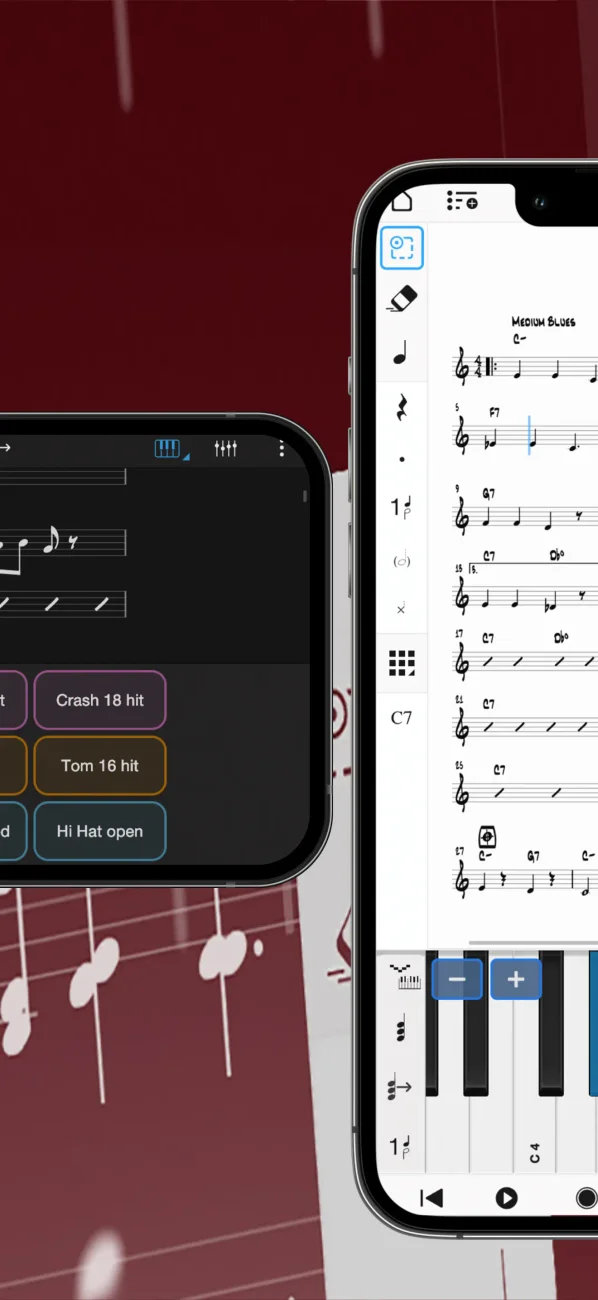
With a user-friendly interface and simple interactive piano keyboard, fretboard, drum pad, and even optional Handwriting Recognition, Notion makes it easy to get started composing your music. You can also hear your music performed with the most realistic playback possible, using real audio samples recorded by the London Symphony Orchestra at Abbey Road Studios.
Notion is a native cross-platform app, meaning you can write anywhere on any device without requiring a constant Internet connection. And when you’re back online, you’ll be able to sync your work across multiple devices through your preferred cloud provider. Start your work on one device and finish it on another. Once you are happy with your creation you can share the Notion file, or export as MIDI, MusicXML, PDF or as an audio file. You can even optionally transmit scores across a network with other instances of Notion, or between Notion and the Fender Studio Pro DAW.
Compose, edit, and play back your music performed with real piano and orchestral samples recorded by the London Symphony Orchestra at Abbey Road Studios — along with outstanding sampled guitar, bass, drums and other popular instruments. And when you’re ready for more sounds, you’ll find the extensive library of Notion Add-on Soundsets to purchase as part of the Feature Bundle. To save space, the initial app download contains just piano — you can then manage which of the bundled Soundsets to have on your device or keep in the cloud, just tap on Sound Installation.
Notion has been featured in various Apple campaigns including the Apple YourVerse television commercials, and has won several awards including a prestigious music industry NAMM TEC Award for Best Smartphone/Tablet App.
What you get:
Notion includes unlimited staves, comprehensive editing features and core orchestral and rhythm section Soundsets — all for free. You can optionally register (also for free!) to unlock an additional Soundset (containing Solo Strings, Classical Saxophones and Glockenspiel), and the multivoice function that allows writing in up to 4 voices per staff. Then for the full experience, either sign in with your Fender Studio Pro+ membership or purchase the Notion Feature Bundle. This unlocks Handwriting Recognition, Layout Controls, all the Expansion Soundsets (including many auxiliary instruments and additional articulations and effects), additional audio export formats (m4a, OPUS, FLAC), and direct score transfer with Notion and Fender Studio Pro running on the same network.
Free:
Unlimited staves
All editing features
Core Soundsets
Export as MusicXML, Compressed MusicXML, MIDI, PDF, wav, mp3
Welcome Pack (register for free):
Soundset including Solo Strings, Glockenspiel, Classical Saxophones
Additionally write for voices 3 and 4 in a single staff
Feature Bundle (in-app purchase or sign in with Fender Studio Pro+):
Handwriting Recognition, powered by MyScript
Available on iPhone, iPad and macOS (macOS with supporting graphics tablet or using Sidecar with compatible iPad)
Automatic pen vs. finger recognition to switch between handwriting and edit mode
Pressure-sensitive support for Apple Pencil
Adjustable timer for Handwriting Recognition
Override handwriting timer by double tapping Apple Pencil (2nd Gen)
Layout Control
All Expansion Soundsets
Additional audio export formats (m4a, OPUS, FLAC)
Transmit scores across a network with other instances of Notion, or between Notion and Fender Studio Pro
What’s new
Version 3.7.1 · Aug 18, 2026
Welcome to Notion 3.7.1 Maintenance Release
For the full guide, check: https://shorturl.at/sAETQ
App privacy
What Fender Digital declares on the App Store about how this app handles data.
-
Data not collected
The developer does not collect any data from this app.
Privacy practices may vary, for example with the features you use or your age.
Information
- Seller
- Fender Digital, LLC
- Category
- Music
- Version
- 3.7.1
- Updated
- Aug 18, 2026
- Released
- Dec 16, 2011
- Size
- 146.5 MB
- Requires
- iOS 15 or later
- Age rating
- 4+
- Price
- Free
- In-app purchases
- Yes
- Languages
- English, French, German, Italian, Japanese, Korean, Portuguese, Simplified Chinese, Spanish
- Copyright
- © Fender Musical Instruments Corporation
You might also like
-
 SibeliusMusic Notation and Scoring App
-
 Notation Pad-Sheet Music ScoreComposer, Score Creator&Writer
-
 Dorico - Compose MusicMusic Notation & Composer App
-
 Score Creator: Sheet MusicAccompaniment & PDF/Photo Scan
-
 Flat: Sheet Music Maker & TabsCompose, Notate & Play Scores
-
 Composer Pro-Sheet Music MakerCompose Music Score & Writer
-
 Maestro - Music ComposerWrite Music Quick and Easy
-
 Piascore – Sheet Music ReaderMusic
-
 Piano+ - Sheet Music ComposerSheet Music Score Writer&Maker
-
 Newzik: Sheet Music ReaderYour scores anytime, anywhere