
Nought Spreadsheet
Native, offline spreadsheet
Designed for iPad, Mac
Free · In-app purchases
- Age rating4+
- CategoryProductivity
- DeveloperTomasz Smieja
- LanguagesEnglish+ 14 more
- Size6.6 MB
Links to the official App Store page
Download.org hosts no file of Nought Spreadsheet. The button opens its official App Store page, published by Tomasz Smieja. Listing last checked on Nov 16, 2026.
Screenshots

About
Nought is a fast, native spreadsheet, and now it is on iPad too. It opens straight into a real grid, handles your everyday Excel and CSV work, and stays out of your way.
No account. No subscription. No cloud of its own. Nought works on your iPad and never sends your data anywhere. Your files live where you keep them: On My iPad, iCloud Drive, or any provider in the Files app.
What you can do:
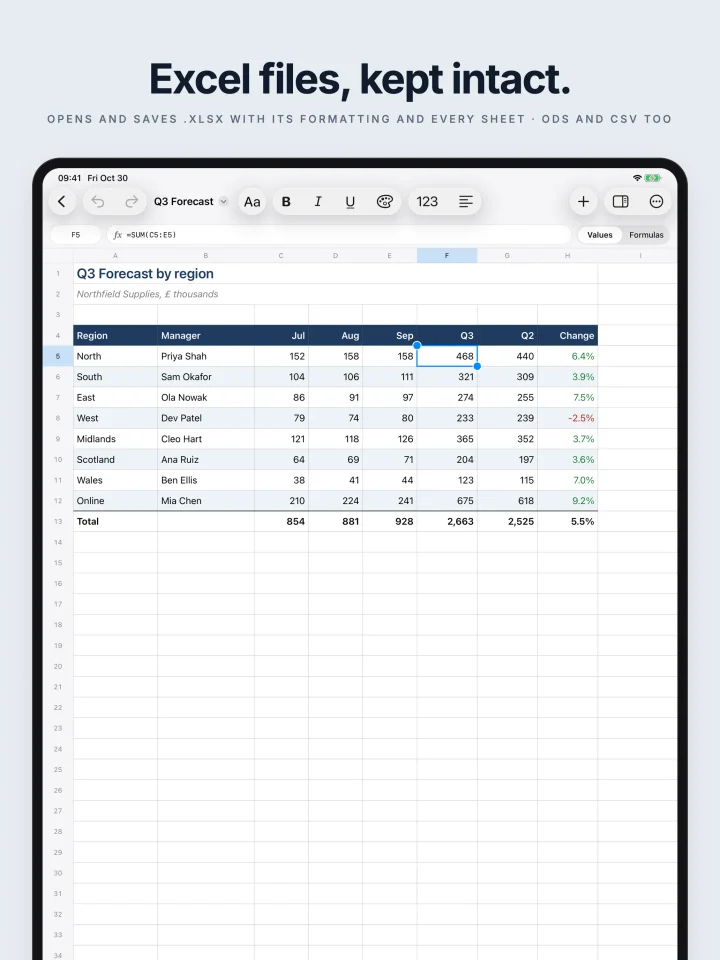
Open and save Excel (.xlsx and .xlsm), OpenDocument (.ods) and CSV files, plus Nought's own .csvs format that keeps your formulas. Edits are saved as you go. If a workbook holds something Nought cannot save, you are told what it is before your first change, never after.
Write formulas with hundreds of functions, including SUM, AVERAGE, IF, VLOOKUP, XLOOKUP and the full lookup and statistical families, with cross-sheet references. Tap cells while you type a formula to put their references in.
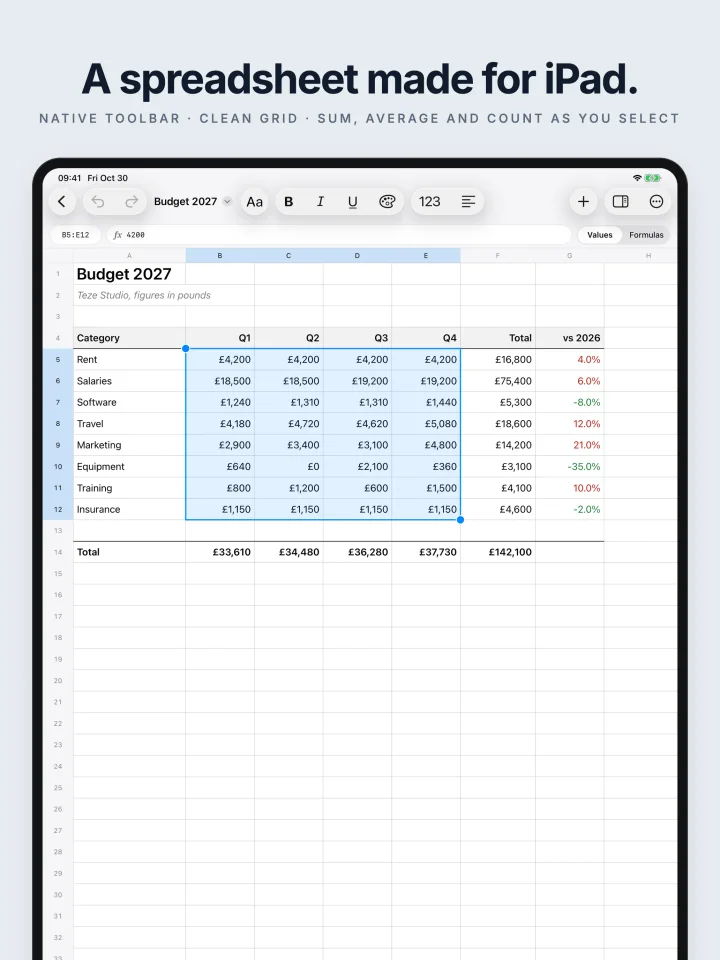
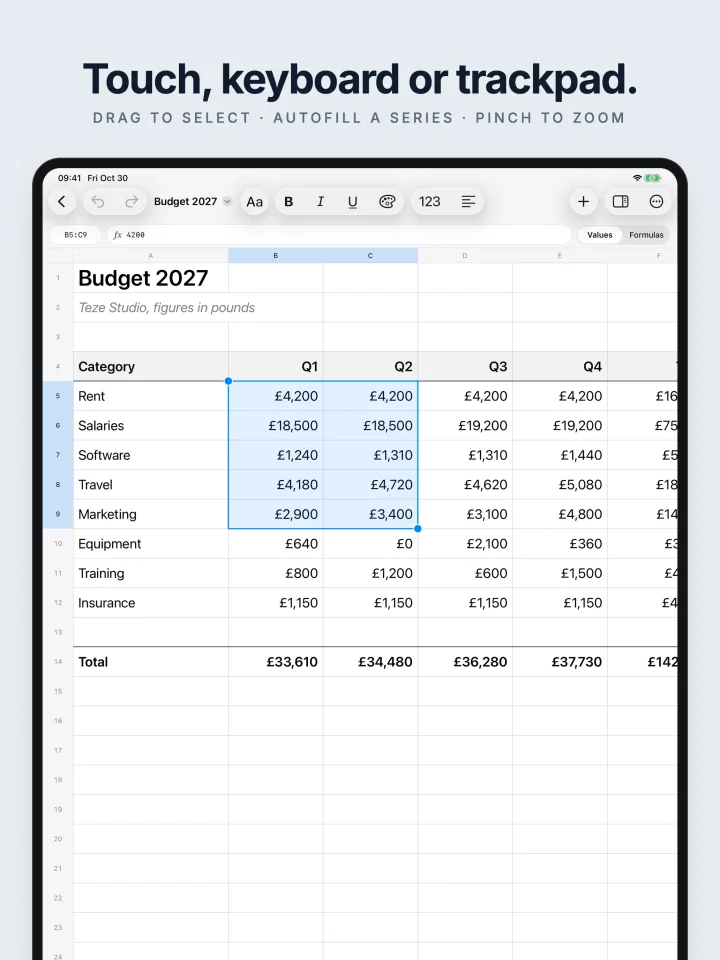
Work by touch: tap and drag to select, drag the handle to extend, Autofill a series, press and hold to move cells, pinch to zoom. Or use a keyboard and trackpad: arrow keys, shortcuts, and the iPadOS menu bar.
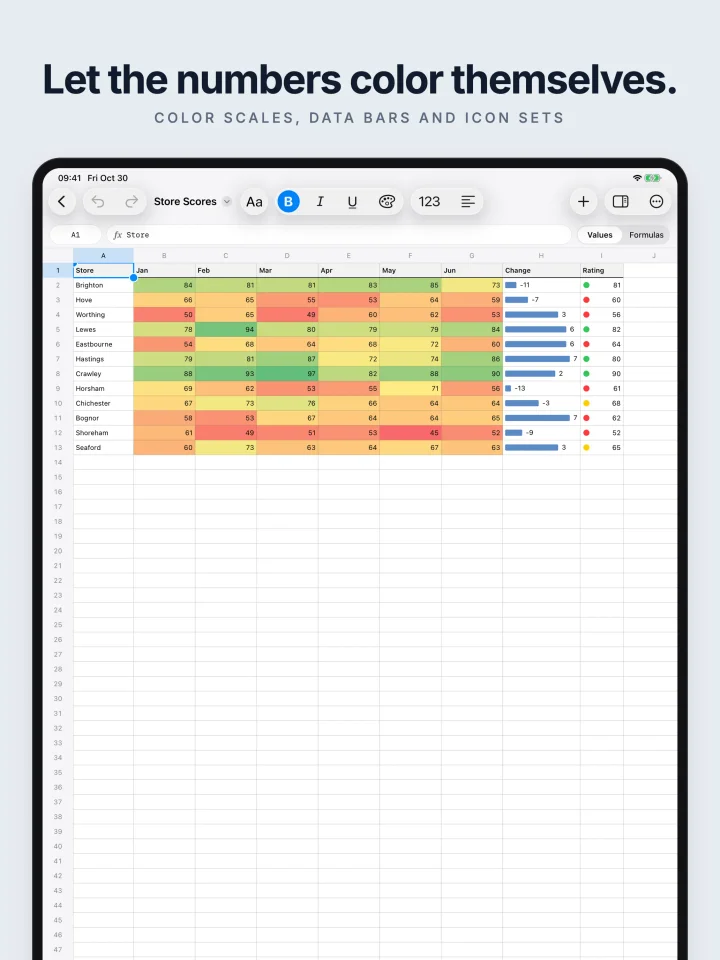
Format with the toolbar and the inspector: fonts, colors, borders, alignment, wrapping, merged cells and number formats. Color scales, data bars and icon sets are drawn in the grid.
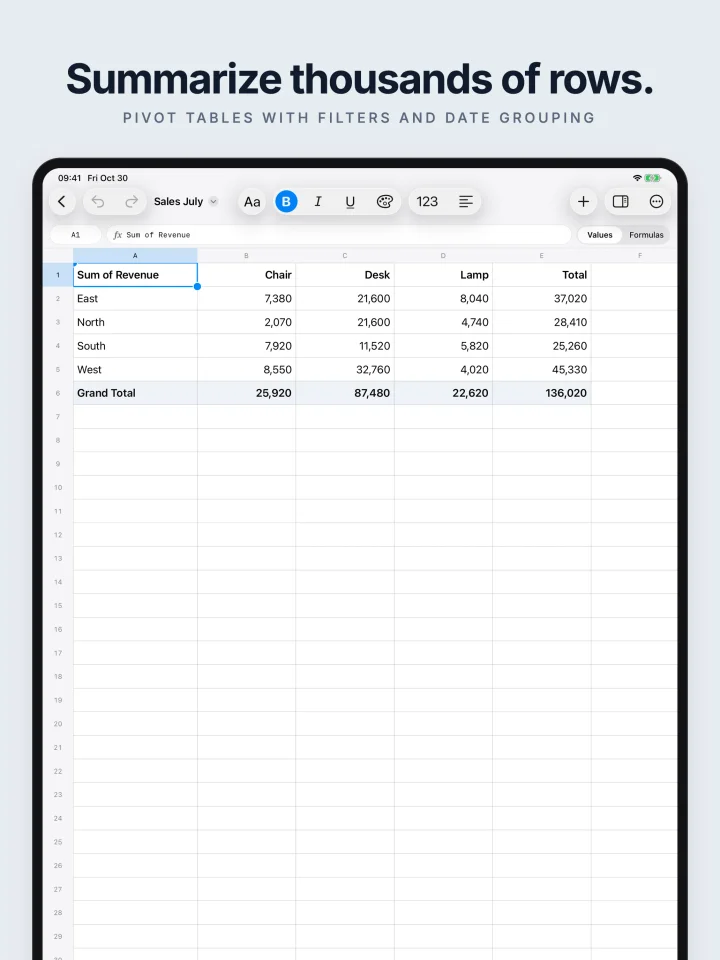
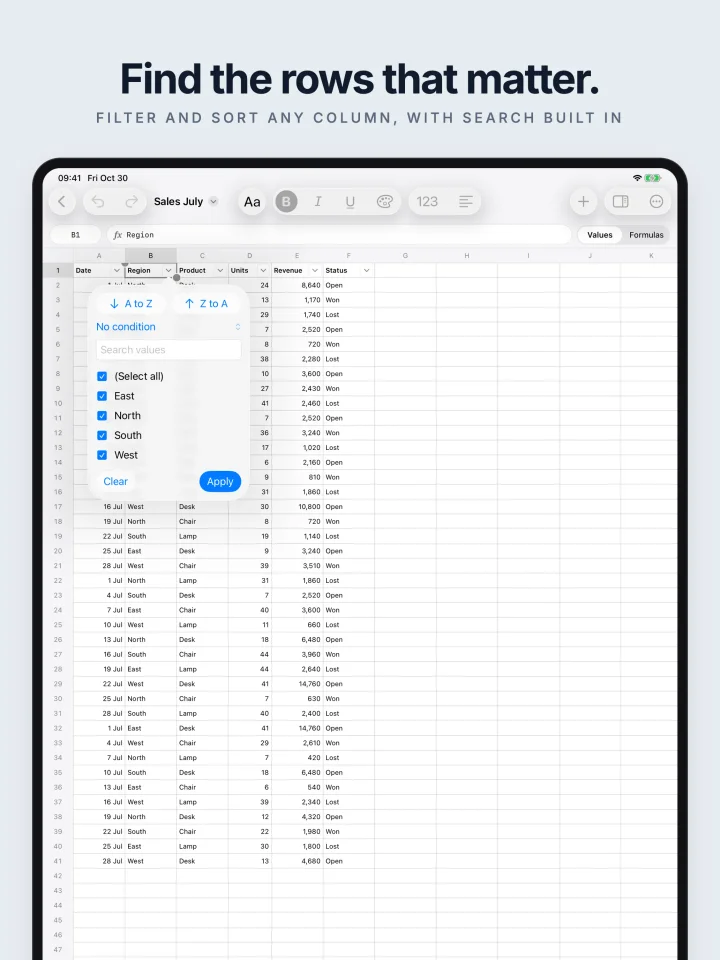
Analyze with filters and sorting, pivot tables (with filters and date grouping), subtotals, goal seek, the solver, scenarios, data validation, named ranges, text to columns, removing duplicates and consolidation.
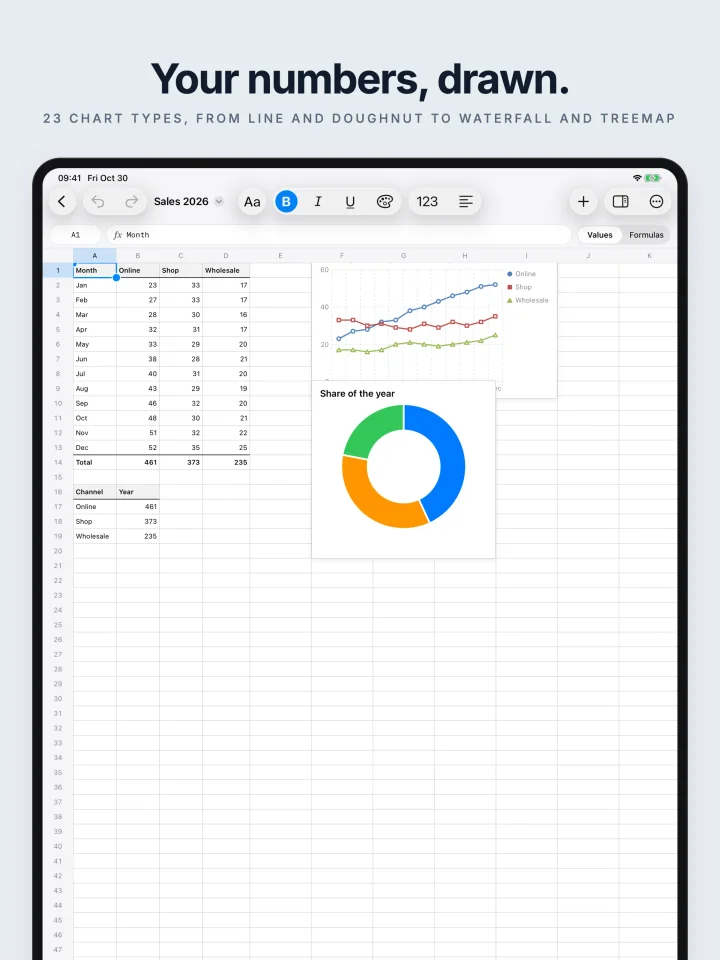
Add charts and sparklines, then copy or share a chart as an image.
Export as Excel, OpenDocument, CSV or PDF, and print, with print areas, repeated title rows and fit to width.
Work in your own language: English, French, German, Spanish, Italian, Portuguese, Dutch, Polish, Swedish, Turkish, Russian, Japanese, Korean, and Simplified and Traditional Chinese. Function names follow your language as they do in Excel, and files keep the standard form so they open anywhere.
Try everything free for 14 days of use, within 60 days. One purchase unlocks Nought on iPad and Mac with the same Apple ID. After the trial your files still open, view, export and print.
What’s new
Version 1.0.2 · Nov 11, 2026
New:
• Insert Cells and Delete Cells, in the cell menu: insert cells and shift the others right or down, or delete cells and shift the others left or up. Formulas that refer to the moved cells follow them.
App privacy
What Tomasz Smieja declares on the App Store about how this app handles data.
-
Data not collected
The developer does not collect any data from this app.
Privacy practices may vary, for example with the features you use or your age.
Information
- Seller
- Teze Ltd
- Category
- Productivity
- Version
- 1.0.2
- Updated
- Nov 11, 2026
- Released
- Aug 6, 2026
- Size
- 6.6 MB
- Requires
- iOS 17.0 or later
- Age rating
- 4+
- Price
- Free
- In-app purchases
- Yes
- Languages
- English, Dutch, French, German, Italian, Japanese, Korean, Polish, Portuguese, Russian, Simplified Chinese, Spanish + 3 more
- Copyright
- © 2026 TeZe
You might also like
-
 X-SheetsProductivity
-
 TimeNoderTurn each day into steps
-
 Time Tracker - PomodoroFocus on what really matters
-
 Last TimeProductivity
-
 Notelane - Markdown EditorYour notes, your own storage
-
 Habit Tracker - RiseYour Simple Streaks Tracker
-
 AppFireProductivity
-
 Tot PocketYour tiny text companion.
-
 Week Plan CalendarKeep track of events & todos!
-
 HEY CalendarMake your day