Nova Scanner-Scan PDF Document
PDF Scanner app with OCR & Fax
Designed for iPhone, iPad, iPod touch
Free · In-app purchases
- Age rating4+
- CategoryBusiness
- DeveloperBeesoft Apps
- LanguagesEnglish
- Size133.0 MB
Links to the official App Store page
Download.org hosts no file of Nova Scanner-Scan PDF Document. The button opens its official App Store page, published by Beesoft Apps. Listing last checked on Nov 17, 2026.
Screenshots
About
Want a scanner in your pocket?
SOLUTION: Scanner Now - extracts all the features of a real scanner into your iPhone.
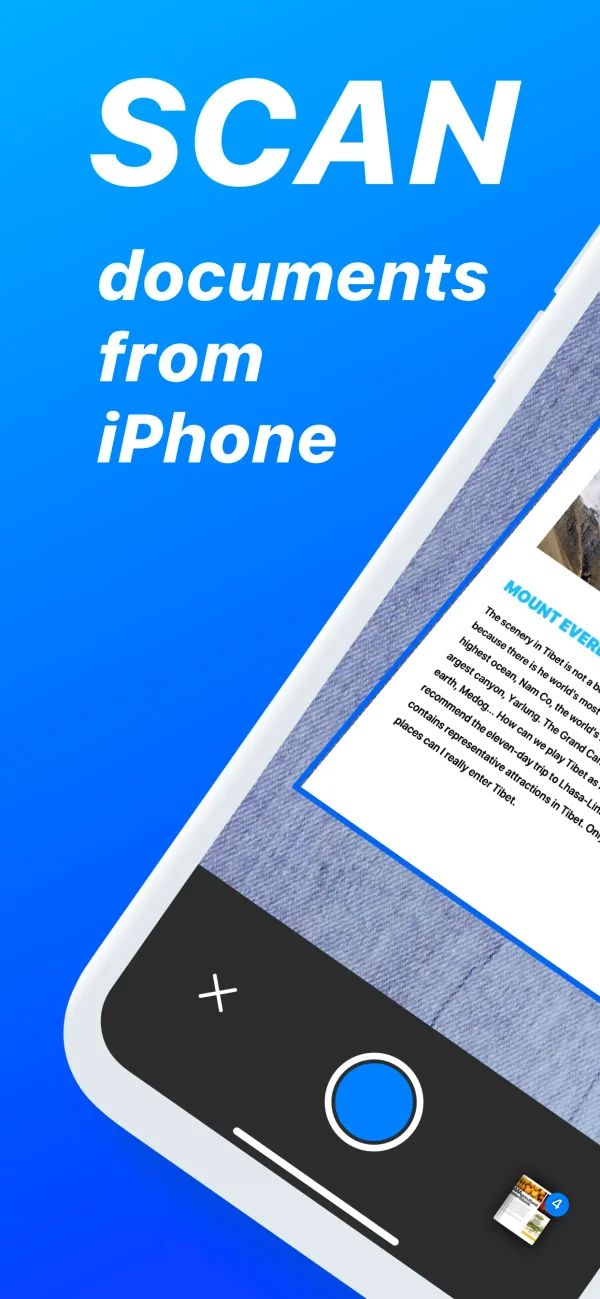
With Scanner Now, all you need to do is just take photos of your pages, documents, receipts, whiteboard, anything page like, leave the rest to the app, and have a coffee!
Scanner Now is a handy scanner app that will turn your iOS device into a powerful mobile scanner. Easily scan, save, and share any documents in PDF or JPEG.
More than just a PDF scanner. Use Scanner Now to turn anything — receipts, notes, documents, photos, business cards, whiteboards — into PDF with text you can reuse from each PDF and photo scan. Designed and developed by polycents!
APP FEATURES:
Scanner document
- Multipage scanning
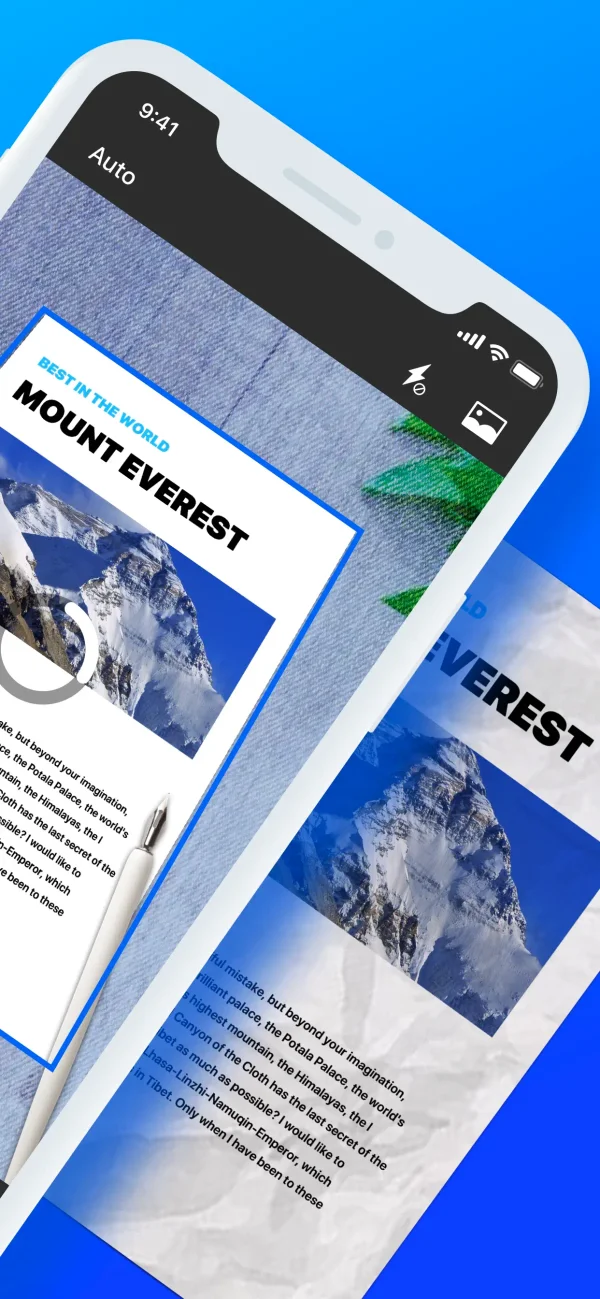
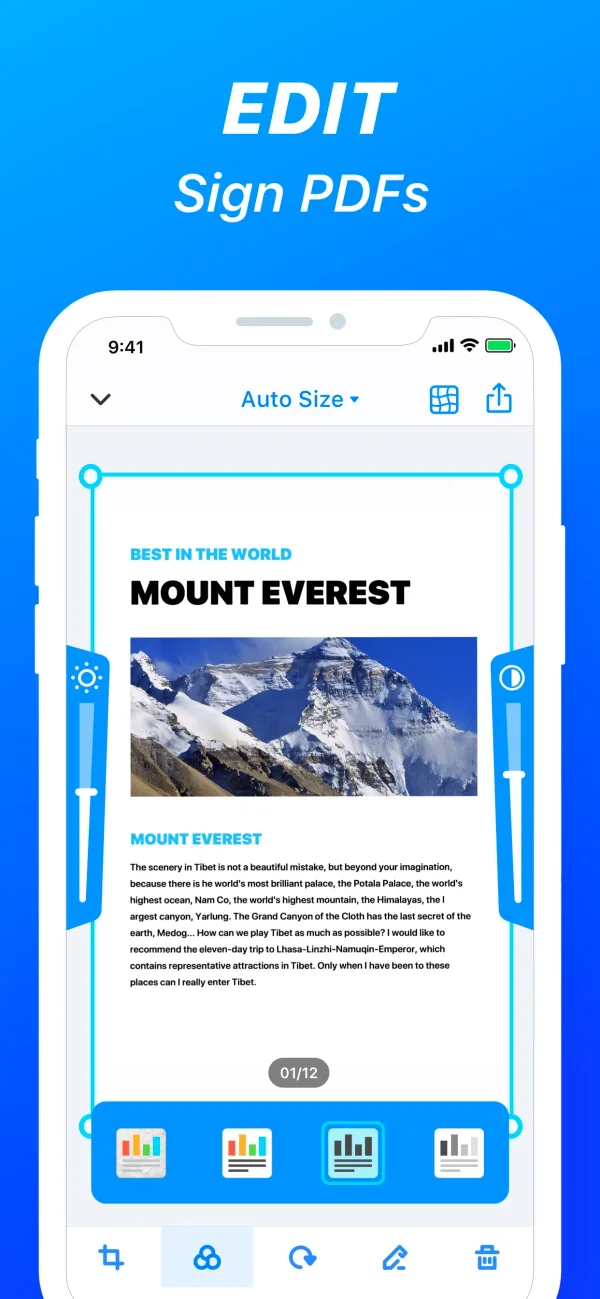
- 3 pre-set page effect, black & white(thresholding), grayscale, colored.
- 3-page enhancements - color correction, noise removing, white balance
- Page finding - auto-detect border of a page.
- Page rotating.
Fax document
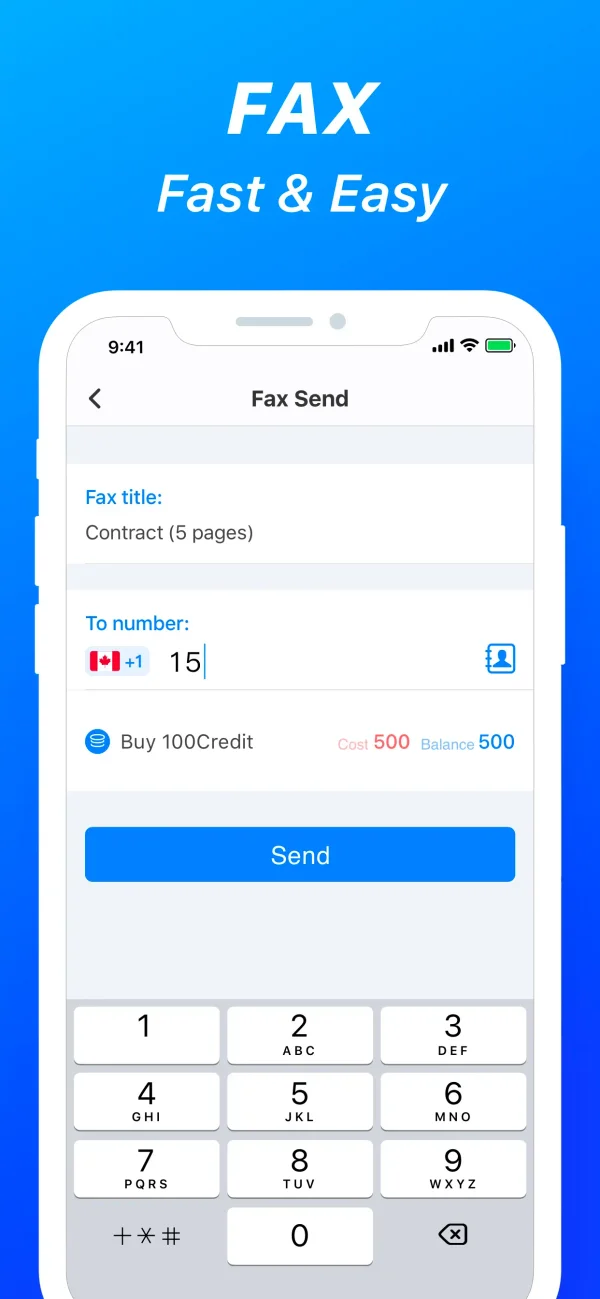
- Cheap fax service
- Send fax quickly
- Fax history can be queried
OCR document
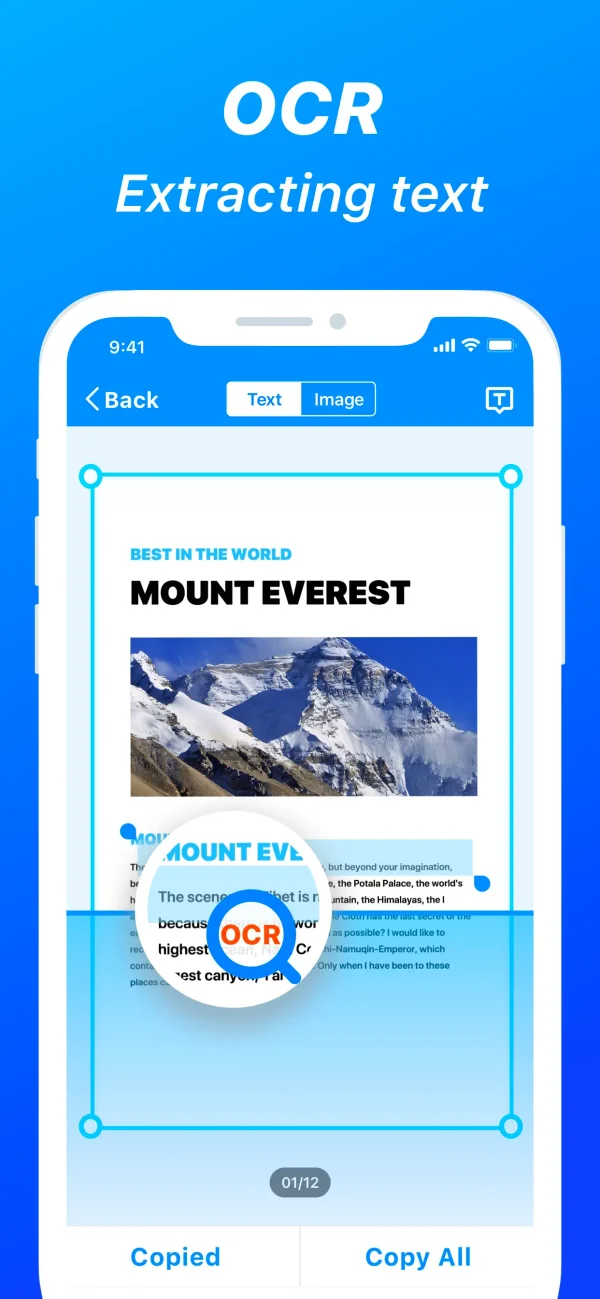
- Easily turn an image to text with the OCR function.
- Extract text from a scanned document and then edit it as you wish.
- Text scanner recognizes all popular languages and can even detect multiple languages within one document.
Sign document
- Easily sign in any document
- Save each of your signatures
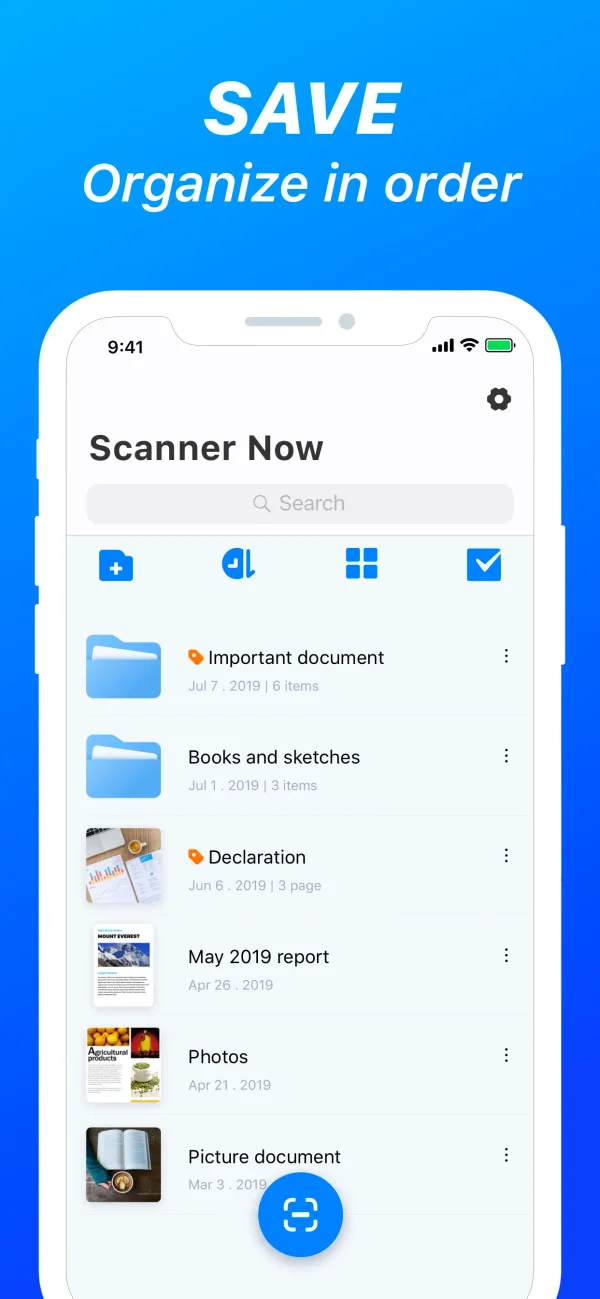
Documents Management
- Docs are arranged by the timeline.
- OCR
- Grid and list view.
- Edit, share, rename, merge, delete documents, and pages.
- Pictures from the camera roll, album.
- Files from iCloud, Google Drive, Dropbox, OneDrive, Box, Evernote, One Note
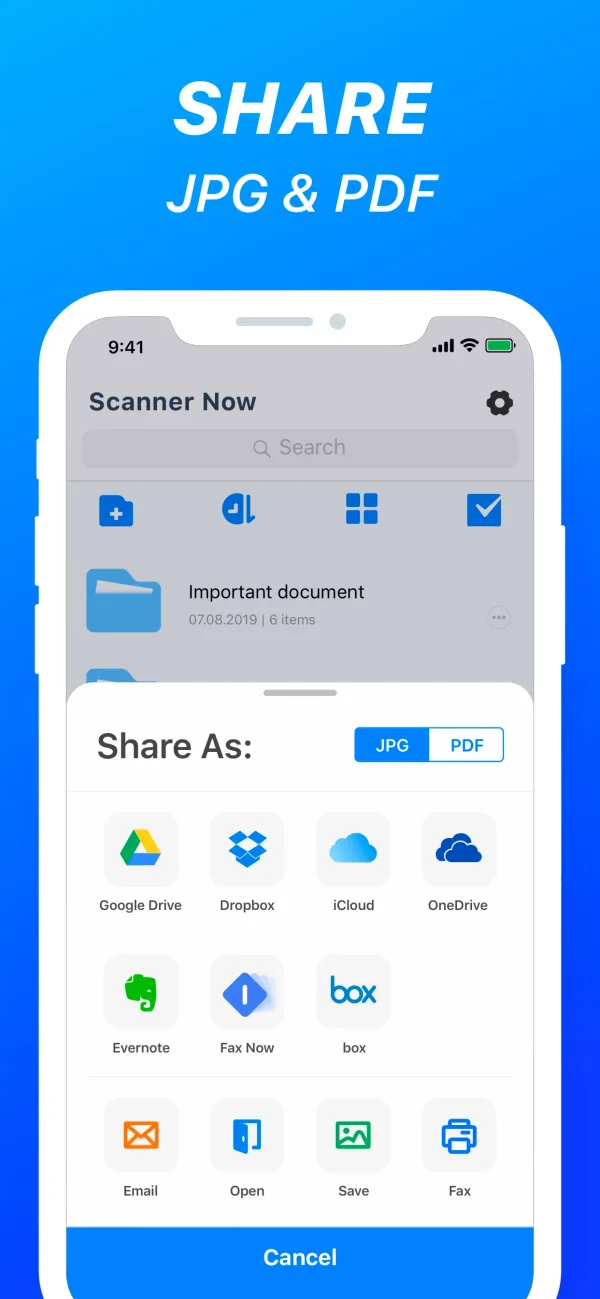
Documents Share
- System based sharing menu.
- Export as PDF, JPEG, PNG.
- Fax, Email, Printer.
Misc
- Passcode when launching.
- File transferring via Wi-Fi.
# Subscription Details #
- A free trial period is provided.
- Payment will be charged to your iTunes account at confirmation of purchase.
- Your subscription will automatically renew unless auto-renew is disabled at least 24 hours before the end of the current subscription period.
- Automatic renewals will be charged at the same price you were originally charged for the subscription.
- Subscriptions may be managed by the user and auto-renewal may be turned off by going to the user's Account Settings after purchase
- Any unused portion of the free trial will be forfeited when the user purchases a subscription
The following subscription plans are available (price may vary depending on location):
• 12-month subscription with 7-day trial version – US$ 11.99
• 1-month subscription – US$ 1.99
Privacy Policy: https://www.iubenda.com/privacy-policy/55082894
Terms of use: https://polycents.com/terms-%26-conditions-3
Please don’t be hesitate to contact us using the built-in support page or directly email to scanner@bhi-technologies.com when you meet with any problem.
What’s new
Version 3.1.0 · Jan 14, 2026
Hello folks!
In this update, we've fixed minor bugs and improvements.
We'd love to hear your feedback! If you have any ideas or feature requests for future versions of the app, feel free to let us know. Please reach out to us at scanner@bhi-technologies.com
App privacy
What Beesoft Apps declares on the App Store about how this app handles data.
-
Data used to track you
May be used to track you across apps and websites owned by other companies.
- Identifiers
-
Data not linked to you
May be collected but is not linked to your identity.
- Identifiers
- Usage data
- Diagnostics
Privacy practices may vary, for example with the features you use or your age.
Information
- Seller
- Hangzhou Beesoft Information Technology Co., Ltd.
- Category
- Business
- Version
- 3.1.0
- Updated
- Jan 14, 2026
- Released
- Apr 11, 2017
- Size
- 133.0 MB
- Requires
- iOS 15.0 or later
- Age rating
- 4+
- Price
- Free
- In-app purchases
- Yes
- Languages
- English
- Copyright
- Copyright © 2020 Polycents. All rights reserved.
You might also like
-
 ScanCam: Scanner for iPhonePDF Document Scanning App
-
 FaxMe: Fax from iPhone & iPadSend & Receive by faxing app
-
 Faxeau: Send Fax from PhoneFax Online, No Machine Needed
-
 Fax It: Faxing. Pay as you goSend & Receive eFax
-
 PDF Scanner:File Scanner AppText Scan & Edit with OCR
-
 Simple Fax - Fax From iPhoneFax Burner & Faxing Machine
-
 SmartScan Pro: PDF scannerScan documents & receipts
-
 Easy FAX - Free of AdsSend Fax from iPhone
-
 Scanner: Document Scan AppPDF/OCR docs scan
-
 PC-FAX.com FAX-it!Take a picture and fax it