NovaKey App
End-to-end secret delivery
Designed for iPhone, iPad
Free · In-app purchases
- Age rating4+
- CategoryUtilities
- DeveloperOsbornePro
- LanguagesEnglish
- Size3.7 MB
Links to the official App Store page
Download.org hosts no file of NovaKey App. The button opens its official App Store page, published by OsbornePro. Listing last checked on Nov 20, 2026.
Screenshots

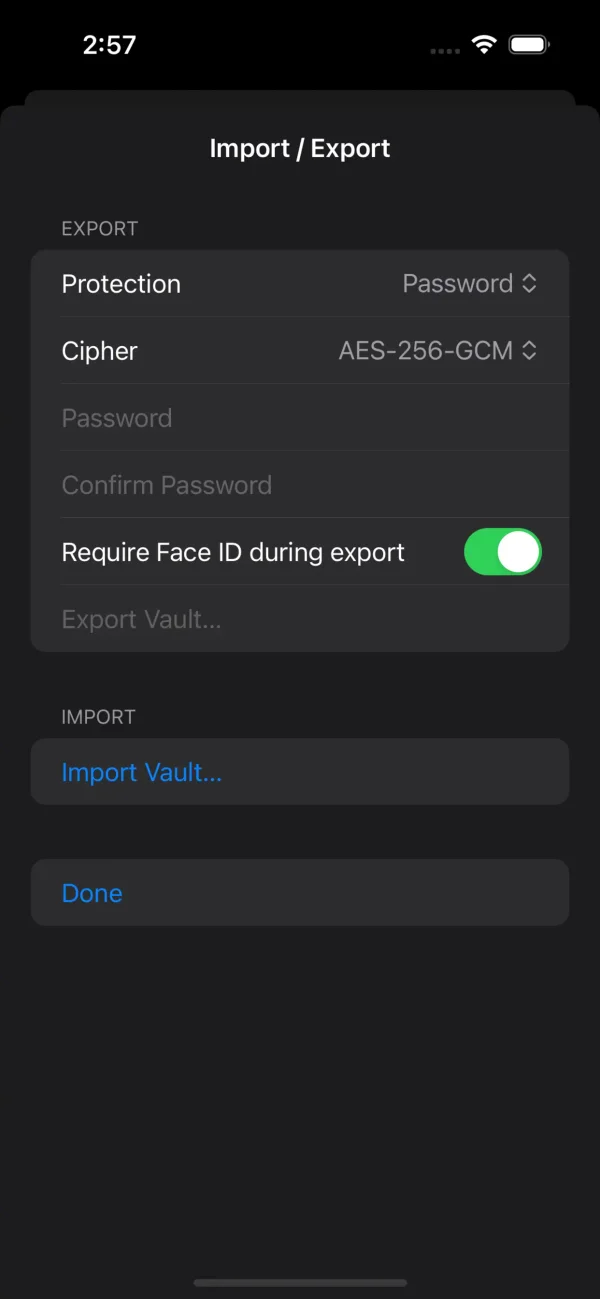

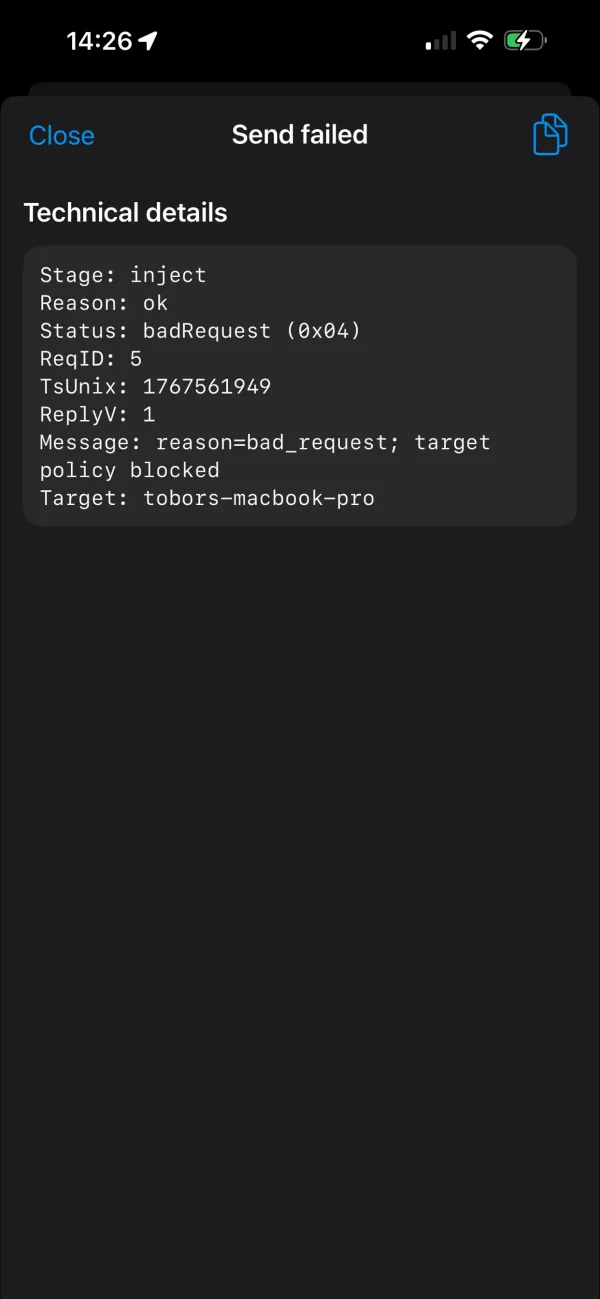

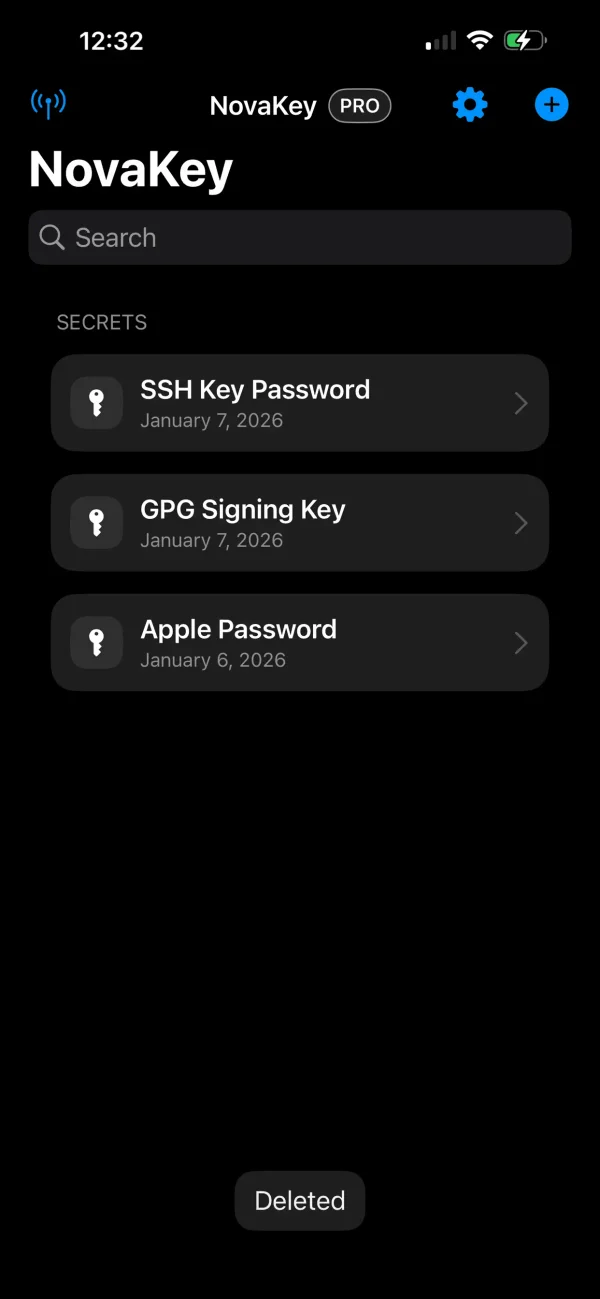
About
NovaKey — Secure Password Sending
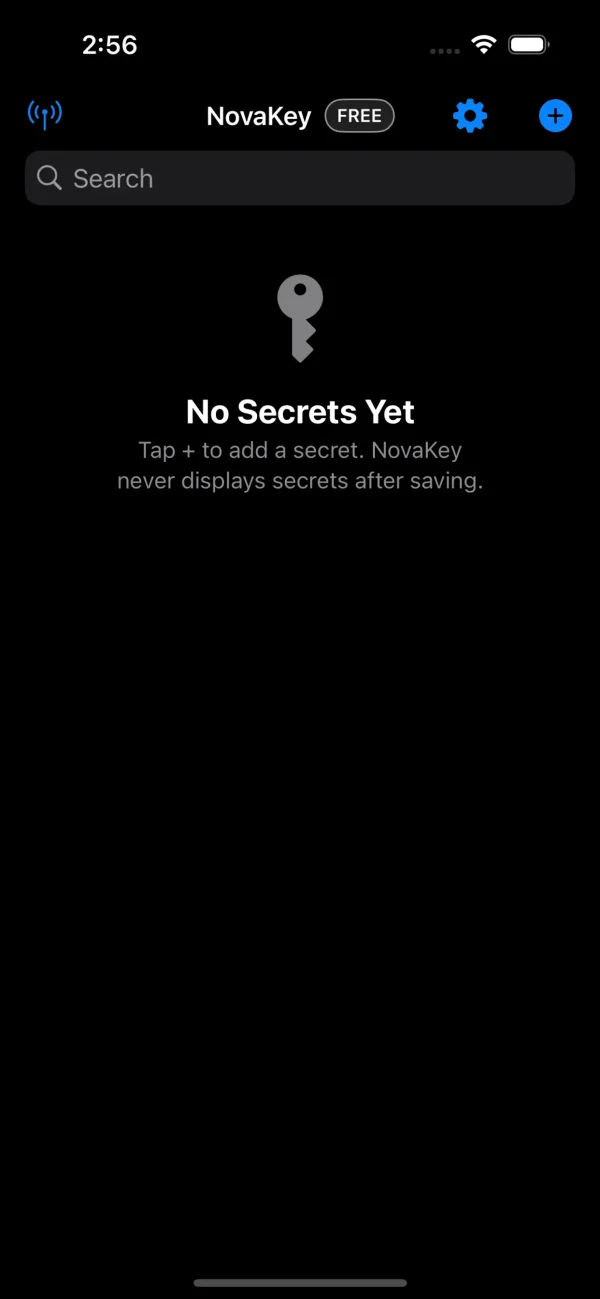
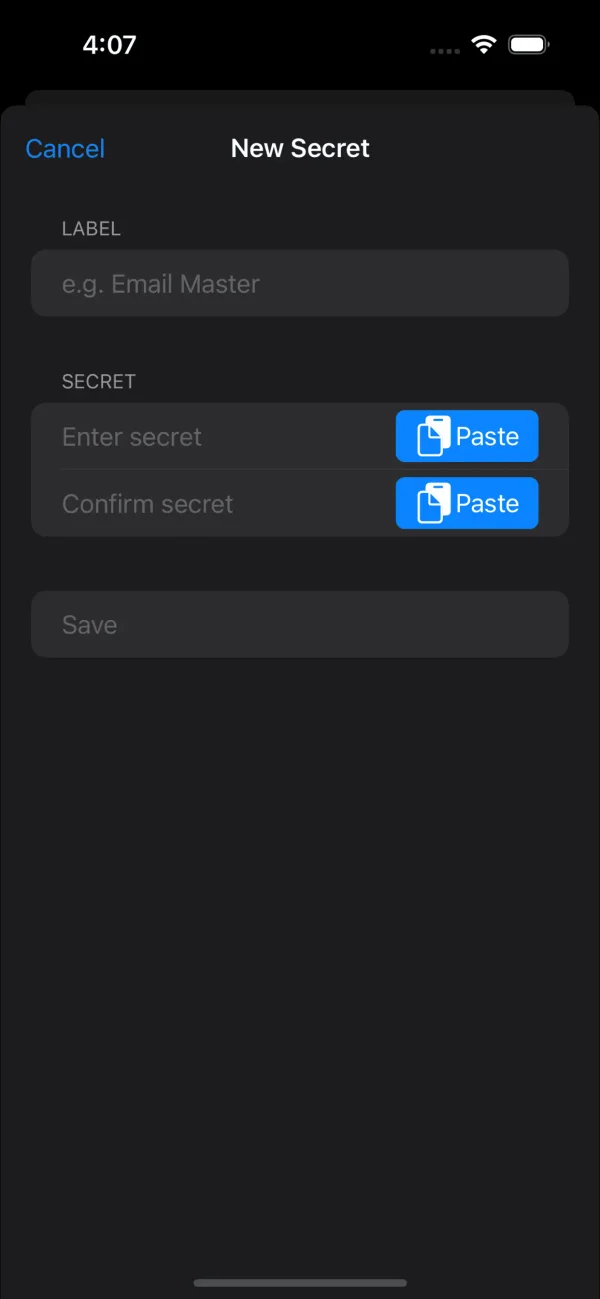
NovaKey lets you send passwords and other sensitive secrets from your iPhone to your computer without typing them on a keyboard.
Companion desktop app required!!!!
NovaKey works with NovaKey-Daemon, a free, open-source desktop companion for macOS, Windows, and Linux.
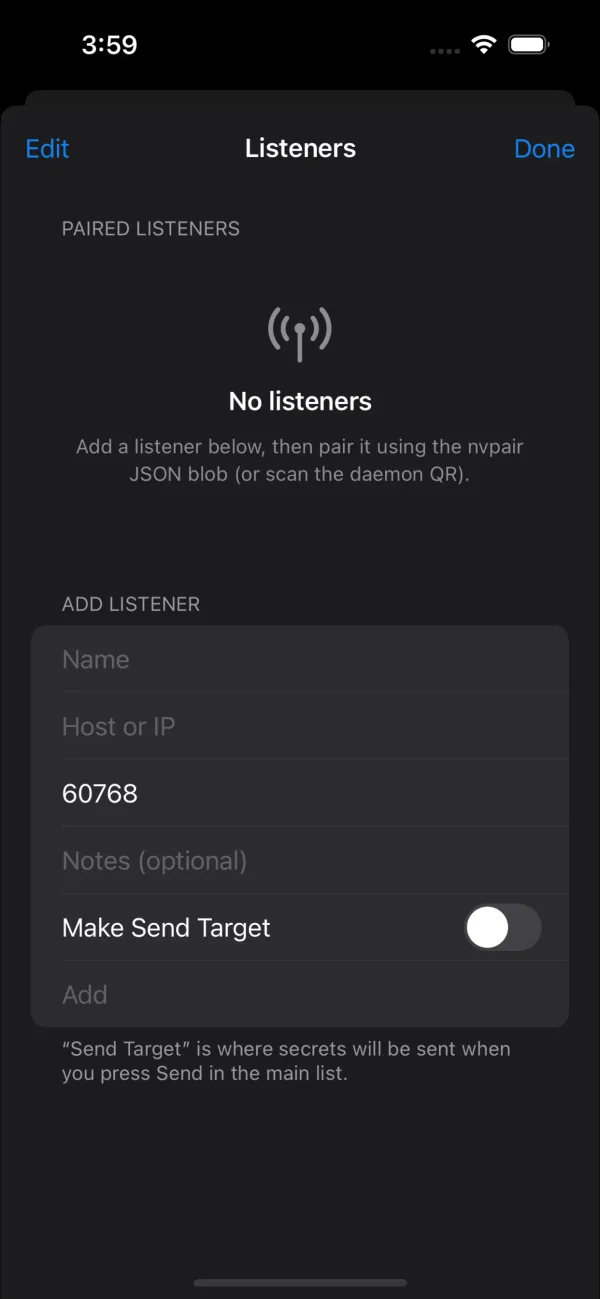
After installing the desktop companion, you pair once via QR code and can then send secrets securely whenever needed.
Setup instructions are available at https://novakey.app/en/latest/
Instead of typing secrets on a keyboard, NovaKey helps reduce exposure to keyloggers, screen recording, clipboard leaks, and shoulder surfing by keeping secrets on your phone and delivering them only when you explicitly approve.
HOW IT WORKS
• Secrets are stored only on your iPhone and protected by the iOS Keychain
• Sending a secret requires Face ID or device passcode
• Secrets are sent on demand only to computers you explicitly pair with
• Communication between paired devices is end-to-end encrypted and authenticated
• No cloud services, no user accounts, and no tracking
A computer receives a secret only at the moment it is requested and only if safety rules allow it.
DESIGNED FOR REAL-WORLD THREATS
NovaKey is designed for situations where typing passwords is risky or undesirable, such as:
• Keyloggers and untrusted keyboards
• Screen recording or remote desktop software
• Shoulder surfing in shared or public spaces
• Secure input fields that restrict paste
If direct typing is not possible, NovaKey can fall back to clipboard transfer with clear user visibility. There is no silent or automatic downgrade.
SAFETY FIRST
NovaKey supports optional safety controls on the computer, including:
• Arming (“push-to-type”) to prevent unattended sends
• Two-person approval requiring explicit confirmation
• Target restrictions to control where secrets may be delivered
Every send is intentional, visible, and user-controlled.
NO CLOUD. NO TRACKING. NO ANALYTICS.
NovaKey does not:
• Create user accounts
• Upload data to remote servers
• Collect analytics or identifiers
• Track users across apps or websites
Your secrets remain local to your devices.
WHO NOVAKEY IS FOR
• Security-conscious users
• Developers and administrators
• Anyone who wants to avoid typing high-value secrets
• Users who prefer local-first, explicit security tools
IMPORTANT NOTES
• NovaKey cannot protect against a fully compromised operating system
• Only pair with computers you trust
• Desktop behavior depends on operating system permissions and environment
NovaKey turns your iPhone into a secure, intentional input device for sensitive secrets.
App privacy
What OsbornePro declares on the App Store about how this app handles data.
-
Data not collected
The developer does not collect any data from this app.
Privacy practices may vary, for example with the features you use or your age.
Information
- Seller
- OsbornePro
- Category
- Utilities
- Version
- 1.0
- Updated
- Jan 20, 2026
- Released
- Jan 20, 2026
- Size
- 3.7 MB
- Requires
- iOS 17.2 or later
- Age rating
- 4+
- Price
- Free
- In-app purchases
- Yes
- Languages
- English
- Copyright
- © OsbornePro
You might also like
-
 OniNetwork: Network AnalyzerPing, Traceroute & LAN Scanner
-
 Quick Settings LauncherSmart shortcuts for settings
-
 Hammer Construction CalculatorFeet Inch Fraction Math Tools
-
 Hydraulic Calculator EngineerHydraulic engineering tools!
-
 Fluid Mechanics CalcUtilities
-
 AiK KeytoolUtilities
-
 Calculator Pro 100%Complete calculator for iPad
-
 SenXit - Sensi FF PackMobile Aim & HUD Utility
-
 SmartKey BoxXhorse
-
 PassKeysAI Reply & Translate Keyboard