NovaKey App
End-to-end secret delivery
Dirancang untuk iPhone, iPad
Pembelian dalam aplikasi
- Batasan usia4+
- KategoriKegunaan
- PengembangOsbornePro
- BahasaInggris
- Ukuran3,7 MB
NovaKey App mungkin sedang tidak tersedia di App Store
Halaman di toko tidak dapat dijangkau saat terakhir kami periksa. Tautan tetap mengarah ke halaman resmi App Store.
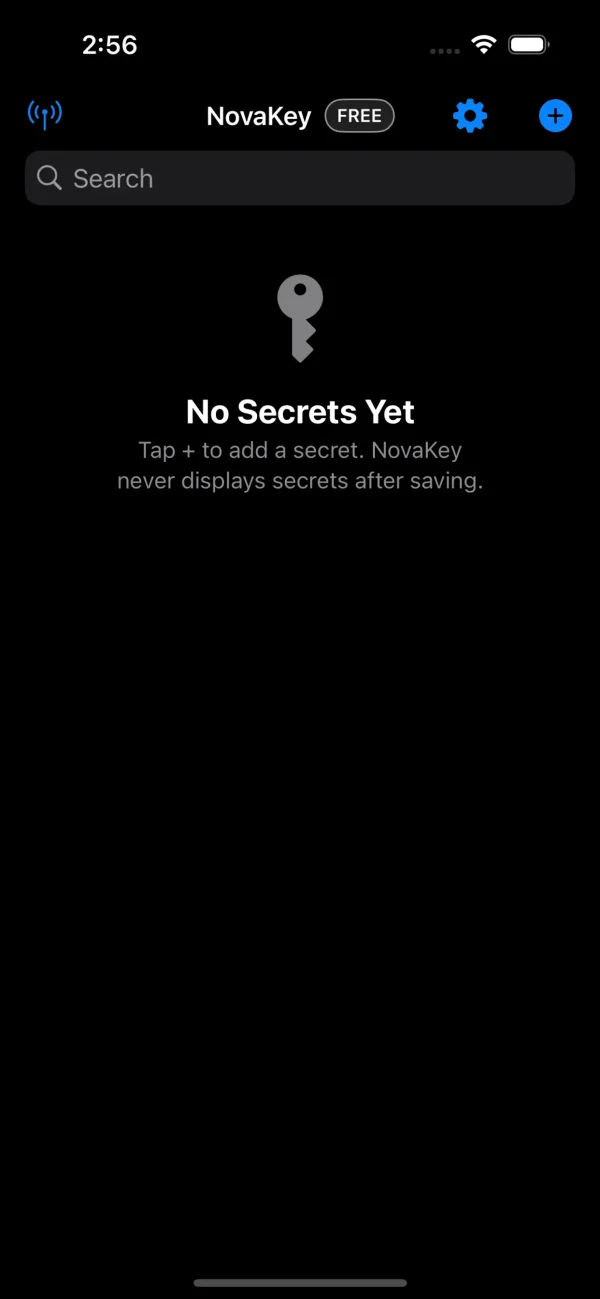
Tangkapan layar



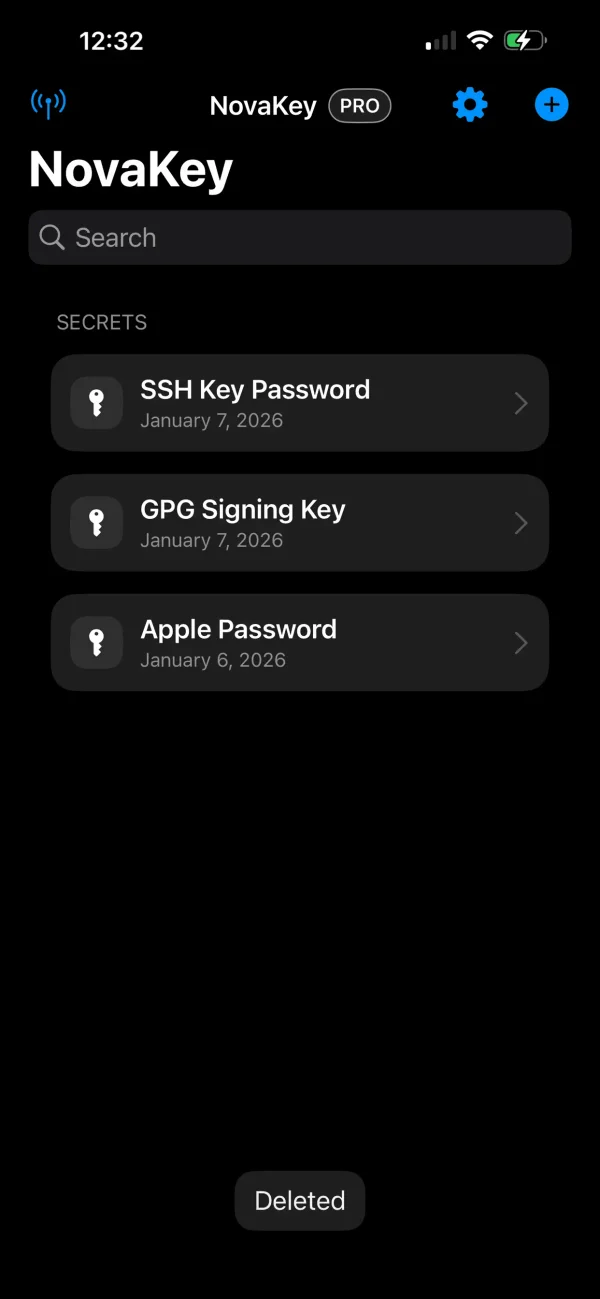
Tentang
Pengembang belum menyediakan teks ini dalam bahasa Anda.
NovaKey — Secure Password Sending
NovaKey lets you send passwords and other sensitive secrets from your iPhone to your computer without typing them on a keyboard.
Companion desktop app required!!!!
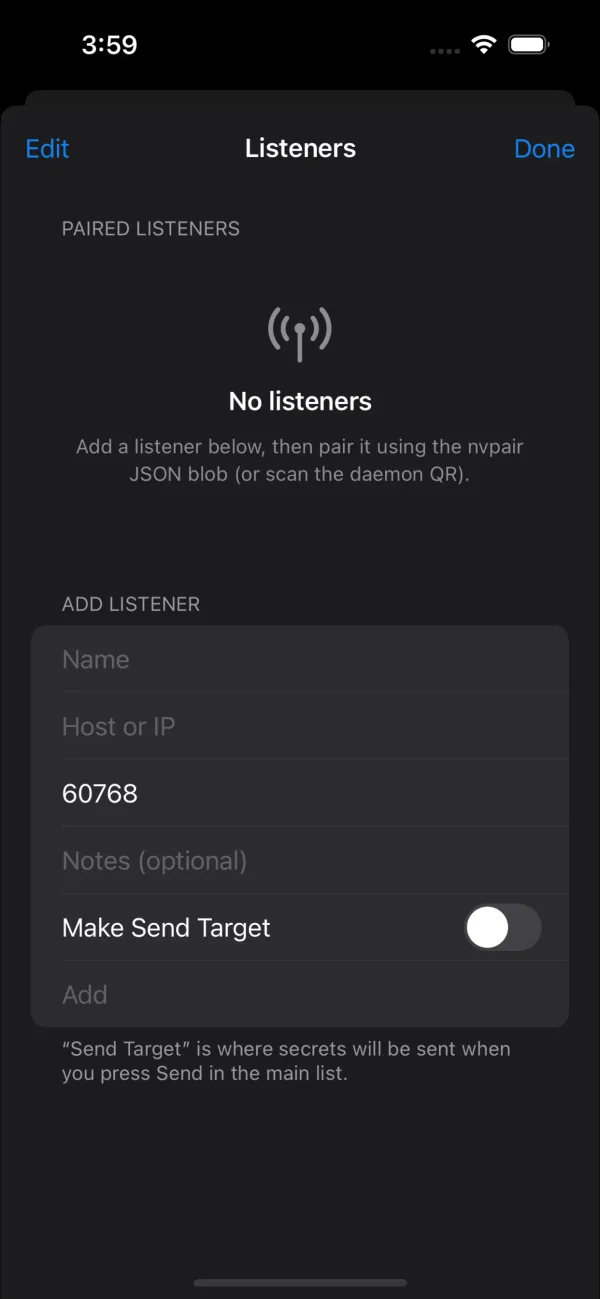
NovaKey works with NovaKey-Daemon, a free, open-source desktop companion for macOS, Windows, and Linux.
After installing the desktop companion, you pair once via QR code and can then send secrets securely whenever needed.
Setup instructions are available at https://novakey.app/en/latest/
Instead of typing secrets on a keyboard, NovaKey helps reduce exposure to keyloggers, screen recording, clipboard leaks, and shoulder surfing by keeping secrets on your phone and delivering them only when you explicitly approve.
HOW IT WORKS
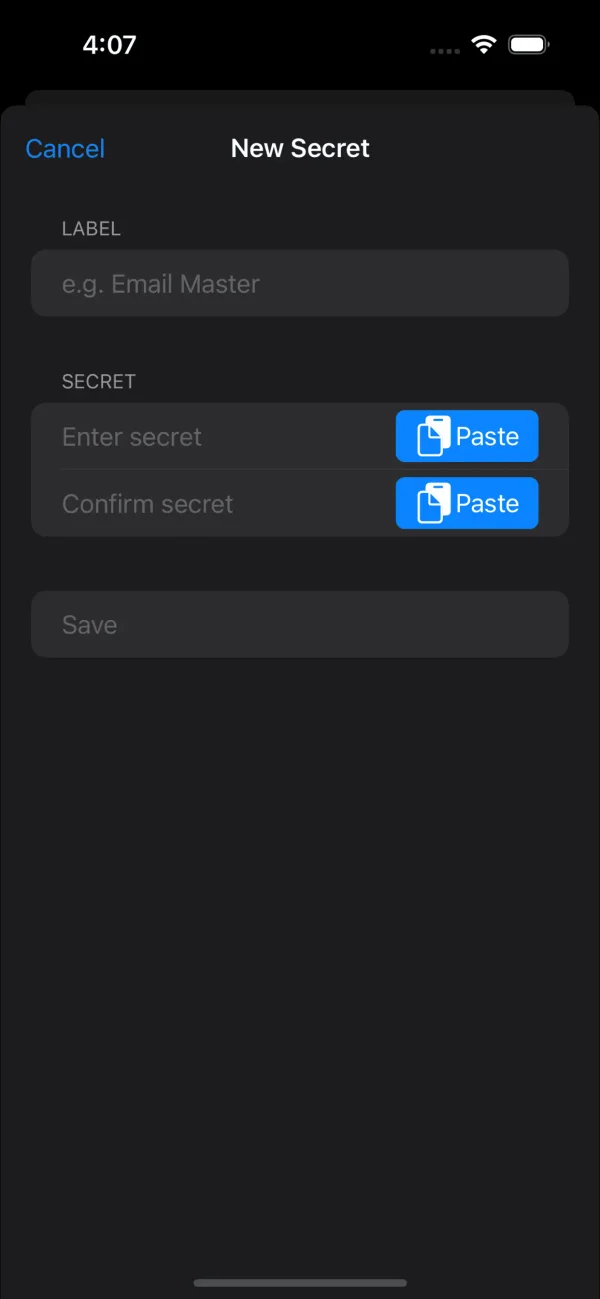
• Secrets are stored only on your iPhone and protected by the iOS Keychain
• Sending a secret requires Face ID or device passcode
• Secrets are sent on demand only to computers you explicitly pair with
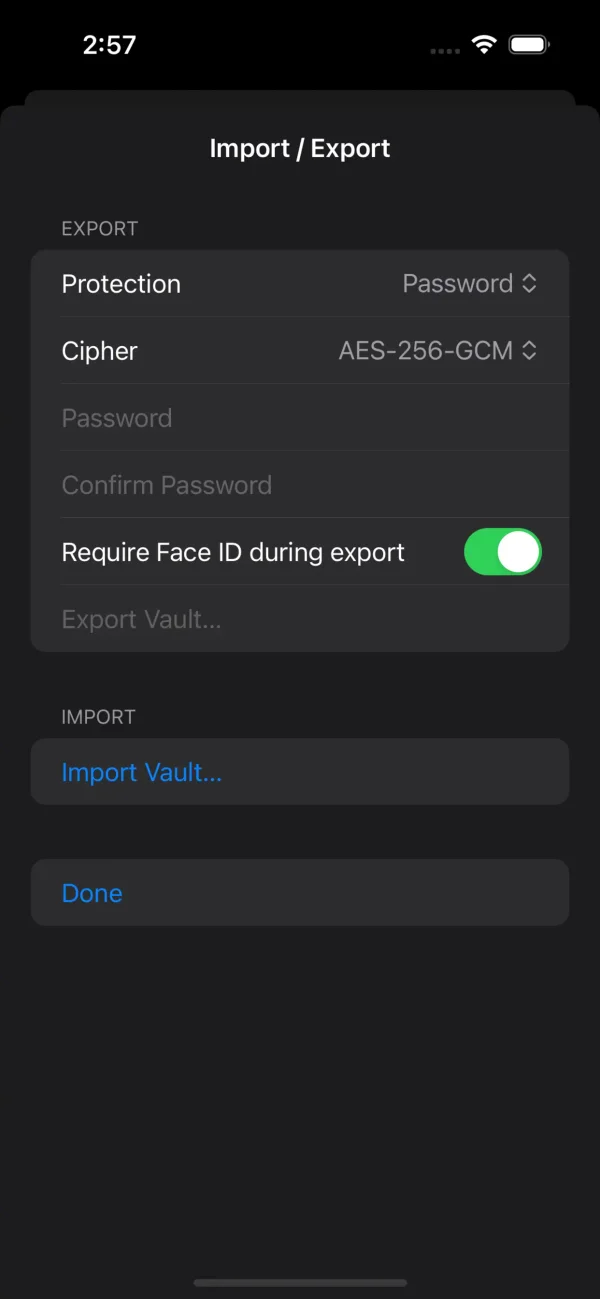
• Communication between paired devices is end-to-end encrypted and authenticated
• No cloud services, no user accounts, and no tracking
A computer receives a secret only at the moment it is requested and only if safety rules allow it.
DESIGNED FOR REAL-WORLD THREATS
NovaKey is designed for situations where typing passwords is risky or undesirable, such as:
• Keyloggers and untrusted keyboards
• Screen recording or remote desktop software
• Shoulder surfing in shared or public spaces
• Secure input fields that restrict paste
If direct typing is not possible, NovaKey can fall back to clipboard transfer with clear user visibility. There is no silent or automatic downgrade.
SAFETY FIRST
NovaKey supports optional safety controls on the computer, including:
• Arming (“push-to-type”) to prevent unattended sends
• Two-person approval requiring explicit confirmation
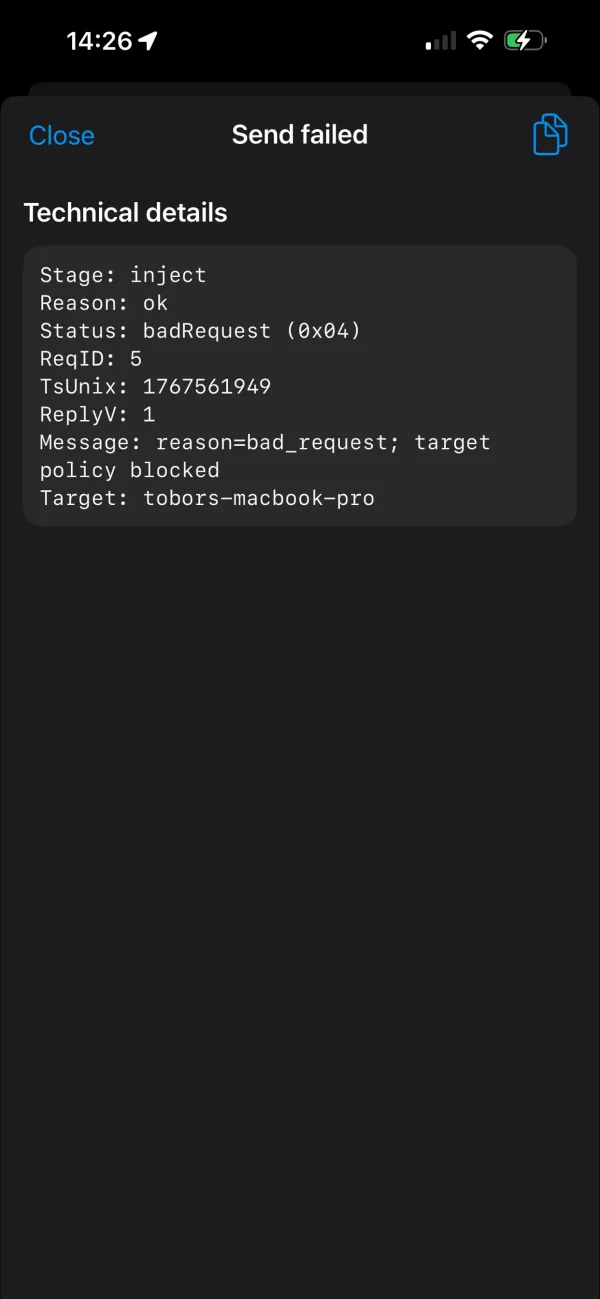
• Target restrictions to control where secrets may be delivered
Every send is intentional, visible, and user-controlled.
NO CLOUD. NO TRACKING. NO ANALYTICS.
NovaKey does not:
• Create user accounts
• Upload data to remote servers
• Collect analytics or identifiers
• Track users across apps or websites
Your secrets remain local to your devices.
WHO NOVAKEY IS FOR
• Security-conscious users
• Developers and administrators
• Anyone who wants to avoid typing high-value secrets
• Users who prefer local-first, explicit security tools
IMPORTANT NOTES
• NovaKey cannot protect against a fully compromised operating system
• Only pair with computers you trust
• Desktop behavior depends on operating system permissions and environment
NovaKey turns your iPhone into a secure, intentional input device for sensitive secrets.
Privasi aplikasi
Yang dinyatakan OsbornePro di App Store tentang cara aplikasi ini menangani data.
-
Data tidak dikumpulkan
Pengembang tidak mengumpulkan data apa pun dari aplikasi ini.
Praktik privasi dapat bervariasi, misalnya berdasarkan fitur yang Anda gunakan atau usia Anda.
Informasi
- Penjual
- OsbornePro
- Kategori
- Kegunaan
- Versi
- 1.0
- Diperbarui
- 20/1/2026
- Dirilis
- 20/1/2026
- Ukuran
- 3,7 MB
- Memerlukan
- iOS 17.2 atau yang lebih baru
- Batasan usia
- 4+
- Pembelian dalam aplikasi
- Ya
- Bahasa
- Inggris
- Hak cipta
- © OsbornePro