Noxpage: Dark Mode PDF Reader
Night reading, photos intact
Designed for iPhone, iPad, Mac
Free · In-app purchases
- Age rating4+
- CategoryProductivity
- DeveloperHasan Ustunel
- LanguagesEnglish+ 9 more
- Size25.1 MB
Links to the official App Store page
Download.org hosts no file of Noxpage: Dark Mode PDF Reader. The button opens its official App Store page, published by Hasan Ustunel. Listing last checked on Nov 24, 2026.
Screenshots
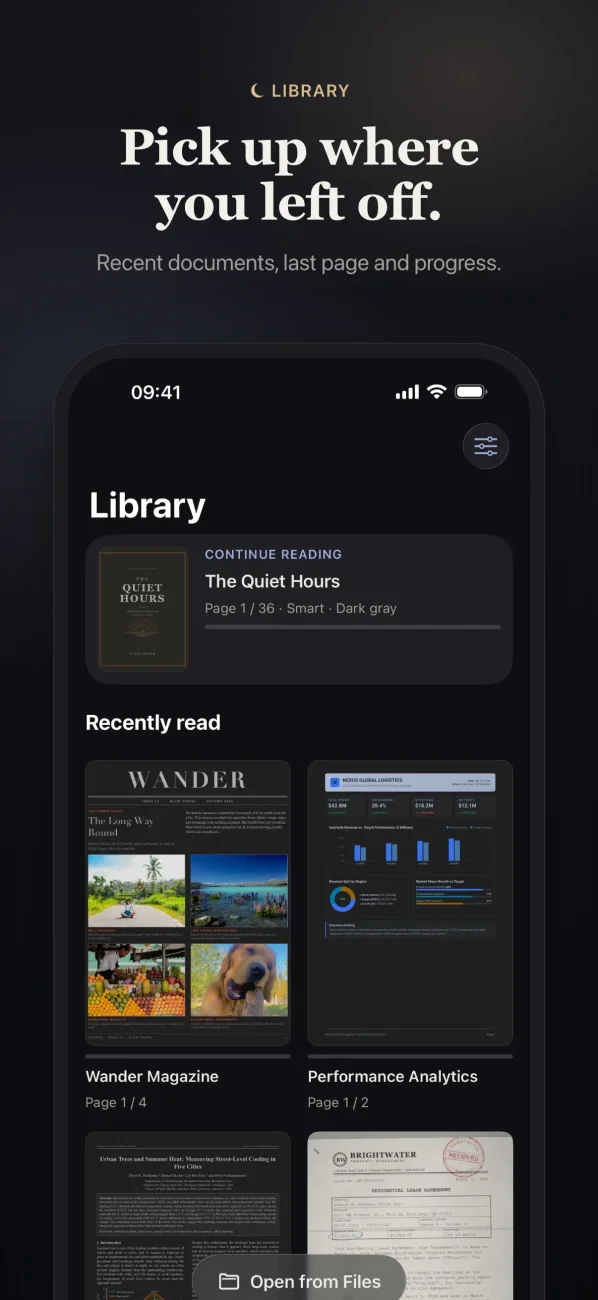
About
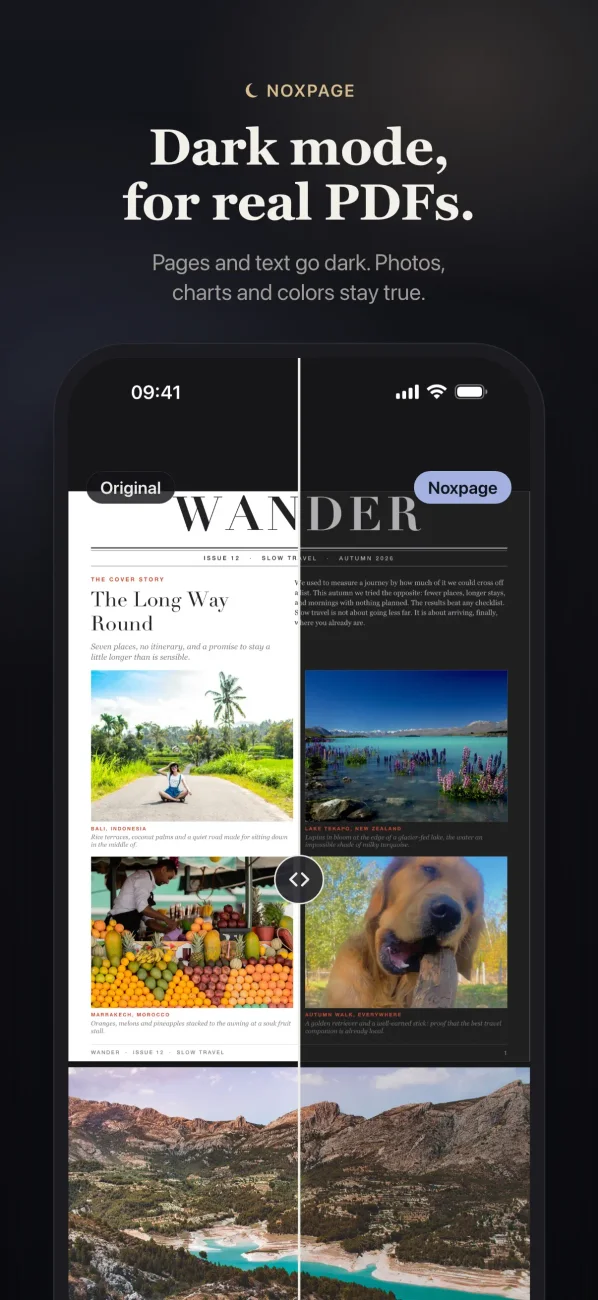
Noxpage is a PDF reader that truly goes dark.
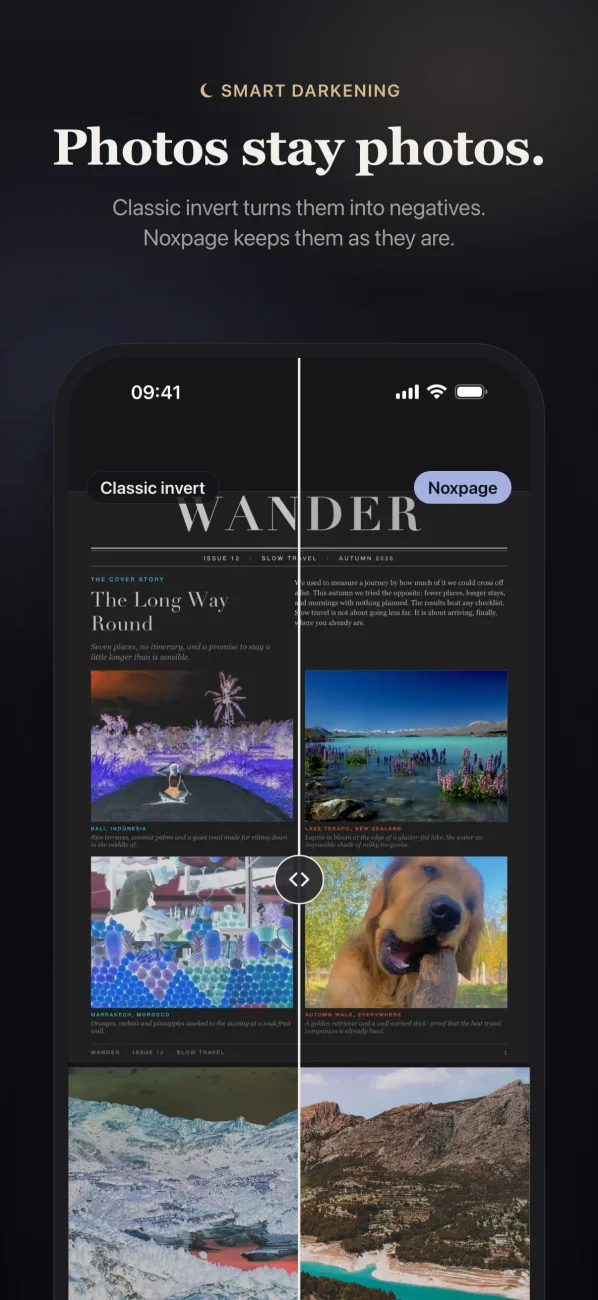
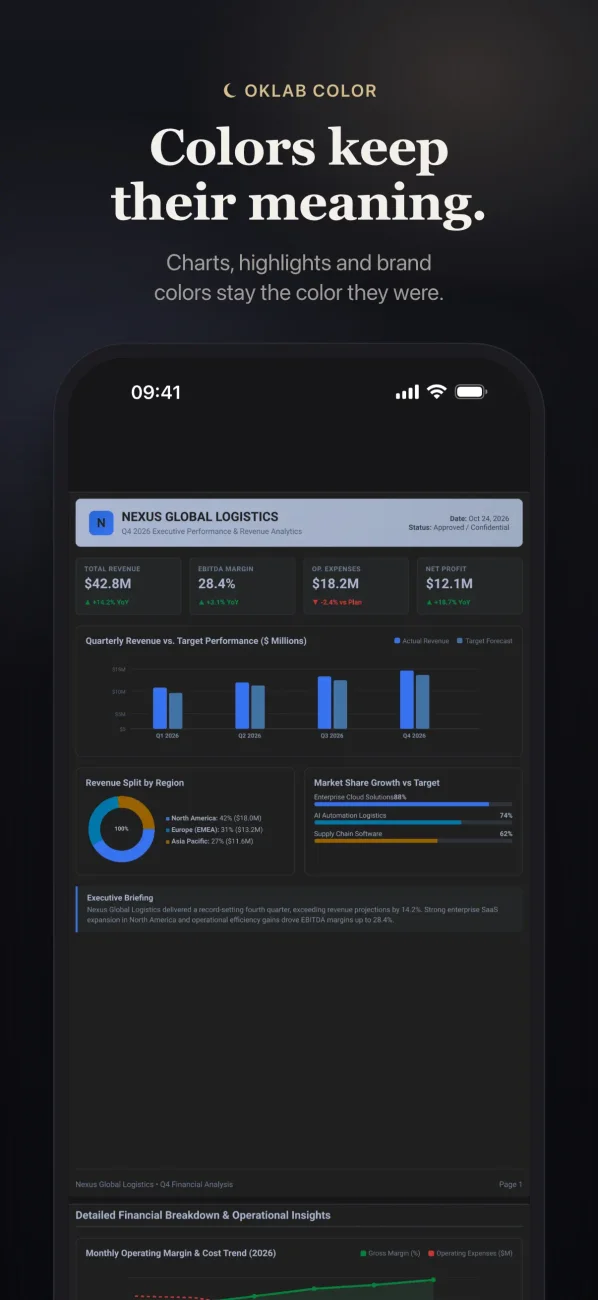
Most readers either leave the page bright white or invert everything, turning photos into negatives and charts into strange colors. Noxpage darkens the page and the text while keeping photos, charts and colors the way they were meant to look.
SMART DARKENING
• Pages and text are mapped in the OKLab color space, so a red line stays red and a blue link stays blue.
• Photos are detected and kept as photos, only gently dimmed.
• Diagrams and screenshots blend into the dark page instead of glowing as white boxes.
• Transparent images and pages that are already dark are recognized and left alone.
MADE FOR DAY AND NIGHT
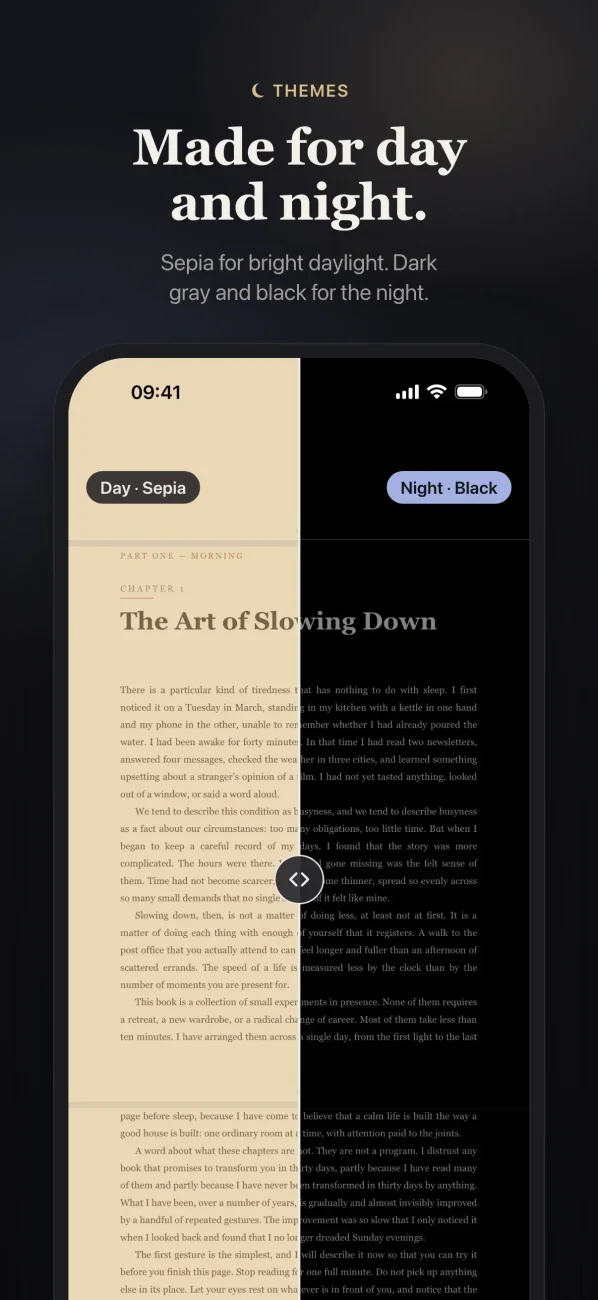
• Dark gray, black (OLED), sepia and light themes.
• Sepia for bright daylight, dark gray and black for the night.
• Contrast and brightness controls.
• Back to the original page in one tap, any time.
READ COMFORTABLY ON ANY SCREEN
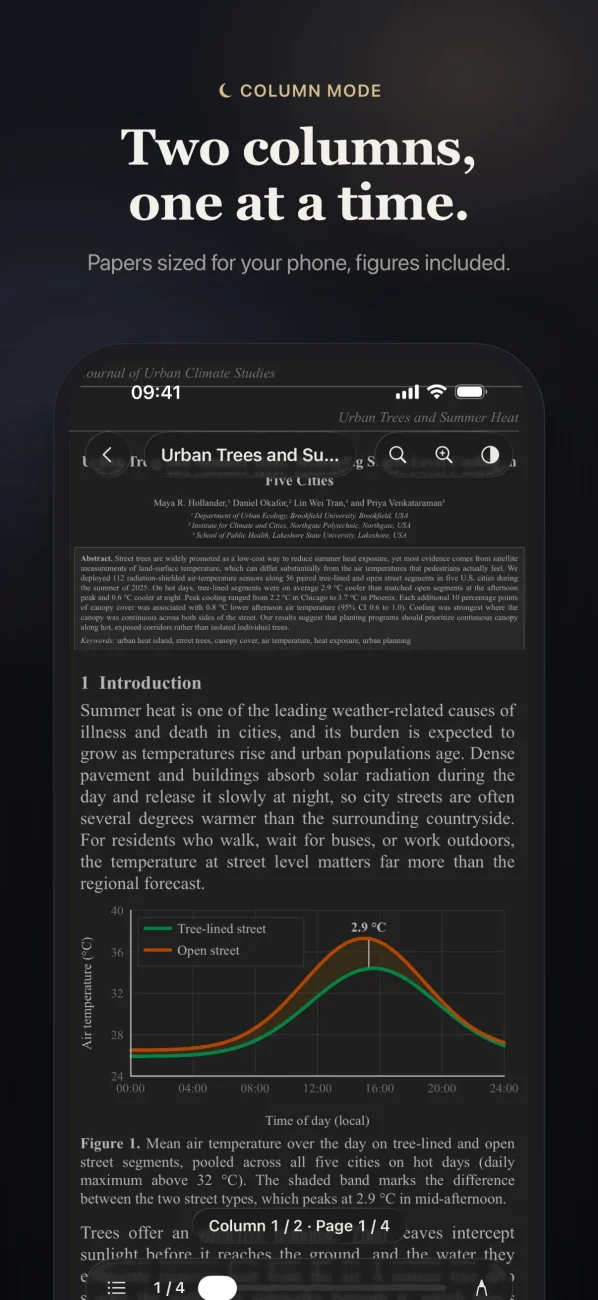
• Column mode shows two-column papers one column at a time, at full width.
• Margin trimming makes small text bigger.
• Single page mode for slides and books.
SCANNED DOCUMENTS
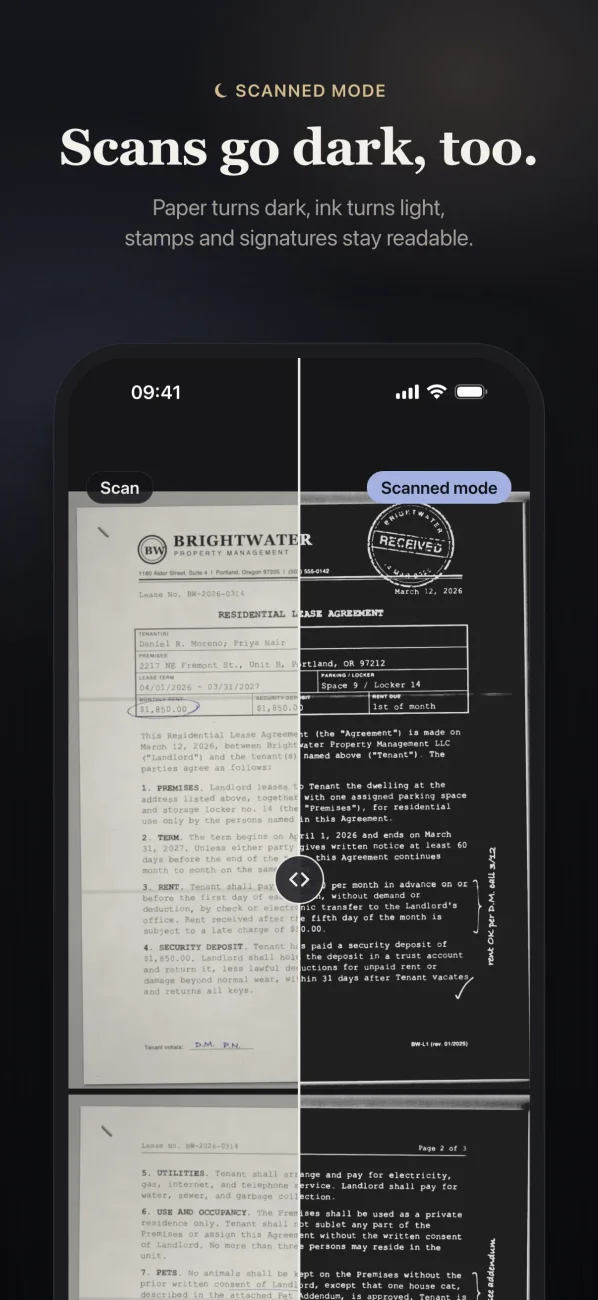
• Scanned mode turns paper dark and ink light, keeping stamps, signatures and photos readable.
EVERYTHING YOU NEED TO READ
• Search with highlighted results.
• Highlights and notes with colors tuned for dark pages (Pro).
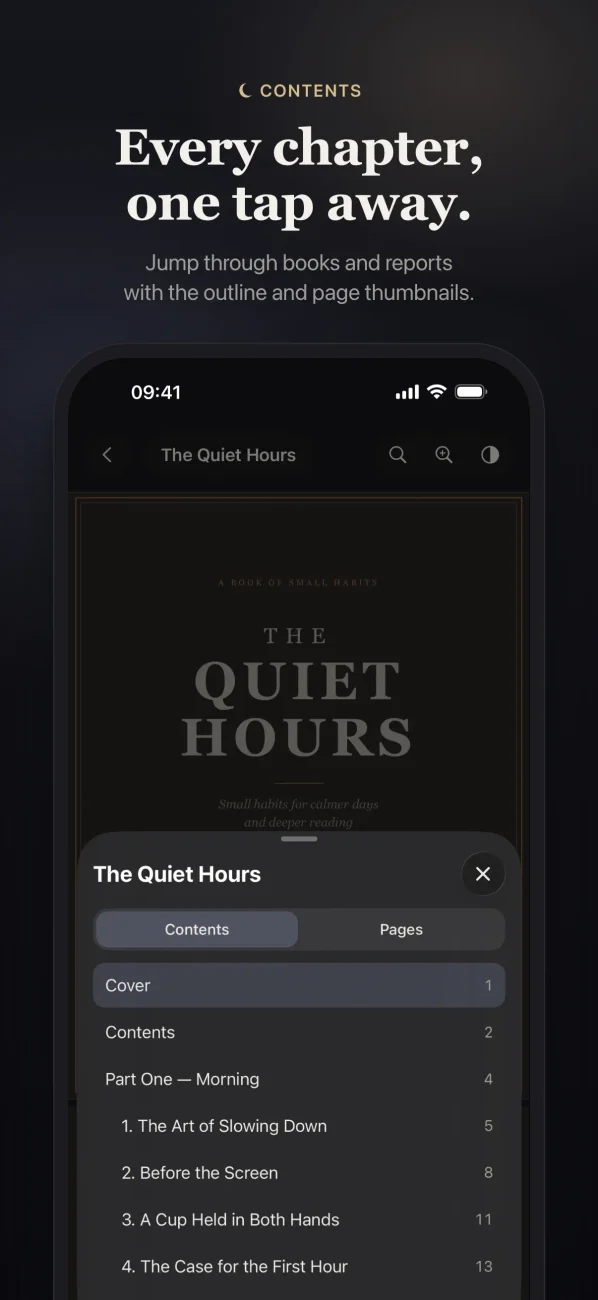
• Outline and page thumbnails.
• Instant translation of words and sentences, on device and offline.
• Library with your recent documents, last page and progress.
• Open from Files, Share and Open In. Quick Look previews on Mac.
FREE TO READ, PRO FOR QUALITY
Reading, search, outline, margin trimming and classic inversion are free. Noxpage Pro unlocks smart darkening, all themes, column mode, scanned mode, single page mode, highlights and notes, and unlimited translation (free users get one translation a day). Pro is a one-time purchase with no subscription, and it works on your iPhone, iPad and Mac.
Private by design: your documents never leave your device.
What’s new
Version 1.0.3 · Nov 23, 2026
New app icon. The rating link in Settings now opens the App Store. Performance improvements and bug fixes.
App privacy
What Hasan Ustunel declares on the App Store about how this app handles data.
-
Data not linked to you
May be collected but is not linked to your identity.
- Purchases
- Location
- User content
- Identifiers
- Usage data
- Diagnostics
Privacy practices may vary, for example with the features you use or your age.
Information
- Seller
- Hasan Ustunel
- Category
- Productivity
- Version
- 1.0.3
- Updated
- Nov 23, 2026
- Released
- Nov 2, 2026
- Size
- 25.1 MB
- Requires
- iOS 26.0 or later
- Age rating
- 4+
- Price
- Free
- In-app purchases
- Yes
- Languages
- English, French, German, Italian, Japanese, Portuguese, Russian, Simplified Chinese, Spanish, Turkish
- Copyright
- © 2026 Pixend Labs
You might also like
-
 LumadiaDark mode for PDFs and scans
-
 Eclipse: Dark Mode PDF ReaderNight-Friendly PDF Viewer
-
 Dawn Rhythm - Morning RoutineStop snoozing. Build your flow
-
 Dark PDF: Night Mode ReaderEye-Care Viewer for Documents
-
 Solid CalendarNatural Language Calendar
-
 XELOSProductivity
-
 Drawing On MapNotes, Sketches, Annotations
-
 Dark Reader: PDF ViewerRead PDF in Night Mode
-
 MultiTimer - Timer & StopwatchMultiple Timers & Stopwatches
-
 Zen Unarchiver:Zip Rar ExtractFast Zip 7Z RAR File Opener