
Eclipse: Dark Mode PDF Reader
Night-Friendly PDF Viewer
Designed for iPhone, iPad
Free · In-app purchases
- Age rating4+
- CategoryProductivity
- DeveloperBurak ANI
- LanguagesEnglish
- Size20.2 MB
Links to the official App Store page
Download.org hosts no file of Eclipse: Dark Mode PDF Reader. The button opens its official App Store page, published by Burak ANI. Listing last checked on Nov 13, 2026.
Screenshots


About
Hate reading PDFs at night? So did we.
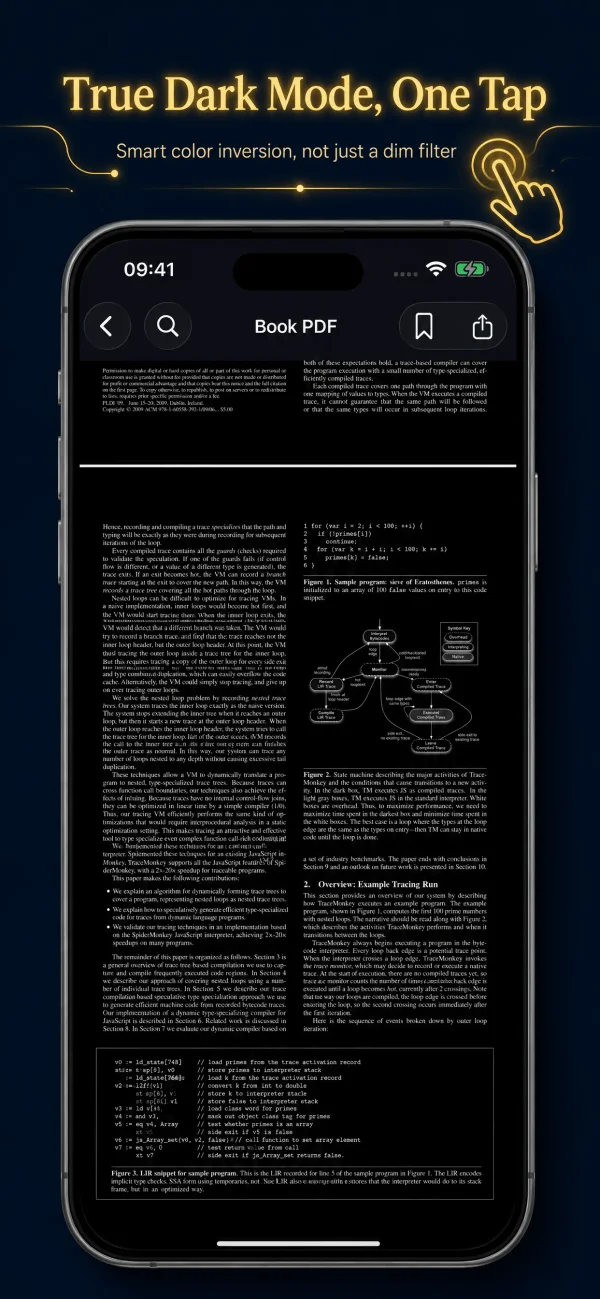
Eclipse is the dark mode PDF reader your eyes have been waiting for. One tap transforms any PDF into a beautiful, eye-friendly dark document — no more blinding white backgrounds in bed, on the couch, or during late-night study sessions.
TRUE DARK MODE — NOT A FILTER
Most apps just dim your screen. Eclipse is different. Our smart color inversion engine flips the actual content — white becomes black, black becomes white — giving you a true OLED-friendly dark reading experience that saves battery and protects your eyes.
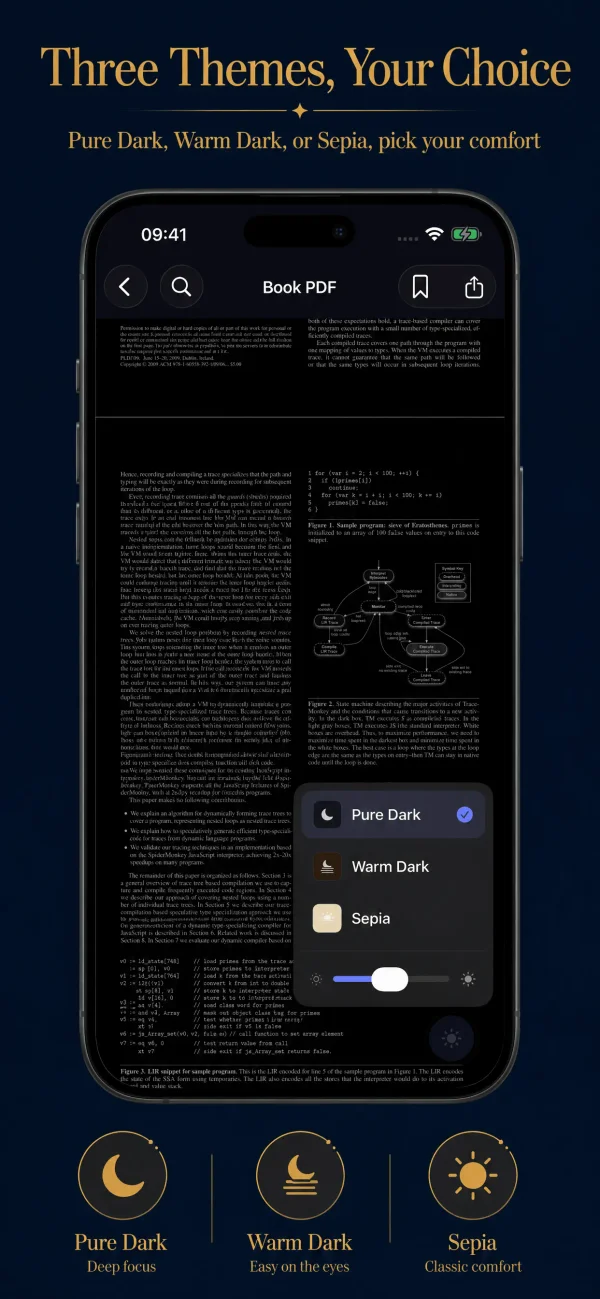
Choose from three reading themes:
◆ Pure Dark — Full inversion, maximum contrast, perfect for OLED
◆ Warm Dark — Soft tones for relaxed reading (Pro)
◆ Sepia — Paper-like warmth for long sessions (Pro)
ANNOTATE & MARK UP YOUR DOCUMENTS
Eclipse isn't just a viewer — it's your complete PDF workspace:
◆ Highlight text with a translucent highlighter
◆ Draw freehand with pen, marker, or highlighter tools
◆ Pick from multiple colors and adjust line thickness
◆ Undo strokes and erase individual annotations
◆ All changes are saved directly to the PDF file
SMART READING FEATURES
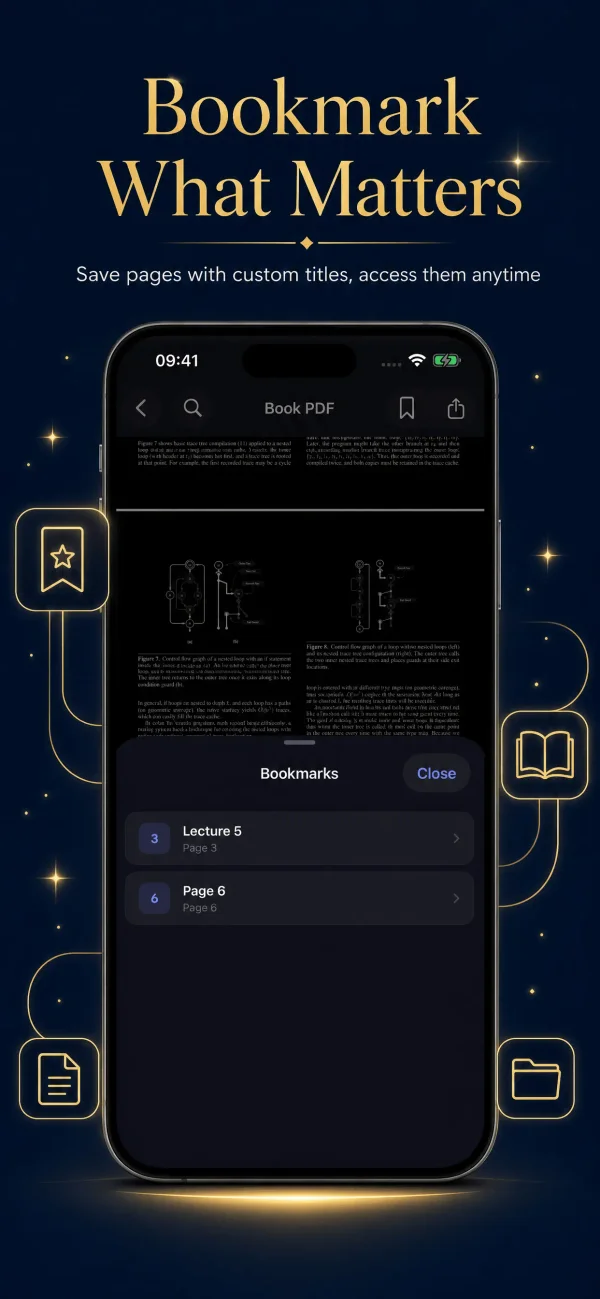
◆ Bookmark any page with a custom title
◆ Full-text search across your entire document
◆ Go-to-page navigation for quick access
◆ Reading progress bar with page tracking
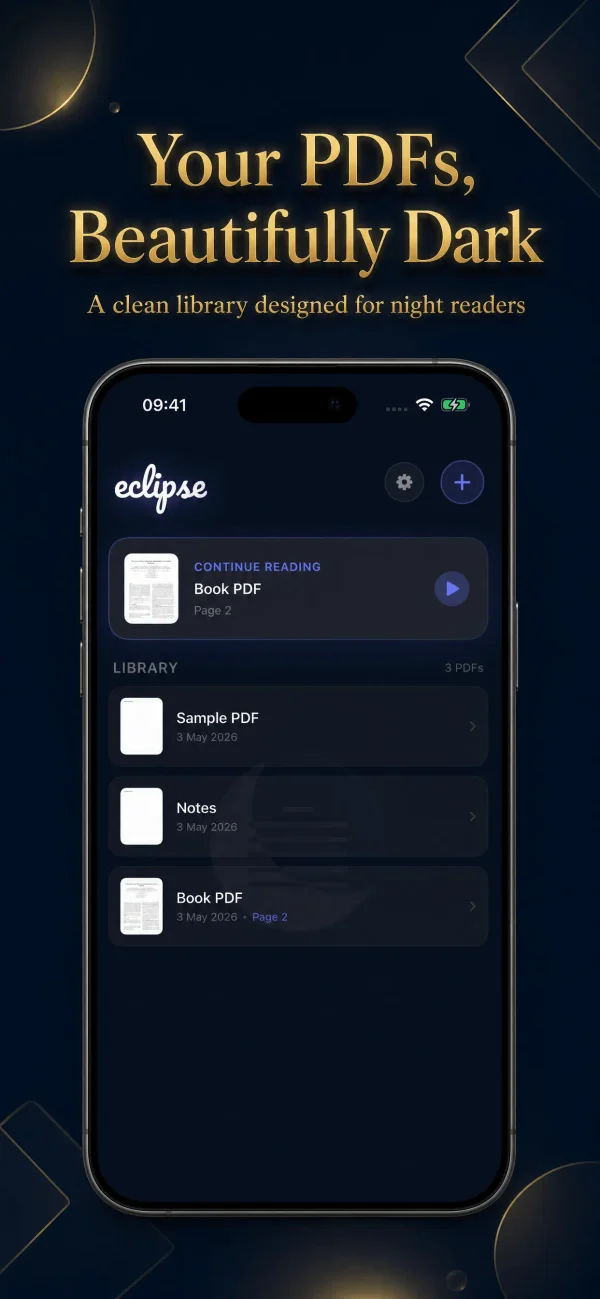
◆ Continue Reading — pick up exactly where you left off
◆ Screen brightness control built right in
◆ Share PDFs directly from the reader
YOUR LIBRARY, ORGANIZED
◆ Import PDFs from Files, iCloud, email, or any app
◆ Thumbnail previews for every document
◆ Search your library by file name
◆ Delete documents with a long-press
◆ Clean, elegant interface — no clutter, no distractions
100% PRIVATE. ALWAYS.
Your PDFs never leave your device. No cloud uploads. No servers. No analytics. No tracking. Everything happens on-device. We can't see your documents even if we wanted to.
FREE TO USE — PRO FOR POWER READERS
Eclipse is free with Pure Dark mode. Upgrade to Eclipse Pro to unlock Warm Dark & Sepia themes, bookmarks, and annotation tools.
◆ Monthly: $1.99/month
◆ Lifetime: $4.99 — one-time, forever
No ads. No data collection. Just reading, the way it should be.
Download Eclipse today and never read a blinding white PDF again.
Terms of Use: https://burakani.github.io/eclipse-legal/terms.html
Privacy Policy: https://burakani.github.io/eclipse-legal/privacy.html
App privacy
What Burak ANI declares on the App Store about how this app handles data.
-
Data not collected
The developer does not collect any data from this app.
Privacy practices may vary, for example with the features you use or your age.
Information
- Seller
- Burak ANI
- Category
- Productivity
- Version
- 1.0
- Updated
- May 6, 2026
- Released
- May 6, 2026
- Size
- 20.2 MB
- Requires
- iOS 17.0 or later
- Age rating
- 4+
- Price
- Free
- In-app purchases
- Yes
- Languages
- English
- Copyright
- © 2026 Eclipse App. All rights reserved.
You might also like
-
 DarkPaper: Dark Mode PDFNight reader for papers, books
-
 Dark PDF: Night Mode ReaderEye-Care Viewer for Documents
-
 Dark Reader: PDF ViewerRead PDF in Night Mode
-
 LumadiaDark mode for PDFs and scans
-
 Noxpage – Dark PDF ReaderSmart dark mode for any PDF
-
 PolyInvertProductivity
-
 Bookil - PDF Library & ReaderReading Made Easier
-
 Hardwire: Habits & DisciplineTasks, focus timer & streaks
-
 RichdownMarkdown editor · GitHub-ready
-
 PickformiProductivity