- Age rating4+
- CategoryProductivity
- DeveloperMICHAEL G DEERFIELD
- LanguagesEnglish
- Size5.0 MB
Links to the official App Store page
Download.org hosts no file of Nucleus - Field Manager. The button opens its official App Store page, published by MICHAEL G DEERFIELD. Listing last checked on Nov 20, 2026.
Screenshots


About
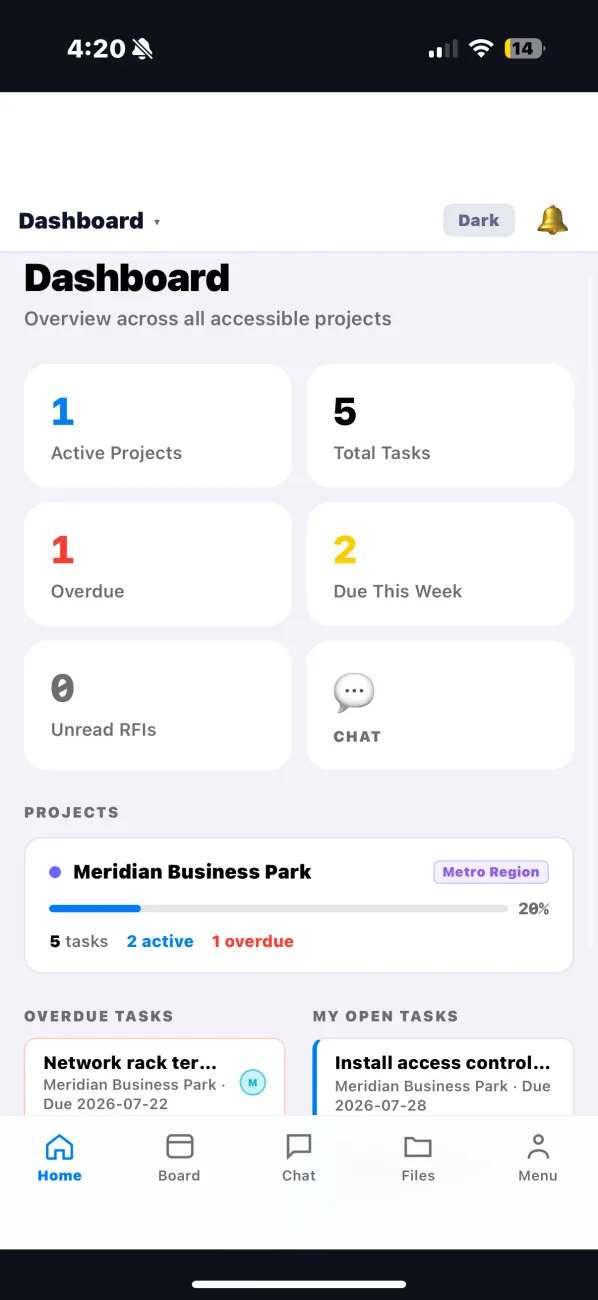
Nucleus - Field Manager is field project management built by people who've actually pulled wire, terminated panels, and chased down change orders — not generic task software retrofitted for construction.
TRACK EVERY DEVICE, NOT JUST EVERY TASK
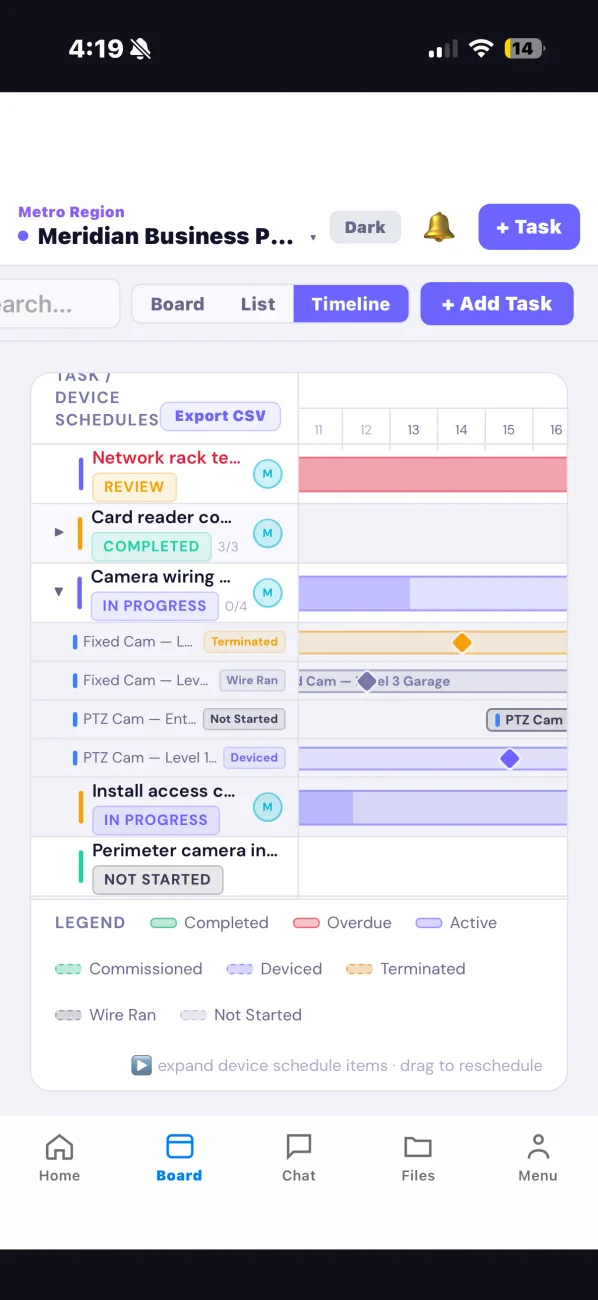
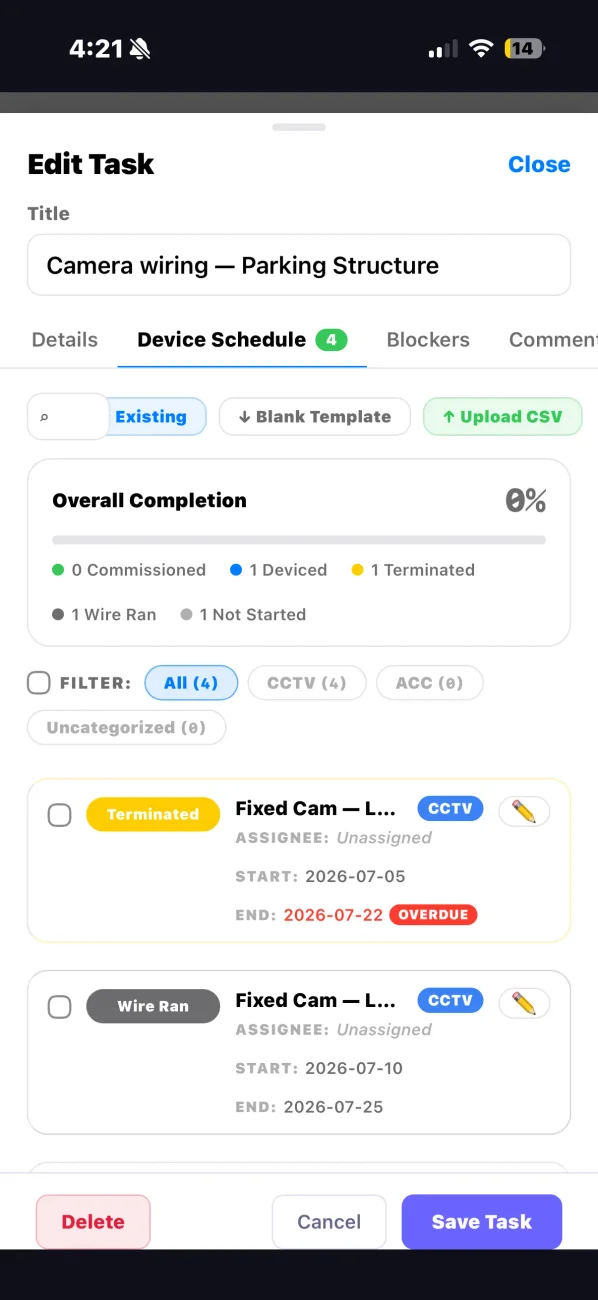
Most project tools stop at "task complete." Nucleus tracks every camera, reader, and panel through its real installation lifecycle — Wire Ran, Terminated, Deviced, Commissioned — so you always know exactly what's left before a job can close out.
BOARD, LIST, OR TIMELINE — YOUR CALL
Work the way your team already thinks: a Kanban board for daily flow, a list view for detail, or a full project timeline showing device-level progress alongside task schedules.
FINANCIALS THAT ACTUALLY MATCH THE FIELD
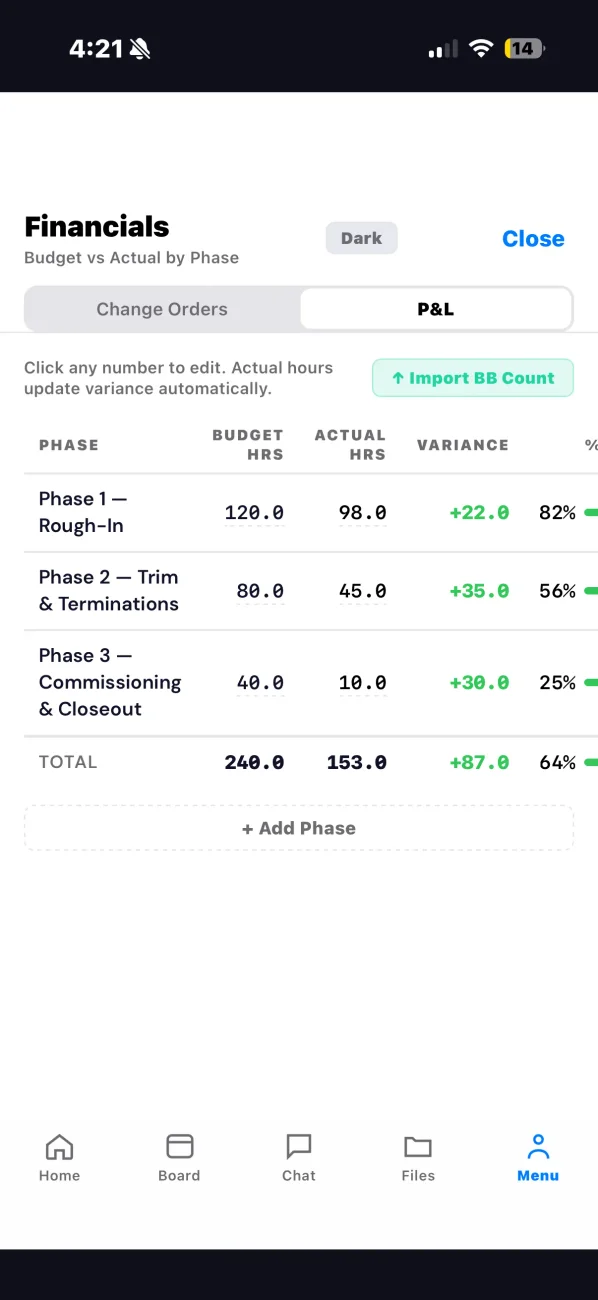
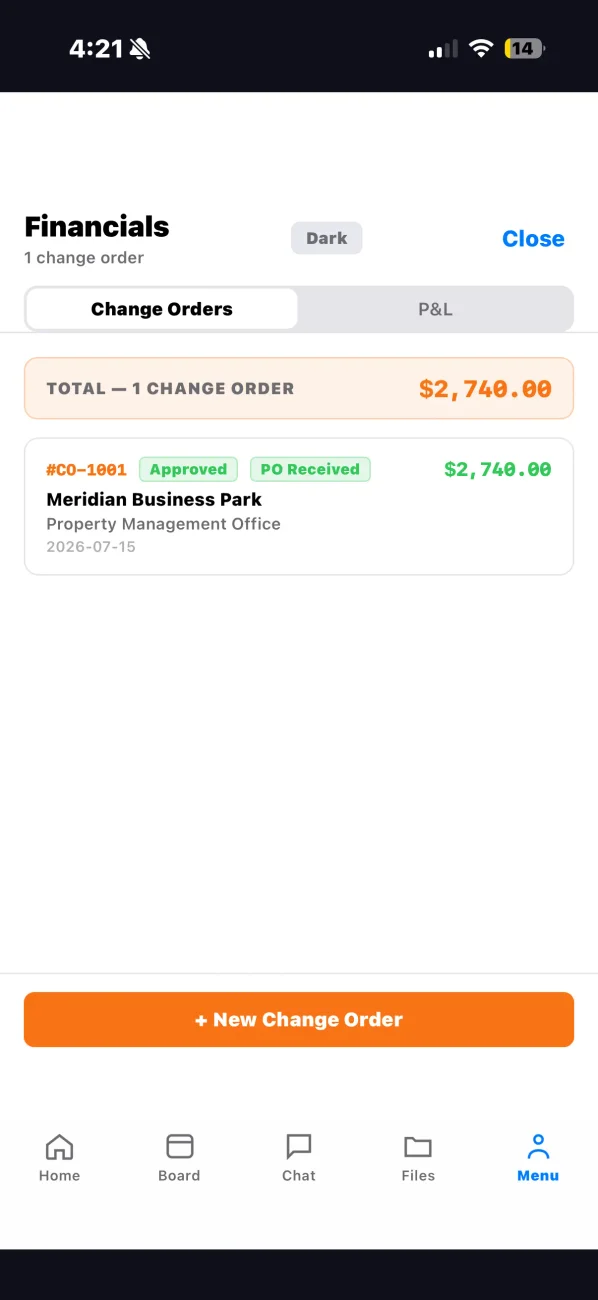
Change orders with real labor/material/rental line-item math, PO tracking from submission through received, and budget-vs-actual P&L by phase — built around how low-voltage and security integrators actually bill.
PROCUREMENT WITHOUT THE SPREADSHEET
Track parts ordered vs. received, by distributor and PO number, so nothing falls through the cracks between the office and the warehouse.
BUILT FOR HOW CREWS ARE ACTUALLY STRUCTURED
Role-based access from Admin down to Technician — a Foreman sees what a Foreman needs, a Technician sees exactly their assigned tasks, nothing more.
STAY IN SYNC IN THE FIELD
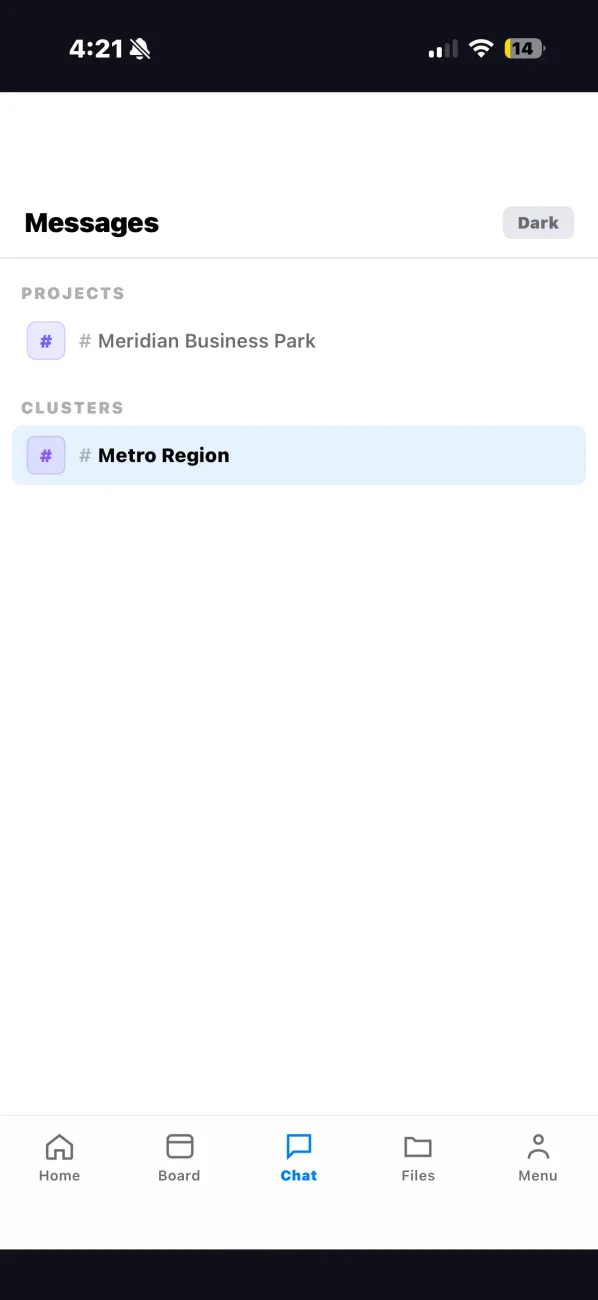
Real-time chat, push notifications for assignments and status changes, and a full audit trail of who changed what and when.
Whether you run security integration, structured cabling, AV, or any low-voltage trade, Nucleus is built around the real lifecycle of a device install — not adapted from software meant for something else.
What’s new
Version 1.1 · Aug 23, 2026
- Fixed an issue where certain team members couldn't save task and device status updates
- Foreman and Jr. Foreman roles now have full visibility and control across their entire job's device schedule
- Fixed blockers not saving correctly for some roles when added or removed
- Task comments now wrap properly instead of running off-screen
- Fixed device schedule search results not being visible while typing
- Added notifications when an RFI is submitted or answered
- Program Sheets now support Current/Draft/Old version tracking, with older versions automatically archived when a new one is uploaded
- Program Sheets (Excel files) can now be viewed directly in the app instead of requiring a download
- New Job Progress report: see overall job completion percentage and a phase-by-phase breakdown at a glance
- General performance, stability, and security improvements
App privacy
What MICHAEL G DEERFIELD declares on the App Store about how this app handles data.
-
Data linked to you
May be collected and linked to your identity.
- Purchases
- Contact info
- User content
- Identifiers
Privacy practices may vary, for example with the features you use or your age.
Information
- Seller
- MICHAEL G DEERFIELD
- Category
- Productivity
- Version
- 1.1
- Updated
- Aug 23, 2026
- Released
- Aug 6, 2026
- Size
- 5.0 MB
- Requires
- iOS 15.0 or later
- Age rating
- 4+
- Price
- Free
- Languages
- English
- Copyright
- © 2026 Nucleus Innovations
You might also like
-
 My Tasks: To Do List & PlannerTo-Do List & Reminders
-
 OvrCProductivity
-
 SurveyCTO CollectFill out your SurveyCTO forms
-
 BluebeamField app for PDF workflows
-
 Voice Recorder, Voice Memos ®Speech to Text & Transcription
-
 Flowdia DiagramsFlowchart & Diagramming
-
 LazyMonkey: Agenda & PlannerWeekly Calendar, Tasks & Notes
-
 MyASUSASUS Support
-
 BimmerLinkProductivity
-
 Calendar · Planner & RemindersTasks, Agenda & To Do List AI