
- Age rating4+
- CategoryUtilities
- DeveloperNazmus Shakib Sayom
- LanguagesEnglish
- Size40.0 MB
Links to the official App Store page
Download.org hosts no file of Obadh. The button opens its official App Store page, published by Nazmus Shakib Sayom. Listing last checked on Nov 17, 2026.
Screenshots

About
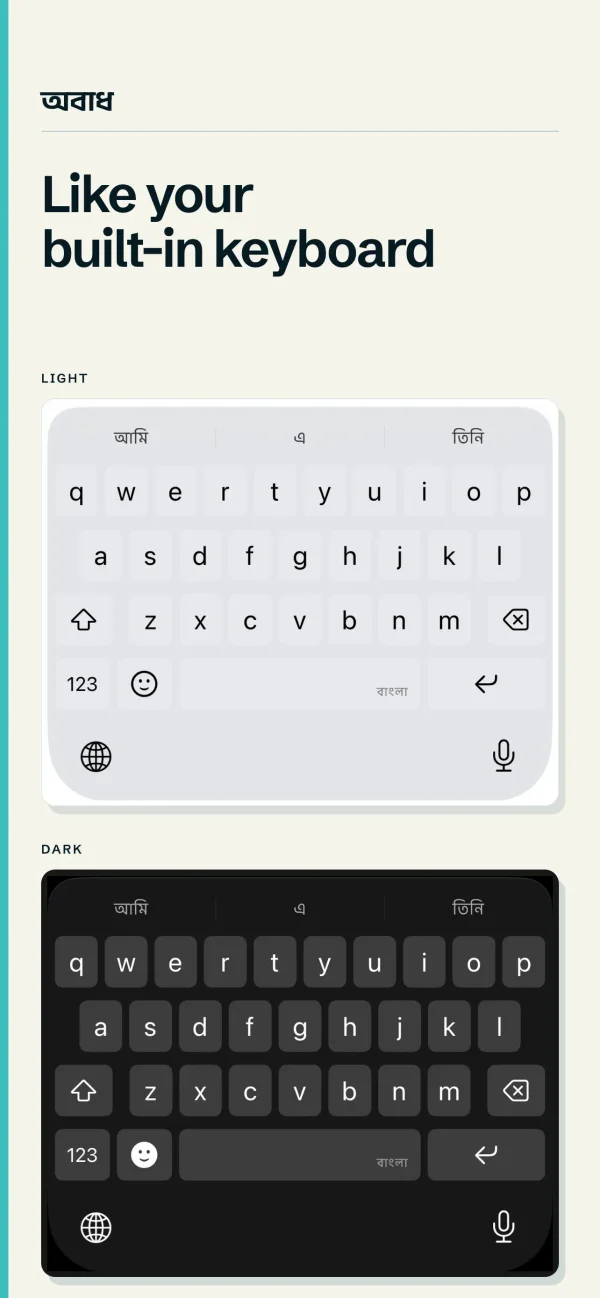
Obadh is a free Bangla keyboard for iPhone and iPad that looks and acts exactly like Apple's default keyboard. The keys match the system layout perfectly across all device sizes, whether you use portrait, landscape, light mode, or dark mode. iPad users can flick down on a key to type numbers and symbols, just like they do on the built-in keyboard. There is nothing new you have to learn to use it.
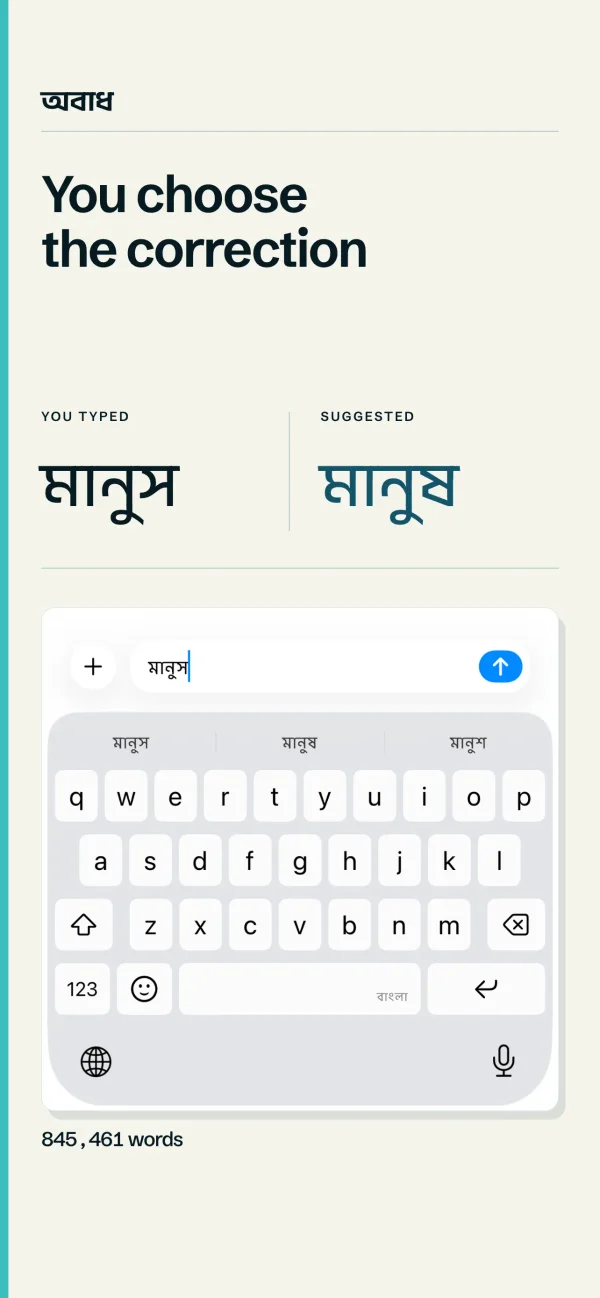
It runs fast on both new and older phones, so you never have to wait for the keyboard to catch up to your fingers. The autocorrect uses a dictionary of over 845,000 Bangla words, alongside the English words people normally mix in. Instead of forcing corrections, what you type stays first in the suggestion strip. Your text only changes if you specifically tap a correction. Over time, the keyboard learns your slang, names, and brands to offer them as suggestions later.
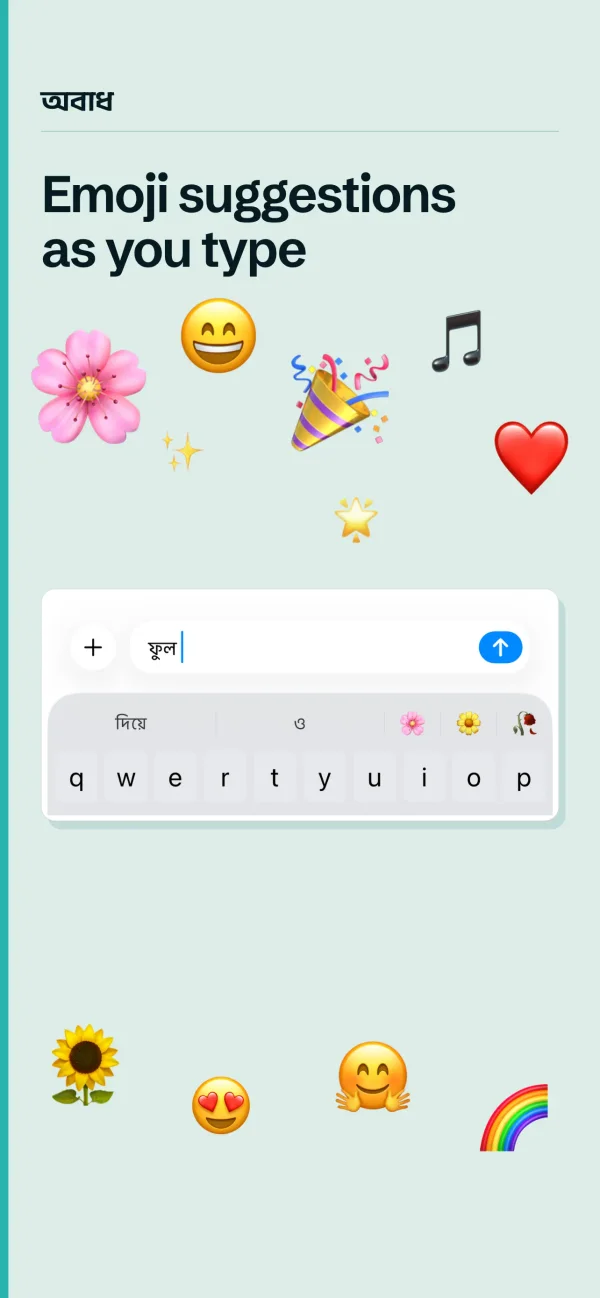
Typing Bangla words will also bring up the matching emoji in the suggestion strip, and there is a searchable emoji keyboard built right in. Obadh is entirely free and open-source under the MIT license, with no ads, subscriptions, or logins required. When you download it, the app walks you through the setup steps. Turning on Full Access is optional, but you will need it if you want haptic feedback and for the keyboard to remember your custom words.
What’s new
Version 1.0.1 · Sep 28, 2026
Smarter English-to-Bangla Typing: Pressing Space now automatically converts English loanwords to their natural Bangla spelling. Want to keep the exact literal word? Just tap the quoted option in the suggestion bar.
Satisfying Typing Sounds: Enjoy new acoustic feedback while you type, featuring unique clicks for special keys. These perfectly respect your phone's Silent Mode, and you can easily toggle them off in settings if you prefer quiet typing.
A Polished Look & Feel: We've refined the keyboard's appearance with better text sizing, enhanced accessibility, and smoother touch handling to help prevent accidental typos when typing quickly.
Flawless Conjunct Spellings: Our updated Bangla typing engine fixes tricky word combinations (like র্য and ট্র্য) so your text comes out perfectly every time.
Easier Shortcuts: Typing ৎ is now as simple as pressing "tq", and we've smoothed out the backspace behavior to make editing faster.
Better Core Performance: Haptic feedback and typing sounds now work seamlessly, even if you haven't enabled Full Access.
App privacy
What Nazmus Shakib Sayom declares on the App Store about how this app handles data.
-
Data not collected
The developer does not collect any data from this app.
Privacy practices may vary, for example with the features you use or your age.
Information
- Seller
- Nazmus Shakib Sayom
- Category
- Utilities
- Version
- 1.0.1
- Updated
- Sep 28, 2026
- Released
- Sep 24, 2026
- Size
- 40.0 MB
- Requires
- iOS 18.0 or later
- Age rating
- 4+
- Price
- Free
- Languages
- English
- Copyright
- © 2026 Unmukto
You might also like
-
 Lekhi - Avro Phonetic KeyboardPhonetic Bengali & Mechanical
-
 Abu Sayed — Bangla KeyboardPrivate, offline Bangla typing
-
 Tellkey: Voice KeyboardVoice typing in any app
-
 Indicon: Handwriting KeyboardWrite in Indian Languages
-
 AI Voice Keyboard: DictationTalk to Type & AI Dictation
-
 TAME Storage AnalyzerStorage cleaner and analyzer
-
 Dust Asst - CPU MasterMeasure real cpu frequency
-
 Land Area Calculator & SurveyUtilities
-
 Photo Swipe: Clean GallerySave Space and Keep clean
-
 Speable: Speech to Text NotesVoice memos, rewritten by AI