
OBD Ninja
View and Log Driving Data Live
Designed for iPhone, iPod touch
Free · In-app purchases
- Age rating4+
- CategoryTravel
- DeveloperSKYPHIC STUDIO
- LanguagesEnglish+ 8 more
- Size48.7 MB
Links to the official App Store page
Download.org hosts no file of OBD Ninja. The button opens its official App Store page, published by SKYPHIC STUDIO. Listing last checked on Nov 23, 2026.
Screenshots


About
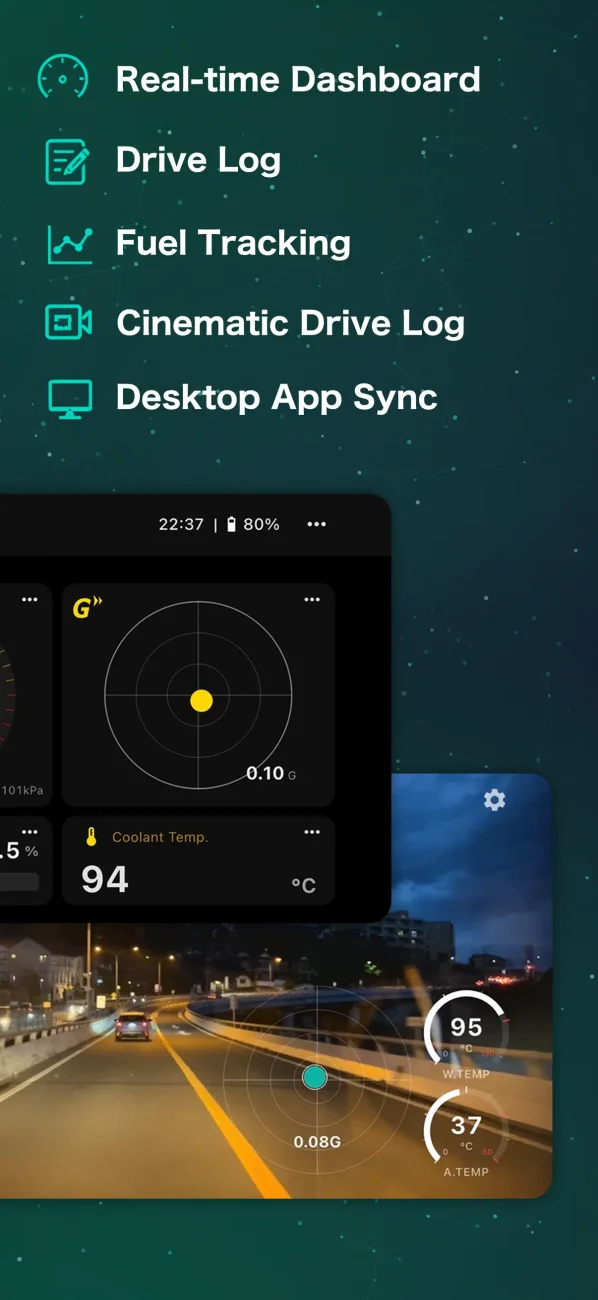
OBD Ninja turns your car into a smart cockpit. Connect a Bluetooth LE ELM327 OBD2 adapter and see your car's hidden data come alive — speed, RPM, fuel economy, estimated horsepower, G-force, coolant temperature, and more — in beautiful real-time dashboards.
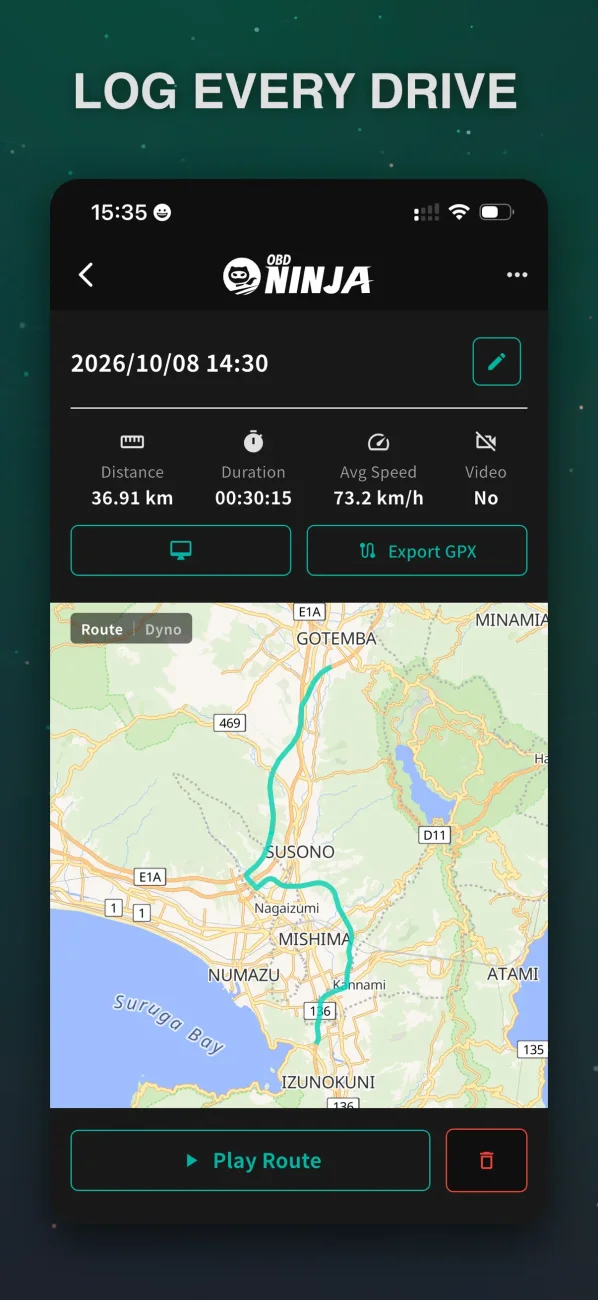
From the daily commute to a weekend touge run, OBD Ninja captures every drive with telemetry, GPS routes, and video overlays you can replay anytime.
▼ KEY FEATURES
■ GT View — Drive Recording with Telemetry Overlay
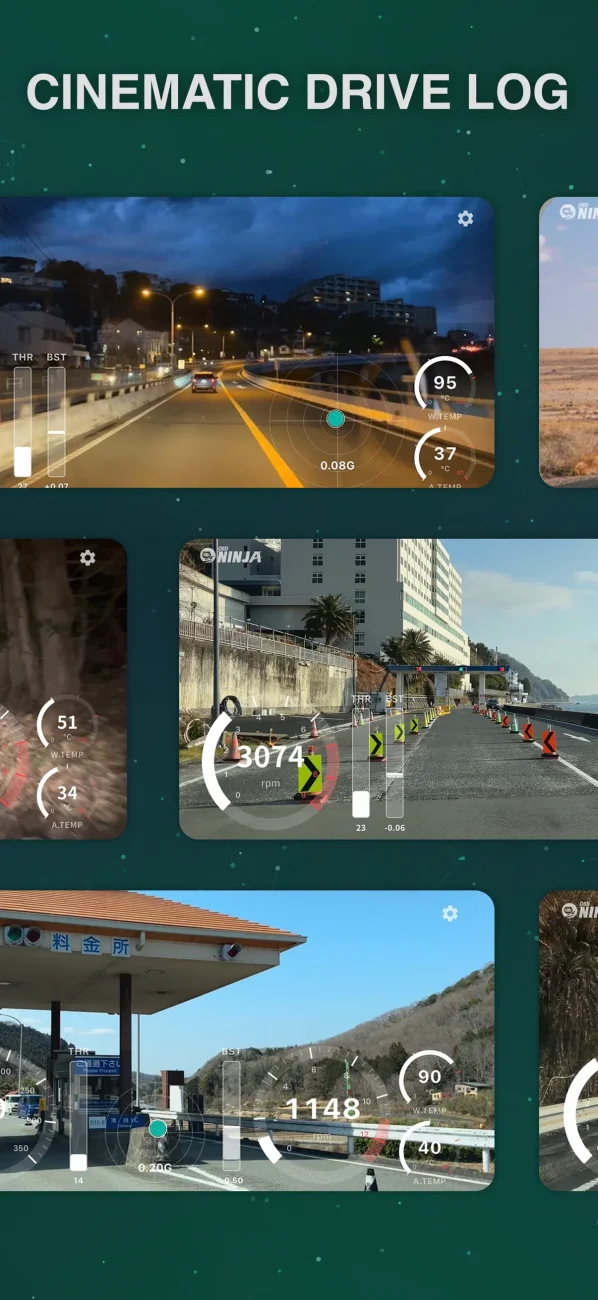
Record drives with live OBD2 data, speed, G-meter, and gauges burned into the video. The racing-sim inspired HUD turns each clip into a shareable cockpit-cam reel. Playback at up to 8x.
■ Real-Time Dashboard
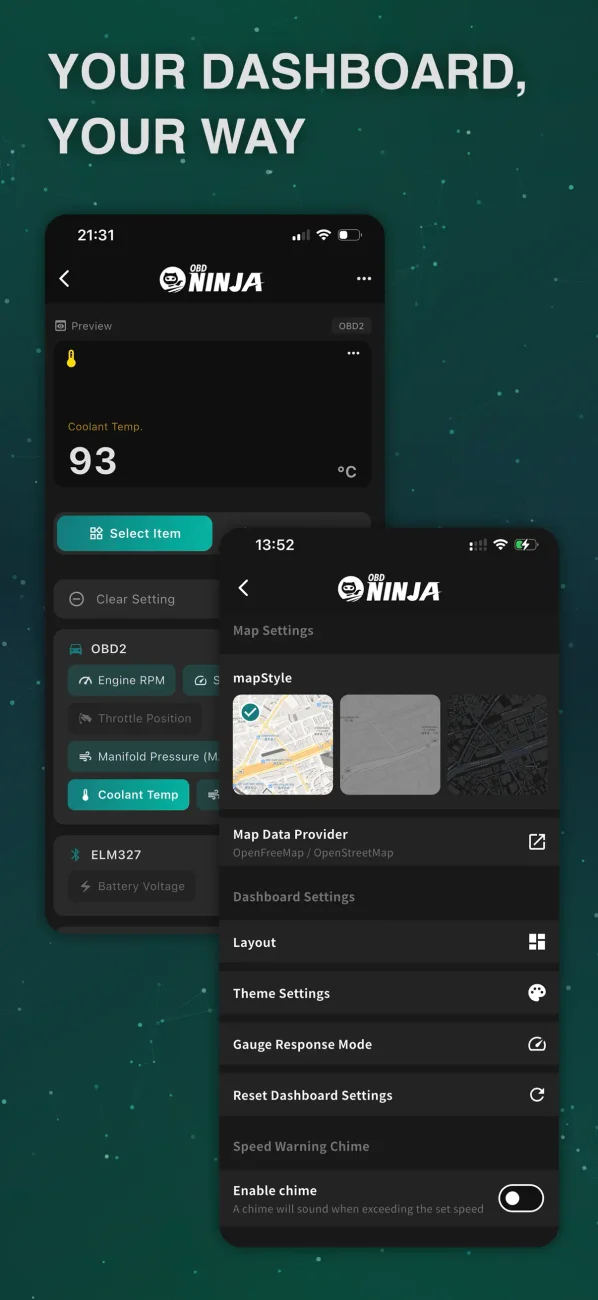
Live OBD2 data in multiple themes and layouts, from minimalist gauges to full cockpit-style displays.
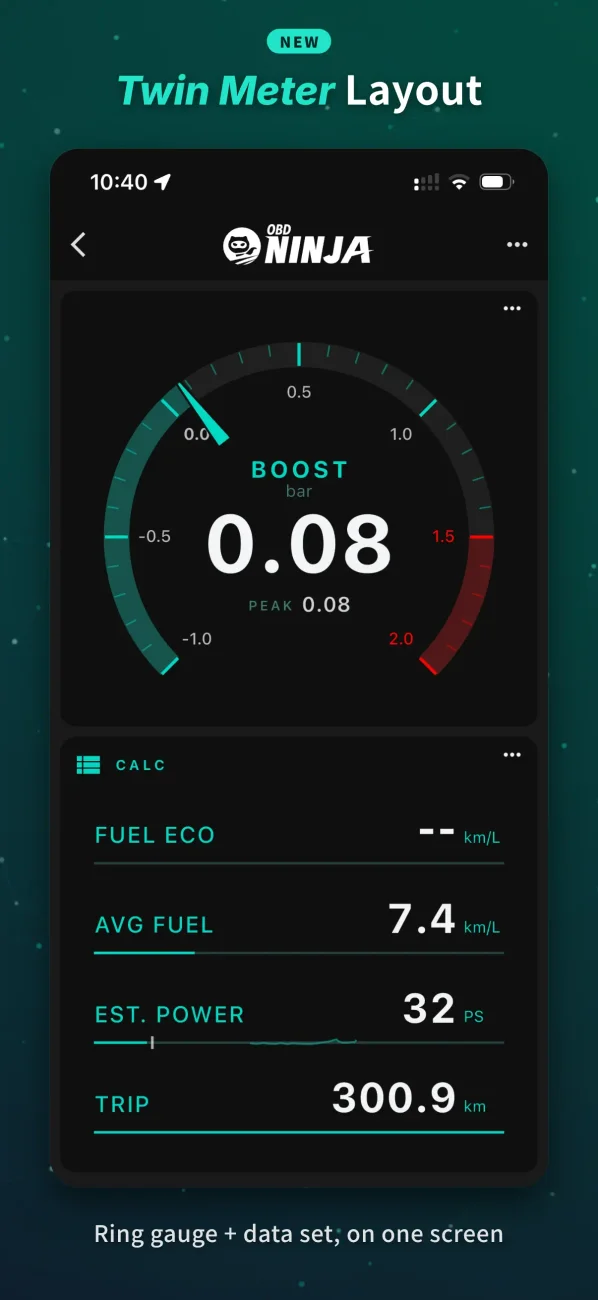
With Premium, the Twin Meter layout pairs ring gauges and data sets on one screen.
■ Estimated Power & Virtual Dyno
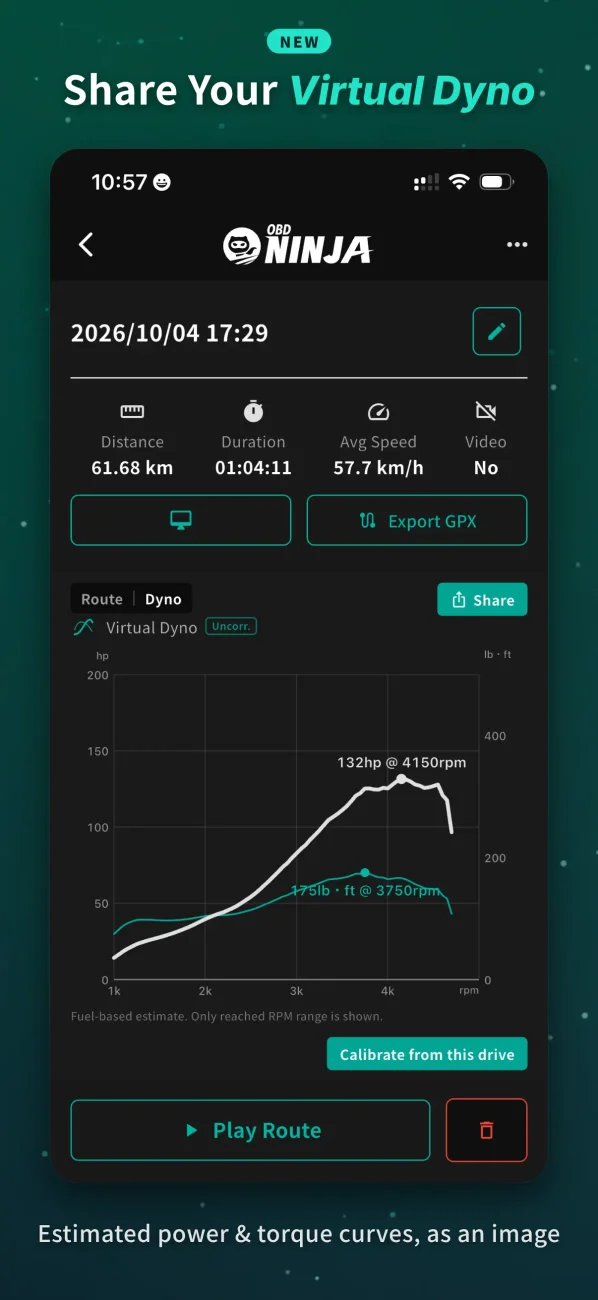
"How much horsepower am I making right now?" See estimated power and torque live, with peak values and the RPM where they occurred.
After the drive, Virtual Dyno analyzes the whole drive and draws a dyno-style power and torque curve against RPM. Share it as an image with your car's name.
With Premium, Power Calibration refines the estimate for your car using your own drive logs.
※ Estimates are based on fuel flow and are for reference only.
■ Best Accel
OBD Ninja finds your best 0-60 / 40-80 / 60-100 / 0-100 km/h times (or 0-30 / 30-50 / 50-70 / 0-60 mph) in every drive log. No timer to start — just look back after the drive. Tap a time to see where it happened on the map, and share the results as an image.
With Premium, keep personal bests for each vehicle: beat one and you'll see "New Best!".
※ Estimated from recorded data. Always obey traffic laws on public roads.
■ Gear Indicator (Premium)
See your current gear on the dashboard. Automatics read it from the transmission (TCM); manuals calculate it from gear ratios. Presets included for Suzuki Every DA17W, Swift Sport ZC33S, WRX STI, BRZ / 86 / GR86 and GR Yaris. Other manual cars work too: enter your gear ratios, final drive and tire size. Recorded drives show the gear in GT View as well.
* Experimental. More cars will be added over time.
■ Fuel Monitor & Coin Alert
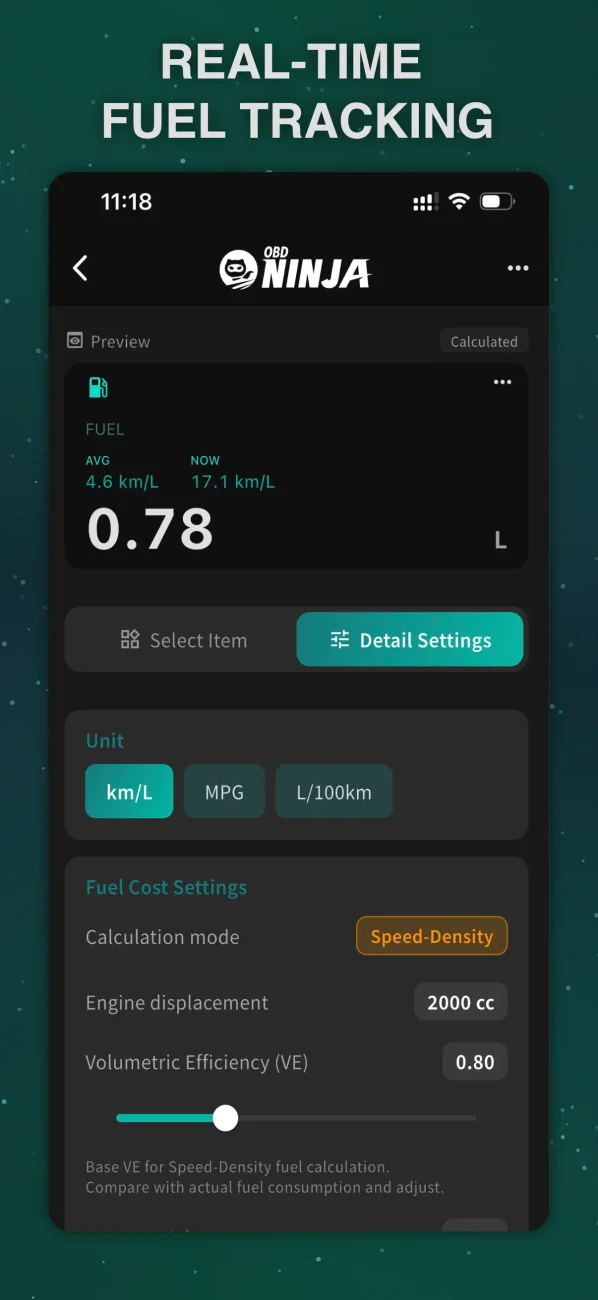
Real-time fuel efficiency (km/L, MPG, or L/100km) plus the amount and cost of fuel burned. Coin Alert plays a coin sound every time you spend a set amount.
■ GPS Drive Log
GPS and OBD2 data in one timeline. Replay any drive on a map, section by section.
■ Save Playback as a Video
Save the playback screen — Dashboard or GT View, exactly as shown — as a video, with app sounds such as the speed chime. No subscription required.
■ JDM Speed Chime
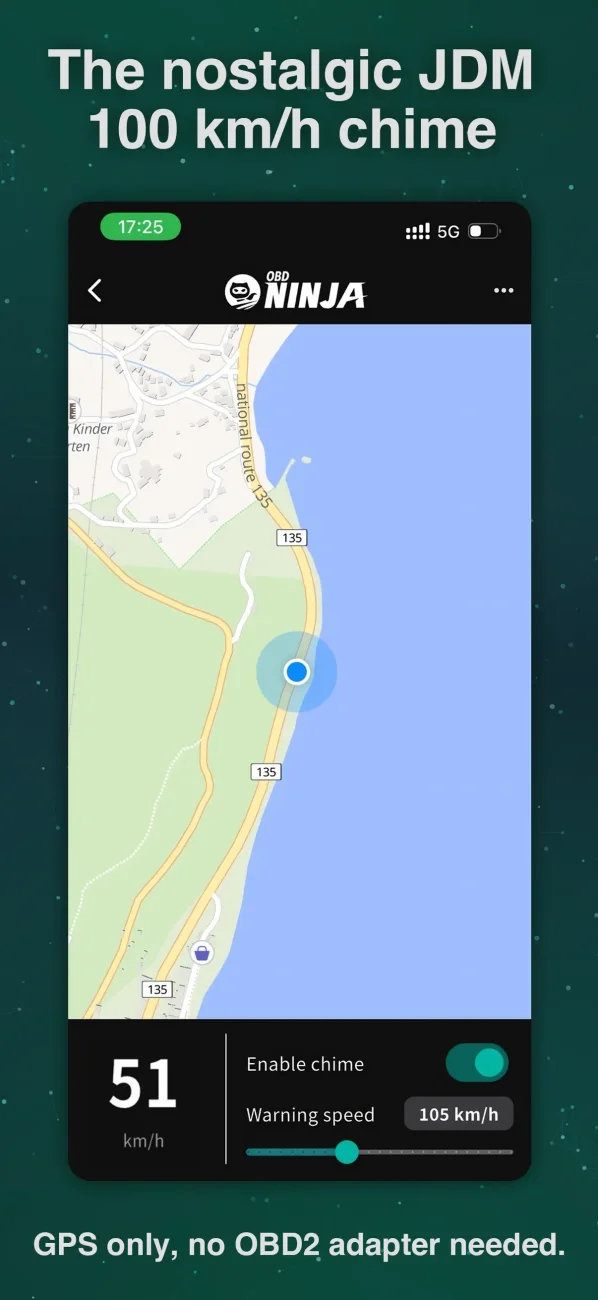
A faithful recreation of the nostalgic 100 km/h warning chime from classic Japanese cars.
With GPS Chime Mode, no OBD2 adapter is required — the chime works on GPS speed alone.
■ Deep Customization
Adjust gauge ranges, layouts, color themes, and warning thresholds. Choose km/h / mph, °C / °F, km/L / MPG / L/100km, and PS / HP / kW.
■ PC Companion App
Transfer drives to your computer via QR code. The free desktop app exports videos, creates time-lapses, and manages your drive library.
▼ REQUIREMENTS
- An OBD2-compliant vehicle (most cars made after 1996 in the US, 2001 in the EU, 2008 in Japan)
- A Bluetooth Low Energy (BLE) ELM327 adapter — Wi-Fi and classic Bluetooth adapters are NOT supported
※ Some features, such as GPS Chime Mode, work without an adapter.
▼ PREMIUM SUBSCRIPTION
Some advanced features require a Premium subscription (Monthly or Yearly) with a 14-day free trial. Subscriptions auto-renew unless cancelled at least 24 hours before the renewal date. Payment is charged to your Apple ID. Manage or cancel anytime in iPhone Settings → Apple ID → Subscriptions.
▼ LINKS
Website: https://www.obd-ninja.com/
Terms of Service: https://www.obd-ninja.com/terms
Privacy Policy: https://www.obd-ninja.com/privacy-policy
Drive smarter. Drive deeper. OBD Ninja.
What’s new
Version 1.4.0 · Nov 19, 2026
• New: Gear Indicator (Premium) shows your gear on the dashboard.
• Automatics read it from the transmission (TCM); manuals calculate it from gear ratios.
• Cars: Suzuki Every DA17W (4AT), Swift Sport ZC33S (6AT/6MT); 6MT: WRX STI (VAB/GRB/GVB), BRZ/86/GR86, GR Yaris.
• Other cars: try "Find TCM data" (experimental). Sharing scan files helps us add cars.
• Twin Meter: GEAR ring. GT View shows the gear too.
• Slot settings work in landscape.
• Dashboard opens without an adapter.
• Bug fixes.
App privacy
What SKYPHIC STUDIO declares on the App Store about how this app handles data.
-
Data linked to you
May be collected and linked to your identity.
- Diagnostics
-
Data not linked to you
May be collected but is not linked to your identity.
- Purchases
- Identifiers
- Diagnostics
Privacy practices may vary, for example with the features you use or your age.
Information
- Seller
- SKYPHIC STUDIO
- Category
- Travel
- Version
- 1.4.0
- Updated
- Nov 19, 2026
- Released
- Mar 22, 2026
- Size
- 48.7 MB
- Requires
- iOS 15.5 or later
- Age rating
- 4+
- Price
- Free
- In-app purchases
- Yes
- Languages
- English, French, German, Japanese, Portuguese, Russian, Simplified Chinese, Spanish, Traditional Chinese
- Copyright
- © 2026 skyphic studio. All rights reserved.
You might also like
-
 RetroPulseNavigation
-
 Rodi DashcamKeep every road you take
-
 DriveDomeOne Cockpit, Every Drive
-
 OBD2 Scanner: DriveTelemetryMileage Tracker & Car Trip Log
-
 dB Ride: Car Decibel MeterExhaust, Tire & Road Noise
-
 Speed Tracker: GPS MeterSpeed, Distance, Trip Logs
-
 Dual DashCam Recorder: RoadCamMap, Speed & Loop Recorder
-
 Hawk: Dashcam & Drive RecorderIncident Lock & iCloud Backup
-
 HUD Car SpeedometerHUD Car Speedometer
-
 Most Advanced DashcamAll features you need in car