OBD2 Scanner: DriveTelemetry
Mileage Tracker & Car Trip Log
Designed for iPhone
Free · In-app purchases
- Age rating4+
- CategoryNavigation
- DeveloperOleksandr Kolesnyk
- LanguagesEnglish+ 4 more
- Size3.0 MB
Links to the official App Store page
Download.org hosts no file of OBD2 Scanner: DriveTelemetry. The button opens its official App Store page, published by Oleksandr Kolesnyk. Listing last checked on Nov 18, 2026.
Screenshots

About
Scared of that check-engine light? DriveTelemetry turns your iPhone into a professional OBD2 scanner, a live performance dashboard, and an automatic mileage logbook — all from one cheap adapter.
Plug in any standard ELM327 / OBD-II Bluetooth adapter and instantly:
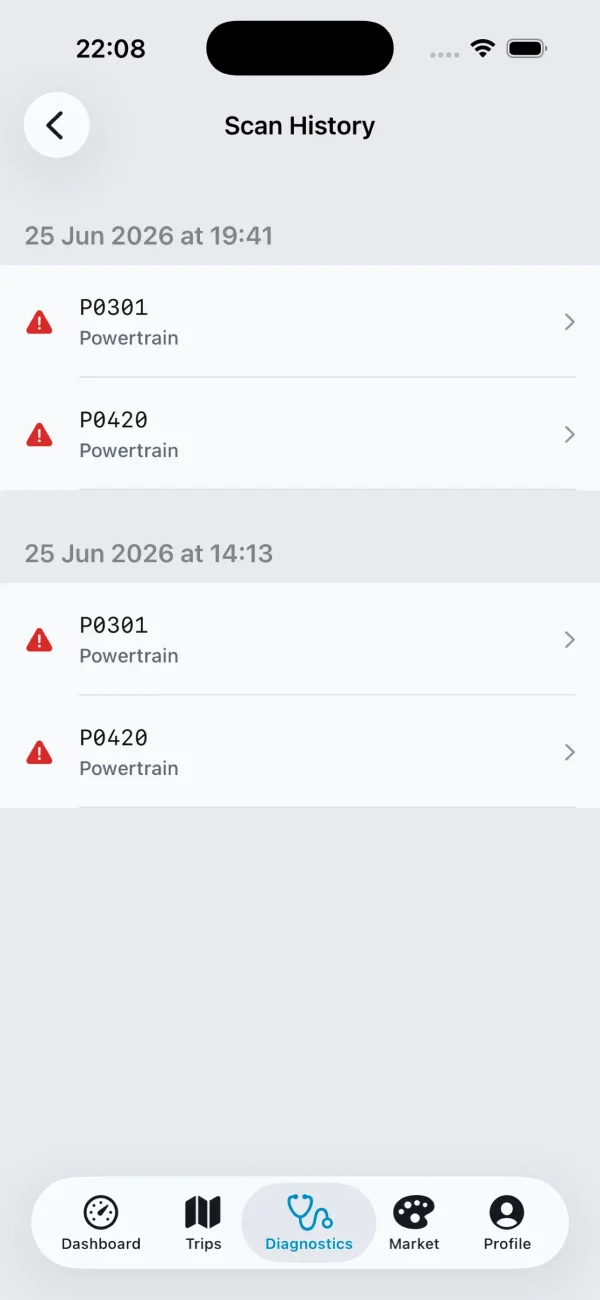
CHECK-ENGINE & DIAGNOSTICS
• Read OBD-II trouble codes in seconds
• Clear the check-engine light right from your phone (Pro)
• Plain-English, AI-assisted explanations for every fault code
LIVE DASHBOARD
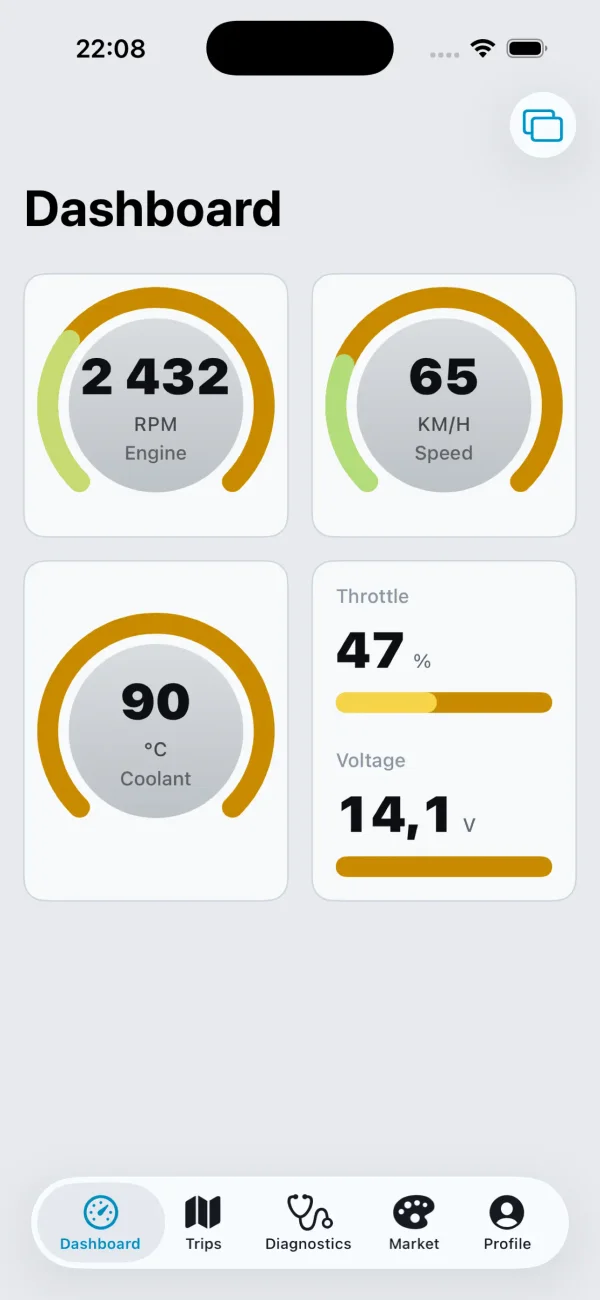
• Real-time RPM, speed, coolant, voltage & throttle on 60fps gauges
• A value-driven color ramp that reads healthy → redline at a glance
• HUD mirror mode projects your speed onto the windshield at night
AUTOMATIC TRIP LOGGING — "Strava for your car"
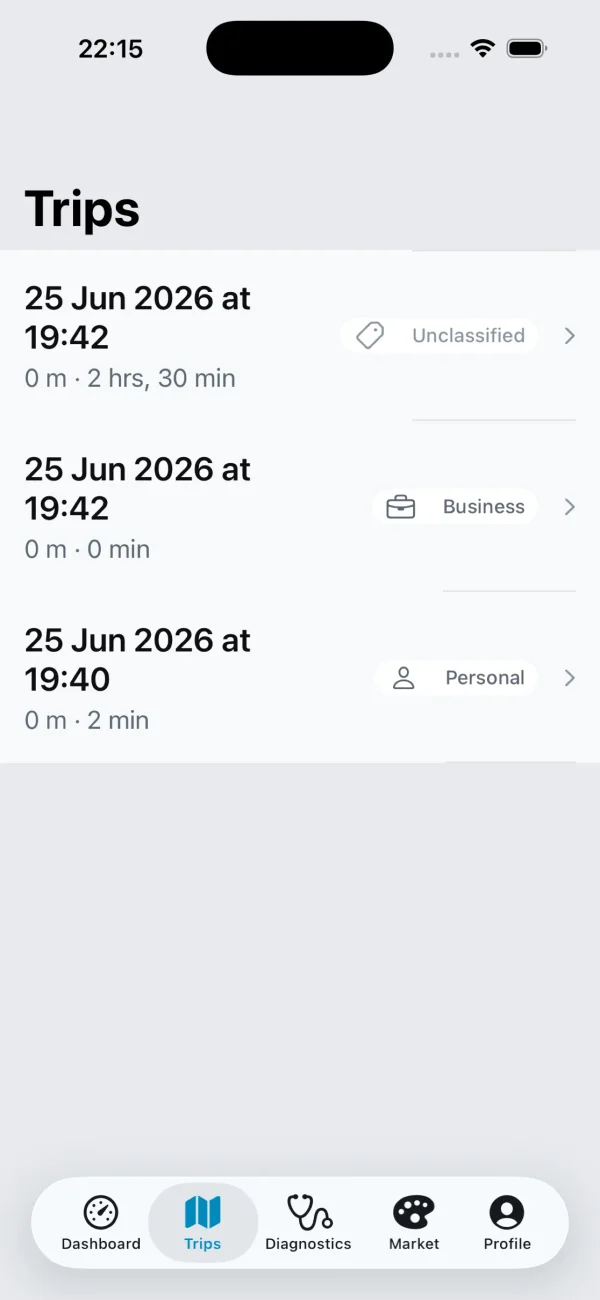
• Every drive records itself in the background — no tap required
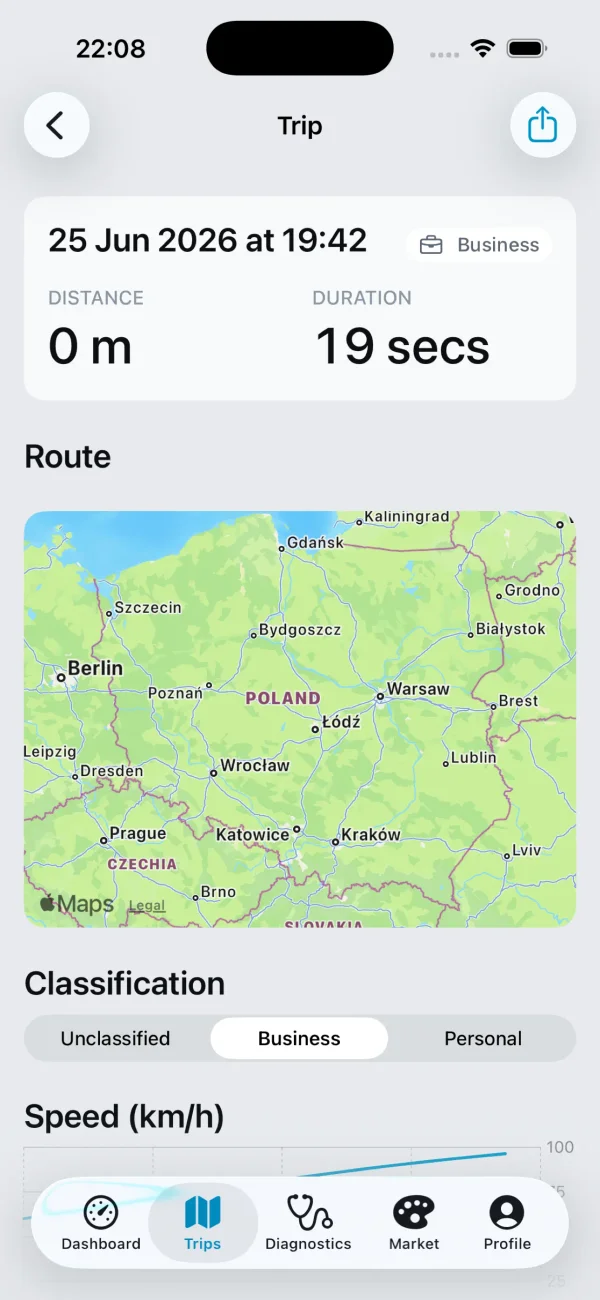
• Distance, max G-force & average fuel economy for each trip
• Clean mileage records for tax & business deductions
• Unlimited cloud history with Pro
APPLE CARPLAY
• A distraction-free hub: key vitals, trip start/stop, and code scan
MAKE IT YOURS
• Premium dashboard skins — Racing Chrono, Night Recon, JDM Retro
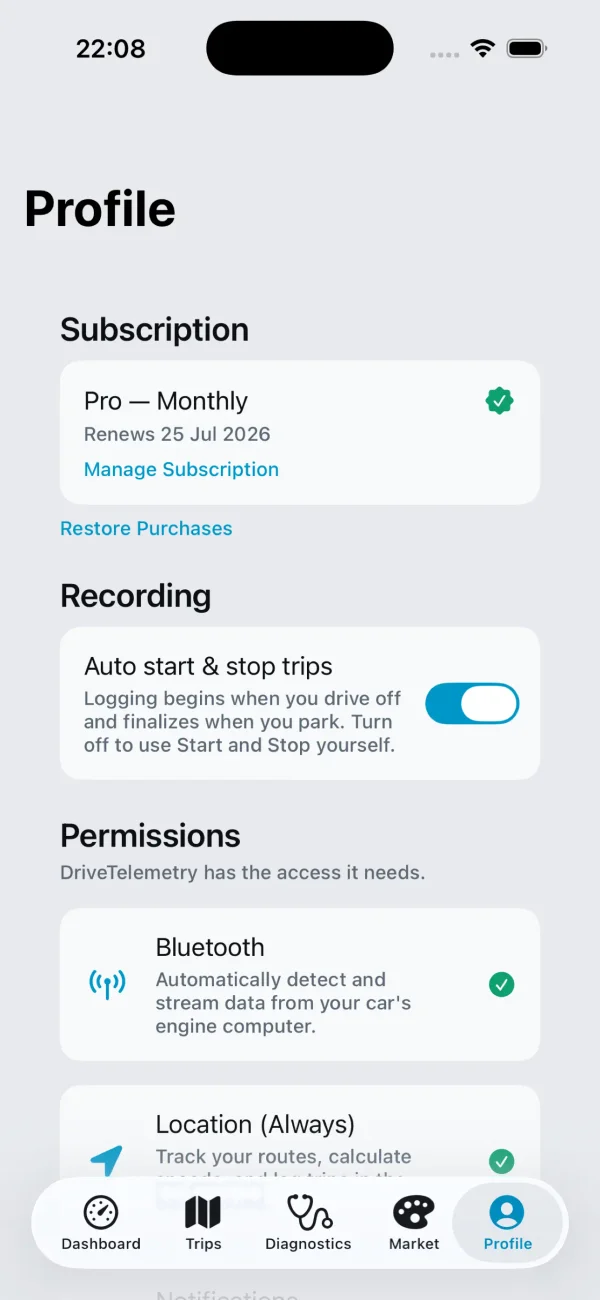
Start free: live dashboard, basic code reading, and your last 3 trips. Upgrade to Pro ($4.99/mo or $29.99/yr) for automatic logging, unlimited cloud history, code clearing, AI diagnostics, and HUD mode.
Terms of Use (EULA): https://www.apple.com/legal/internet-services/itunes/dev/stdeula/
What’s new
Version 1.0.1 · Jul 2, 2026
• Richer trip history — distance, duration, peak G-force and fuel economy at a glance, plus a live indicator while a drive records.
• Rate the app and send feedback right from your Profile.
• Clearer heads-up display with an easy way to exit.
• Stability and performance improvements.
App privacy
What Oleksandr Kolesnyk declares on the App Store about how this app handles data.
-
Data not linked to you
May be collected but is not linked to your identity.
- Usage data
Privacy practices may vary, for example with the features you use or your age.
Information
- Seller
- Oleksandr Kolesnyk
- Category
- Navigation
- Version
- 1.0.1
- Updated
- Jul 2, 2026
- Released
- Jun 26, 2026
- Size
- 3.0 MB
- Requires
- iOS 26.0 or later
- Age rating
- 4+
- Price
- Free
- In-app purchases
- Yes
- Languages
- English, French, Russian, Spanish, Ukrainian
- Copyright
- © 2026 Oleksandr Kolesnyk
You might also like
-
 MapoEV: EV Route & ChargingEV Trip Planner & Charge Map
-
 OBD NinjaView and Log Driving Data Live
-
 Тахоконтроль ГлонассNavigation
-
 Cruise - Drive TrackerSpeed Tracker, Stats & Ranks
-
 RouteUp - EV Car NavigationRoute Planning for EV Drivers
-
 Şarj Ne Kadar: EV Trip PlannerCharging stations and costs
-
 Авто Пульс - OBD2 scannerNavigation
-
 ScanRoute - Plan & OptimizeScan, optimize & manage routes
-
 RoadRush : Collect World RoadsDrive, Log, Compete
-
 GoToBurgas AssistantSmart City Guide for Burgas