
OBD2 Gauges
Real-Time Vehicle Diagnostics
Designed for iPhone, iPad
Free · In-app purchases
- Age rating17+
- CategoryUtilities
- DeveloperEdward Williams
- Size52.1 MB
Links to the official App Store page
Download.org hosts no file of OBD2 Gauges. The button opens its official App Store page, published by Edward Williams. Listing last checked on Nov 16, 2026.
Screenshots

About
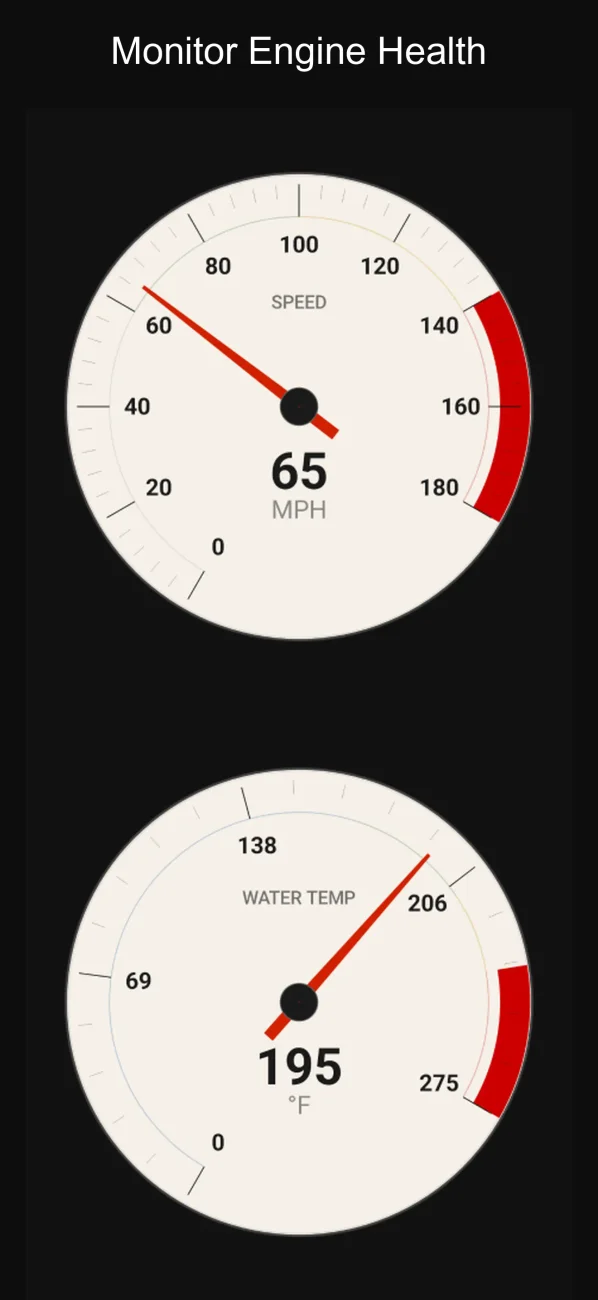
OBD2 Gauges connects to your vehicle's OBD2 port via Bluetooth and displays real-time engine data as beautiful, customizable gauges.
Features:
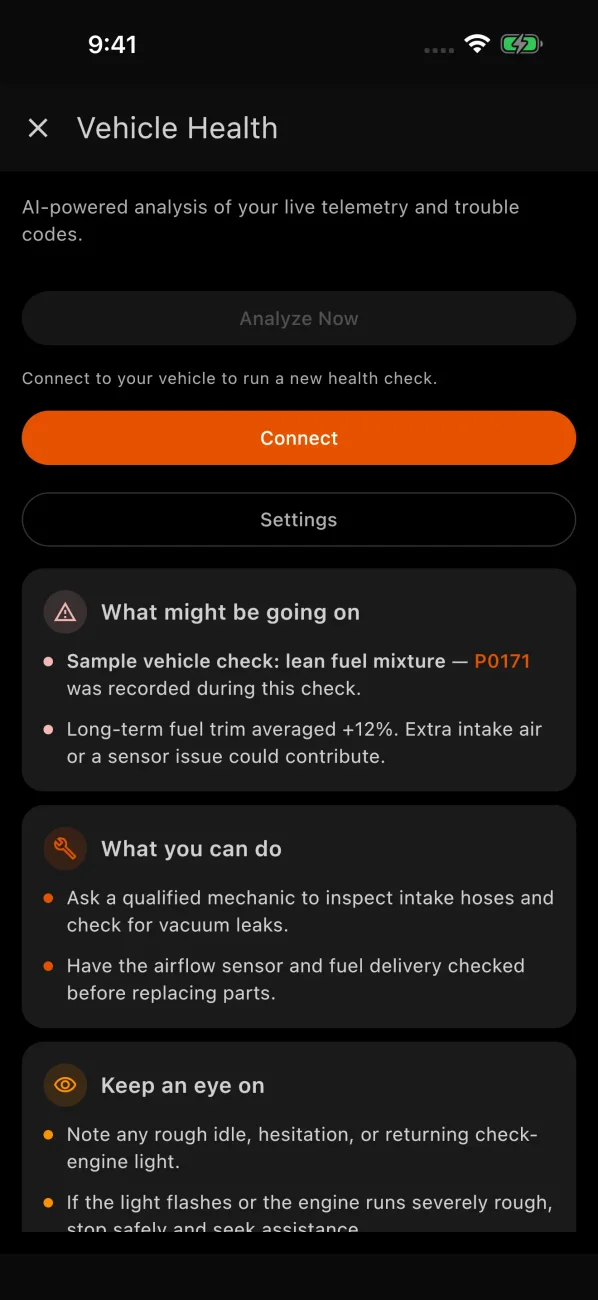
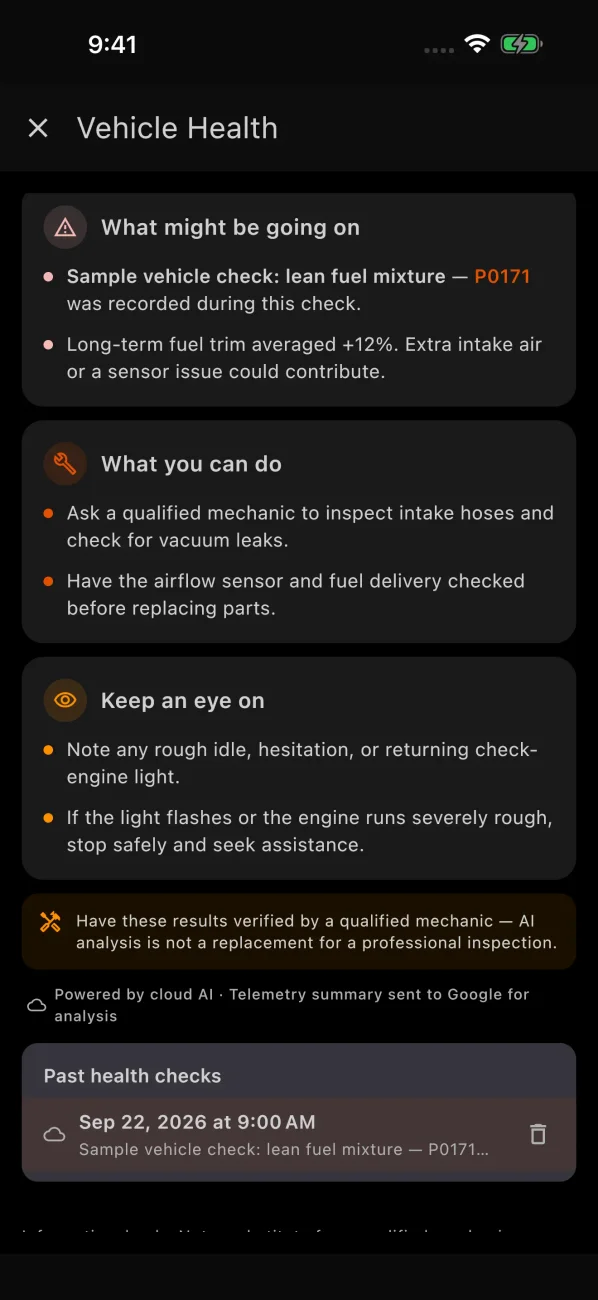
- AI Vehicle Health: explanations of telemetry and trouble codes, recommended checks, and watch points
- Saved health reports you can revisit offline
- AI Lite: on-device analysis on compatible devices; AI Pro: on-device plus cloud analysis with explicit consent
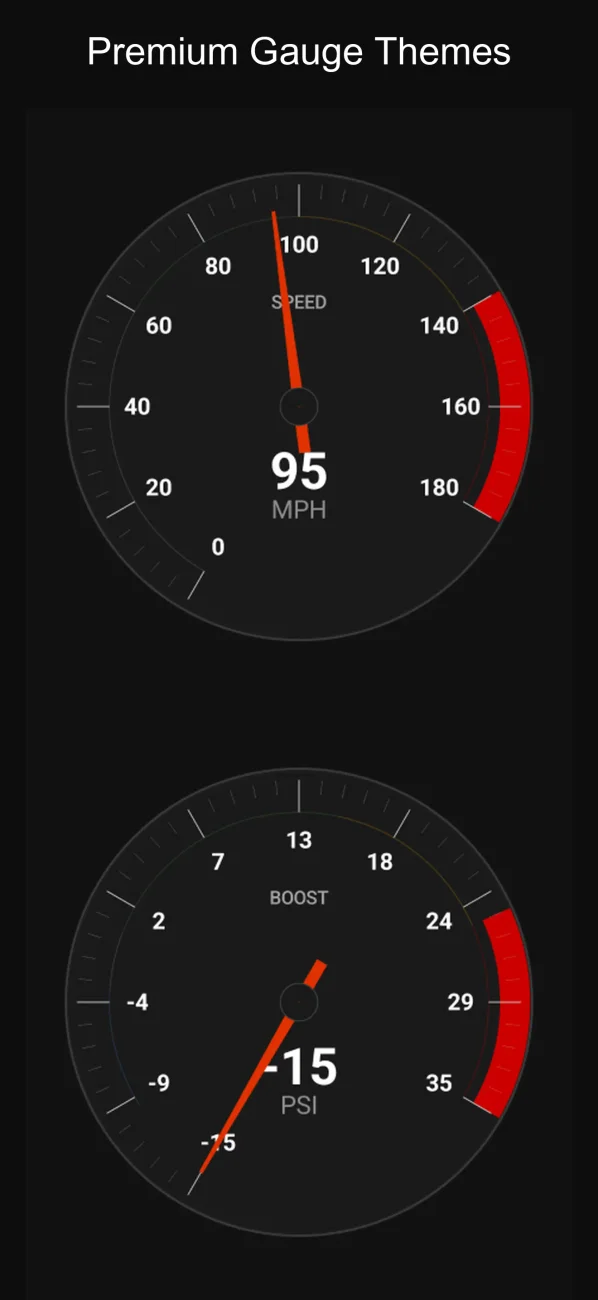
- Realistic gauge materials, four additional bezel finishes, and ten bezel shapes
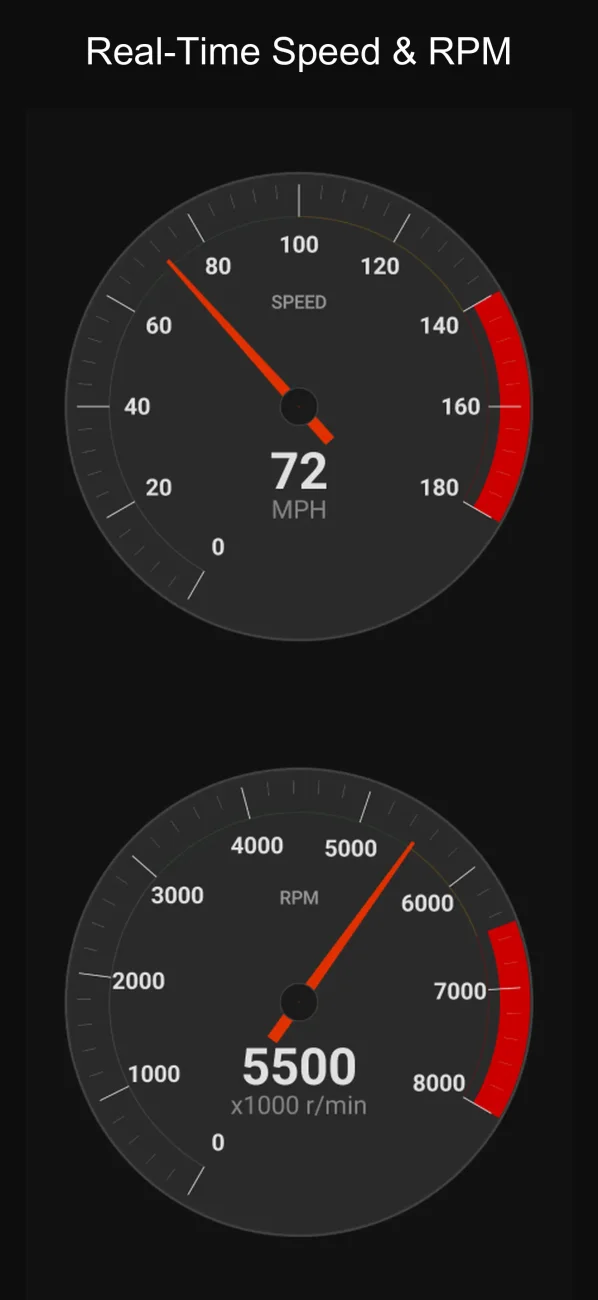
- Real-time speed, RPM, boost/vacuum, oil temperature, water temperature, intake air temperature, and fuel level gauges
- Multiple gauge themes inspired by iconic vehicles: Supra Stock, Supra TRD, Nismo, Audi RS, G35 Rev-Up, and more
- 100+ OBD2 parameters supported
- Clean, modern interface with dark and light modes
- Works with any ELM327-compatible Bluetooth OBD2 adapter
- Customizable gauge layouts — single, dual, quad, or full dashboard views
- On-device AI keeps analysis on your device. Optional cloud AI sends a telemetry summary to Google only after your consent.
Connect your OBD2 Bluetooth adapter, pair it with your device, and launch OBD2 Gauges to see your engine data come alive.
Requires an ELM327-compatible Bluetooth Low Energy (BLE) OBD2 adapter and a vehicle with an OBD2 port (1996+ model year).
Optional Subscription
- Remove Ads (Monthly): auto-renewing subscription that removes all ads while active. Cancel anytime in Settings → Apple ID → Subscriptions.
- Remove Ads (Lifetime): one-time purchase that removes all ads permanently.
- AI Lite: monthly or lifetime access to ad-free, on-device AI Health on compatible devices.
- AI Pro: monthly or lifetime access to ad-free AI Health with cloud analysis when on-device AI is unavailable.
Payment is charged to your Apple ID at confirmation of purchase. Subscriptions automatically renew unless auto-renew is turned off at least 24 hours before the end of the current period.
Terms of Use: https://www.lightcycleconsulting.com/terms-of-service
Privacy Policy: https://www.lightcycleconsulting.com/privacy-policy
AI Health requires an AI Lite or AI Pro purchase. On-device AI depends on device and model availability. Cloud AI requires internet access, consent, and AI Pro, with up to 10 cloud analyses per 24-hour window. AI guidance is informational and does not replace a qualified mechanic.
What’s new
Version 2.1.0 · Sep 25, 2026
Version 2.1 makes the dashboard easier to use: adaptive banners sit away from connection controls, native ads appear less often and only while disconnected, and first-time setup skips startup ads. Includes improved ad lifecycle handling and the latest Android accessibility crash fix. All 2.0 gauge customization and AI Vehicle Health features remain available.
App privacy
What Edward Williams declares on the App Store about how this app handles data.
-
Data not linked to you
May be collected but is not linked to your identity.
- Usage data
- Diagnostics
Privacy practices may vary, for example with the features you use or your age.
Information
- Seller
- Edward Williams
- Category
- Utilities
- Version
- 2.1.0
- Updated
- Sep 25, 2026
- Released
- May 7, 2026
- Size
- 52.1 MB
- Requires
- iOS 16.0 or later
- Age rating
- 17+
- Price
- Free
- In-app purchases
- Yes
- Copyright
- © 2026 Lightcycle Consulting LLC
You might also like
-
 BimmerDash: OBD2 GaugeReal-time performance monitor
-
 OBD2 LoggerUtilities
-
 DriveSense: OBD2 Car ScannerLive engine & sensor data
-
 REVV EditorCustom Digital Car Gauges
-
 OBD2 Car Scanner — CarviEasy auto diagnostics for all
-
 OBDPulse OBD2 Car ScannerFull OBD2 Scan & Diagnostics
-
 AutoCheck OBDOBD2 Scanner & Fault Codes
-
 OpenOBD: OBD2 Car ScannerCheck Engine Light Code Reader
-
 Car Scanner ELM OBD2 327OBD2 Diagnostic tool ELM 327
-
 OBD2 Car Scanner ELM 327 DTCOBD Check Engine Code Reader