
- Age rating17+
- CategoryUtilities
- DeveloperLUKE DANIELS
- LanguagesEnglish
- Size38.6 MB
Links to the official App Store page
Download.org hosts no file of REVV Editor. The button opens its official App Store page, published by LUKE DANIELS. Listing last checked on Nov 23, 2026.
Screenshots


About
Custom Digital Gauges for all vehicles
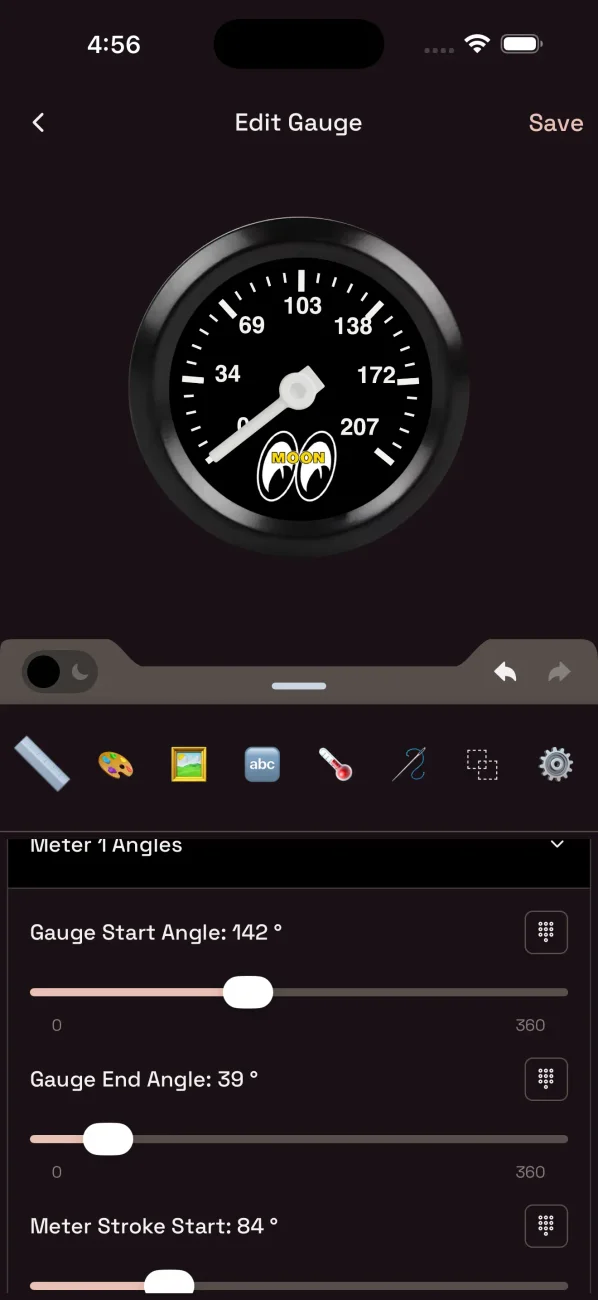
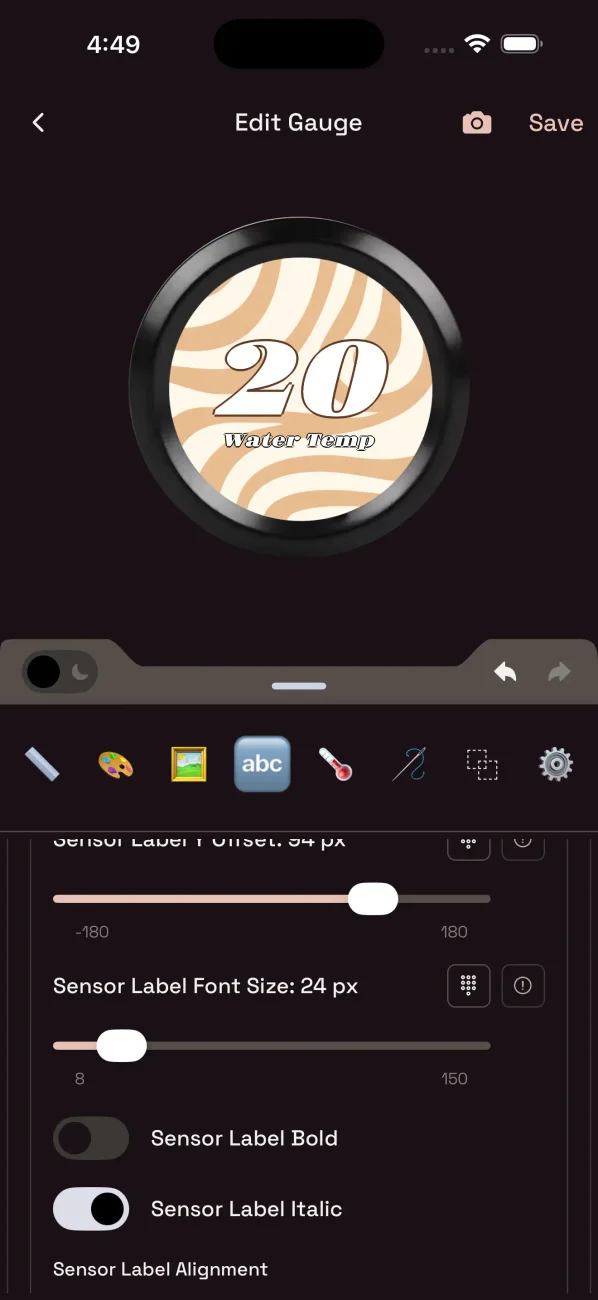
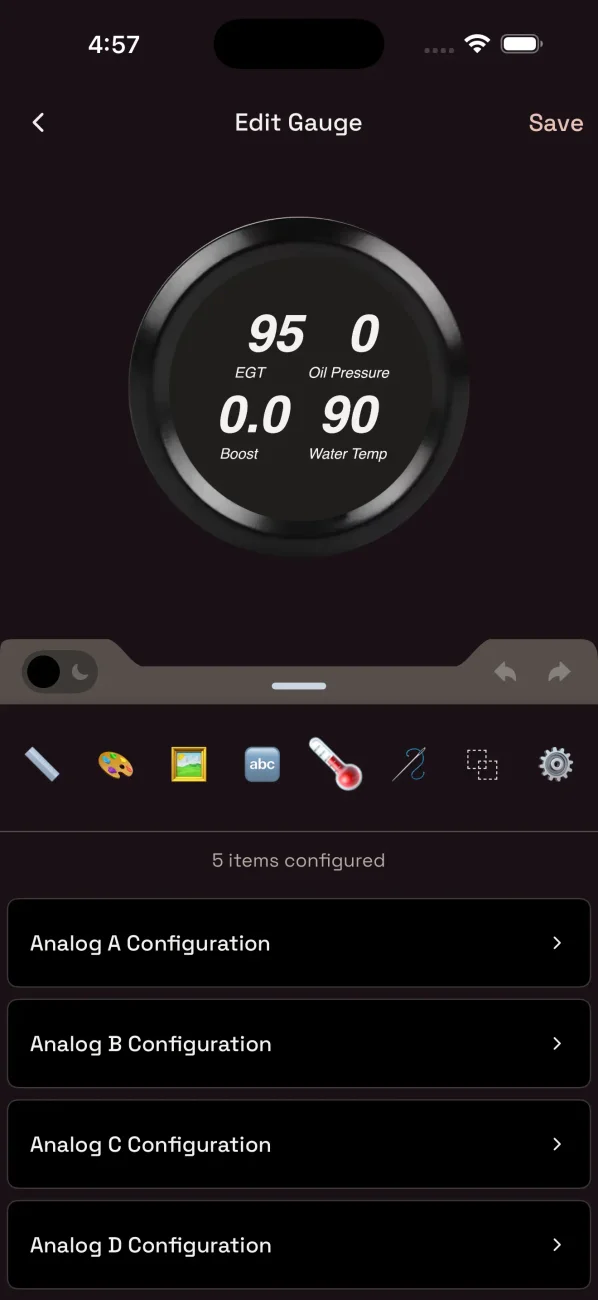
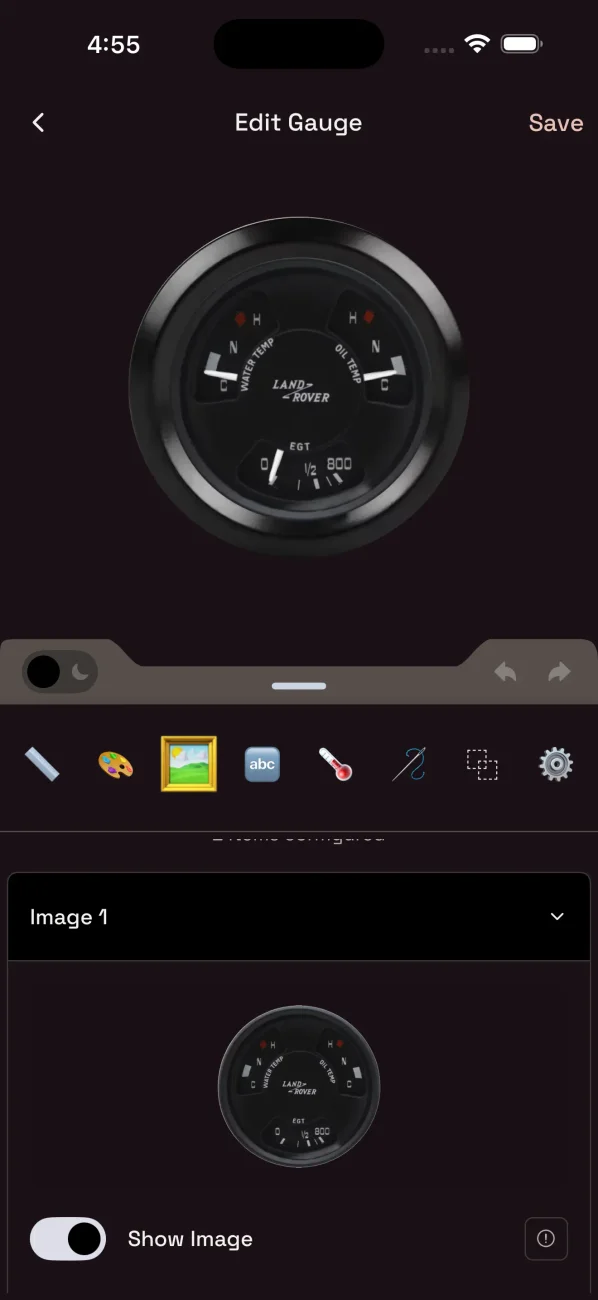
REVV allows you to create and configure fully customizable digital gauges for compatible REVV hardware systems.
Flexible Analog Inputs
Connect up to 6 analog sensors. Each input supports NTC (Negative Temperature Coefficient) sensors or linear 0–5V sensors for monitoring parameters such as boost pressure, coolant temperature, oil pressure, and more.
CANbus Integration
Compatible with supported OBD2 and Haltech CANbus protocols. Additional protocol support may be added in future updates.
Touch Screen Interface
Designed for compact 52mm installations with a full touch screen interface and configurable layouts.
Programmable Outputs
Configure programmable outputs for warning lights, buzzers, relays, shift indicators, and other triggered actions based on sensor or CANbus data.
Smart Lighting Control
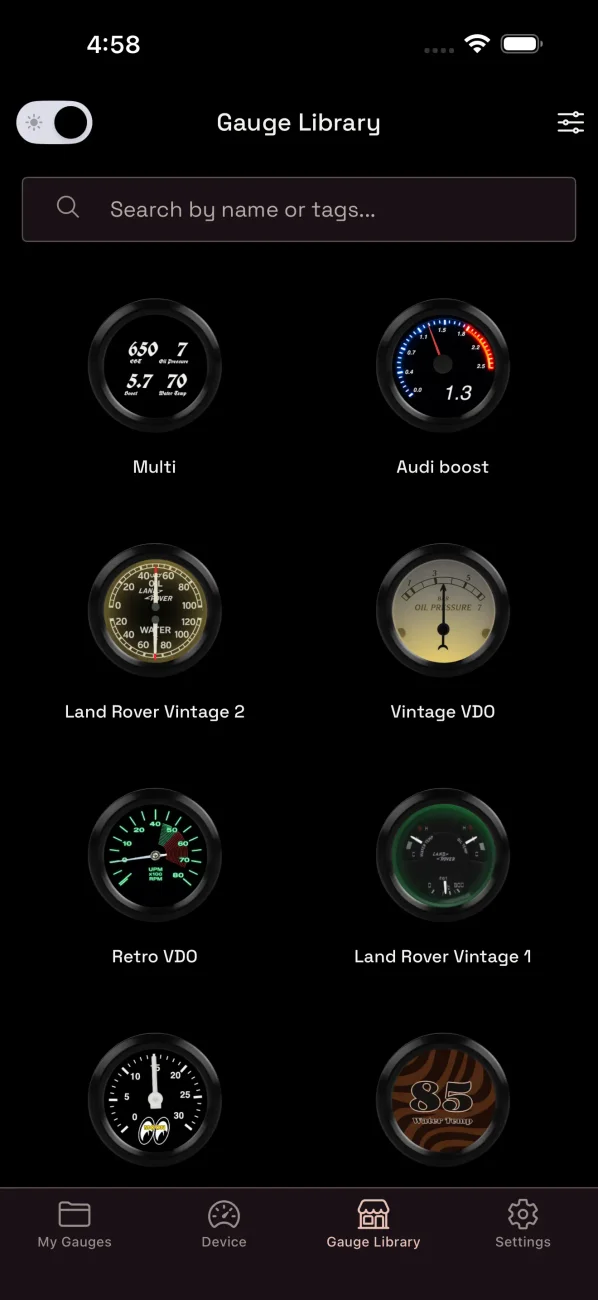
Automatically adjust brightness and switch between light and dark themes when connected to your vehicle’s lighting circuit.
12V and 24V Compatibility
Compatible with both 12V and 24V electrical systems for use in a wide range of vehicles.
Custom Gauge Layouts
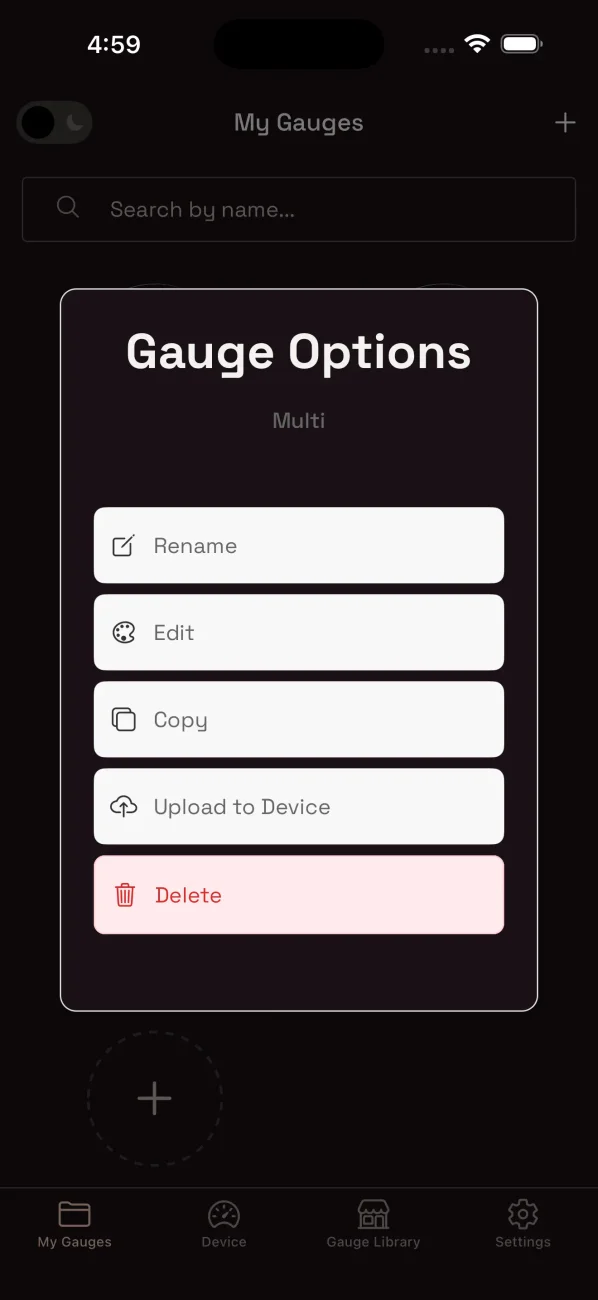
Create, save, and customize your own gauge layouts directly within the app. Users can also browse and download compatible community-created layouts.
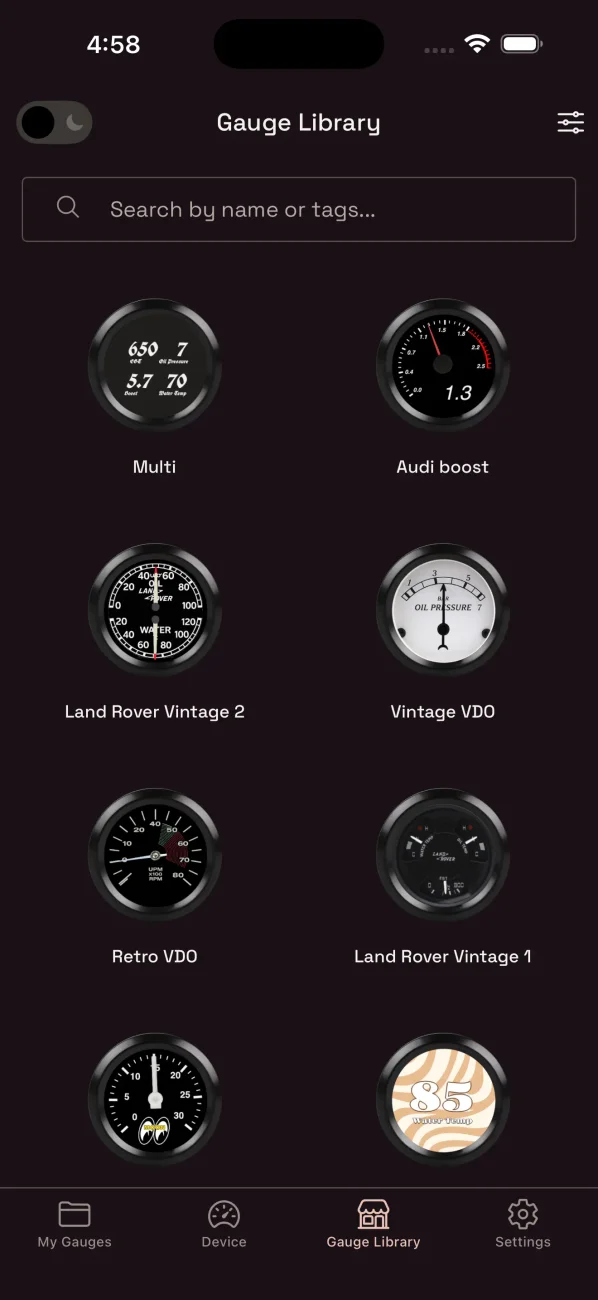
Gauge Library
Browse, search, and download community-created gauge designs from the built-in Gauge Library. Sign in with your email to access the library or share your own designs. Submissions are reviewed before they are published. You can also copy designs by connecting to another user’s gauge and downloading their design locally.
What’s new
Version 1.4.8 · Nov 14, 2026
better walk though for the "make it your own" in the gauge library
App privacy
What LUKE DANIELS declares on the App Store about how this app handles data.
-
Data not collected
The developer does not collect any data from this app.
Privacy practices may vary, for example with the features you use or your age.
Information
- Seller
- LUKE DANIELS
- Category
- Utilities
- Version
- 1.4.8
- Updated
- Nov 14, 2026
- Released
- May 18, 2026
- Size
- 38.6 MB
- Requires
- iOS 15.1 or later
- Age rating
- 17+
- Price
- Free
- Languages
- English
- Copyright
- © 2026 REVV Gauge
You might also like
-
 OBD2 GaugesReal-Time Vehicle Diagnostics
-
 GaugeControlCANBUS gauge configurator
-
 BimmerDash: OBD2 GaugeReal-time performance monitor
-
 Cortex OBD2Fault Codes, DPF & Live Data
-
 DriveSense: OBD2 Car ScannerLive engine & sensor data
-
 gaugeART CAN Gauge ProgrammerUtilities
-
 iBoost2 PlusLive gauges for your boost box
-
 Push To Display - Live ScreenMake any screen a live board
-
 LDperformance PDMConfigure LDperformance PDM
-
 Lewis: AI OBD2 Car ScannerCheck Engine Light Diagnostics