Image to Text: OCR Copy
Text Scanner: Screenshot & PDF
Designed for iPhone, iPad
Free · In-app purchases
- Age rating4+
- CategoryUtilities
- DeveloperZEC Inc.
- LanguagesEnglish+ 22 more
- Size18.4 MB
Links to the official App Store page
Download.org hosts no file of Image to Text: OCR Copy. The button opens its official App Store page, published by ZEC Inc. Listing last checked on Nov 29, 2026.
Screenshots


About
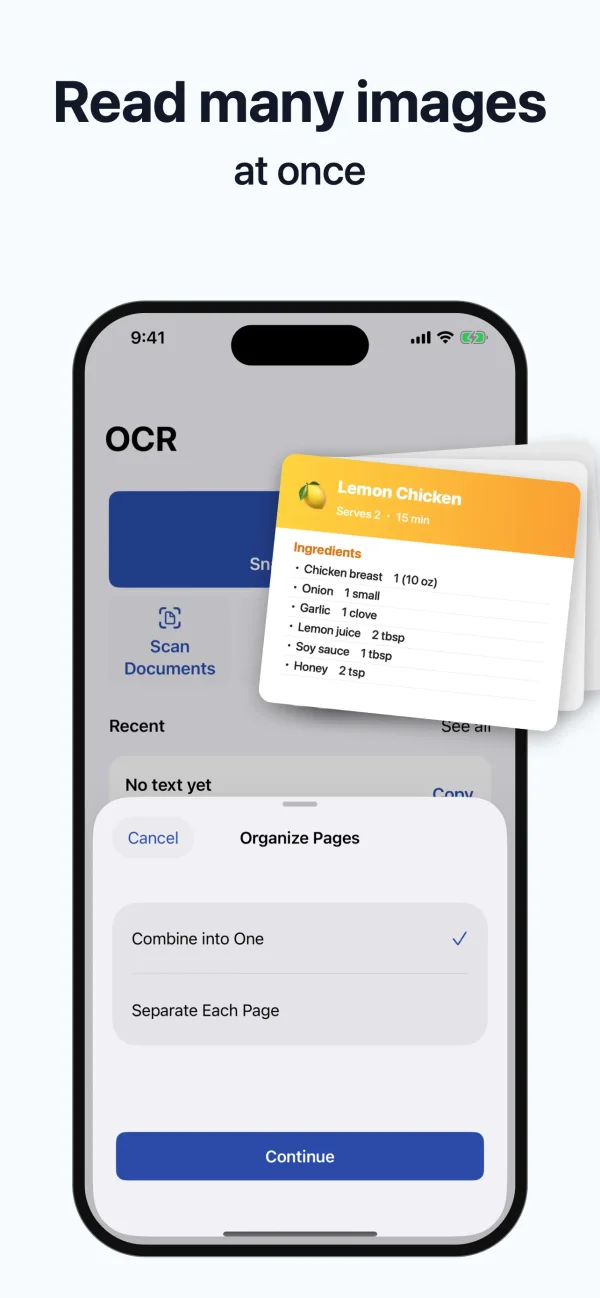
Copy all the text from a screenshot or photo without dragging to select it. Read many images at once, keep tables as rows and columns in CSV, and join lines broken by a book or handout into one paragraph.
Photo selection: up to 100 images with Pro, up to your remaining daily reads for free, and up to 20 through sharing.
TEXT YOU CAN USE RIGHT AWAY
- Turn screenshots and photos into text straight from the share sheet
- Read many images at once, combined or one result per image
- Tables stay as rows and columns for CSV. Join broken lines into one paragraph
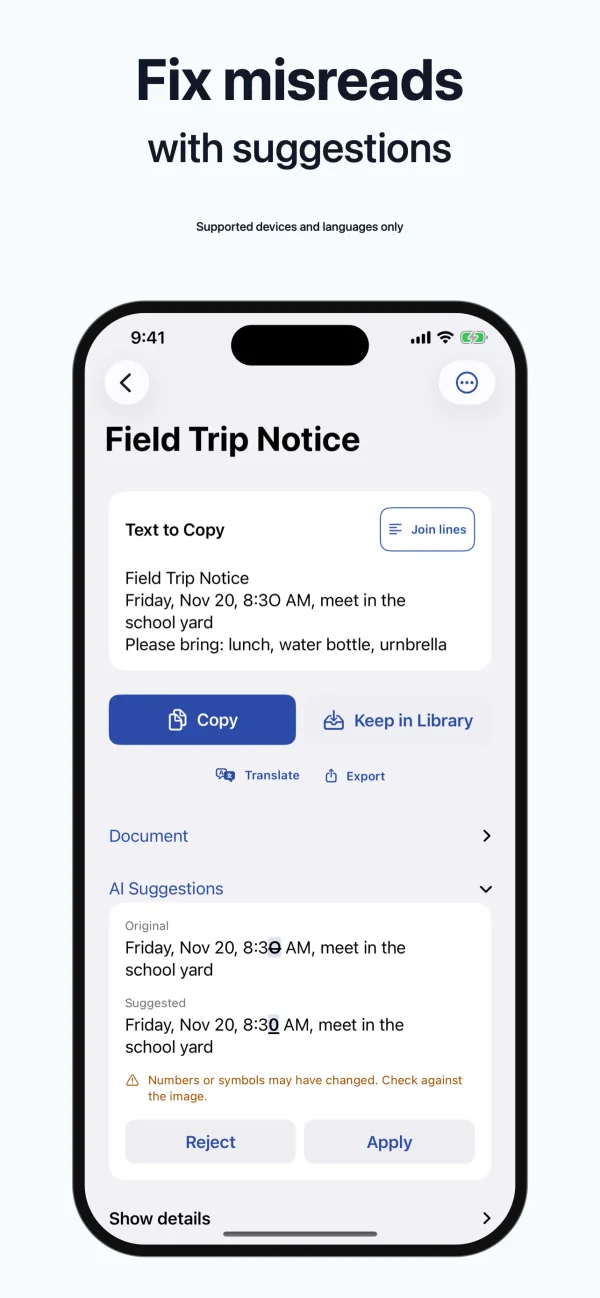
- Shaky lines are highlighted. On supported iPhones, on-device AI suggests fixes you review before applying
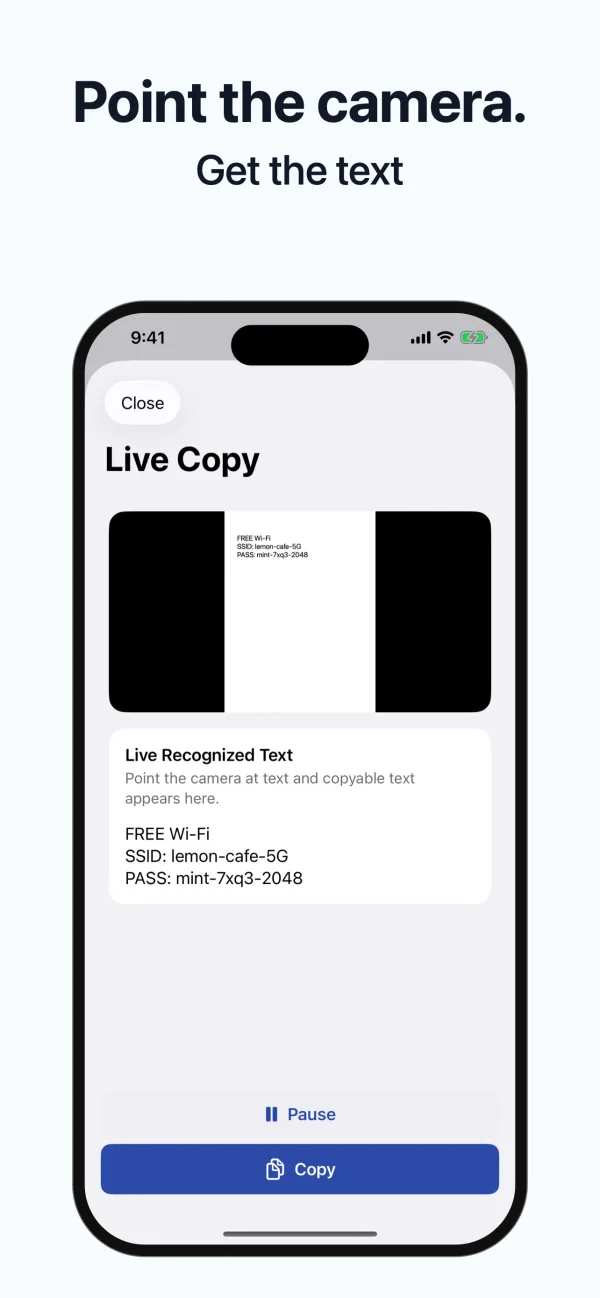
- Scan Live: just point the camera
DOCUMENTS AND PDFS
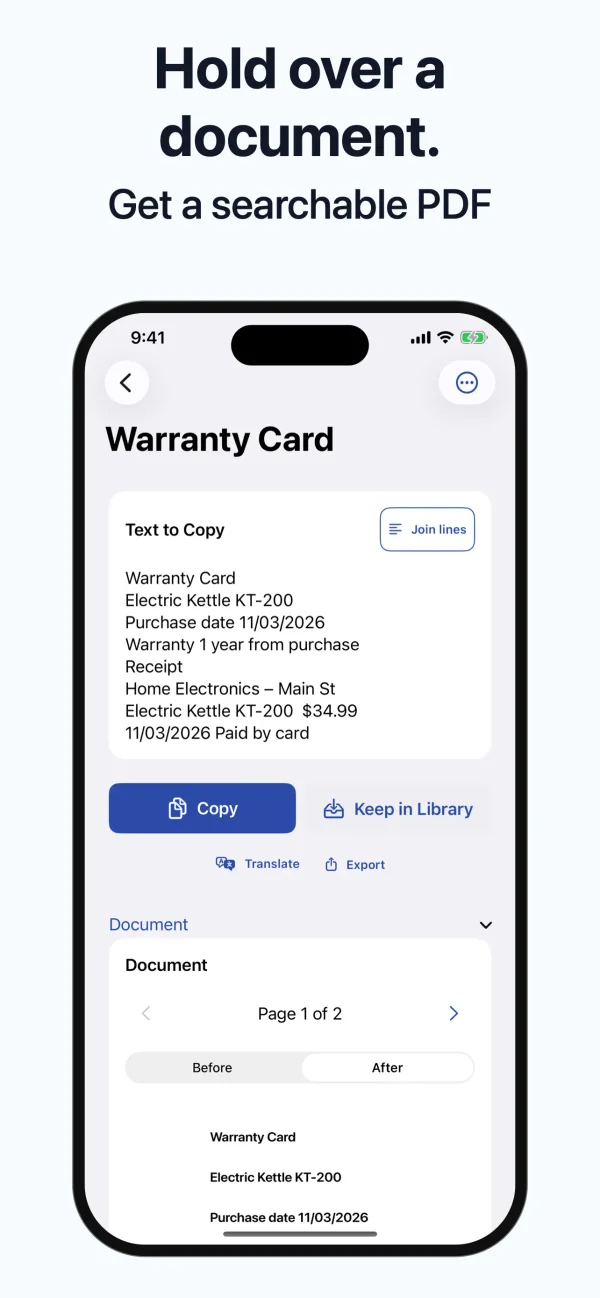
- Hold your iPhone over a document for automatic capture, with skew correction, saved as a searchable PDF
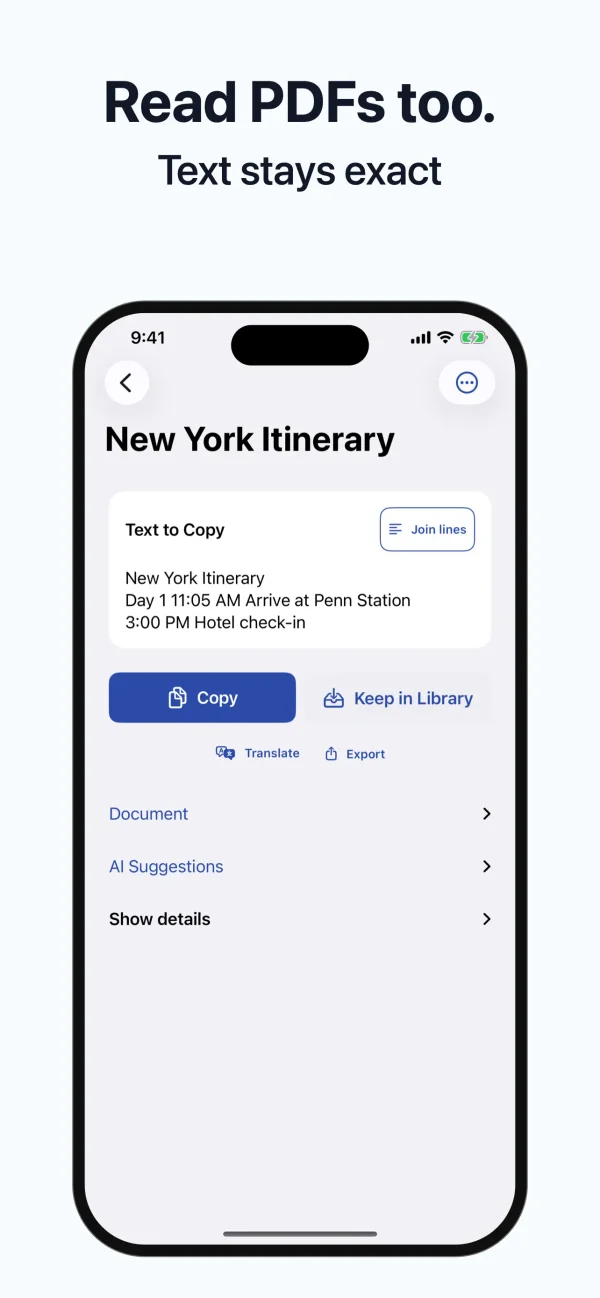
- Read PDFs: text PDFs are extracted as is, scanned PDFs are read page by page (up to 50 pages at a time)
YOUR LIBRARY
- Add titles and sort results into groups
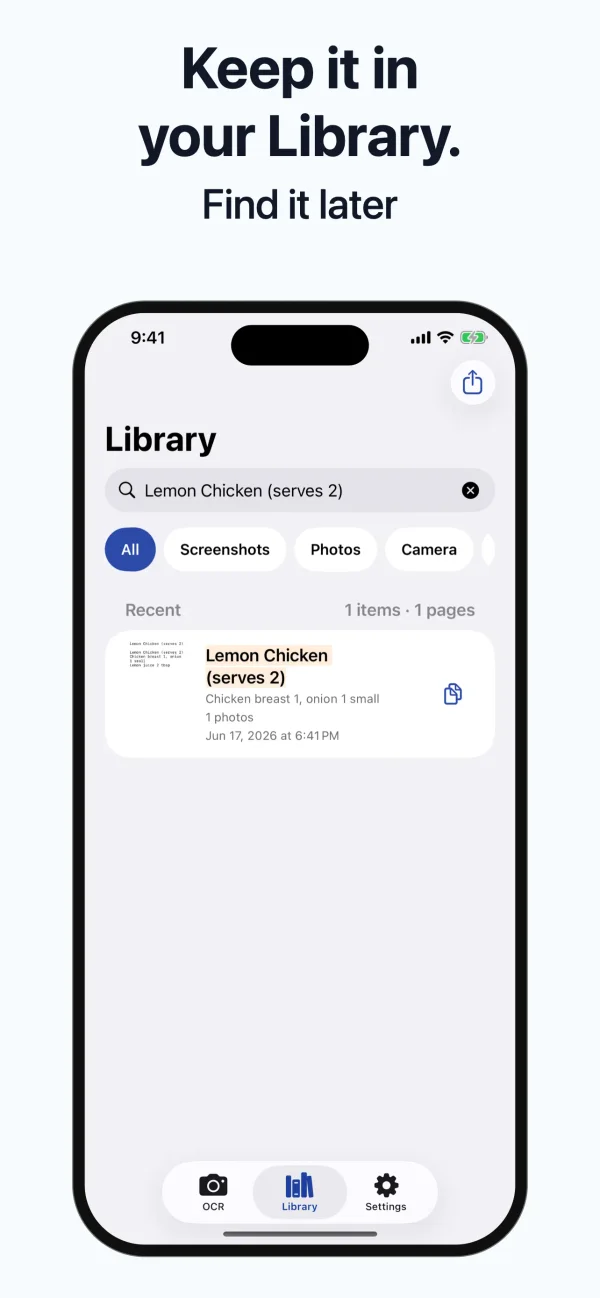
- Full-text search, ignoring differences in width, case and line breaks
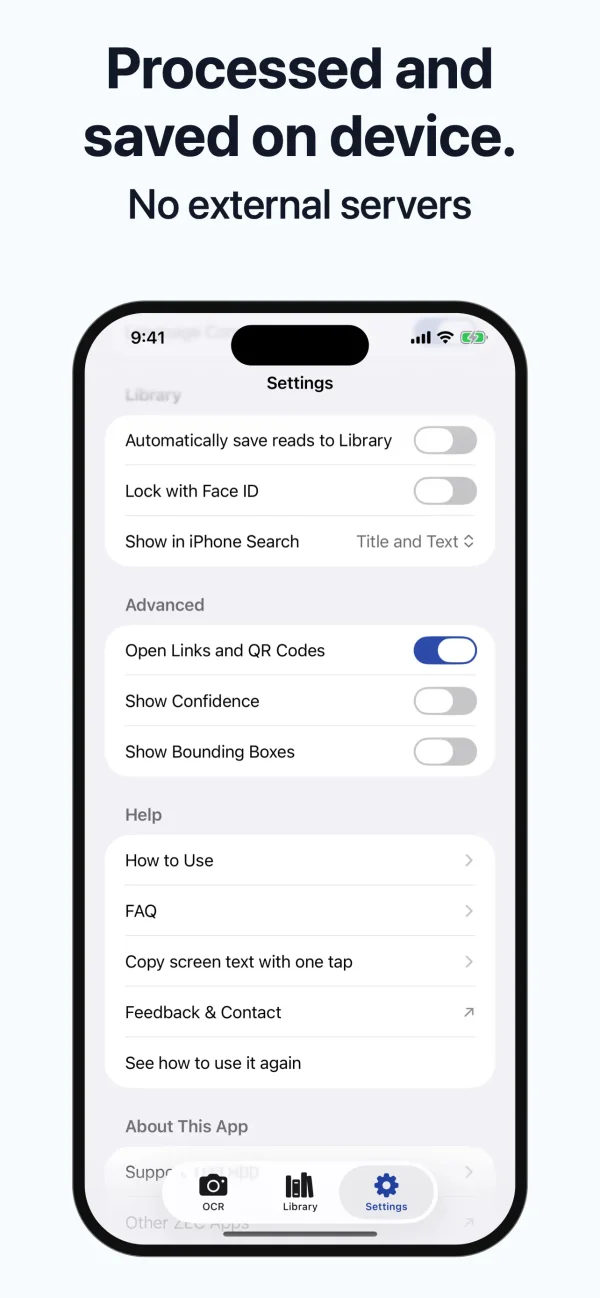
- Find results from iPhone Search (Off, Title, or Title and Text)
- Export the whole Library as text, a searchable PDF or a ZIP
Processed and saved on device
- Images and text are processed and stored on your device, without sending them to external servers.
- Lock with Face ID. No account, ads or tracking.
Free and OCR Copy Pro:
- Free: read text 5 times a day. One photo with text, one page captured with the document camera, one copy from Scan Live, or one shared image counts as one read. Pages beyond your remaining reads for the day are not read. Each page of a scanned PDF counts as one read. Text PDFs, copying, the Library and exports never count, and the count starts over at midnight
- If you used OCR Copy before version 1.5, reading stays unlimited
- OCR Copy Pro removes the daily limit in the app, the share sheet and Shortcuts, and lets you create unlimited groups (3 on the free plan). Yearly (with a 1-week free trial) or monthly
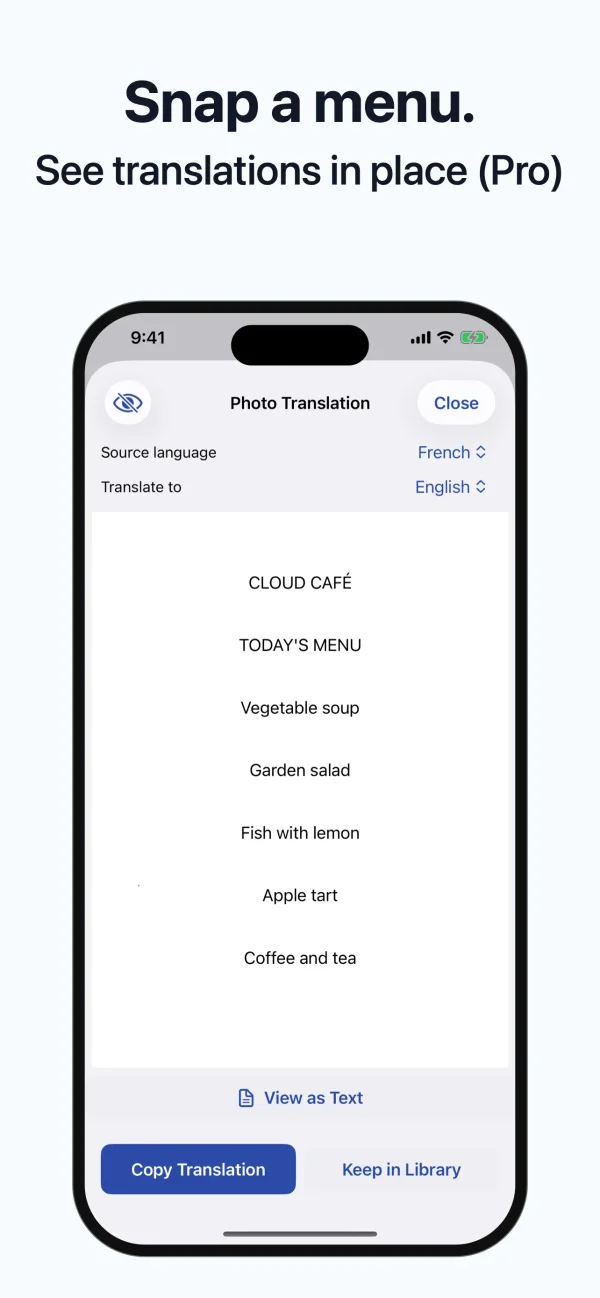
- Pro includes line-by-line translations overlaid on photos and text translation (iOS 18 or later)
The annual plan’s free trial is available only to eligible users.
Payment is charged to your Apple Account. The subscription renews automatically unless it is canceled at least 24 hours before the end of the current period. You can manage or cancel it in your App Store account settings.
Please use other people’s books and writing only as copyright law allows where you live.
Terms of Use: https://www.apple.com/legal/internet-services/itunes/dev/stdeula/
Privacy Policy: https://zec-inc.jp/privacy
What’s new
Version 1.26.0 · Nov 28, 2026
Tables and receipts now read more accurately on iOS 26 and later, with a new recognizer that keeps rows and columns in order.
Phone numbers, links, email addresses and dates in your results are now tappable: call, open, write, or add to Calendar. Calendar events open in a review screen first, so nothing is saved until you confirm.
The Library got easier to use: pin the results you need most to the top, swipe to copy the text without opening it, undo a delete for a few seconds, and browse by Today, Yesterday, This Week and more.
App privacy
What ZEC Inc. declares on the App Store about how this app handles data.
-
Data not collected
The developer does not collect any data from this app.
Privacy practices may vary, for example with the features you use or your age.
Information
- Seller
- ZEC Inc.
- Category
- Utilities
- Version
- 1.26.0
- Updated
- Nov 28, 2026
- Released
- Jun 18, 2026
- Size
- 18.4 MB
- Requires
- iOS 17.0 or later
- Age rating
- 4+
- Price
- Free
- In-app purchases
- Yes
- Languages
- English, Czech, Danish, Dutch, Finnish, French, German, Indonesian, Italian, Japanese, Korean, Norwegian Bokmål + 11 more
- Copyright
- © 2026 ZEC Inc.
You might also like
-
 Text Snip : Scan and Copy TextSnap a page and paste on Mac.
-
 QR-Code MasterScan & Create QR & Barcodes
-
 RUiXU BatteryUtilities
-
 Glyphra: Text & PDF ScannerScan Documents to Text, OCR
-
 ZZZ Let's Read!Offline OCR: English,Japanese
-
 スマート置換Simplify regex and insertions.
-
 DoMosaic: Face & Photo BlurAuto Redact · Tap to Mask
-
 PeekAICapture code, get instant help
-
 Drop BrowserWeb, Video & Image Sequences
-
 KeyCmdKeyboard, Mouse & Terminal