OCRForge: OCR Scanner AI Tool
Scan photos & extract text doc
Designed for iPhone
In-app purchases
- Age rating4+
- CategoryUtilities
- DeveloperMefjuDev LLC
- LanguagesEnglish+ 10 more
- Size32.1 MB
Links to the official App Store page
Download.org hosts no file of OCRForge: OCR Scanner AI Tool. The button opens its official App Store page, published by MefjuDev LLC. Listing last checked on Nov 17, 2026.
Screenshots
About
Extract Text from Any Image with Ease.
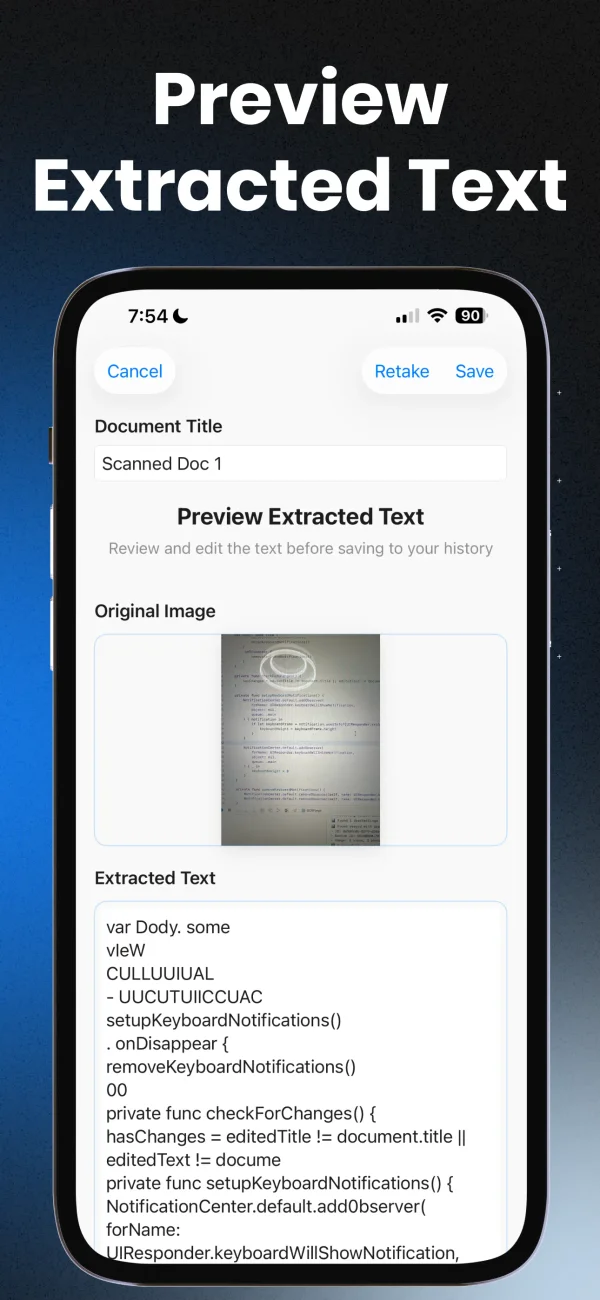
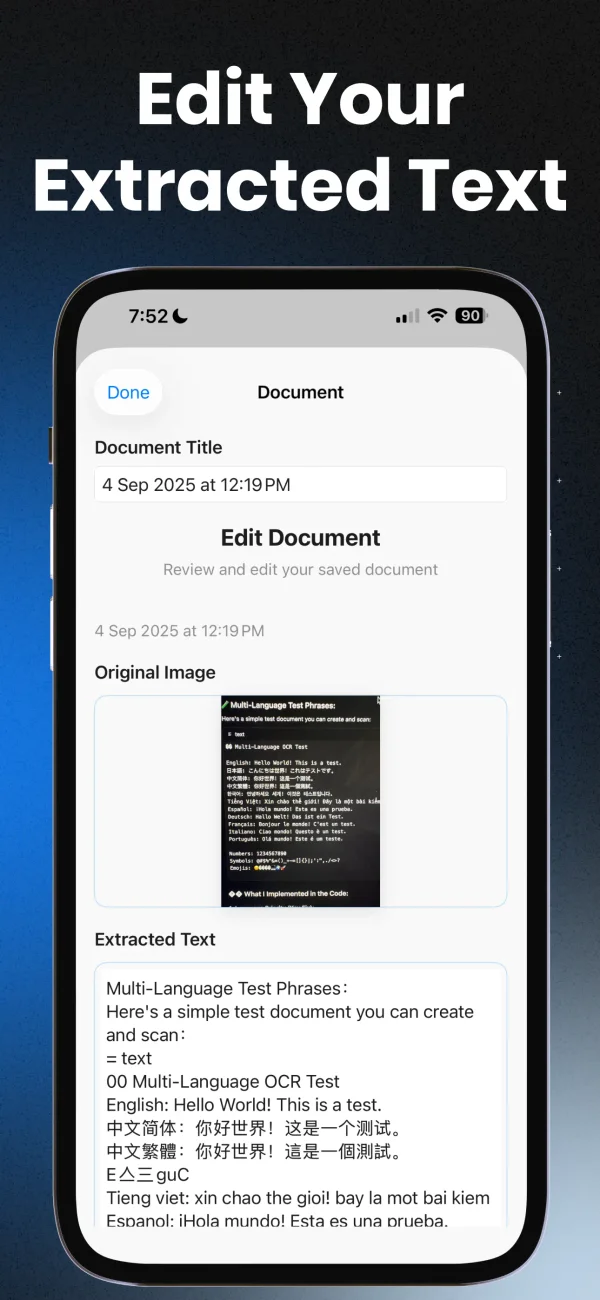
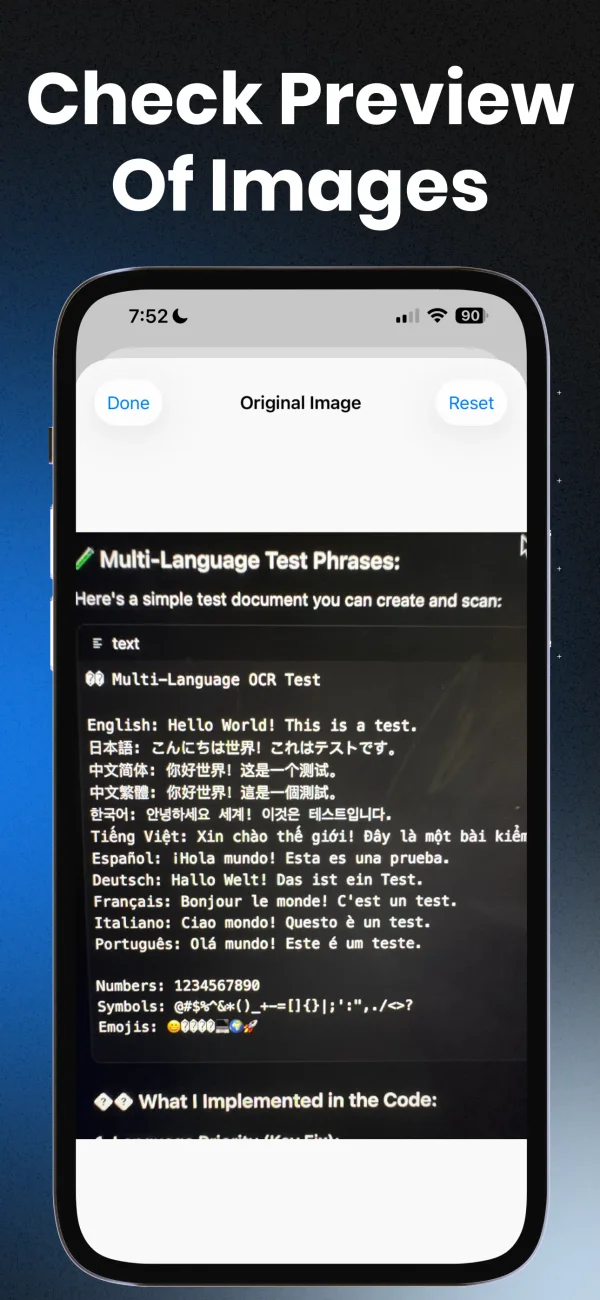
OCRForge is a powerful, lightweight text scanner that turns your photos into editable text in seconds. Whether you’re importing images or using your camera to scan documents, it makes text extraction fast, accurate, and simple.
Perfect for students, professionals, and anyone who needs to grab text on the go — receipts, printed pages, study notes, signs, and more.
Key Features:
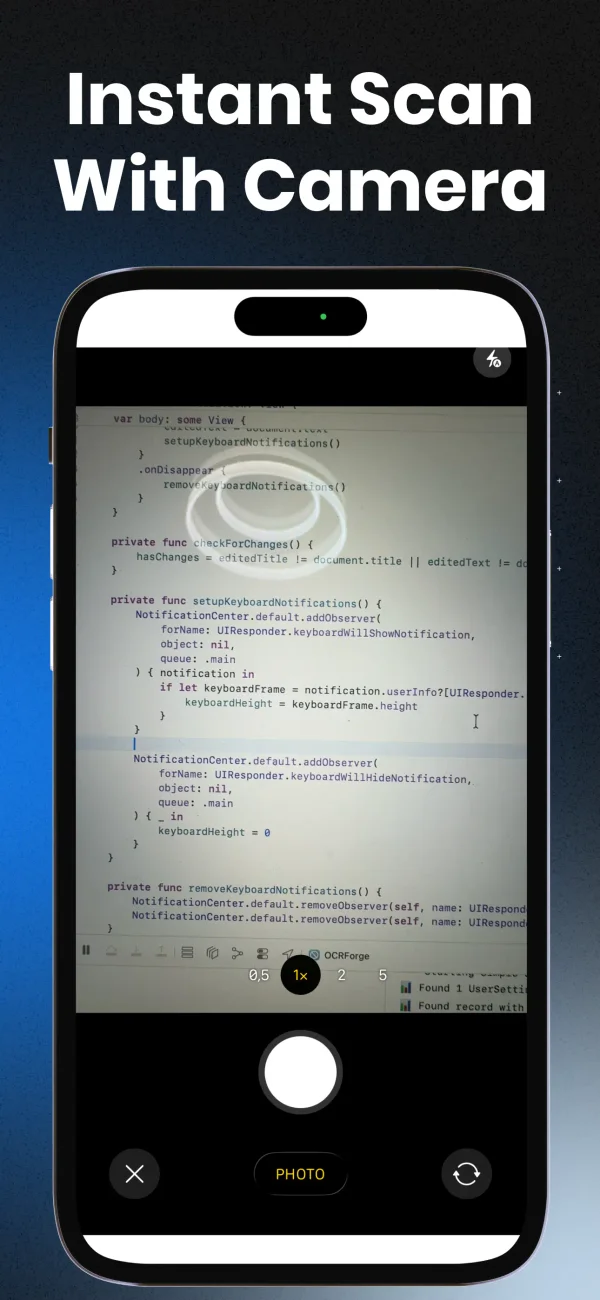
• Scan with Camera. Instantly capture and extract text from paper, signs, or handwritten notes.
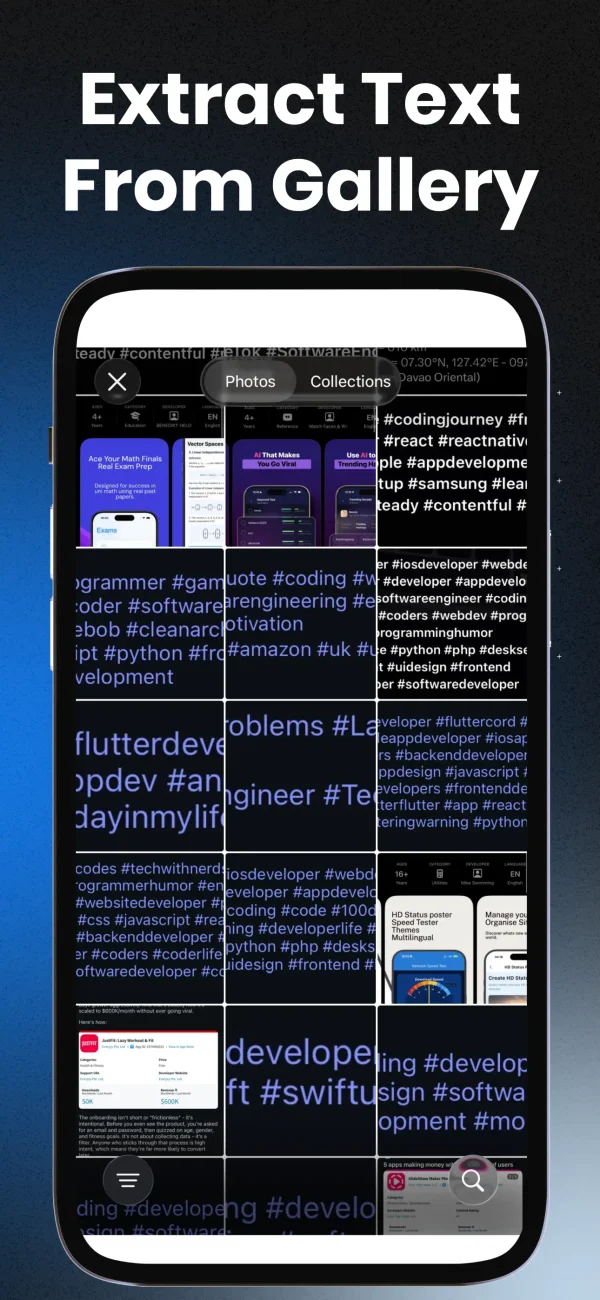
• Import from Photos. Select any image from your gallery and convert it to text with a tap.
• Smart OCR Engine. Accurate and fast text recognition powered by advanced image processing.
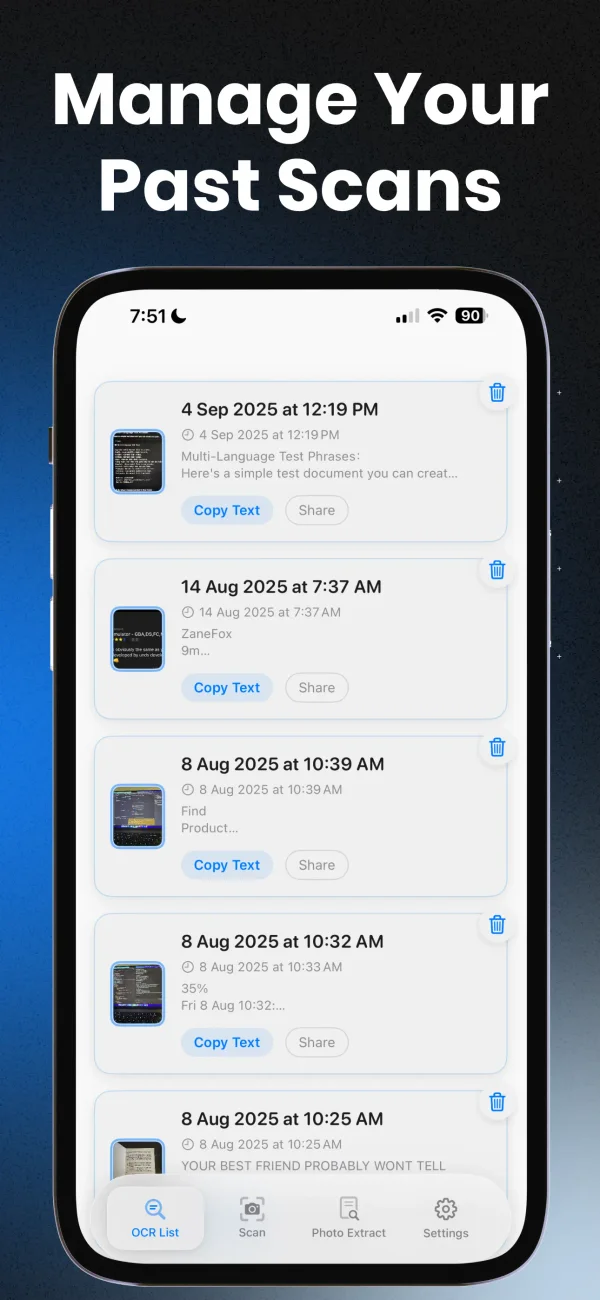
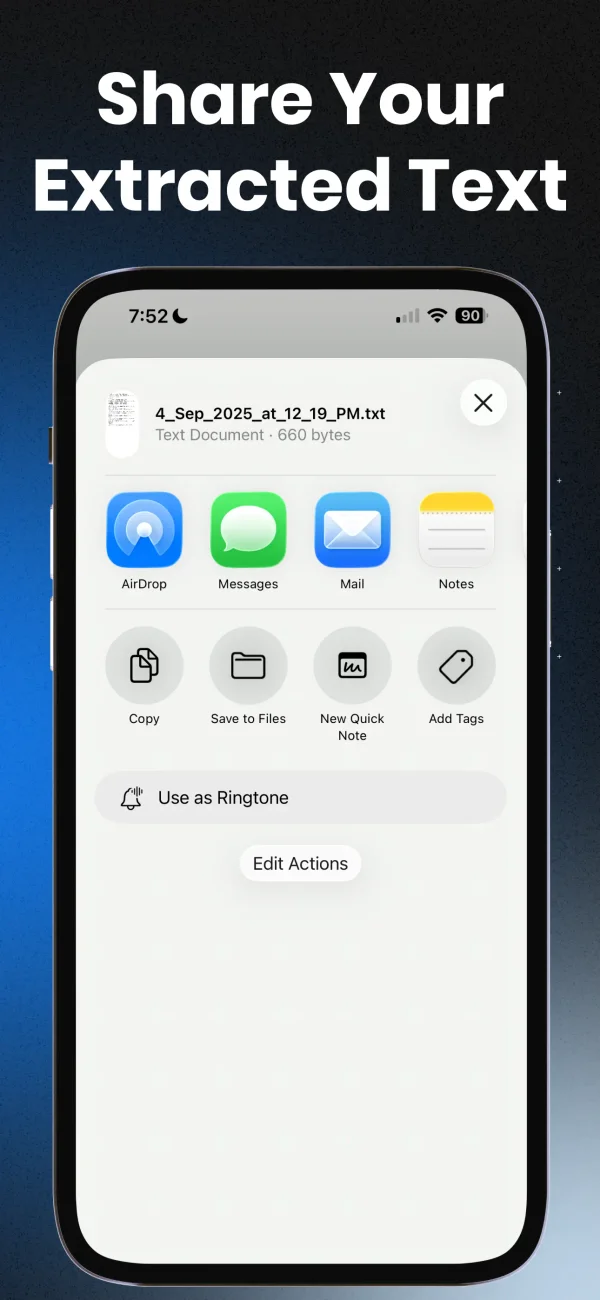
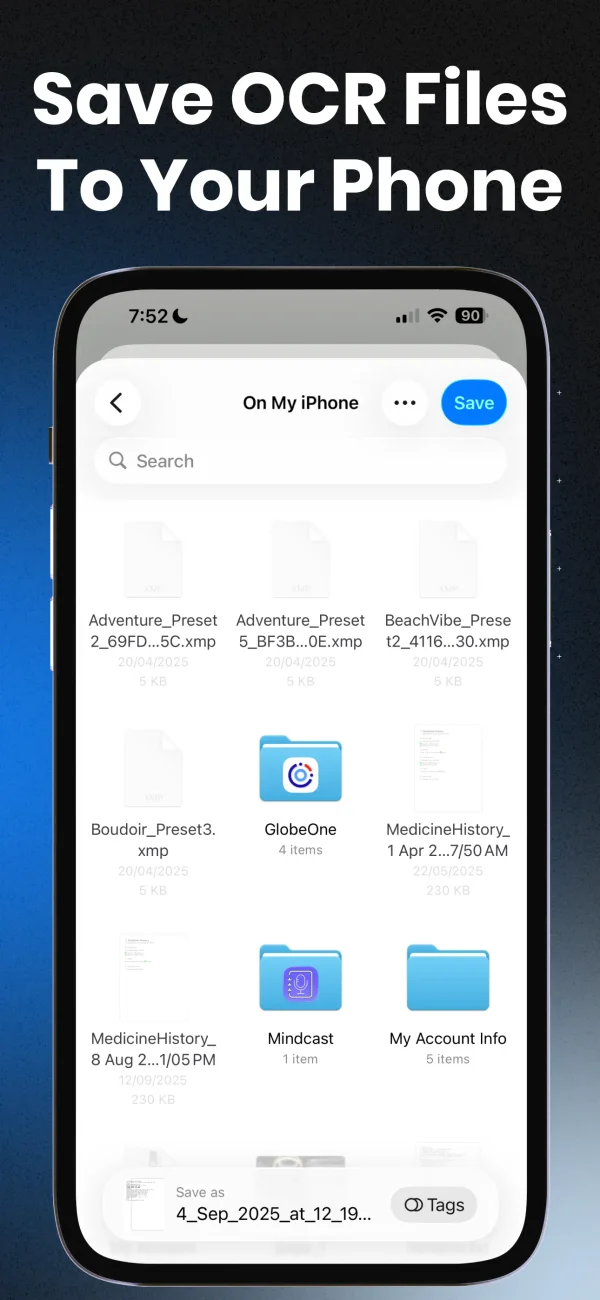
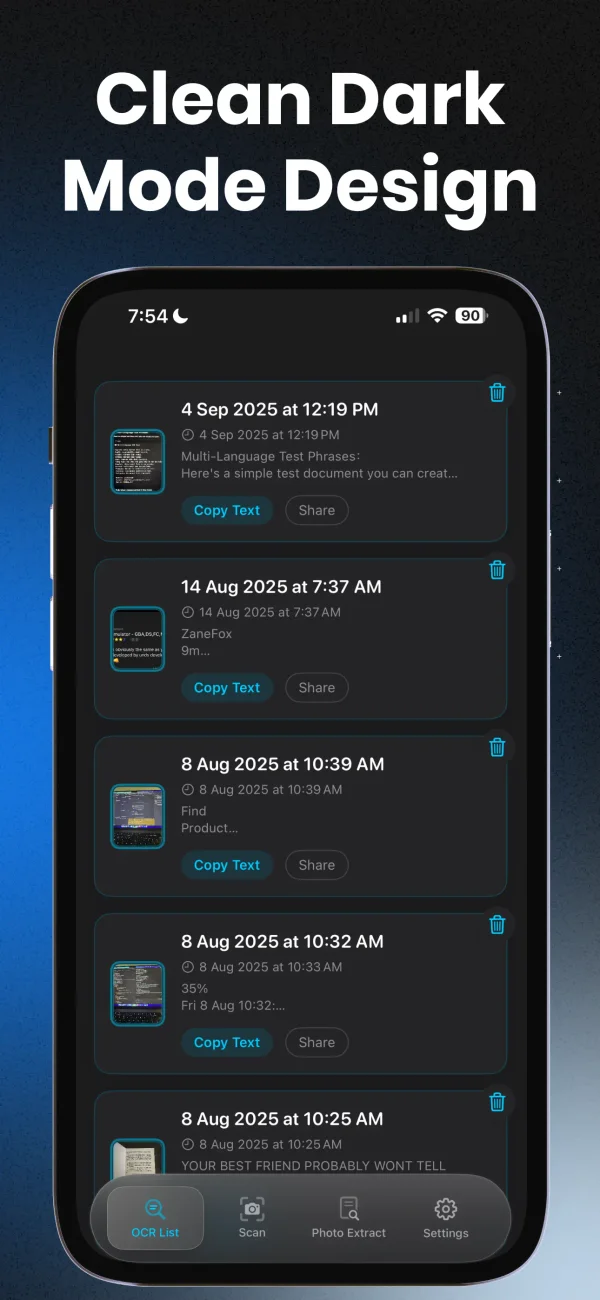
• History View. All scanned text is saved for later. Easily copy or share it whenever you need.
• No Ads. Enjoy a clean, distraction-free experience.
What’s new
Version 1.4.1 · Oct 31, 2025
What's new in OCRForge - OCR Scanner AI Tool App:
• Redesign UI from neon red to more calm blue, also replacement of buttons and few other UI improvements!
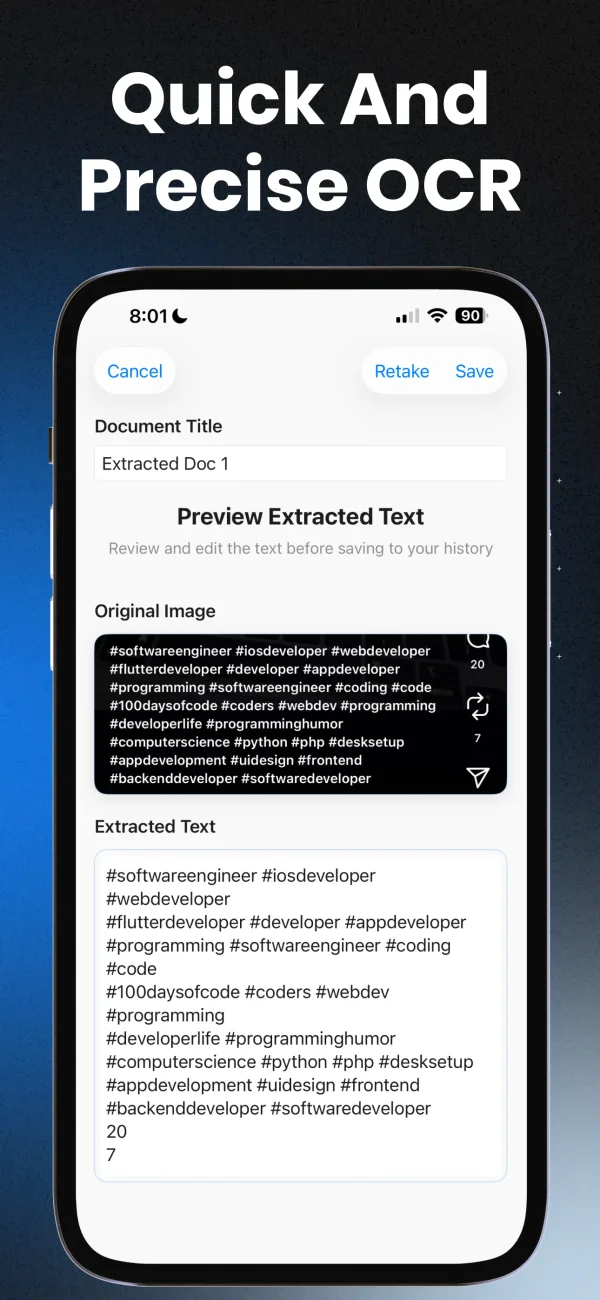
• Improvements when it comes to text extraction. Now its more accurate since its always check your device language and use it + English as default.
• Document thumbnail instead of just symbol.
• Smart naming for documents, if you will skip naming your scanned/extracted documents it will be named Extracted Doc # / Scanned Doc # instead of just date and time since its been shown on the results.
• Improved UI inside preview/editing of scanned documents.
• Fixed retake button, now inside Photo Extraction its going back to photo picker instead of opening camera. Now retake button work as it should.
App privacy
What MefjuDev LLC declares on the App Store about how this app handles data.
-
Data not collected
The developer does not collect any data from this app.
Privacy practices may vary, for example with the features you use or your age.
Information
- Seller
- MefjuDev LLC
- Category
- Utilities
- Version
- 1.4.1
- Updated
- Oct 31, 2025
- Released
- Aug 6, 2025
- Size
- 32.1 MB
- Requires
- iOS 17 or later
- Age rating
- 4+
- In-app purchases
- Yes
- Languages
- English, French, German, Italian, Japanese, Korean, Portuguese, Simplified Chinese, Spanish, Traditional Chinese, Vietnamese
- Copyright
- © 2025 MefjuDev LLC.
You might also like
-
 Convert Photo to PDF: PhotoPDFPictures to PDF Free & Fast
-
 Wigion: Notion WidgetsTasks,Habits on Home Screen
-
 Live Transcribe Speech tо TextAudio Notes & Hearing Aid AI
-
 ShopPad: Shopping TrackerBuild a Mindful Shopping Habit
-
 LudyVAC - Video to AudioMP3 Converter & Ringtone Maker
-
 Zip File – Zip, Unzip, ProtectCompress, Extract, and Manage
-
 QR Code Reader-Barcode ScannerQR Code Generator and Scanner
-
 Gallery Cleaner: PurgoCleanup & Organize Photos
-
 QR Code Generator QRGenieCustom Maker for More Scans
-
 LudyServer - File TransferShare Files to Any Device