
OCRForge: OCR Scanner AI Tool
Scan photos & extract text doc
iPhone için tasarlandı
Ücretsiz · Uygulama içi satın alma
- Yaş sınırı4+
- KategoriYardımcılar
- GeliştiriciMefjuDev LLC
- Dillerİngilizce+ 10 dil daha
- Boyut32,1 MB
Resmi App Store sayfasına bağlanır
Download.org, OCRForge: OCR Scanner AI Tool için hiçbir dosya barındırmaz. Düğme, uygulamanın App Store üzerindeki sayfasını açar; uygulamayı orada MefjuDev LLC yayınlar. Sayfanın son kontrolü: 17.11.2026.
Ekran görüntüleri
Hakkında
Geliştirici bu metni dilinizde sunmamış.
Extract Text from Any Image with Ease.
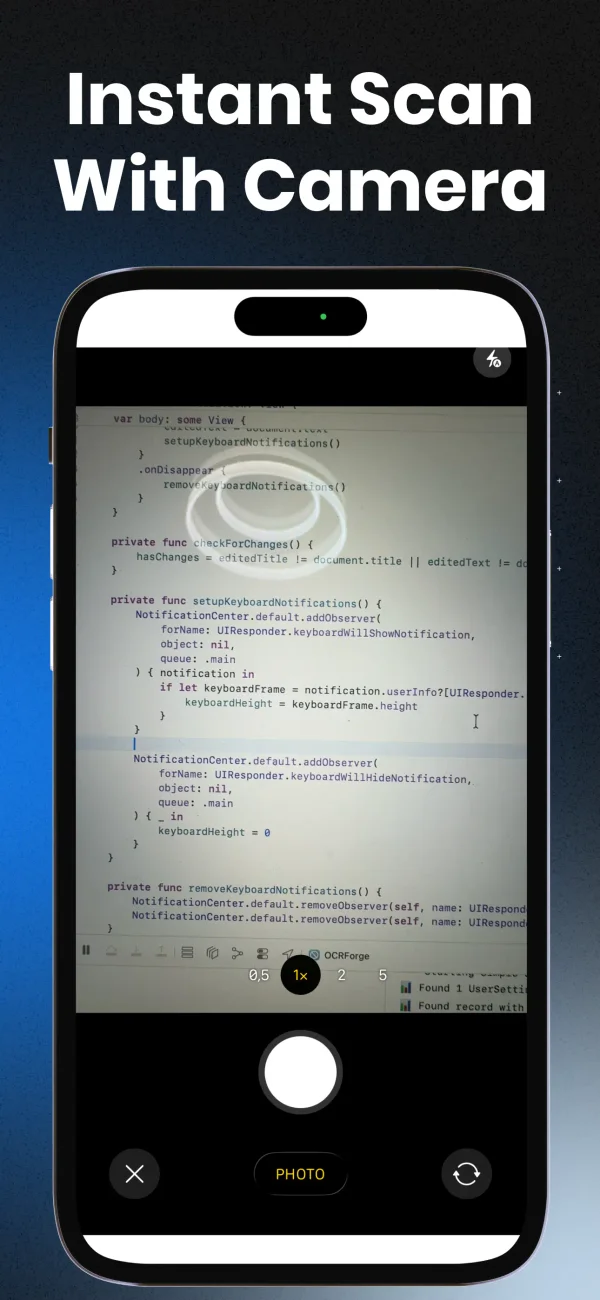
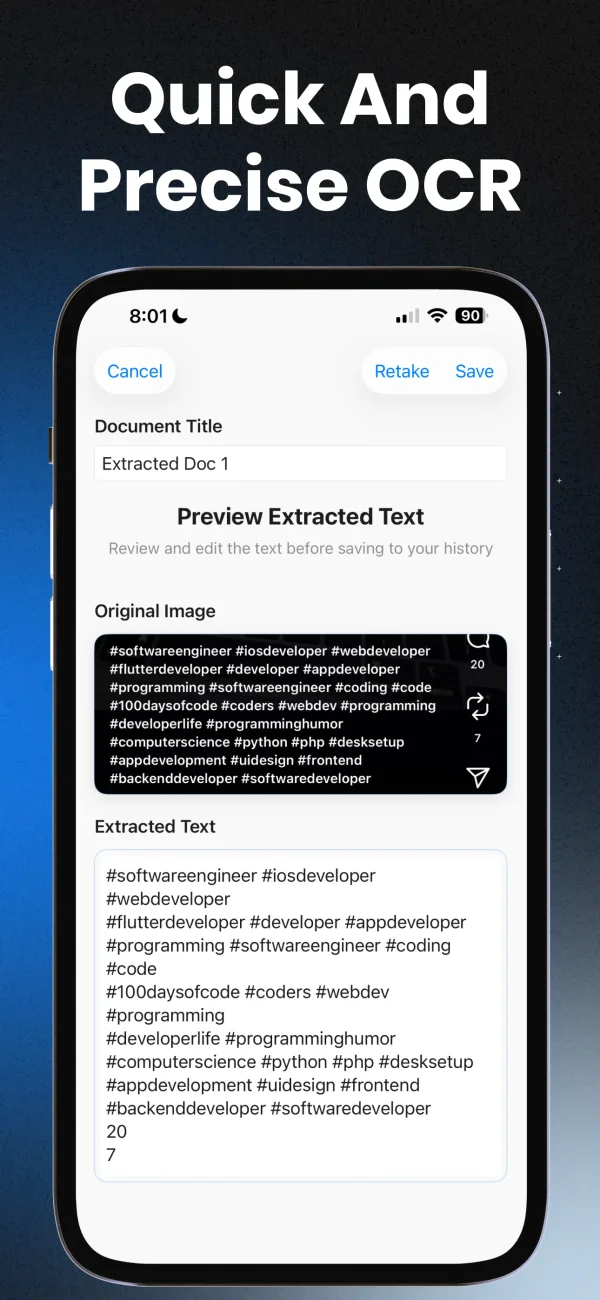
OCRForge is a powerful, lightweight text scanner that turns your photos into editable text in seconds. Whether you’re importing images or using your camera to scan documents, it makes text extraction fast, accurate, and simple.
Perfect for students, professionals, and anyone who needs to grab text on the go — receipts, printed pages, study notes, signs, and more.
Key Features:
• Scan with Camera. Instantly capture and extract text from paper, signs, or handwritten notes.
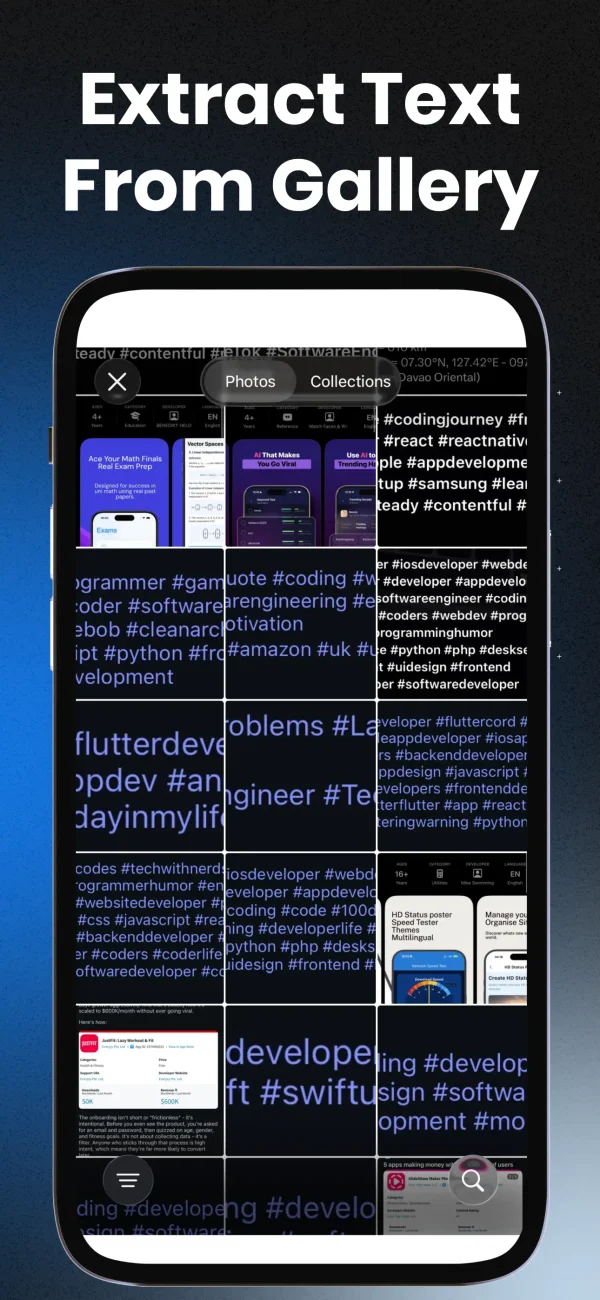
• Import from Photos. Select any image from your gallery and convert it to text with a tap.
• Smart OCR Engine. Accurate and fast text recognition powered by advanced image processing.
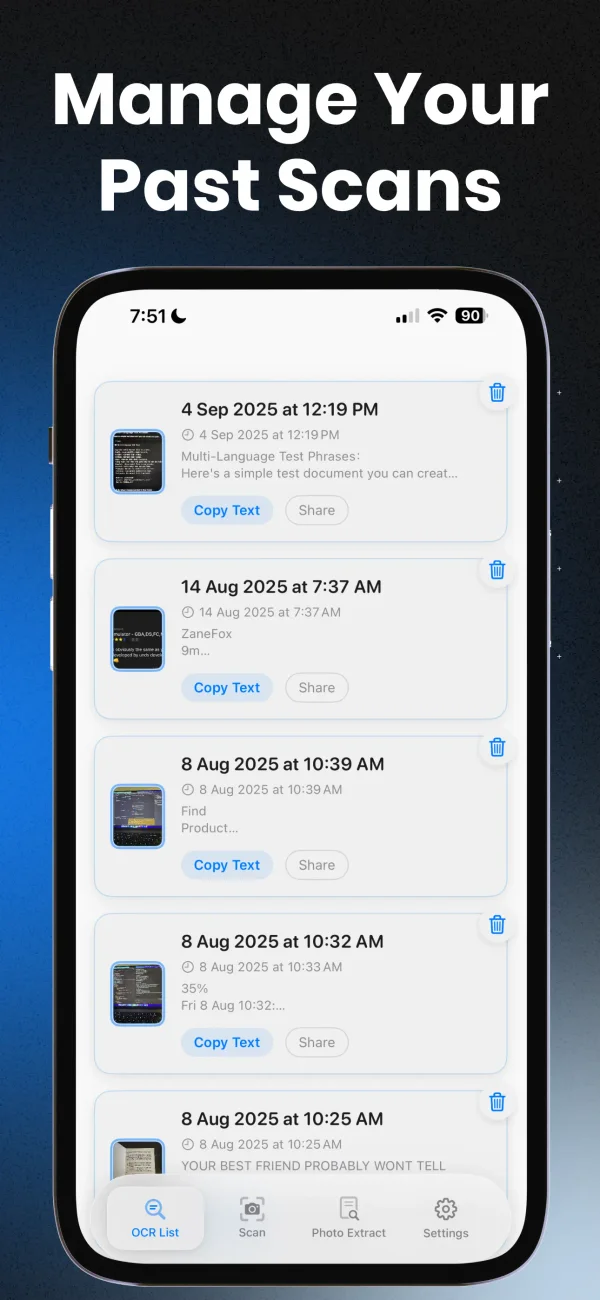
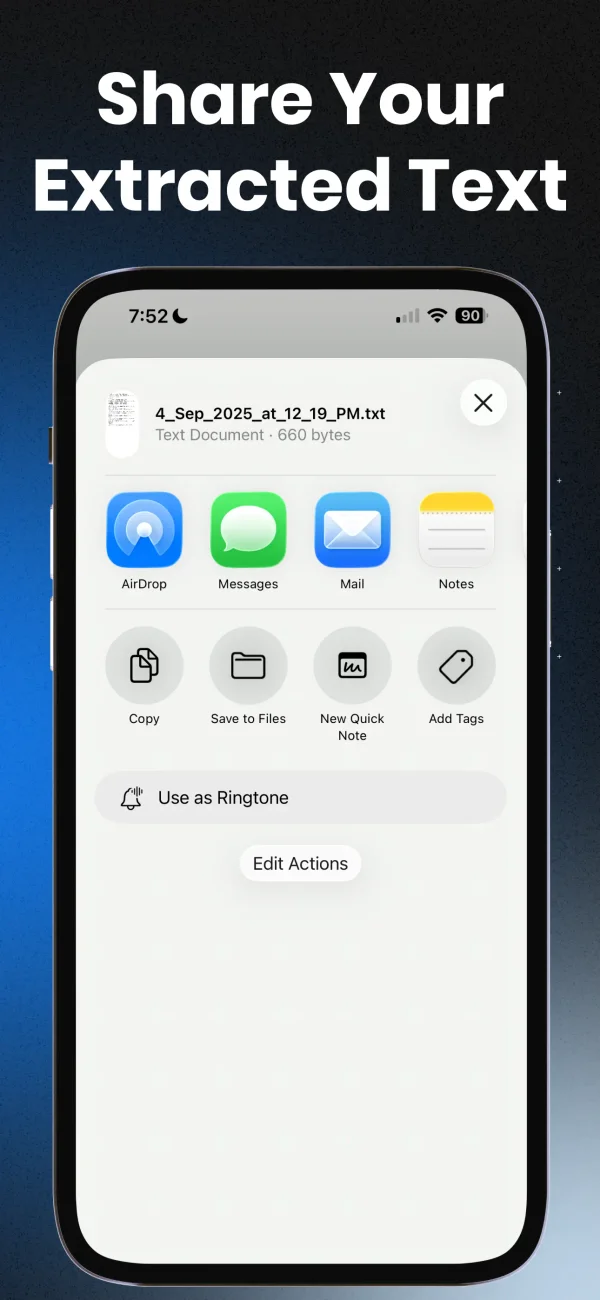
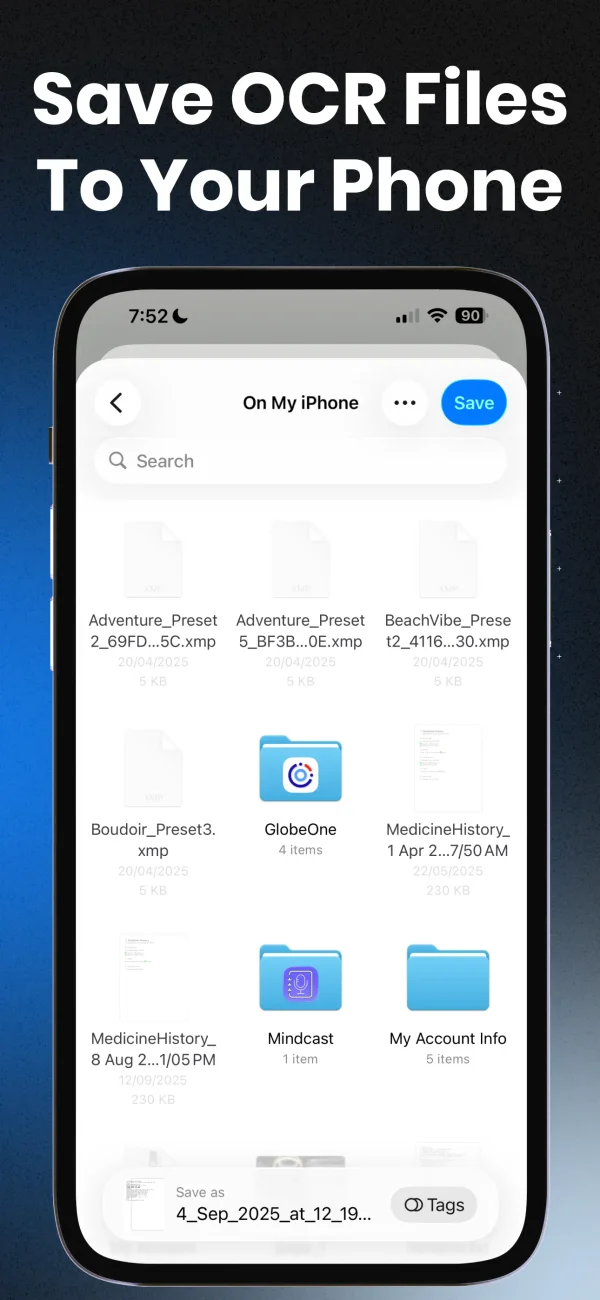
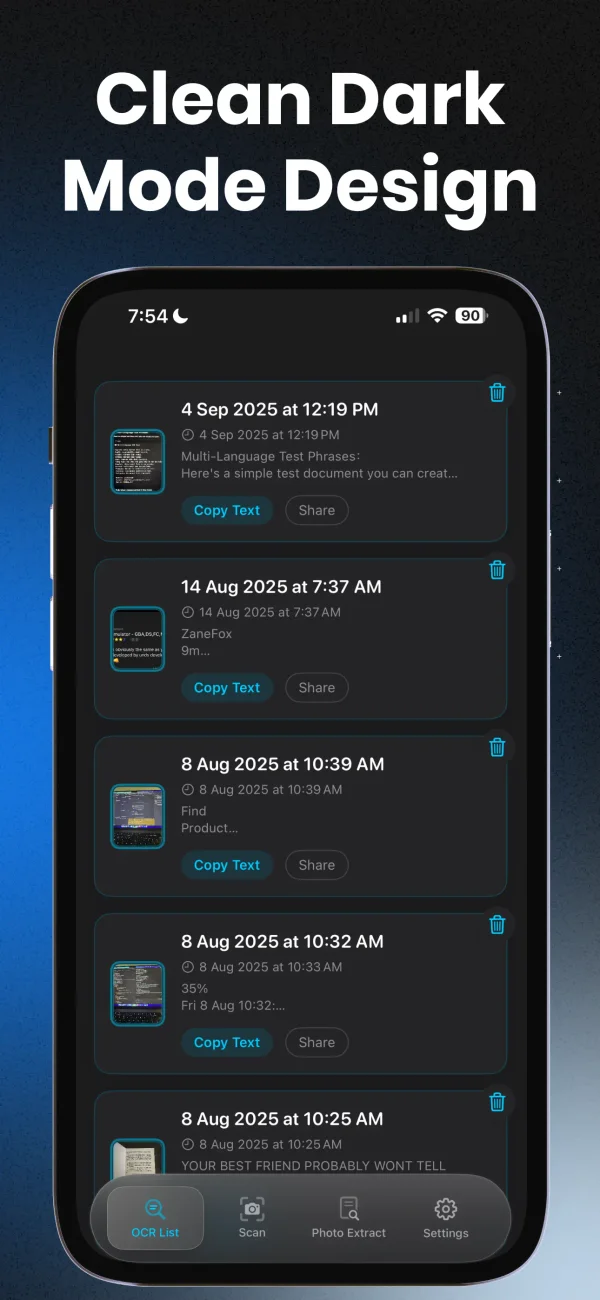
• History View. All scanned text is saved for later. Easily copy or share it whenever you need.
• No Ads. Enjoy a clean, distraction-free experience.
Yenilikler
Sürüm 1.4.1 · 31.10.2025
What's new in OCRForge - OCR Scanner AI Tool App:
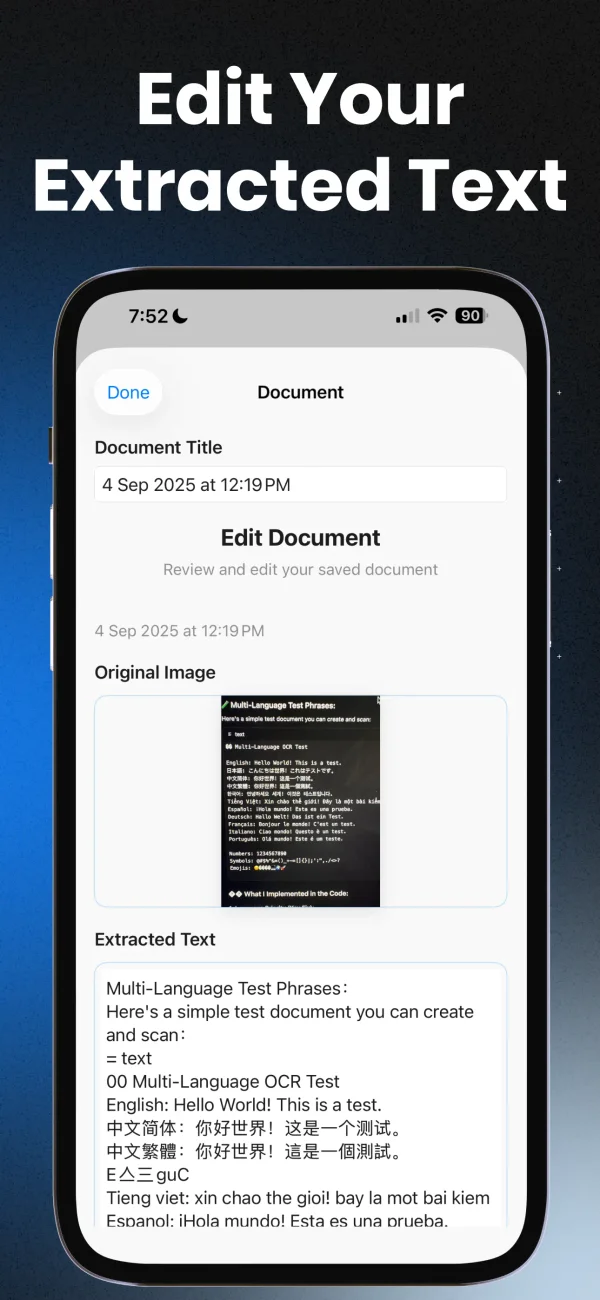
• Redesign UI from neon red to more calm blue, also replacement of buttons and few other UI improvements!
• Improvements when it comes to text extraction. Now its more accurate since its always check your device language and use it + English as default.
• Document thumbnail instead of just symbol.
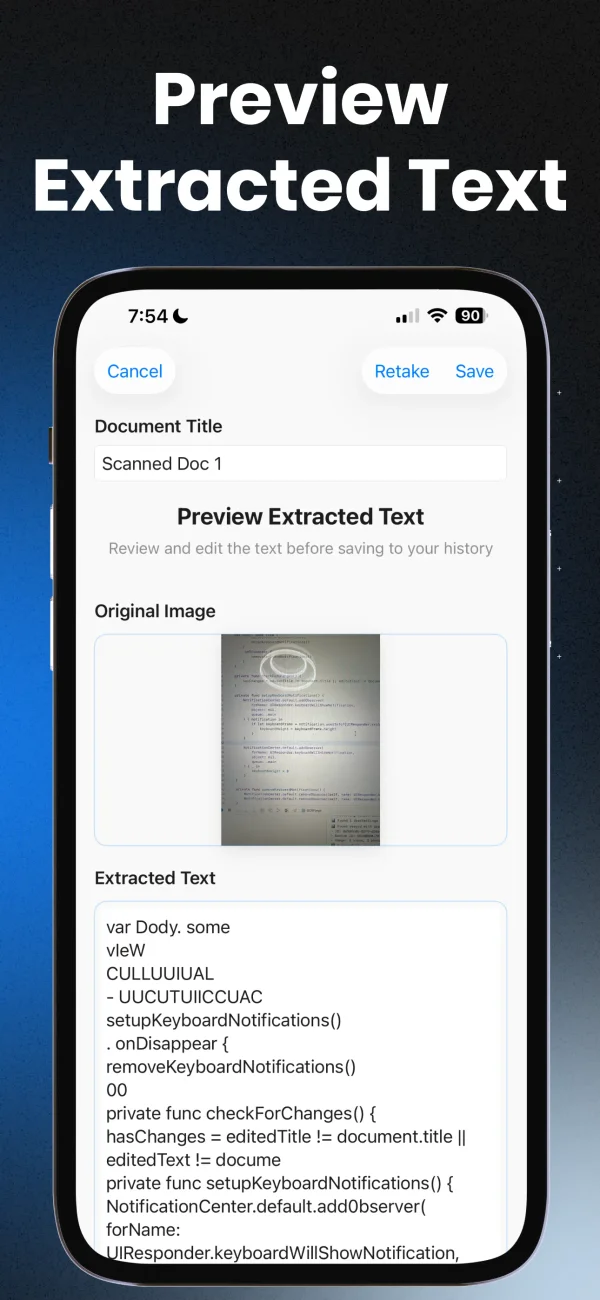
• Smart naming for documents, if you will skip naming your scanned/extracted documents it will be named Extracted Doc # / Scanned Doc # instead of just date and time since its been shown on the results.
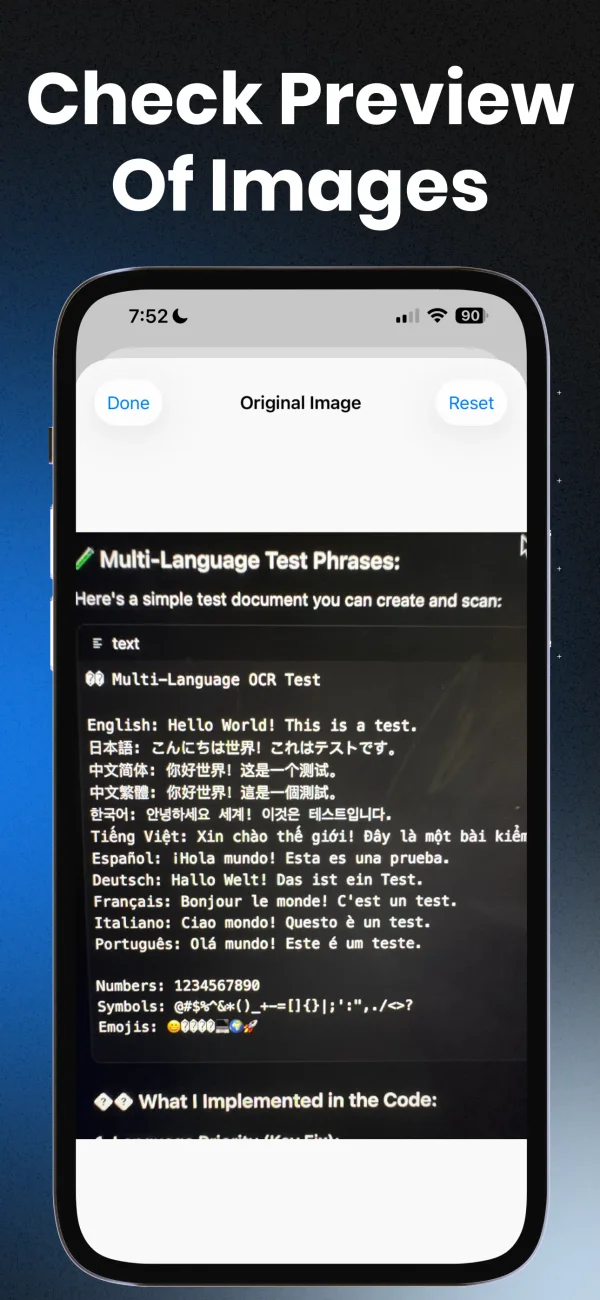
• Improved UI inside preview/editing of scanned documents.
• Fixed retake button, now inside Photo Extraction its going back to photo picker instead of opening camera. Now retake button work as it should.
Uygulama gizliliği
Bu uygulamanın verileri nasıl işlediği hakkında MefjuDev LLC tarafından App Store üzerinde yapılan beyan.
-
Veri toplanmıyor
Geliştirici bu uygulamadan hiçbir veri toplamıyor.
Gizlilik uygulamaları, örneğin kullandığınız özelliklere veya yaşınıza göre değişiklik gösterebilir.
Bilgiler
- Satıcı
- MefjuDev LLC
- Kategori
- Yardımcılar
- Sürüm
- 1.4.1
- Güncellendi
- 31.10.2025
- Yayın tarihi
- 06.08.2025
- Boyut
- 32,1 MB
- Gereksinim
- iOS 17 veya sonrası
- Yaş sınırı
- 4+
- Fiyat
- Ücretsiz
- Uygulama içi satın alma
- Evet
- Diller
- İngilizce, Fransızca, Almanca, İtalyanca, Japonca, Korece, Portekizce, Basitleştirilmiş Çince, İspanyolca, Geleneksel Çince, Vietnamese
- Telif hakkı
- © 2025 MefjuDev LLC.
Bunları da beğenebilirsiniz
-
 Convert Photo to PDF: PhotoPDFYardımcılar
-
 Wigion: Notion WidgetsYardımcılar
-
 Live Transcribe Speech tо TextYardımcılar
-
 ShopPad: Shopping TrackerYardımcılar
-
 LudyVAC - Videodan SeseMP3 Dönüştürücü & Zil Sesi
-
 Zip File – Zip, Unzip, ProtectYardımcılar
-
 QR kod barkod tarayıcıQR Kod Oluşturucu ve Tarayıcı
-
 Gallery Cleaner: PurgoYardımcılar
-
 QR Code Generator QRGenieYardımcılar
-
 LudyServer - File TransferKablosuz dosya paylaşımı