- Age rating4+
- CategoryUtilities
- DeveloperMatrix Telematics
- LanguagesEnglish
- Size20.1 MB
Links to the official App Store page
Download.org hosts no file of Ocular. The button opens its official App Store page, published by Matrix Telematics. Listing last checked on Nov 12, 2026.
Screenshots

About
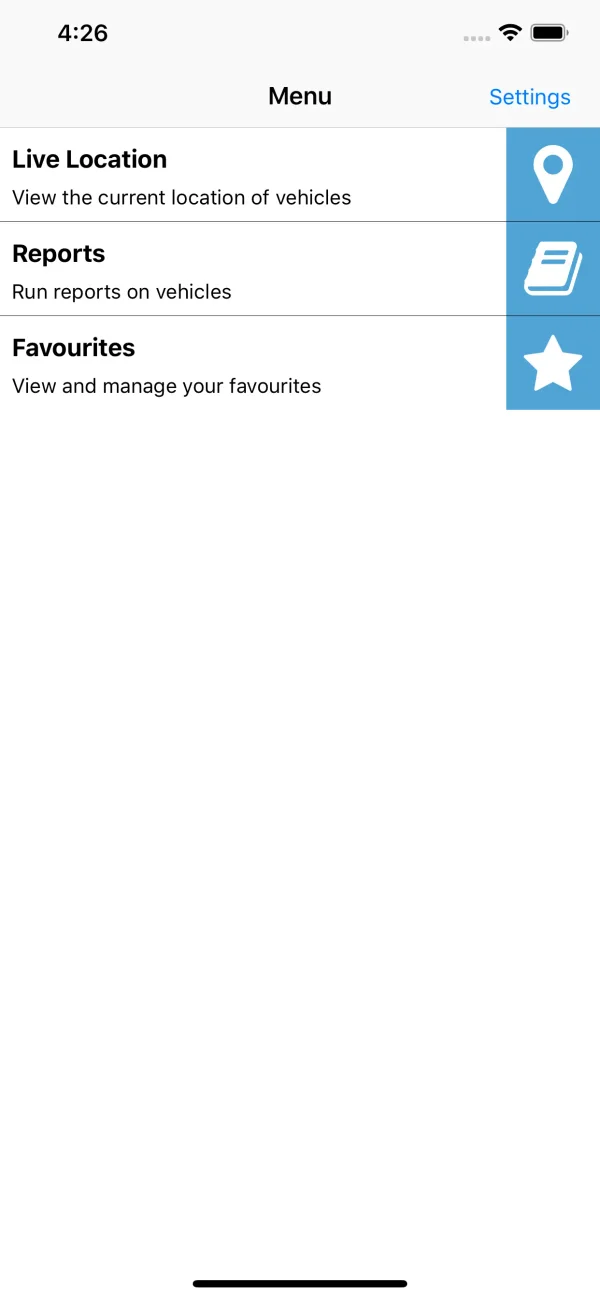
The pressure to be aware of fleet activity doesn’t stop when you’re not behind your desk. With Ocular you are able to access key information about your fleet. Have an easier time managing various teams from your iOS smart device regardless of location.
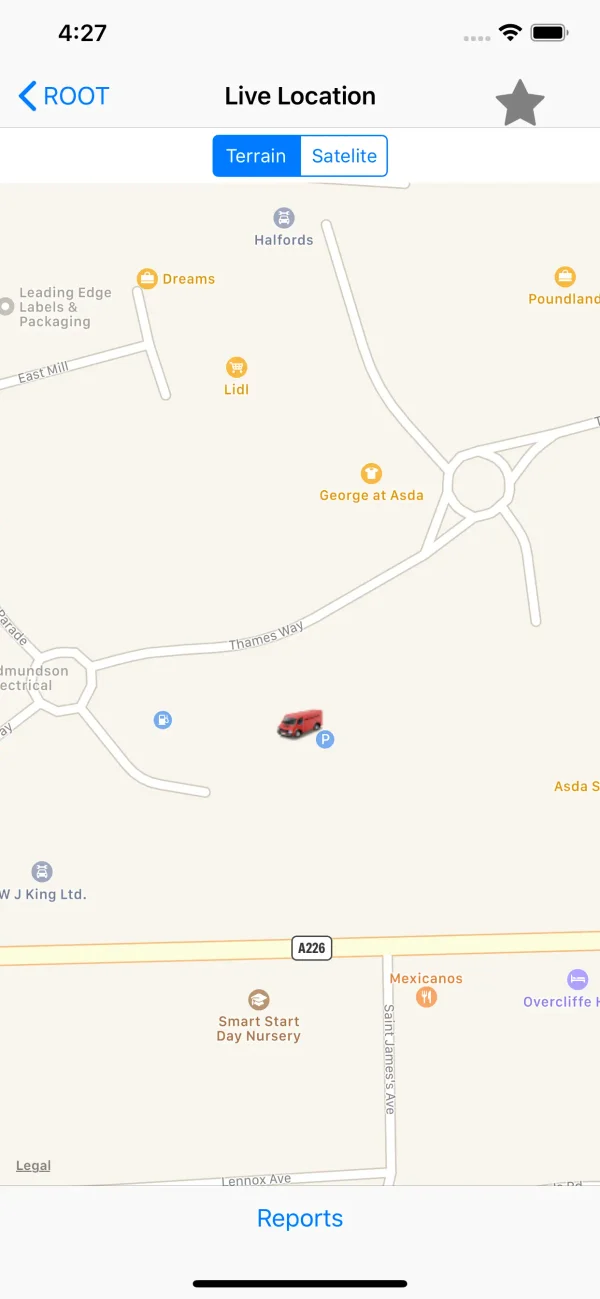
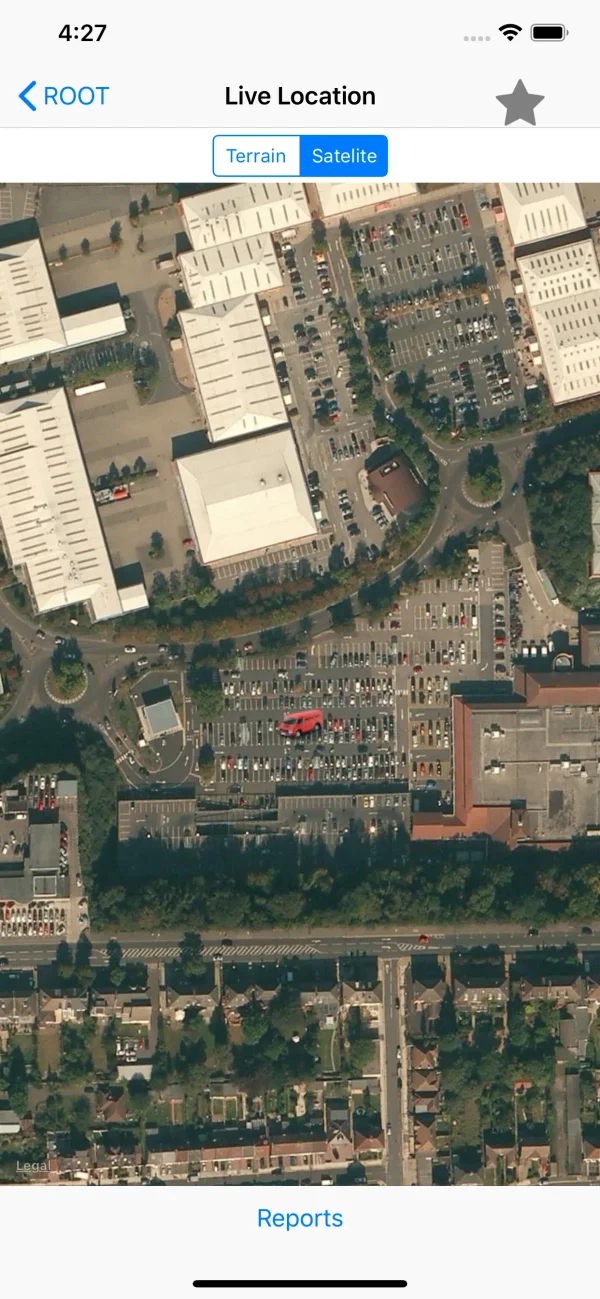
This app enables you to access real-time data seen on your desktop with the same functionality and features so it’s like you’ve never left your desk. With the option to look at all fleet data, select certain vehicle groups, filter down to VRN (Vehicle Registration Number) or search based on location, this is the perfect app for fleet management. Query an individual/group of vehicle(s) and compare to company benchmarks. The combination of real-time updates and live map locations (viewable in terrain or satellite settings) will be an invaluable tool in streamlining business operations.
KEY FEATURES:
- Live Map location of fleet
- Map locations terrain or satellite
- Select and follow vehicles/assets/drivers
- Be aware of latest speed, movement status and positioning details
- Report on recent journey
- Details from start position to end position for each vehicle journey
- Selection criteria to analyse certain vehicles, drivers and assets
- Be aware of total distance vehicle travelled, idle duration and number of total journeys
Ensure drivers are adhering to speed limits, check idling time, drivers on route to service/product delivery and checking fleet availability for any additional tasks. The report function within the app can compare/contrast driver performance and updated information on your fleet is immediately available. Reports can additionally be seen on a daily, weekly, monthly basis including amount of distance covered, time idle, amount of journeys and duration on the road. The GPS journey information reports will allow you as a fleet operator to see on the map any of the vehicle’s journeys from start to end. These reports enable you to monitor fleet running time, fleet delays and as acts as a great driver performance management tool.
Decrease operational cost for same number of fleet runs, through fuel cost reduction and driver performance management. Decrease average fleet run time for orders by selecting area specific divers for operations as well as assess driving performance.
What’s new
Version 1.0.23 · Jun 18, 2025
Added support for new hardware & link to Trak+ app
App privacy
What Matrix Telematics declares on the App Store about how this app handles data.
-
Data linked to you
May be collected and linked to your identity.
- Location
- Identifiers
- Usage data
- Diagnostics
Privacy practices may vary, for example with the features you use or your age.
Information
- Seller
- MATRIX TELEMATICS LTD
- Category
- Utilities
- Version
- 1.0.23
- Updated
- Jun 18, 2025
- Released
- Feb 23, 2018
- Size
- 20.1 MB
- Requires
- iOS 15.6 or later
- Age rating
- 4+
- Price
- Free
- Languages
- English
- Copyright
- © Matrix Telematics Limited